Entertainment
PC, Xbox console
Windows 11 version 22000.0 or higher
Not specified
Not specified
Chinese (Simplified), Chinese (Traditional), English (United States), French, German, Italian, Japanese, Korean , Norwegian (Bokmål), Portuguese (Brazil), Russian, Spanish (Spain), Ukrainian
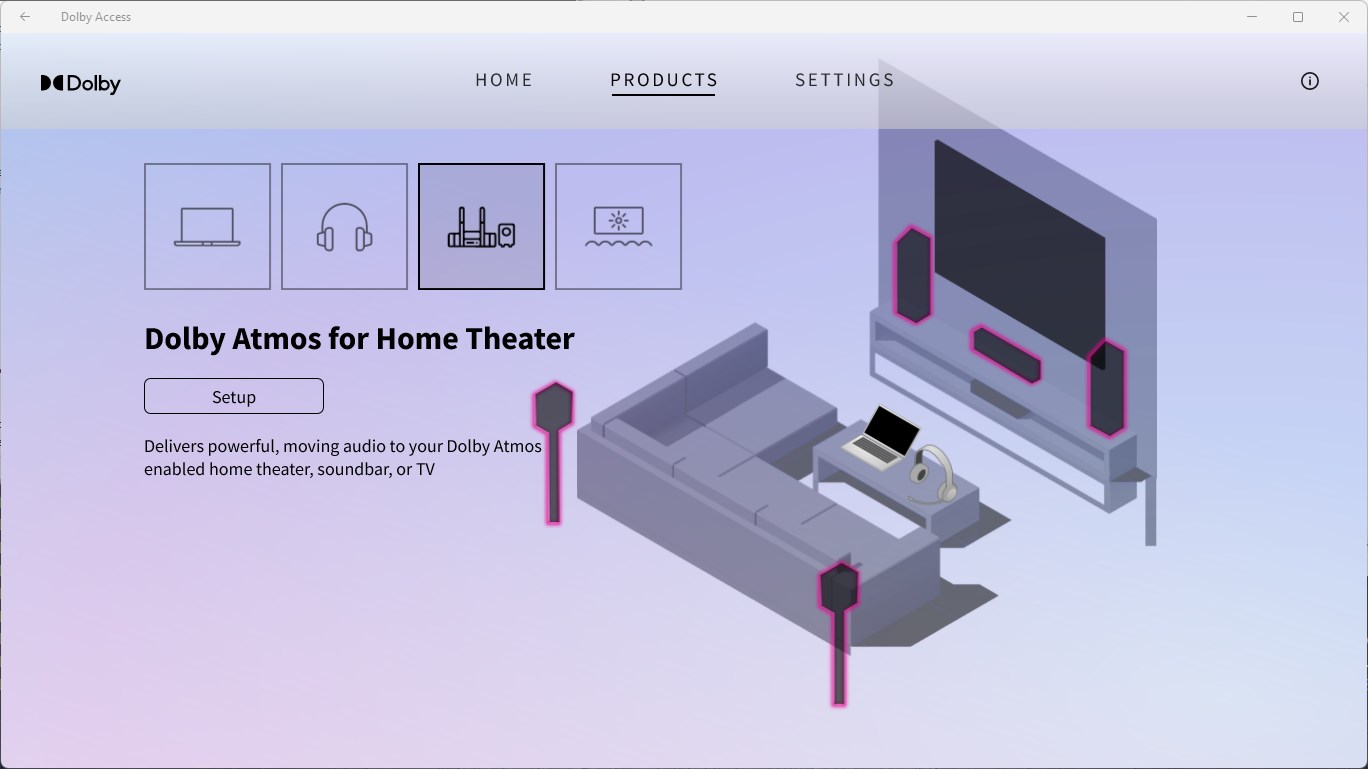
Dolby Access for Windows serves as an intuitive application that unlocks immersive audio experiences on your PC, delivering cinema-quality sound right at your fingertips.
Developed by Dolby Laboratories, a global leader in audio and imaging technologies, this app is designed to elevate your listening experience with innovative sound solutions. Its main highlights include Dolby Atmos for Headphones, customizable audio settings, and seamless integration with Windows 10/11. Targeted at audiophiles, gamers, and media enthusiasts, Dolby Access appeals to users seeking high-fidelity sound to complement their digital media consumption.
Imagine slipping into a theater where every whisper, footstep, or burst of music surrounds you with breathtaking clarity—that's what Dolby Access aims to bring to your personal space. Whether you're binge-watching your favorite series or gaming into the early morning hours, this app promises to transform ordinary audio into a captivating auditory adventure. Its sleek interface invites you to immerse yourself immediately without tedious setup, making upgrading your sound as simple as a click.
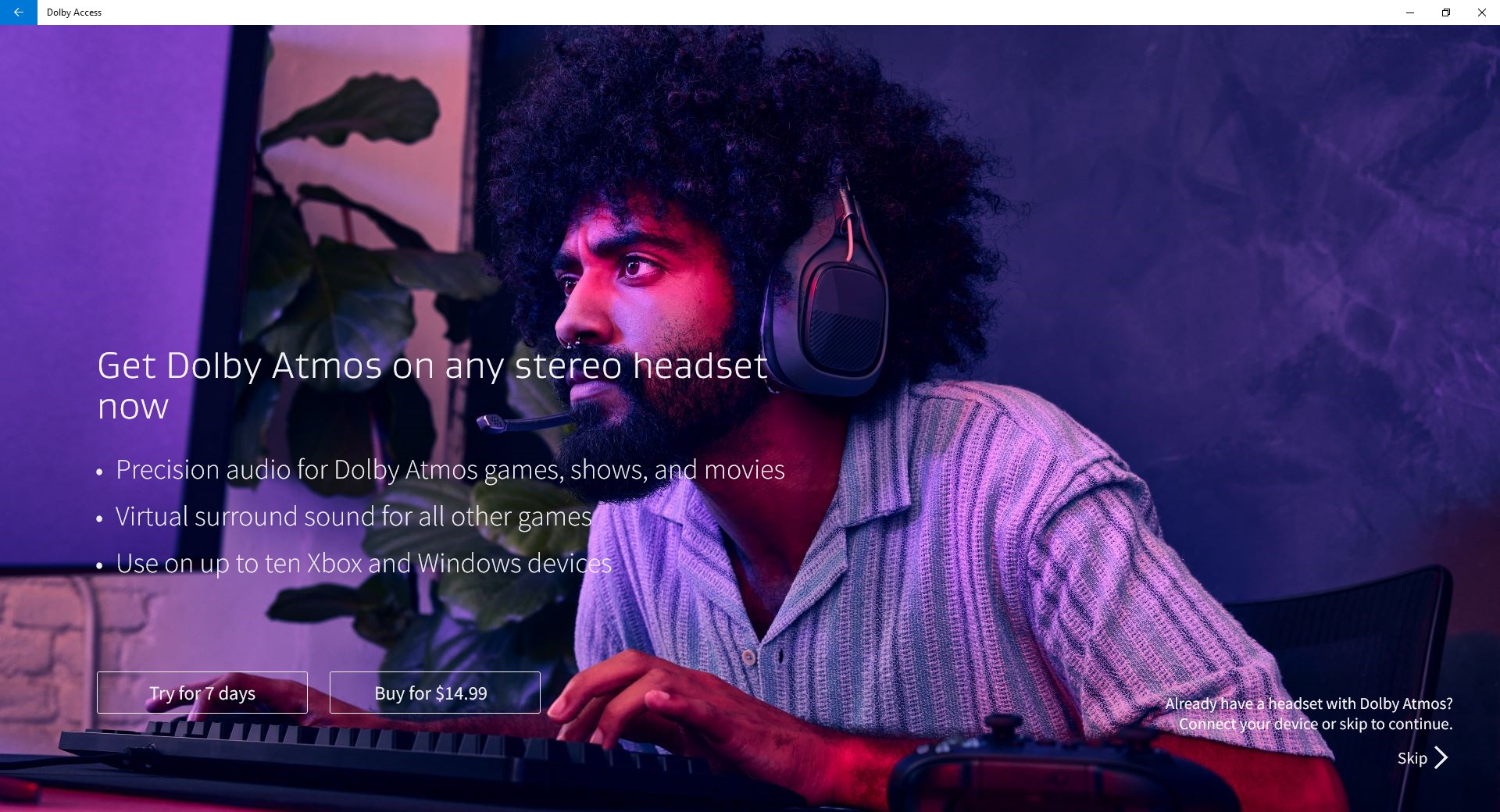
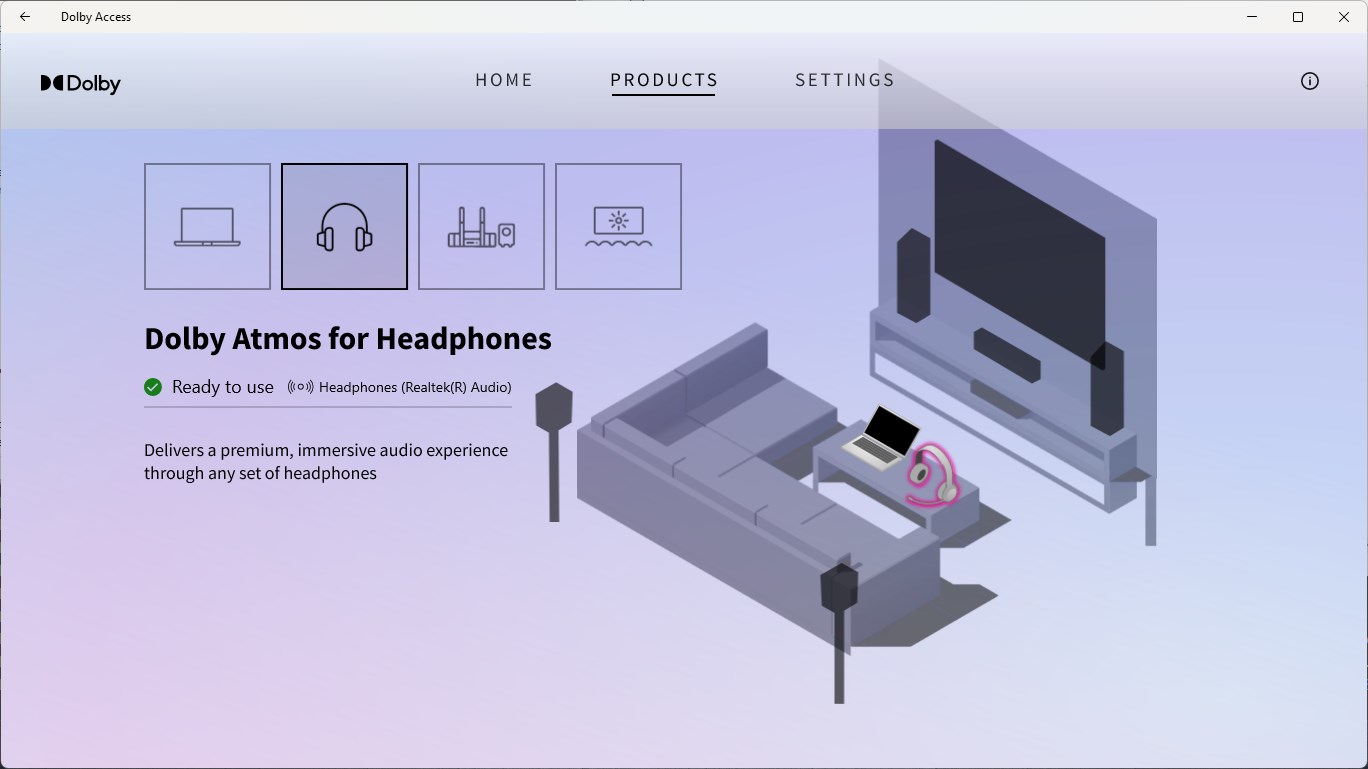
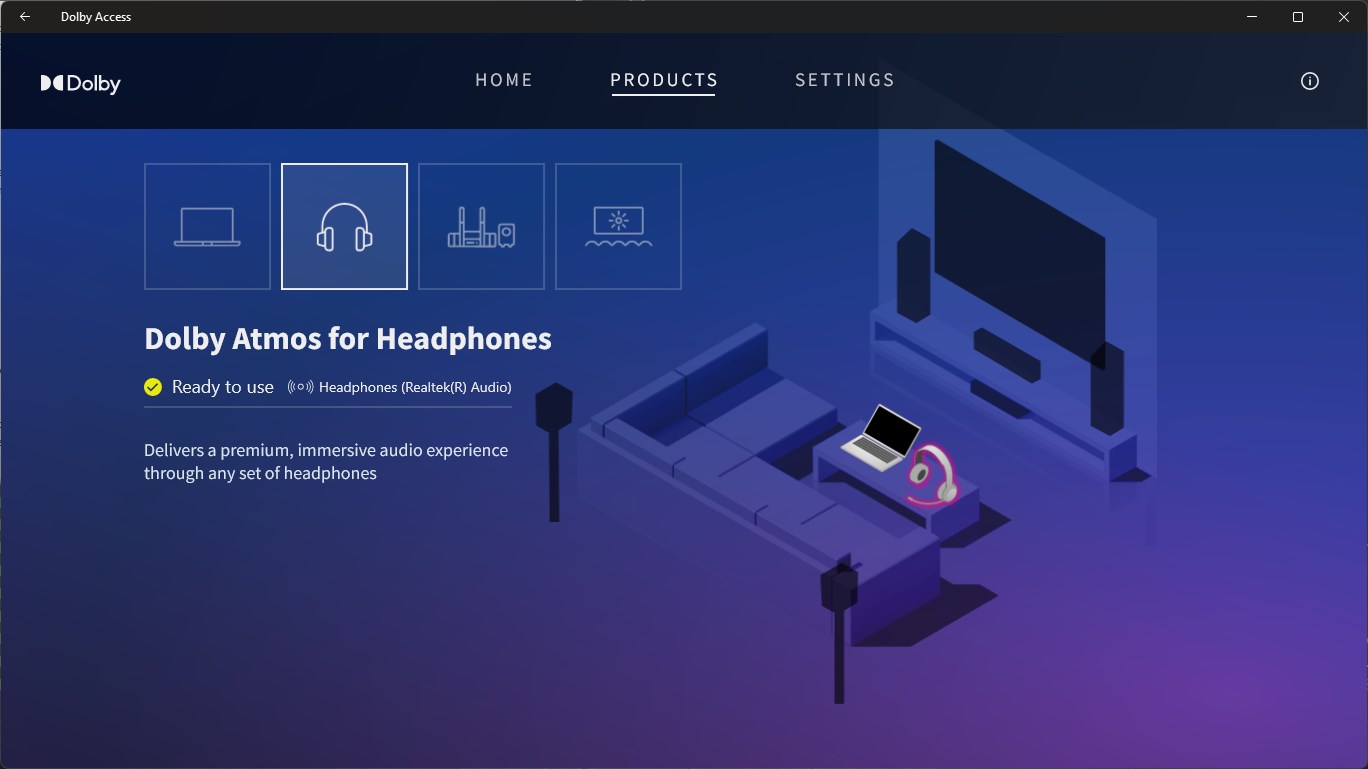
The crown jewel of Dolby Access is undoubtedly its support for Dolby Atmos on headphones. Think of it as adding a three-dimensional layer to your soundscape—you can pinpoint the origin of every sound with astonishing precision, akin to having your own personal surround sound theater. Activation is straightforward: just connect compatible headphones and toggle the feature. The result is a rich, enveloping audio environment that enhances gaming, movies, or music. Users report that this feature creates a sense of depth and space previously missing in standard stereo audio, making every sound more lifelike and engaging.
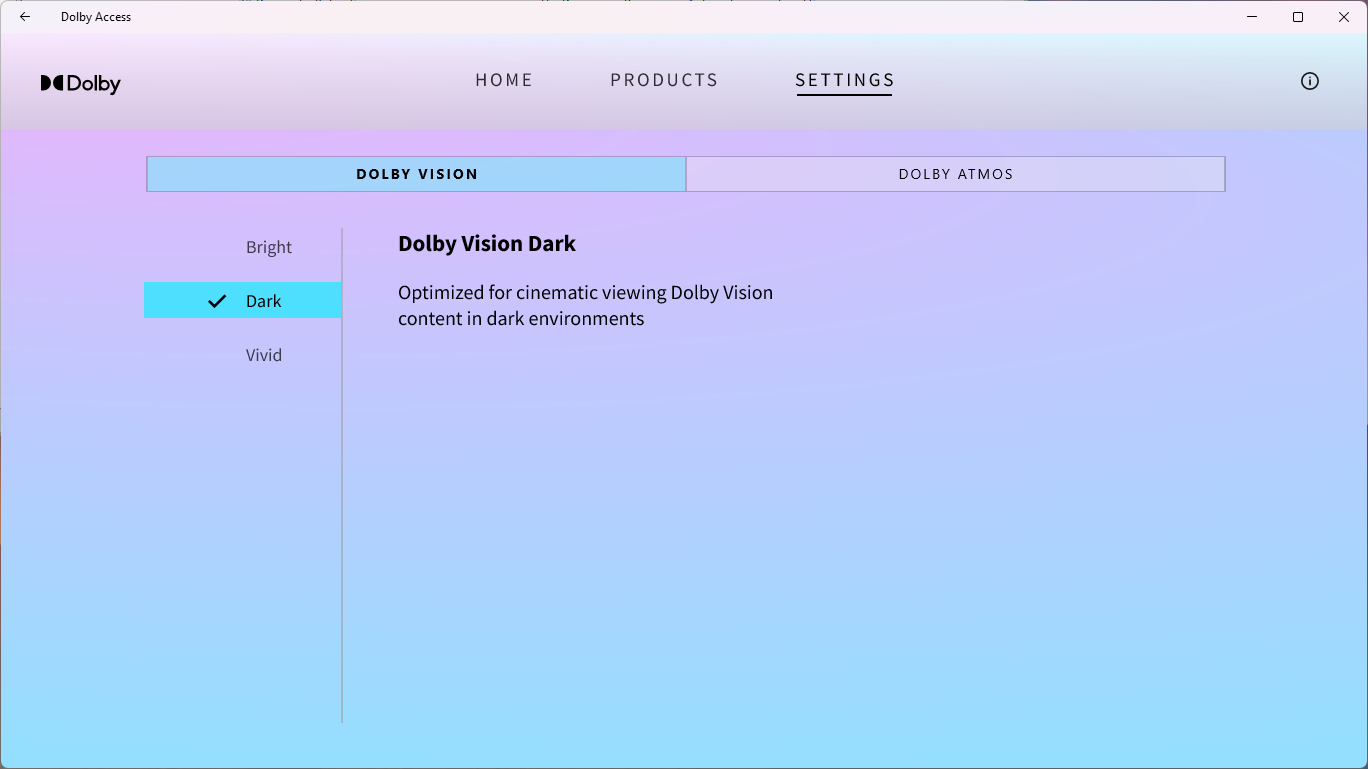
Beyond just unlocking Atmos, Dolby Access offers advanced audio calibration tools that tailor sound profiles to your preferences and equipment. This is like having a personal audio engineer working behind the scenes, optimizing bass, treble, and clarity to suit your ears. Moreover, the app provides curated content and recommendations—such as Dolby-enabled movies and apps—that guarantee you're experiencing media at its best. The intelligent content discovery algorithms analyze your media habits, subtly guiding you towards immersive content, which enhances overall satisfaction. Unlike generic media players, Dolby Access's personalized approach ensures that each experience feels uniquely crafted for you.
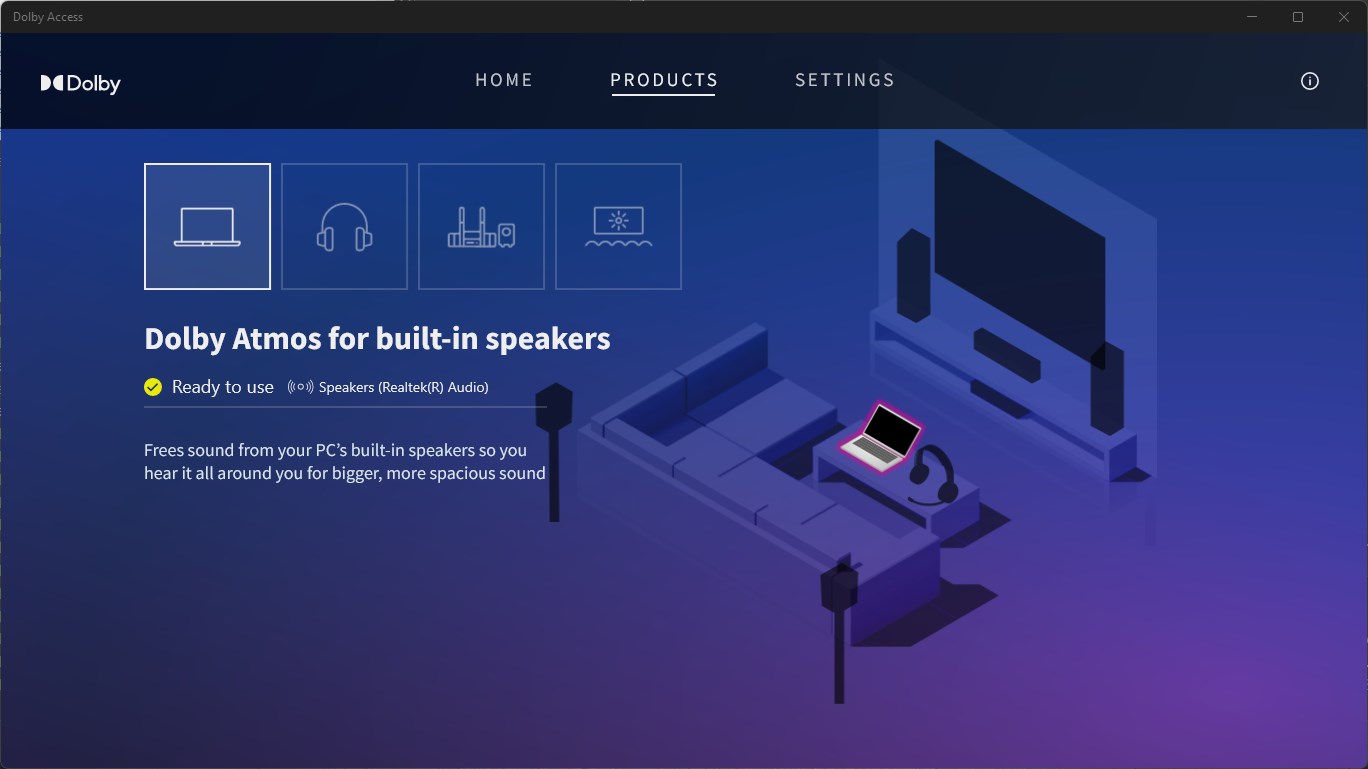
The application boasts a clean, modern interface reminiscent of a well-organized dashboard—easy to navigate even for those less tech-savvy. Transitioning between features is smooth, with minimal latency, thanks to optimized software architecture. The initial learning curve is gentle; sliders and toggles clearly indicate their purpose, enabling users to fine-tune their settings without a steep effort. Additionally, the app's real-time feedback on sound adjustments offers an interactive experience akin to tweaking a musical instrument.
What truly sets Dolby Access apart from other entertainment apps is its focus on content discovery and personalized recommendation algorithms. While most audio apps simply provide static settings or generic content, Dolby Access analyzes your listening patterns, recommends relevant Dolby-enabled titles, and refines its suggestions over time. This adaptive intelligence ensures the content you're directed towards aligns with your tastes, making each session a discovery rather than a gamble.
For anyone passionate about audio quality or seeking to elevate their media experience, Dolby Access emerges as a commendable choice. Its standout features—especially Dolby Atmos for Headphones and intelligent content curation—offer tangible benefits that justify the download. For optimal results, pairing the app with compatible headphones and regularly exploring new Dolby-enabled media can significantly enhance your experience. While some users might find the initial setup slightly technical, the intuitive design ensures that most can enjoy its sophisticated features with minimal hassle.
In conclusion, Dolby Access for Windows is a thoughtfully crafted application that bridges premium audio technology with user-friendly design. Whether you're a casual listener or an avid audiophile, it provides a seamless pathway to richer, more immersive sound—all wrapped in an experience that feels tailored just for you.
Immersive Dolby Atmos Sound
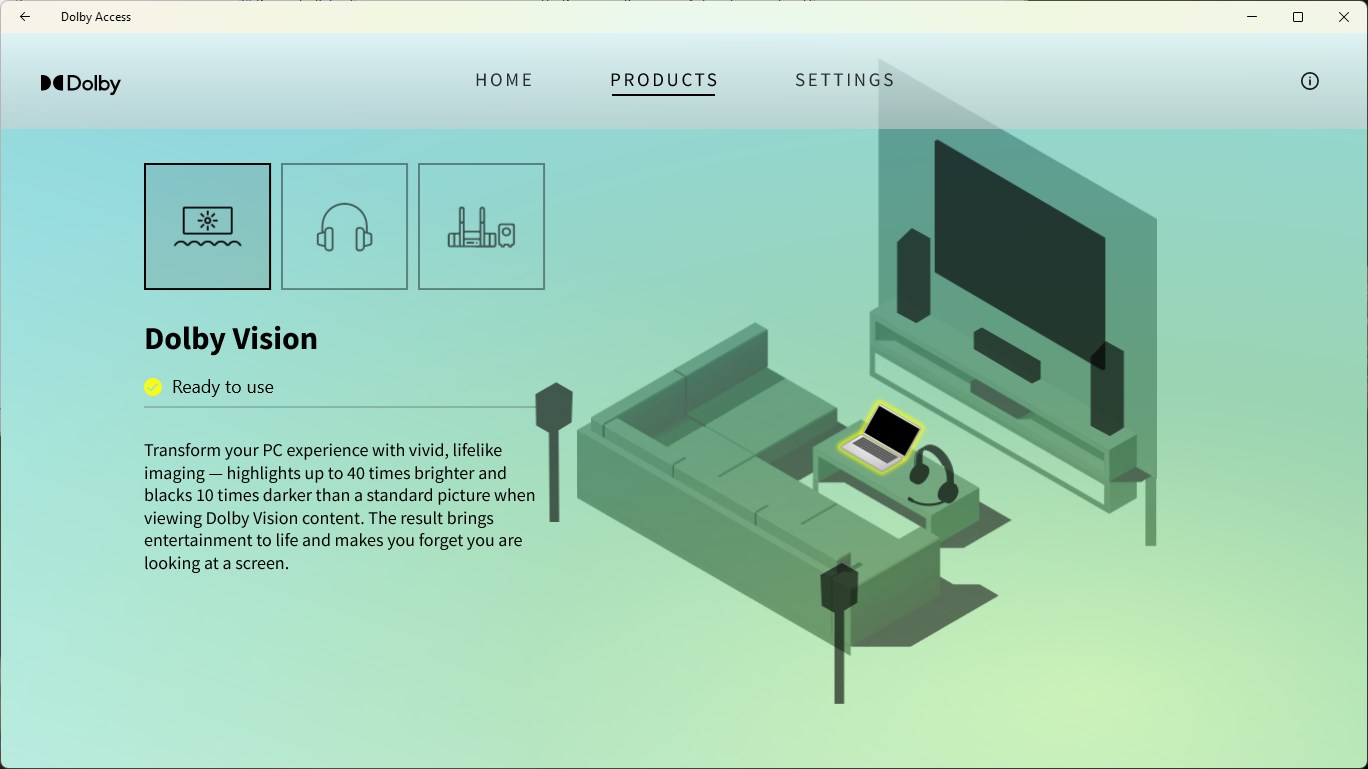
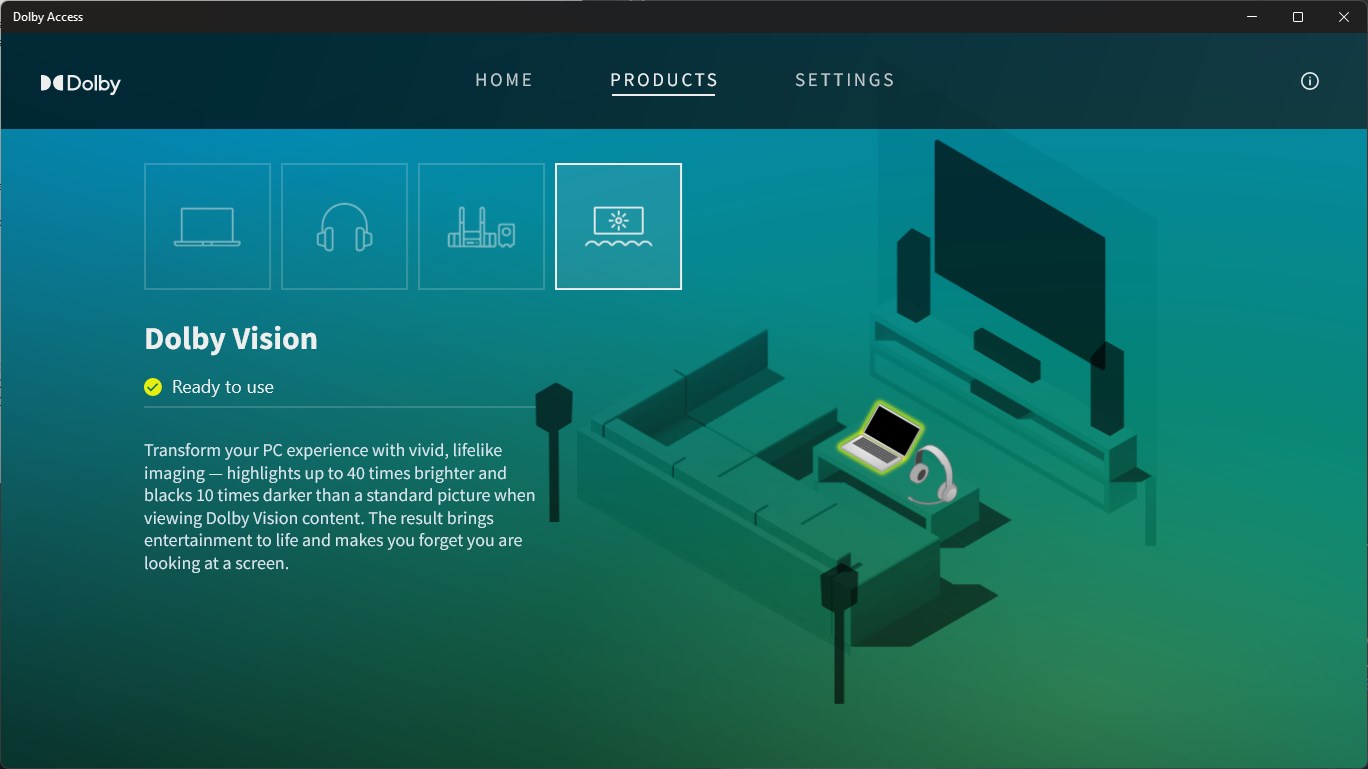
Enhanced Visuals for Gaming and Media
User-Friendly Interface
Wide Device Compatibility
Regular Updates and Improvements
Limited Free Content
Occasional Audio Lag or Sync Issues
High Hardware Requirements
Content Library Could Be Larger
Initial Setup Complexity

for Windows
 5
5

for Windows
4.8

for Windows
4.8

for Windows
4.8

for Windows
4.7

for Windows
4.6

for Windows
4.6

for Windows
4.6

for Windows
4.6

for Windows
4.6

for Windows
4.6

for Windows
4.6

for Windows
5

for Windows
5

for Windows
5

for Windows
5
for Windows
5

for Windows
5

for Windows
5

for Windows
5

for Windows
5

for Windows
5