Developer tools
Docker, Inc.
PC
Windows 10 version 0.0 or higher
Integrated Keyboard
Integrated Mouse
4 GB
English
Docker Desktop for Windows is a powerful tool designed to streamline containerized application development, testing, and deployment on the Windows platform, offering an integrated environment that bridges the gap between Windows and Linux containers seamlessly.
Developed and maintained by Docker, Inc., a leading company in containerization technology, Docker Desktop leverages the company's extensive experience in offering tools that simplify modern application deployment across diverse environments.
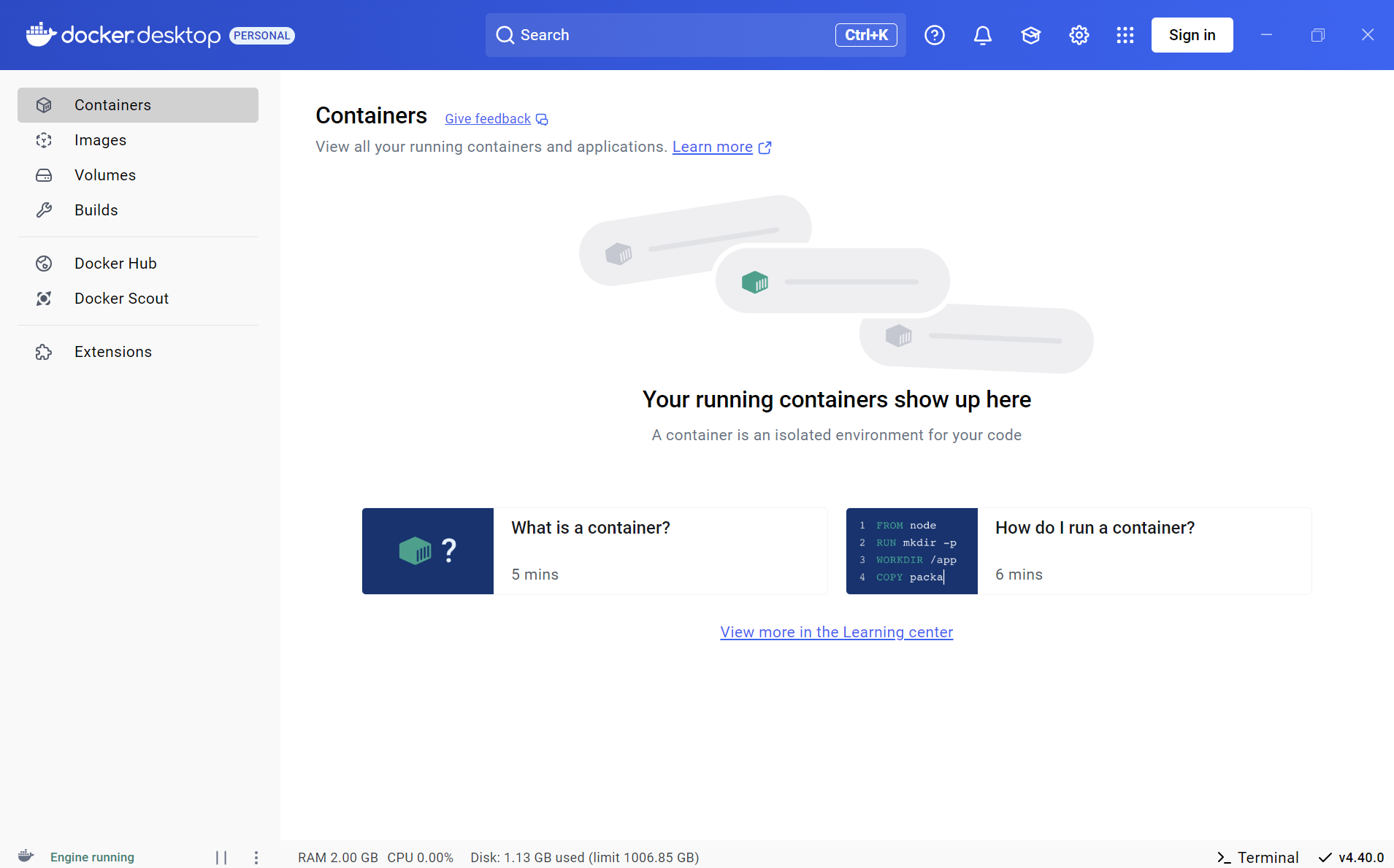
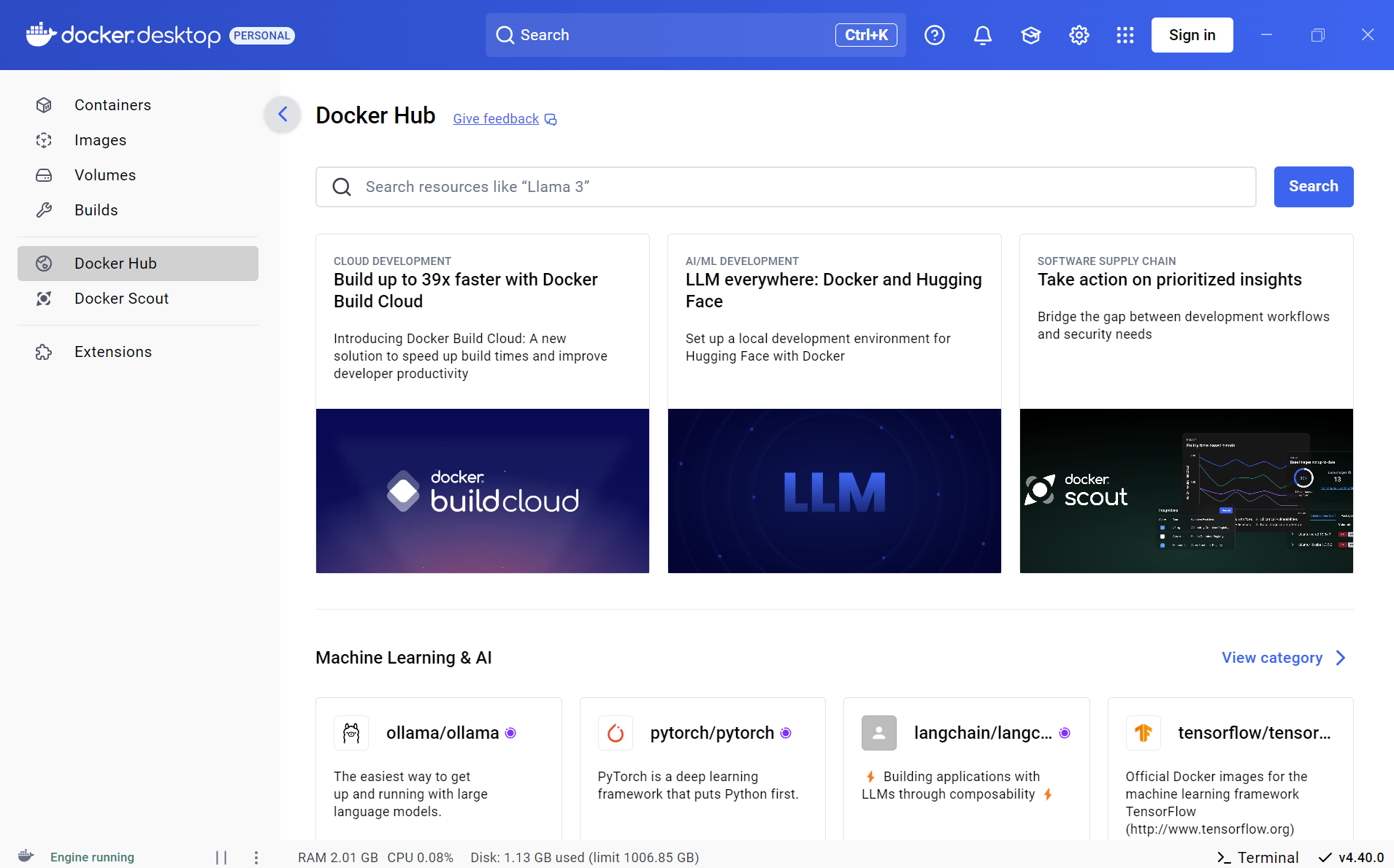
Upon launching Docker Desktop, you're greeted with a clean, modern interface that almost feels like a cockpit — neatly organized, yet packed with control at your fingertips. Navigating through containers and images feels intuitive, akin to managing a miniature city; everything is where you'd expect, and switching between management views is smooth, reflecting well-optimized background processes.
The setup process, often a stumbling block for beginners, is surprisingly straightforward. The app's learning curve is gentle but comprehensive, offering ample guidance without overwhelming. Whether you're a seasoned developer or just venturing into Docker, the interface's clarity helps you grasp complex concepts quickly. Notably, the integrated support for Kubernetes mode is a standout feature — it feels like having a miniature cloud orchestrator at your desktop.
While many container tools exist — from Minikube to Portainer — Docker Desktop strikes a distinctive balance with its native Kubernetes support and Windows integration. The ability to switch effortlessly between Linux and Windows containers is like having a multilingual translator for your app environments, avoiding the common headaches of cross-platform development.
Moreover, its deployment of a lightweight VM—optimized to consume system resources efficiently—ensures that even aging hardware can comfortably handle container workloads. This makes it uniquely accessible, especially for developers working on laptops or in resource-constrained environments.
Compared to third-party or less integrated options, Docker Desktop's tight ecosystem, developer-centric features, and regular updates make it a resilient, reliable choice for daily development tasks.
Overall, Docker Desktop for Windows earns a solid recommendation. Its standout features—particularly the seamless Docker and Kubernetes management coupled with an accessible interface—make it a valuable asset in any developer's toolkit. For those who need reliable, flexible, and easy-to-use containerization support on Windows, this app is well worth trying out.
Whether you're testing microservices, managing complex deployment workflows, or just exploring containerization, Docker Desktop offers the robustness and polish needed to make your development journey smoother. Just remember: like any new tool, a little time invested in learning can unlock its full potential, but once mastered, it's like having a high-performance engine running behind your projects.
Seamless integration with Docker ecosystem
User-friendly GUI for managing containers
Automatic updates and version management
Supports Kubernetes for orchestrating containers
Strong integration with Windows 10/11 features
High system resource consumption
Occasional startup delays or crashes
Limited support for Linux containers on Windows Home edition
Complex network configuration for advanced use cases
License and subscription requirements for some features

for Windows
 5
5

for Windows
4.6

for Windows
4.6

for Windows
4.6

for Windows
4.5

for Windows
4.4

for Windows
4.4

for Windows
4.3

for Windows
4.3

for Windows
4.3

for Windows
4.3

for Windows
4.2

for Windows
5

for Windows
5
for Windows
5

for Windows
5

for Windows
5

for Windows
5

for Windows
5

for Windows
5

for Windows
5

for Windows
5