Music
PC
Windows 10 version 19043.0 or higher
Chinese (Simplified), English, French, German, Italian, Japanese, Spanish
Imagine having a powerful, intuitive DJ studio right on your PC—djay Pro offers just that, transforming your Windows machine into a professional mixing console with cutting-edge AI integration. Whether you're an aspiring DJ or a seasoned pro, this app promises to elevate your musical creativity to new heights.
Developed by Algoriddim, renowned for their innovative DJ software, djay Pro for Windows positions itself as a comprehensive DJ solution tailored for the modern digital artist. With a focus on seamless mixing and advanced AI features, this application aims to bridge the gap between professional tools and user-friendly interfaces.
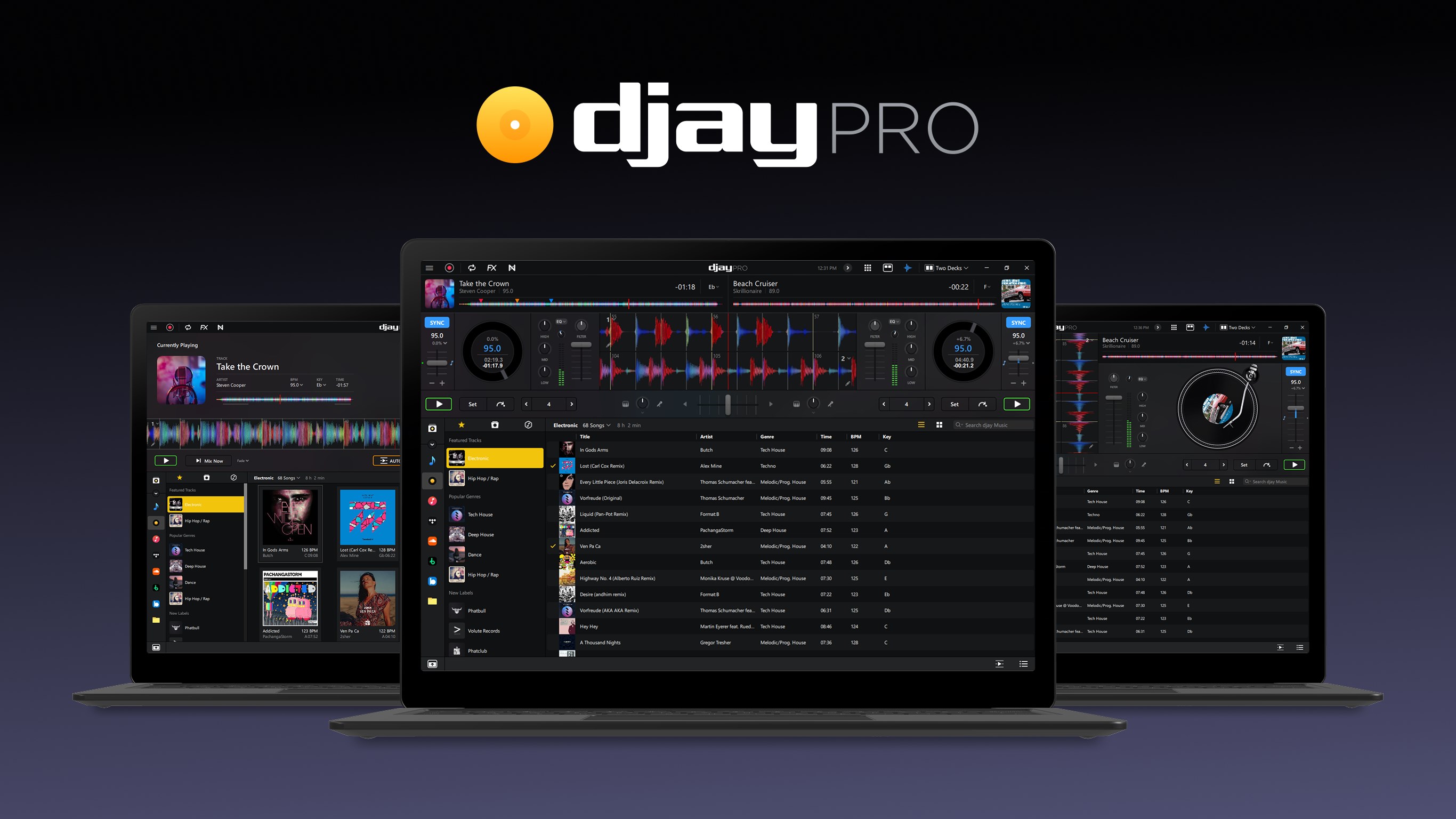
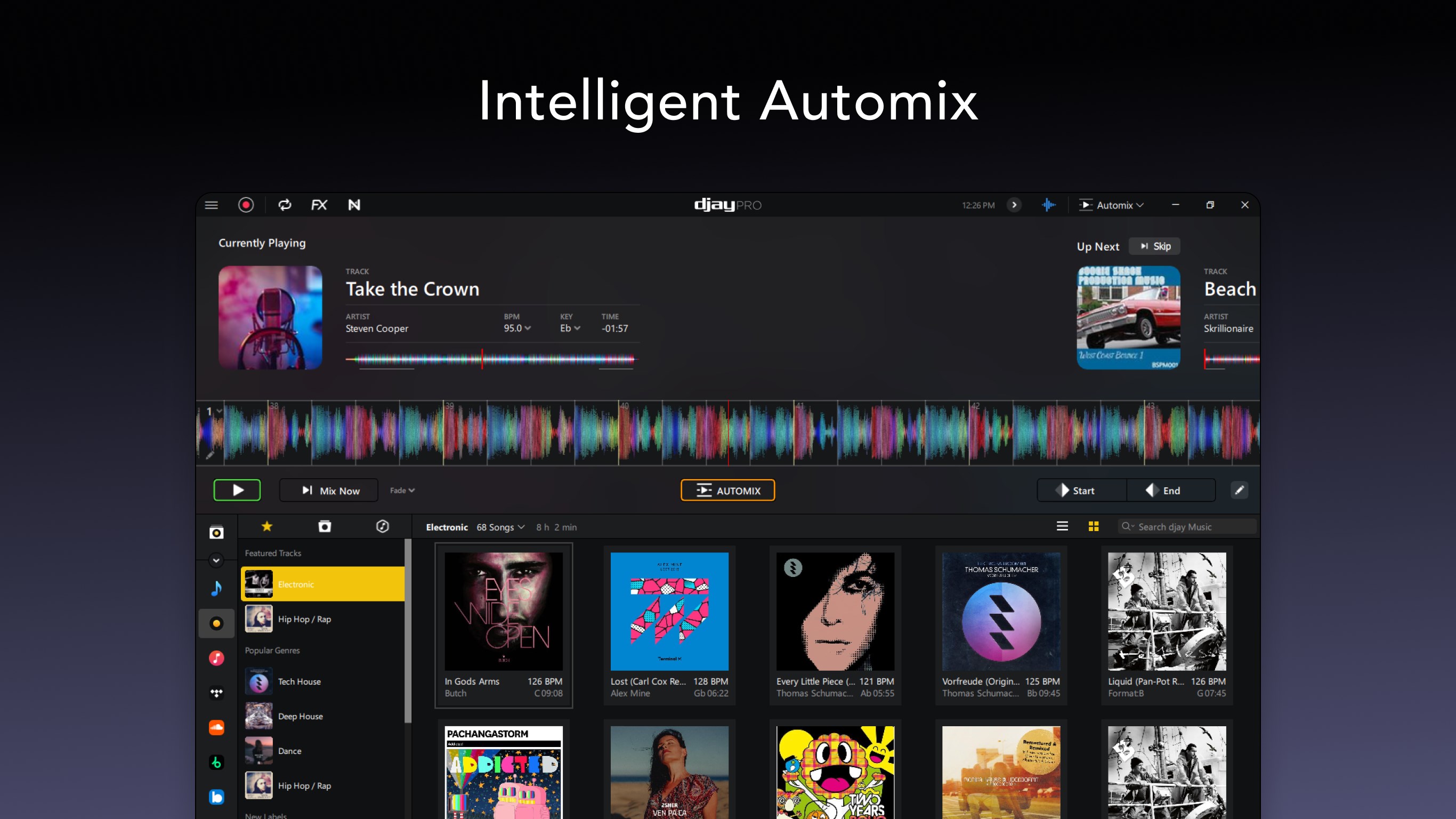
Stepping into djay Pro is like entering a sleek, high-tech DJ booth designed for both creativity and precision. Its well-crafted interface invites users to dive straight into mixing, with an array of features that feel natural and empowering at every turn.
The standout feature of djay Pro is its AI-powered beat matching. It's as if an expert assistant is always by your side, ensuring your crossfades happen seamlessly. The AI doesn't just lock tracks in tempo; it intelligently assesses rhythmic patterns to recommend next tracks that sync beautifully, regardless of complexity. This level of rhythm pattern assessment surpasses many competitors, making transitions smoother and more musicically coherent. For hobbyists, this means less time fiddling and more time feeling the groove; for pros, a reliable partner to maintain the energy of a live set.
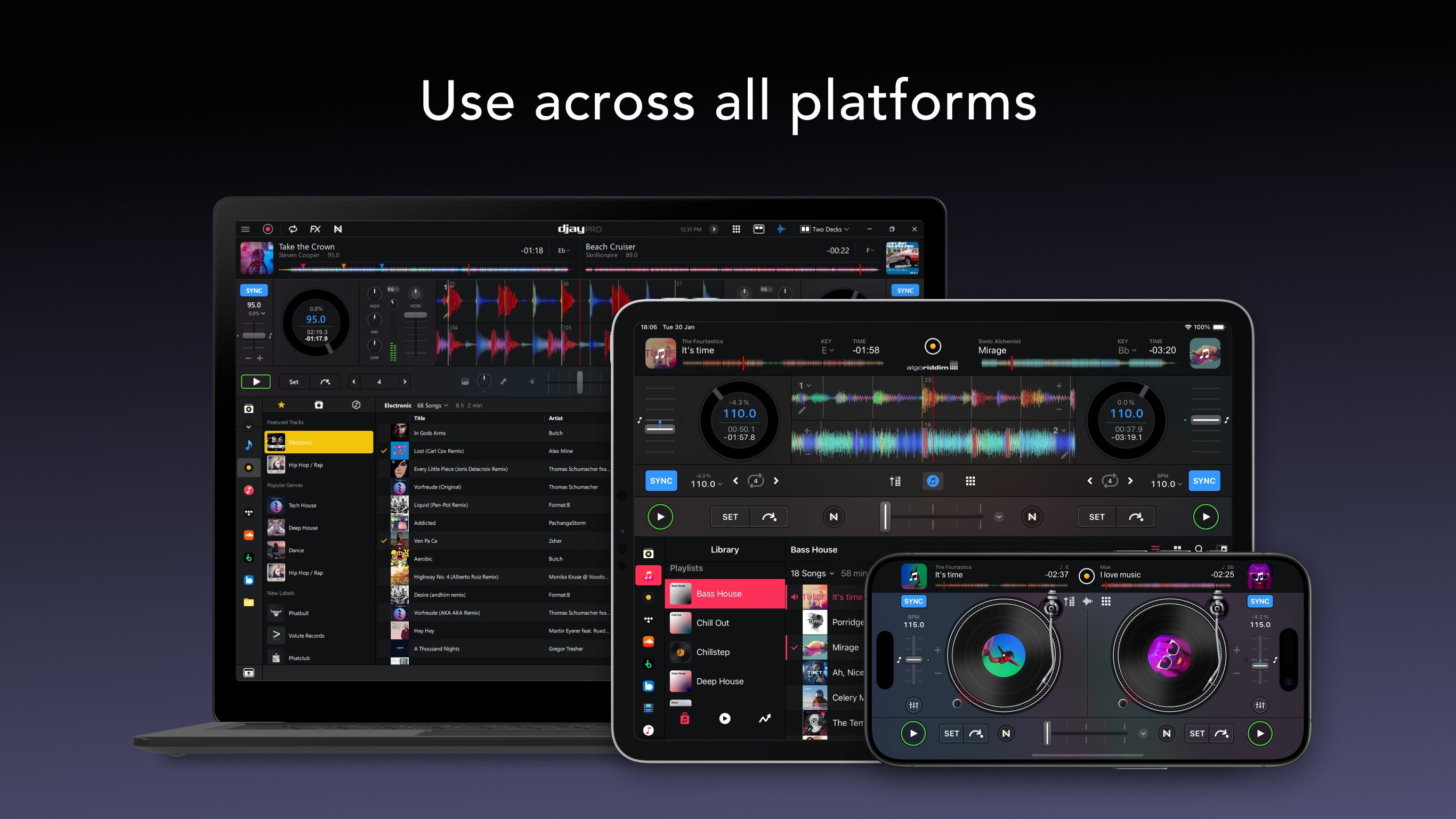
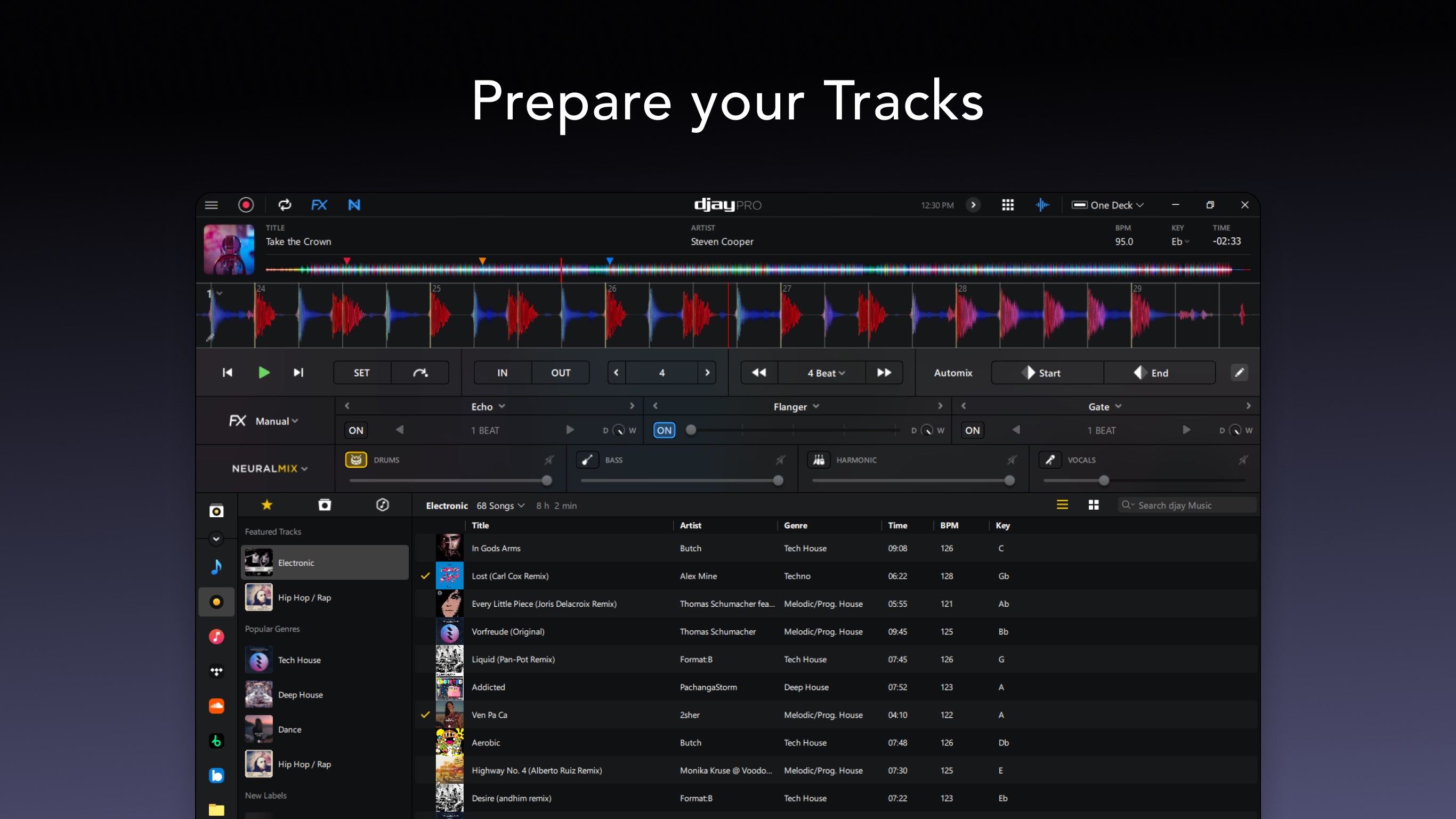
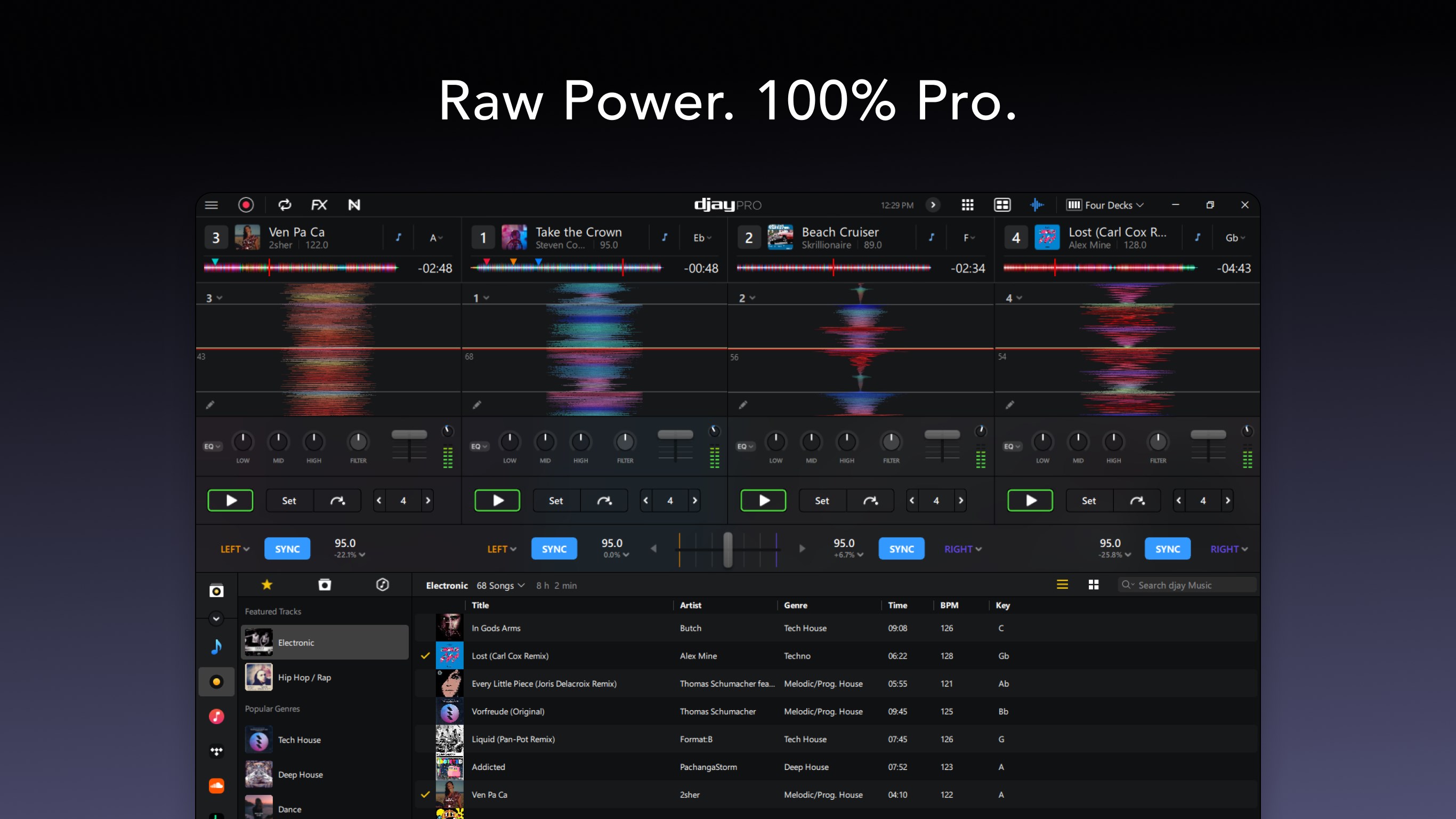
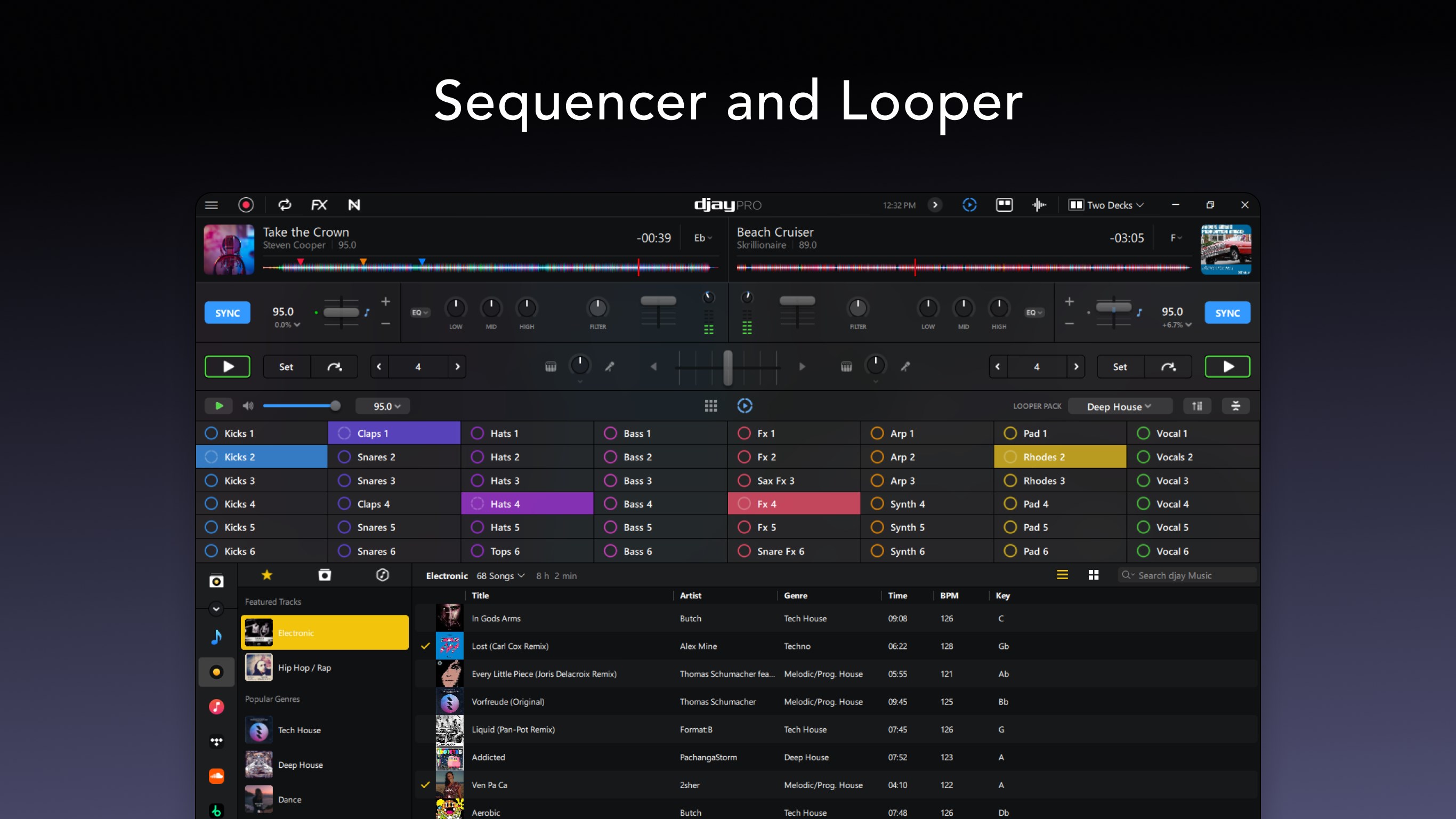
The design of djay Pro strikes a perfect balance between aesthetic elegance and practical functionality. The waveform views are crisp and detailed, offering real-time feedback, while customizable decks allow users to set up the workspace to match personal workflow preferences. Navigating through tracks and applying effects is fluid, whether using mouse controls or compatible hardware controllers. The learning curve isn't steep; even first-time users can get started with intuitive controls, while seasoned DJs will appreciate the depth for advanced mixing techniques. The app's responsiveness ensures that lag is minimal, even during complex effects or tempo adjustments—a crucial factor for live performances.
Compared to other music applications, djay Pro shines with its exceptional assessment of rhythm pattern variety. Its ability to analyze complex, evolving rhythmic structures means it can match and suggest tracks more intelligently. Additionally, its low input latency tolerance guarantees that your actions—be it cueing or triggering effects—are instantly reflected in the sound output. This responsiveness is vital during high-energy sets where timing is everything. Such features mean that djay Pro isn't just an app that plays music; it's a tool that understands the nuances of rhythm, making your mixes sound more natural and polished.
All in all, djay Pro for Windows presents a compelling package for digital DJs seeking a reliable, feature-rich platform. Its standout AI-driven beat matching and rhythm analysis set it apart from many peers, offering both novice and experienced users a robust tool for creative expression. The interface is thoughtfully designed and easy to navigate, with excellent responsiveness that supports live performance needs.
For those looking to turn their PC into a real-time DJ booth with professional-grade tools, djay Pro is highly recommended—particularly if you value intelligent track suggestion and low-latency performance. Whether for casual mixing, practice, or professional gigs, this app proves to be a versatile companion that bridges power and accessibility seamlessly.
Intuitive AI Mixer feature
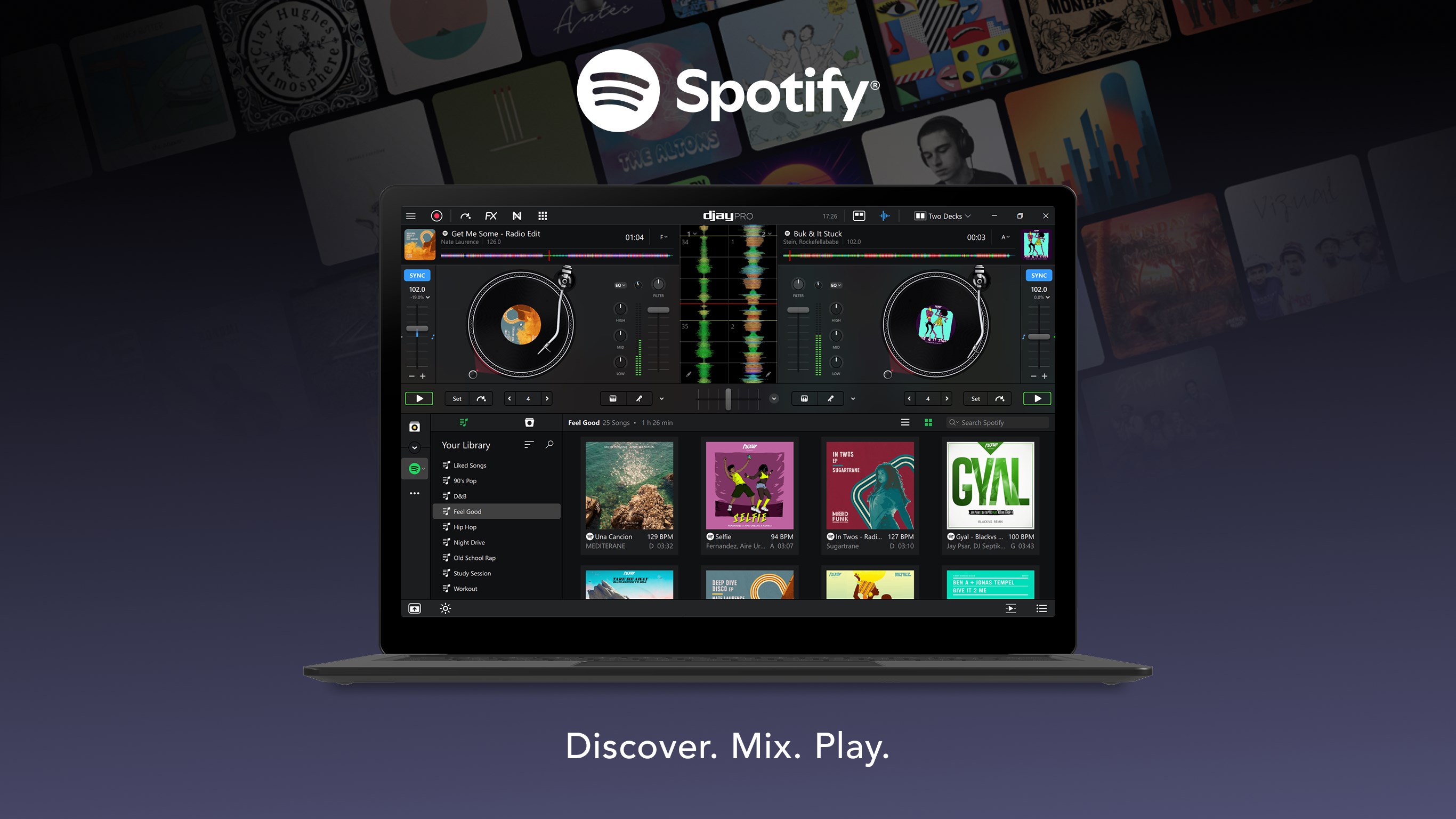
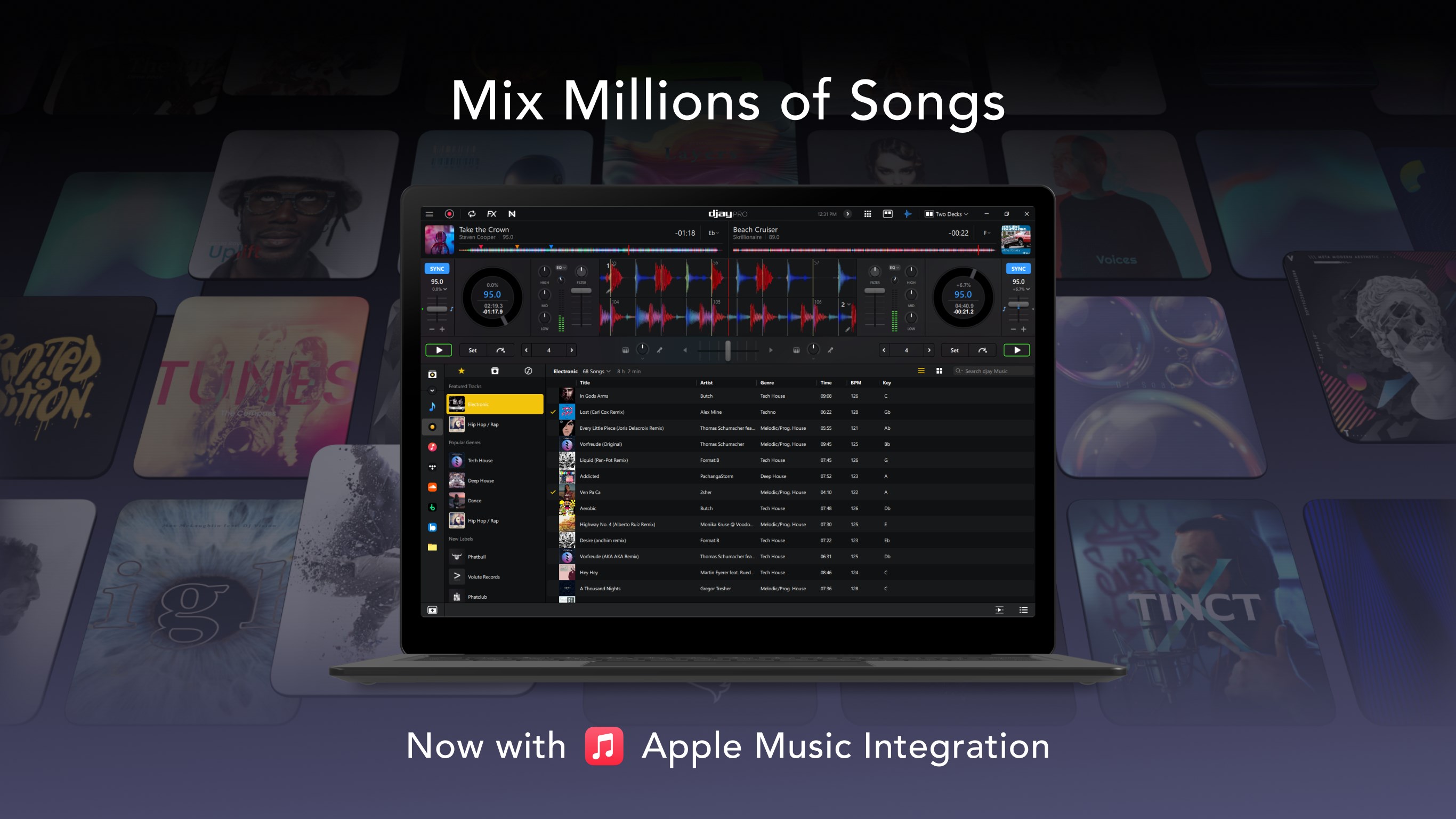
Extensive track library integration
High-quality sound effects and filters
User-friendly interface
Regular updates and support from Microsoft
Limited free trial options
Learning curve for advanced features
Occasional latency issues during mixing
In-app purchases for additional effects
Limited hardware compatibility details

for Windows
 4.9
4.9

for Windows
4.9

for Windows
4.8

for Windows
4.8
for Windows
4.7

for Windows
4.7

for Windows
4.6

for Windows
4.6

for Windows
4.5

for Windows
4.5

for Windows
4.5

for Windows
4.5

for Windows
5

for Windows
5

for Windows
5

for Windows
5

for Windows
5

for Windows
5

for Windows
5

for Windows
5

for Windows
5

for Windows
5