Education
PC
Windows 10 version 14393.0 or higher
Integrated Keyboard
750 MB
English (United States)
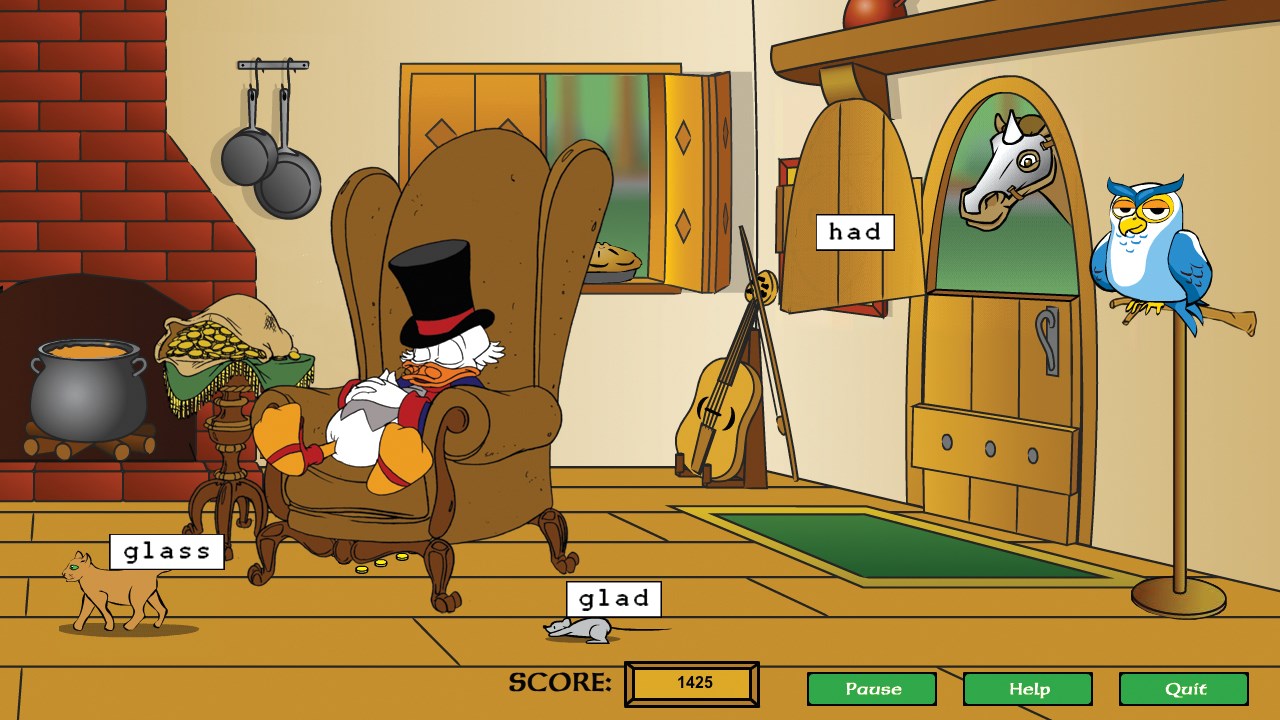
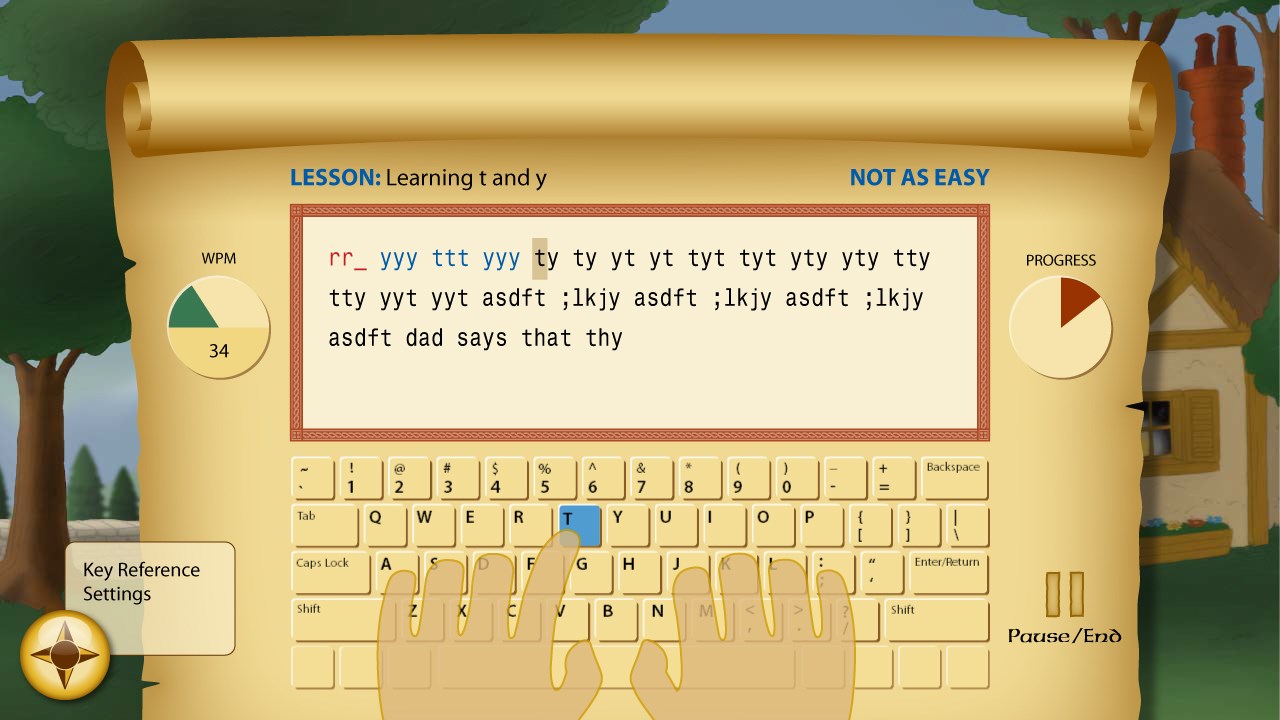
Disney Mickey's Typing Adventure for Windows is an engaging educational game designed to help children learn and improve their keyboard typing through colorful characters and interactive gameplay. With its charming Disney themes, the app turns the often tedious task of learning to type into a captivating adventure.
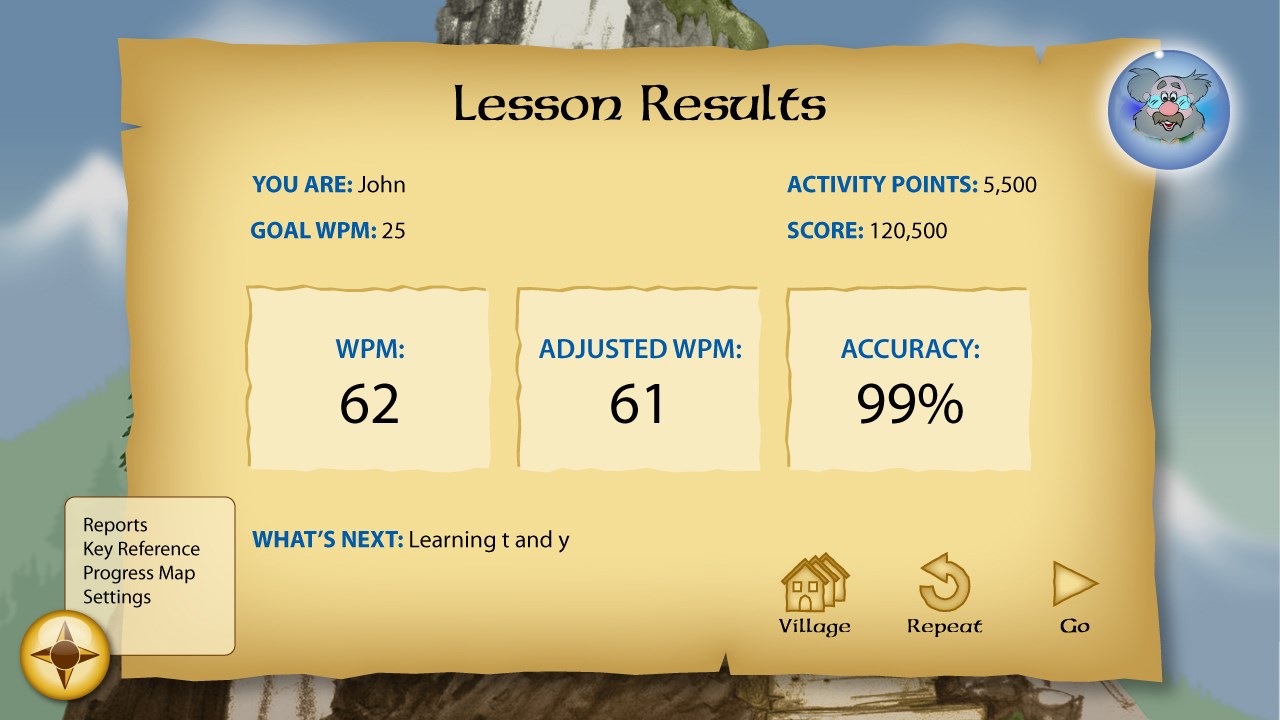
Developed by Individual Software Inc., a reputable publisher specializing in educational software, Mickey's Typing Adventure combines entertainment with learning in a user-friendly environment. The game's standout features include interactive story-based lessons, adaptive difficulty levels, and engaging mini-games that reinforce typing skills while maintaining the fun Disney spirit. Additionally, the app tracks progress to help learners see their improvement over time, motivating continuous practice.
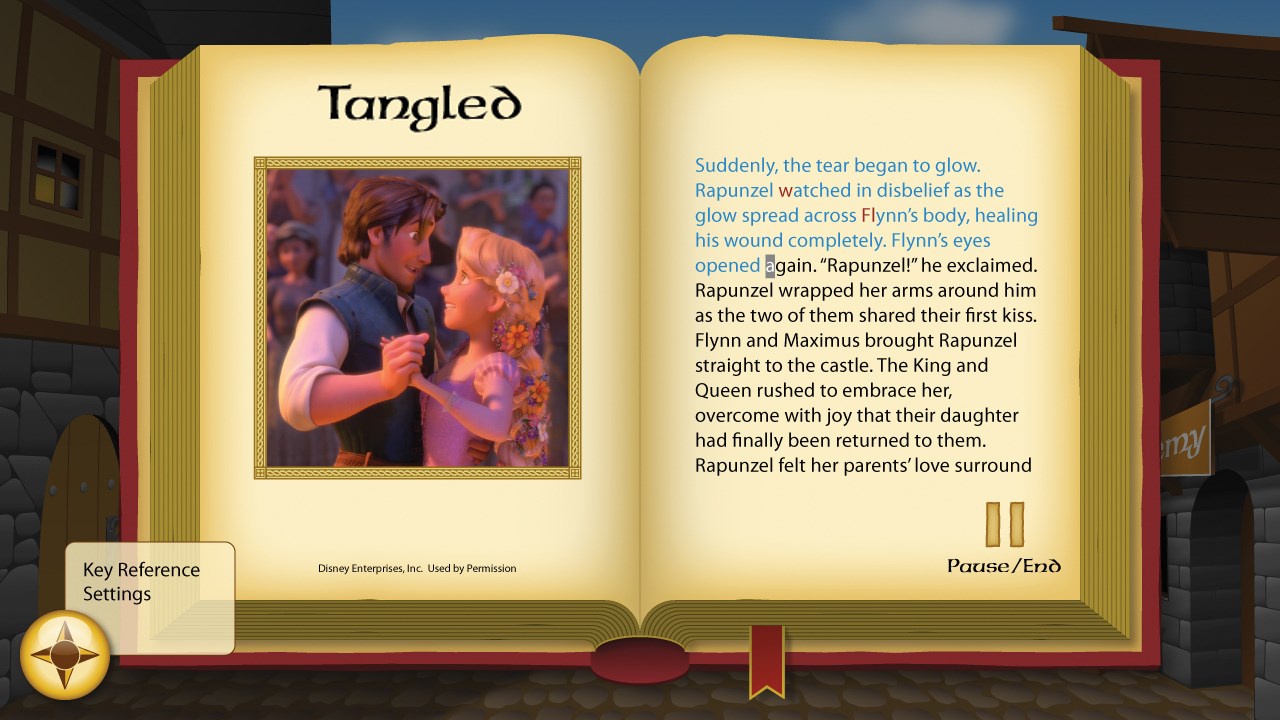
Imagine stepping into a colorful Mickey Mouse world where every keystroke transports you deeper into Mickey's adventures. As children navigate through vibrant landscapes and meet beloved Disney characters, they naturally pick up typing skills without feeling like they're stuck in a classroom. Mickey's Typing Adventure makes learning to type feel like a delightful quest, turning each lesson into a memorable story unfolding right on your screen—a perfect blend of education and entertainment.
The app's tailored learning experience is one of its most compelling qualities. Unlike generic typing tutors, Mickey's Typing Adventure personalizes lessons based on the child's progress. As they advance, the difficulty adjusts dynamically, ensuring that each learner faces just the right level of challenge. The game carefully balances content accuracy with authority, featuring well-structured lessons supported by Disney characters that both inspire and guide users. This personalization makes the learning process relevant and encourages sustained engagement, setting it apart from many other education apps that often follow a one-size-fits-all approach.
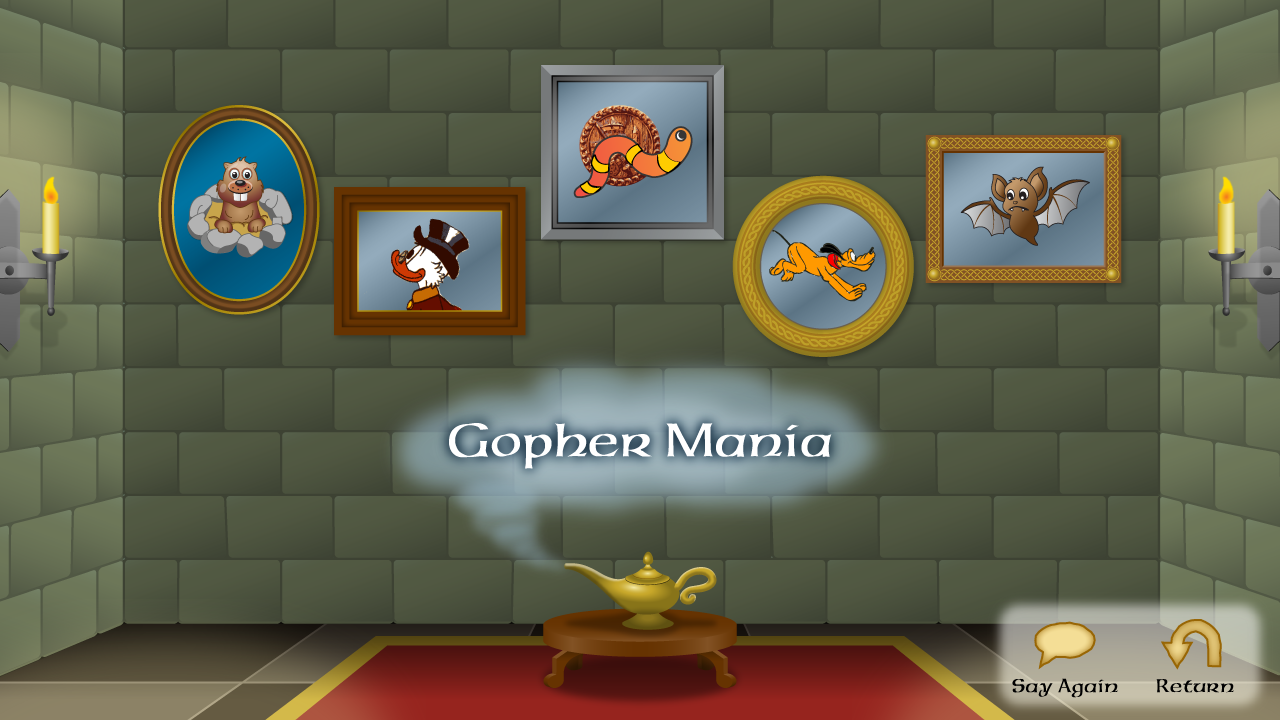
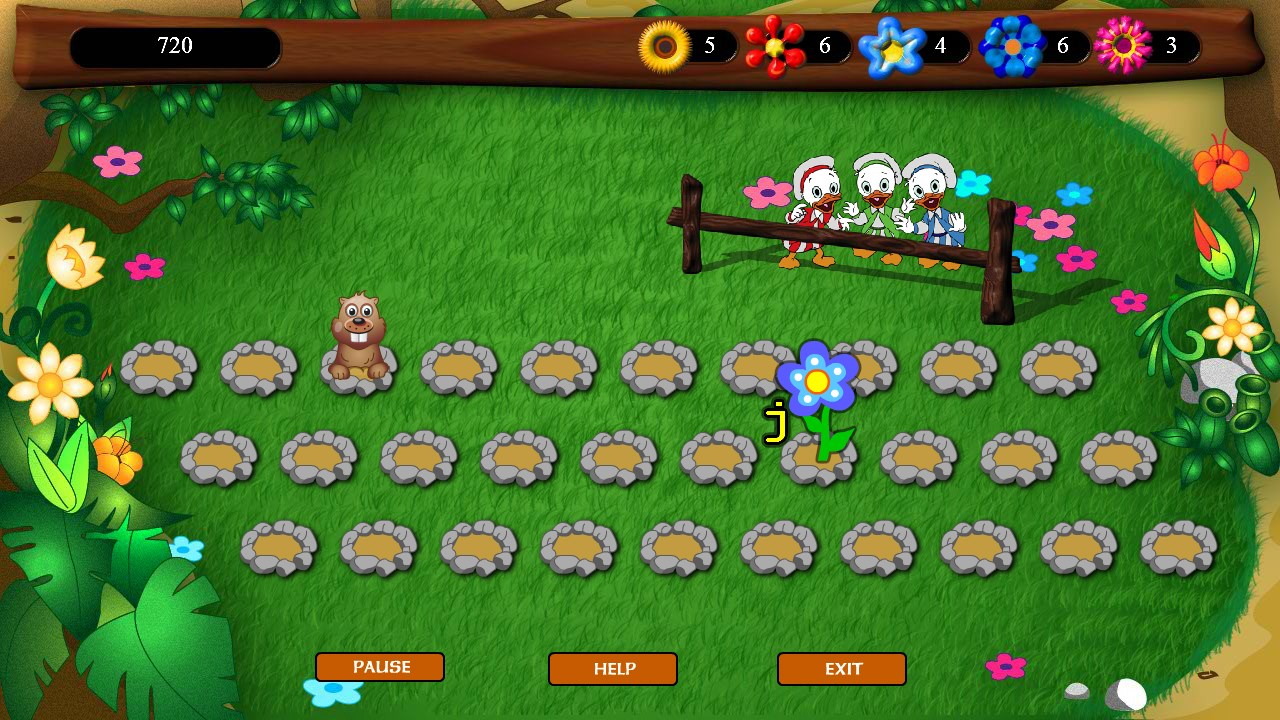
Visually, Mickey's Typing Adventure bathes players in a cheerful, vibrant universe filled with familiar sights and sounds from the Disney realm. The interface is intuitive, resembling a friendly playground where little hands can easily explore. The app runs smoothly on Windows, with responsive controls that feel almost instinctive—no lag or confusing menus here. The learning curve is gentle, making it accessible for children just starting out with typing or those looking to refine their skills. The combination of colorful graphics, motivating feedback, and simple navigation creates an inviting environment that encourages repeated practice without frustration.
The most distinctive aspect of Mickey's Typing Adventure is its seamless integration of Disney's beloved characters with a scientifically designed learning structure. The app uniquely combines content accuracy with authority—offering lessons grounded in proven educational techniques—while still delivering a personalized journey that adapts to each child's pace. This blend ensures learners not only build typing skills but also develop confidence, thanks to the encouraging Disney theme and interactive feedback. Compared to other educational applications, it stands out by transforming the often monotonous process of learning to type into an enchanting experience that children will look forward to.
For parents seeking an educational software that marries proven teaching methods with beloved Disney characters, Mickey's Typing Adventure is a commendable choice. Its engaging design, personalized learning paths, and emphasis on user experience make it suitable for children eager to learn typing in a playful setting. While it may not replace comprehensive typing curricula, it serves as an excellent supplementary tool that can turn practice time into a daily adventure. I recommend it for young beginners who love Disney and are ready to start their typing journey in a friendly, motivating environment.
Engaging Disney-themed graphics
Educational focus on typing skills
User-friendly interface
Progress tracking features
Encourages repeated practice
Limited content variety
Occasional lag during gameplay
Requires stable internet connection for certain features
Limited customization options
Pronunciation clues are minimal

for Windows
 4.8
4.8

for Windows
4.7

for Windows
4.7

for Windows
4.6

for Windows
4.6

for Windows
4.6

for Windows
4.5

for Windows
4.5

for Windows
4.4

for Windows
4.4

for Windows
4.4

for Windows
4.4

for Windows
5

for Windows
5

for Windows
5

for Windows
5

for Windows
5

for Windows
5

for Windows
5

for Windows
5

for Windows
5

for Windows
5