Simulation
PC, Mobile, Surface Hub, HoloLens
Windows 10 version 17763.0 or higher
Arabic, Chinese (Simplified), Chinese (Traditional Chinese), English (United States), French, German, Italian, Japanese, Korean , Portuguese (Brazil), Russian, Spanish (Spain), Thai
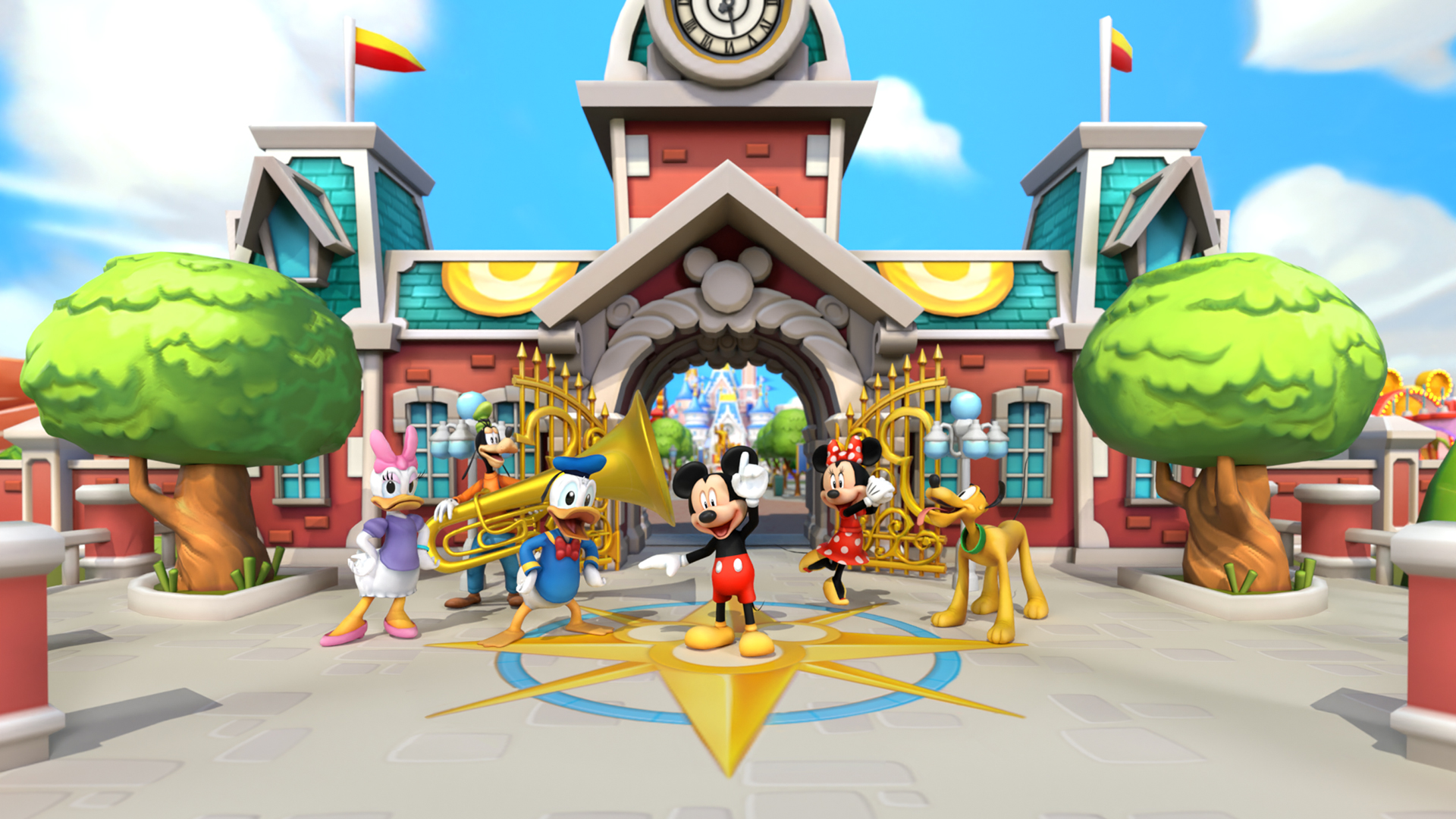
Disney Magic Kingdoms for Windows is a captivating simulation game that invites players to build and manage their very own Disney theme park, combining beloved characters and enchanting attractions into one immersive experience.
Developed by Gameloft SE, a renowned leader in mobile and PC gaming known for their high-quality, engaging titles, Disney Magic Kingdoms brings a polished and well-crafted virtual amusement park to your computer screen.
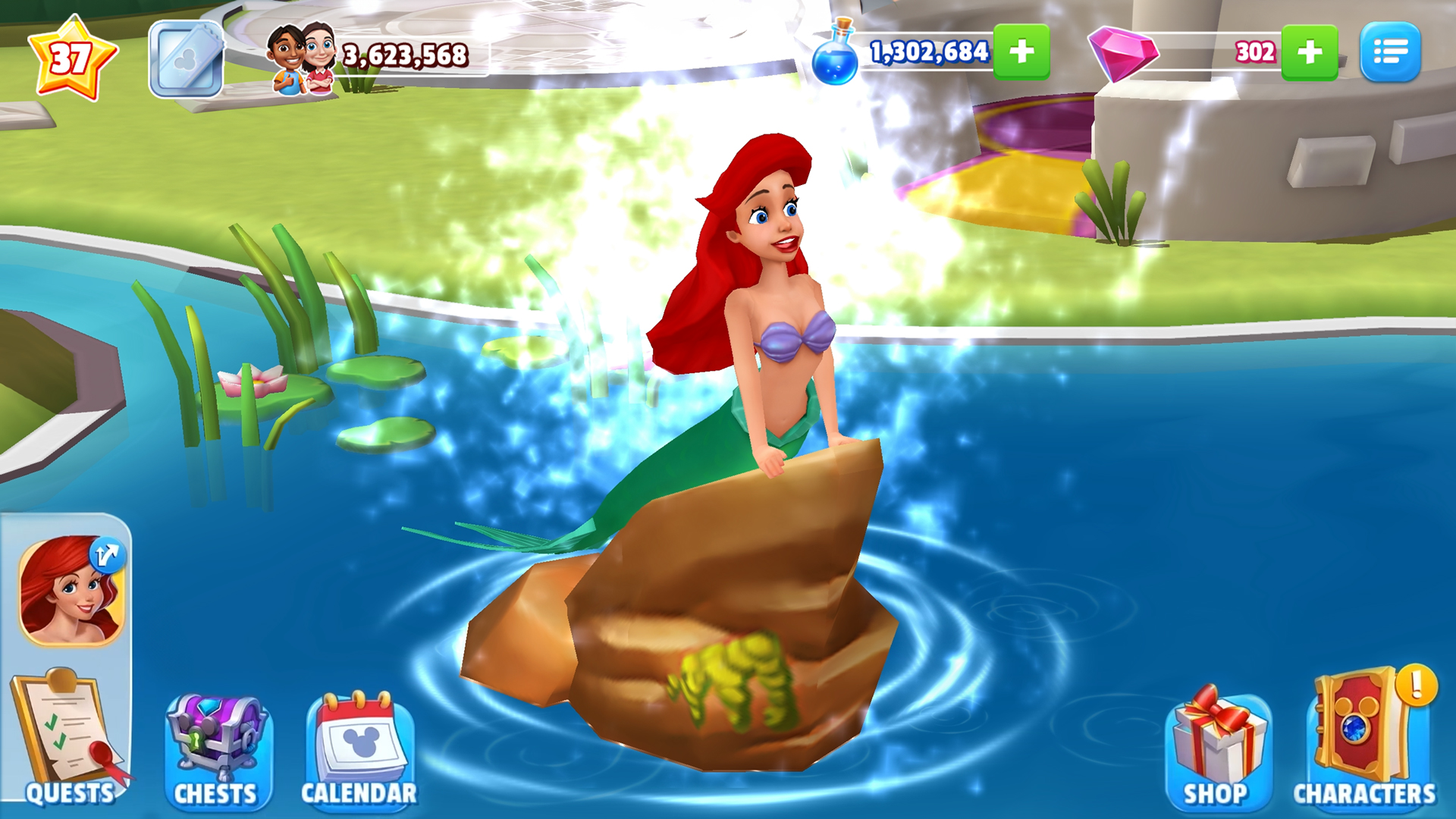
1. **Authentic Disney Experience:** The game features numerous iconic Disney characters and attractions, allowing players to create a personalized theme park filled with familiar faces and magic.
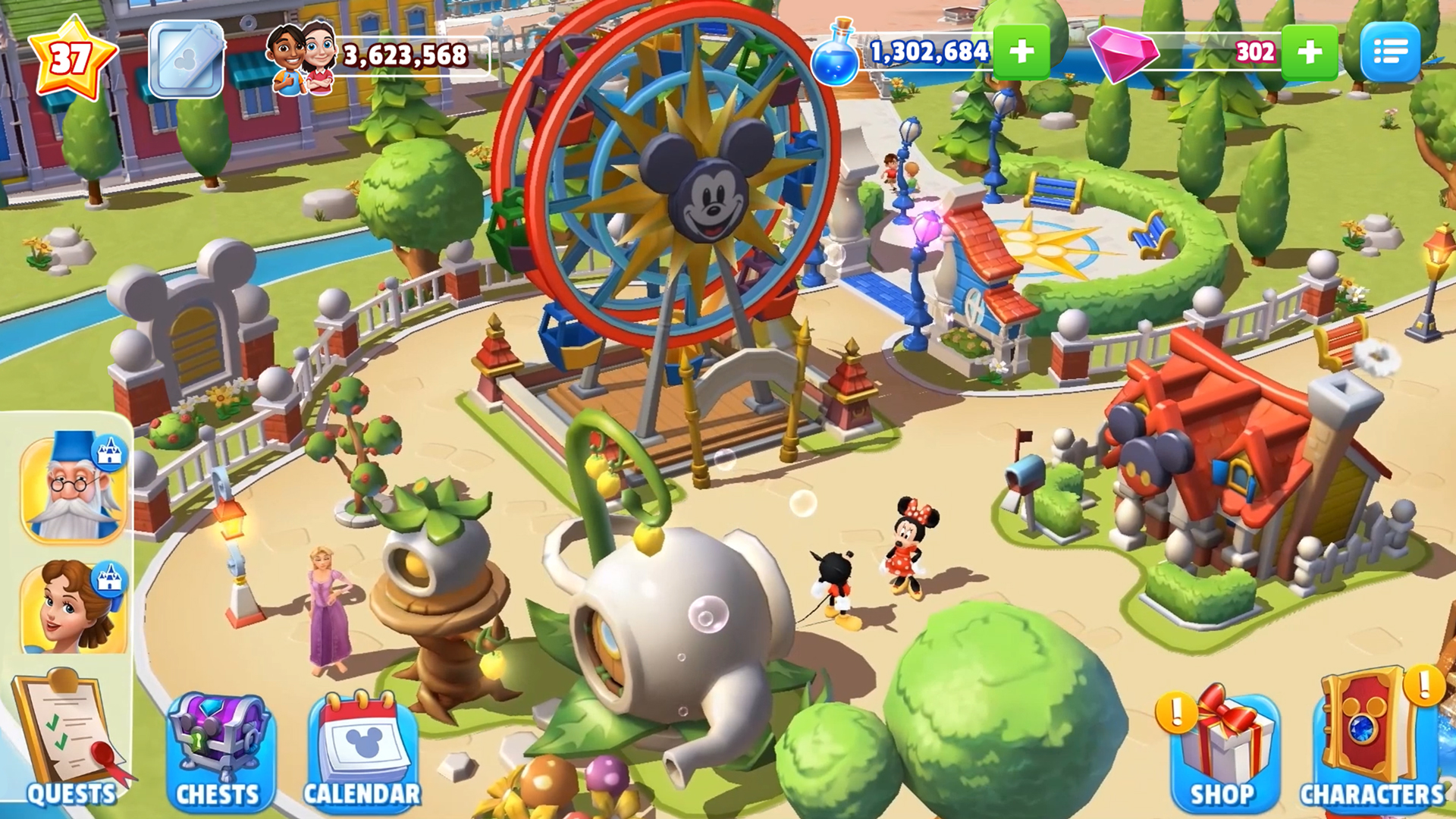
2. **Building and Customization:** Players can design their park layout by placing attractions, decorations, and characters, fostering creativity and strategic planning.
3. **Timed Events & Quests:** Regular events introduce new missions and rewards, encouraging ongoing engagement and exploration.
4. **Social & Community Elements:** Interact with friends by visiting their parks, sharing resources, and participating in collaborative challenges, enriching the gameplay experience.
Embarking on a journey through Disney Magic Kingdoms feels like wandering through a fairy-tale landscape. From the moment you launch the game, the interface greets you with a vibrant, cartoonish aesthetic that perfectly captures the whimsical spirit of Disney. Navigating the park is intuitive—dragging, dropping, and tapping are fluid motions that feel nearly effortless, making the entire process smooth and engaging.
The learning curve is gentle; new players can quickly grasp the core mechanics thanks to clear tutorials and a friendly design. Managing resources like coins and gems is straightforward, allowing users to focus on building their dream Disney park without frustration.
Unlike many city-building or simulation titles, Disney Magic Kingdoms excels in blending **authentic character integration** with **game mechanics that emphasize storyline and event-driven gameplay**. Its core strength lies in its ability to recreate the magic of Disney—each attraction and character feels thoughtfully designed, not generic or just decorative.
From a mechanics perspective, the game offers a balanced realism in managing time-based quests and resource generation, making the game engaging without becoming overly complex. Furthermore, it subtly encourages players to think about spatial arrangement and resource management—skills that can improve strategic thinking applicable in real-world planning scenarios.
Additionally, the game's frequent updates and themed events provide a dynamic experience that adjusts to seasonal or special occasions, making it much like a living, breathing park of Disney magic rather than a static simulation.
All in all, Disney Magic Kingdoms for Windows is a delightful choice for Disney fans and simulation enthusiasts alike. Its most compelling feature—the seamless integration of beloved characters into a customizable theme park—makes it stand out among other management sims. I would recommend it to anyone looking for a relaxing yet engaging way to enjoy Disney magic on their PC.
For casual players, focus on completing quests and customizing your park gradually—you'll appreciate the flow. More dedicated fans can dive into creating elaborate layouts and participating in seasonal events to unlock all the fun nuances.
In summary, Disney Magic Kingdoms offers a harmonious blend of entertainment, creativity, and strategic planning—making it a charming addition to your digital game collection, especially if you're looking for a feel-good, family-friendly experience that captures the essence of Disney magic.
Engaging Disney-themed gameplay
High-quality graphics and animations
Regular events and updates
Free to play with optional in-app purchases
Strong community features
Heavy reliance on in-app purchases
Limited storage space leading to frequent management
Occasional bugs and glitches
Long wait times for building and upgrading
Limited offline play options

for Windows
 4.8
4.8

for Windows
4.8

for Windows
4.8

for Windows
4.8
for Windows
4.8

for Windows
4.7

for Windows
4.7
for Windows
4.7

for Windows
4.7
for Windows
4.7

for Windows
4.7

for Windows
4.6

for Windows
5

for Windows
5

for Windows
5

for Windows
5

for Windows
5

for Windows
5

for Windows
5

for Windows
5

for Windows
5

for Windows
5