Books & reference
Farlex, Inc.
PC, Mobile, Surface Hub, HoloLens
Windows 10 version 16299.0 or higher
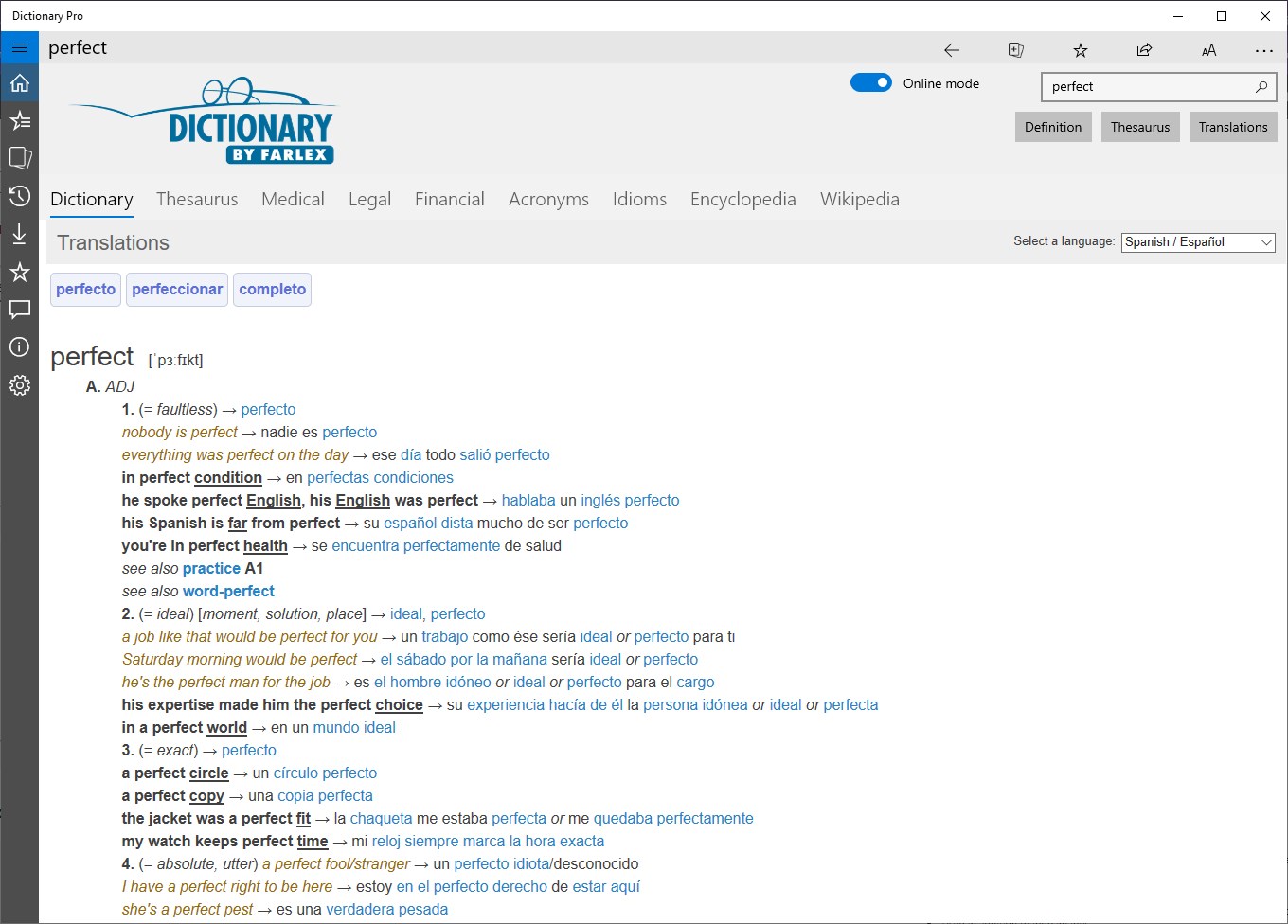
Arabic, Chinese (Simplified), Dutch, English, French, German, Greek, Italian, Norwegian, Polish, Portuguese, Russian, Spanish, Turkish
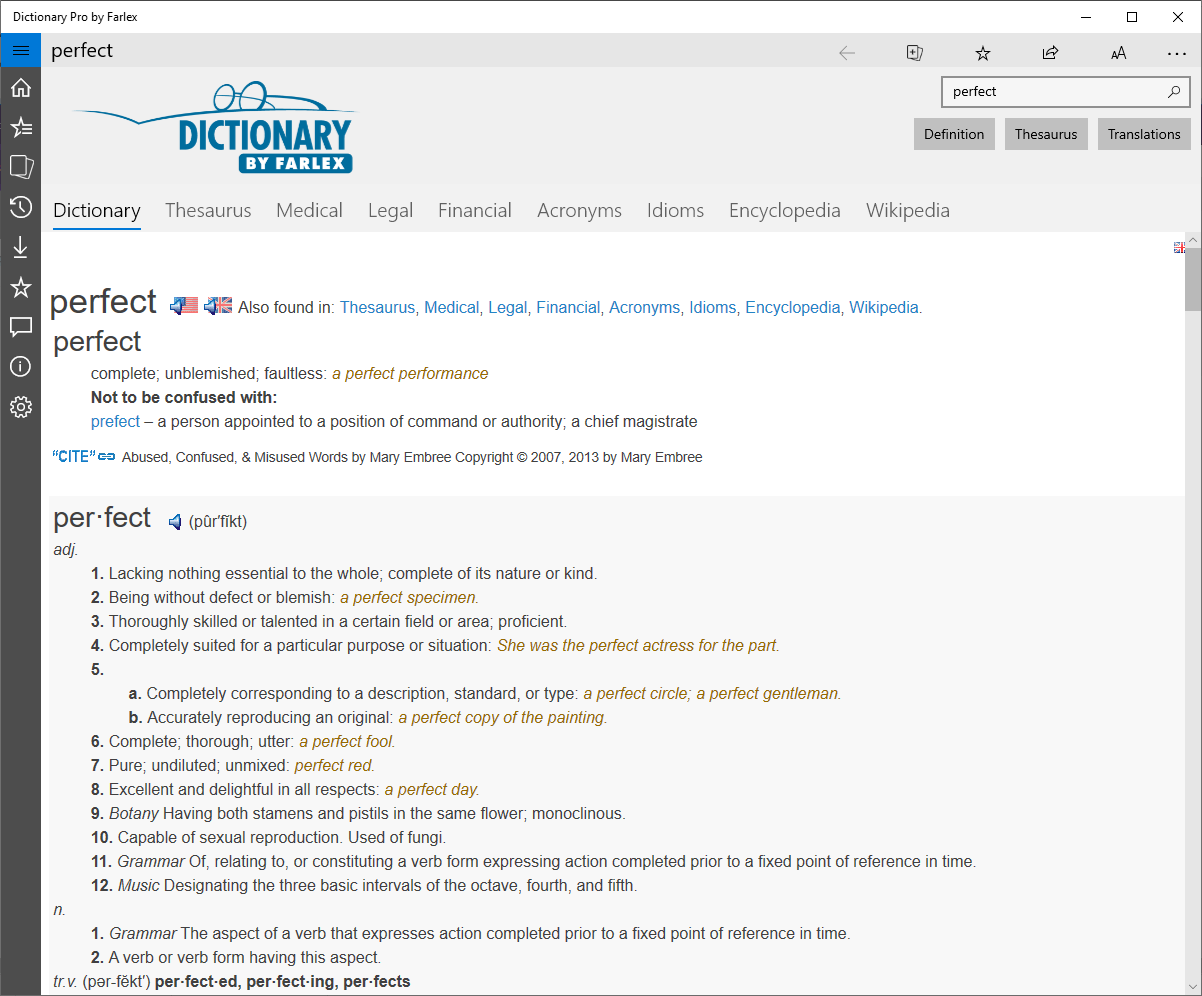
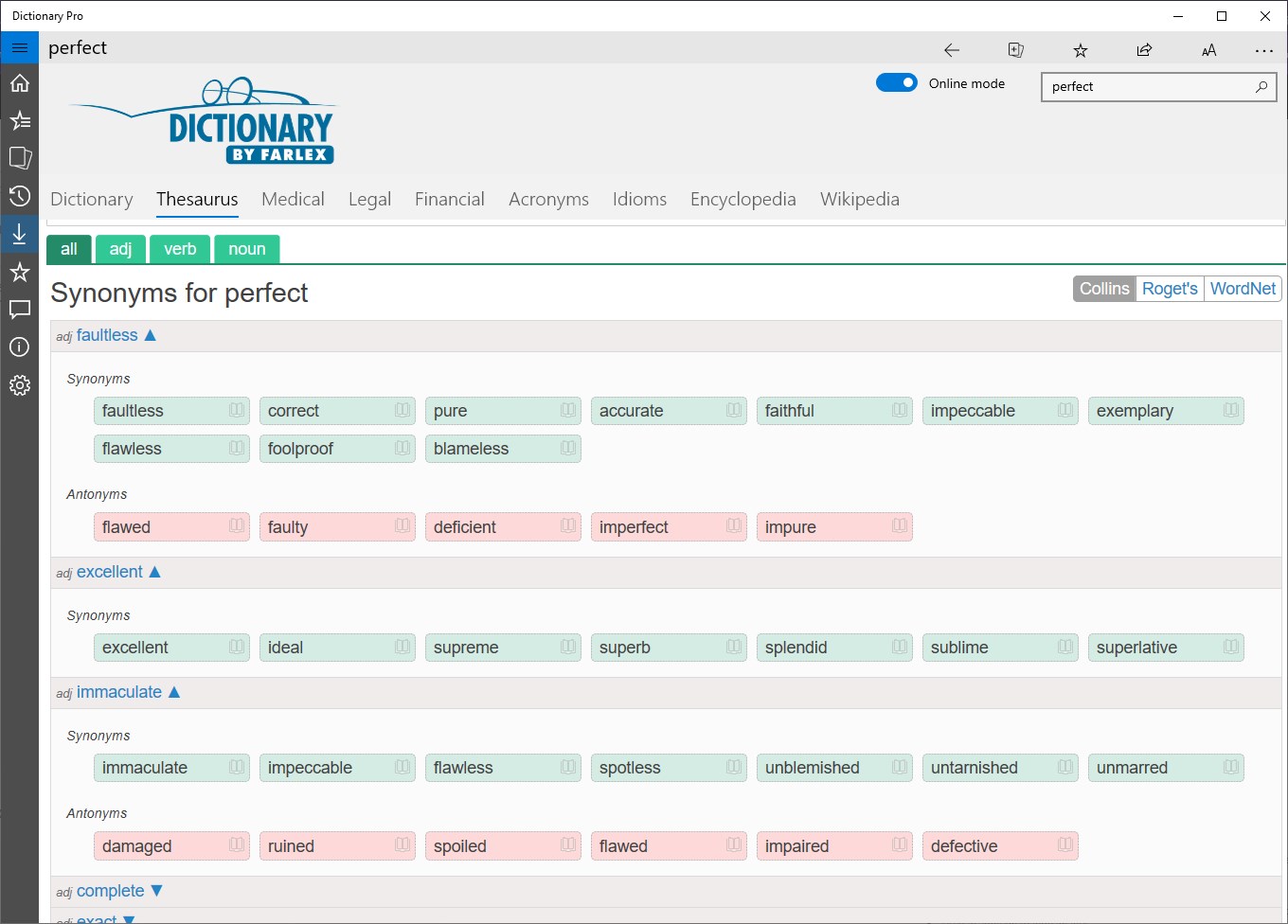
Dictionary Pro by Farlex for Windows is a comprehensive, user-friendly dictionary and thesaurus tool designed to elevate your language experience, whether for study, work, or casual reading. It aims to combine extensive lexical resources with an intuitive interface, making language reference faster and more accessible.
Developed and published by Farlex, Inc., a company renowned for its extensive collection of reference apps, Dictionary Pro harnesses years of experience in delivering quality language tools. Its main features include a vast database of definitions, synonyms, and translations; a quick search functionality that provides instant access; and offline support, allowing use without internet connectivity. These elements ensure users can rely on the app anytime, anywhere, whether in a noisy café or a remote library.
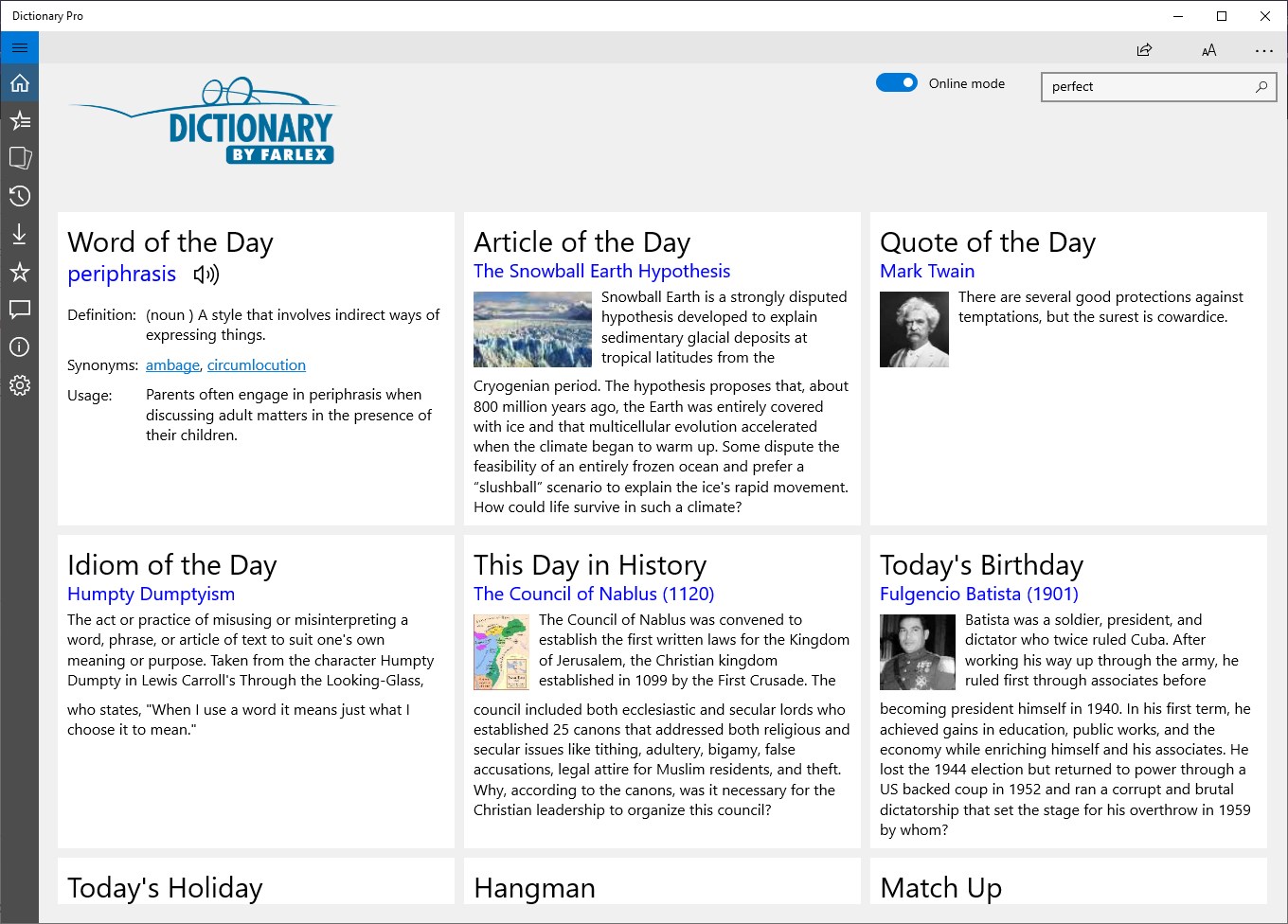
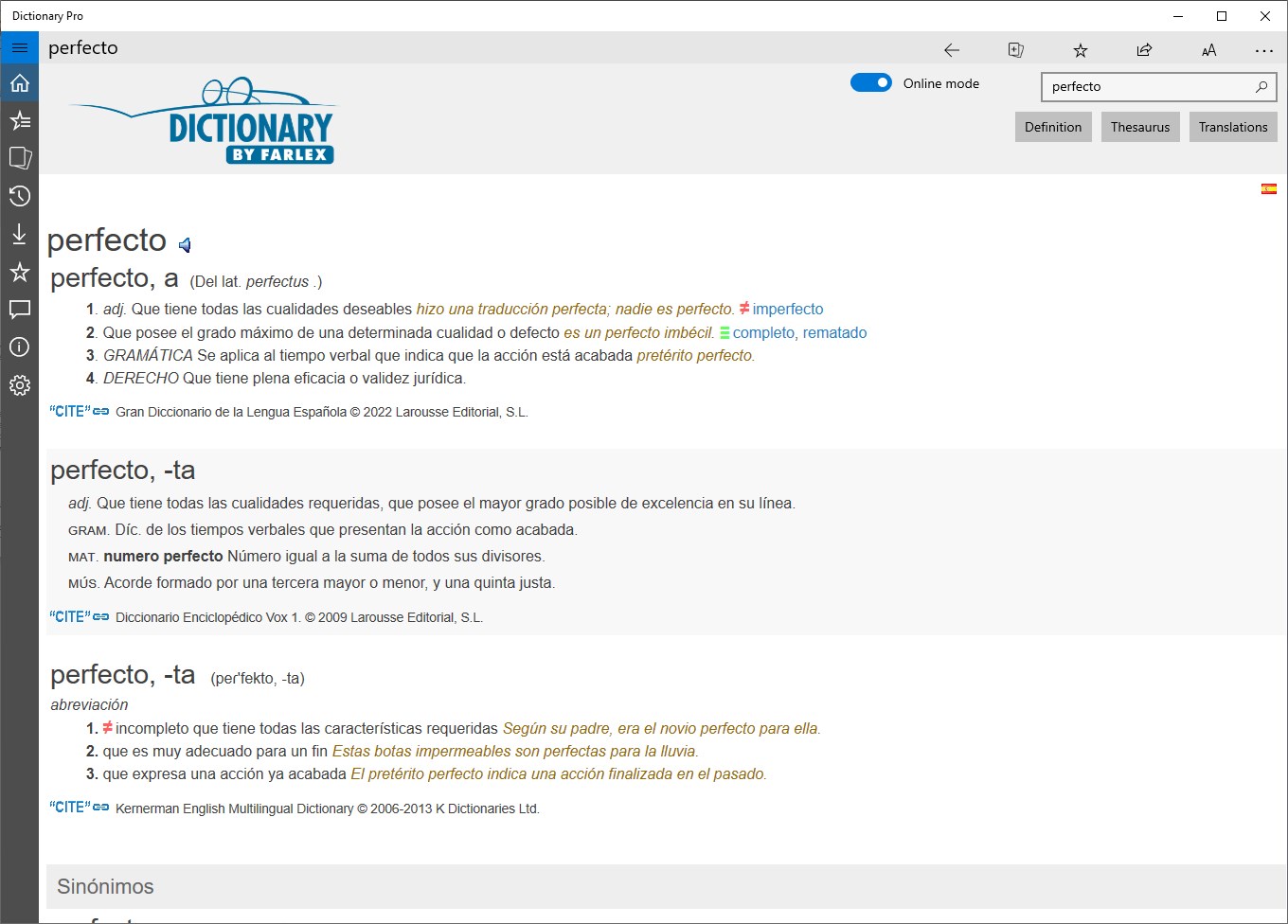
Imagine opening a dictionary that greets you with a clean, modern interface—nothing cluttered, just a simple search bar and a neatly organized menu. The app's design is as smooth as gliding a pen across paper; transitions are seamless, and responses occur instantly, making lookups feel effortless. The learning curve is gentle—most users can navigate its features within minutes, thanks to thoughtful layout design and clear icons. Whether you're a student, a professional, or a language enthusiast, you'll appreciate how quickly you can find precise definitions or explore related words without wrestling with complicated menus.
The most remarkable aspect of Dictionary Pro is its dual approach: combining a robust lexical database with user-friendly features like customizable favorites and offline access. Its offline capability is particularly handy—think of it as having a handy language toolkit in your pocket, ready to serve you during flights, in areas with poor signal, or when studying in places without Wi-Fi. Additionally, the app's integrated pronunciation guides and example sentences help bridge the gap between theoretical understanding and practical usage, making it much more than just a lookup tool. These features elevate it from typical dictionary apps to an immersive language resource.
Overall, Dictionary Pro by Farlex is a solid choice for anyone seeking a reliable and comprehensive language reference on Windows. I would recommend it to students, writers, professionals, or anyone eager to refine their vocabulary or understand complex words with ease. For best results, explore its offline features to maximize productivity during travel or remote learning sessions. While it might not have the multimedia bells and whistles of some newer apps, its core strengths—clarity, depth, and accessibility—make it a standout in its category. If you're looking for a trusted linguistic companion that's as dependable as a seasoned editor, this app is worth a try.
Extensive Dictionary Database
User-Friendly Interface
Offline Access
Customizable Vocabulary Lists
Regular Updates and New Features
Limited Free Content
Inconsistent Audio Quality
Search Function Requires Precise Input
Syncing Across Devices Needs Improvement
Limited Language Support Beyond English
for Windows
 4.9
4.9

for Windows
4.8

for Windows
4.8

for Windows
4.8

for Windows
4.1

for Windows
4

for Windows
2.7

for Windows
1.4

for Windows
0

for Windows
5

for Windows
5

for Windows
5

for Windows
5

for Windows
5

for Windows
5

for Windows
5

for Windows
5

for Windows
5

for Windows
5