Lifestyle
Timo Partl
PC
Windows 10 version 19041.0 or higher
Arabic, Bulgarian, Catalan, Chinese (Simplified), Chinese (Traditional Chinese), Czech, Danish, Dutch, English (United States), Finnish, French, German, Greek, Hebrew, Hindi, Hungarian, Icelandic, Indonesian, Italian, Japanese, Korean, Lithuanian, Malay, Norwegian (Bokmål), Polish, Portuguese (Brazil), Portuguese (Portugal), Romanian, Russian, Slovak, Slovenian, Spanish, Swedish, Thai, Turkish, Ukrainian
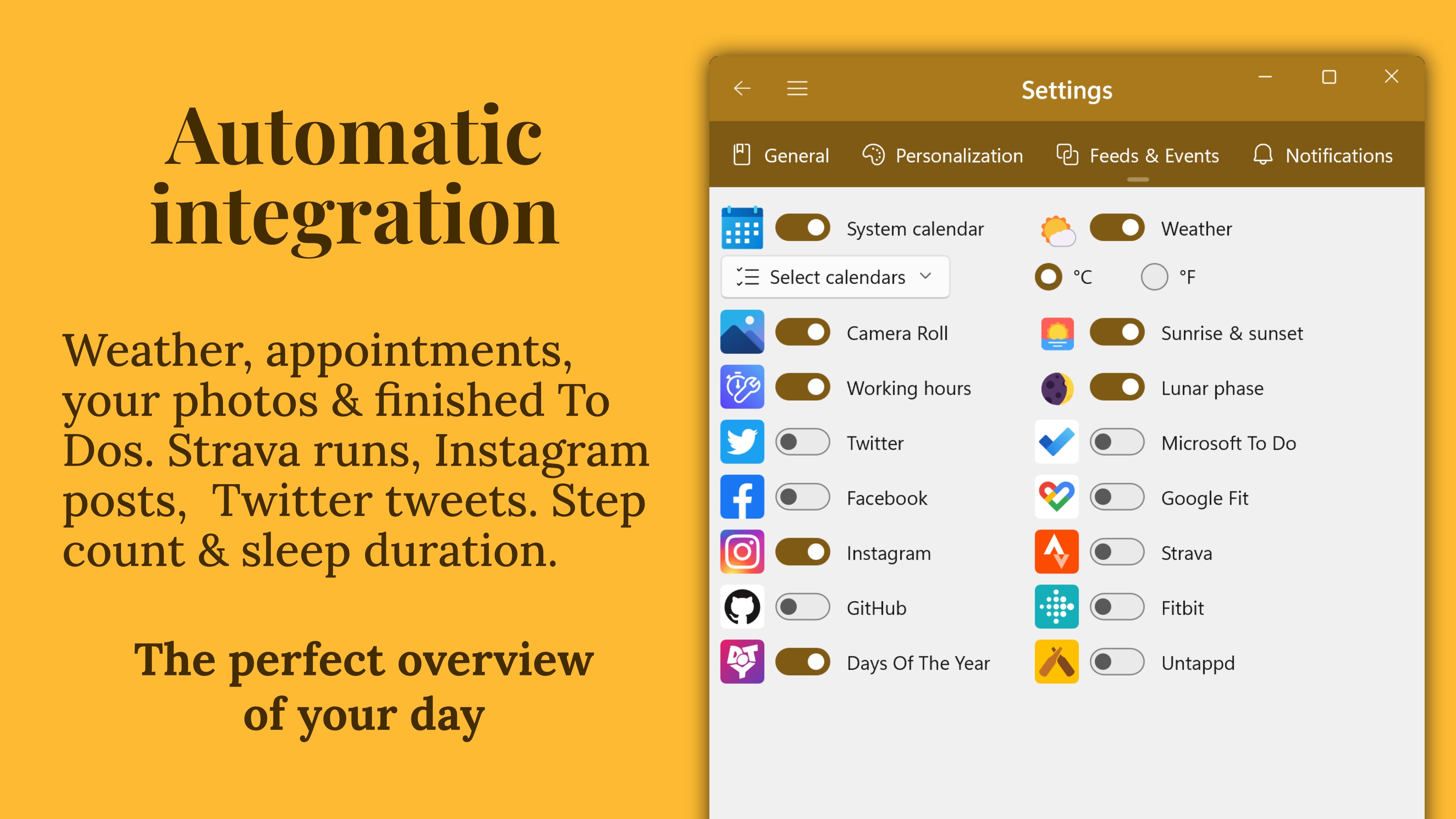
Diarium: Journal & Diary for Windows offers an approachable yet powerful platform to capture your daily thoughts, memories, and reflections with ease and authenticity. Designed for those who value privacy and straightforward journaling, this app provides a seamless experience in documenting life without unnecessary complexity.
Created by independent developer Timo Partl, Diarium embodies a personal project aimed at delivering a focused journaling experience. It's more than just a diary; it's a digital companion that respects your privacy while offering flexible entry options and customization. The developer's commitment to clean, user-friendly interfaces shines through in this application.
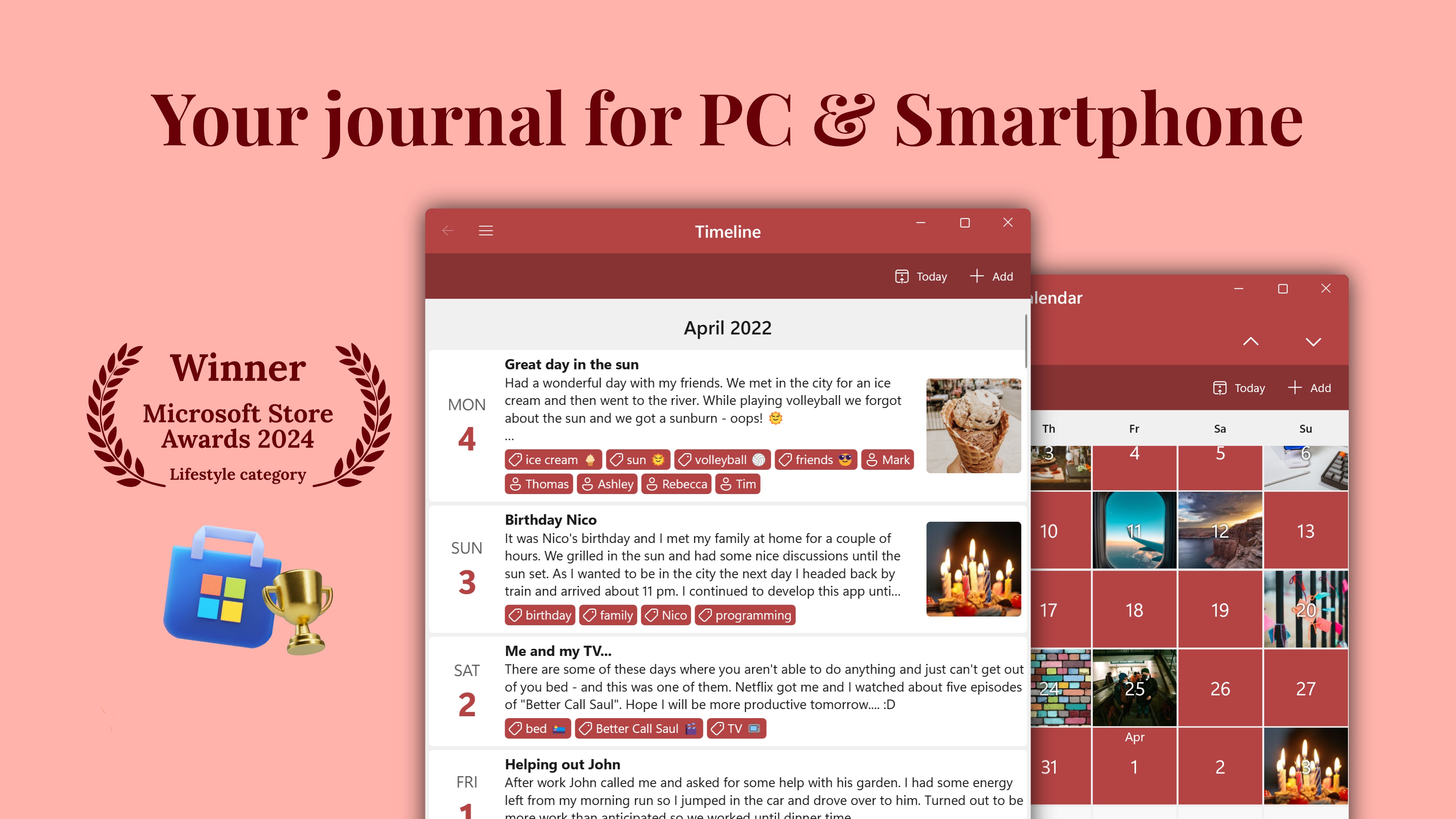
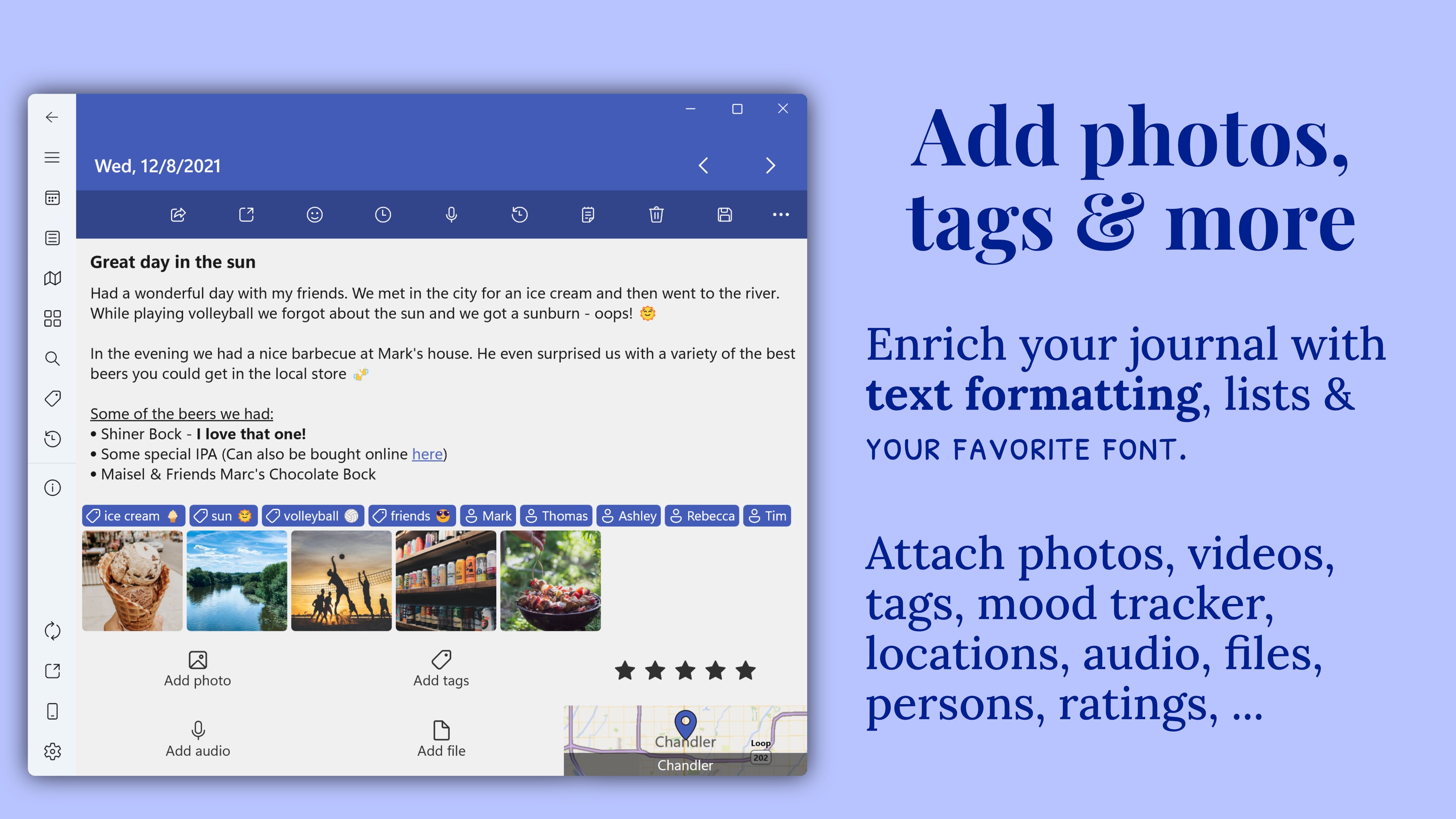
One of Diarium's shining strengths lies in its straightforward journaling interface, which simplifies adding daily entries through a clean, distraction-free workspace. Beyond text, users can incorporate images, audio clips, and even mood tags, turning each journal entry into a rich multimedia snapshot of their day. This multimedia support turns a simple diary into a vibrant reflection of personal moments.
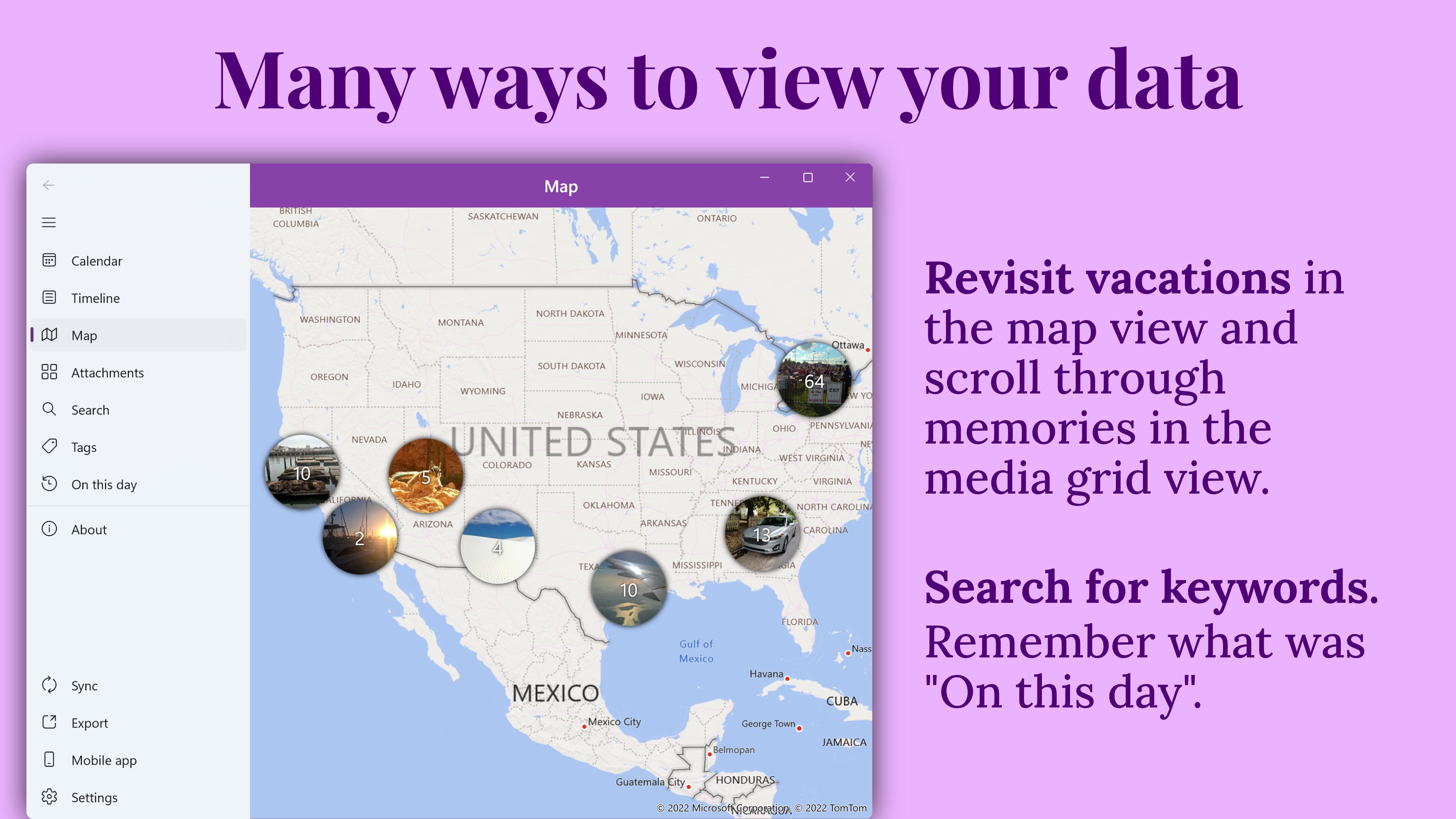
Finding your past entries is a breeze thanks to Diarium's well-designed organization tools. It offers tags, categories, and a search function that intelligently indexes your entries, making it effortless to revisit specific memories or insights. This clever system ensures your journaling remains accessible, even after months or years of entries.
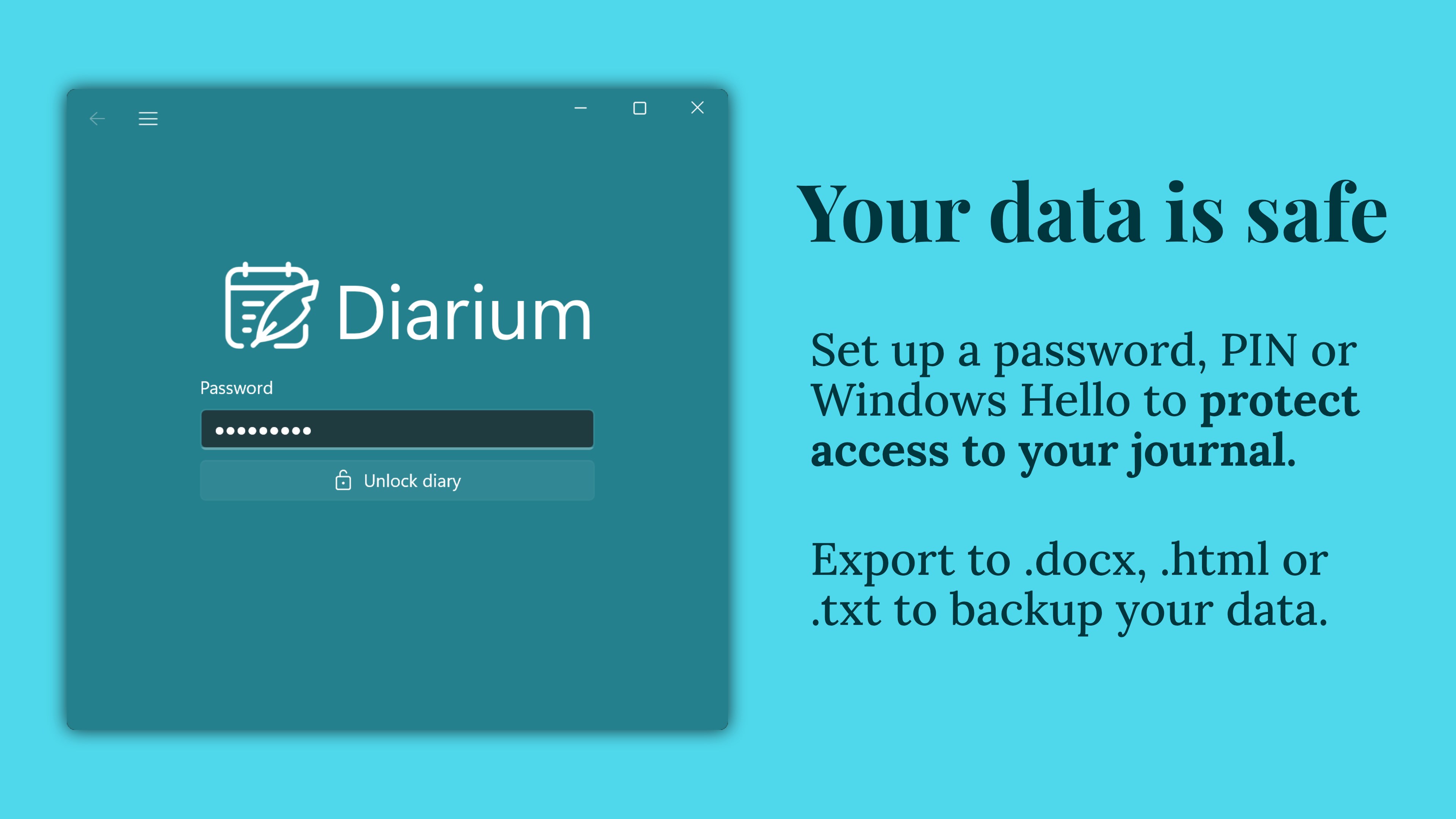
Unlike many lifestyle apps that prioritize sharing or social features, Diarium emphasizes user control over privacy. It supports encryption options for sensitive content and allows extensive customization—from themes to layout—so your journal feels uniquely yours. It strikes a perfect balance between privacy and personalization, making it suitable for users who crave solitude with a touch of aesthetic flexibility.
Diarium's interface feels like a cozy, well-organized notebook—minimalist yet inviting. Navigating through entries and features is intuitive, even for newcomers, thanks to a gentle learning curve. The app runs smoothly on Windows, with responsive controls that make recording thoughts feel almost instinctive, like jotting down notes in an analog journal but with the advantages of digital editing and media support.
Compared to similar lifestyle journaling tools, Diarium maintains a focus on authenticity and user privacy, avoiding extraneous social sharing features that can clutter the experience. Its straightforward approach encourages users to reflect genuinely without distraction or external pressures. The app's emphasis on content integrity and credibility—letting users solely focus on their own stories—sets it apart from trendier but less serious alternatives.
If you're seeking a reliable, privacy-conscious digital journal with multimedia capacity and clear organization, Diarium is highly recommended. It's perfect for users who want a no-nonsense diary that adapts to their needs, without the frills of social media or overly complicated features. For those who treat journaling as a meaningful daily practice, Diarium provides a solid, connected platform that feels like your personal reflection space.
Overall, I'd rate Diarium as a strong choice within the Windows lifestyle app category—especially noteworthy for its focus on content authenticity, ease of use, and privacy. Whether you're a seasoned journal keeper or new to digital diaries, this app warrants a place on your desktop for daily reflection and self-discovery.
Intuitive User Interface
Robust Customization Options
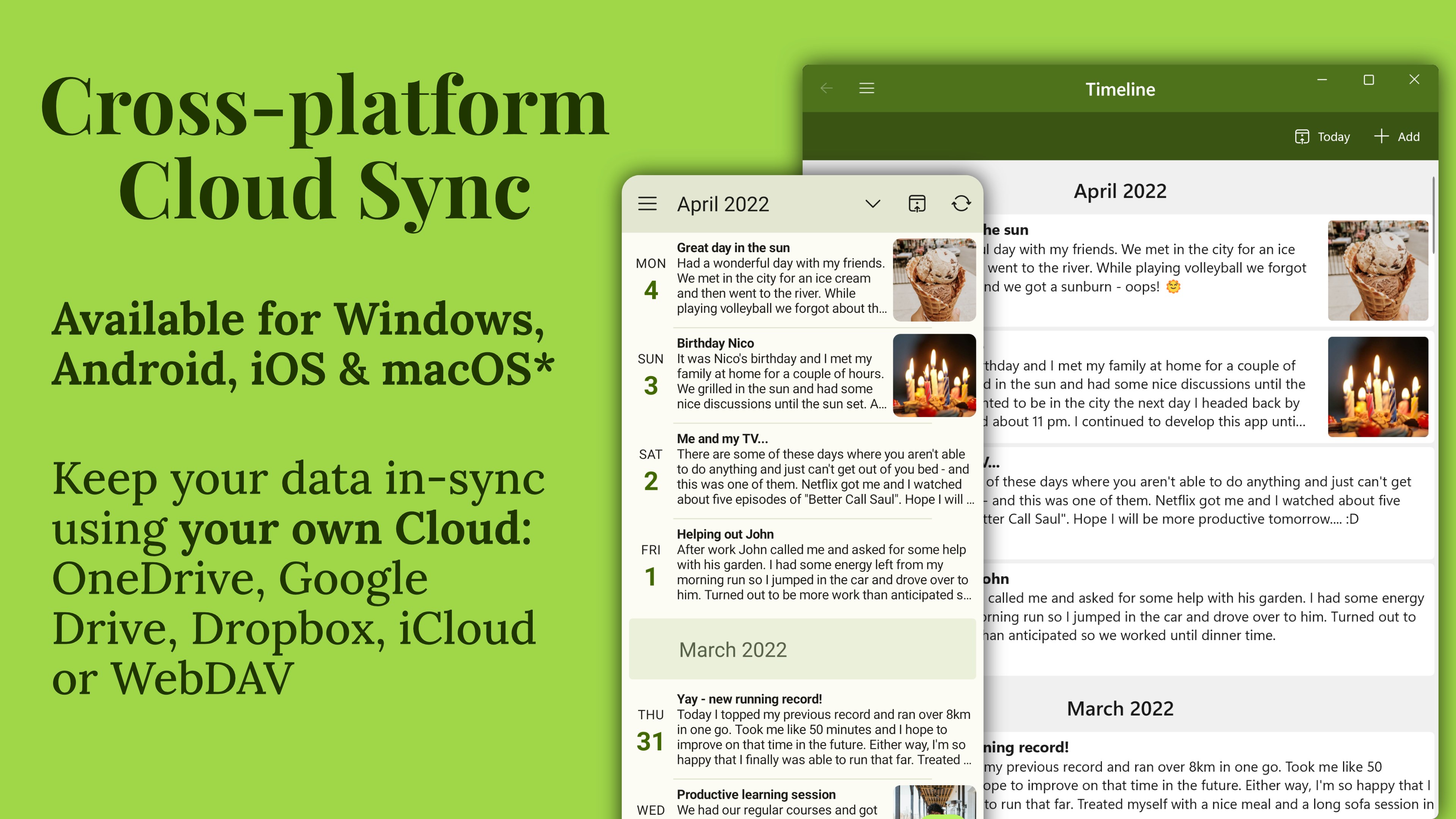
Cross-Platform Synchronization
Powerful Search Functionality
Secure Data Privacy
Limited Export Options
Occasional Sync Delays
Minimal Free Features
Limited Cloud Backup Integration
Basic Text Editing
for Windows
 4.9
4.9

for Windows
4.8

for Windows
4.8
for Windows
4.8

for Windows
4.7

for Windows
4.2

for Windows
4.2

for Windows
4

for Windows
3

for Windows
3

for Windows
2.4

for Windows
2.3

for Windows
5

for Windows
5

for Windows
5

for Windows
5

for Windows
5

for Windows
5

for Windows
5

for Windows
5

for Windows
5

for Windows
5