Utilities & tools
PC
Windows 10 version 18987.0 or higher
Integrated Keyboard
1 GB
Not specified
Arabic, Bulgarian, Chinese (Simplified), Chinese (Traditional), Croatian, Czech, Danish, Dutch, English (United Kingdom), English (United States), Estonian, Finnish, French, French (Canada), German, Greek, Hebrew, Hungarian, Italian, Japanese, Korean , Latvian, Lithuanian, Norwegian (Bokmål), Polish , Portuguese (Brazil), Portuguese (Portugal), Romanian, Russian, Serbian (Latin, Serbia), Slovak, Slovenian (Slovenia), Spanish (Mexico), Spanish (Spain), Swedish, Thai, Turkish, Ukrainian
Every tech enthusiast knows that sometimes, the devil is in the details — especially when it comes to understanding what your Windows system is doing behind the scenes. Diagnostic Data Viewer for Windows offers a window into this unseen world, providing transparency and control over the diagnostic data collected by your device. Whether you're a system administrator, a power user, or just someone curious about your machine's inner workings, this app promises to be a useful companion — a digital magnifying glass into the complex world of Windows diagnostics.
Developed by Microsoft Corporation, Diagnostic Data Viewer is a Windows-native application available through the Microsoft Store (https://apps.microsoft.com/detail/9n8wtrrsq8f7?hl=en-US&gl=US). Its primary role is to let users explore, review, and manage the diagnostic data that Microsoft collects to improve Windows and its services.
The app targets Windows users who value privacy, system administrators managing enterprise environments, and technical aficionados aiming to demystify Microsoft's diagnostic processes.
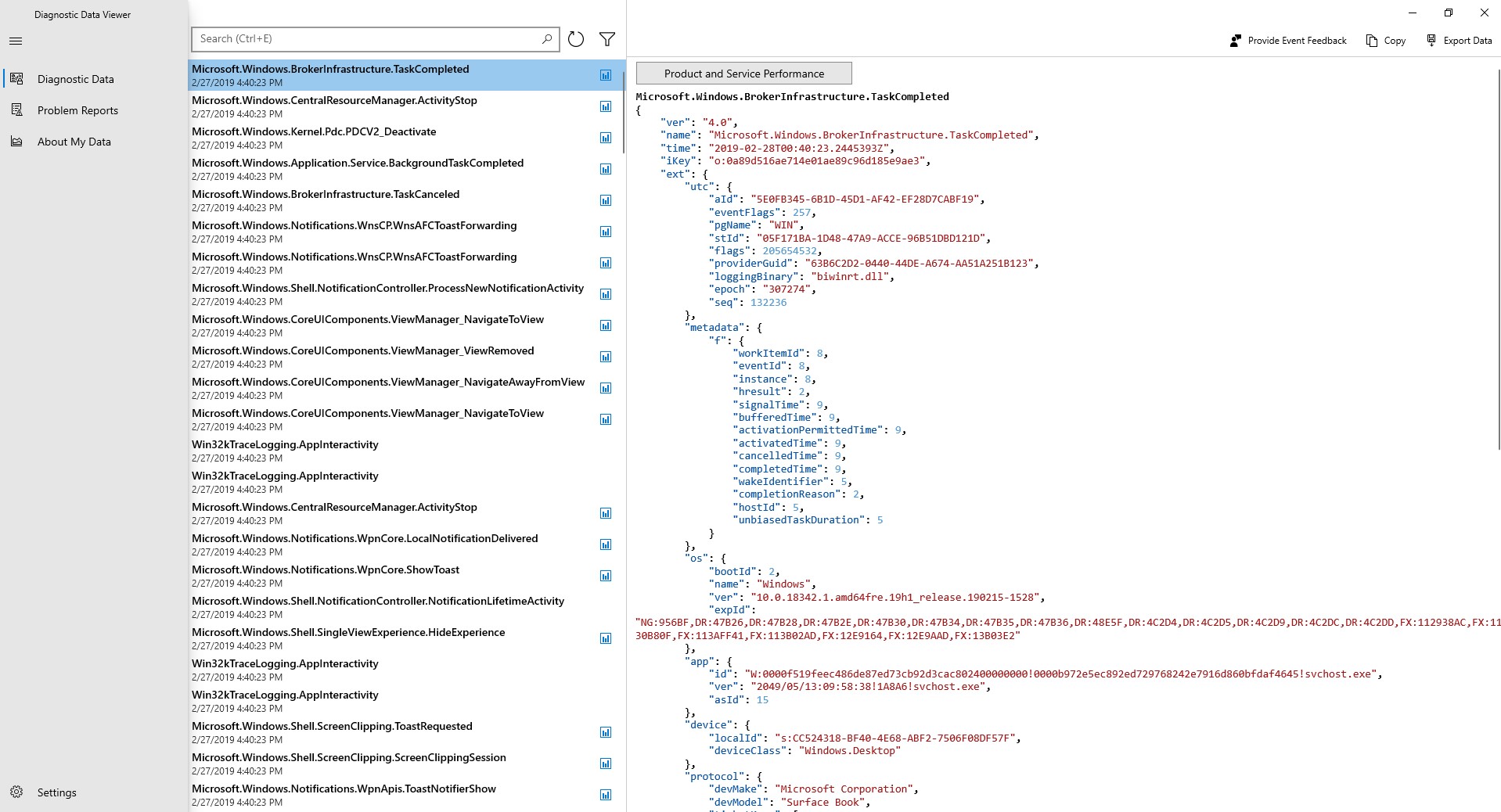
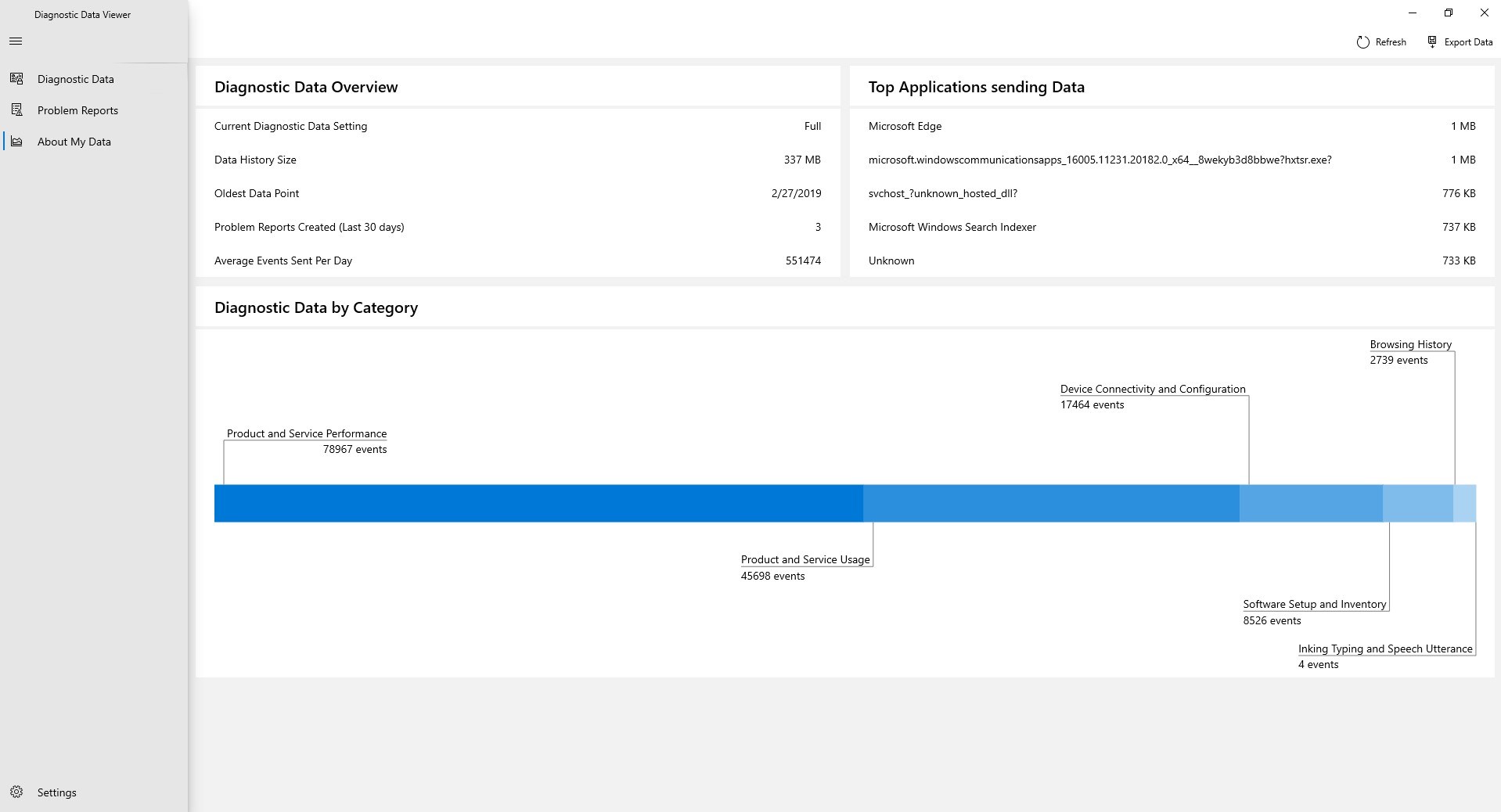
Launching Diagnostic Data Viewer feels like opening a well-organized control room, each section representing a different facet of diagnostic data: basic device info, app diagnostics, error reports, and more. Navigating through these categories feels intuitive, akin to flipping through chapters of a detailed manual. The interface is clean, streamlined, with default filtering that prevents the user from being overwhelmed by raw, technical data. It's like turning on a light in a dark room — suddenly, you see everything clearly.
The interface is designed with simplicity in mind, balancing information richness with ease of use. The app runs smoothly, with responsive clicking and minimal loading times. The learning curve is gentle; even users new to system diagnostics can explore the data with confidence. Think of it as a friendly guide holding your hand, patiently showing you the ins and outs without a steep climb.
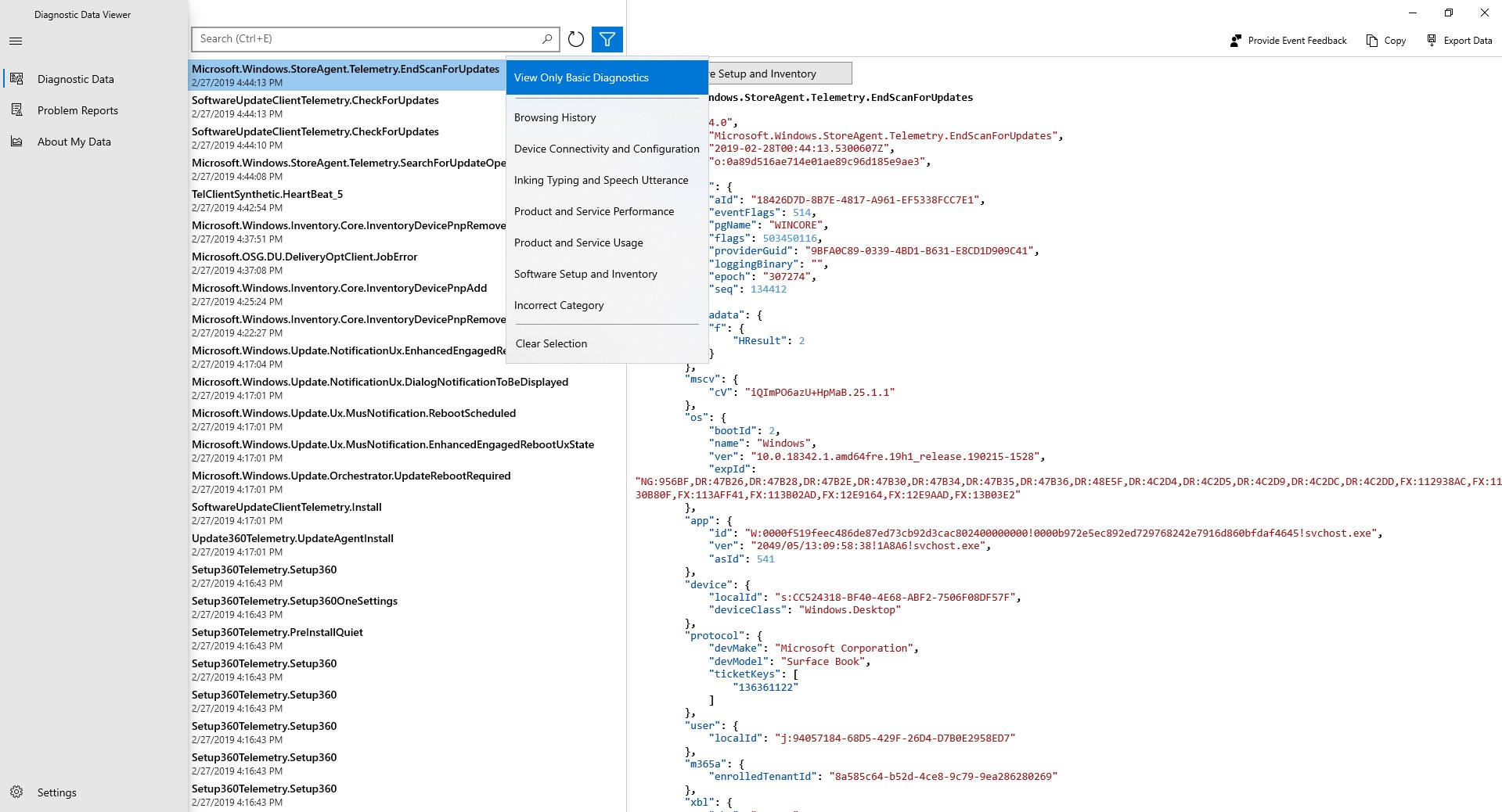
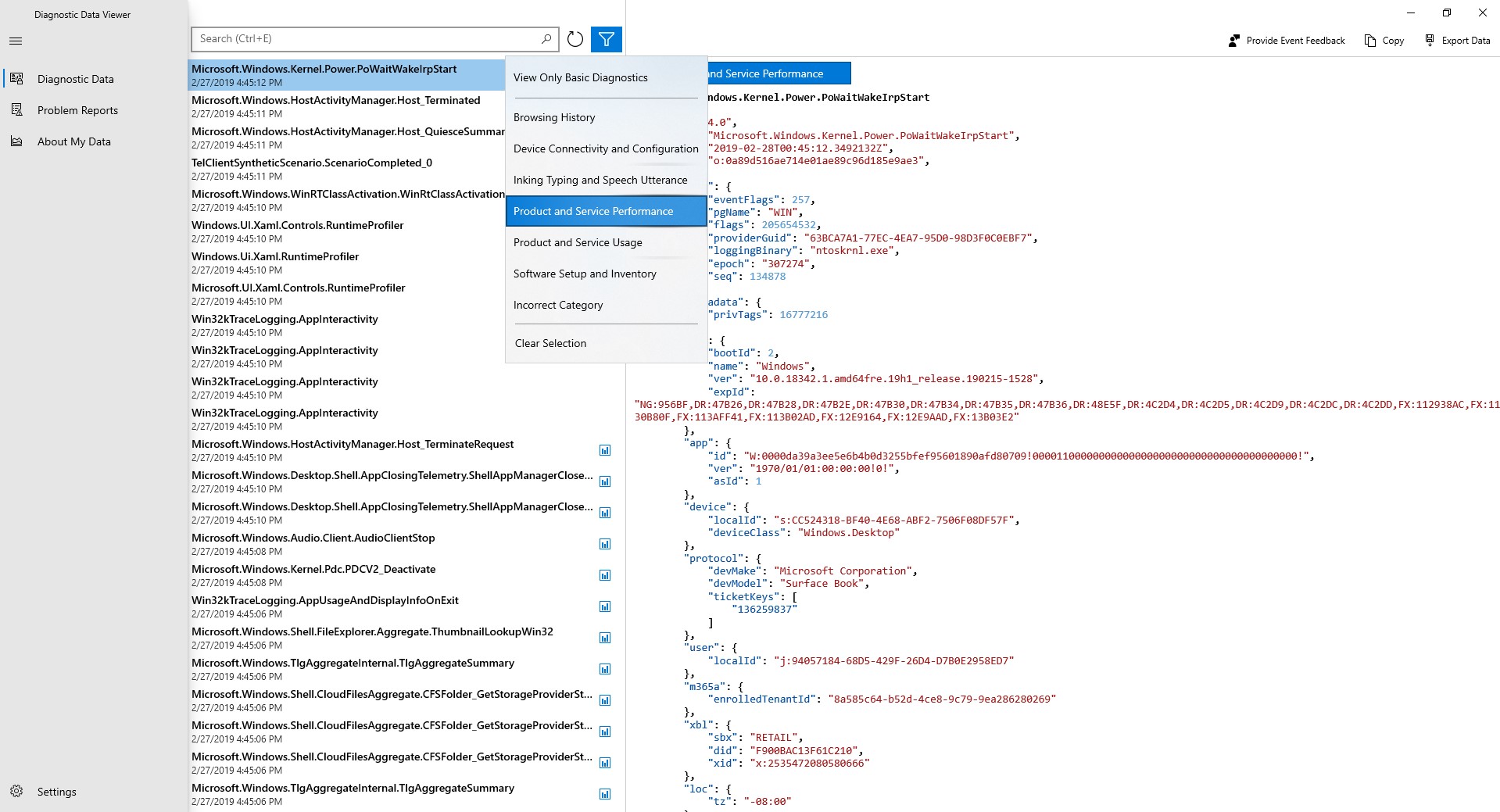
What truly sets Diagnostic Data Viewer apart from other utility tools is its focus on transparency. Unlike many diagnostics tools that merely report data or require complex configurations, this app actively empowers users to see exactly what information is being collected — no hidden bytes. Its clear, categorized layout coupled with the ability to search and filter makes inspection straightforward.
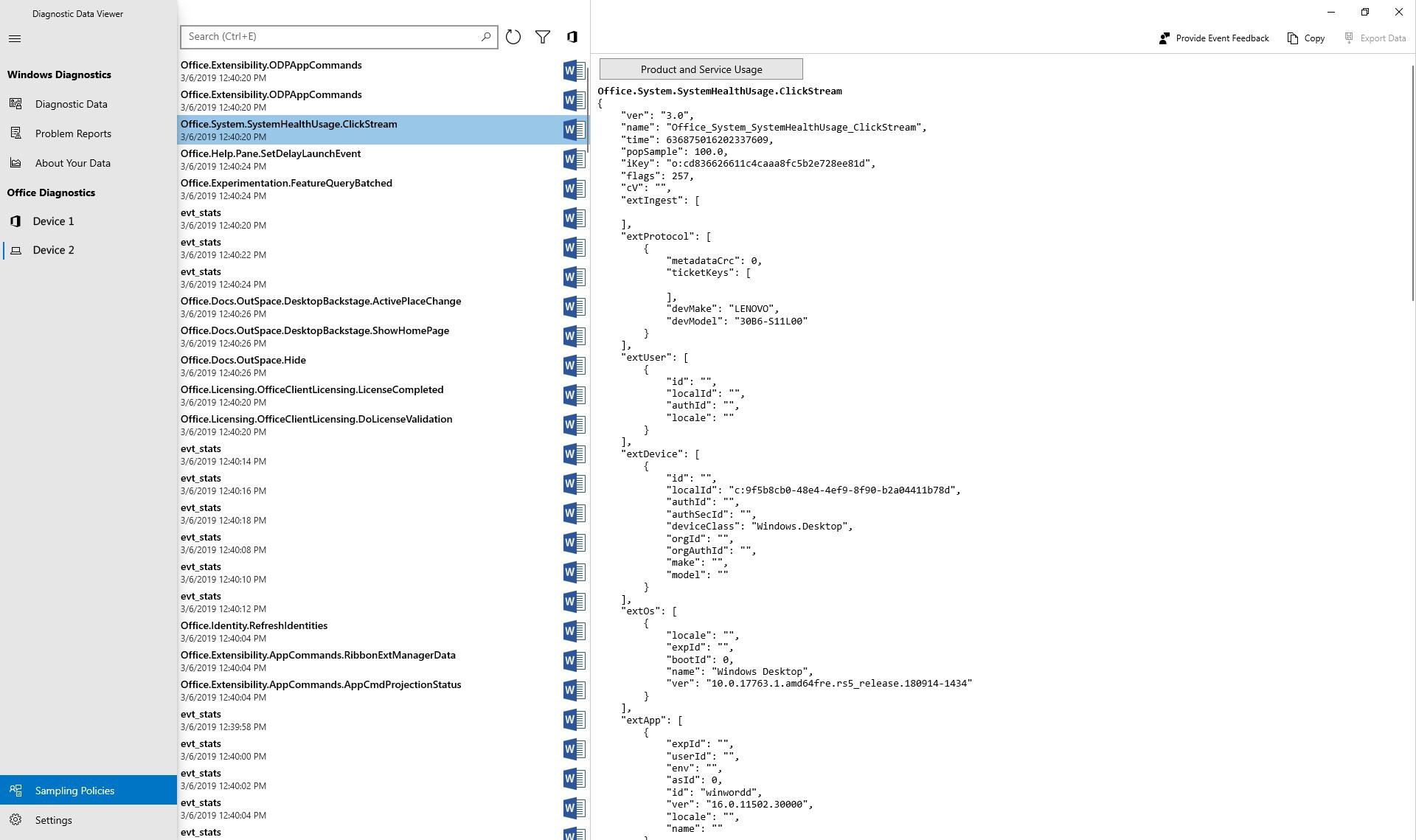
Furthermore, the app's ability to present data in a human-readable format is a significant advantage, especially compared to more technical, raw-dump style diagnostics. It bridges the gap between technical detail and user comprehension, making it ideal for both casual users and more experienced professionals seeking clarity.
Absolutely. For those who have wondered about the mysterious diagnostic data collected by Windows, this app offers a straightforward, trustworthy way to peek behind the curtain. It's perfect for users who care about privacy and transparency and need a tool that's easy to understand yet sufficiently detailed. As a professional reviewer, I'd say this is a useful utility that complements Windows' built-in tools — especially because of its focus on accessible data presentation.
Use it as a learning tool, a privacy check, or a troubleshooting aid. I'd recommend it to tech-savvy users, system administrators, or anyone curious about their Windows environment's inner telemetry. It's not a replacement for comprehensive diagnostics but a friendly, focused introduction to Windows' diagnostic data world.
Easy access to diagnostic data
Enhanced transparency
Facilitates troubleshooting
Supports user privacy management
Automatic updates ensure current data viewing
Limited data filtering options
Basic UI might be confusing for some users
Potential performance impact during data refresh
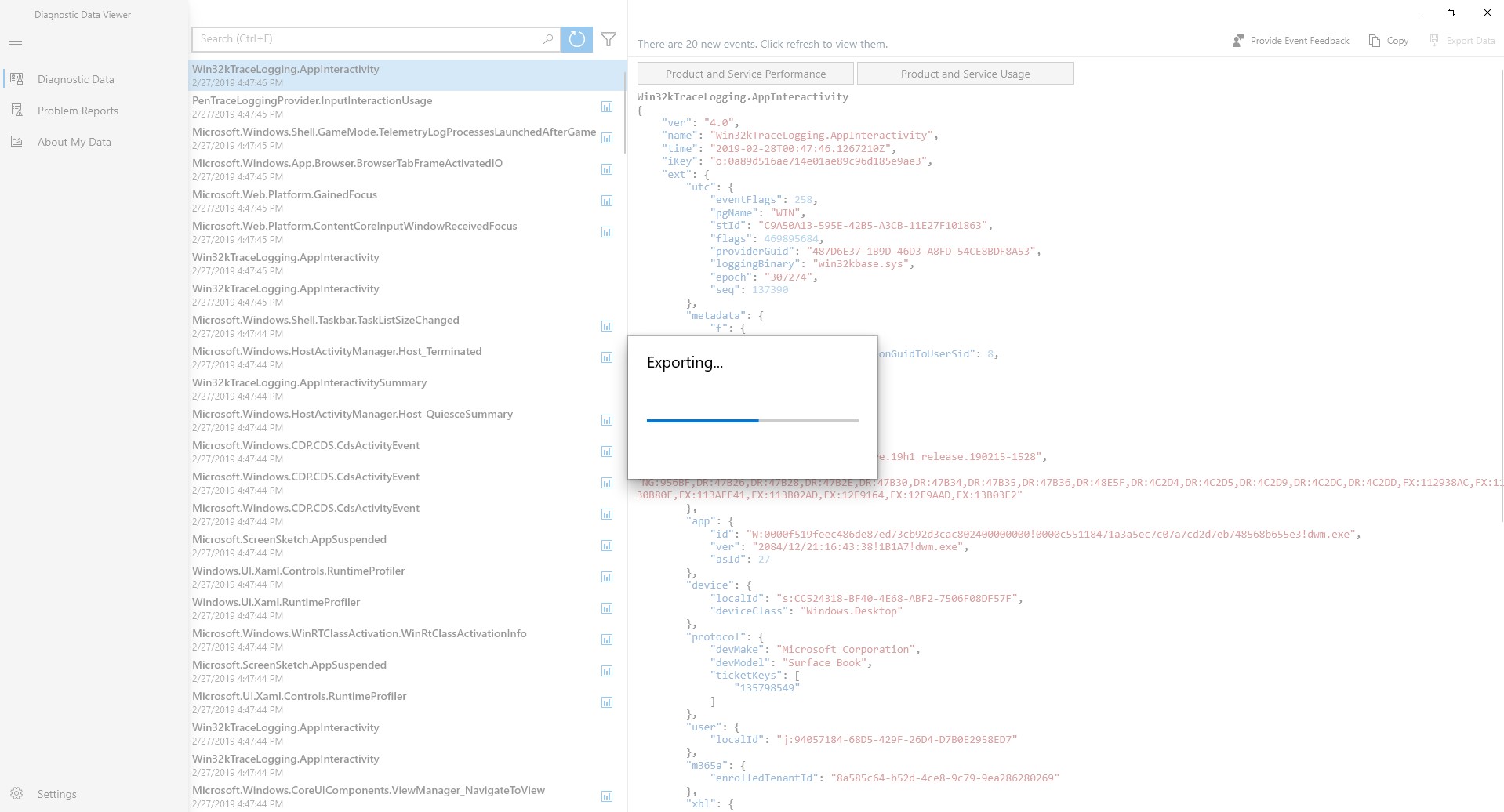
Limited export options
Data granularity might be overwhelming

for Windows
 5
5

for Windows
5

for Windows
5

for Windows
5

for Windows
5

for Windows
4.9

for Windows
4.9

for Windows
4.9

for Windows
4.9

for Windows
4.9

for Windows
4.9

for Windows
4.9

for Windows
5

for Windows
5

for Windows
5
for Windows
5

for Windows
5

for Windows
5

for Windows
5

for Windows
5

for Windows
5

for Windows
5