Action & adventure
TAPCLAP
PC, Mobile, Surface Hub, HoloLens
Windows 10 version 17763.0 or higher
Integrated Mouse
Chinese (Simplified), Chinese (Traditional Chinese), English, English (United States), French, German, Greek, Italian, Japanese, Korean, Portuguese (Brazil), Russian, Spanish, Turkish
Imagine a vibrant digital studio where your interior design ideas come to life — that's what DesignVille delivers. This intuitive application invites users to craft, customize, and visualize their dream living spaces with ease and fun. Whether you're a casual home decorator or an aspiring designer, DesignVille offers an engaging platform to explore your creativity without the mess of real-world materials.
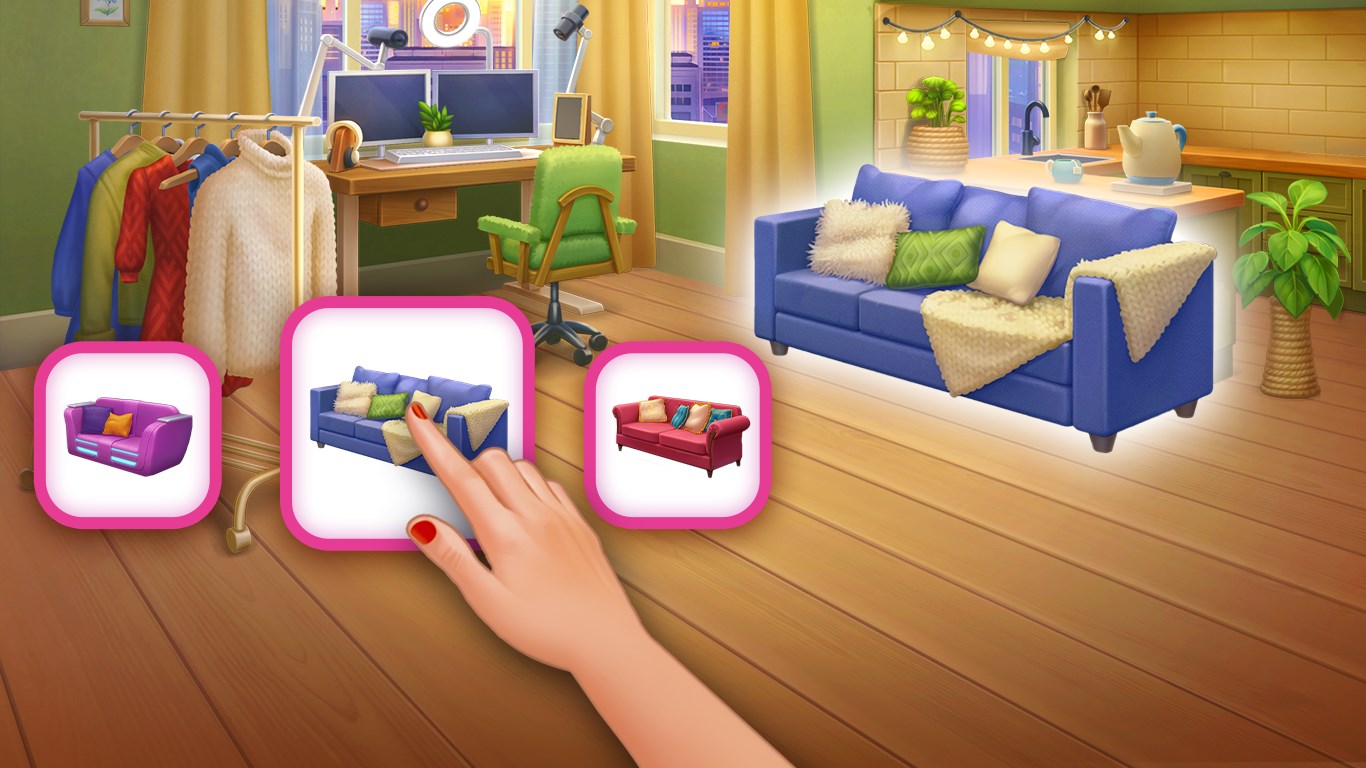
The standout feature of DesignVille is its "Merge & Design" functionality. Users can effortlessly combine different furniture styles, color schemes, and layout options—think of it as a digital sandbox where you can drag, drop, and merge elements to compose your ideal scene. This fluid merging process is smooth and responsive, allowing for rapid experimentation without losing momentum. It's akin to playing with a real interior decor set, only now, everything is virtual and endlessly adjustable.
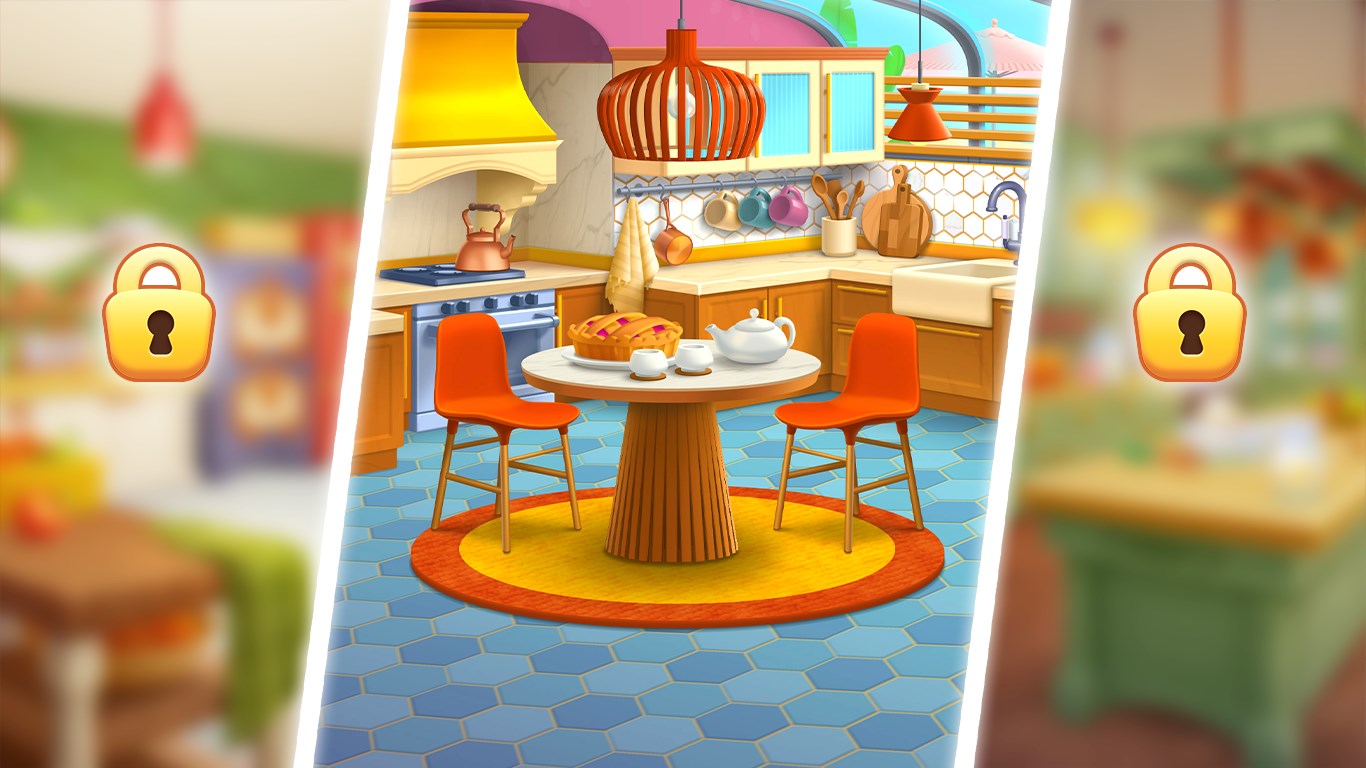
DesignVille boasts an extensive library of furniture, decor items, and textures, giving users a broad palette to craft personalized interiors. The app leverages advanced rendering technology to produce realistic visuals, lighting, and shadows, making your designs not just conceptual but almost tangible. It's like stepping into a 3D model of your future living room, visualized in vibrant detail, helping you make confident design decisions before any real-world implementation.
The app features a clean, modern interface that simplifies navigation, even for beginners. Its layout resembles a well-organized workshop, where tools and options are logically grouped and easily accessible. The learning curve is gentle; new users can quickly grasp basic functions, yet there's enough depth to keep experienced designers engaged. The smooth interaction flow feels akin to flipping through a beautifully illustrated design magazine—seamless, inspiring, and motivating to explore further.
Compared to other interior design apps or general action and adventure titles that incorporate design elements, DesignVille distinguishes itself with its dedicated focus on merging and customization. Unlike apps that merely offer static templates or limited modification, this application emphasizes enabling users to blend various styles and layouts freely, fostering a highly personalized design journey. Its real-time rendering and extensive library are key advantages, making the design process both immersive and practical.
DesignVille offers a balanced mix of user-friendly tools and creative freedom, making it appealing to both novices and more experienced users. Its standout "Merge & Design" feature is particularly innovative, transforming the way users approach interior visualization. The app runs smoothly on Windows devices, with swift responsiveness that keeps you engaged without frustrating lags. While it may have a slight learning curve for absolute beginners, its intuitive interface and helpful tutorials ease this transition.
I recommend DesignVille for anyone interested in interior design, home decoration, or simply exploring new creative pursuits. Whether for fun, planning a renovation, or practicing design skills, this app provides an accessible yet versatile platform. Overall, it's a commendable tool well-suited for users looking to experiment and dream big in a virtual space.
Engaging merge and design gameplay
Wide variety of design options
User-friendly interface
Regular updates with new content
Free to download with optional in-app purchases
Limited level complexity
Performance issues on older devices
In-app purchase pressure
Limited social sharing features
Design assets sometimes feel repetitive

for Windows
 5
5

for Windows
4.9

for Windows
4.8

for Windows
4.8

for Windows
4.8

for Windows
4.8

for Windows
4.8

for Windows
4.8

for Windows
4.8

for Windows
4.8
for Windows
4.8

for Windows
4.8

for Windows
5

for Windows
5

for Windows
5

for Windows
5

for Windows
5

for Windows
5

for Windows
5
for Windows
5

for Windows
5

for Windows
5