Lifestyle
rpsapps@2025
PC, Surface Hub
Windows 10 version 14393.0 or higher
English (United States)
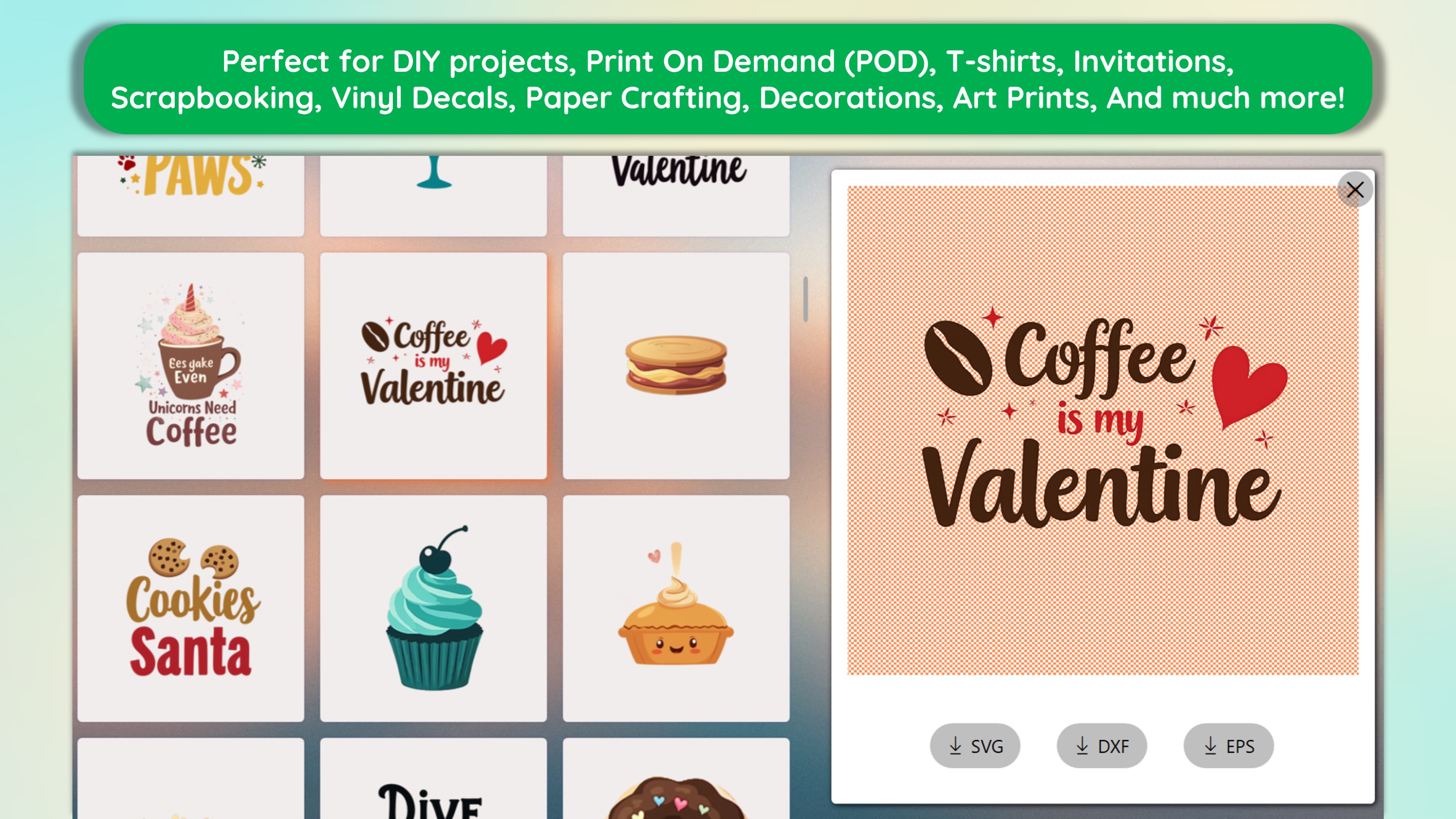
Designs Space PRO is a versatile illustration app tailored for Windows users who aspire to turn their ideas into visual masterpieces effortlessly. With an intuitive interface and a rich toolkit, it aims to empower both amateurs and professionals in their creative pursuits.
Developed by RPSApps, a team dedicated to delivering user-centric creative tools, Designs Space PRO stands out with its thoughtful design and comprehensive functionalities. Its primary features include:
Designed to be accessible yet powerful, it's suitable for hobbyists, educators, and design professionals seeking a reliable illustration tool within the Windows environment.
From the moment you launch Designs Space PRO, the interface greets you with a clean, well-organized workspace reminiscent of a well-stocked art studio—ready for your creative touch. Navigating through its features feels like flipping through the pages of an inspiring sketchbook; the tools are logically grouped, and controls are smooth and responsive. Beginners will appreciate the gentle learning curve, with helpful hints guiding new users through the various functionalities, while seasoned illustrators will find the extensive customization options satisfying their detailed needs.
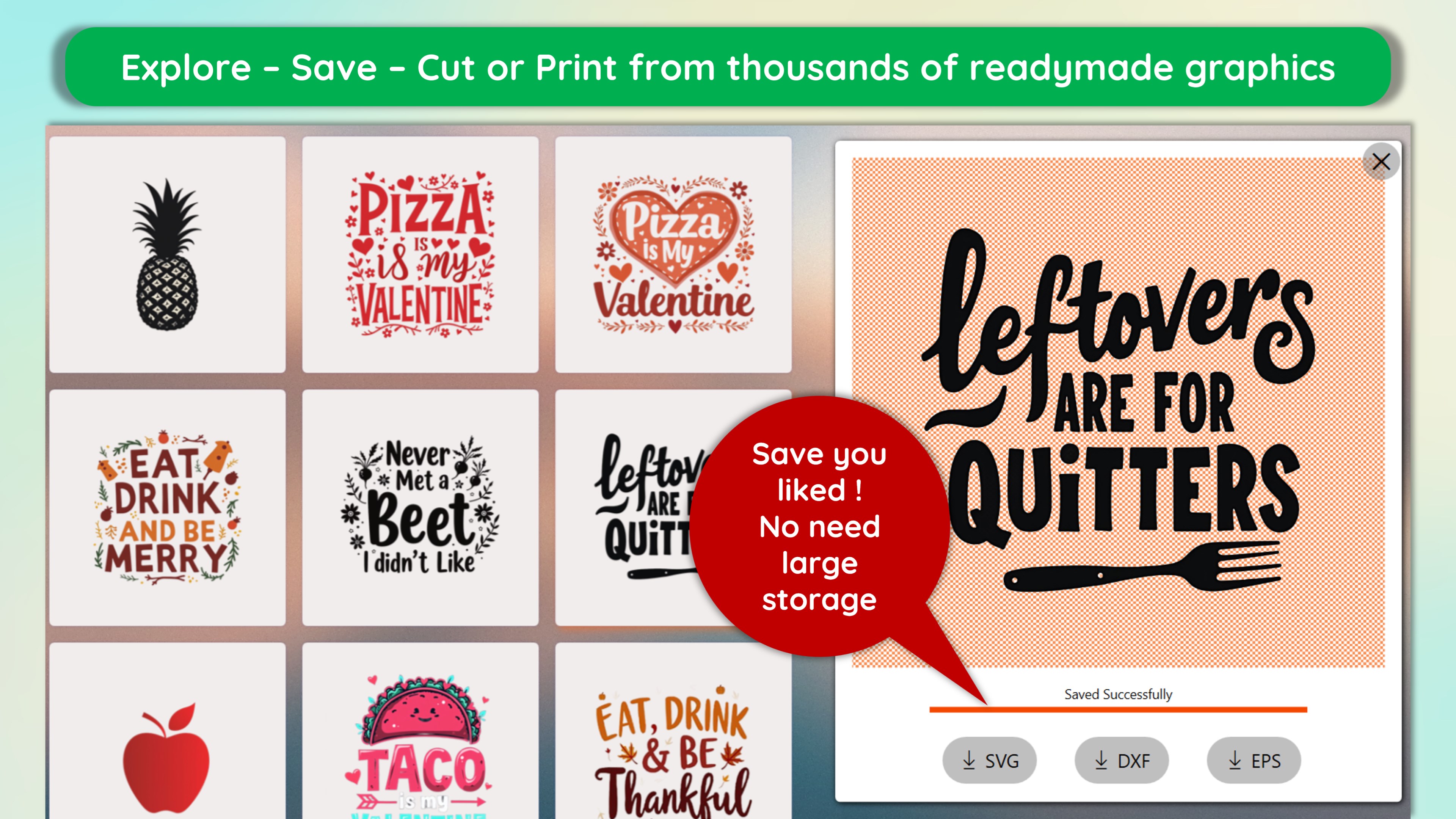
The standout feature of Designs Space PRO is its rich illustration toolkit, combined with a vast repository of templates tailored to a variety of themes—from whimsical characters to sleek technical diagrams. These templates act as inspirational jumping-off points, allowing users to modify or build upon them, saving valuable time. The drawing tools are responsive and mimic traditional media beautifully—think of a digital canvas that reacts just like paper but with endless undo options and color choices. The layer system adds a professional touch, enabling complex compositions without losing control of individual elements.
The application's workflow is designed to be intuitive. Drag, drop, resize—creating complex illustrations feels almost like playing with building blocks. The layer management system is robust yet straightforward, ensuring that your creative process remains smooth. Exports are flexible, supporting common formats like PNG, JPEG, and SVG, making it easy to use your artwork across different platforms or integrate into larger projects. This flexibility makes Designs Space PRO not just a drawing app, but an integral part of your creative toolkit.
Compared to other lifestyle or illustration apps, Designs Space PRO's claim to fame is its blend of intuitive design with professional-grade features—delivering authentic content creation backed by a credible and straightforward interface. Unlike more cluttered or overly simplified apps, it strikes a balance that appeals to users seeking quality without complexity. Its focus on Windows users ensures optimized performance, and its extensive template collection provides real-world relevance—whether for personal projects, teaching aids, or professional concepts. This content authenticity and ease of use make it an attractive choice for those who value credibility and practical utility in their creative software.
I'd confidently recommend Designs Space PRO to anyone interested in digital illustration—whether you're just starting out or already at an advanced level. Its unique combination of user-friendly design and powerful tools makes it suitable for a wide range of creative tasks. For best results, I suggest exploring the pre-made templates to spark ideas and reduce setup time—perfect for quick projects or brainstorming sessions. Regularly experimenting with the diverse brushes and layer features will help you unlock the app's full potential. Overall, it's a capable, reliable partner for your Windows-based artistic journey.
Intuitive interface with user-friendly navigation
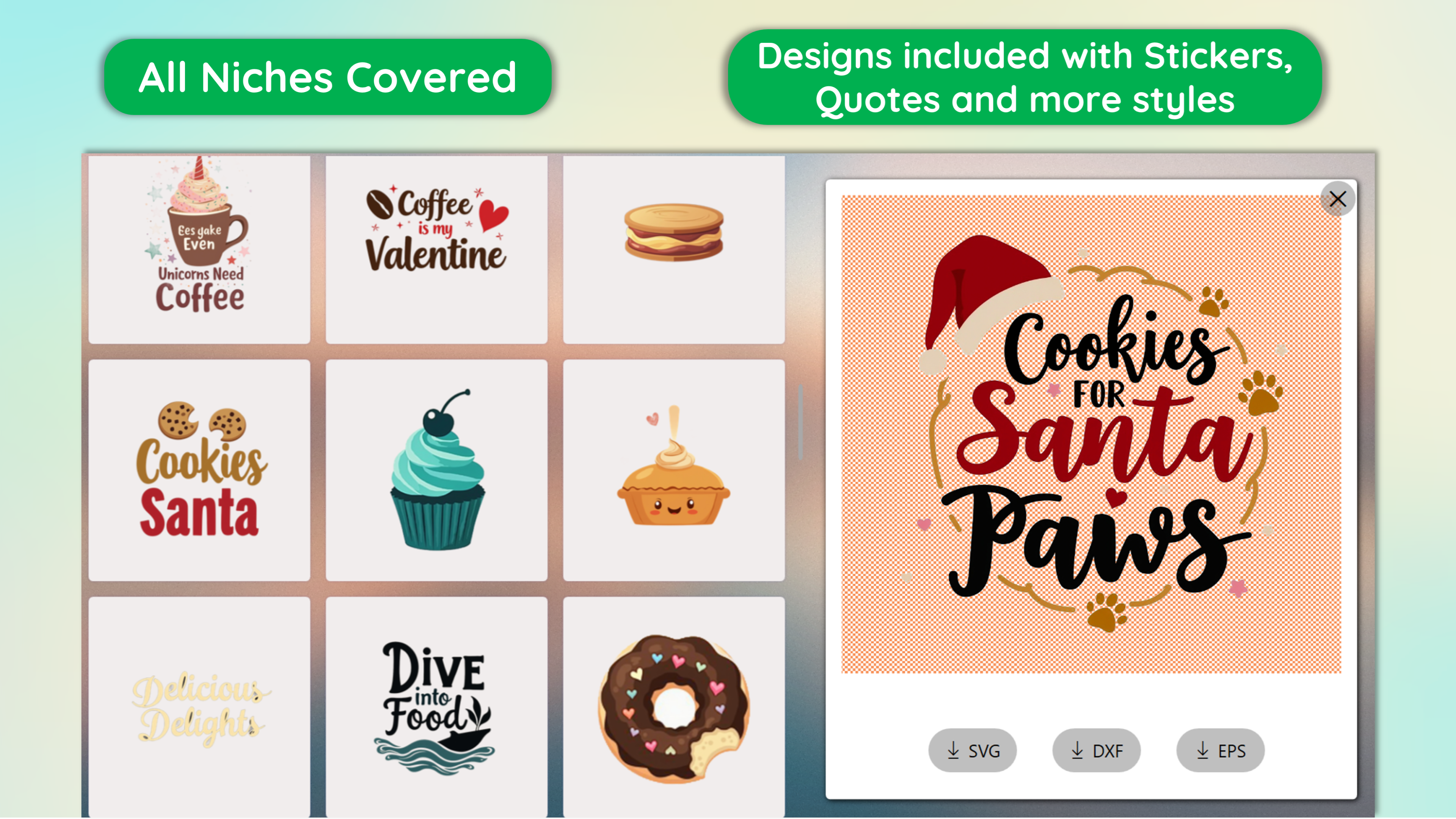
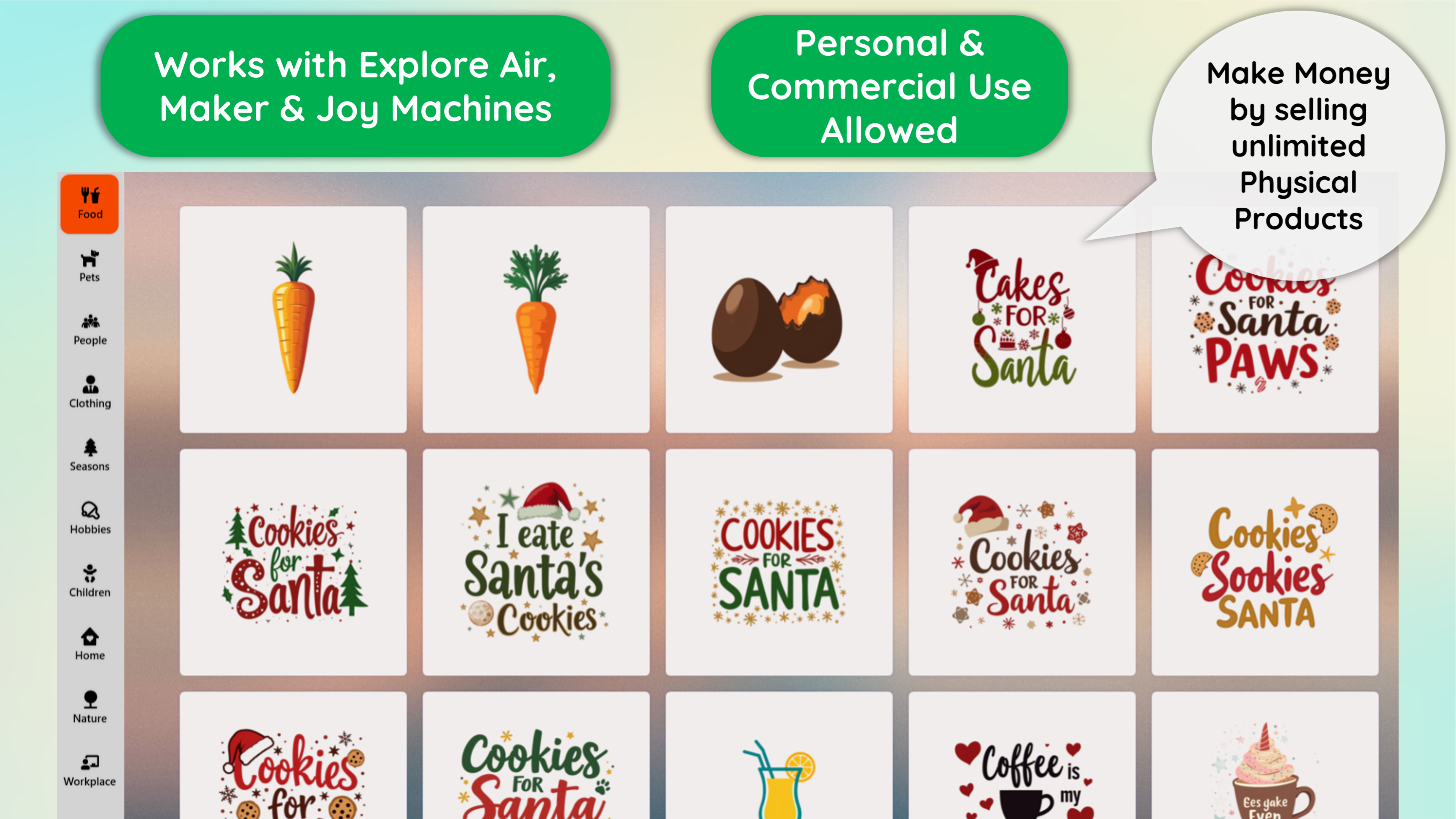
Wide variety of illustration templates and design elements
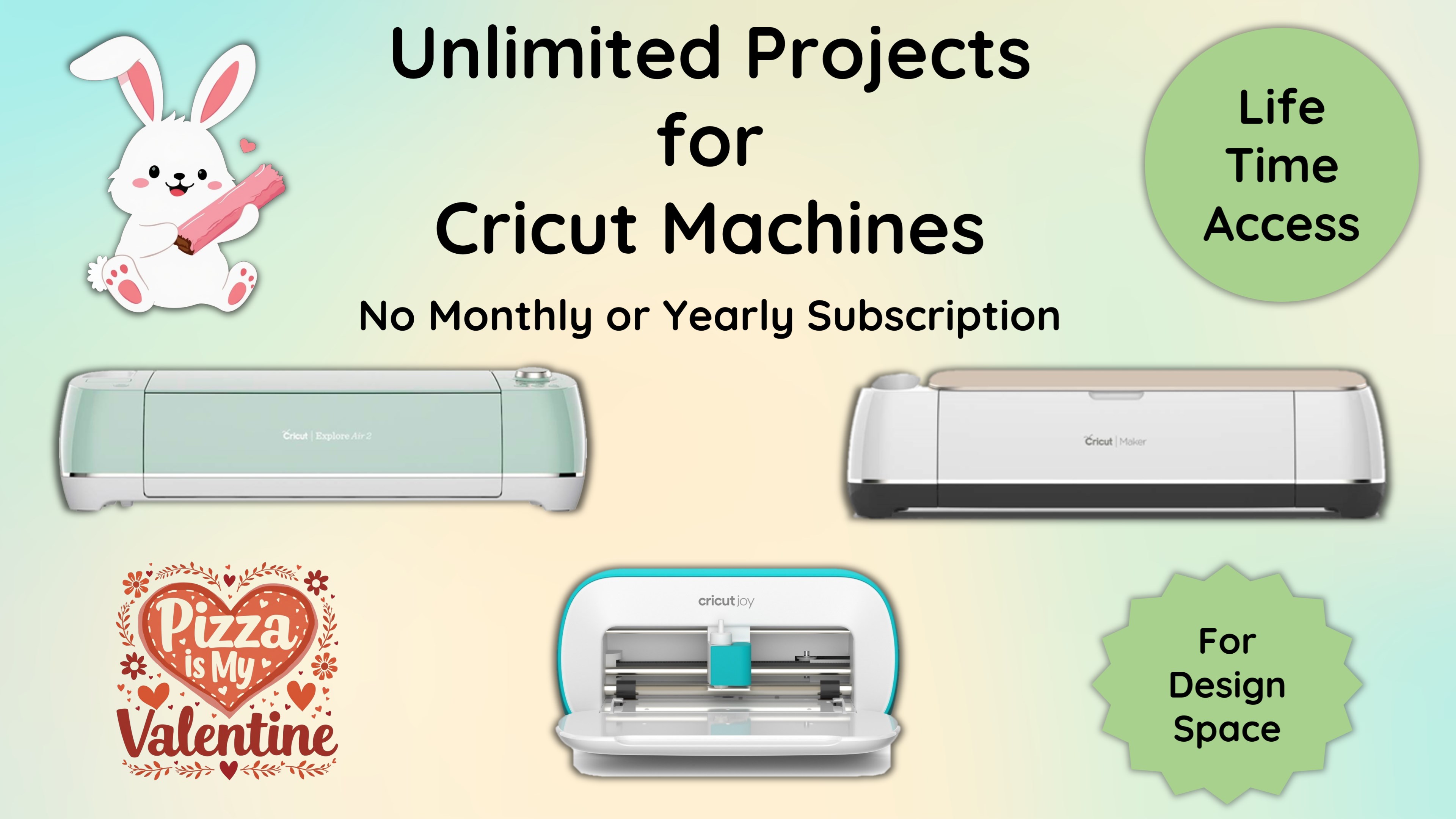
Supports Maker and Explore modes for diverse creative purposes
High-quality graphics and smooth rendering performance
Regular updates with new features and assets announced on the official store
Limited advanced editing tools compared to professional software
Occasional app crashes during large file exports
Basic tutorial resources are somewhat sparse
Certain assets are locked behind a subscription or in-app purchase
Performance may decline on lower-end devices with limited RAM

for Windows
 4.9
4.9

for Windows
4.8

for Windows
4.8

for Windows
4.8

for Windows
4.7

for Windows
4.2
for Windows
4.2

for Windows
4

for Windows
3

for Windows
3
for Windows
2.4

for Windows
2.3

for Windows
5

for Windows
5

for Windows
5

for Windows
5

for Windows
5

for Windows
5

for Windows
5

for Windows
5

for Windows
5

for Windows
5