Lifestyle
rpsapps
PC, Surface Hub
Windows 10 version 14393.0 or higher
English (United States)
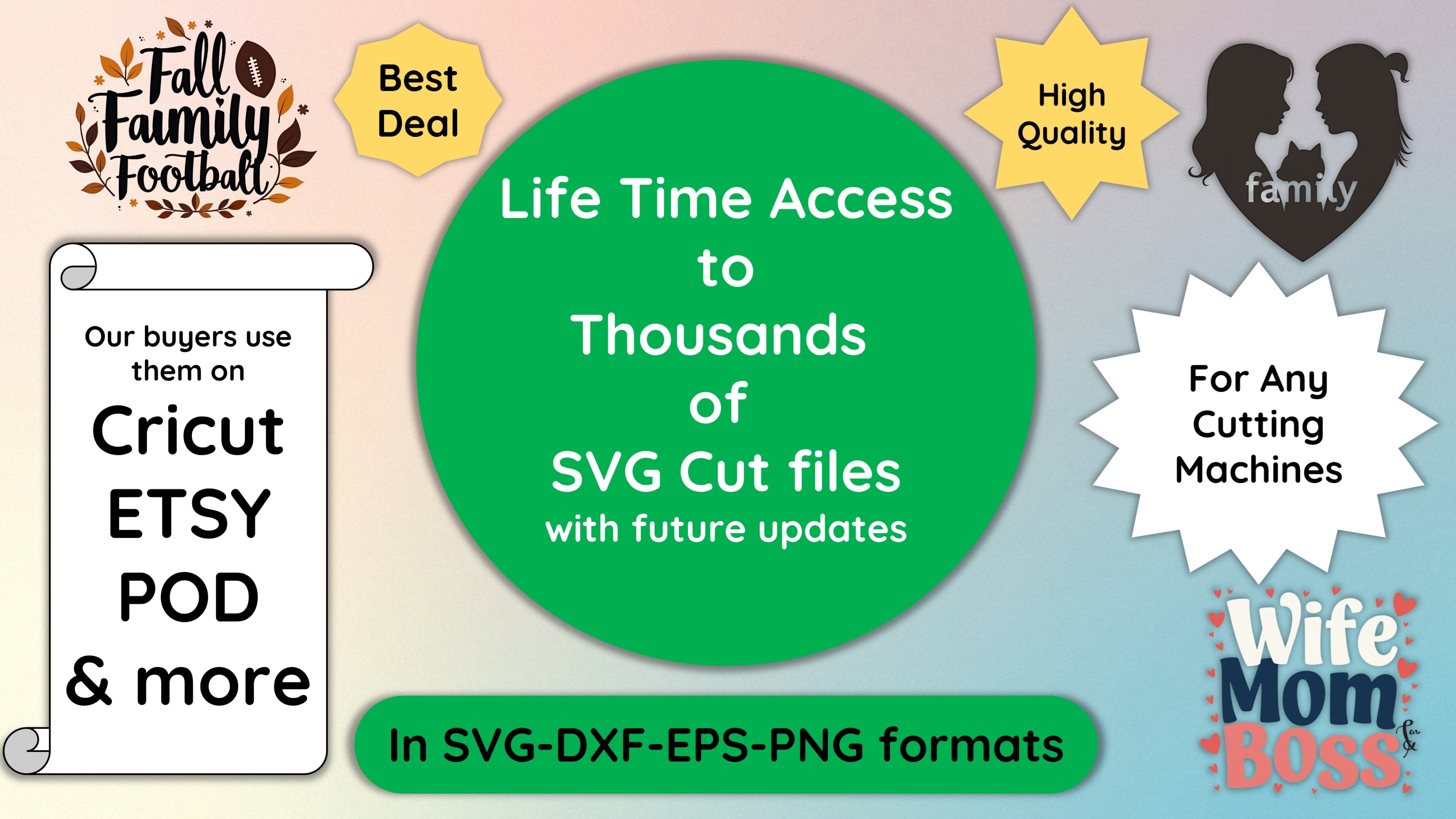
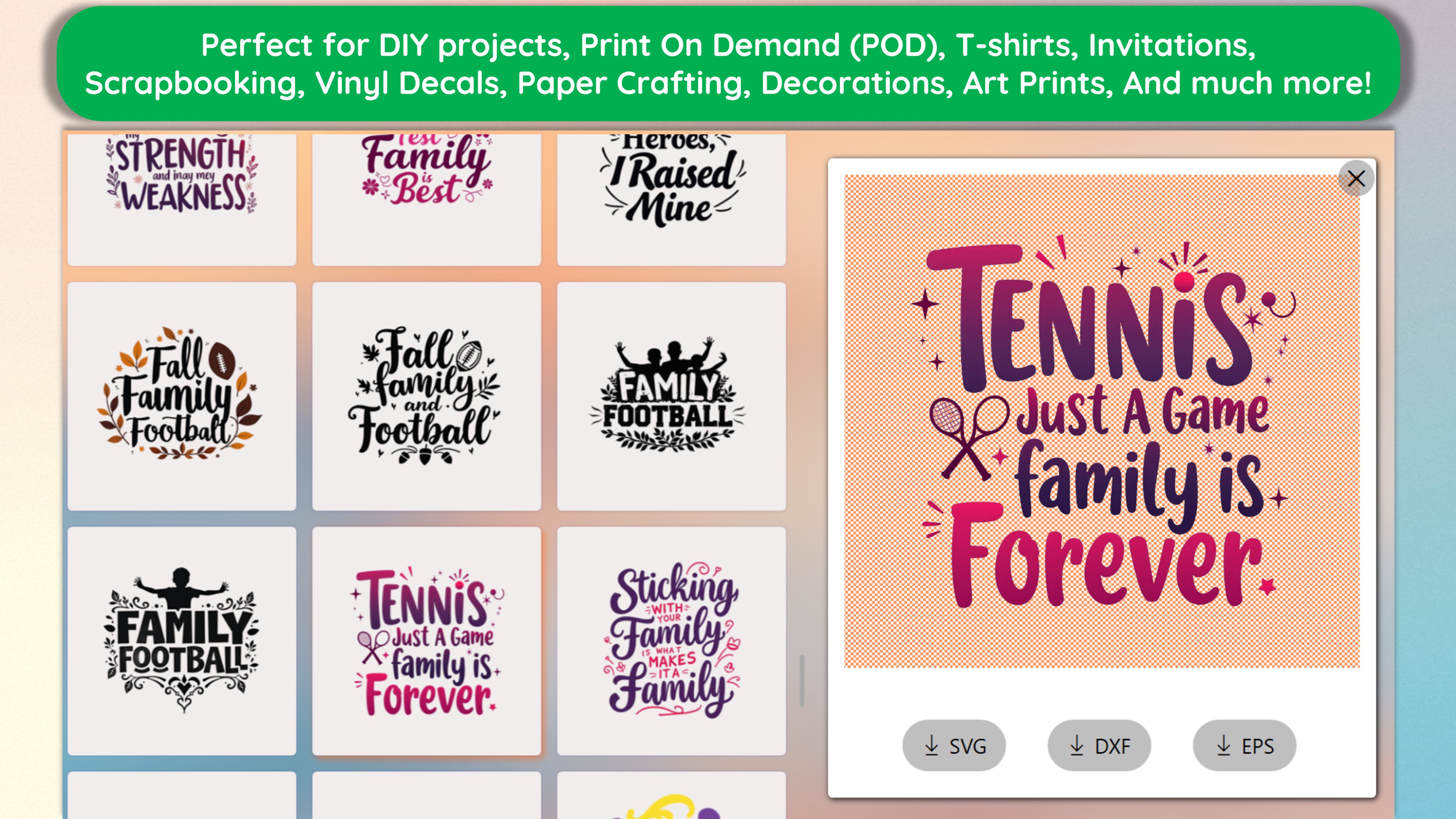
Design SVG Space Projects is a specialized application tailored for crafting enthusiasts, offering a seamless way to design, print, and cut SVG files for various maker projects. Whether you're into home decor, custom gadgets, or educational models, this app simplifies complex design workflows into an intuitive experience.
The app is developed by rpsapps, a team known for creating user-centric utilities that streamline creative processes. Its main features include an extensive collection of ready-to-use SVG templates, an integrated design editor that emphasizes ease of use, and robust compatibility with multiple cutting machines. Additionally, it supports both basic and advanced editing modes, making it adaptable for beginners and seasoned makers alike.
This application is ideal for hobbyists, educators, small businesses, and makers who are passionate about DIY projects, home decorations, or custom gifts. It appeals especially to those seeking an all-in-one platform to design, preview, and produce SVG projects without needing multiple specialized tools.
Imagine turning your home into a bustling workshop, where every cut and print feels like a personal craft adventure. With Design SVG Space Projects, transforming ideas into physical art has never been easier—or more fun. This app invites you into a world where designs come to life with a few clicks, whether you're making intricate paper crafts or custom accessories. It's like having a mini manufacturing facility right inside your computer—a tool that makes digital craft dreams reality, one vector at a time.
The user interface exudes clarity and simplicity, much like a well-organized artist's studio. The clean layout, with logically arranged tools and preview windows, ensures that even newcomers find their way around without frustration. Operations such as importing SVG files, editing nodes, or adjusting cut lines feel responsive and smooth, akin to gliding your hand across a well-lubricated workspace. Learning curve-wise, the app offers a gentle ramp-up; newcomers can achieve impressive results quickly, while experts can dive into more detailed customization with confidence.
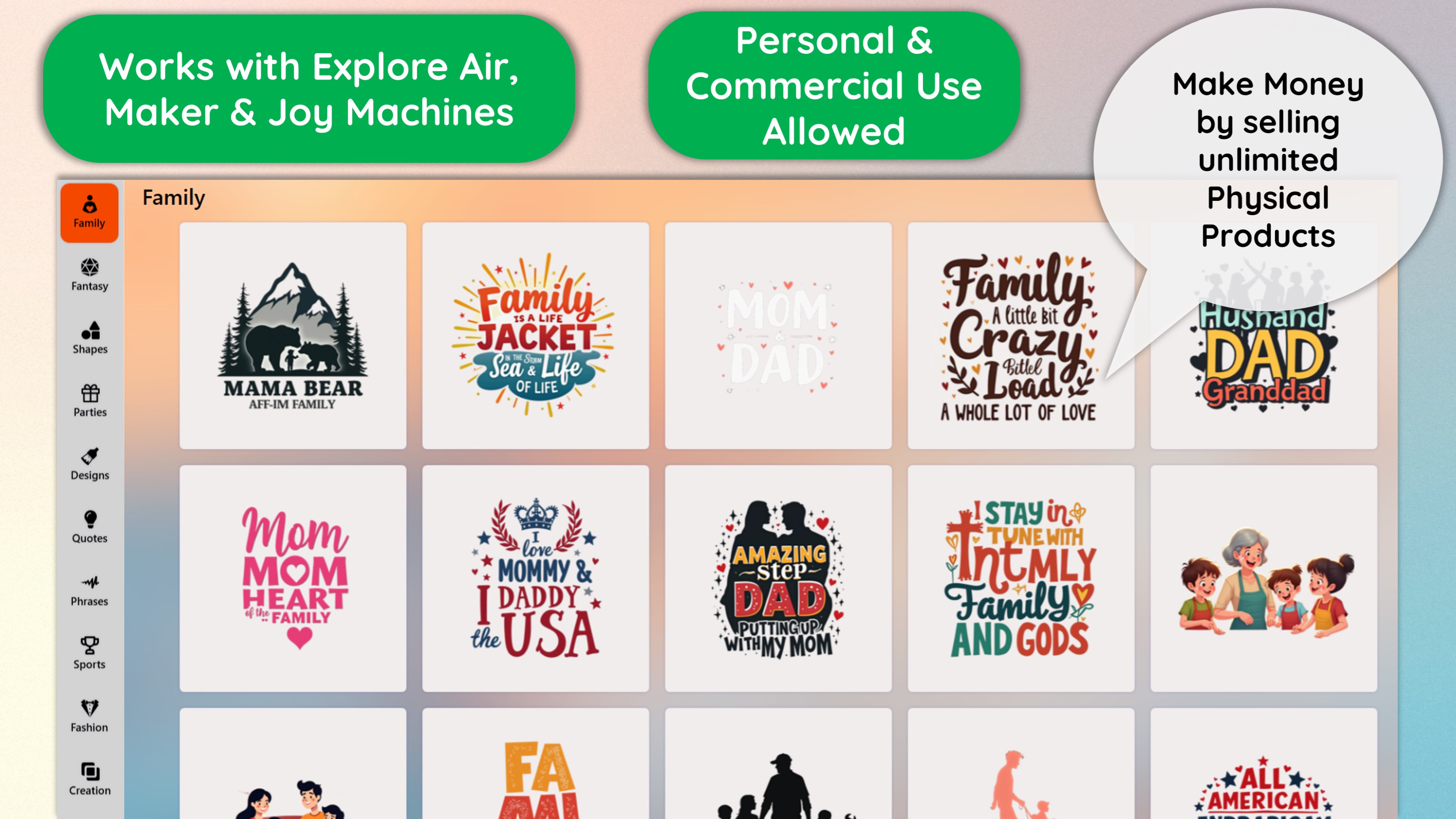
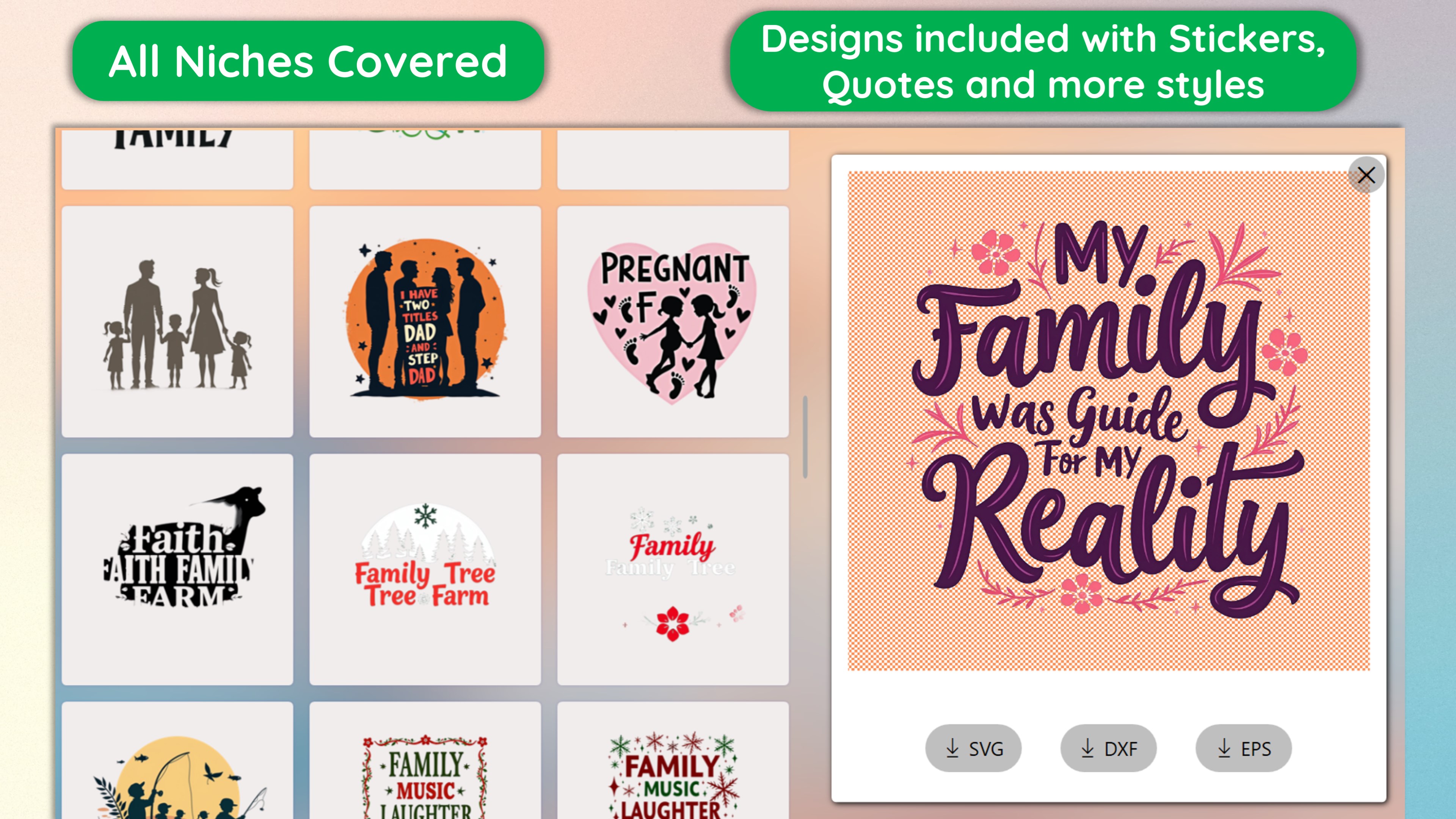
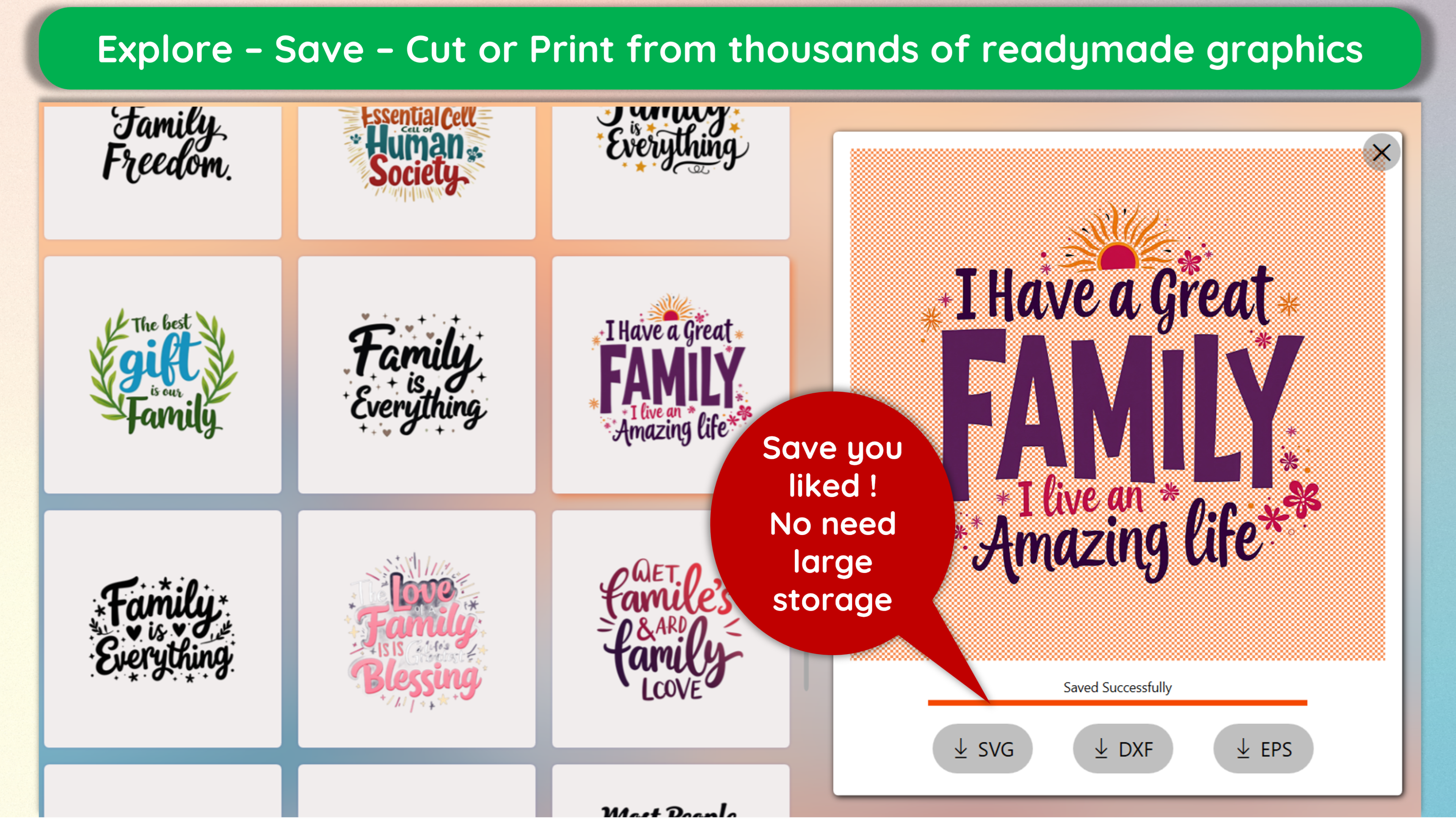
One of the app's standout features is its curated library of SVG templates covering a wide range of categories—from holiday decorations and apparel stencils to educational models. Think of it as a treasure chest of design ideas, saving you time and inspiring fresh project concepts. You can customize these templates easily or start from scratch to create unique designs, making the process accessible regardless of your skill level.
The design editor provides a suite of tools comparable to a digital sculptor's chisel—allowing precise node adjustments, layer management, and color fills. Its real-time preview ensures you see exactly how your project will look once printed or cut. This feature shines brightest in crafting detailed projects like intricate paper quilling templates or precise craft decals, giving users the capability to fine-tune every detail.
Perhaps the app's most distinctive capability is its smooth integration with various printers and cutting machines. It reads your SVG files and aligns perfectly with your hardware, providing accurate previews of how the cut or print will appear. This minimizes material waste and enhances project reliability—crucial for professional and hobbyist makers aiming for perfection. The process feels like conducting a symphony, where each element from design to production harmonizes effortlessly.
Compared to other lifestyle and design apps, Design SVG Space Projects stands out through its specialized focus on SVG project creation coupled with robust compatibility and a friendly learning curve. While many general graphic design tools offer similar features, this app's niche integration with cutting hardware and pre-made templates offers a targeted experience perfect for craft enthusiasts. Its content authenticity and developer focus on maker needs further elevate its credibility in the DIY community.
Overall, I would recommend this app quite earnestly—especially for users seeking an approachable yet powerful tool to bring their SVG craft ideas to life. It suits both hobbyists who want quick results and professionals aiming for precise, repeatable projects. For best results, beginners should explore the tutorial resources and start with the provided templates before designing custom projects from scratch.
Intuitive SVG Design Tools
Extensive Space Project Templates
Print and Cut Functionality
High-Resolution Output
User-Friendly Interface
Limited Customization Options
Performance Issues with Large Files
Inconsistent Cutting Accuracy on Different Printers
Lack of Tutorial Content Within App
Limited Export Format Options
for Windows
 4.9
4.9

for Windows
4.8

for Windows
4.8

for Windows
4.8

for Windows
4.7

for Windows
4.2
for Windows
4.2

for Windows
4

for Windows
3
for Windows
3
for Windows
2.4

for Windows
2.3

for Windows
5

for Windows
5

for Windows
5

for Windows
5

for Windows
5

for Windows
5

for Windows
5

for Windows
5

for Windows
5

for Windows
5