Multimedia design
NCH Software
PC
Windows 10 version 15063.0 or higher
Integrated Keyboard
Integrated Mouse
4 GB
English (United States)
If you're seeking a straightforward yet powerful multimedia presentation tool that brings your ideas to life on Windows, Debut by NCH Software offers an accessible platform for creators of all levels. Designed to simplify video recording and screen capturing, it emerges as a reliable yet user-friendly choice in the crowded realm of multimedia applications.
Developed and published by NCH Software, a well-established company with a diverse portfolio of multimedia tools, Debut benefits from years of experience in crafting accessible entertainment and productivity solutions. Their commitment to user-centric design ensures that Debut combines functionality with ease of use, catering to a broad audience.
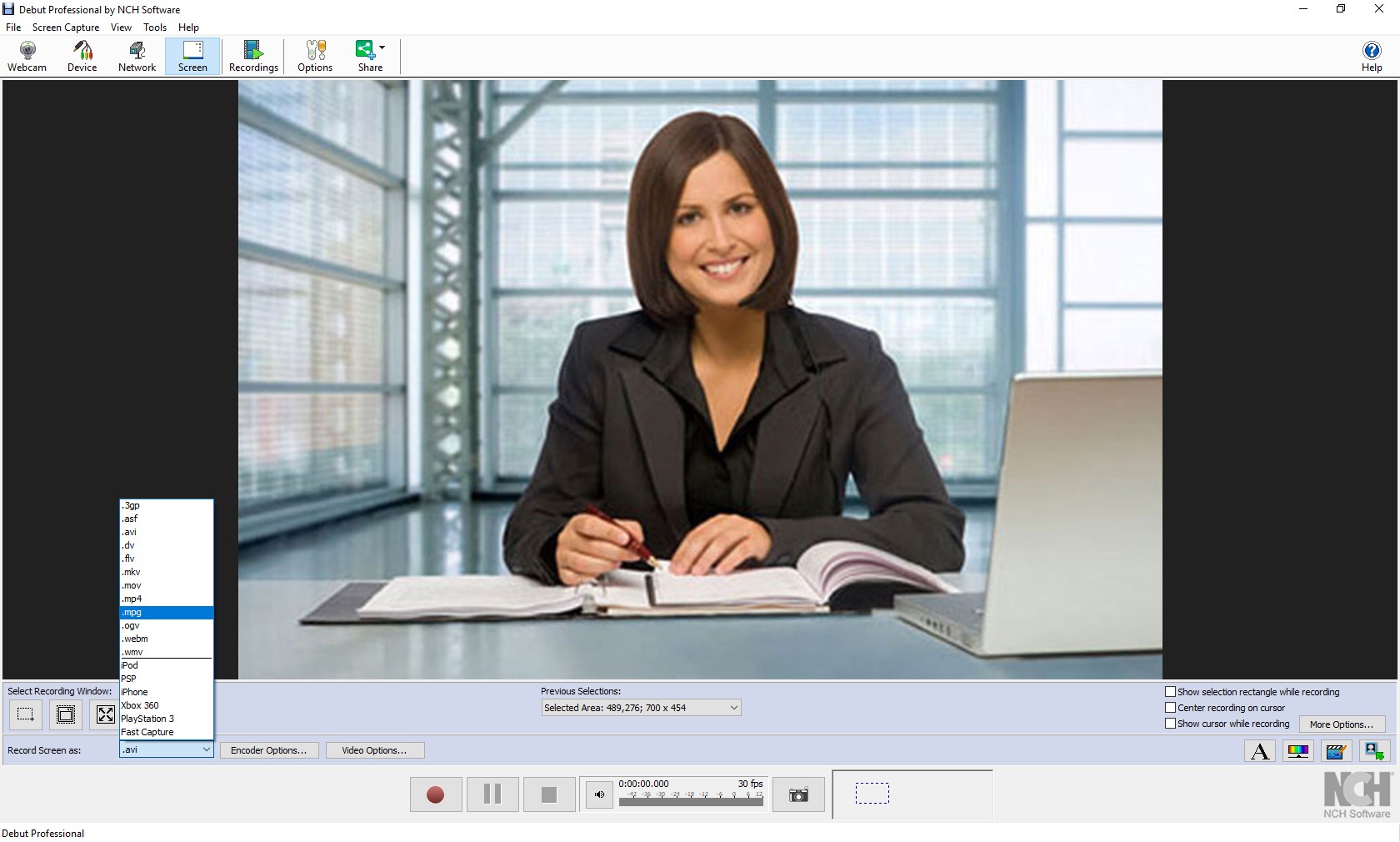
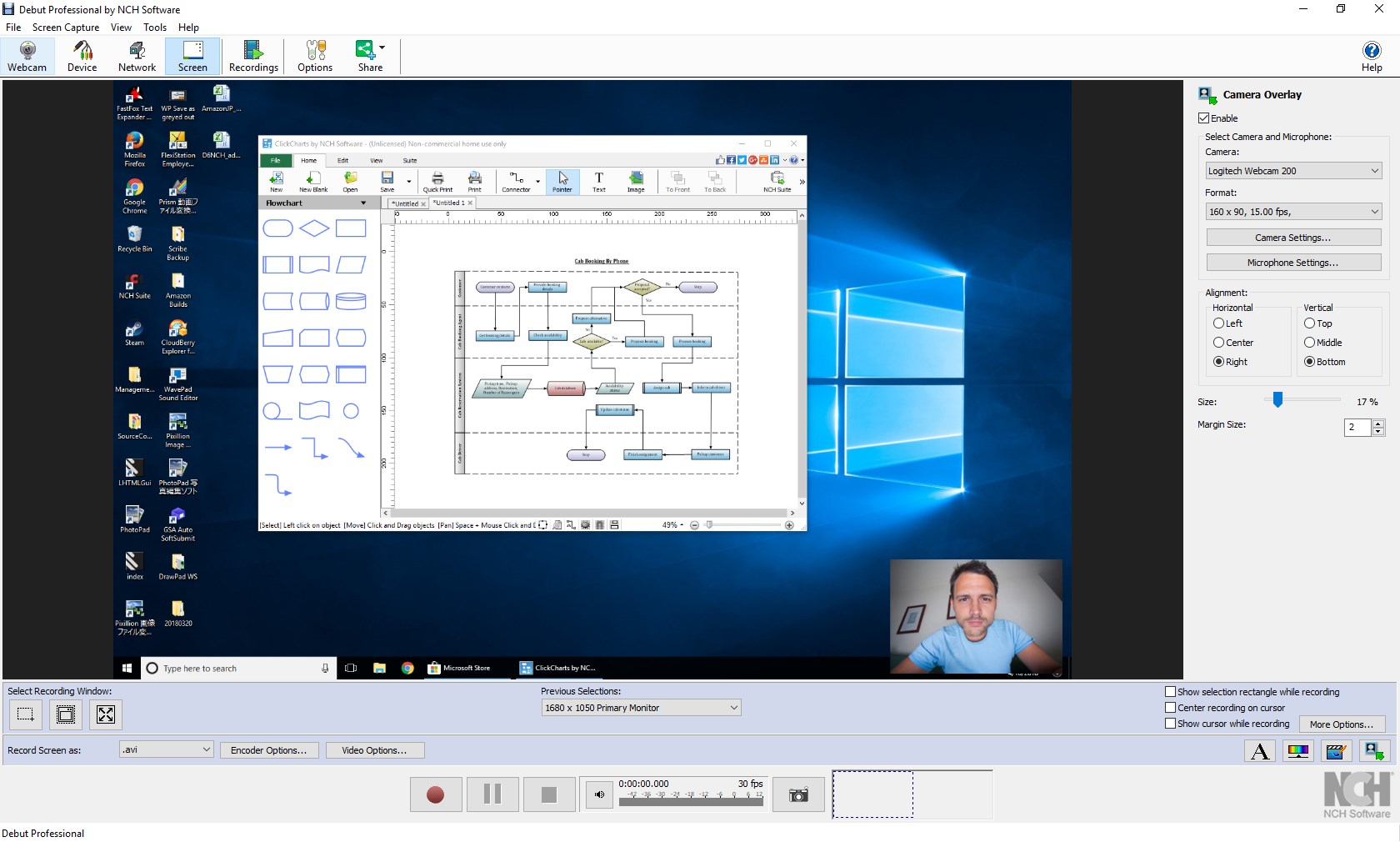
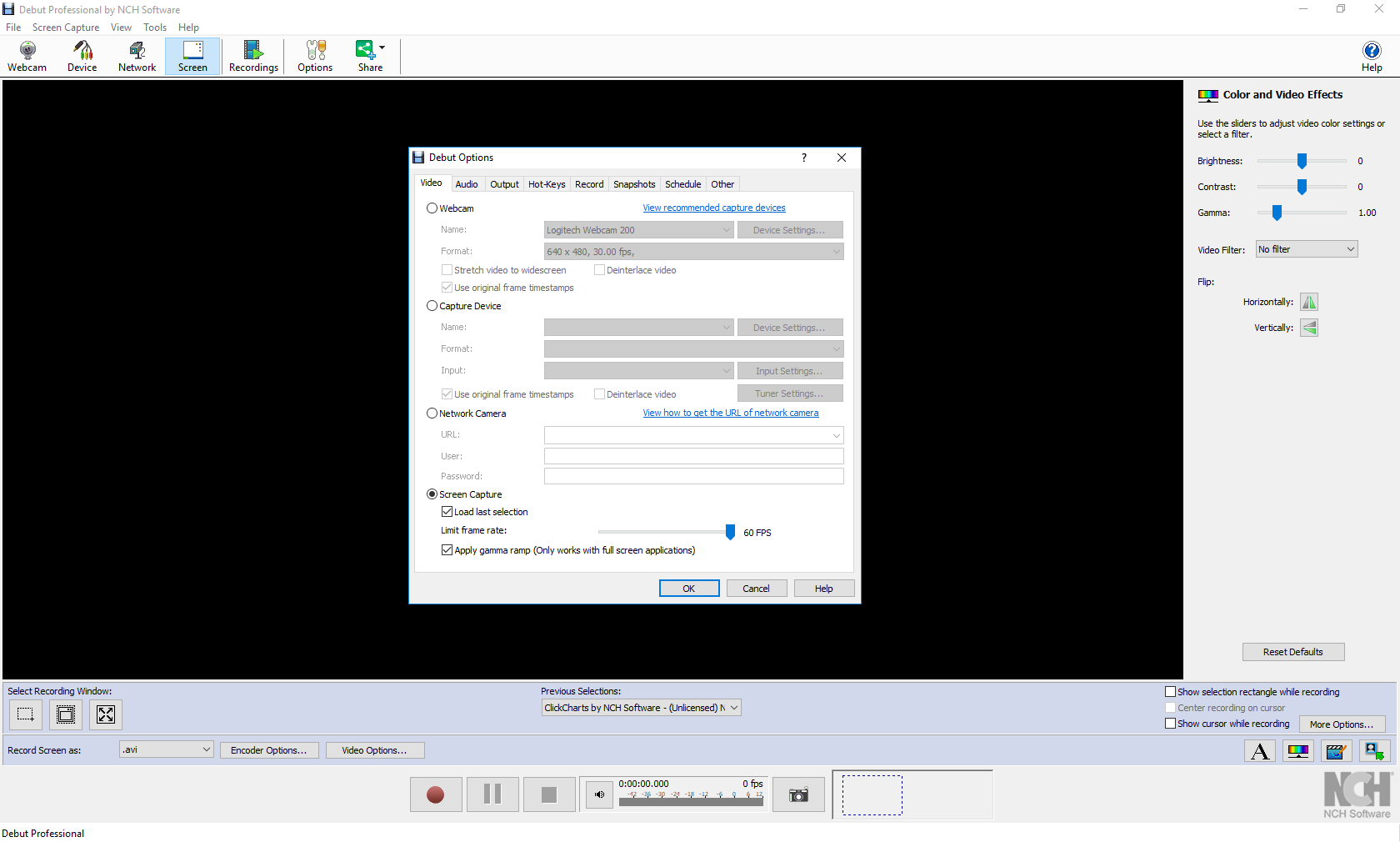
Imagine pressing a single button and watching your screen transform into a live canvas—Debut's interface acts much like an intuitive dashboard, inviting users to start recording with minimal fuss. Its clean layout is reminiscent of a well-organized control panel, with clear options that won't require a user manual to understand.
The software operates smoothly on Windows, with responsive controls that respond swiftly to user commands. Transitioning between settings is seamless, allowing you to adjust parameters on the fly without hiccups. Its learning curve is gentle, making it accessible for beginners, yet providing enough depth for more experienced users who want finer control over their recordings.
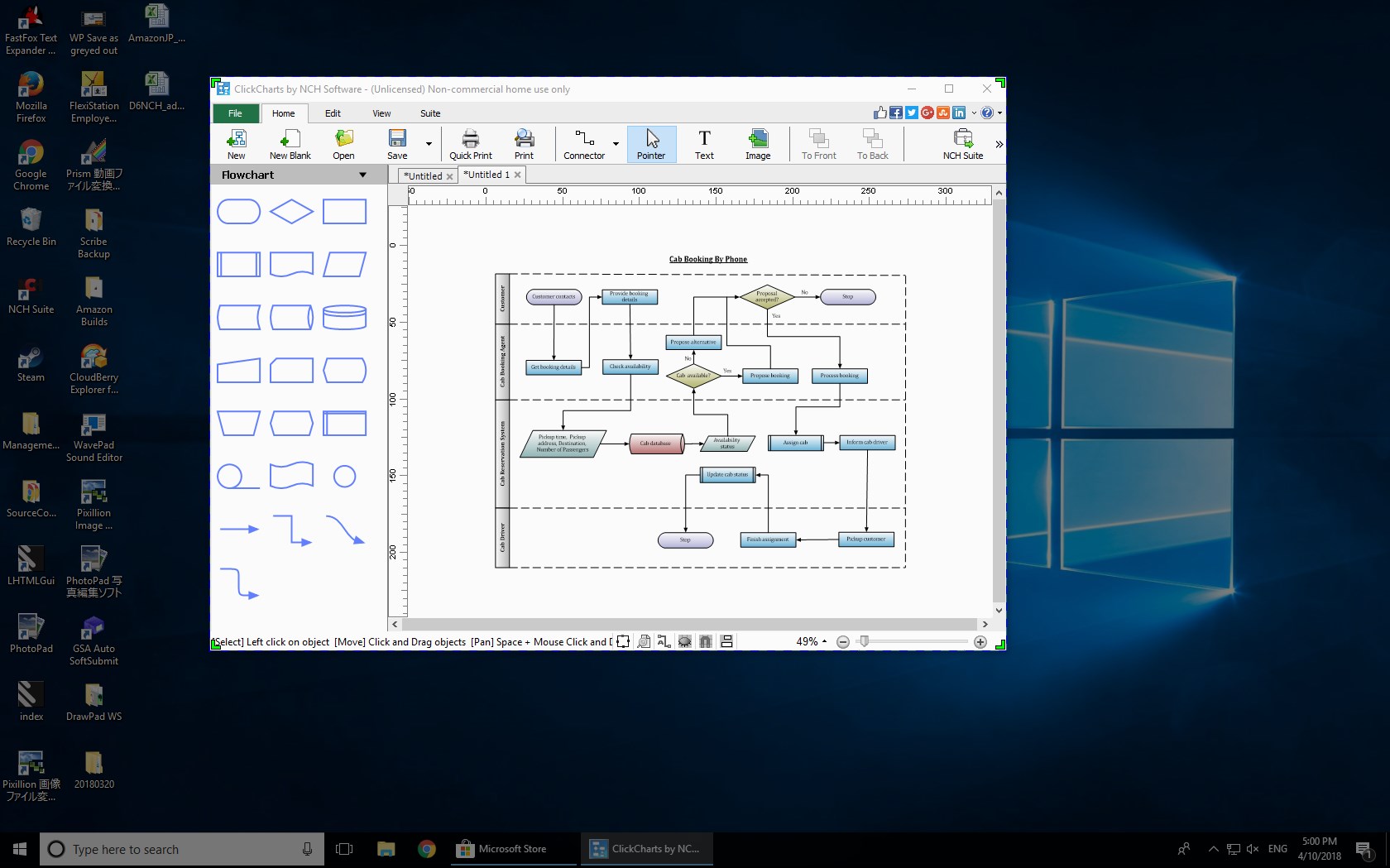
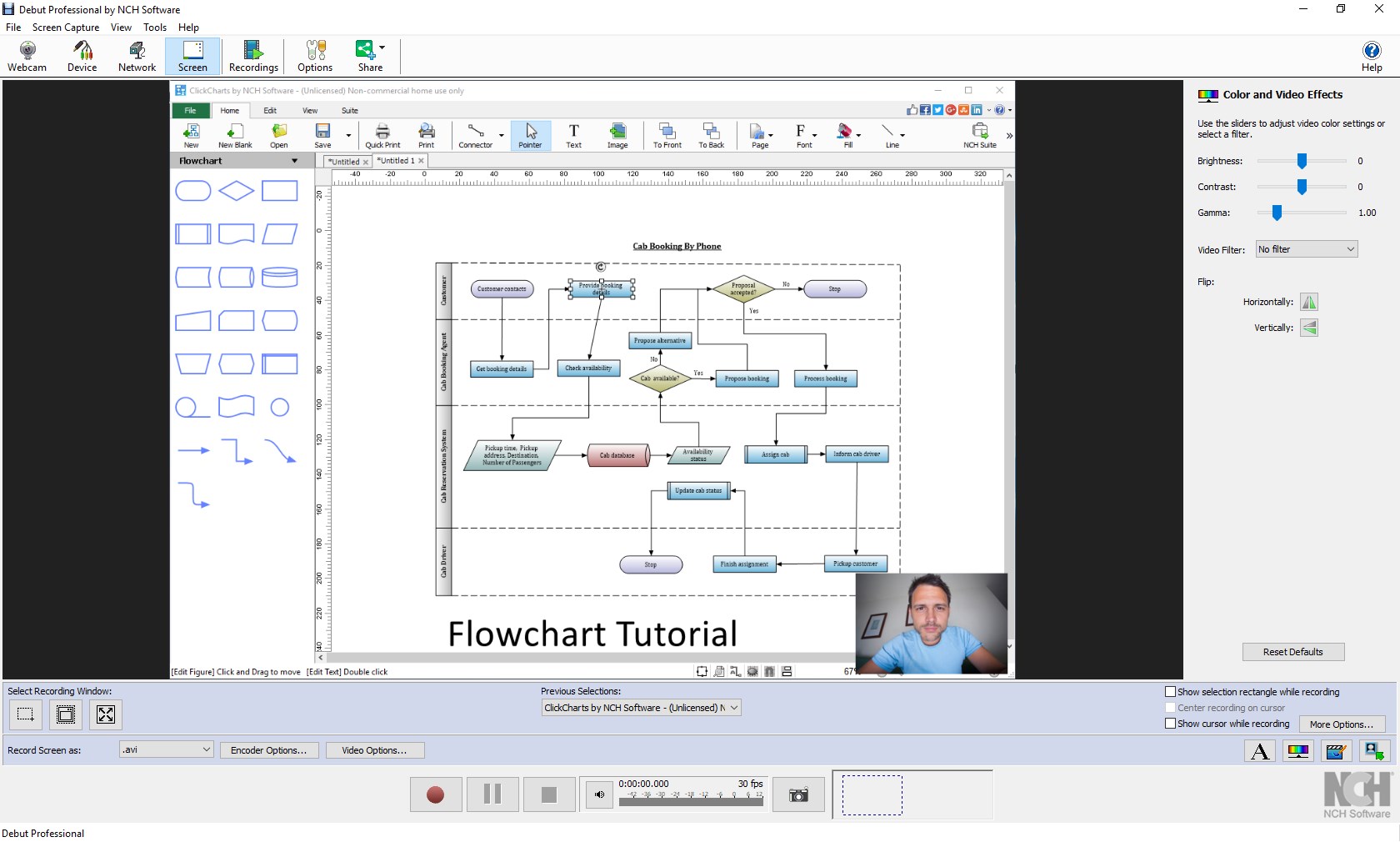
While many video capture applications clutter the market with overwhelming features, Debut's standout attribute is its focus on straightforwardness combined with powerful options. The ability to schedule recordings automatically is like having your own reliable assistant—set it and forget it! Moreover, advanced customization features, including options to edit annotations and watermarks directly, make it a versatile tool for content creators who prefer an all-in-one experience without switching between multiple apps.
Compared to other multimedia design apps—some may excel in editing or special effects—Debut shines in its dedicated simplicity for capturing high-quality videos effortlessly. It's like having a professional cameraperson at your command, always ready whenever inspiration strikes, yet never strangling you with complexity.
Based on its clean interface, reliable performance, and thoughtful features, Debut earns a solid recommendation for users who need straightforward screen recording solutions on Windows. Whether you're creating tutorials, gaming streams, or recording meetings, it serves as a dependable tool that won't overwhelm with unnecessary options.
For beginners seeking an easy entry into multimedia recording or professionals wanting a quick deployment tool, Debut offers a balanced blend of simplicity and functionality. It's like having a trusty notebook—always ready to record your ideas, projects, or moments in crisp detail.
User-Friendly Interface
High Performance and Stability
Rich Editing Features
Regular Updates and Support
Lightweight and Fast Installation
Limited Advanced Features
Occasional Lag During Export
Resource Consumption on Older Devices
Inconsistent Export Quality Settings
Limited Free Features

for Windows
 4.8
4.8

for Windows
4.8

for Windows
4.7

for Windows
4.7

for Windows
4.6

for Windows
4.6

for Windows
4.6

for Windows
4.6

for Windows
4.5

for Windows
4.5

for Windows
4.5

for Windows
4.5

for Windows
5

for Windows
5

for Windows
5

for Windows
5

for Windows
5

for Windows
5

for Windows
5

for Windows
5

for Windows
5

for Windows
5