Photo & video
CyberLink Corp.
PC
Windows 10 version 14393.0 or higher
Integrated Keyboard
Integrated Mouse
Version 9
2 GB
Chinese (Simplified), Chinese (Traditional Chinese), English (United States), French, German, Italian, Japanese, Korean, Portuguese (Brazil), Russian, Spanish
CyberLink Media Player 18 Standard is a versatile and user-friendly media solution crafted to elevate your audio-visual experience on Windows. Whether you're relaxing at home or managing a media-rich workspace, this application aims to deliver smooth playback with a touch of elegance and robust features.
CyberLink Corp., a recognized leader in digital multimedia software, developed and published this media player. Known for its innovative multimedia tools, CyberLink brings a wealth of experience to ensure quality and performance.
The app seeks to be the all-in-one media companion for everyday entertainment and professional needs, targeted mainly at casual users who appreciate reliable playback capabilities combined with elegant design.
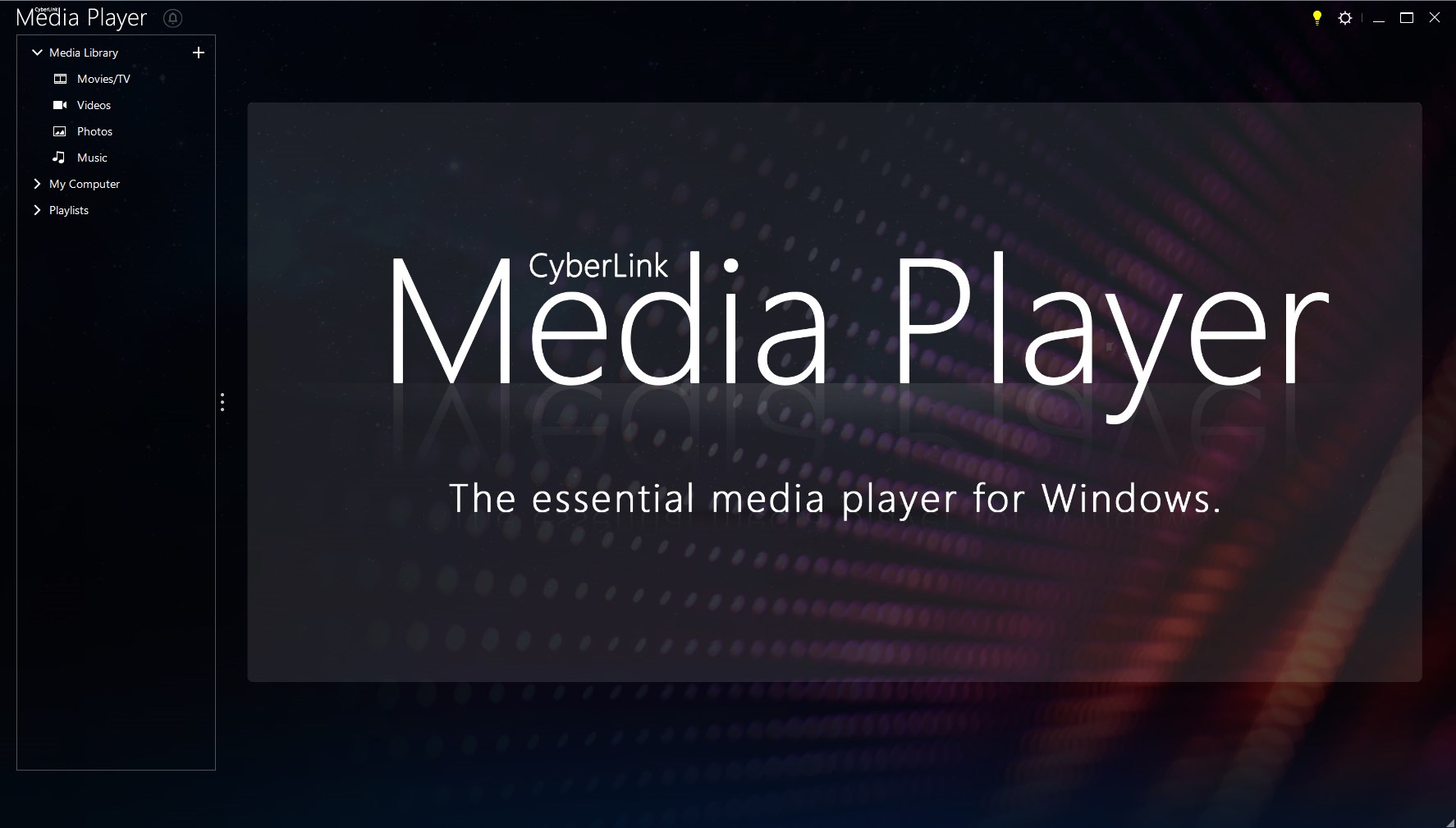
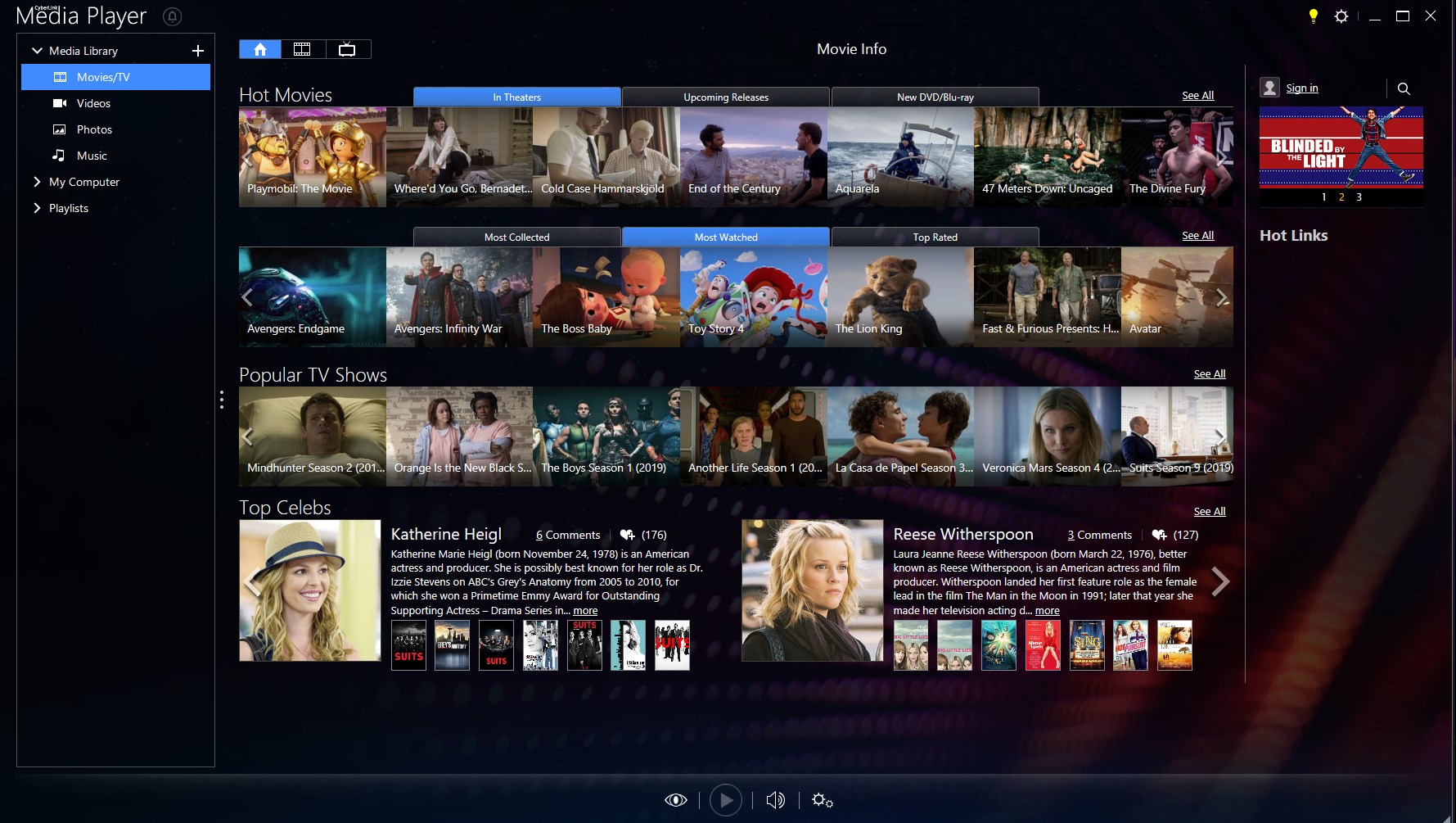
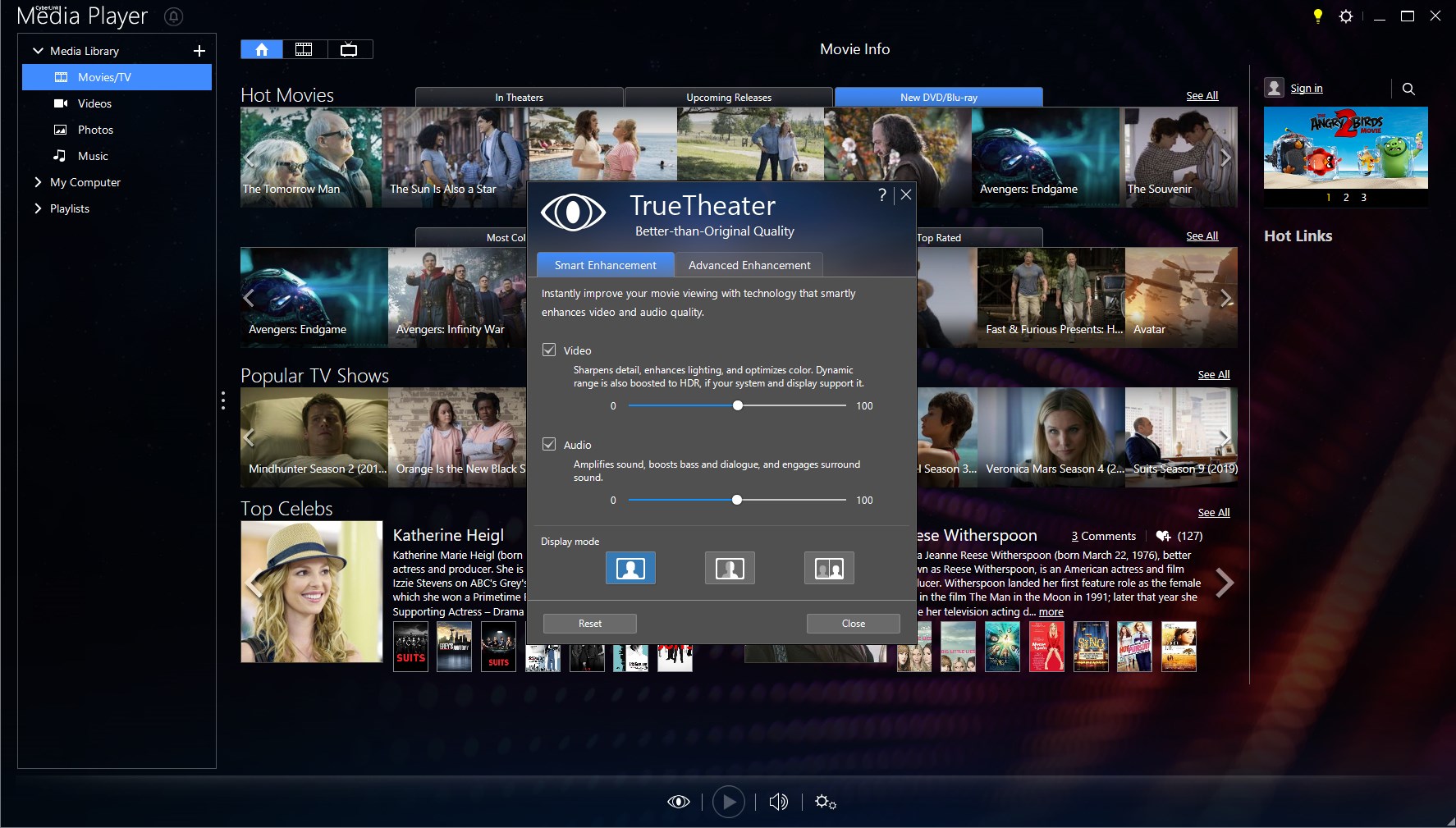
Imagine opening a media library that feels more like flipping through a well-organized photo album—CyberLink Media Player 18 Standard makes media enjoyment effortless. From the moment you launch the app, its clean and modern design draws you in, with intuitive icons guiding your every action. The interface strikes a good balance: neither cluttered nor oversimplified, it offers familiar controls akin to high-end entertainment systems, making it easy for tech novices and seasoned users alike.
Whether you're streaming a high-definition documentary or playing your favorite playlist, the app handles it with grace. The playback feels buttery-smooth, with quick response times and minimal latency—think of it as the difference between a well-tuned sports car and a clunky bicycle. Swapping between files, adjusting volume, or fast-forwarding is just a click away, with controls fluid and responsive. This excellence in operation makes routine media management a pleasant breeze rather than a chore.
What really sets CyberLink Media Player 18 Standard apart from its peers is its clever feature set geared towards both casual users and media enthusiasts. Notably, the application excels in format compatibility, supporting a plethora of formats from common MP4 and MP3 to less-typical ones like MKV or FLAC without requiring extra plugins. This reduces frustration over unsupported formats—a common headache with other media players.
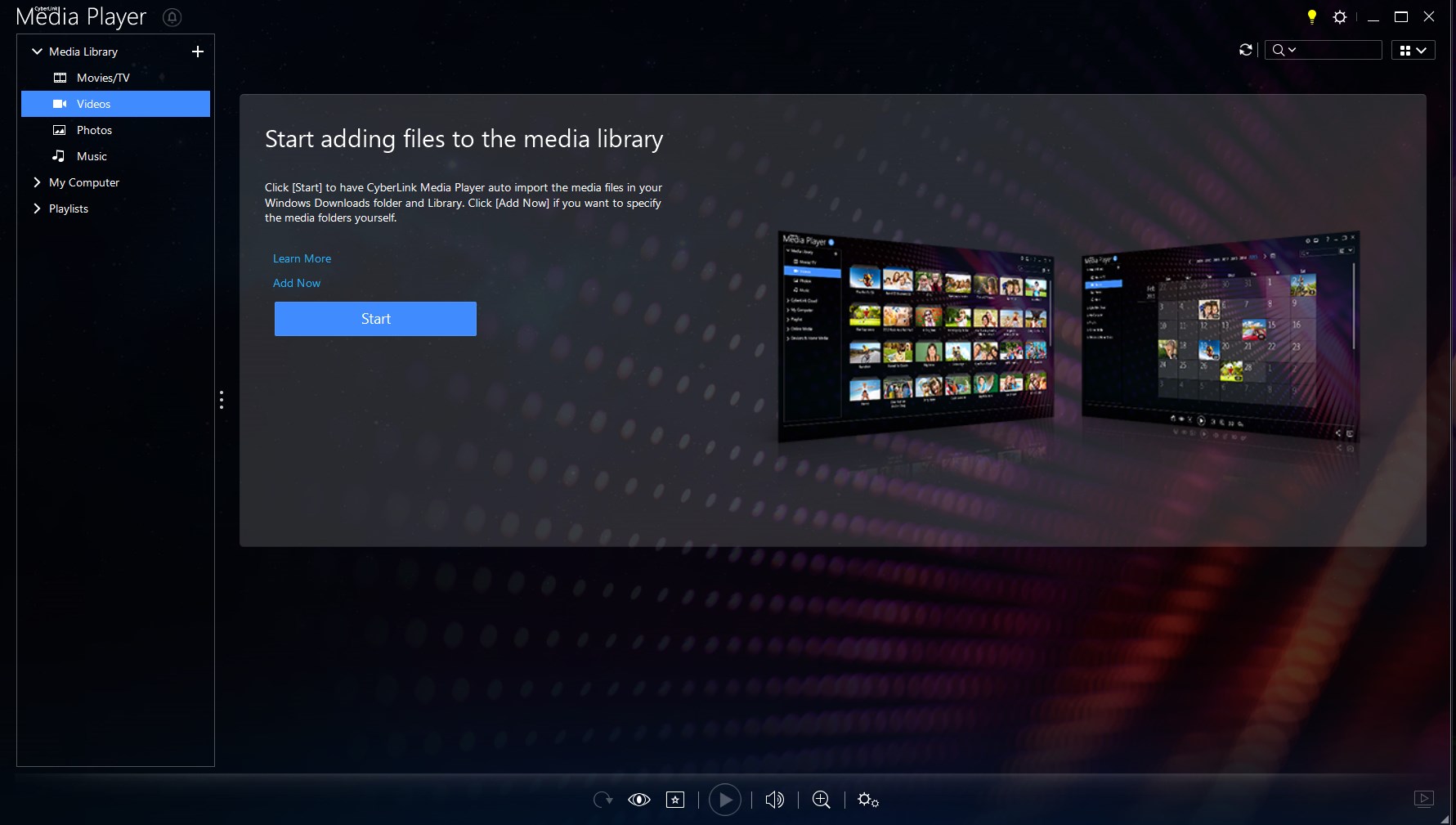
Another standout is its intelligent media organization and playlist management. Imagine having a personal DJ that keeps your favorites ready to go, automatically sorting and categorizing your library, thus transforming your media clutter into a well-organized collection. This is particularly useful for users with extensive media libraries who want quick access without digging through folders.
CyberLink Media Player 18 Standard provides a thoughtful, reliable, and visually appealing media playback experience. Its core strength lies in format support and straightforward controls, making media management less of a hassle. The interface is user-friendly enough for beginners but flexible enough to satisfy casual power users.
Overall, I'd recommend this app for Windows users looking for a lightweight, dependable media player that offers more than just basic playback—it's a smart balance of simplicity and sophistication. If you often find yourself switching between different media formats or appreciate an intuitive user experience, CyberLink Media Player 18 Standard could very well become your go-to media companion. For more demanding professional editing, other specialized applications might be necessary, but for everyday entertainment, this player ticks the right boxes.
User-friendly interface
Excellent format compatibility
Built-in streaming capabilities
Good performance and stability
Regular updates with new features
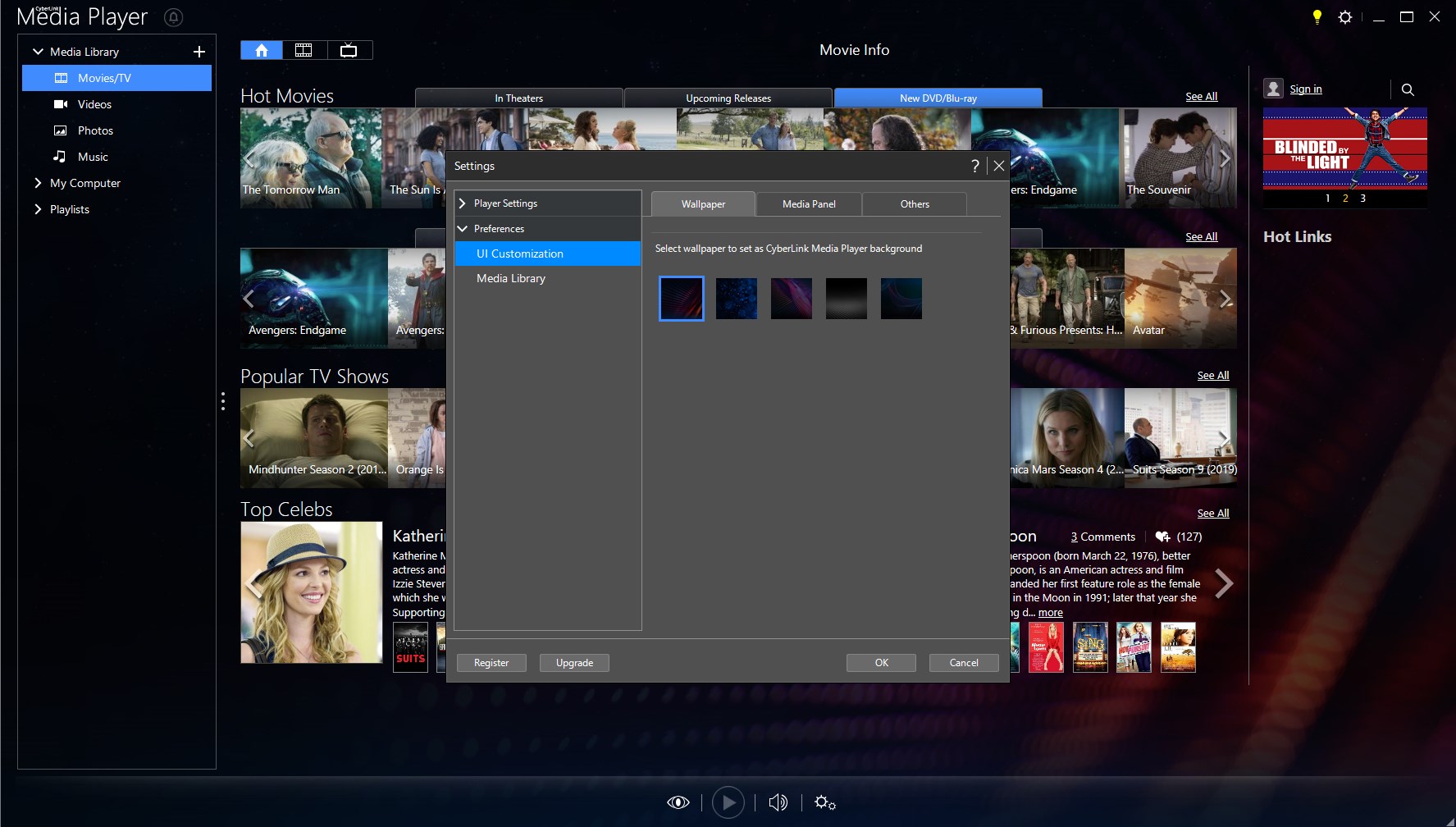
Limited customization options
Some features require an internet connection
Occasional latency during startup
Basic editing features absent
Minor playback compatibility issues with some older devices

for Windows
 5
5

for Windows
4.9

for Windows
4.8
for Windows
4.8

for Windows
4.8

for Windows
4.7

for Windows
4.7

for Windows
4.7

for Windows
4.7

for Windows
4.7

for Windows
4.7

for Windows
4.7

for Windows
5

for Windows
5

for Windows
5

for Windows
5

for Windows
5

for Windows
5

for Windows
5

for Windows
5

for Windows
5

for Windows
5