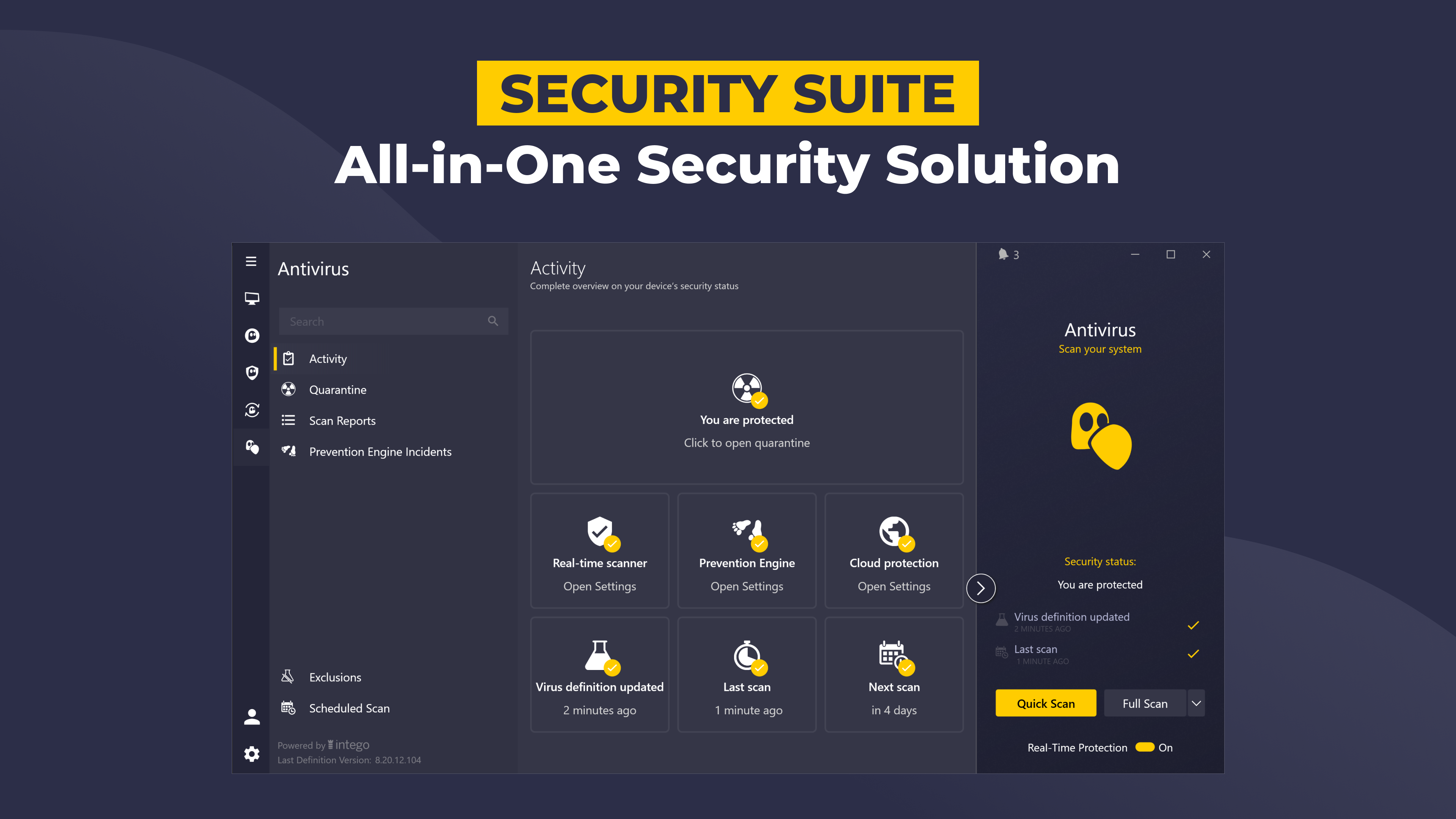
Security
https://www.cyberghostvpn.com/
PC
Windows 10 version 0.0 or higher
Integrated Keyboard
Integrated Mouse
English
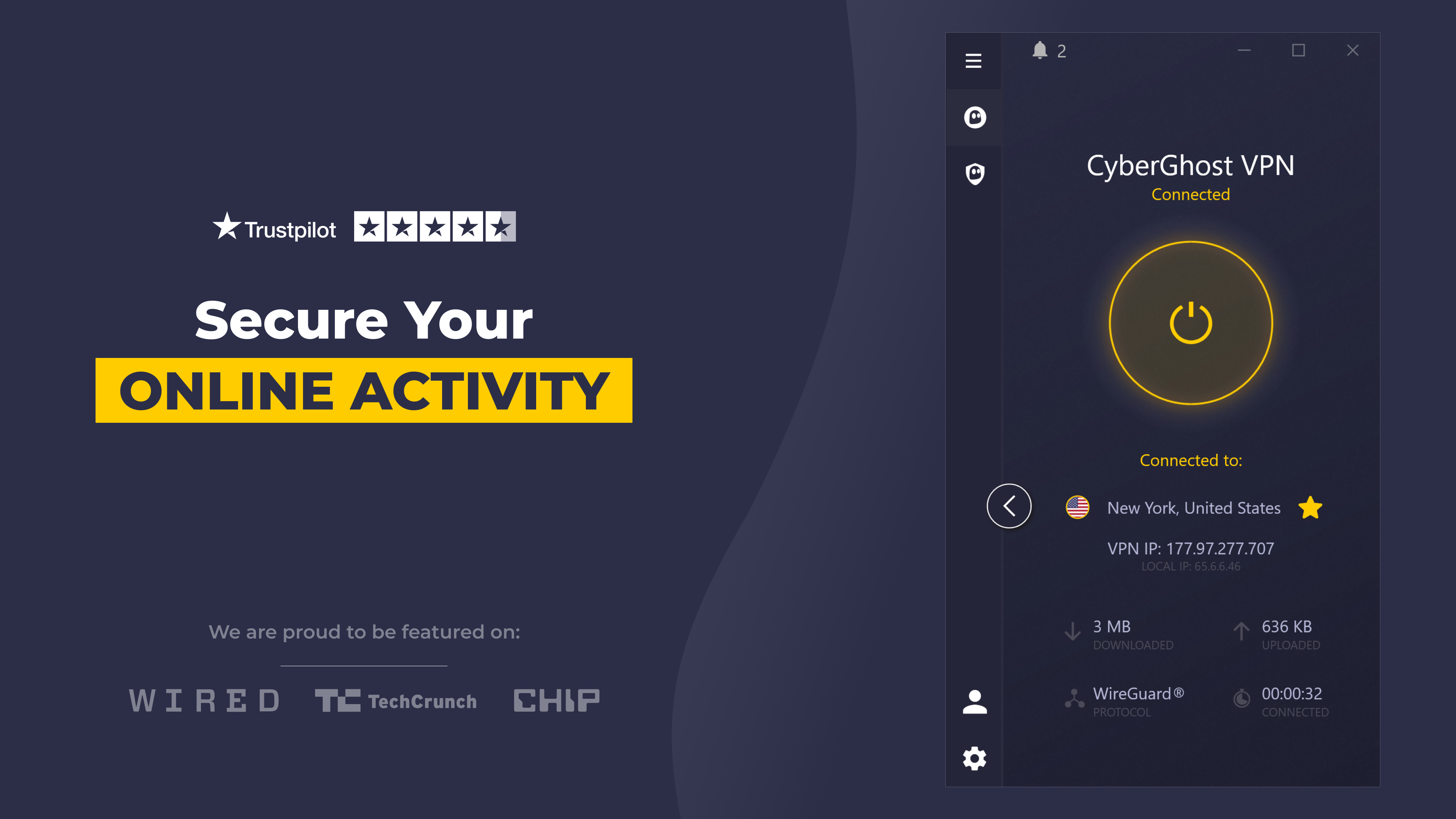
Imagine navigating the internet like a secret agent, slipping past digital barriers with ease and confidence—that's the experience CyberGhost VPN for Windows aims to provide. With a sleek interface and a suite of features designed for both novices and seasoned users, this VPN promises to safeguard your privacy while keeping your browsing smooth and accessible.
CyberGhost VPN for Windows positions itself as a user-friendly yet powerful virtual private network service. Developed by Cyberghost SRL, a reputable name in the cybersecurity realm, this app offers more than just basic security—it provides a comprehensive shield for your online activities. Whether you're streaming your favorite shows, working remotely, or simply surfing the web, CyberGhost aims to make every digital step safe, private, and seamless.
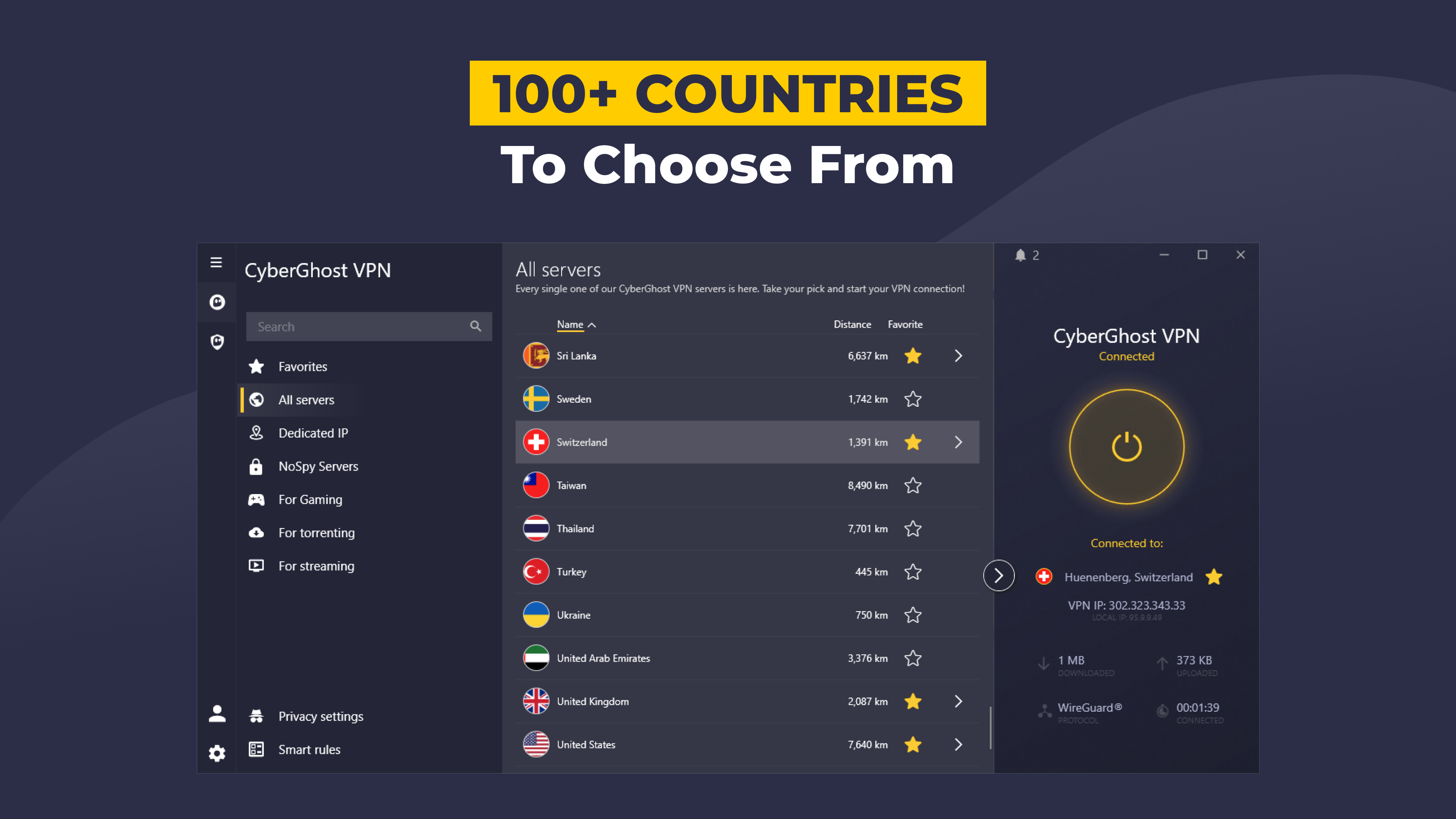
CyberGhost boasts a vast network of over 7,000 servers across 90 countries. This extensive coverage allows users to access geo-restricted content with ease, swap locations effortlessly, and enjoy a more resilient connection that reduces congestion—almost like having a secret map that unlocks access to the world's digital corners.
The app employs industry-standard protocols such as OpenVPN and WireGuard, ensuring encrypted tunnels that shield your data from prying eyes. Its strict no-logs policy further bolsters privacy, meaning your browsing history stays yours alone—like having a diary that nobody else can open.
Designed with simplicity in mind, CyberGhost VPN features an intuitive dashboard that makes connecting to a VPN server as effortless as flipping a switch. The app's visually appealing layout guides users through options without overwhelming, making it an ideal choice for beginners yet powerful enough for seasoned users.
While many VPNs offer similar security features, CyberGhost's standout point lies in its dedicated streaming and torrenting profiles. These pre-configured modes automatically optimize connection settings to provide smooth streaming or fast P2P file sharing. Imagine having a personal assistant that not only secures your internet but also knows exactly what to do to make your Netflix binge or torrent downloads hassle-free—that's where CyberGhost's tailored profiles shine.
Another unique aspect is its robust kill switch feature, which instantly cuts internet access if the VPN drops, ensuring no data leaks occur. Such reliability is akin to having an airbag—protecting you even in the unexpected.
CyberGhost VPN for Windows stands out as a trustworthy, feature-rich option suitable for both casual users and privacy enthusiasts. Its combination of an extensive server network, user-centric design, and specialized profiles makes it a compelling choice—especially if you prioritize streaming or quick setup. The app runs smoothly on Windows, with an interface that feels more like a friendly helper than a complex tool.
While it may not have the most granular customization features of some premium VPNs, its focus on usability and reliability makes it a solid recommendation for anyone seeking dependable online privacy with minimal fuss. For those who want a straightforward, effective VPN to enhance their digital privacy and access content freely, CyberGhost VPN is definitely worth trying out.
Strong Privacy Protection
Wide Server Network
User-Friendly Interface
Good Streaming Support
Strong Customer Support
Occasional Connection Dropouts
Limited Free Version
Speed Variability in Certain Regions
Occasional Compatibility Issues
Pricing Tends to Be Slightly Higher

for Windows
 4.8
4.8

for Windows
4.7

for Windows
4.7

for Windows
4.7

for Windows
4.6

for Windows
4.6

for Windows
4.5

for Windows
4.4

for Windows
4.4

for Windows
4.3

for Windows
4.3

for Windows
4.3

for Windows
5

for Windows
5

for Windows
5

for Windows
5

for Windows
5

for Windows
5

for Windows
5

for Windows
5

for Windows
5

for Windows
5