Developer tools
Aadhil RF
Xbox console, PC, Mobile, Surface Hub, HoloLens
Windows 10 version 17763.0 or higher
English (United States)
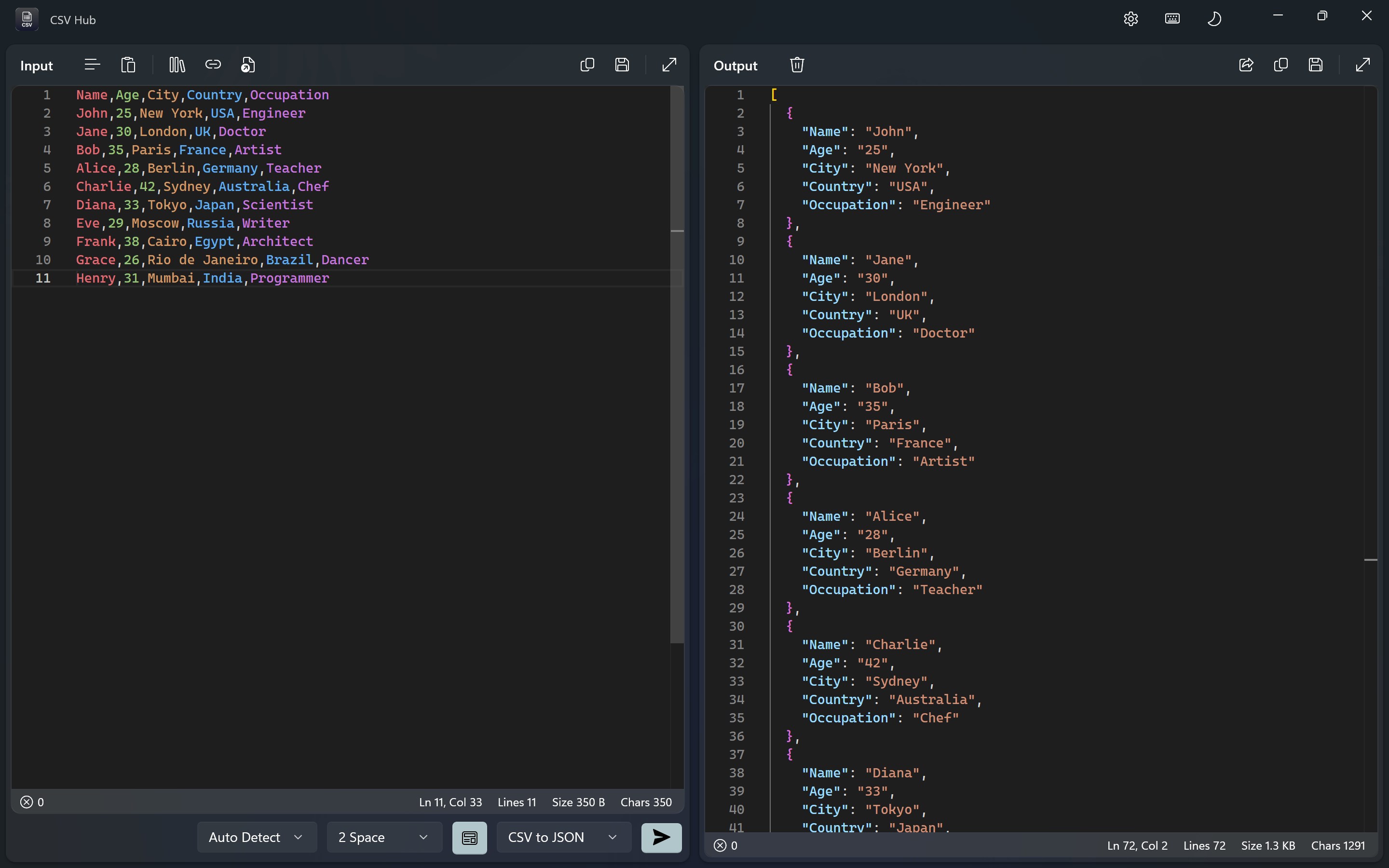
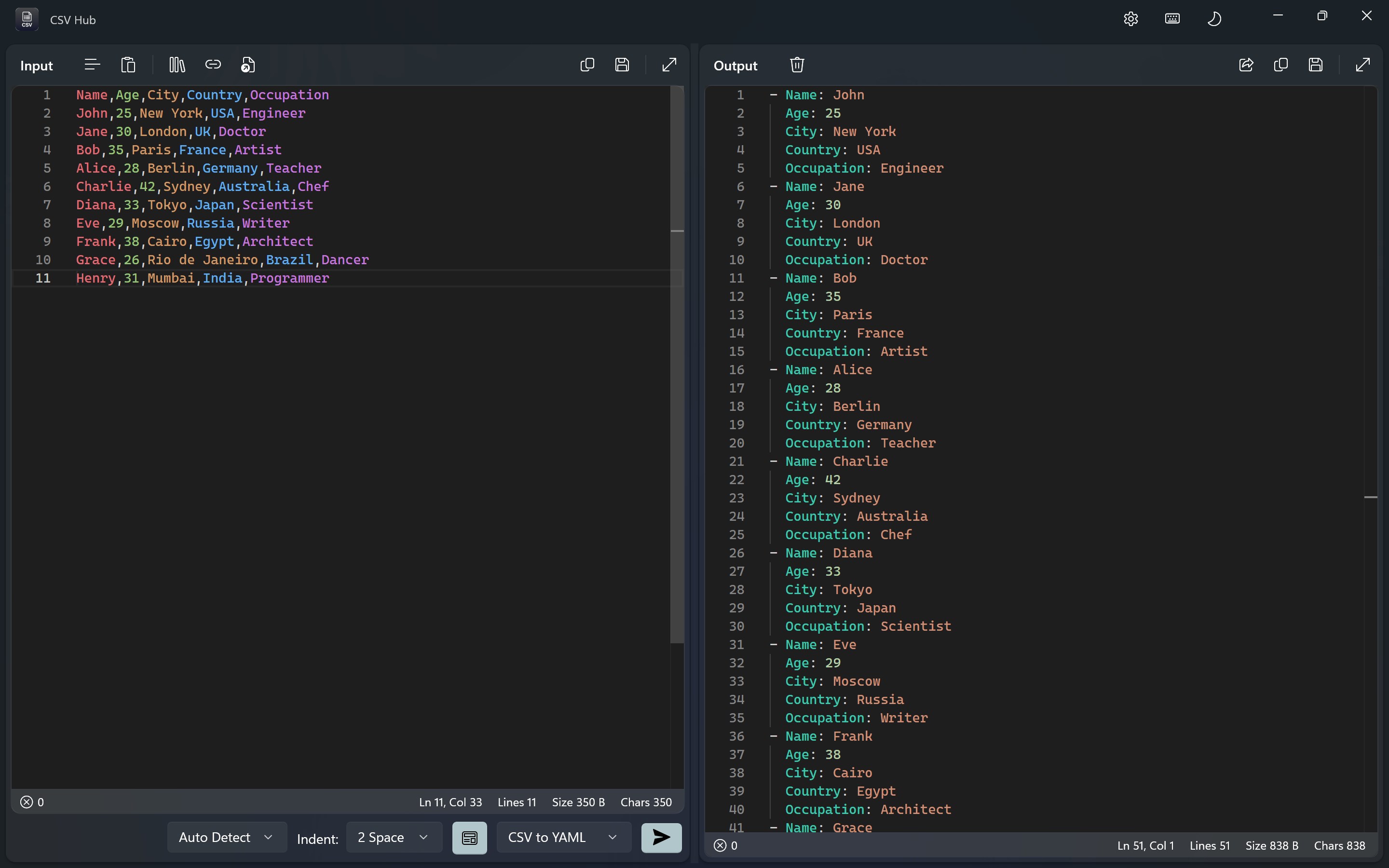
If managing and manipulating large CSV files feels like trying to find your way through a maze blindfolded, CSV Hub for Windows offers a guiding light. Designed for data enthusiasts, analysts, and developers alike, this application promises to streamline your data workflows with a blend of simplicity and powerful features.
Developed and published by Aadhil RF, CSV Hub stands out as a dedicated tool focused on enhancing CSV data handling within Windows environments. Its core strengths include an intuitive interface, robust data editing capabilities, and streamlined import/export features. Whether you're working with financial data, large datasets, or quick edits, this app aims to be your go-to companion.
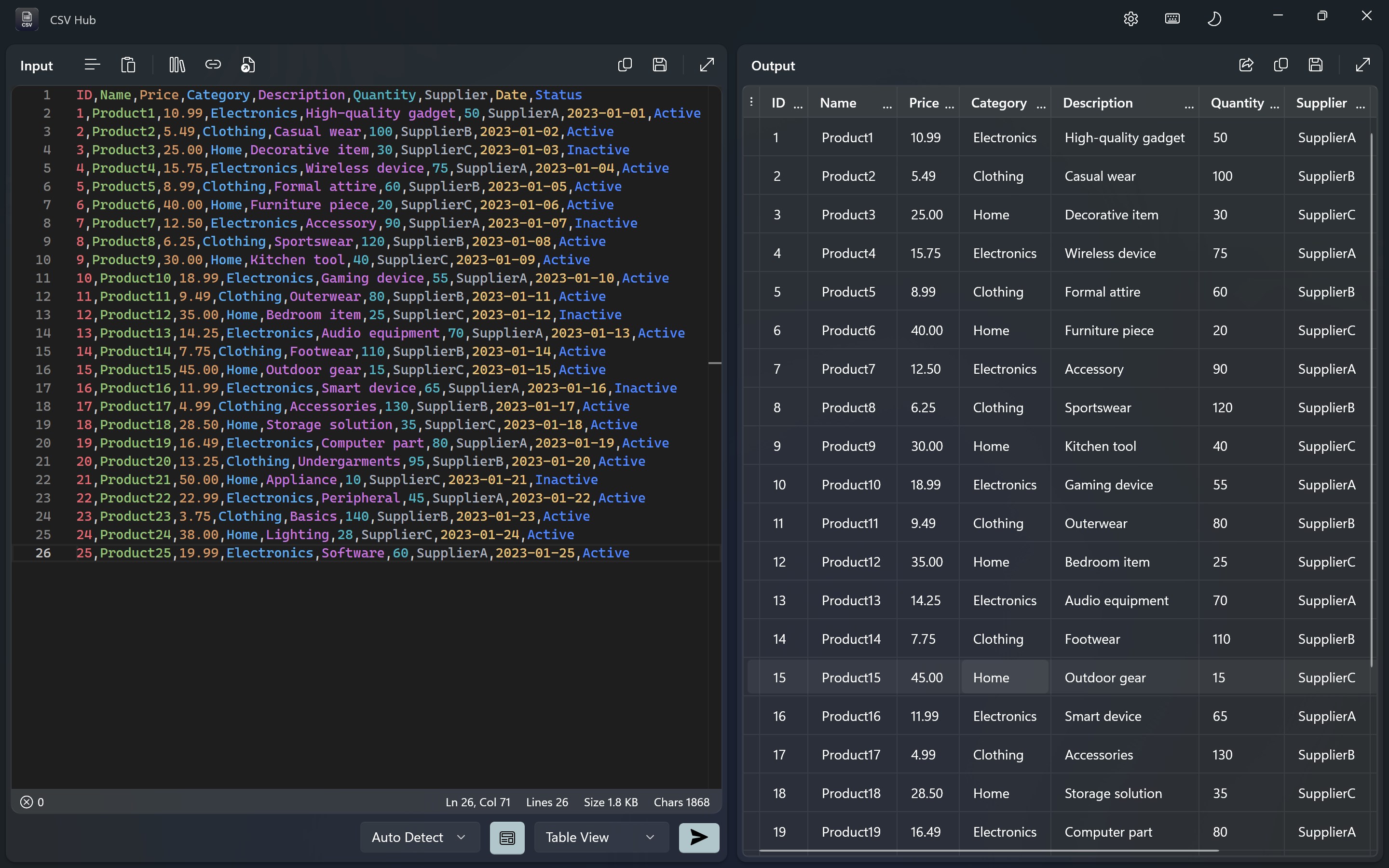
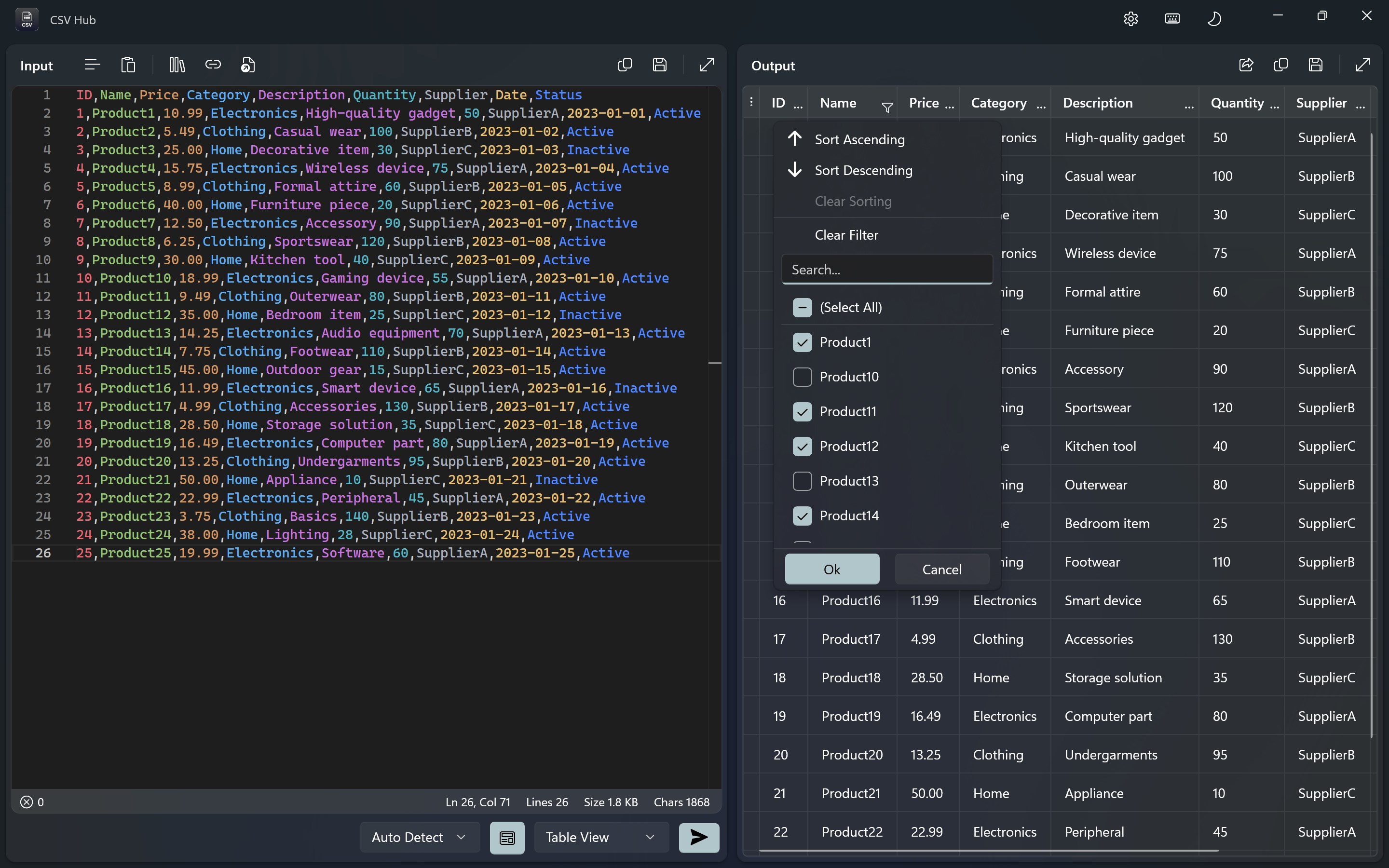
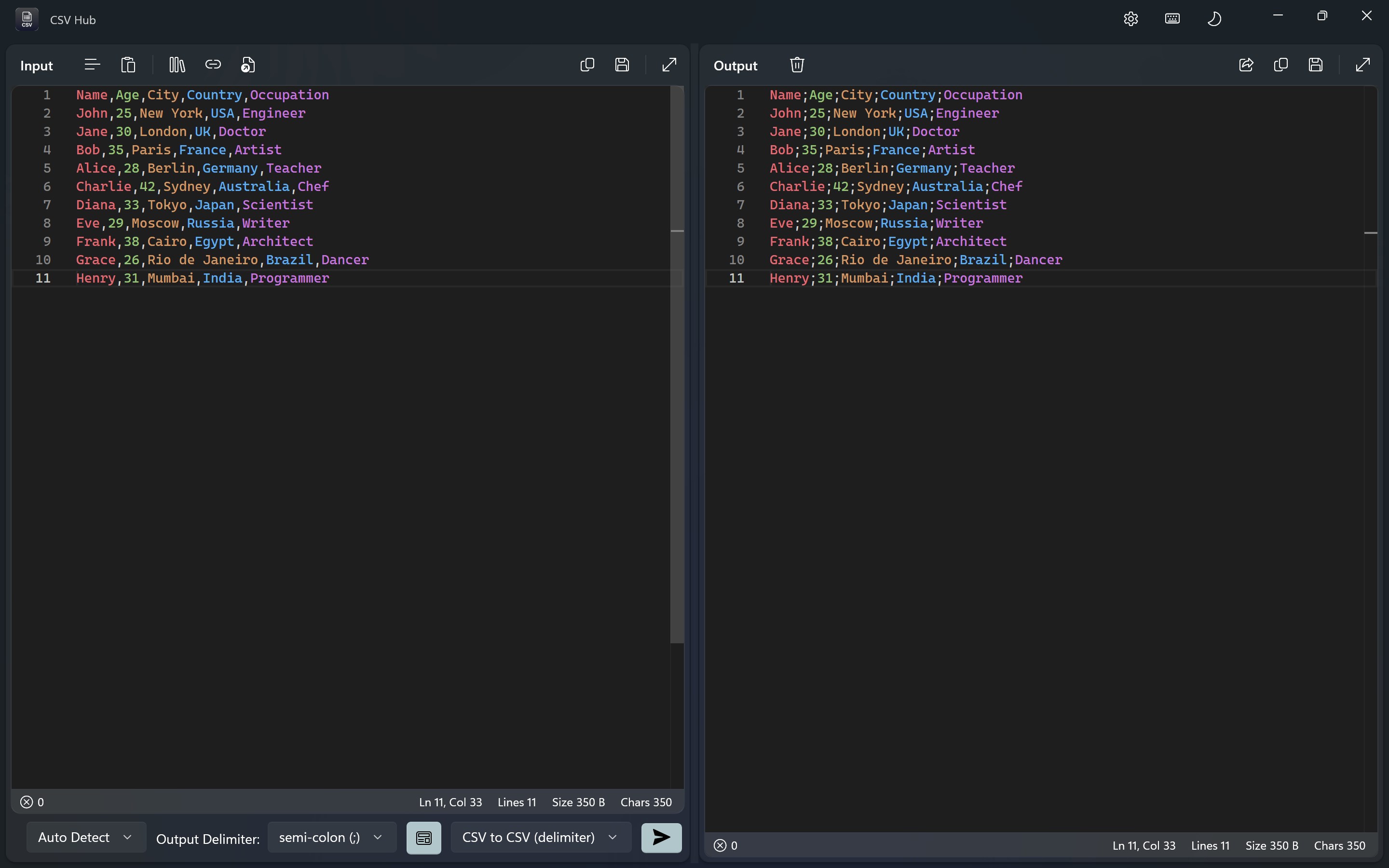
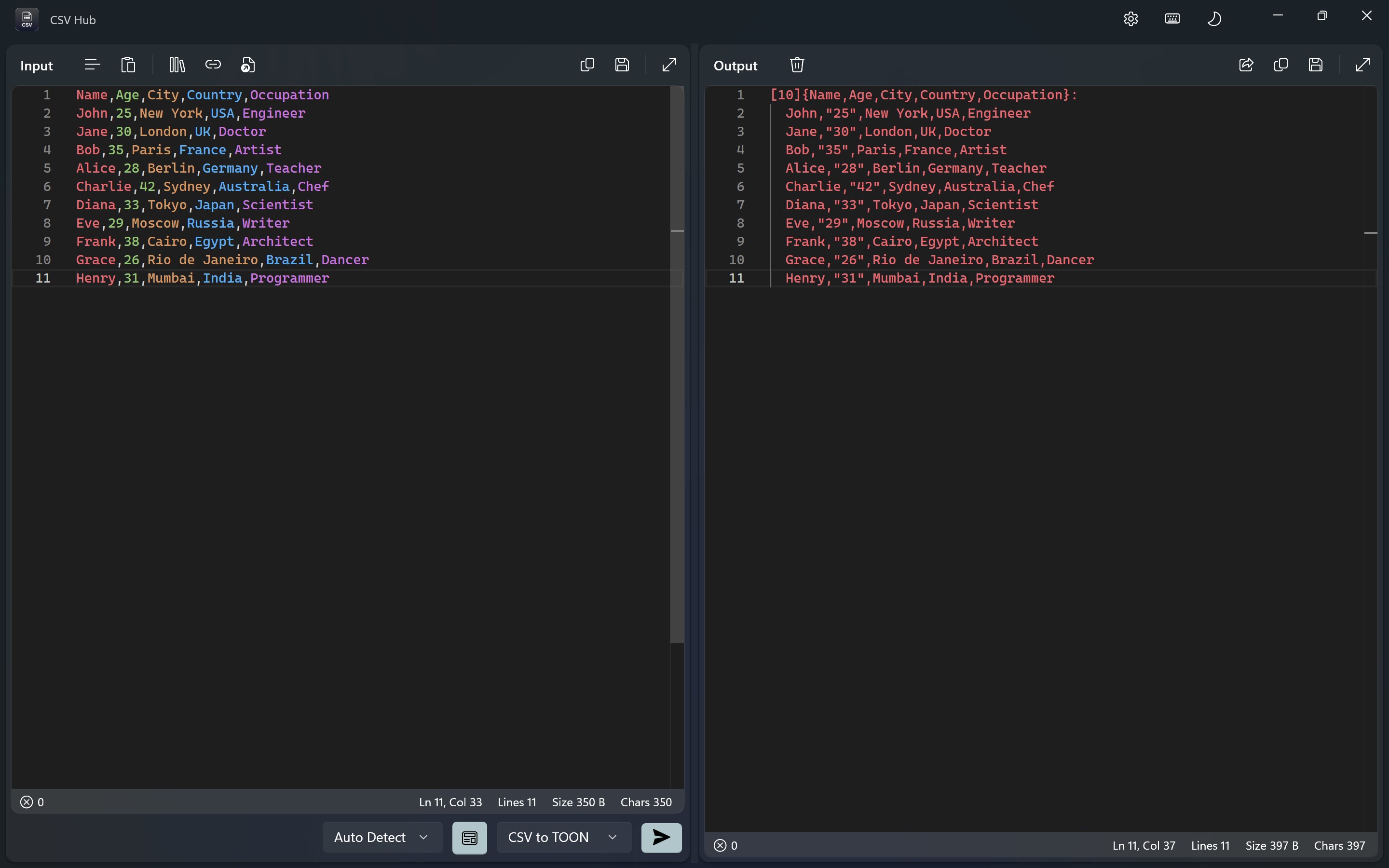
Imagine navigating a complex spreadsheet with the ease of flipping through a photo album—that's what CSV Hub offers. Its interactive grid view allows users to browse massive CSV files seamlessly, making data editing feel like a natural conversation rather than a chore. You can quickly sort, filter, and edit cells directly within the app, which significantly speeds up data cleaning and preparation tasks.
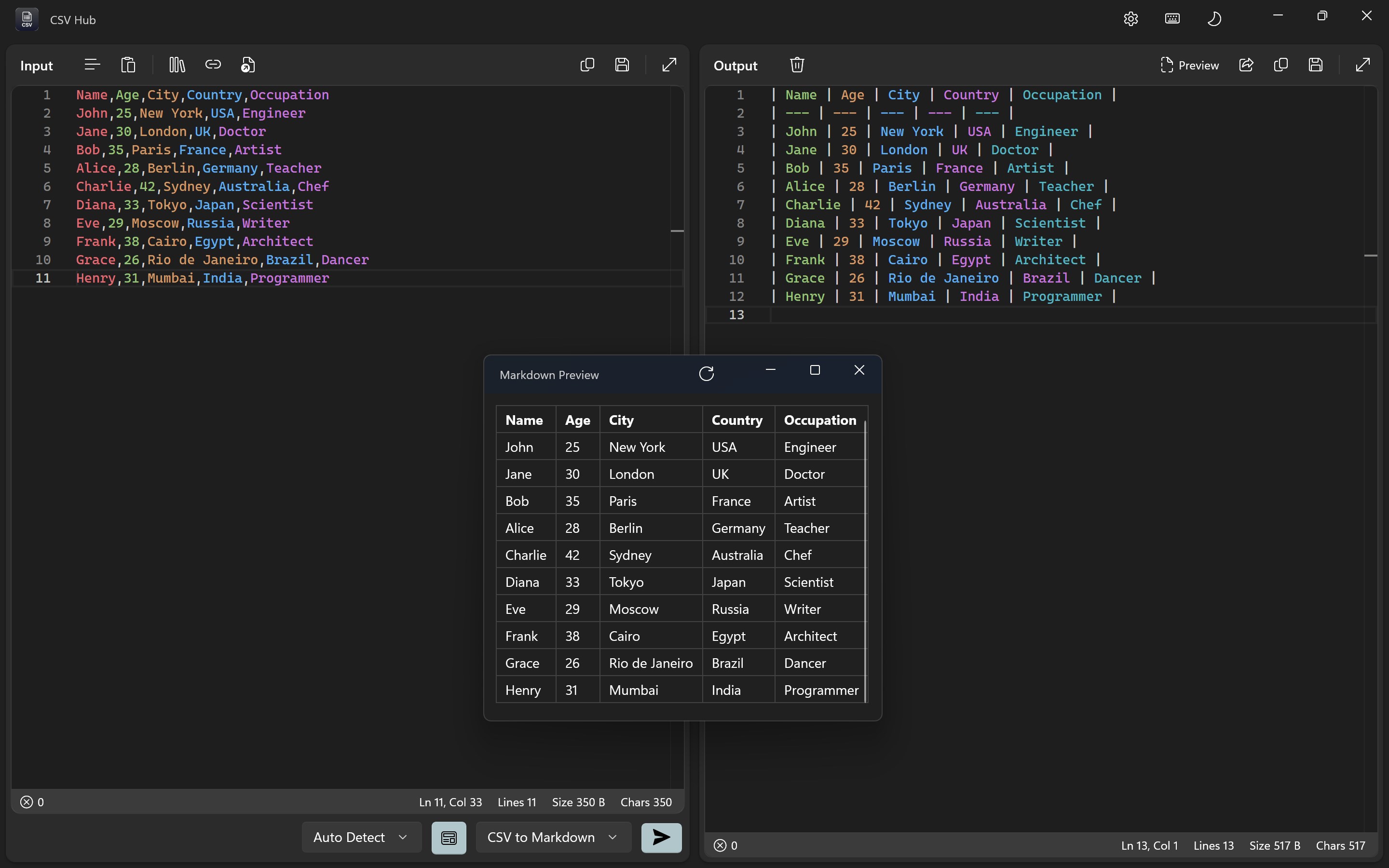
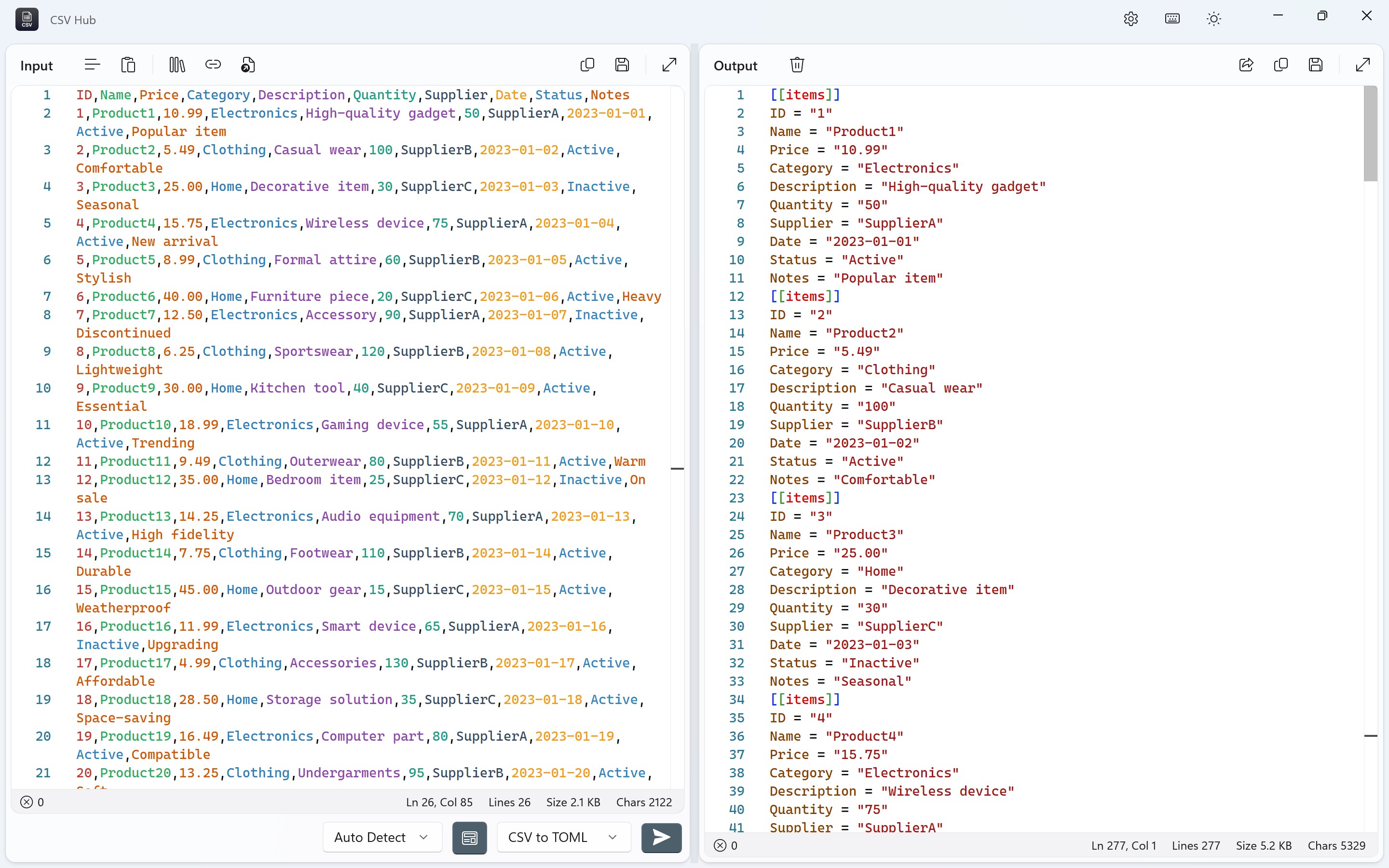
One of CSV Hub's standout features is its hassle-free import/export functionality. Whether you're pulling data from various sources or preparing to export cleaned datasets, the app supports multiple encoding formats and options. This flexibility ensures that your data remains intact and compatible, reducing the friction commonly encountered when handling diverse data sources.
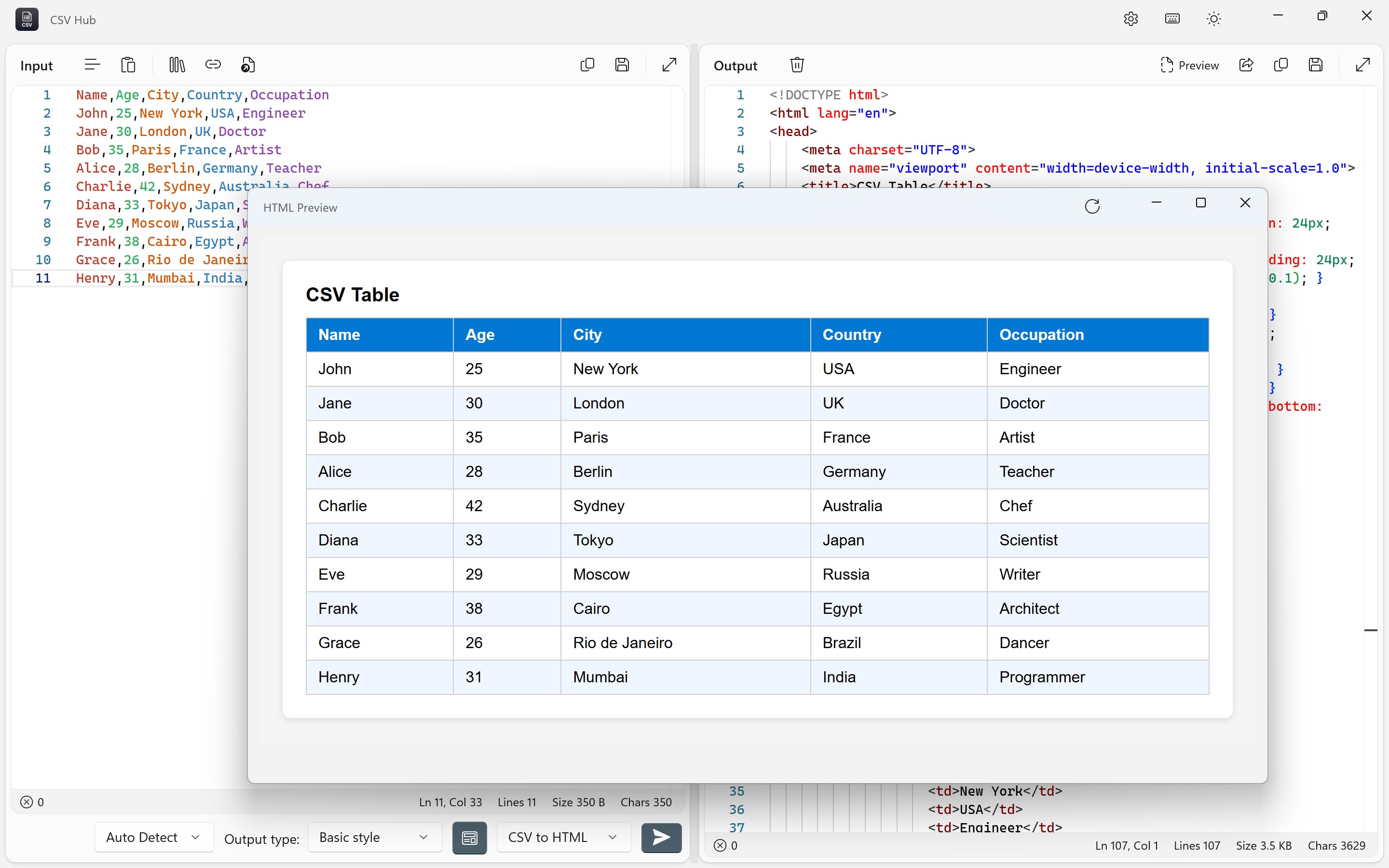
Data visualization can be a daunting task in many tools, but CSV Hub simplifies it with straightforward options to view data summaries, highlight inconsistencies, and prepare datasets for further analysis. While it doesn't replace specialized visualization tools, this feature helps users quickly grasp data structures without leaving the app.
The interface design strikes a balance between minimalism and functionality, akin to a well-organized workspace that invites you to start working immediately. The layout is intuitive, with familiar grid-based navigation similar to spreadsheet software, yet optimized for CSV-specific tasks.
Operation-wise, the app performs smoothly even with sizeable data files, thanks to thoughtful optimization under the hood. The learning curve is gentle—users familiar with basic spreadsheet operations will find their initial interactions smooth sailing. For newcomers, a straightforward help section and clean design make onboarding relatively easy.
Compared to other developer tools, CSV Hub's focus on simplicity without sacrificing core functionalities makes it stand out. Unlike more complex data processing suites, this app emphasizes quick, reliable data handling, suitable for quick edits, inspections, or prep work rather than deep analytics.
If your daily routine involves juggling CSV files—be it data analysts, software developers, or even students—CSV Hub offers a practical, user-friendly option. Its most compelling advantage lies in its seamless editing and import/export capabilities, which make data management less of a headache. I'd recommend it to anyone seeking a lightweight yet reliable CSV tool that integrates smoothly into Windows environments.
While it may not replace full-fledged data analysis software, it excels as a dedicated companion for quick data inspections and modifications. Whether you're cleaning up messy datasets before analysis or preparing data for uploads, CSV Hub for Windows deserves a spot in your toolkit.
User-Friendly Interface
Extensive CSV Data Handling
Customizable Data Views
Built-in Data Validation
Free Basic Version
Limited Advanced Features in Free Version
Minor Stability Issues on Some Devices
Learning Curve for Complex Tasks
Lack of Cloud Syncing Support
Limited Export Formats

for Windows
 5
5

for Windows
4.6

for Windows
4.6

for Windows
4.6

for Windows
4.5

for Windows
4.4

for Windows
4.4

for Windows
4.3

for Windows
4.3

for Windows
4.3

for Windows
4.3

for Windows
4.2

for Windows
5

for Windows
5
for Windows
5

for Windows
5

for Windows
5

for Windows
5

for Windows
5

for Windows
5

for Windows
5

for Windows
5