Entertainment
PC, Xbox console
Windows 10 version 19041.0 or higher
English (United States)
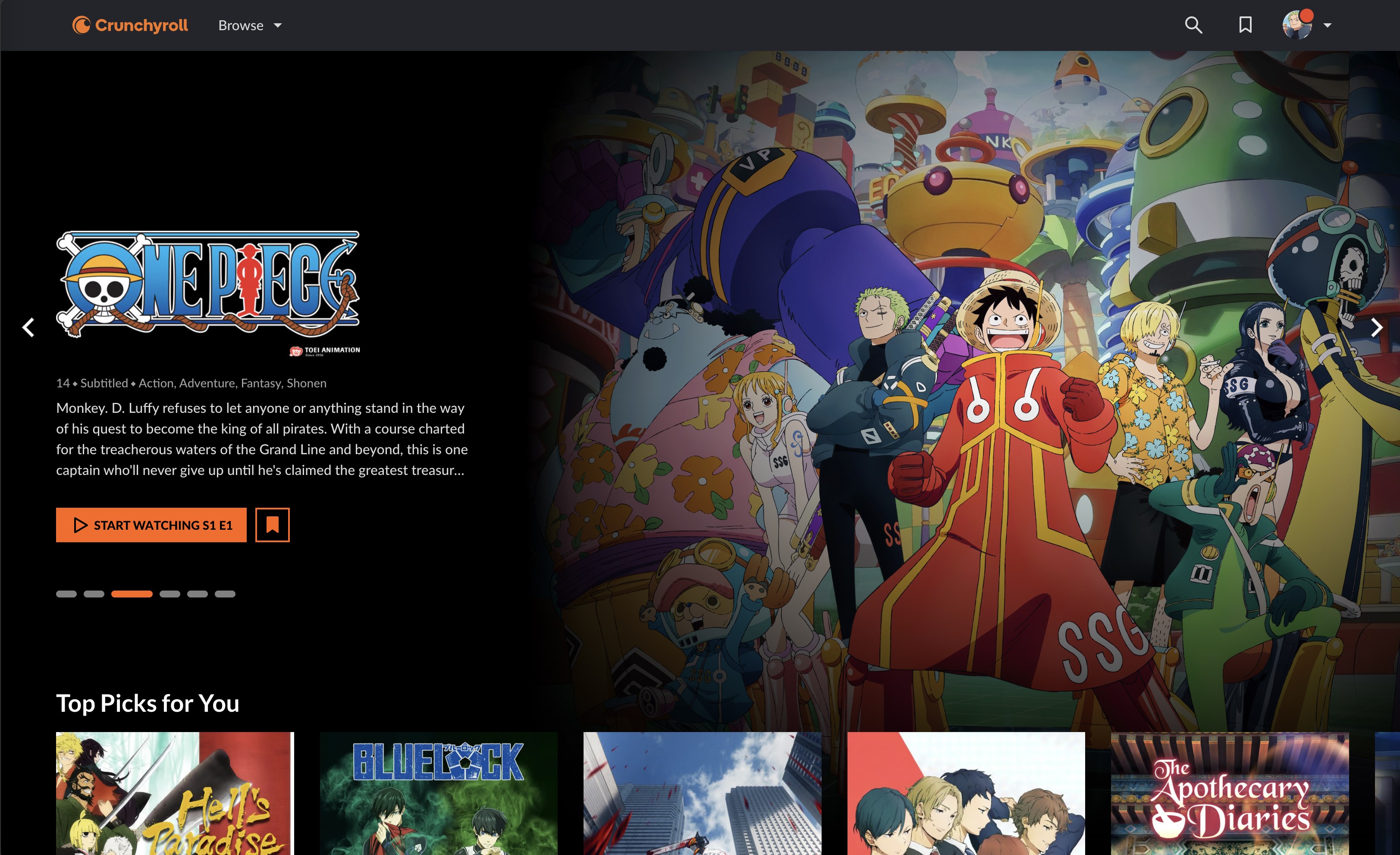
Crunchyroll for Windows is a dedicated streaming app that brings the latest anime, manga, and Korean dramas directly to your desktop. Designed for fans who crave seamless access and personalized content, this application aims to be your reliable companion for entertainment on the go or at home.
The app is crafted by Crunchyroll, LLC, a well-established leader in anime and Asian entertainment streaming services. Their expertise ensures the app's focus on delivering high-quality content with user-centric features.
Imagine cozying up with your favorite animated series or Korean dramas after a long day—Crunchyroll for Windows aims to make this a smooth, enjoyable experience. Its clean interface and responsive design feel like a well-organized bookshelf where you can effortlessly find your next binge session.
The app's standout feature is its sophisticated content discovery system. Unlike generic streaming platforms, Crunchyroll's algorithms are fine-tuned to analyze your viewing patterns and recommend shows that genuinely resonate with your tastes. Whether you've recently binge-watched a martial arts epic or a romantic K-drama, the app smartly surfaces similar titles, guiding you down new exciting avenues of entertainment. This personalized touch makes the viewing experience feel like a friendship—thoughtful and tuned into your preferences.
Once you've picked your show, the app delivers crisp, HD streaming that rivals a high-definition movie theater experience. The adaptive streaming technology ensures minimal interruptions, even when your internet slows down. For those times when connectivity isn't reliable or when you're traveling, the offline download feature comes as a lifesaver, letting you watch your favorite episodes on the plane or during a power outage without hiccups.
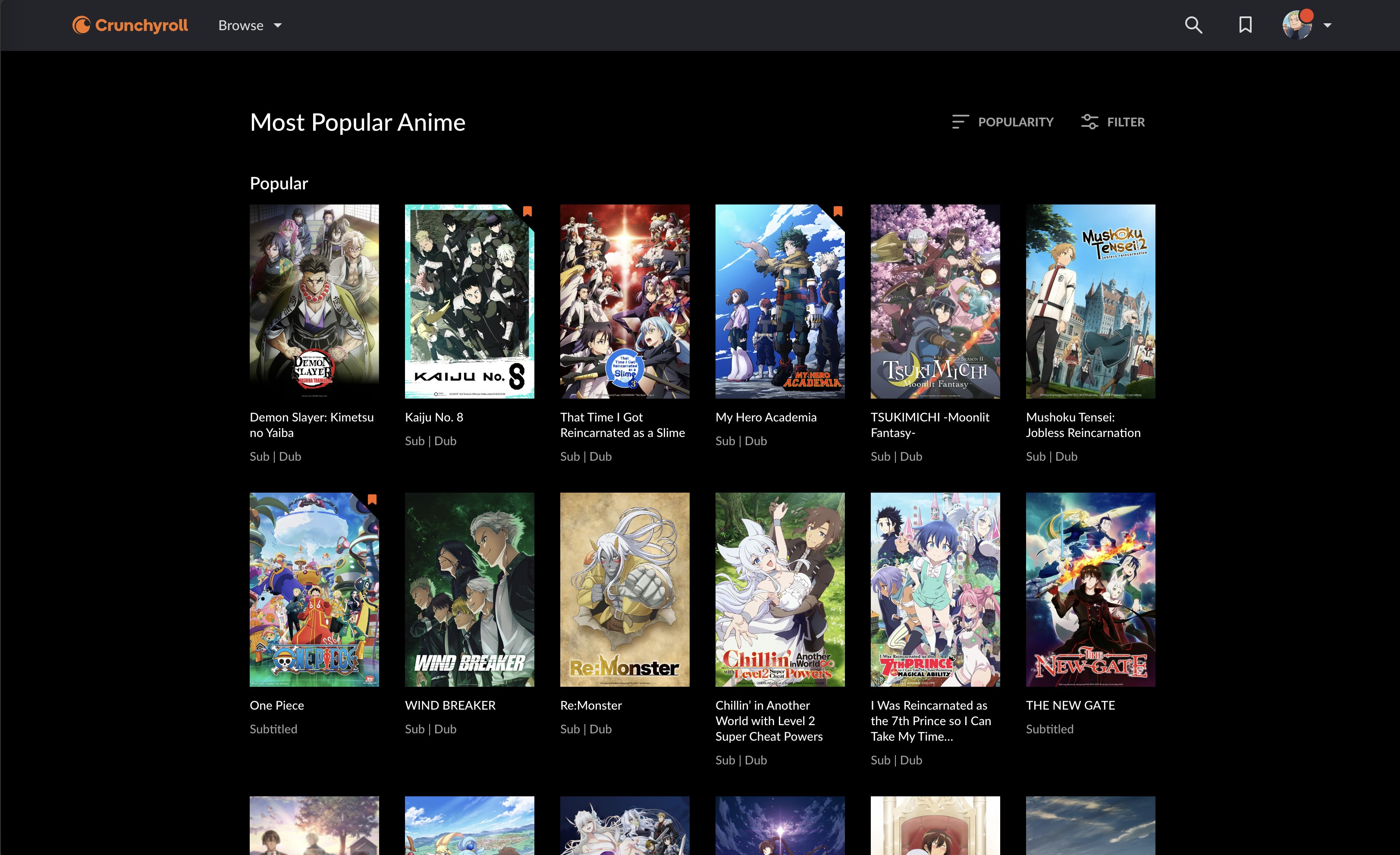
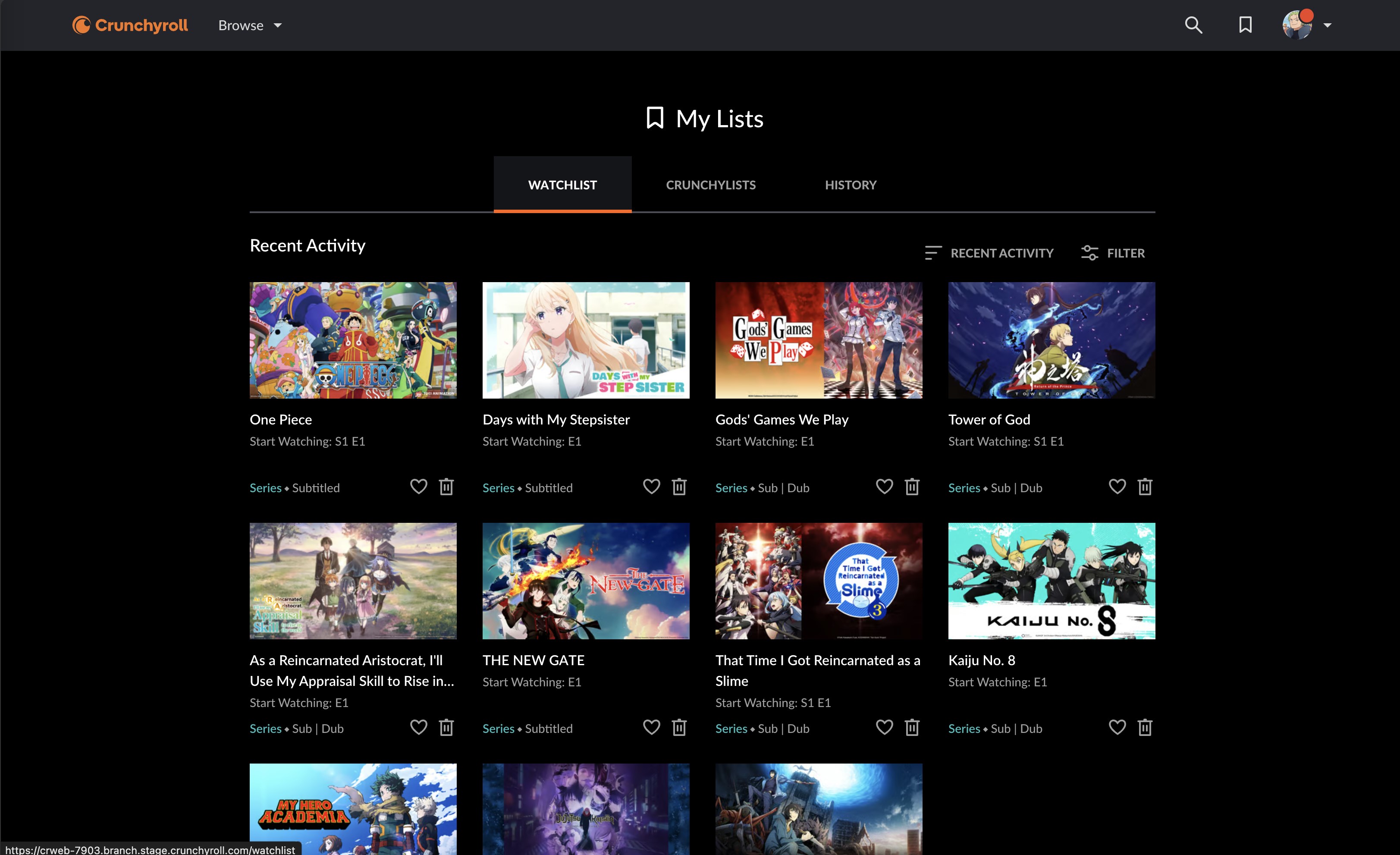
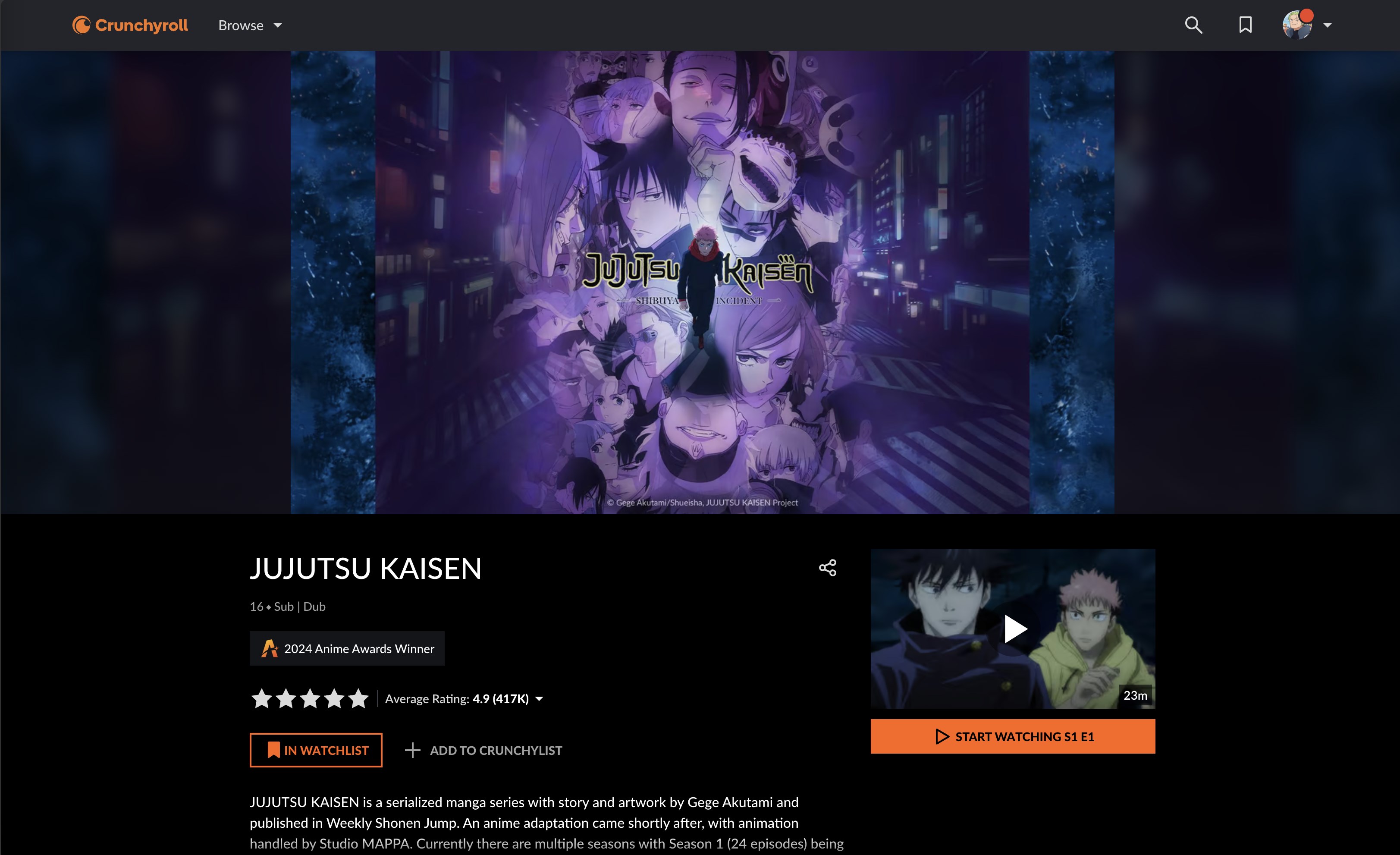
Crunchyroll's interface feels like flipping through a sleek digital magazine—bright, intuitive, and easy to navigate. The learning curve is gentle; even newcomers to streaming platforms will find themselves quickly comfortable locating content, creating playlists, or managing downloads. The app's responsive design ensures smooth scrolling and quick load times, making it feel like the app is seamlessly tuned to your fingertips.
Beyond standard features, Crunchyroll for Windows excels in its content recommendation engine. Unlike broader entertainment apps that offer a mix of movies, shows, and variety content, this app's algorithms are specifically calibrated for anime and Asian dramas, resulting in highly relevant suggestions. Imagine having a knowledgeable friend who exactly understands your taste and always points you to the next great show—that's what this app strives for with its personalized recommendations.
The app's primary distinction lies in its targeted content curation and the ability to discover new titles effortlessly. If you're an avid anime or K-drama fan, this app can genuinely enhance your viewing experience by making it easier to find and enjoy titles aligned with your preferences. Its straightforward interface combined with rich personalization makes it a valuable tool for both casual viewers and dedicated fans.
In terms of usage, I'd recommend this app strongly for those who want a dedicated, optimized experience on Windows. It's especially beneficial if you appreciate tailored recommendations and offline access. For users who prioritize a broad range of entertainment, exploring additional platforms might be worth considering, but when it comes to anime and Asian dramas, Crunchyroll for Windows stands out as a focused, reliable option.
Extensive Content Library
High-Quality Video Streaming
User-Friendly Interface
Multi-Device Compatibility
Offline Download Option
Limited Free Content
Occasional App Crashes
Inconsistent Update Frequency
Limited Parental Controls
Subscription Cost

for Windows
 5
5

for Windows
4.8

for Windows
4.8

for Windows
4.8

for Windows
4.7

for Windows
4.6

for Windows
4.6
for Windows
4.6

for Windows
4.6

for Windows
4.6

for Windows
4.6

for Windows
4.6

for Windows
5

for Windows
5

for Windows
5

for Windows
5
for Windows
5

for Windows
5

for Windows
5

for Windows
5

for Windows
5

for Windows
5