Entertainment
CenterPoint Gaming
PC
Windows 10 version 14316.0 or higher
Integrated Mouse
Not specified
English (United States)
Crosshair X is a specialized application designed to enhance shooting accuracy and focus within Windows-based gaming and streaming environments. Its simple yet powerful features aim to provide users with customizable crosshair overlays, making it an essential tool for competitive gamers and content creators alike.
CenterPoint Gaming, a dedicated team with expertise in gaming peripherals and software, brings their insights into user-centered design to create tools like Crosshair X. Their goal is to improve player precision and provide an intuitive experience tailored for gamers seeking a competitive edge.
Imagine being at the start line of a competitive race, your focus sharpened, senses attuned—now add a precisely calibrated guiding line that keeps your aim steady amidst chaos. Crosshair X offers this serenity of precision amidst the storm. Whether you're diving into fast-paced FPS battles, practicing your shooting skills, or streaming your gameplay with clarity, this application acts as your unseen but vital companion. Its lightweight nature and straightforward setup make it feel more like a friendly assistant than a complex tool, empowering you to focus solely on your game.
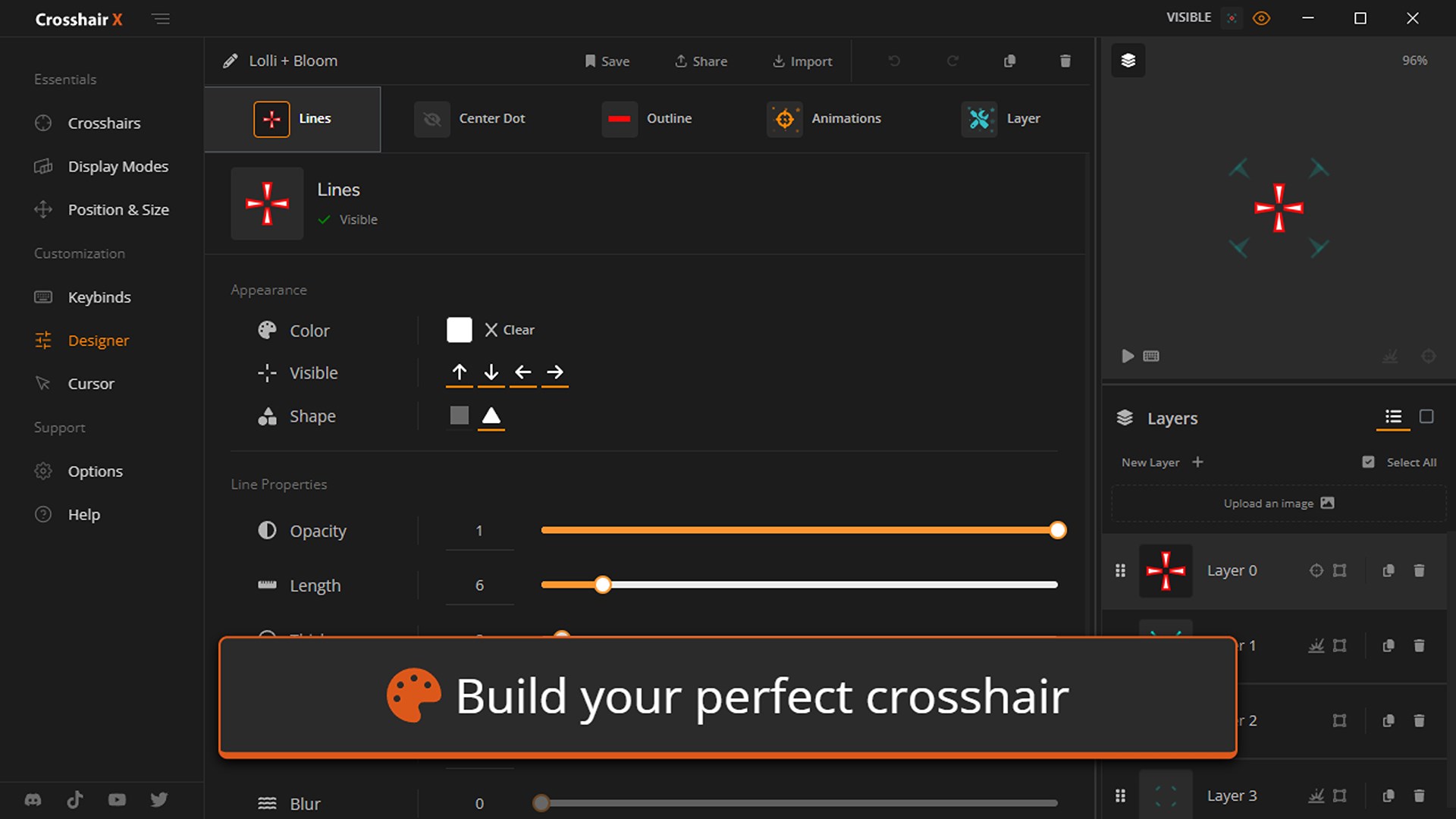
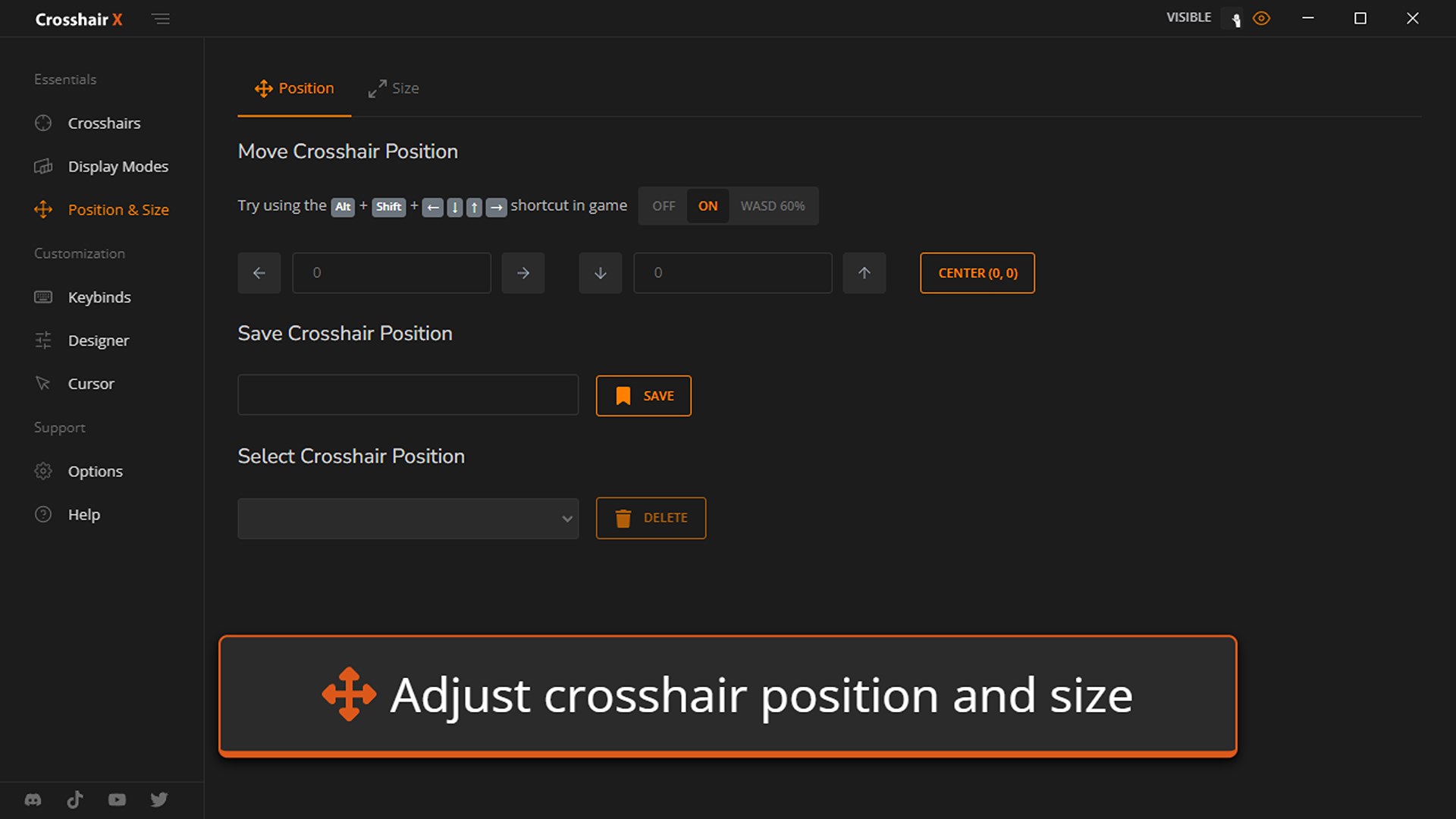
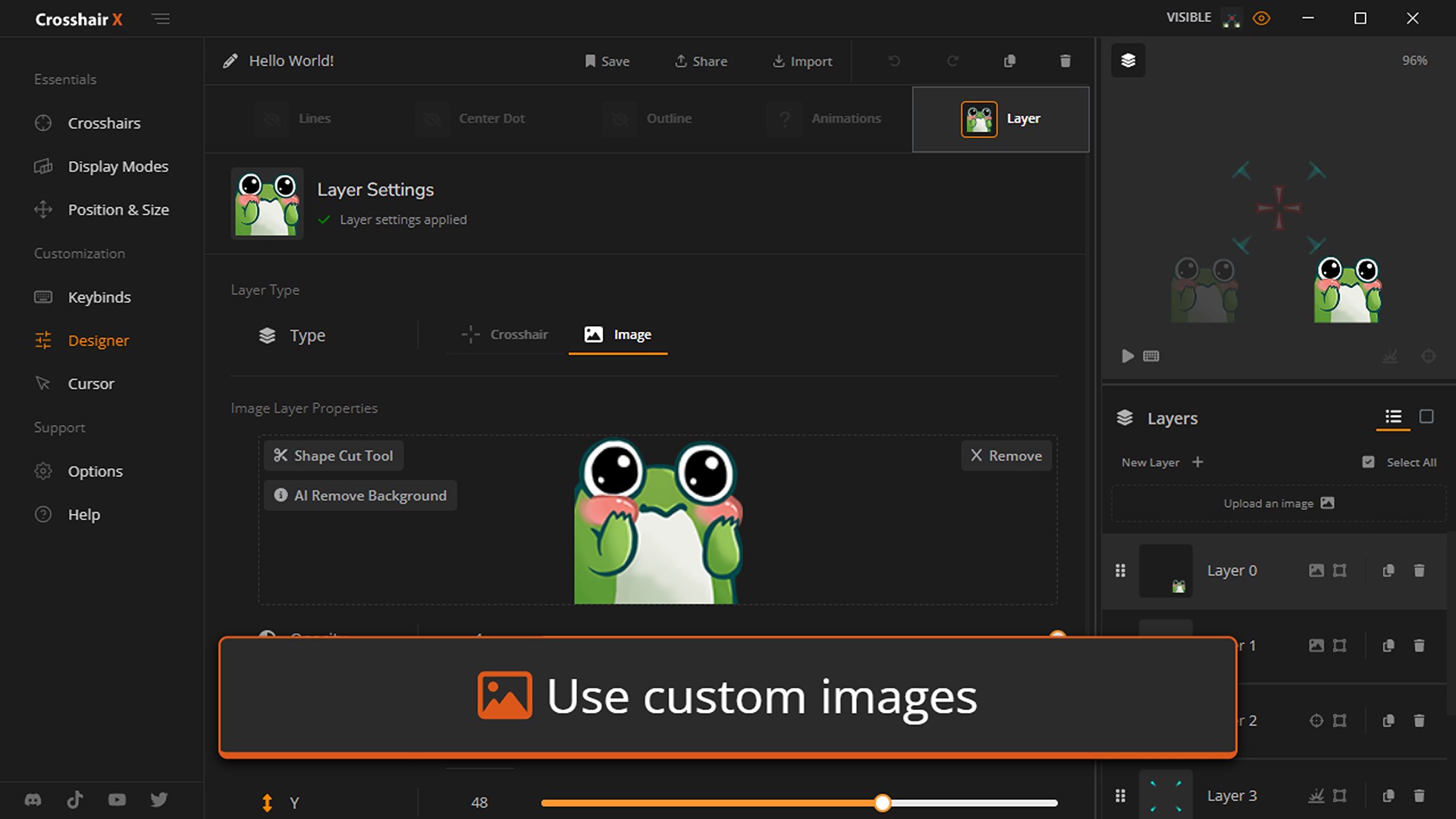
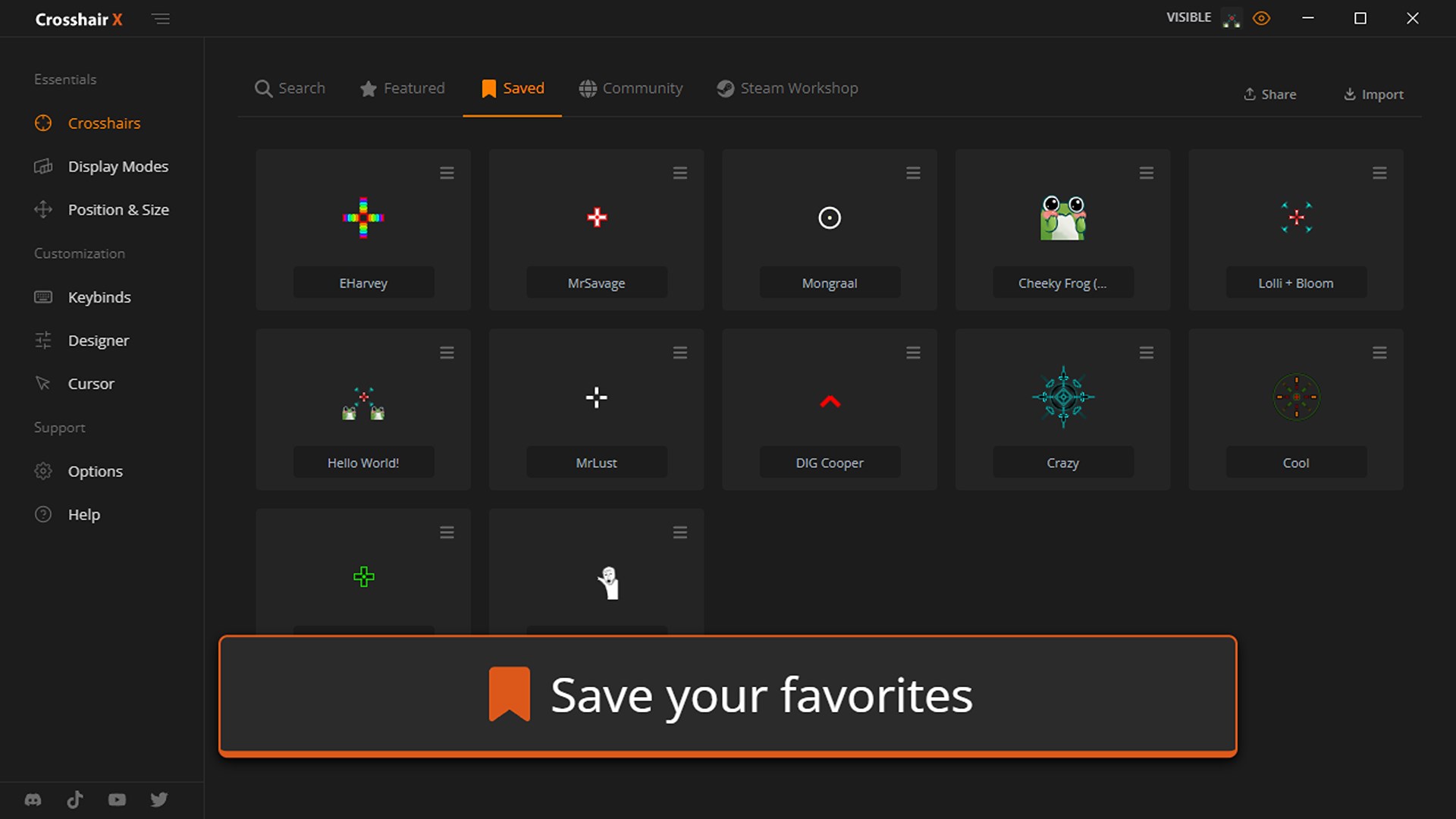
The hallmark feature of Crosshair X is its high degree of customization. The app provides an extensive selection of crosshair styles—from classic dots and lines to intricate cross shapes. Users can tweak the color palette, opacity, and size to blend seamlessly with their gaming environment or stand out for better visibility. This flexibility ensures players can adapt the overlay precisely to their needs, whether they prefer a subtle guide or a bold marker. The real charm? Changes are instantly visible, allowing rapid experimentation to find the perfect setup. This level of detail surpasses many competing apps, which often limit aesthetic choices or require technical tweaks.
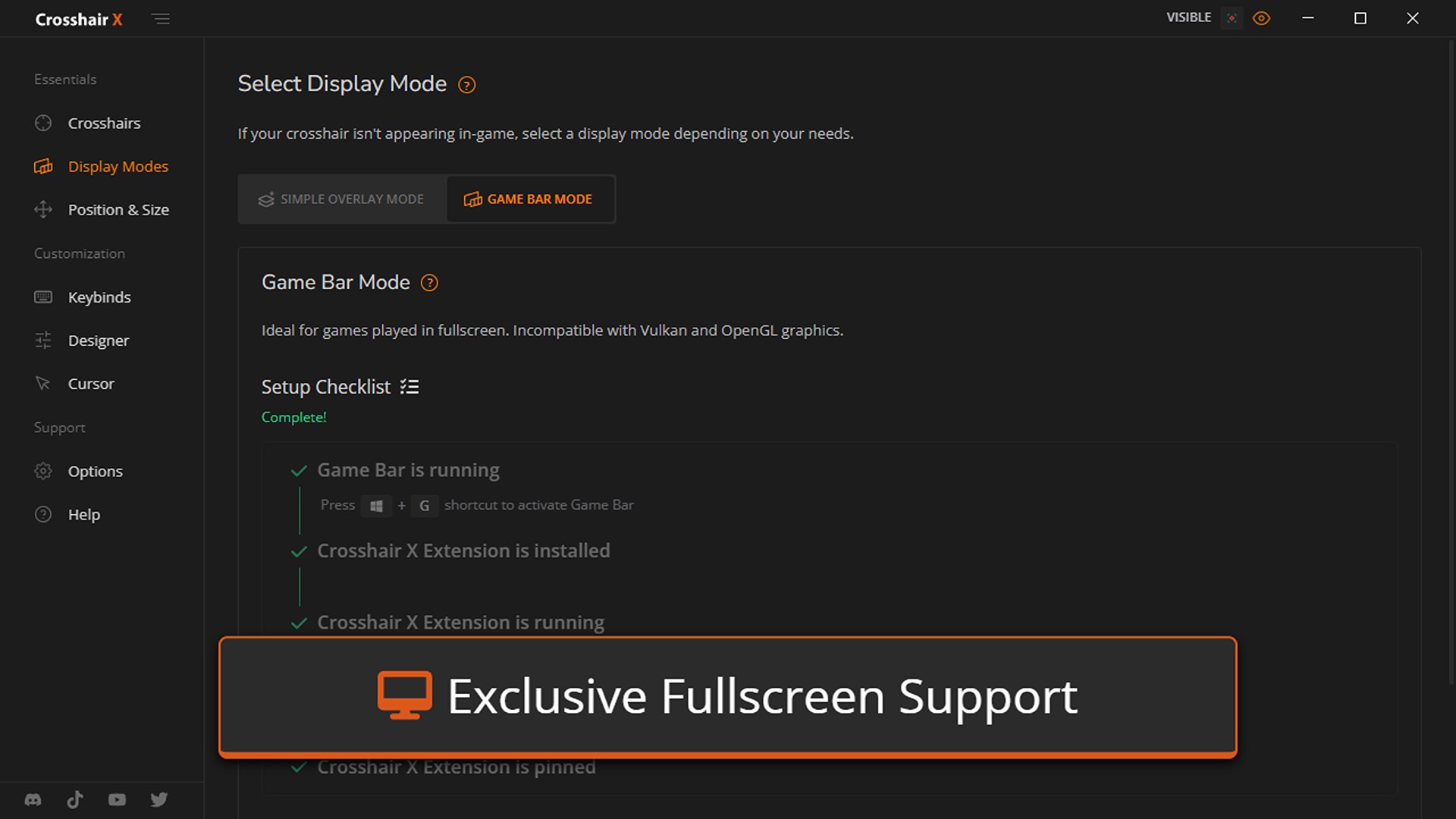
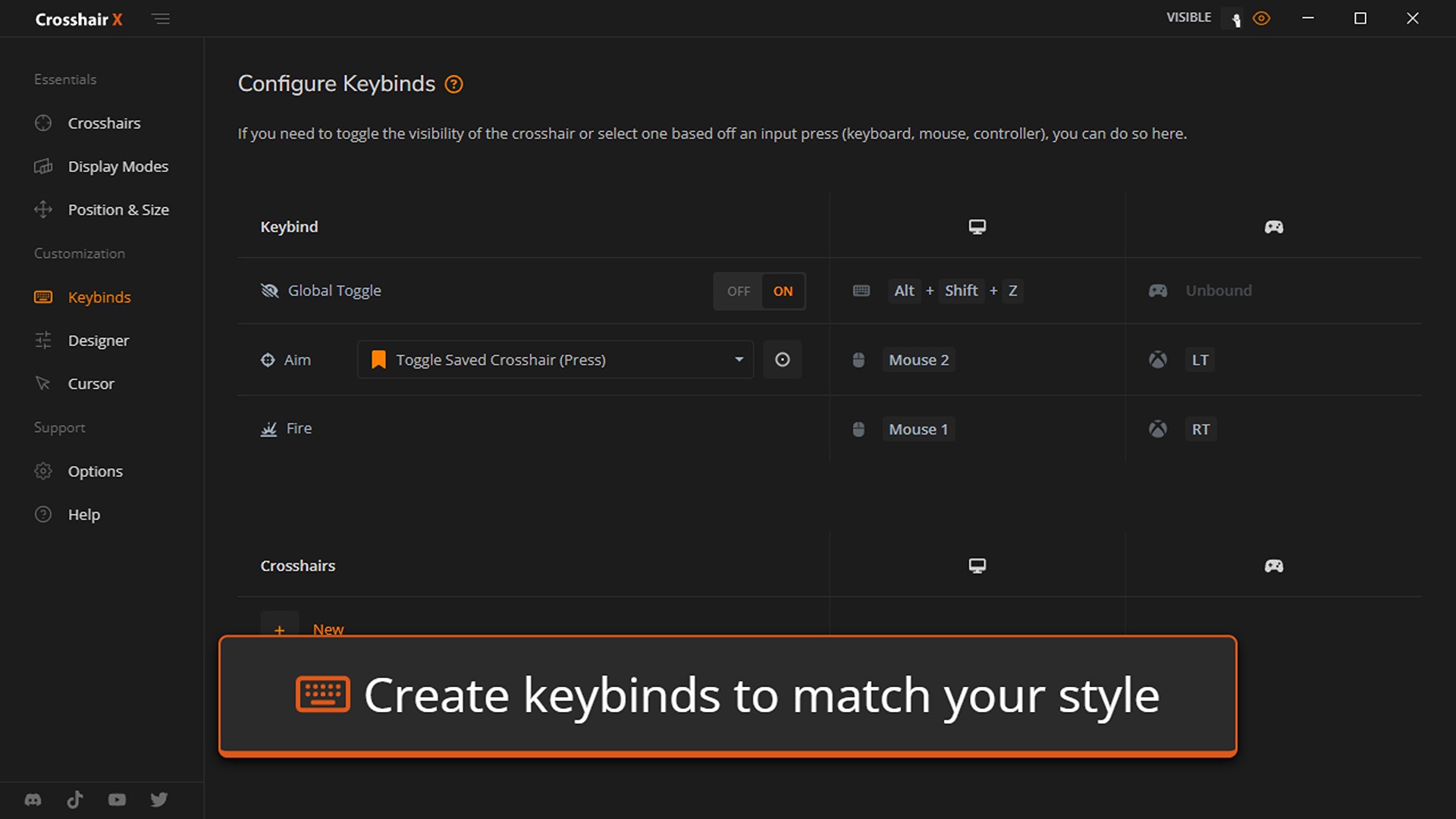
Crosshair X shines in its unobtrusive yet effective overlay management. It sits quietly atop any game window, respecting game graphics and not interfering with gameplay — much like a friendly ghost watching over your shoulder, providing guidance without distraction. The interface is straightforward: toggle overlays on or off with a single click or keyboard shortcut. For users new to such tools, the learning curve is gentle, thanks to clear labels and presets. Moreover, the app is optimized for fluid performance; there's no lag or stuttering, even during intense gameplay. This seamless operation is crucial for maintaining immersion and ensuring the tool doesn't become more of a hindrance than a help.
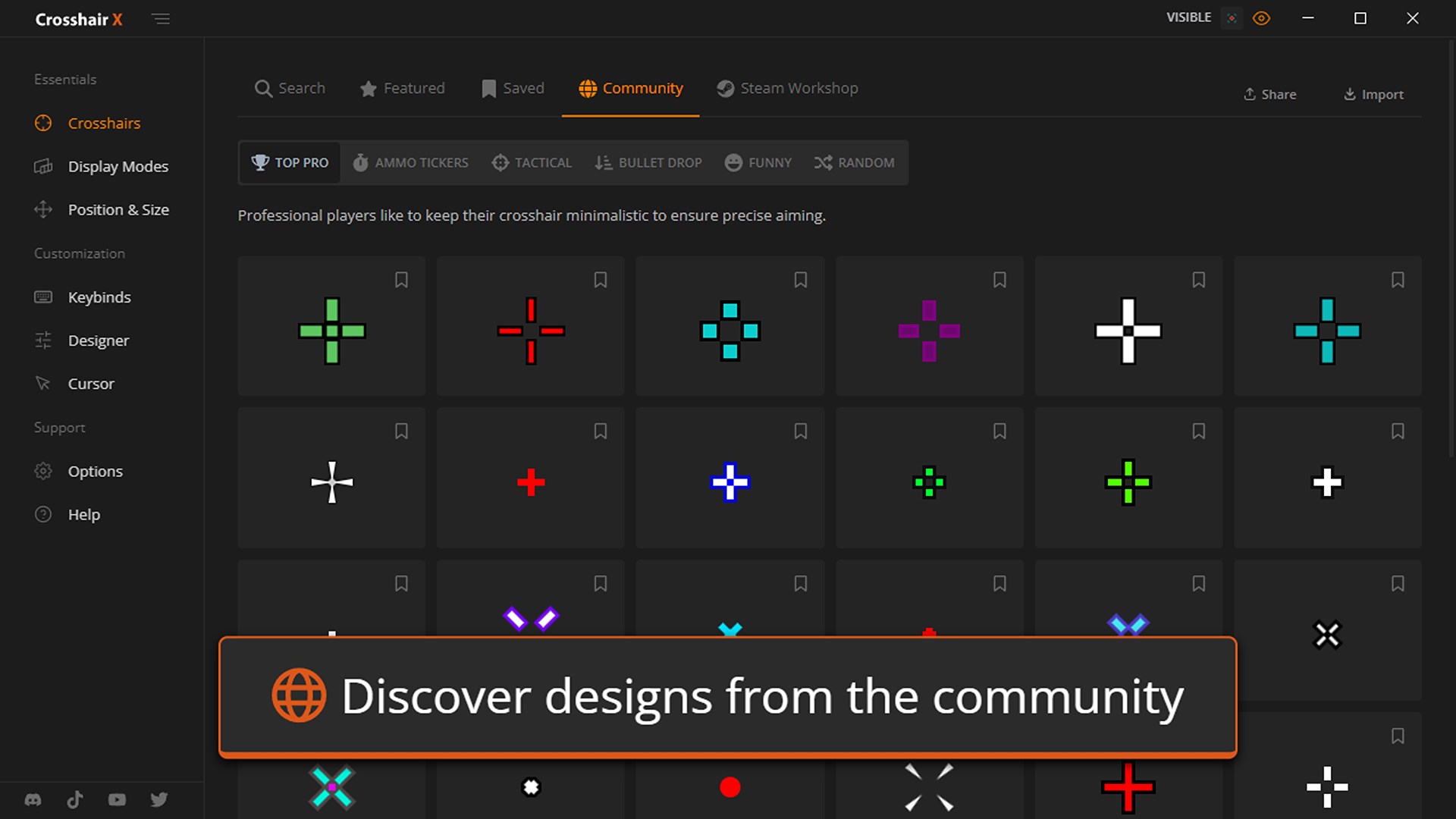
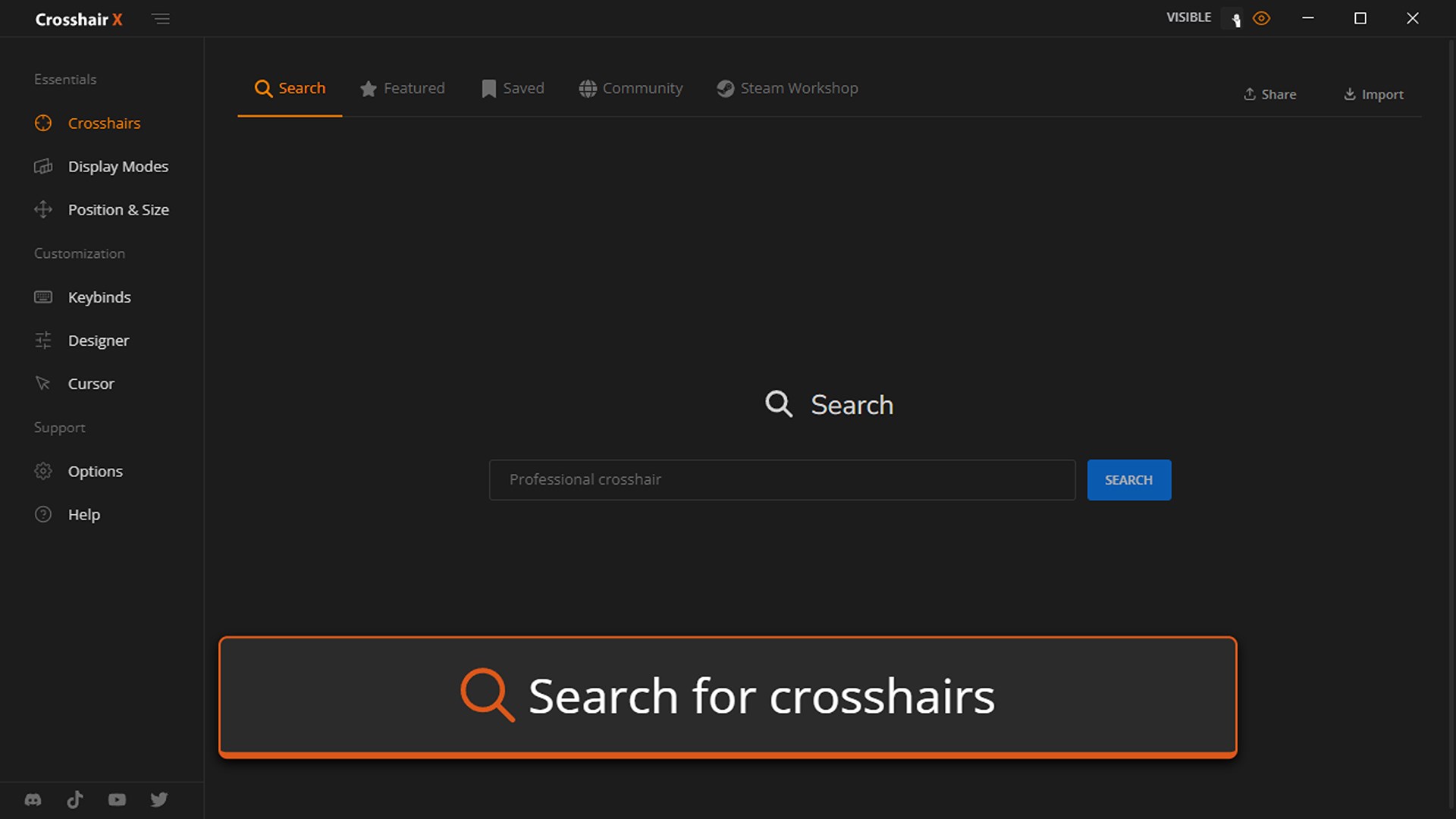
While many overlay tools focus solely on static features, Crosshair X distinguishes itself through its intelligent customization options. Notably, it adapts its crosshair suggestions based on your usage patterns—highlighting the most useful styles or configurations based on your gaming style and preferences. This element of content discovery is akin to having a personal trainer who learns your habits and recommends improvements, making the experience feel tailored specifically for you. Additionally, the app's ability to manage multiple profiles effortlessly means you can switch between different game genres or characters, each with its own perfect crosshair setup. This personalized approach makes Crosshair X not just a static overlay but a dynamic companion that evolves with your needs.
Overall, Crosshair X is highly recommended for gamers who seek to refine their aim and improve consistency without complex hardware or invasive in-game adjustments. Its lightweight design and ease of use make it suitable for both casual players and competitive professionals. For optimal results, spend some time experimenting with different styles and opacity levels to find what best suits your gameplay. Keep in mind that while the app excels in customization and stability, its real strength lies in its ability to provide a tailored visual anchor—especially valuable in fast-paced shooters or precision-based games.
In conclusion, if you're on the lookout for a minimal yet powerful tool to sharpen your aim and elevate your gaming experience, Crosshair X offers a compelling package. Its intelligent personalization features and user-friendly interface make it stand out in the crowded landscape of overlay tools, serving as an unobtrusive yet essential aid for serious gamers and streamers alike.
Intuitive User Interface
High Customization Options
Low Latency Overlay
Robust Compatibility
Free Basic Version
Limited Advanced Customization
Occasional Overlay Freeze
Requires Constant Internet Connection for Updates
In-App Ads in Free Version
Learning Curve for Advanced Features

for Windows
 5
5

for Windows
4.8

for Windows
4.8
for Windows
4.8

for Windows
4.7

for Windows
4.6

for Windows
4.6

for Windows
4.6

for Windows
4.6

for Windows
4.6

for Windows
4.6

for Windows
4.6

for Windows
5

for Windows
5

for Windows
5

for Windows
5
for Windows
5

for Windows
5

for Windows
5

for Windows
5

for Windows
5

for Windows
5