Puzzle & trivia
Playcus
PC
Windows 10 version 10240.0 or higher
Version 10
Integrated Mouse
Not specified
English (United States)
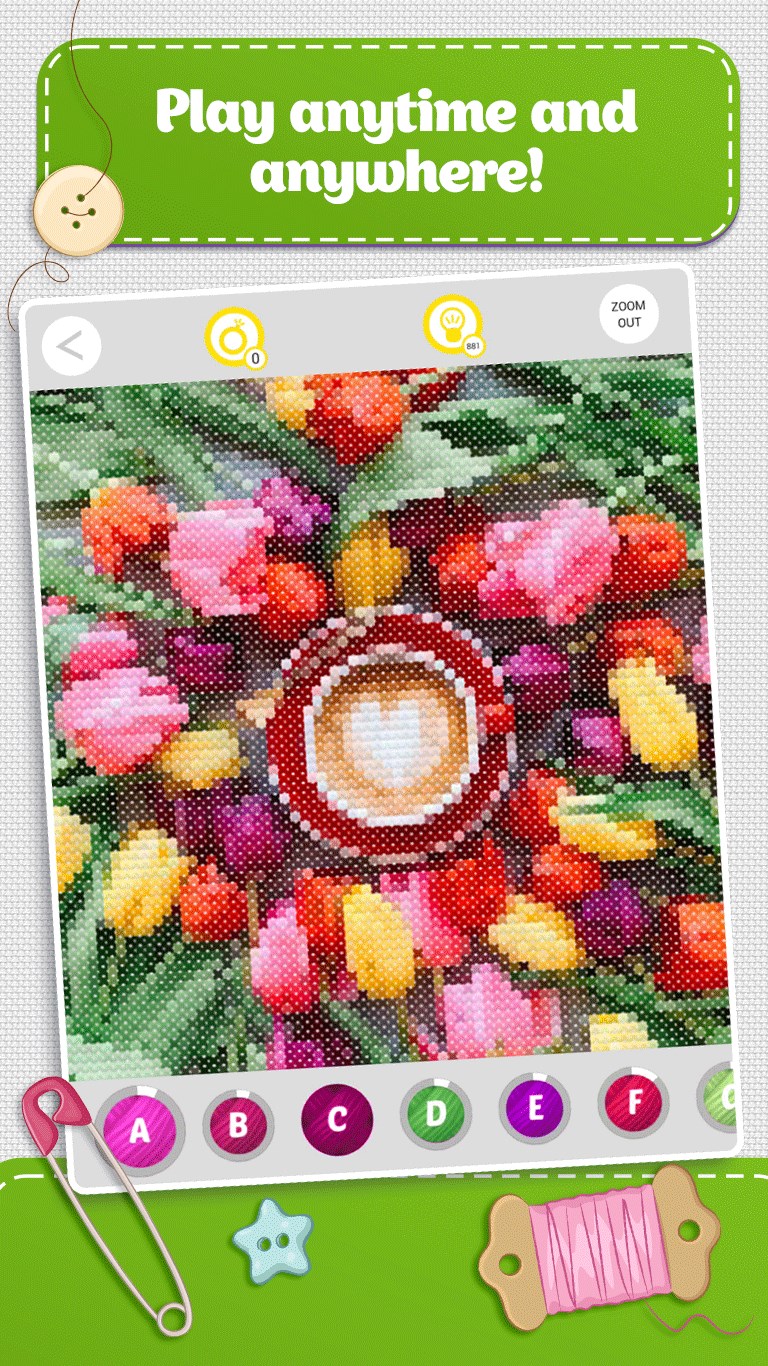
Cross Stitch Colorful Art for Windows is a vibrant, relaxing puzzle experience that combines the charm of traditional needlework with modern digital art, offering users an enjoyable way to unwind and exercise their creativity directly on their PC screens.
Developed by Playcus and published by PLAYCUS LIMITED, this app brings a polished and user-friendly design, rooted in a team dedicated to crafting engaging casual games.
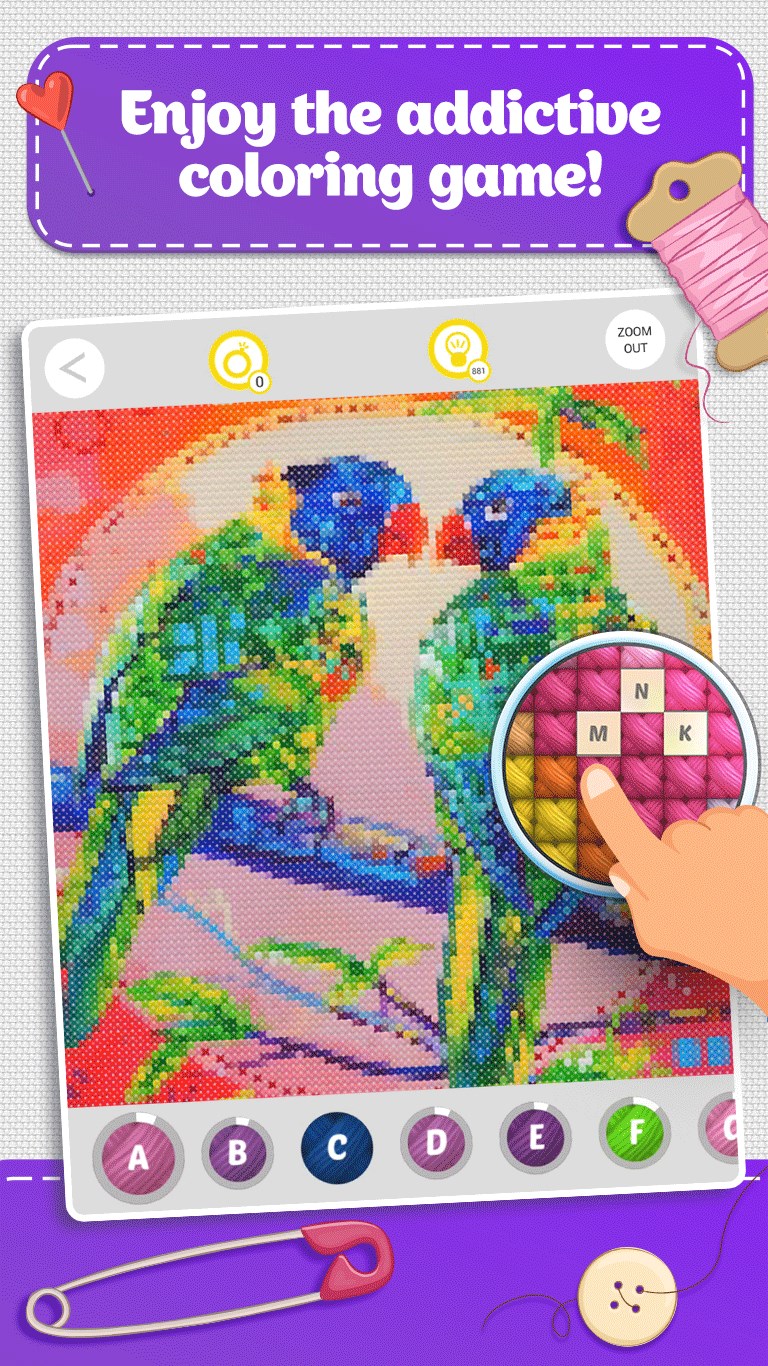
The standout feature of Cross Stitch Colorful Art is its vibrant, colorful palette that makes each pixel pop like tiny beads on a craft tray. The interface resembles an art studio—clean, inviting, and thoughtfully organized. Swiping and tapping feel natural, akin to handling real embroidery needles, which makes in-app interaction soothing rather than frustrating. Navigating between patterns or zooming into details is seamless, allowing users to focus on creating detailed murals without lag or fuss.
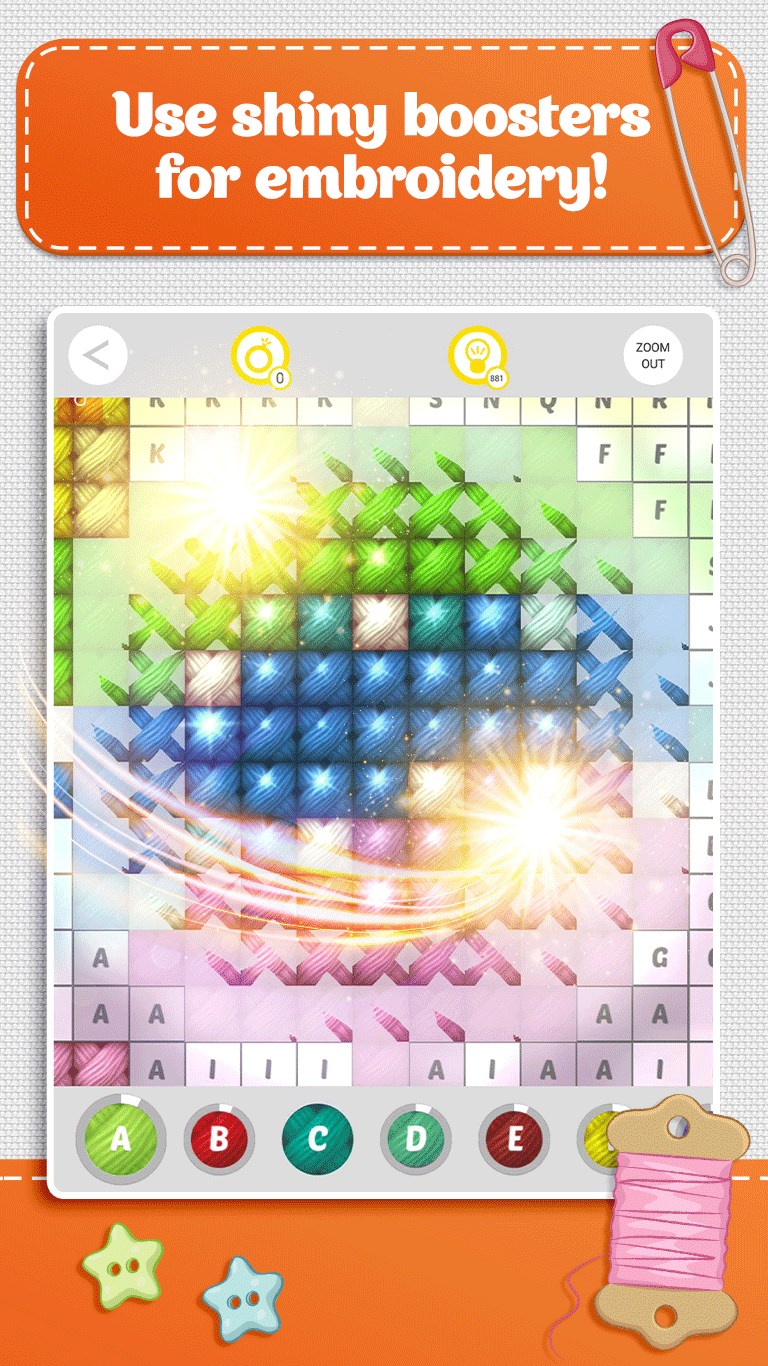
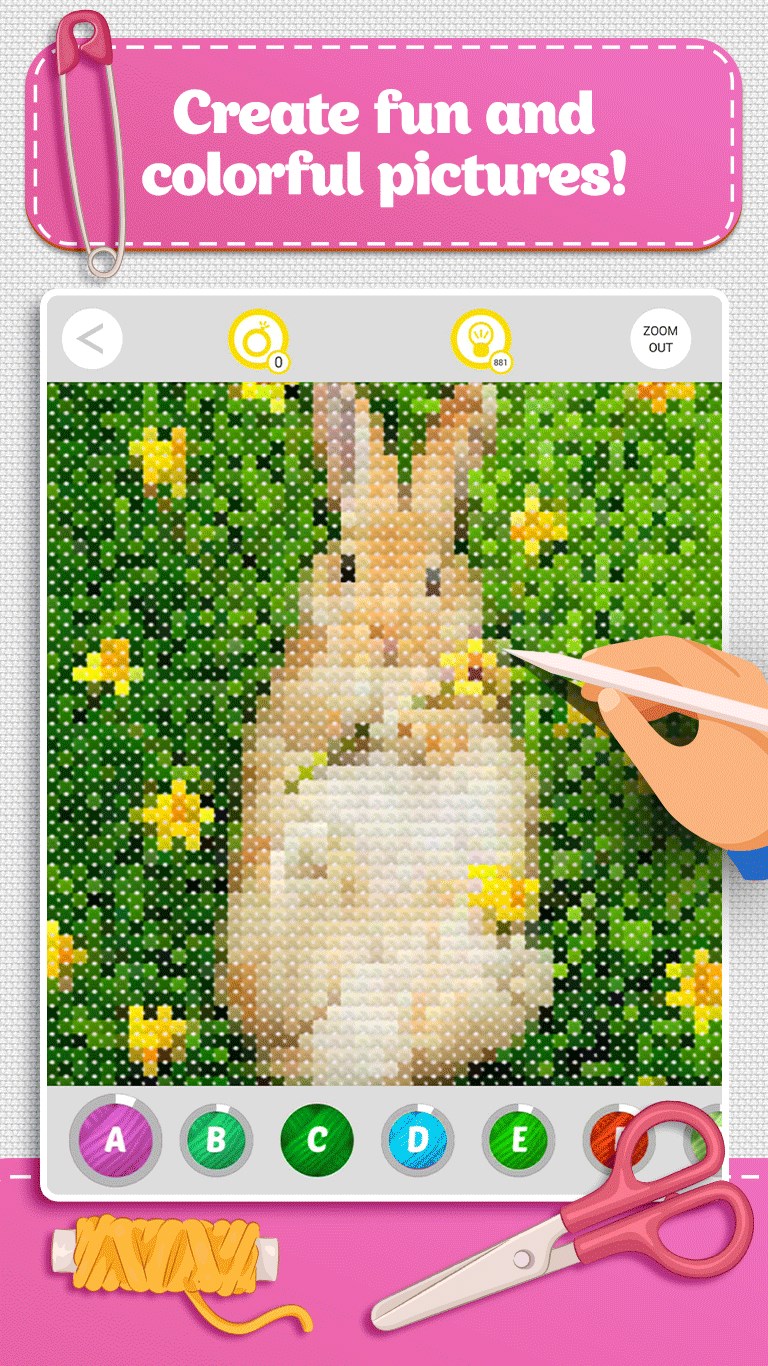
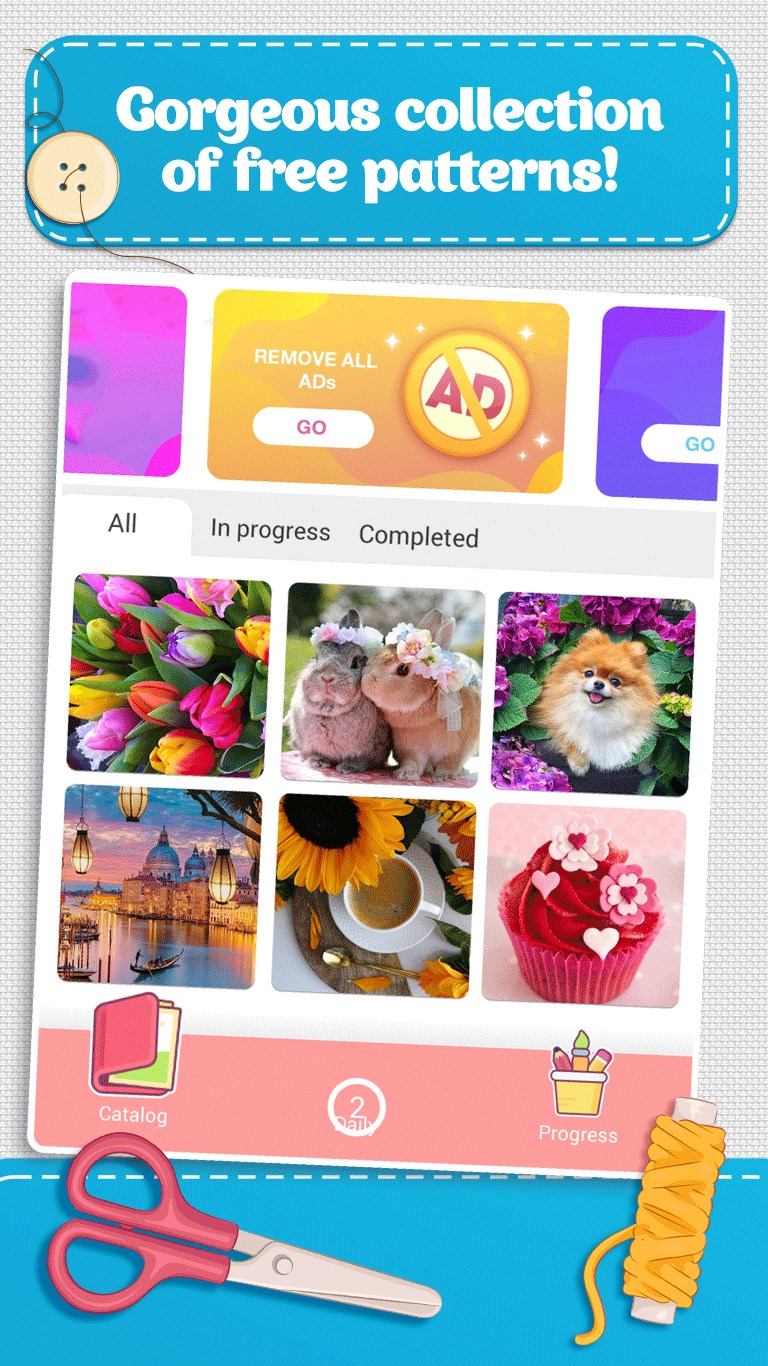
At the heart of this app are its core features—each designed to enhance the relaxing puzzle experience. The first is the expansive library of cross-stitch patterns, ranging from floral motifs to abstract art, each meticulously designed to simulate actual cross-stitching with thread-like textures. The second core feature is the color palette customization, empowering users to select and personalize their designs, fostering a sense of ownership and creativity. The third noteworthy aspect is the step-by-step filling process, which guides players intuitively through complex designs, maintaining engagement without feeling overwhelming. For those who enjoy a layered challenge, the app offers difficulty settings and progressively complex patterns, ensuring the experience remains fresh and stimulating.
Compared to other puzzle and trivia apps, Cross Stitch Colorful Art stands out with its fusion of art therapy and puzzle mechanics. Unlike typical match-three or block-breaking games, this app leans into a craft-inspired relaxation experience, creating a meditative atmosphere. Its true genius lies in mimicking real cross-stitching texture and providing a creative outlet that feels tangible, even on a digital screen. This tactile simulation appeals especially to craft lovers and those seeking a mindful, non-competitive activity. Its focus on detailed, visually appealing patterns also sets it apart from more abstract or minimalistic puzzle games—here, every pixel contributes to a beautiful, finished artwork.
I would recommend Cross Stitch Colorful Art for anyone looking to add a gentle, artistic activity to their digital routine. Its intuitive controls make it suitable for all ages, and the variety of patterns ensures long-term engagement. Whether you want a relaxing moment during a busy day or an inspiring creative project, this app offers a tranquil and satisfying experience.
For best results, start with simpler designs to familiarize yourself with the filling mechanics. As you grow more comfortable, progress to complex patterns for greater challenge and satisfaction. Keep in mind that although the app's interface is beginner-friendly, patience and a quiet environment will significantly enhance your enjoyment—much like real cross-stitching, it's about savoring the process, not just the finished piece.
In conclusion, Cross Stitch Colorful Art for Windows stands out as a memorable fusion of art, relaxation, and casual puzzle play. Its most special features—especially the realistic textures and broad pattern variety—make it a unique contender in the puzzle genre. If you appreciate art-inspired, meditative activities with a creative twist, this app deserves a spot in your digital collection. A mindful leisure activity that's both beautiful to look at and satisfying to complete—give it a try and stitch your way to tranquility.
Intuitive and user-friendly interface
Beautiful and vibrant color palette
Variety of patterns and designs
High-resolution zoom and detailed view
Regular updates with new designs
Limited offline functionality
Occasional lag during pattern loading
Basic tutorial provided
Limited customization options for colors
Some patterns could be more diverse in style
for Windows
 4.8
4.8
for Windows
4.8
for Windows
4.8

for Windows
4.8

for Windows
4.8
for Windows
4.8
for Windows
4.8
for Windows
4.8

for Windows
4.7

for Windows
4.7

for Windows
4.7
for Windows
4.7

for Windows
5

for Windows
5

for Windows
5

for Windows
5

for Windows
5

for Windows
5

for Windows
5

for Windows
5

for Windows
5

for Windows
5