Classics
PC
Windows 10 version 18362.0 or higher
Chinese (Simplified), Chinese (Traditional Chinese), Dutch, English, English (United States), French, German, Italian, Japanese, Korean, Portuguese, Russian, Spanish, Swedish
Cradle of Empires offers players an engaging puzzle adventure intertwined with city-building elements, creating a delightful experience for casual gamers and puzzle enthusiasts alike.
Crafted by the experienced team at AWEM GAMES LTD, this game reflects their dedication to creating polished match-3 experiences that combine captivating gameplay with strategic depth. The developer has a reputation for producing user-friendly titles that appeal to a broad audience.
From the moment you launch Cradle of Empires, you're greeted by a vibrant and detailed interface that resembles a blend of ancient civilization maps and lively city scenes. The colorful visual palette and thematic art style evoke a sense of discovery, reminiscent of peering through a magnifying glass into a long-forgotten civilization.
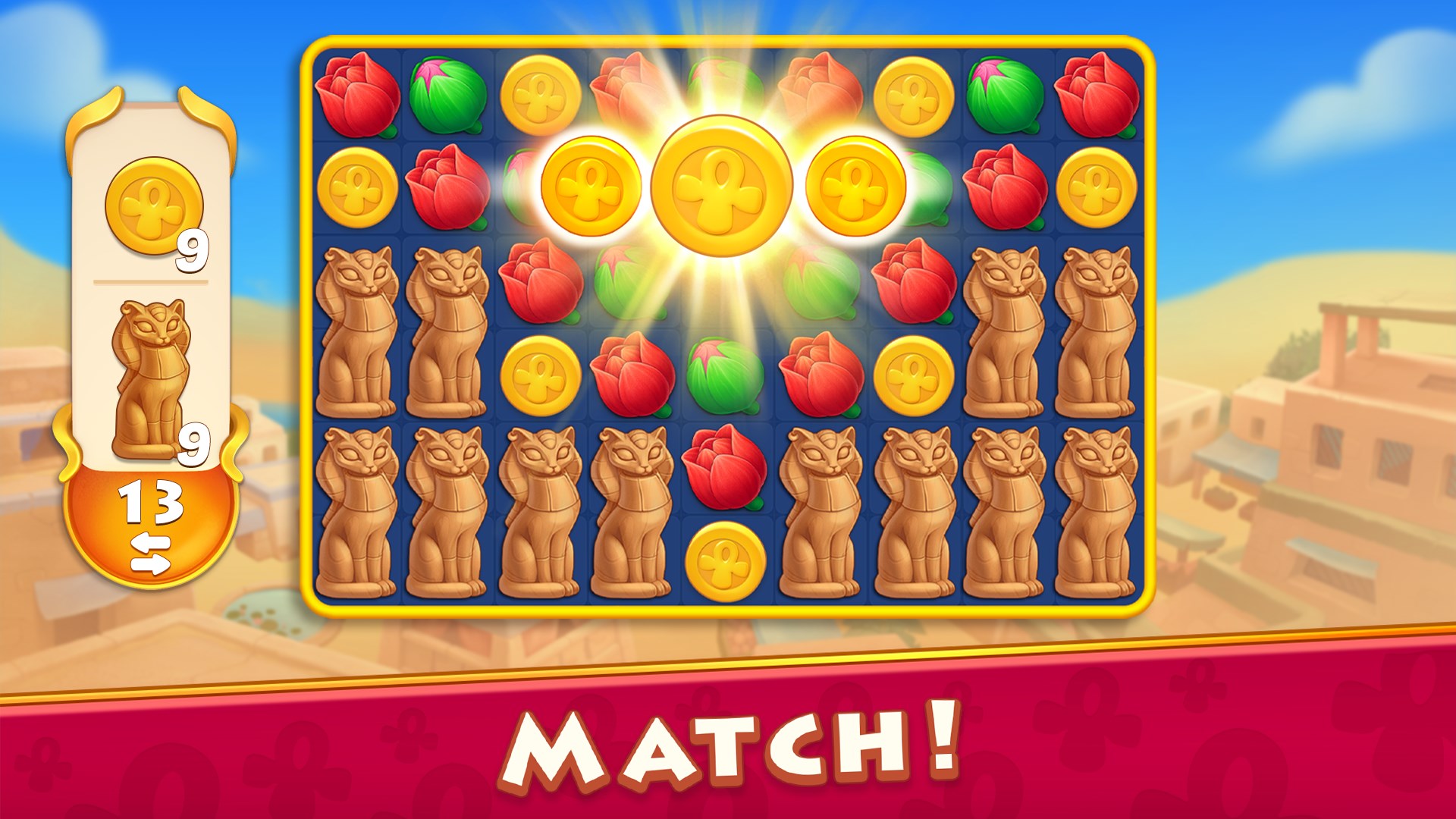
Gameplay flows smoothly, with intuitive drag-and-swap mechanics for matching jewels and constructing buildings. The controls are responsive and accessible, even for newcomers, thanks to concise tutorials and gentle learning curves. As players move from simple early levels to more intricate challenges, the game gradually introduces new mechanics, such as power-ups and special tiles, without overwhelming the user.
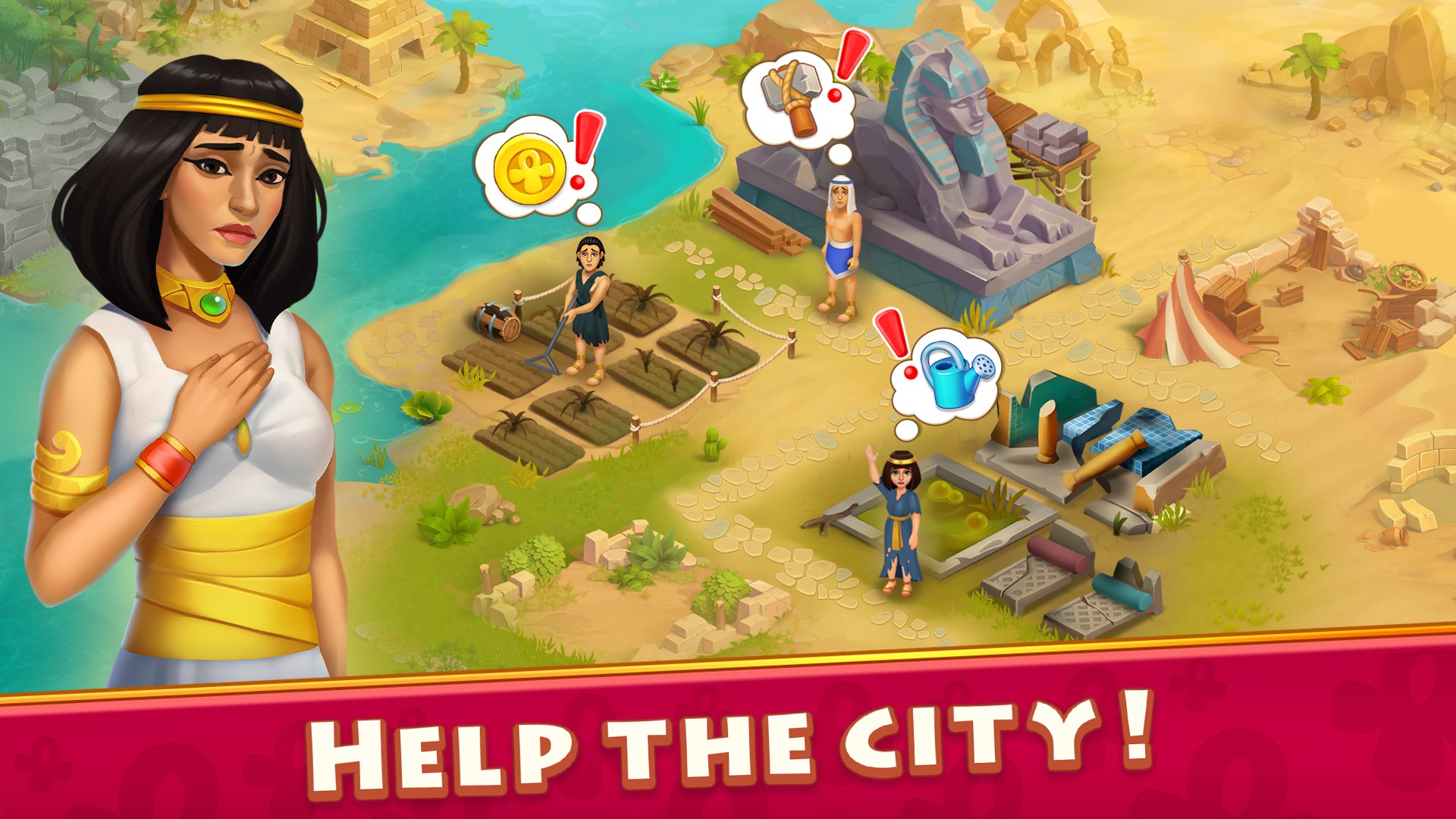
What sets Cradle of Empires apart from many other match-3 games is its integrated city-building component, which serves as both a visual reward and a strategic layer. Unlike typical puzzle games where levels are isolated challenges, here each win contributes to developing your medieval city. This creates a satisfying cause-and-effect cycle, encouraging players to treat puzzle levels as part of a bigger picture.
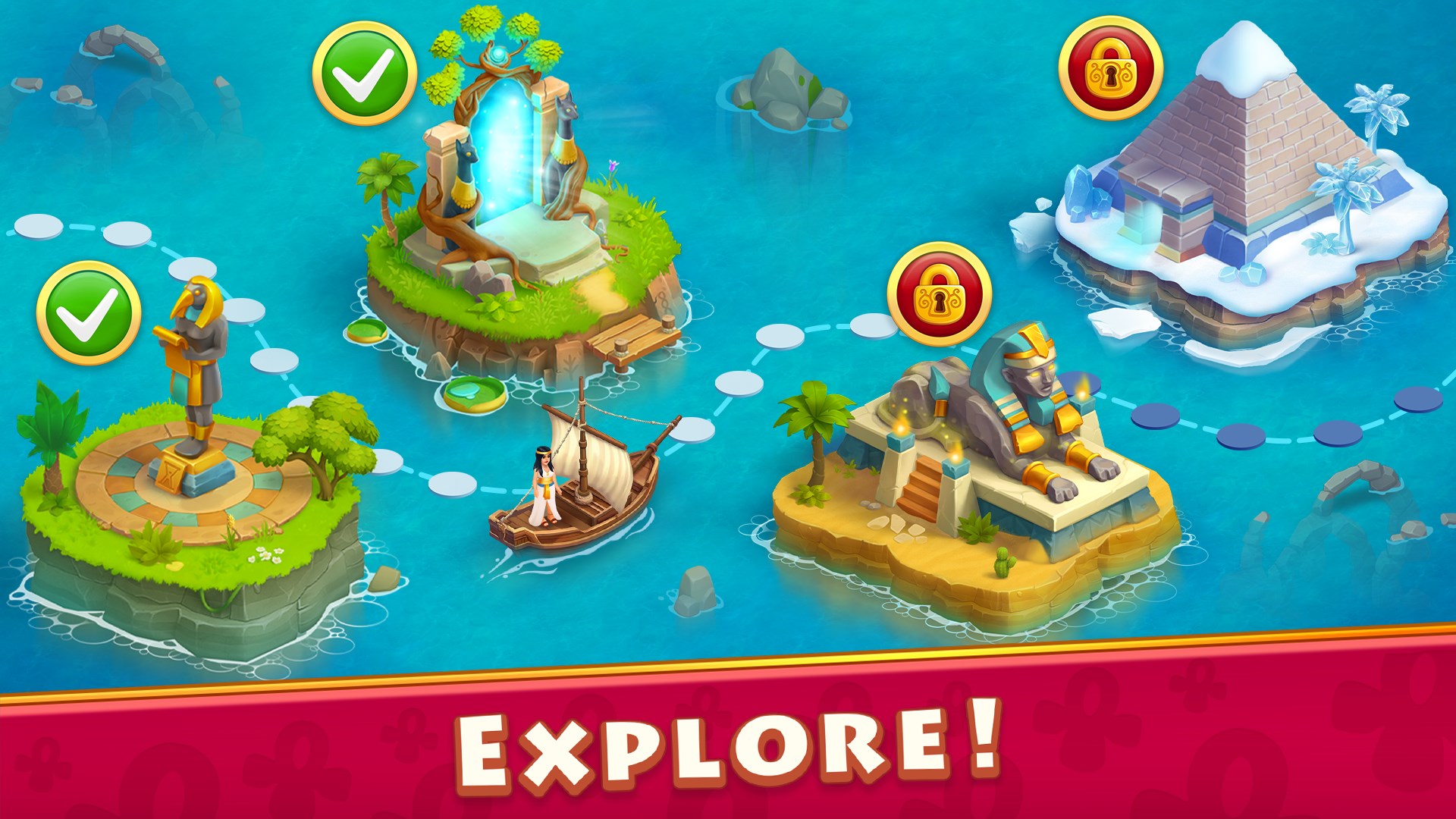
Another unique aspect is the storyline-driven approach. The game unfolds through story chapters that unlock as players advance, giving a sense of progression akin to unfolding an ancient scroll. This narrative integration fosters deeper engagement, making each puzzle feel purposeful beyond mere achievement.
Overall, Cradle of Empires is a well-crafted title that balances addictive puzzle gameplay with meaningful progression mechanics. For players who enjoy combining casual puzzle solving with strategic city development, this game offers a compelling package. Its gentle difficulty curve and inviting visuals make it suitable for a wide age range, from teens to adults seeking a relaxing yet engaging experience.
While it may not appeal as much to hardcore puzzle masters looking for extreme challenges, casual gamers and story lovers will find plenty of enjoyment here. I recommend trying it out if you're interested in a title that merges puzzle mechanics with a charming historical narrative, and you prefer games that reward long-term progression with visual and strategic satisfaction.
Engaging and visually appealing graphics
Challenging and well-designed puzzles
Variety of game modes and objectives
In-game progress rewards and daily bonuses
Smooth interface and user-friendly controls
Limited hints and assistance
In-app purchases can be intrusive
Repetitive gameplay over time
occasional app crashes or glitches
Limited tutorial for new players

for Windows
 4.9
4.9

for Windows
4.9

for Windows
4.9

for Windows
4.8

for Windows
4.8

for Windows
4.8

for Windows
4.8

for Windows
4.7

for Windows
4.7

for Windows
4.7

for Windows
4.7

for Windows
4.7

for Windows
5

for Windows
5

for Windows
5

for Windows
5

for Windows
5

for Windows
5

for Windows
5

for Windows
5

for Windows
5

for Windows
5