Family & kids
Sparkling Society B.V.
PC, Mobile, Surface Hub, HoloLens
Windows 10 version 19041.0 or higher
Version 10
Integrated Keyboard
Integrated Mouse
Arabic, Chinese (Simplified), Chinese (Traditional Chinese), Danish, Dutch, English, Filipino, French, German, Hindi, Indonesian, Italian, Japanese, Korean, Malay, Norwegian (Bokmål), Persian/Farsi, Polish, Portuguese, Russian, Spanish, Swedish, Thai, Turkish, Vietnamese
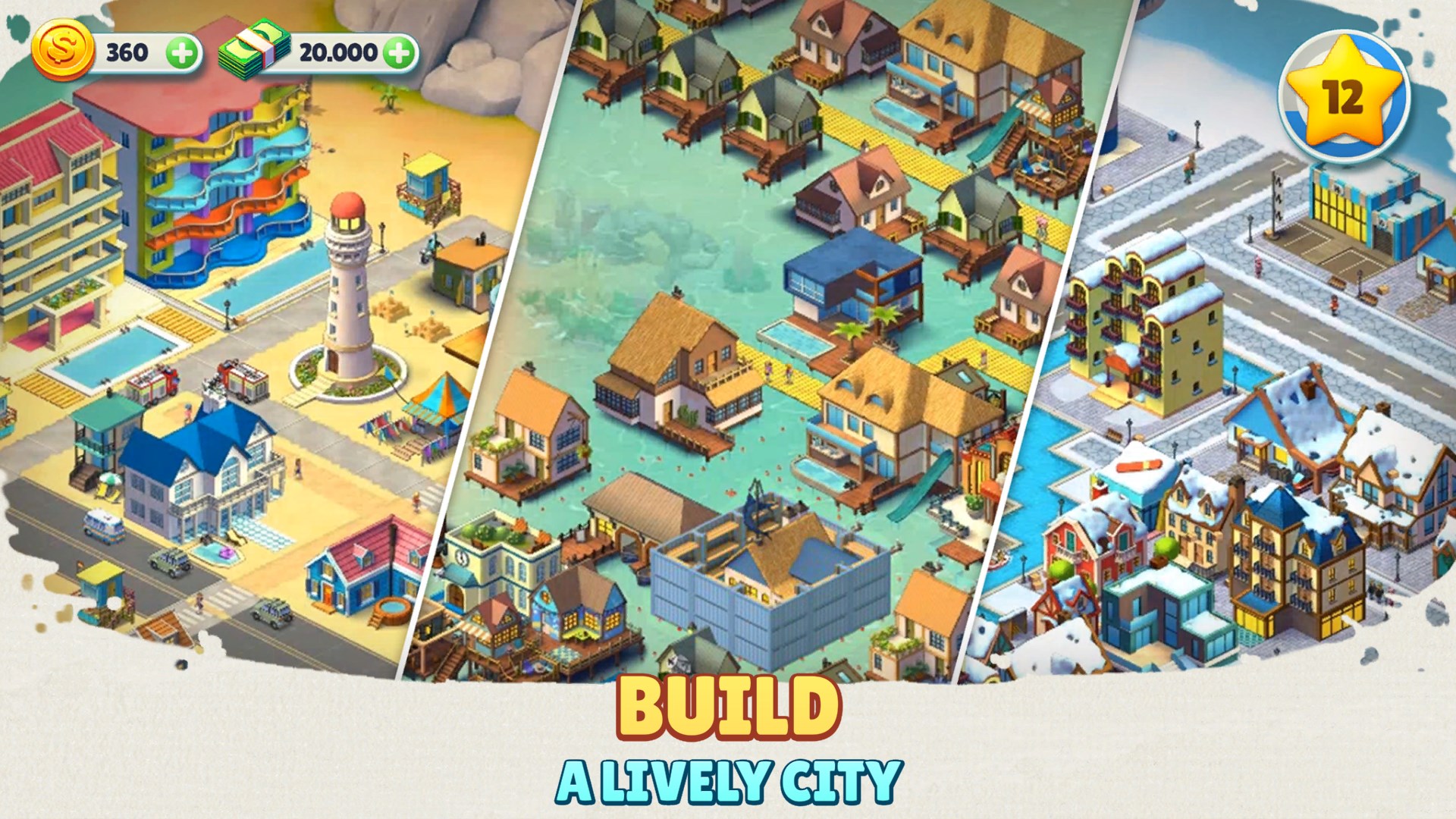
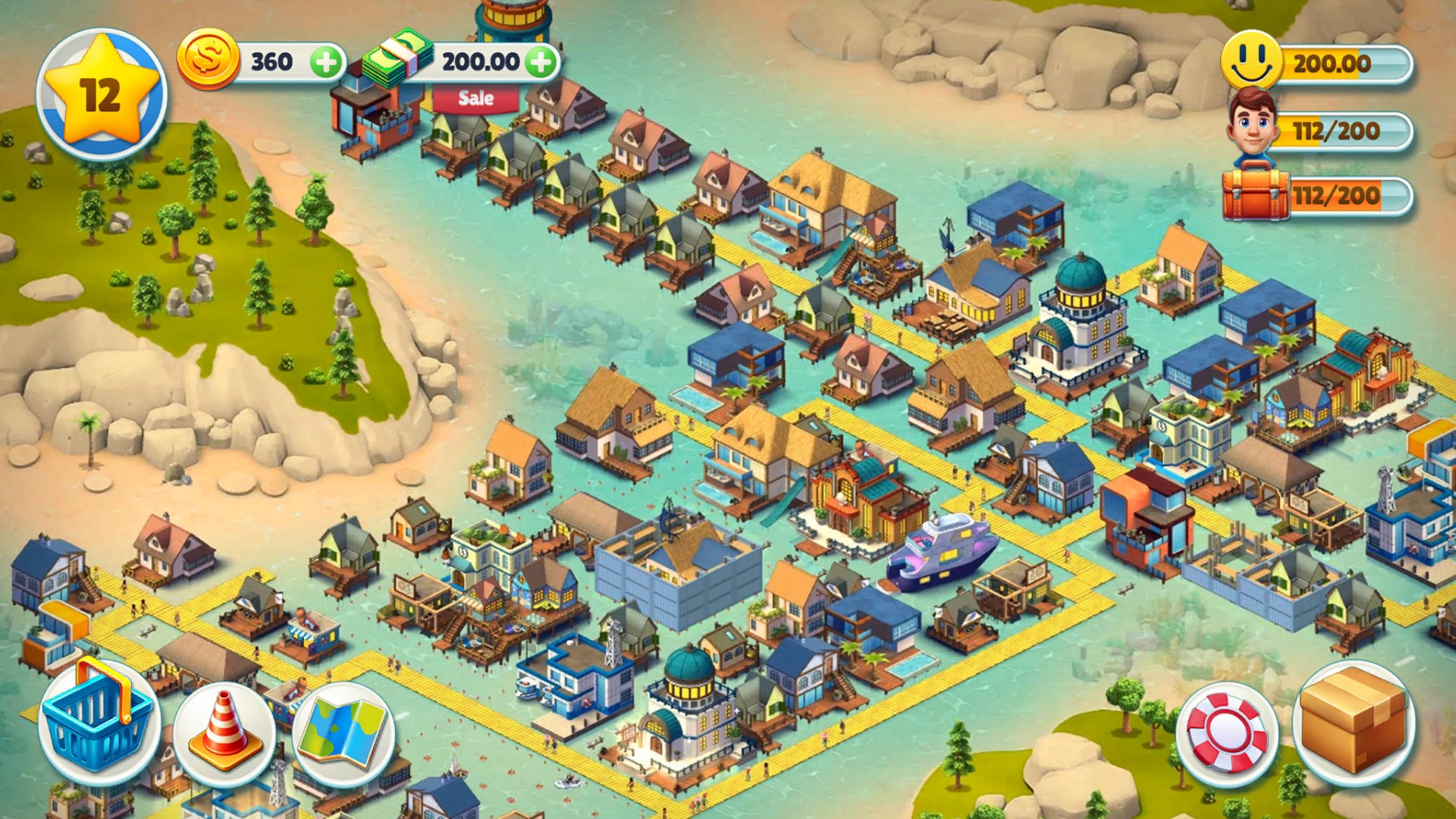
Cozy Town: Build Explore Game offers a delightful pixel-art universe where players can craft, develop, and explore their own virtual community in a relaxing, family-friendly environment. Developed by Sparkling Society B.V., this game is designed to captivate players who enjoy creative simulation with a cozy, laid-back vibe.
Founded by passionate game developers, Sparkling Society B.V. has a reputation for creating engaging and accessible casual games. Cozy Town continues this tradition, blending charming visuals with simple, yet compelling gameplay. Its core features include city-building mechanics, cute character interactions, and expansive exploration opportunities—all wrapped in a soothing, easy-to-learn package.
Imagine stepping into a bustling, yet tranquil village where every corner invites curiosity and creativity. Cozy Town is perfectly suited for players who enjoy leisurely gameplay and engaging storytelling without the stress of complex controls. Its colorful pixel art style creates a nostalgic feel, reminiscent of childhood game adventures, while the game's relaxing soundtrack enhances the cozy atmosphere. It's like sitting on a sunny porch with time slowing down around you—perfect for unwinding after a busy day.
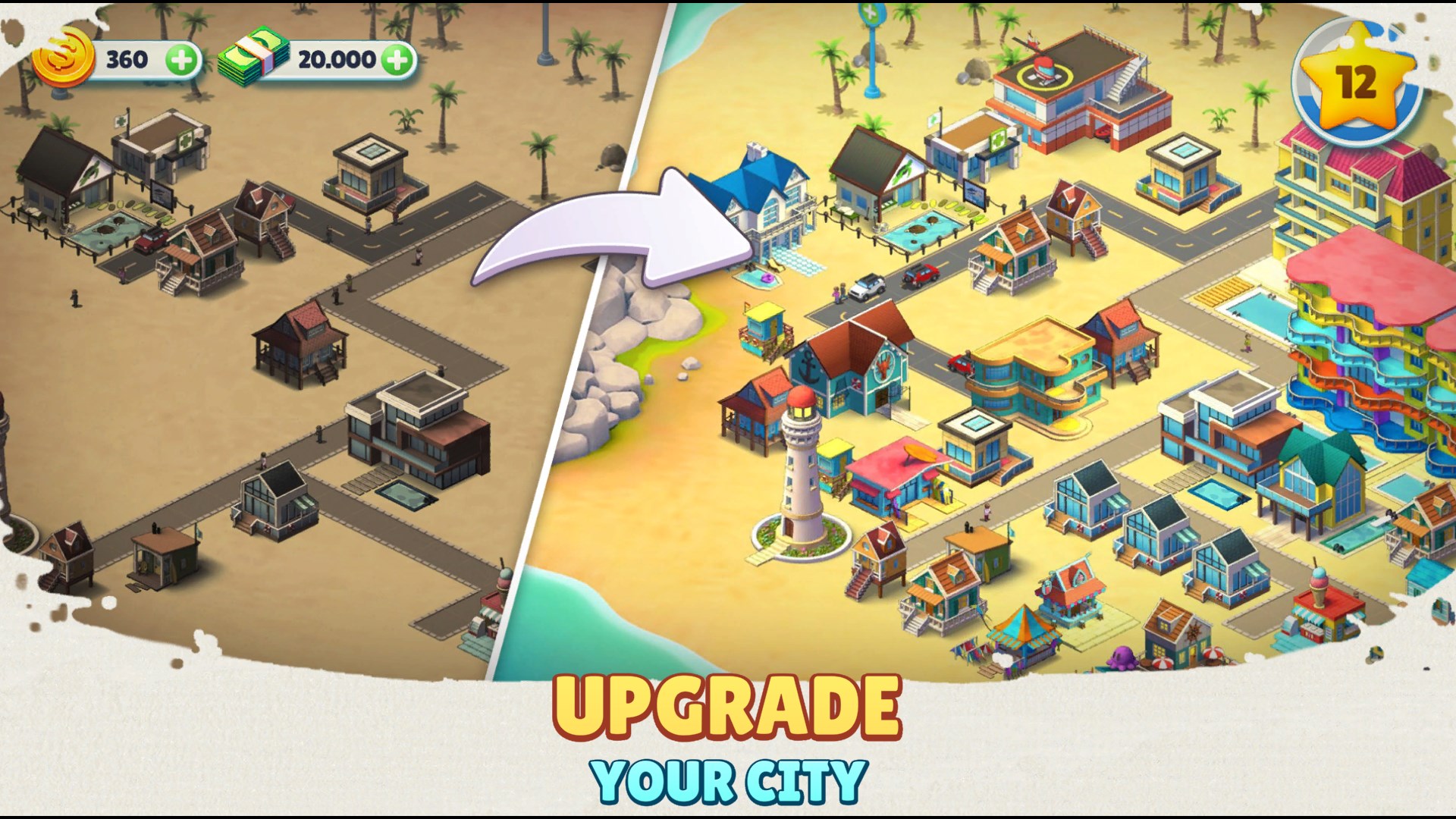
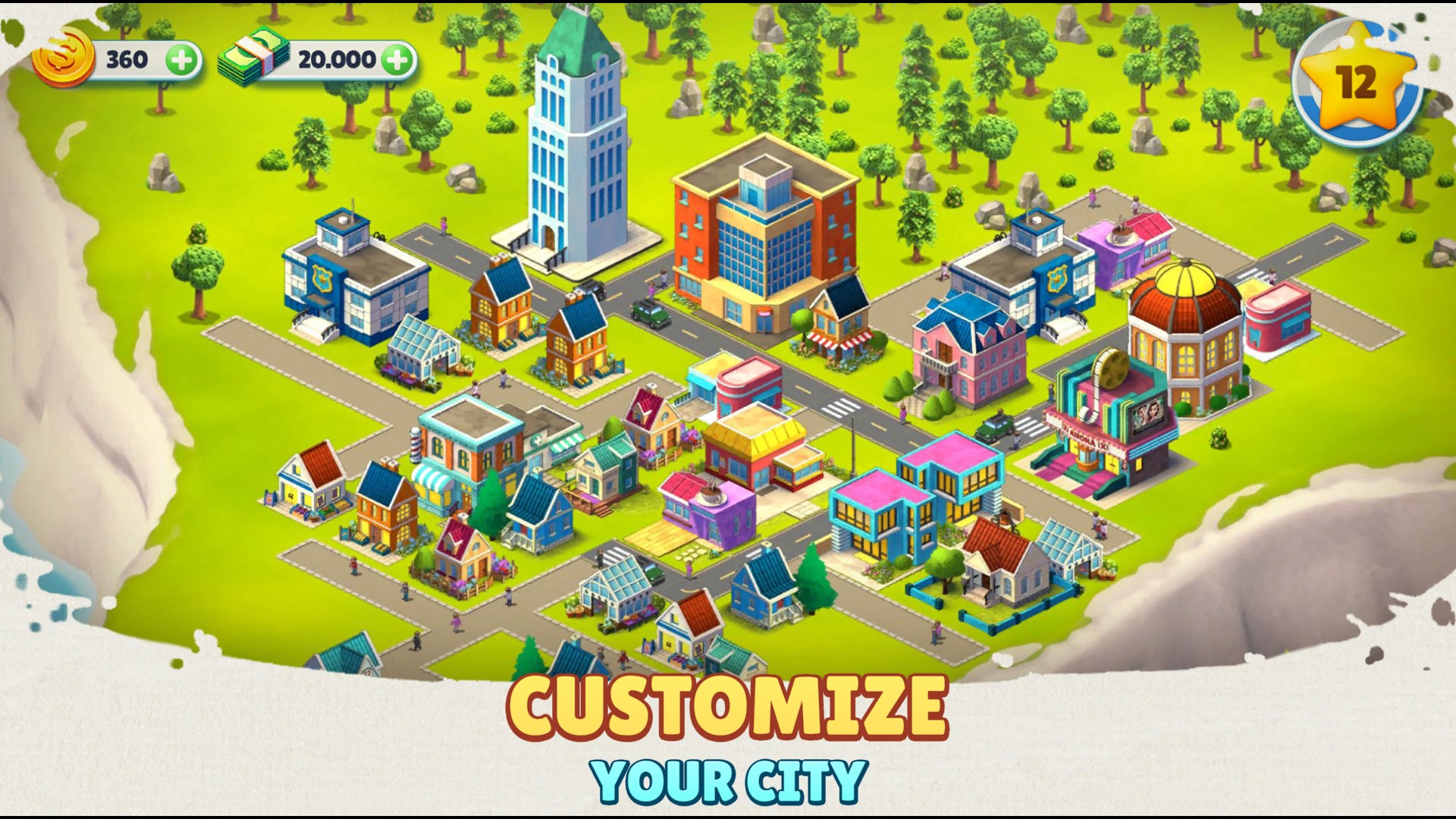
At the heart of Cozy Town is its intuitive city-building mechanic. Players can decorate, upgrade, and expand their town with a variety of charming buildings, roads, and scenic decorations. The process feels like planting a garden—each addition brings more life and personality to your village. One of the game's strongest points is its straightforward interface: you tap, drag, and drop to shape your environment, making it accessible for younger players and those new to simulation titles. The game runs smoothly on Windows, with responsive controls that barely interrupt the flow of creative thinking.
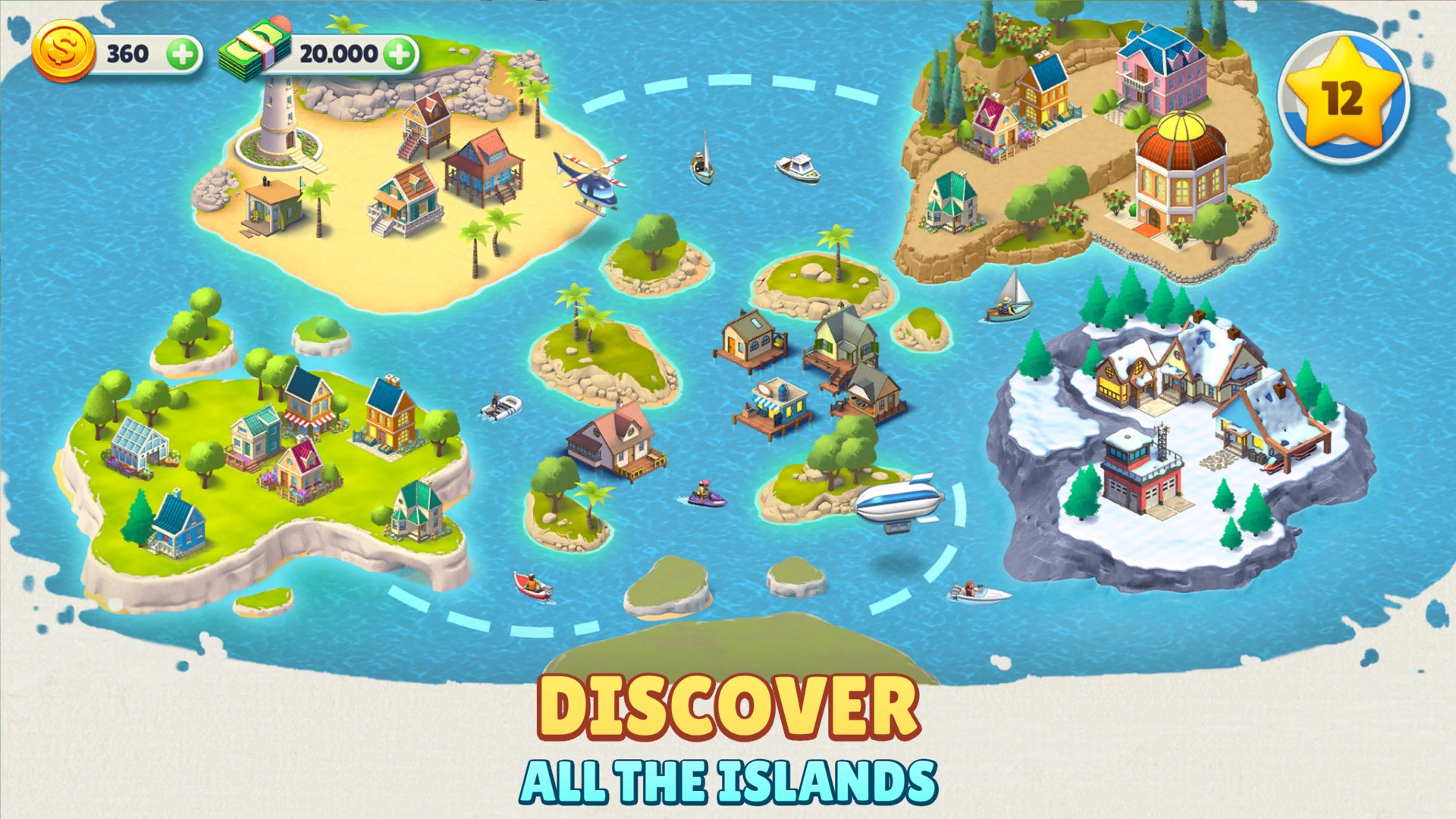
The game's exploration element invites players to wander beyond their town to discover hidden treasures and meet adorable characters. This feature transforms the game from a static builder into a lively, dynamic universe. The exploration feels rewarding yet low-pressure—perfect for casual gaming sessions—making every discovery feel like finding a tiny gem in a quiet stream. This focus on exploration distinguishes Cozy Town from other sandbox games that often emphasize fast-paced action, providing instead a peaceful escape that encourages curiosity and patience.
From a user perspective, Cozy Town excels with its friendly, uncluttered interface and gentle learning curve. New players can quickly grasp the gameplay basics, while seasoned builders will appreciate the depth of customization options available. The game's graphics are warm and inviting, with no overly complex menus or intrusive ads, which maintains its family-friendly appeal. Unlike many other similar games, Cozy Town emphasizes relaxation and community-building, making it especially appealing to parents seeking wholesome entertainment for children or families looking for a shared digital space.
Overall, Cozy Town offers a serene and engaging simulation experience, particularly shining in its exploration features and user-friendly design. It is well-suited for players of all ages who enjoy creative building and gentle adventure. While it may not be packed with competitive challenges or high-stakes gameplay, its relaxing atmosphere and charming visuals make it a fantastic choice for casual, family-oriented gaming sessions. I recommend giving Cozy Town a try if you're seeking a delightful, stress-free virtual world that feels like a cozy, pixelated retreat.
Engaging and colorful graphics
Creative building and exploration mechanics
User-friendly interface
Regular content updates
Suitable for casual play
Limited tutorial for new players
Occasional lag during intense scenes
Repetitive tasks over time
In-app purchase options are somewhat limited
Free version has limited features
for Windows
 4.8
4.8

for Windows
4.7

for Windows
4.7

for Windows
4.6

for Windows
4.6

for Windows
4.5

for Windows
4.5

for Windows
4.4

for Windows
4.4

for Windows
4.2

for Windows
4.2

for Windows
4.2

for Windows
5

for Windows
5

for Windows
5

for Windows
5

for Windows
5

for Windows
5

for Windows
5

for Windows
5

for Windows
5

for Windows
5