Personalization
Microsoft Corporation
PC
Windows 10 version 18362.0 or higher
English (United States)
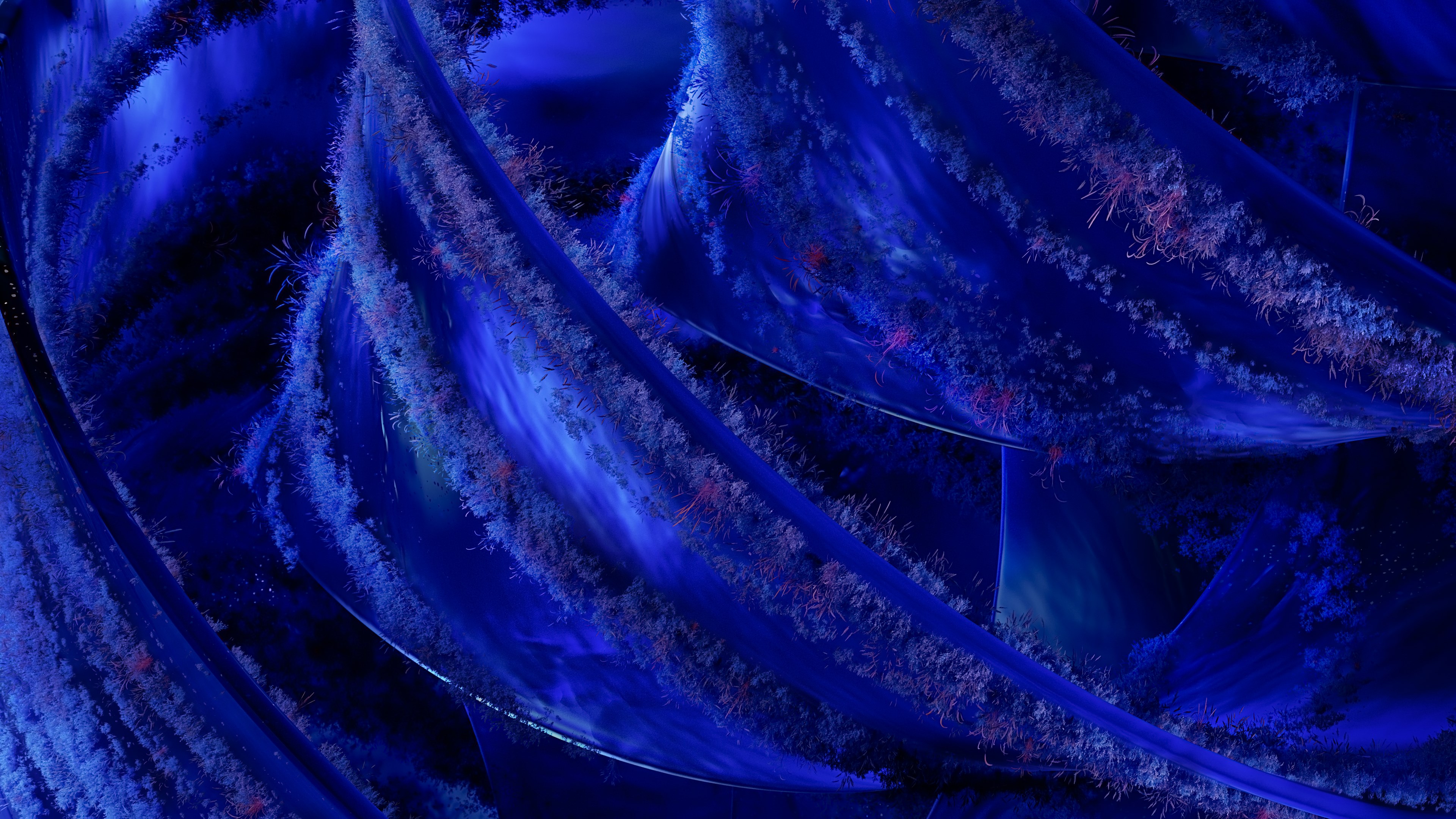
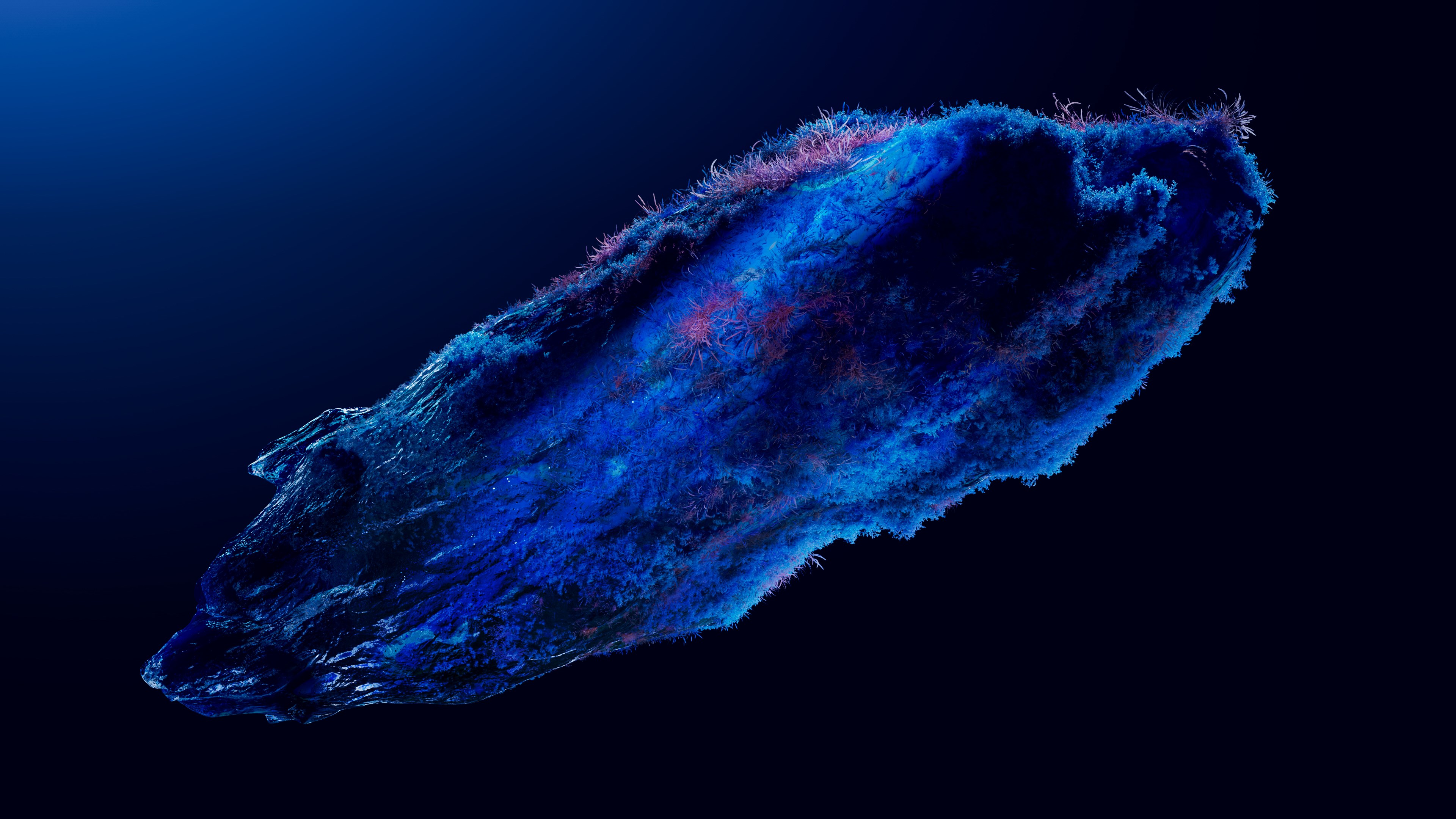
Cosmos Dreams for Windows, developed by Microsoft Corporation, aims to elevate your desktop experience by transforming it into a mesmerizing cosmos-inspired universe. Combining stunning visuals with customizable features, this app offers users a way to immerse themselves in a serene, space-themed environment directly on their Windows devices. Perfect for space enthusiasts, creative minds, or anyone seeking a tranquil aesthetic, Cosmos Dreams promises a journey into the stars right from your desktop.
The highlight of Cosmos Dreams is its visually captivating universe displays. With beautifully rendered starfields, animated nebulae, and dynamic celestial movements, users can explore a living, breathing cosmos on their screens. These backgrounds are not static images; they pulsate with gentle animations that mimic real star movements, creating an immersive experience that feels as if you are gazing into the deep universe from your own space station. The design ensures that while the visuals are mesmerizing, they do not distract from your work or leisure activities.
One of the app's most compelling features lies in its extensive customization options. Users can modify the color schemes, adjust the density of star clusters, and select from various celestial objects to tailor the cosmos to their personal aesthetic preferences. This flexibility allows each user to craft a unique universe—from a tranquil night sky to a vibrant, colorful galactic vista. The theme compatibility extends seamlessly with Windows' native light and dark modes, ensuring aesthetic harmony across your system interface.
Cosmos Dreams doesn't just serve static backgrounds; it offers interactive elements such as animated shooting stars, drifting planets, and subtle movement effects. These engage users as they explore their personalized universe, adding a sense of depth and dynamism. Additionally, the app can be set to update the visuals based on real astronomical data or your preferred time zone, adding an educational layer that appeals to astronomy buffs and curious minds alike.
The interface of Cosmos Dreams exudes minimalism—clean, intuitive, and elegant, much like a well-organized planetarium. Navigating through settings feels effortless, with clear icons and straightforward controls. The transition between different themes and animations is smooth, reflecting an underlying fluidity that enhances user immersion. Learning curve? Gentle. If you've ever fiddled with wallpaper apps or wallpaper engines, you'll find Cosmos Dreams's layout familiar and accessible. It strikes a perfect balance—rich in features but not overwhelming, making it suitable for both casual users and tech-savvy enthusiasts.
Unlike many personalization apps that offer limited static backgrounds, Cosmos Dreams stands out with its dynamic celestial animations and extensive theme integration. Its ability to let users adjust specific elements—like star density or celestial motion—sets it apart, providing a tailor-made cosmic experience. Moreover, its seamless theme compatibility ensures that the visual effects harmonize with system-wide appearance modes, creating a cohesive aesthetic feel. This integration approach makes it more than just a wallpaper app; it's an immersive universe tailored to your preferences.
If you love space, visualization, or simply want a peaceful, visually stunning background that feels alive, Cosmos Dreams deserves a spot on your desktop. Its ease of use, high-quality visuals, and customization depth offer significant value. For optimal experience, go ahead and explore its customization options—try different celestial themes, adjust animation speeds, and see what cosmic universe resonates with your personality. We recommend it for users who appreciate high-quality visuals and want an ambiance that elevates everyday computer use without compromising performance or stability.
In sum, Cosmos Dreams for Windows is a thoughtfully crafted personalization tool that transforms your desktop into a serene, animated universe—perfectly blending aesthetics with user control for a personal touch that's both beautiful and calming. Whether you're gazing at constellations during work breaks or creating a space-inspired environment for inspiration, this app delivers a stellar experience worth exploring.
Stunning Graphics
Immersive Sound Design
User-Friendly Interface
Rich Content Variety
Frequent Updates
Limited Free Content
Occasional Performance Lag
Basic Customization Options
Tutorial Clarity
Offline Access Restrictions

for Windows
 5
5

for Windows
5

for Windows
5

for Windows
5

for Windows
5

for Windows
4.9

for Windows
4.9

for Windows
4.9

for Windows
4.9

for Windows
4.8

for Windows
4.8

for Windows
4.8
for Windows
5

for Windows
5

for Windows
5

for Windows
5

for Windows
5

for Windows
5

for Windows
5

for Windows
5
for Windows
5

for Windows
5