Simulation
Nordcurrent
PC, Mobile, Surface Hub, HoloLens
Windows 10 version 17763.0 or higher
Chinese (Simplified), Chinese (Traditional), Chinese (Traditional, Hong Kong SAR), Chinese (Traditional, Macao SAR), English (United States), French, German, Indonesian, Italian, Japanese, Korean , Lithuanian, Malay, Polish , Portuguese (Brazil), Russian, Spanish (Spain)
If you're passionate about the art of culinary creation and eager to manage your own bustling restaurant universe, Cooking Fever for Windows combines engaging gameplay with a touch of realism, bringing a flavorful experience right to your desktop. Developed by Nordcurrent, this game invites players of all ages to immerse themselves in the challenges and joys of restaurant management and cooking mastery.
Cooking Fever for Windows is a lively simulation game that lets players step into the shoes of a restauranteur, juggling multiple kitchens and cuisines with the goal of creating a gastronomic empire.
The game is crafted by Nordcurrent, a well-established gaming studio known for its engaging casual titles, and published by Nordcurrent Group UAB. Their experience ensures a polished and user-friendly gaming experience.
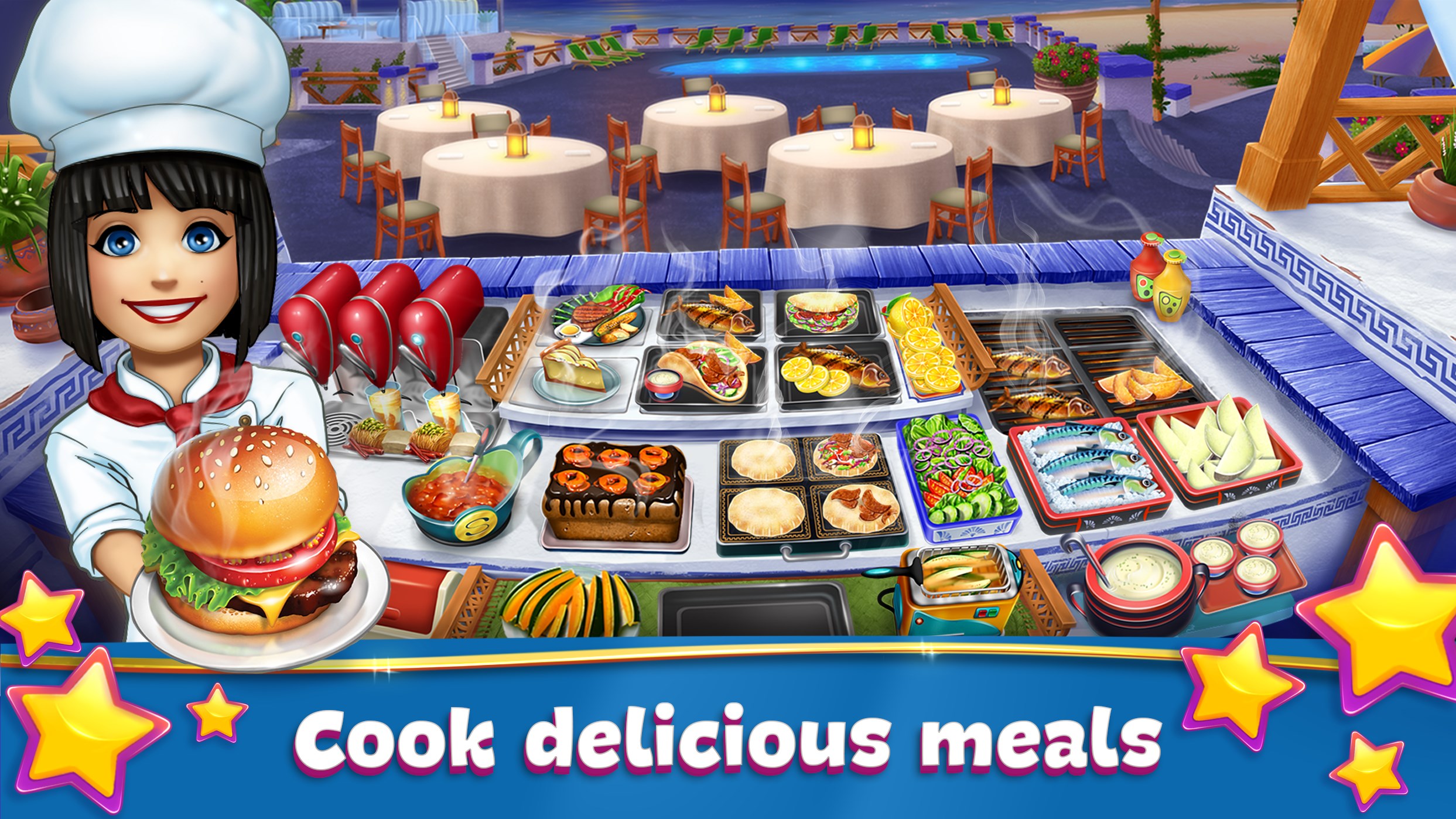
Imagine stepping into a sparkling kitchen—sizzle of oil, aroma of freshly baked bread, and the bustle of busy customers. Cooking Fever for Windows captures this lively scene, immersing players in a colorful, fast-paced world of culinary delights. It's like holding a mini-restaurant empire in your hands, offering satisfying moments as you master each recipe and handle the rush-hour chaos. Whether you're a casual gamer or a budding chef, the game's lively graphics and engaging sound effects make every session feel like participating in a real-world food festival.
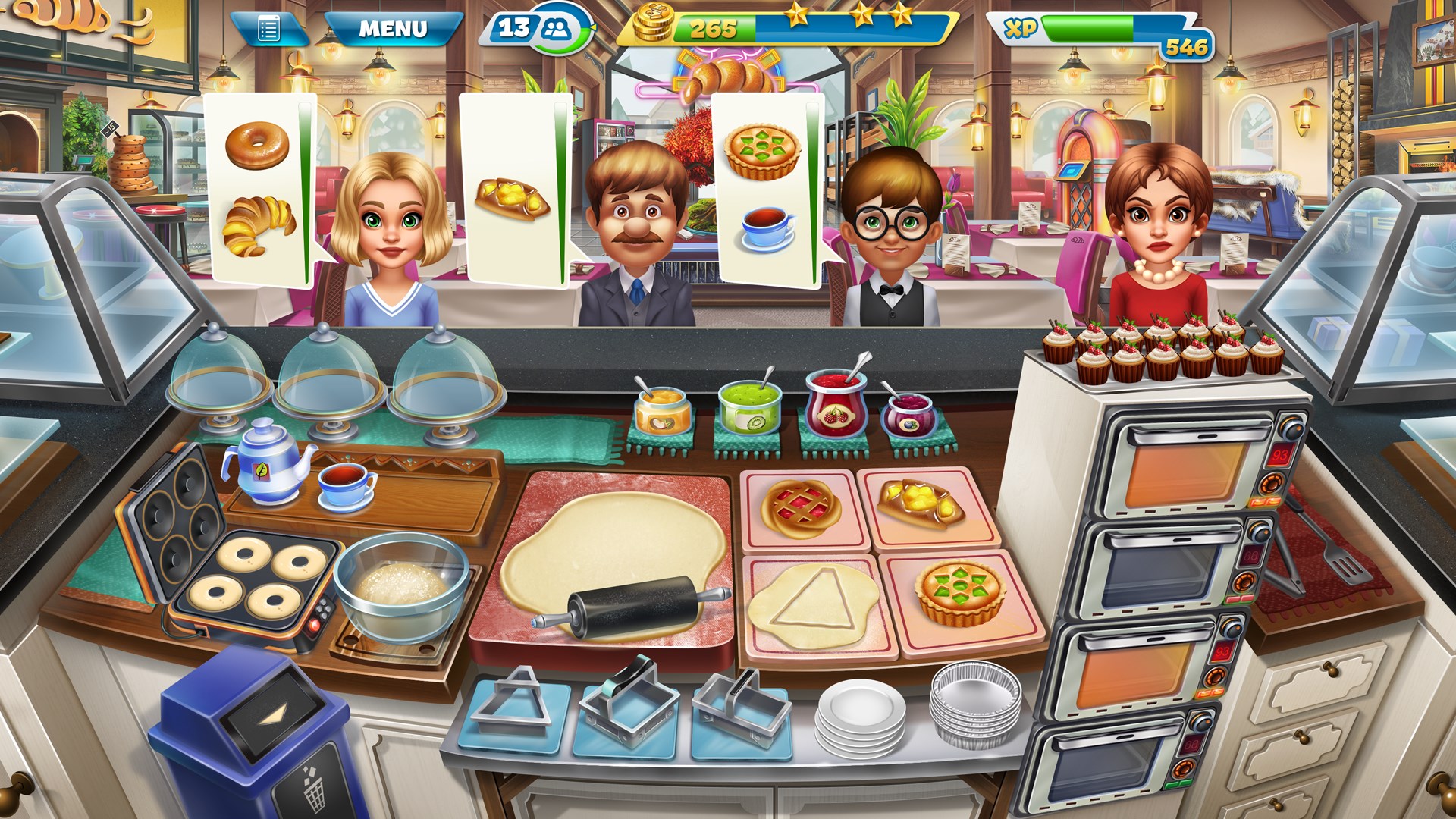
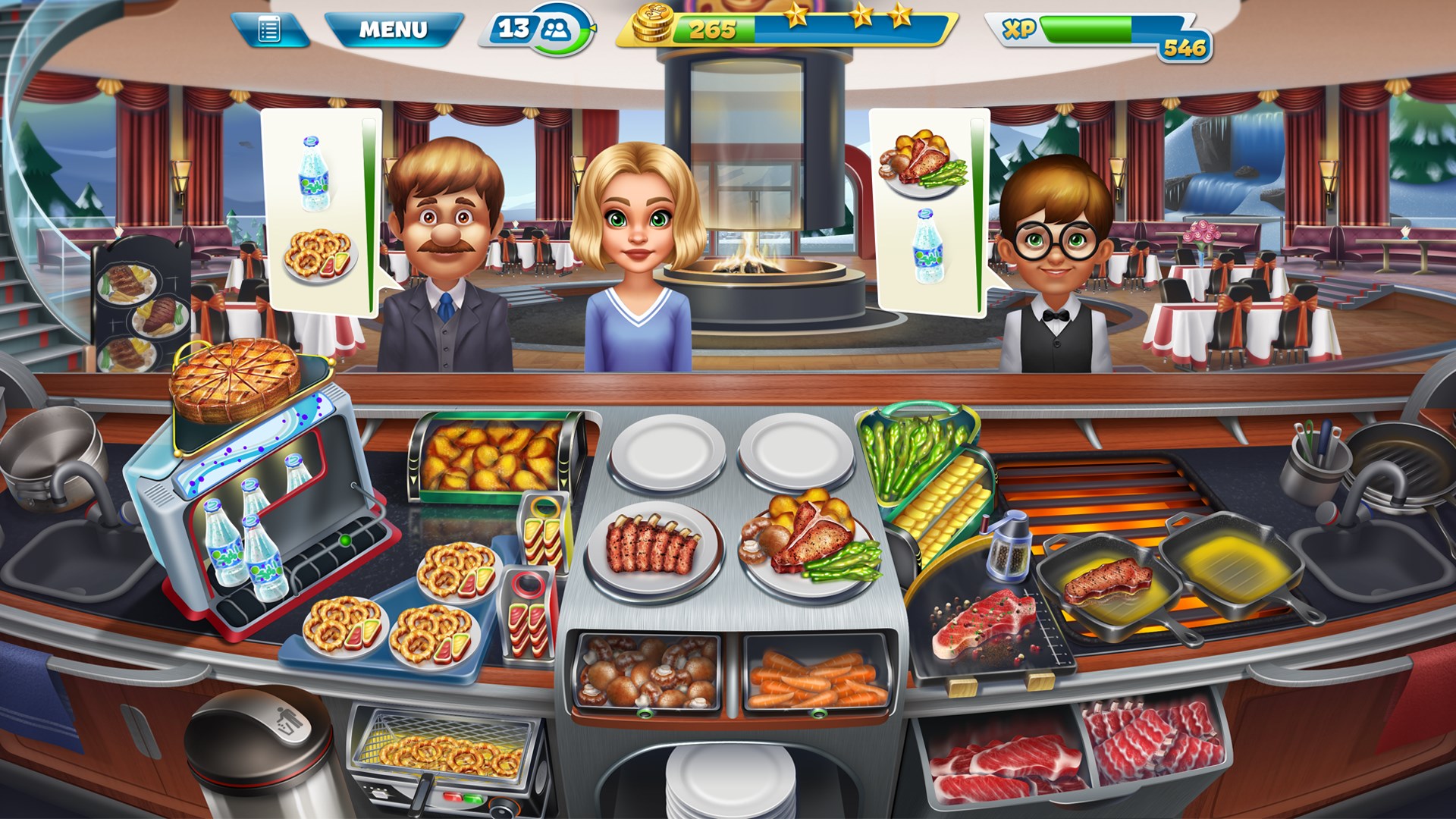
The game boasts a bright, cartoonish interface that feels inviting and easy to navigate, even for beginners. Buttons are logically arranged, and visual cues guide players through tasks, making restaurant management feel natural and straightforward. The smooth operation ensures that actions—such as preparing ingredients, serving customers, or cleaning tables—are responsive, allowing players to focus on strategic decisions rather than wrestling with controls. This fluidity creates a satisfying rhythm reminiscent of a well-oiled kitchen.
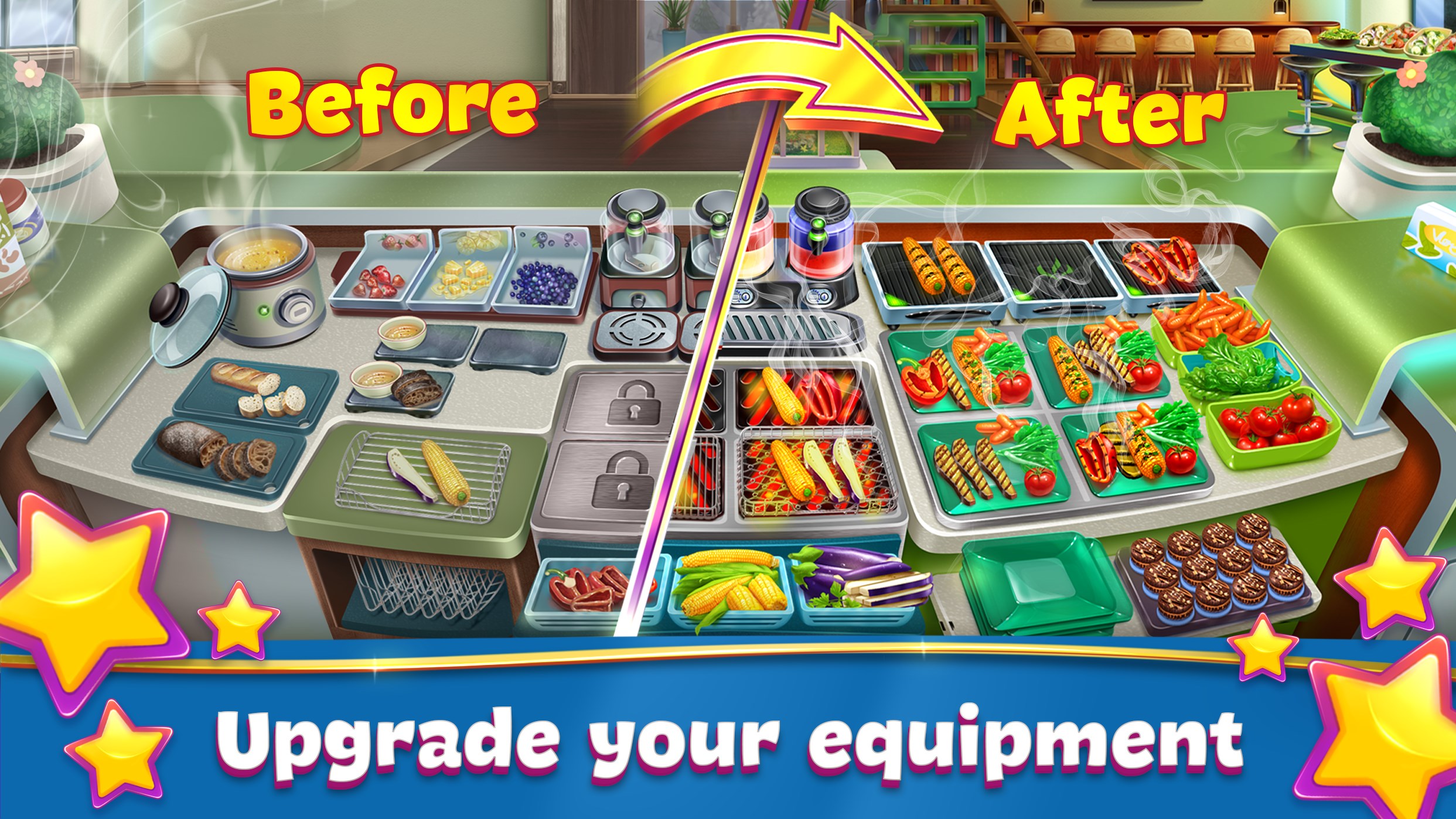
Cooking Fever strikes a delicate balance—accessible enough for newcomers yet layered enough to sustain interest. The tutorial gently guides players through initial stages, after which they can gradually explore deeper mechanics like upgrading equipment or unlocking new recipes. The game rewards continued play with a progression system that feels meaningful, encouraging players to refine their management skills and optimize their restaurants—much like perfecting a recipe over time.
One of Cooking Fever's standout features is its realistic simulation of kitchen mechanics and time management, akin to orchestrating a busy restaurant during peak hours. Unlike many other casual simulations, the game emphasizes the transferability of skills—players learn to prioritize tasks, allocate resources efficiently, and adapt to unforeseen challenges, mirroring real-world restaurant operations. Additionally, the game's depth in upgrading and customizing restaurants offers a strategic layer that elevates it beyond mere arcade-style gameplay, making every decision impactful.
Cooking Fever for Windows is a delightful title that combines fun, strategy, and a bit of culinary education. Its most compelling features—reliable mechanics and realistic upgrade systems—make it a standout in the restaurant simulation genre. For those interested in honing multitasking abilities or simply enjoying a colorful, engaging management game, this title is highly recommended. Whether taking a brief break or dedicating extended gaming sessions, players will find plenty of flavorful entertainment within its virtual kitchens.
Engaging Gameplay
Wide Variety of Recipes
Frequent Updates
High-Quality Graphics
In-App Purchases
Heavy Reliance on In-App Purchases
Repetitive Content
Ads Interruption
Limited Offline Functionality
Could Improve Tutorial System

for Windows
 4.8
4.8

for Windows
4.8

for Windows
4.8

for Windows
4.8

for Windows
4.8

for Windows
4.7

for Windows
4.7

for Windows
4.7

for Windows
4.7

for Windows
4.7

for Windows
4.7
for Windows
4.6

for Windows
5

for Windows
5

for Windows
5

for Windows
5

for Windows
5

for Windows
5

for Windows
5

for Windows
5

for Windows
5

for Windows
5