Family & kids
PC, Mobile, Surface Hub, HoloLens
Windows 10 version 15063.0 or higher
Bulgarian, Chinese (Simplified), Chinese (Traditional Chinese), English, English (United States), French, German, Italian, Japanese, Korean, Portuguese, Russian, Spanish, Thai
Cooking City: Panda House offers young aspiring chefs a fun-filled virtual cooking experience within a charming cityscape, combining education and entertainment seamlessly.
Developed by MIRACLE GAMES INC., this app is designed to ignite children's interest in culinary arts through interactive gameplay. Its standout features include a variety of mini-games that simulate real cooking processes, a colorful and inviting interface that captivates young users, and engaging storytelling elements that keep kids motivated to explore more cooking adventures. The app targets children aged 4-10, making it an ideal platform for families seeking both fun and educational content.
Imagine stepping into a lively panda-themed kitchen filled with vivid colors, cheerful sounds, and an inviting aroma of imaginary baked treats. From the moment you launch Cooking City: Panda House, it transports children into a vibrant world where cooking becomes an adventure, like opening the door to a magical bakery in a storybook. The friendly panda mascot guides the little chefs through each task, making the entire experience warm and approachable. This lively atmosphere encourages curiosity and fosters a sense of accomplishment as kids master different recipes and kitchen skills.
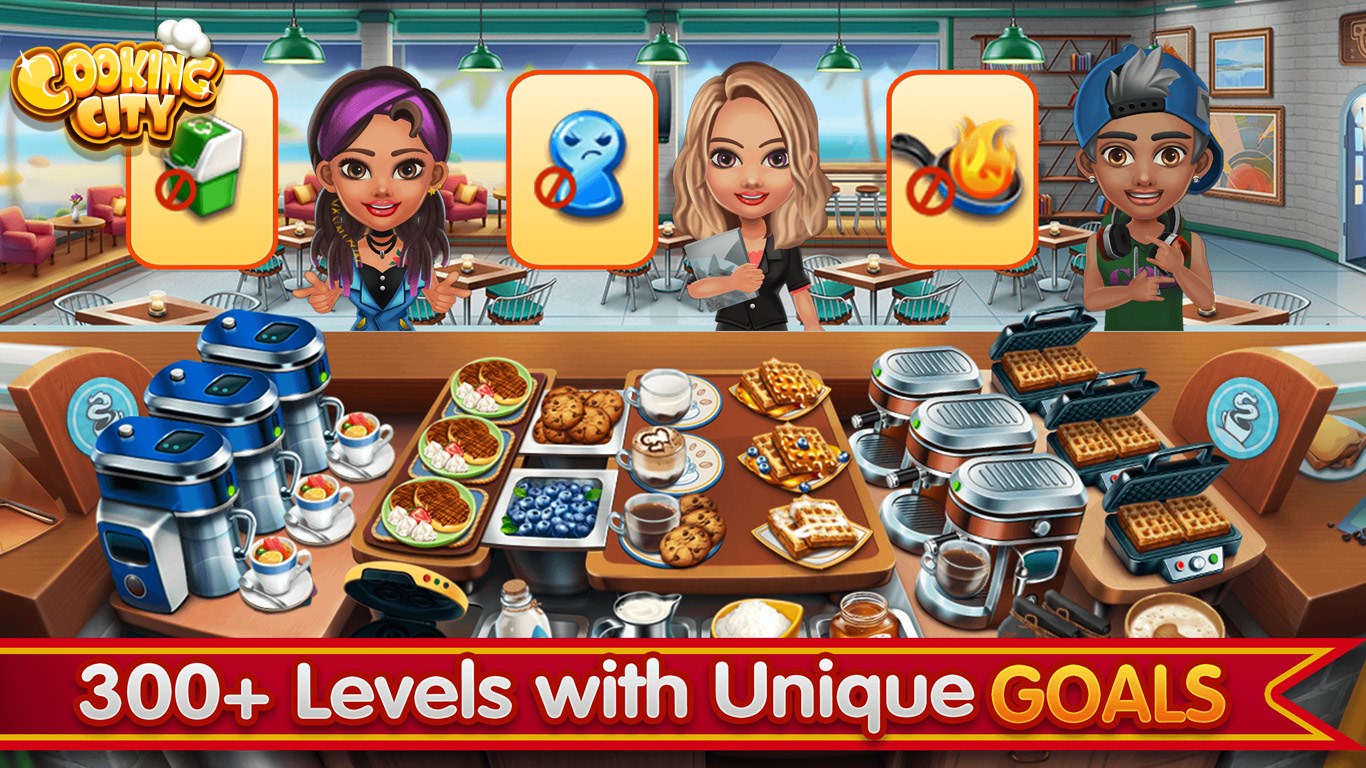
The app's primary magnet is its engaging mini-games that simulate real-life cooking scenarios. Kids can chop vegetables, knead dough, stir sauces, or decorate dishes—each activity designed to build fine motor skills and introduce basic culinary concepts. The difficulty levels subtly increase as children progress, promoting problem-solving and planning. These challenges are presented with clear visual cues and simple instructions, ensuring kids can participate actively without feeling overwhelmed.
Beyond just making dishes, children are immersed in storylines where they help Panda and friends prepare for city festivals or family gatherings. This narrative layer adds depth and motivation, turning cooking into a meaningful quest rather than a standalone task. Moreover, kids can personalize their kitchen and avatar, fostering a sense of ownership and creativity that enhances engagement. The customization options are user-friendly, encouraging self-expression without complicated menus.
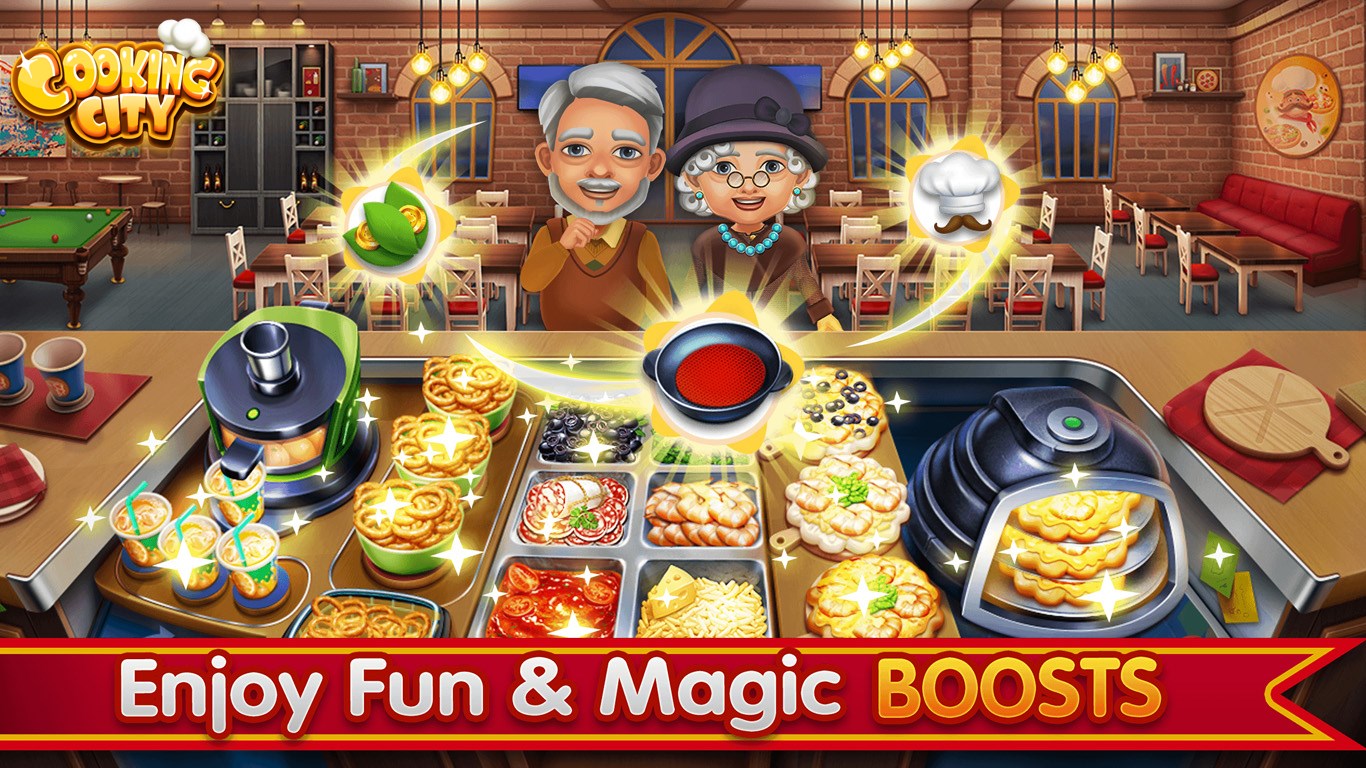
The interface design of Cooking City: Panda House resembles a friendly cartoon universe, with large buttons and intuitive navigation that even the youngest users can master effortlessly. The app operates smoothly, with responsive controls that feel natural—a critical aspect considering the fine motor skills of its target demographic. The learning curve is gentle: children can jump right into fun activities and gradually unlock more complex features as they become comfortable. The cheerful sound effects and lively animations make the experience dynamic and rewarding, akin to a playful playground where every tap brings a new surprise.
Compared to similar family and kids cooking apps, Cooking City: Panda House stands out with its charming panda-themed aesthetic and its integration of storytelling with gameplay. While many apps focus solely on recipe simulation, this app weaves a colorful narrative that contextualizes each cooking task, giving children a broader sense of purpose. The most notable feature is its emphasis on fostering creativity through avatar customization and world-building, which elevates it from a mere instructional tool to a full-fledged digital playground. These elements make the app not just educational but also highly immersive and personal.
Overall, Cooking City: Panda House is a thoughtfully crafted app that balances education, entertainment, and creativity. Its user-friendly design, engaging mini-games, and story-driven approach make it suitable for young children eager to explore the culinary world in a safe virtual environment. I recommend this app for parents seeking an interactive activity that combines learning with fun, especially for kids who love stories and colorful environments. While it may not replace hands-on cooking experiences, it serves as an excellent introductory platform that can spark early interest in the kitchen. For best results, I suggest using it as a supplementary activity while supervising real-world cooking to reinforce skills and safety awareness.
Intuitive and colorful interface
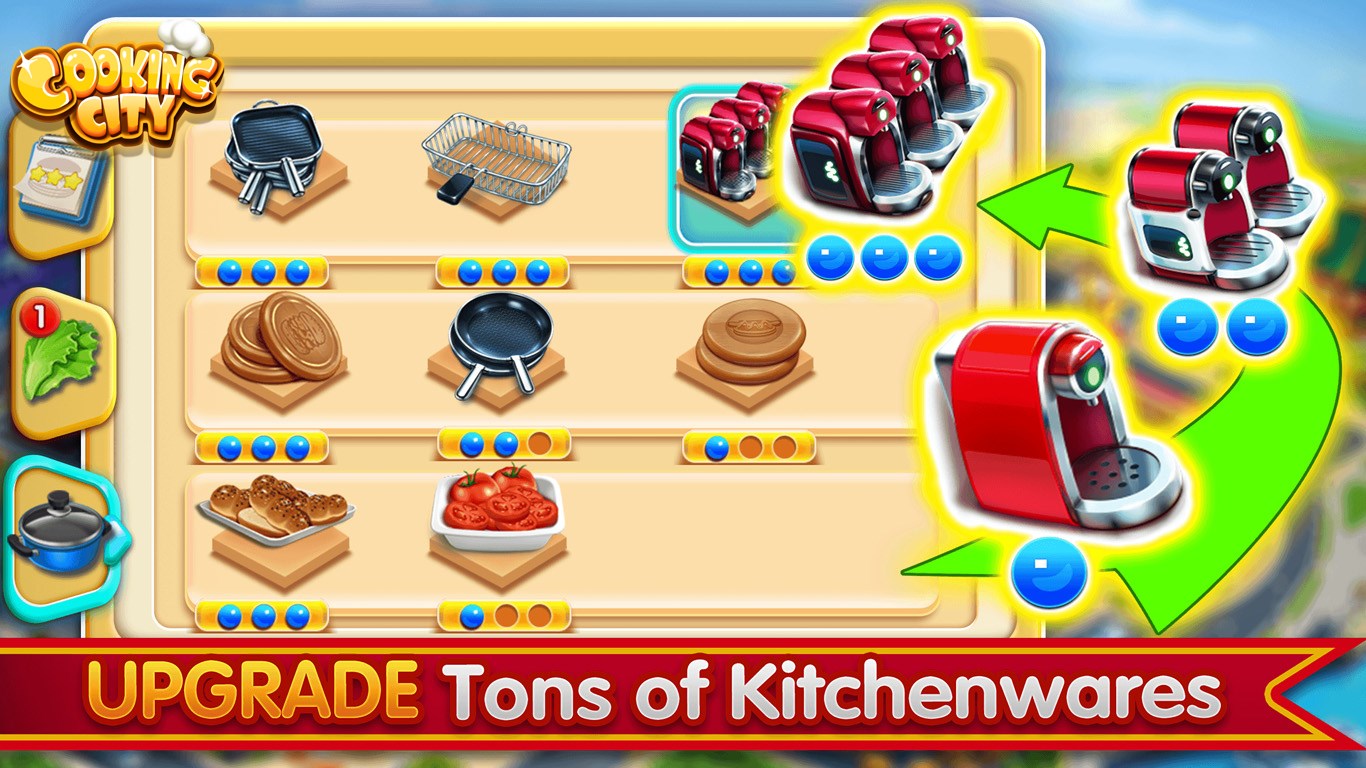
Wide variety of recipes
Realistic cooking simulation
Progression system with rewards
Educational content about ingredients
Limited tutorial for new players
Occasional lag during gameplay
Advertisement frequency
Resource collection might feel slow at times
Limited personalization options

for Windows
 4.8
4.8

for Windows
4.7

for Windows
4.7

for Windows
4.6

for Windows
4.6
for Windows
4.5

for Windows
4.5

for Windows
4.4

for Windows
4.4

for Windows
4.2

for Windows
4.2

for Windows
4.2

for Windows
5

for Windows
5

for Windows
5

for Windows
5

for Windows
5

for Windows
5

for Windows
5

for Windows
5

for Windows
5

for Windows
5