Business
PC, Surface Hub, HoloLens
Windows 10 version 18362.0 or higher
Chinese (Simplified), Chinese (Traditional), Czech, Danish, Dutch, English (United States), Finnish, French, German, Greek, Hungarian, Italian, Japanese, Korean , Norwegian (Bokmål), Polish , Portuguese (Brazil), Portuguese (Portugal), Romanian, Russian, Spanish (Spain), Swedish, Turkish
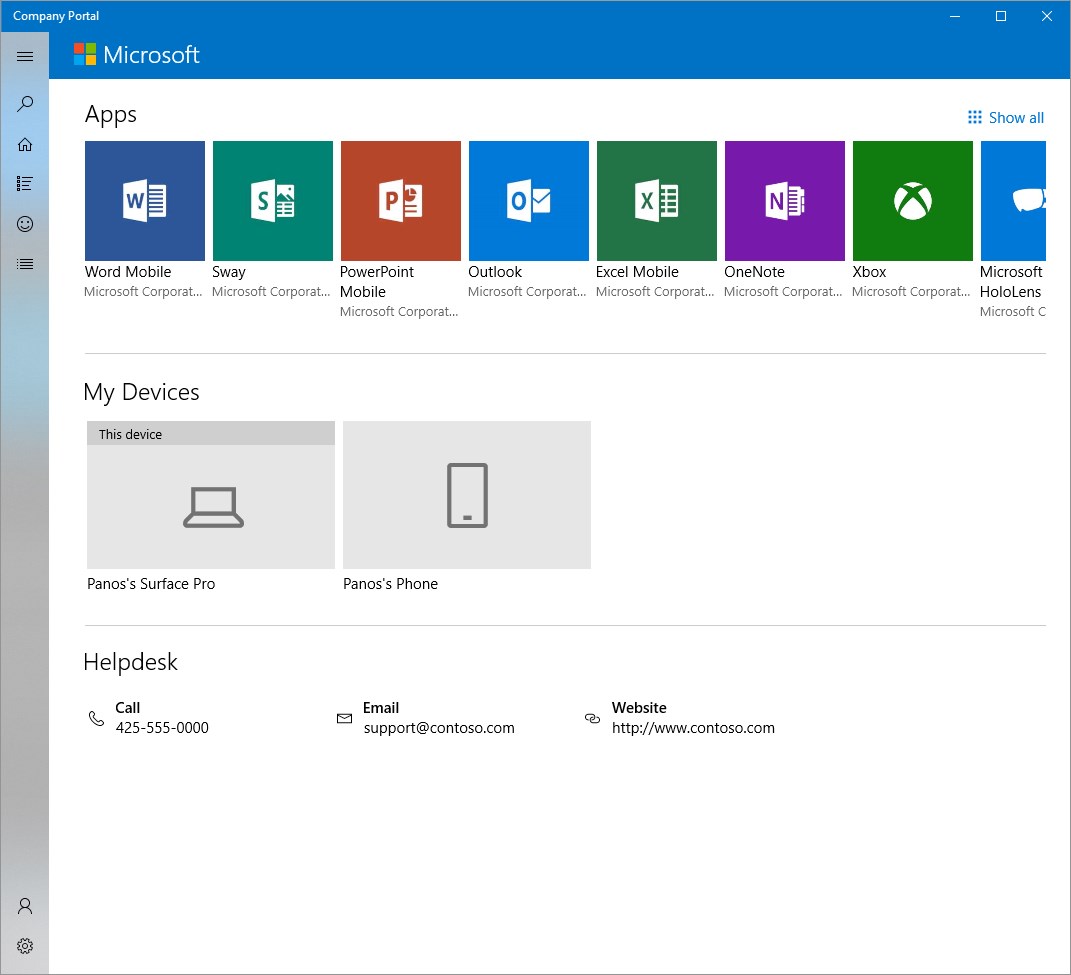
In the bustling world of corporate IT management, staying connected and maintaining secure, streamlined workflows is paramount. Microsoft's Company Portal for Windows aims to be the trusty gateway for employees and IT administrators alike—simplifying device management, app access, and security enforcement—all wrapped in an intuitive interface that feels more like a helpful sidekick than a complex tool.
Developed by Microsoft Corporation, the Company Portal for Windows is designed to facilitate enterprise device management within organizational environments, especially for those leveraging Microsoft 365 and Azure AD ecosystems.
Imagine stepping into a sleek, well-organized digital workspace where everything you need is just a few clicks away. That's the experience Company Portal aims to deliver. It works behind the scenes like a diligent assistant—vigilantly ensuring your device remains compliant, access remains secure, and your work flow stays uninterrupted.
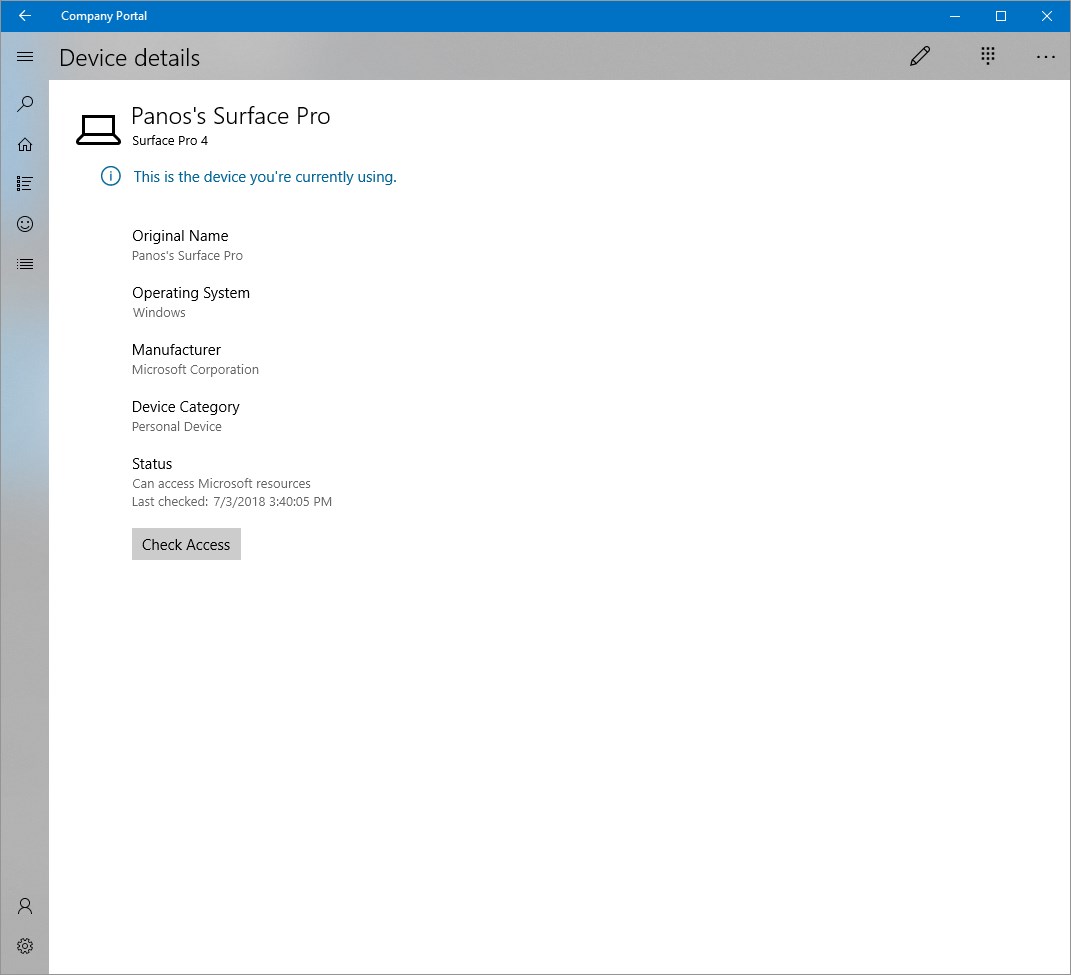
The foundation of the app's magic lies in its device enrollment feature. Whether you're setting up a new device or managing existing ones, the process feels surprisingly straightforward. By following clear prompts, users can quickly enroll their devices into the corporate ecosystem, turning their personal device into a secure corporate asset with minimal fuss. For IT admins, this translates into easier onboarding and centralized control, reducing the typical headaches associated with device provisioning.
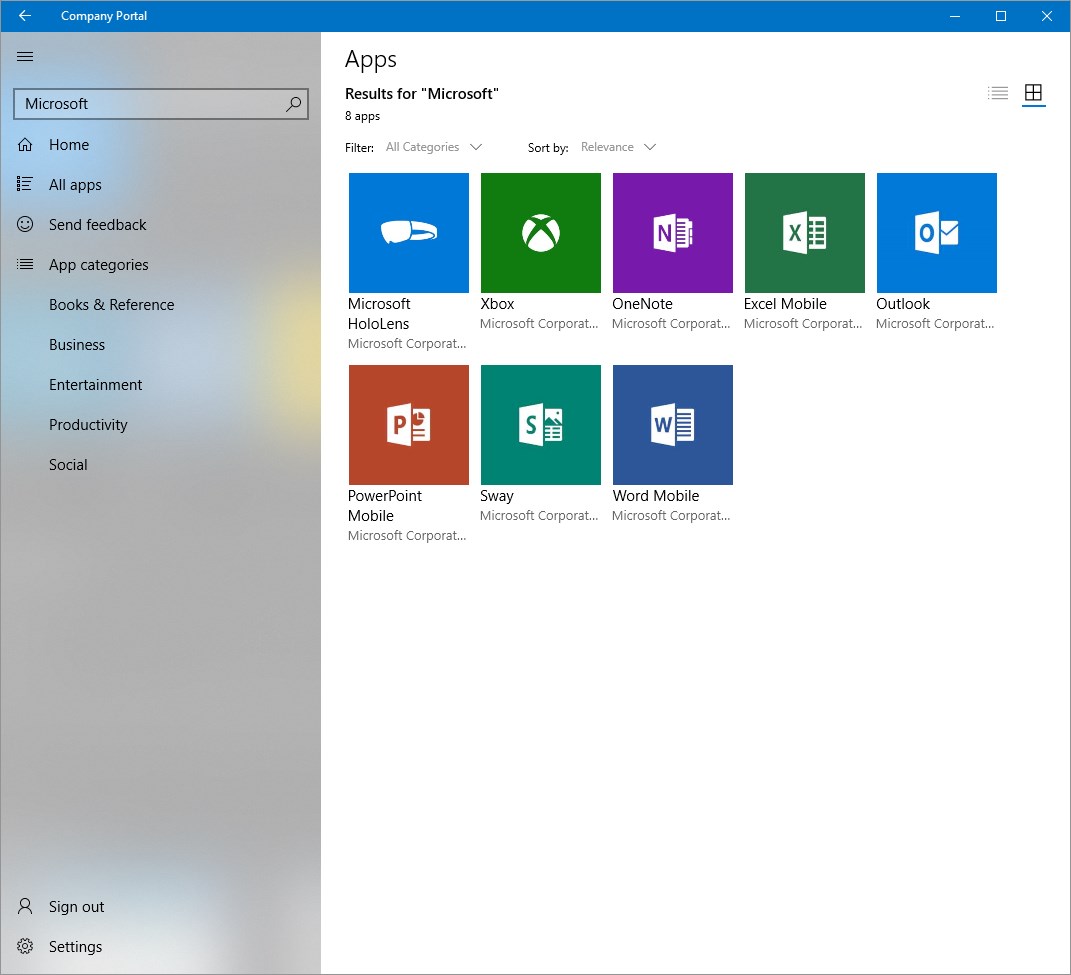
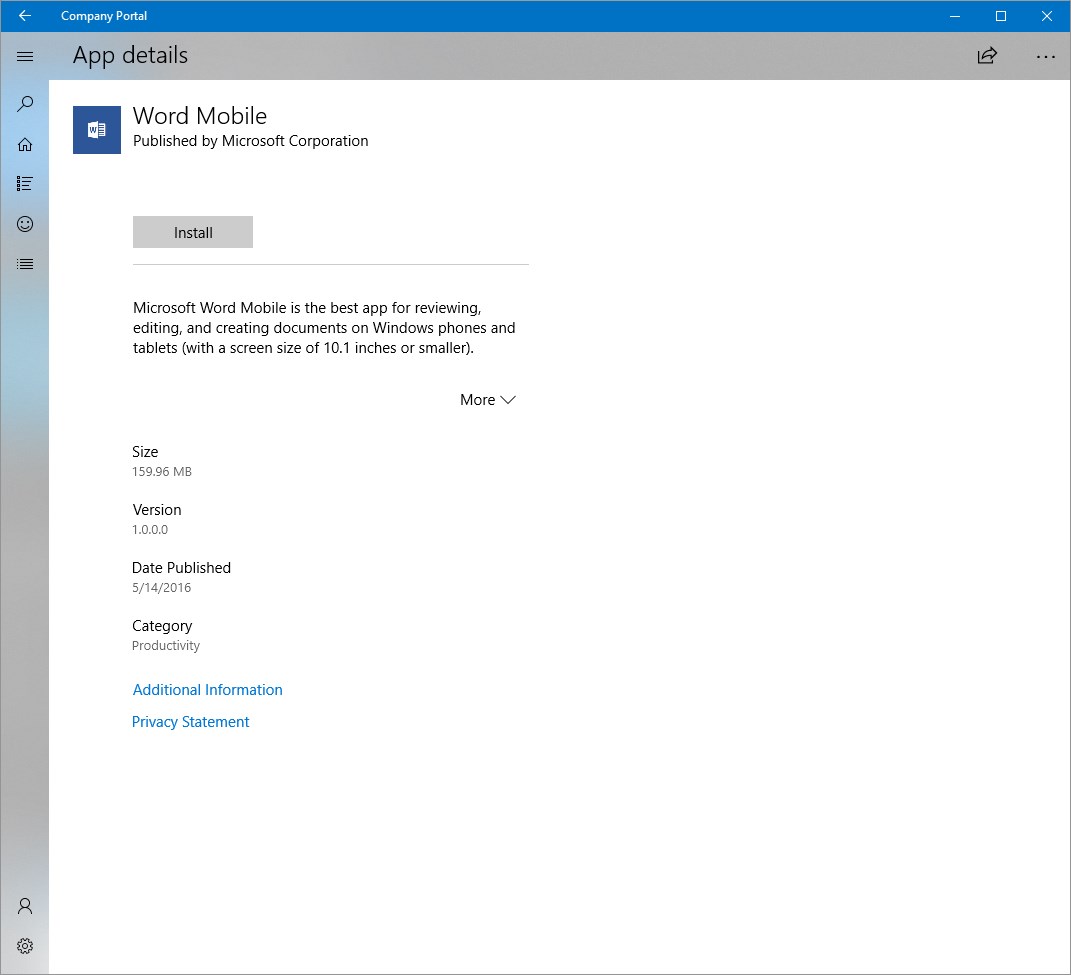
Think of this feature as a VIP pass that grants access only to approved members. Once enrolled, users can securely access their work apps, files, and resources directly through the portal. The app ensures compliance with security policies—if your device falls out of line, you're notified instantly to rectify issues, securing corporate data at every turn.
While many business management tools focus just on device control, Microsoft's Company Portal stands out with its emphasis on collaborative work and task management integration. The portal not only manages your device but also seamlessly ties into Microsoft Teams and other Microsoft 365 apps, creating a unified environment for communication and project collaboration. This integration makes it easier for teams to stay synchronized, share resources, and track project progress—all within the safety net of corporate security policies.
In comparison to other enterprise management apps, the Company Portal's strength lies in its tight integration with Microsoft's ecosystem, making it more than just a device manager—it's a hub for team collaboration. Its ability to automatically enforce compliance rules while maintaining ease of use gives it a critical edge for organizations aiming for both security and productivity.
All in all, the Company Portal for Windows earns a solid recommendation for organizations utilizing Microsoft 365 services. Its user-friendly interface, robust security features, and seamless integration with collaboration tools make it a valuable addition to any enterprise's toolkit. For employees, it's like having a helpful guide on your desktop—making device enrollment, app access, and resource management straightforward and stress-free.
Whether you're a seasoned IT pro aiming for efficient device oversight or an employee seeking hassle-free access to corporate resources, this app delivers its promise with a quiet efficiency. I'd suggest deploying it in environments where Microsoft's productivity suite is central—here, the portal truly shines, turning what could be a tedious task into an almost invisible but highly effective backbone of daily work.
Enhanced device management
Easy app deployment and updates
Robust security features
User-friendly interface
Integration with Microsoft 365 services
Occasional slow app performance
Limited customization options for end users
Complex initial setup process
Issues with app notifications sometimes delayed
Offline access limited to some features

for Windows
 5
5

for Windows
5

for Windows
4.9

for Windows
4.9

for Windows
4.9

for Windows
4.9

for Windows
4.8

for Windows
4.8

for Windows
4.8

for Windows
4.8

for Windows
4.7

for Windows
4.7

for Windows
5

for Windows
5

for Windows
5

for Windows
5

for Windows
5

for Windows
5
for Windows
5

for Windows
5

for Windows
5

for Windows
5