Educational
RV AppStudios
PC
Windows 10 version 10240.0 or higher
Version 10
Afrikaans, Bulgarian, Catalan, Chinese (Simplified), Chinese (Traditional Chinese), Croatian, Czech, Danish, Dutch, English (United States), Filipino, Finnish, French, German, Greek, Hungarian, Indonesian, Italian, Japanese, Korean, Lithuanian, Malay, Nepali, Norwegian, Polish, Portuguese, Romanian, Russian, Slovak, Spanish, Swedish, Thai, Turkish, Ukrainian, Vietnamese
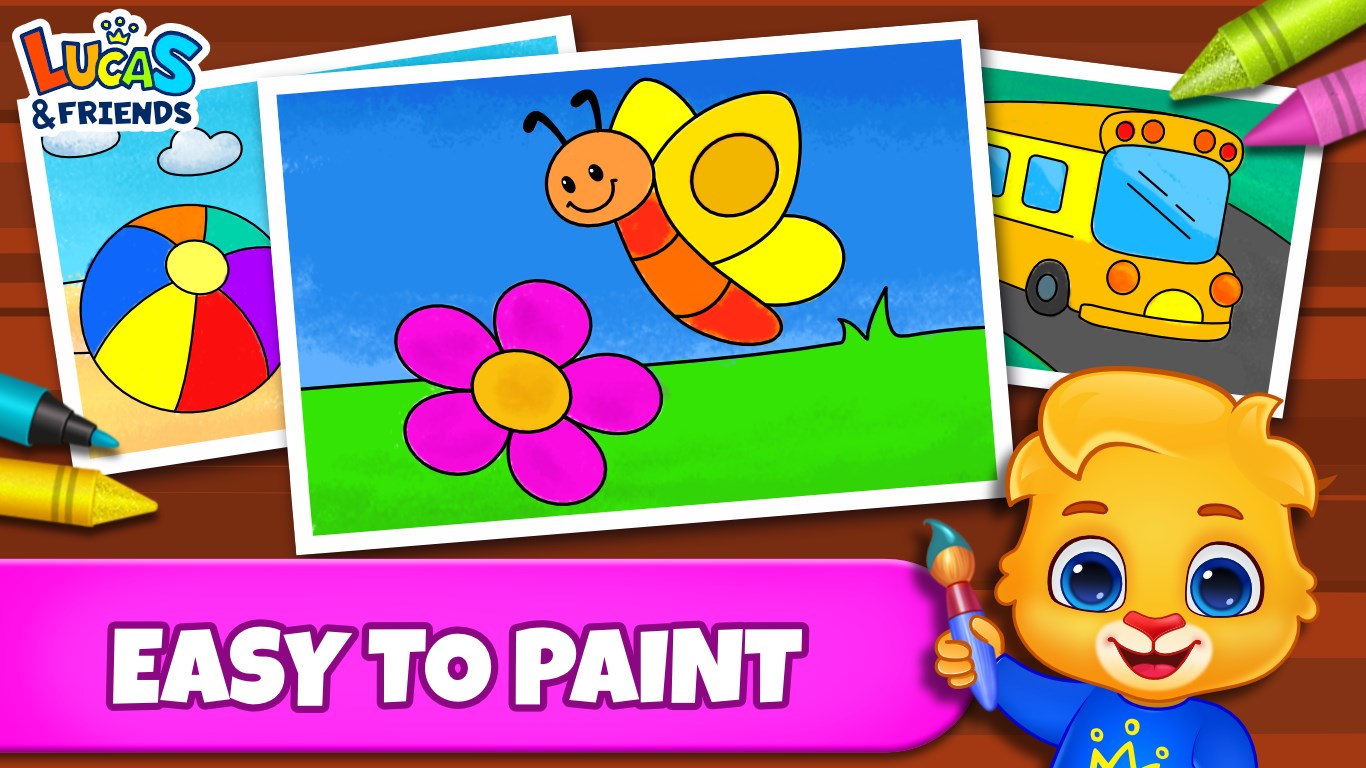
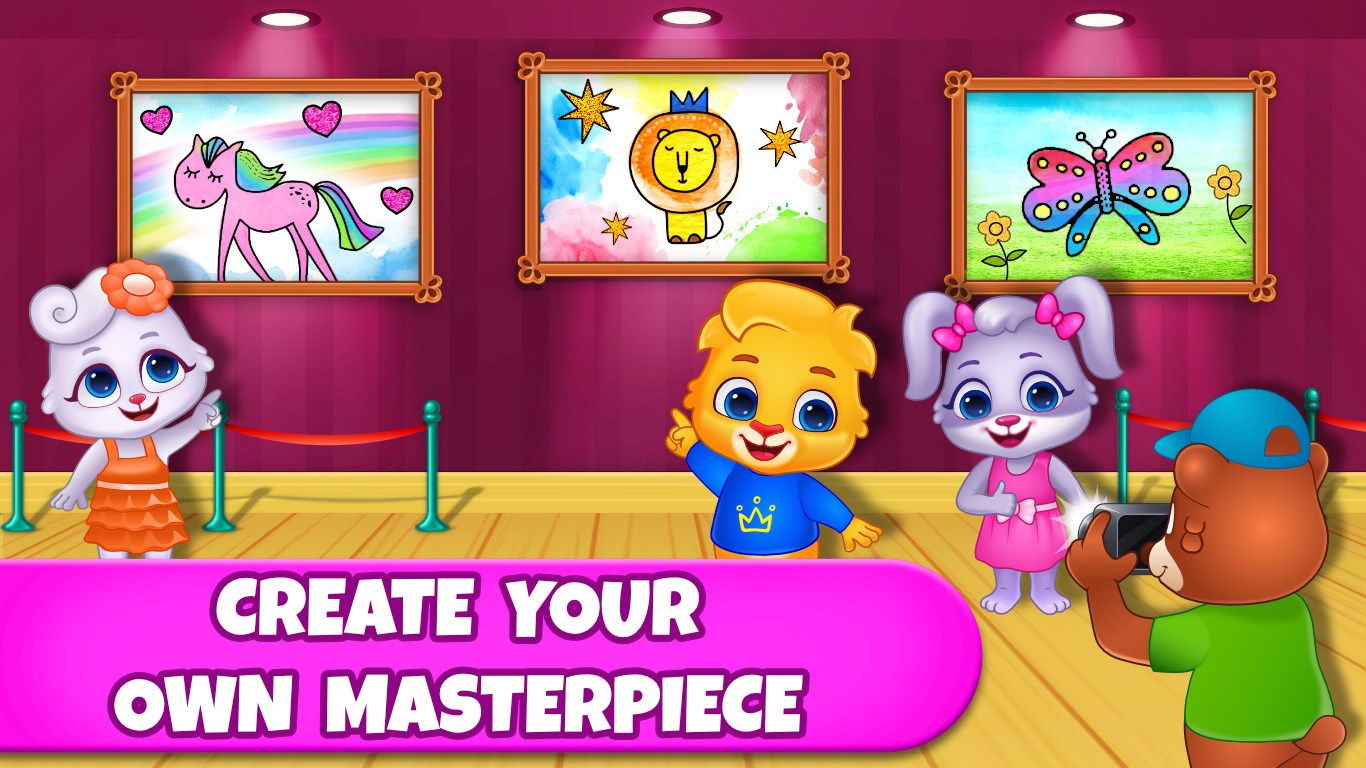
Coloring Games offers a soothing, interactive digital coloring experience designed to inspire creativity and relaxation for users of various ages. With its vibrant interface and engaging features, it aims to turn screen time into a delightful artistic journey.
Developed and published by RV AppStudios, a team known for crafting engaging casual and educational apps, this application benefits from their extensive experience in combining entertainment with learning. Their focus on user-friendly designs ensures that both children and adults can easily navigate and enjoy the app's features.
The interface of Coloring Games is clean, colorful, and inviting—much like stepping into an artist's studio where every tool is at your fingertips. Navigation feels instinctive; selecting brushes, colors, and pages is smooth, offering a fluid creative process. Response times are quick, with minimal lag, making the painting experience both relaxing and satisfying. The learning curve is gentle, making it accessible for young children just starting out as well as adults seeking a casual outlet. Importantly, the app's visual cues and simple controls reduce frustration, encouraging prolonged engagement without feeling overwhelming.
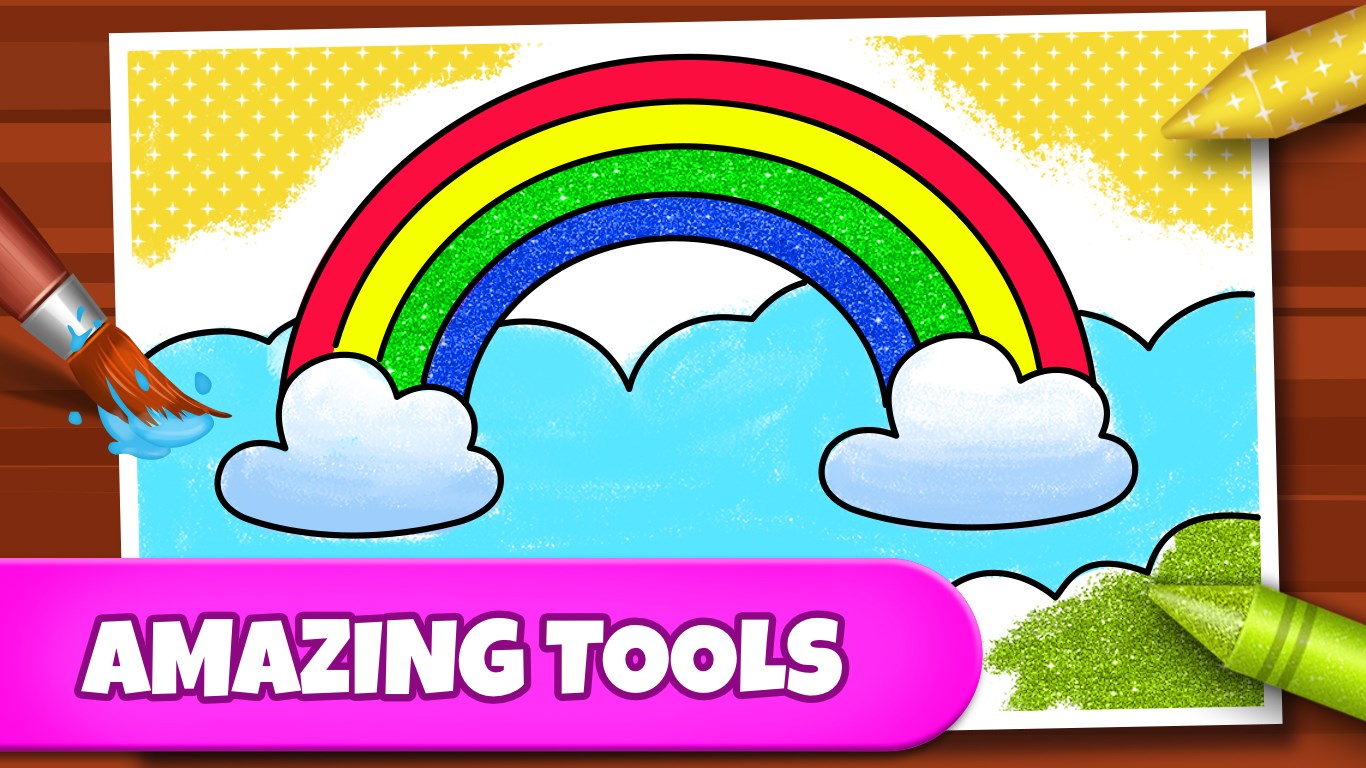
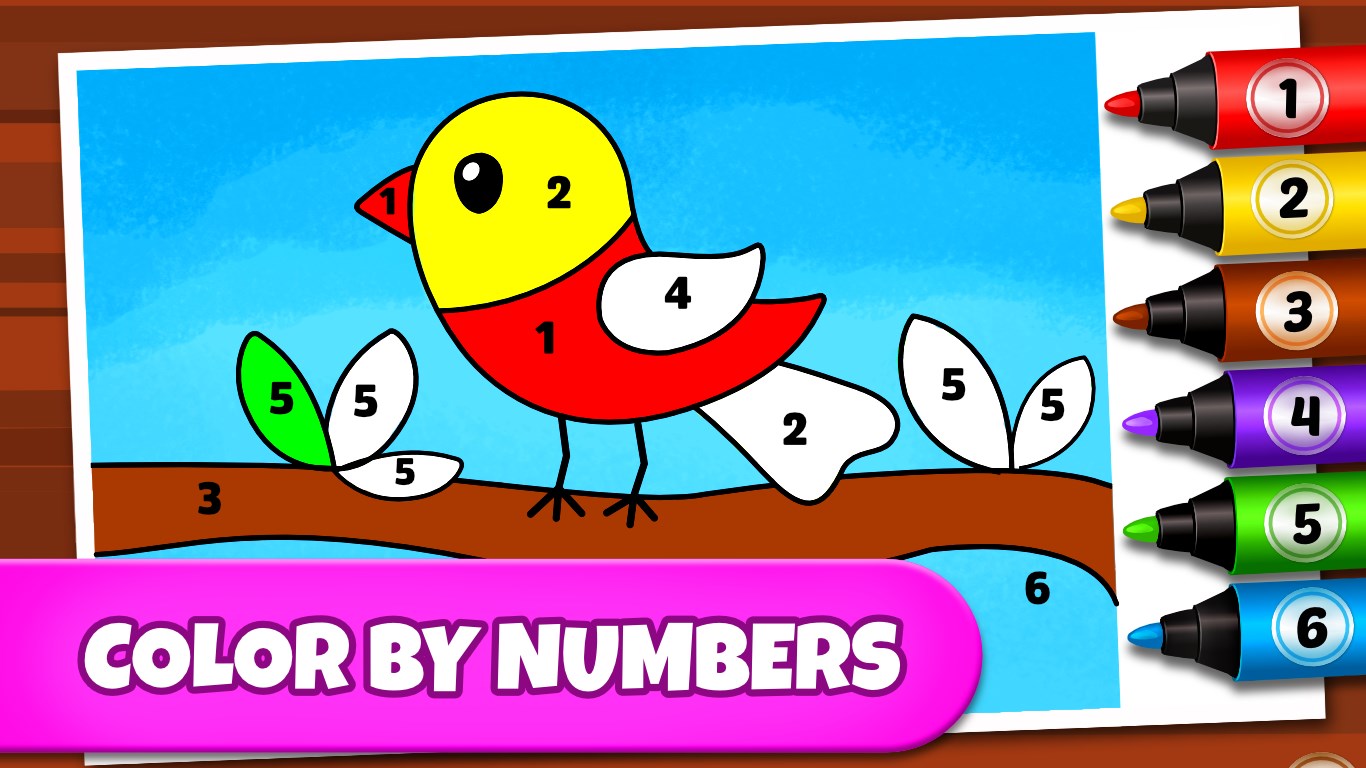
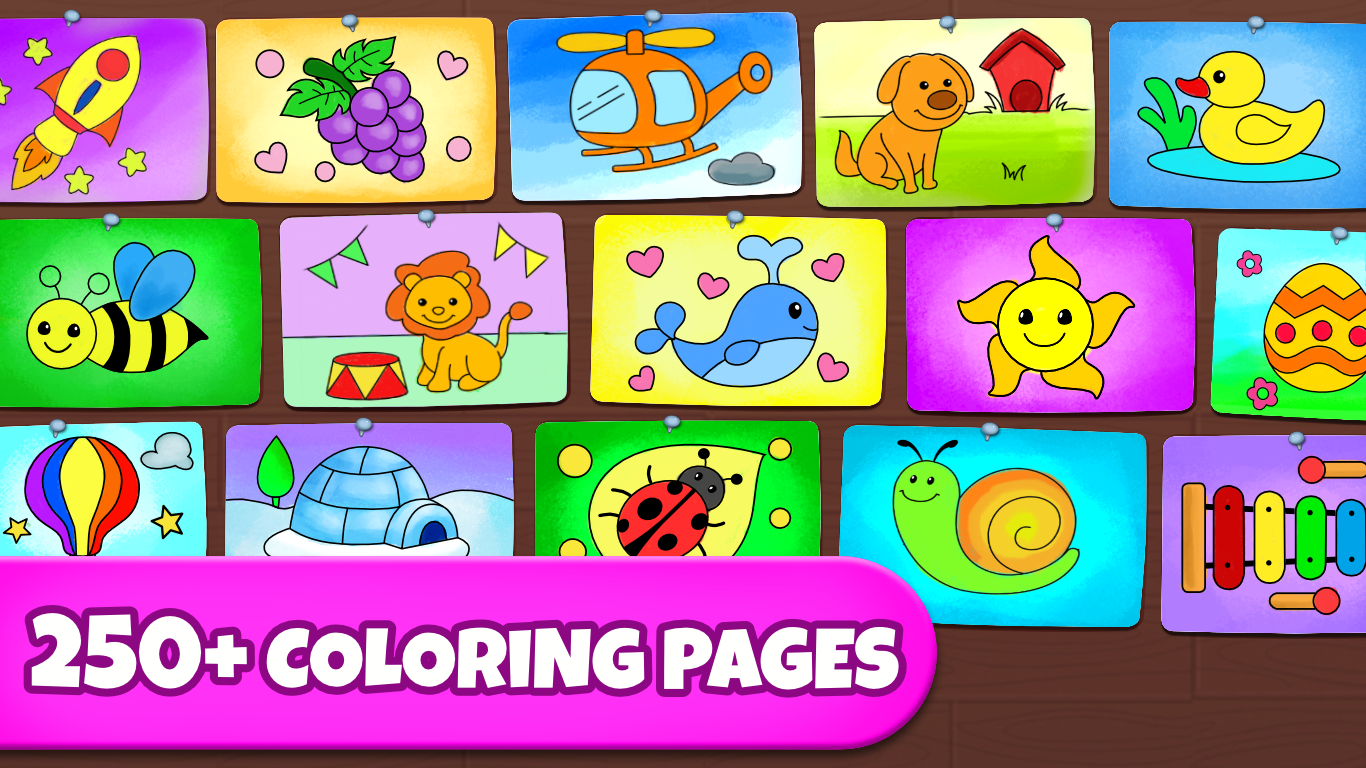
Compared to traditional educational drawing apps, Coloring Games stands out with its emphasis on personalization and artistic freedom. Unlike apps that prioritize structured lessons or strict tutorials, it balances relaxed play with underlying learning objectives like color recognition, fine motor skills, and pattern recognition. Its ability to measure user progress isn't overtly gamified but can be gauged through the variety and complexity of completed artworks, which subtly reflects knowledge retention and engagement. Its rich palette, customizable tools, and save/share options make it highly appealing for users looking for both an artistic outlet and a cognitive enrichment tool.
For those seeking a versatile, approachable digital coloring experience that fosters both creativity and calmness, Coloring Games is a commendable choice. It's particularly suitable for parents wanting a safe, engaging app for children or adults aiming for a relaxing artistic hobby. I recommend it for casual use—whether you want to unwind after a busy day or introduce young ones to the joys of coloring in a controlled environment. For users craving structured lessons or advanced techniques, this app might feel less comprehensive, but its strength lies in providing a joyful, open-ended creative space.
User-friendly interface
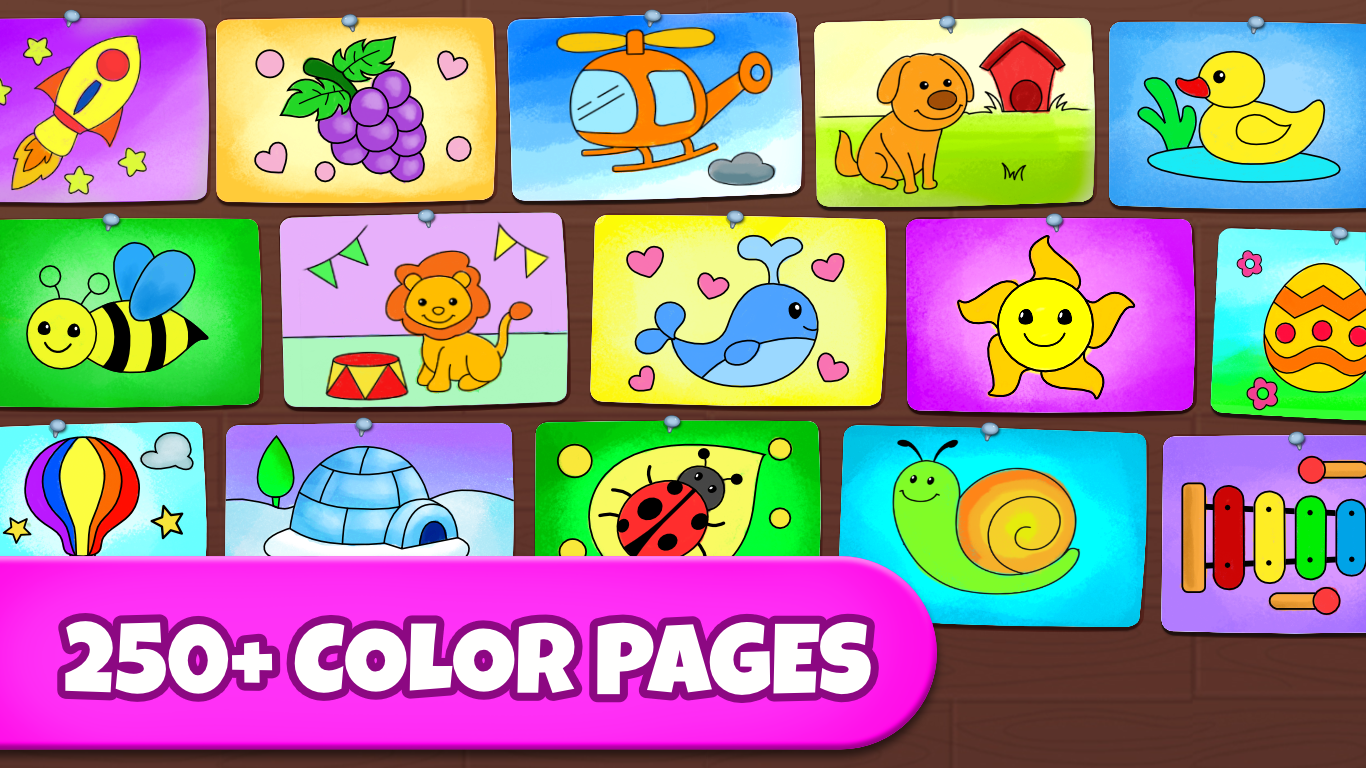
Wide variety of coloring pages
High-quality, vibrant colors
Drawing tools customization
No internet required after download
Limited free content
Occasional lag during use
Basic drawing tools without advanced features
No tutorial or guided lessons included
Limited social sharing options

for Windows
 4.8
4.8

for Windows
4.7

for Windows
4.6

for Windows
4.5

for Windows
4.4

for Windows
4.4
for Windows
4.4

for Windows
4.4

for Windows
4.3

for Windows
4.2
for Windows
4.2
for Windows
1.5

for Windows
5

for Windows
5

for Windows
5

for Windows
5

for Windows
5

for Windows
5

for Windows
5

for Windows
5

for Windows
5

for Windows
5