Action & adventure
AdoreStudio Ltd.
PC
Windows 10 version 19041.0 or higher
Version 10
English, French, German, Japanese, Russian, Spanish
Imagine stepping into an atmospheric world where every corner holds secrets waiting to be uncovered. Coastal Hill offers players a compelling blend of hidden object puzzles and detective adventures, inviting you to solve mysteries in a beautifully crafted setting. Whether you're a puzzle enthusiast or a story lover, this game aims to deliver an immersive experience grounded in intriguing gameplay and engaging visuals.
Developed and published by AdoreStudio Ltd., Coastal Hill is designed to captivate players who enjoy thinking puzzles intertwined with narrative exploration. The game's standout features include:
The game targets puzzle fans, mystery lovers, and casual players seeking a relaxing yet engaging experience on Windows devices. Its appealing visual style suits players who appreciate detailed environments and compelling storytelling.
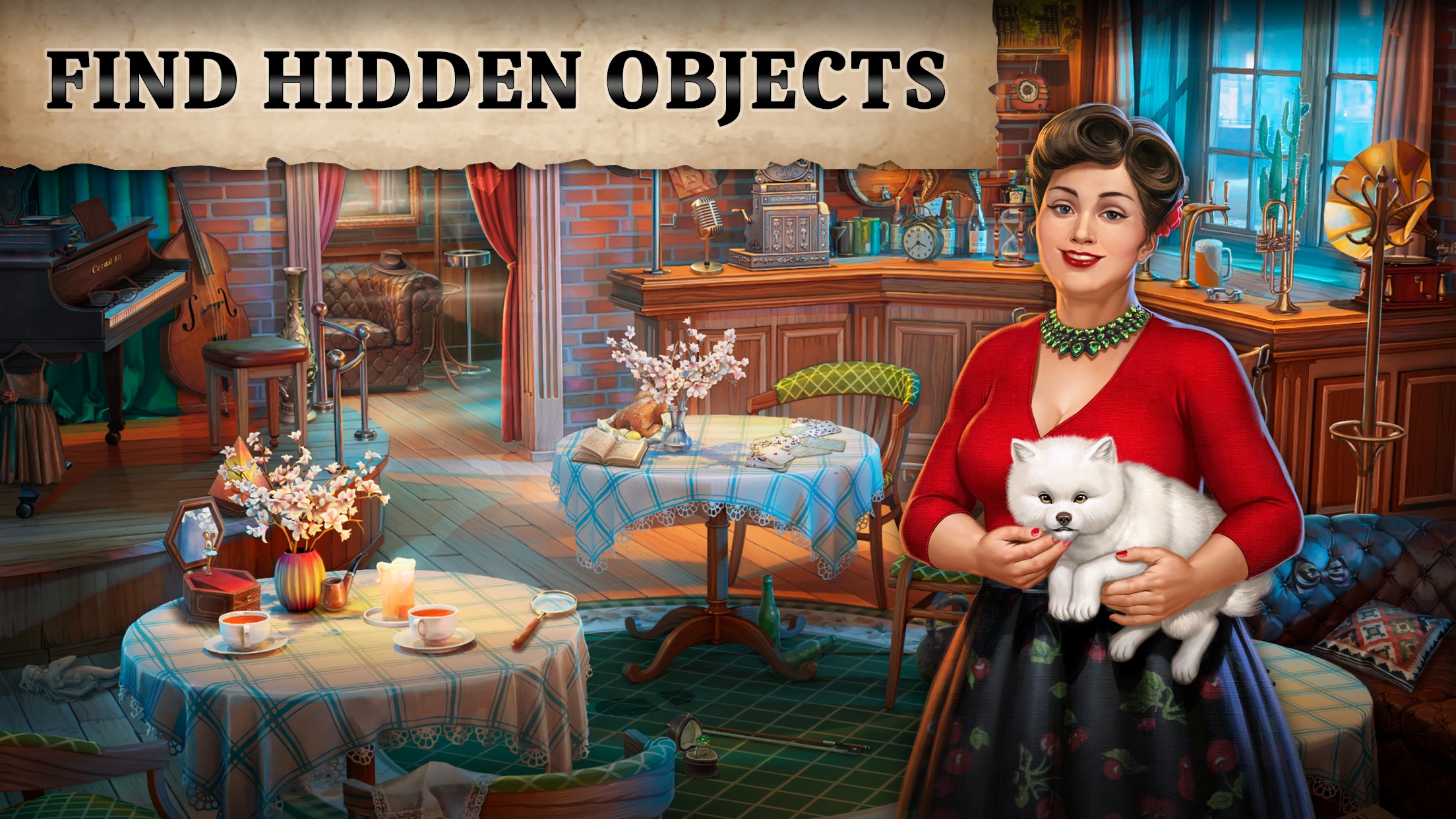
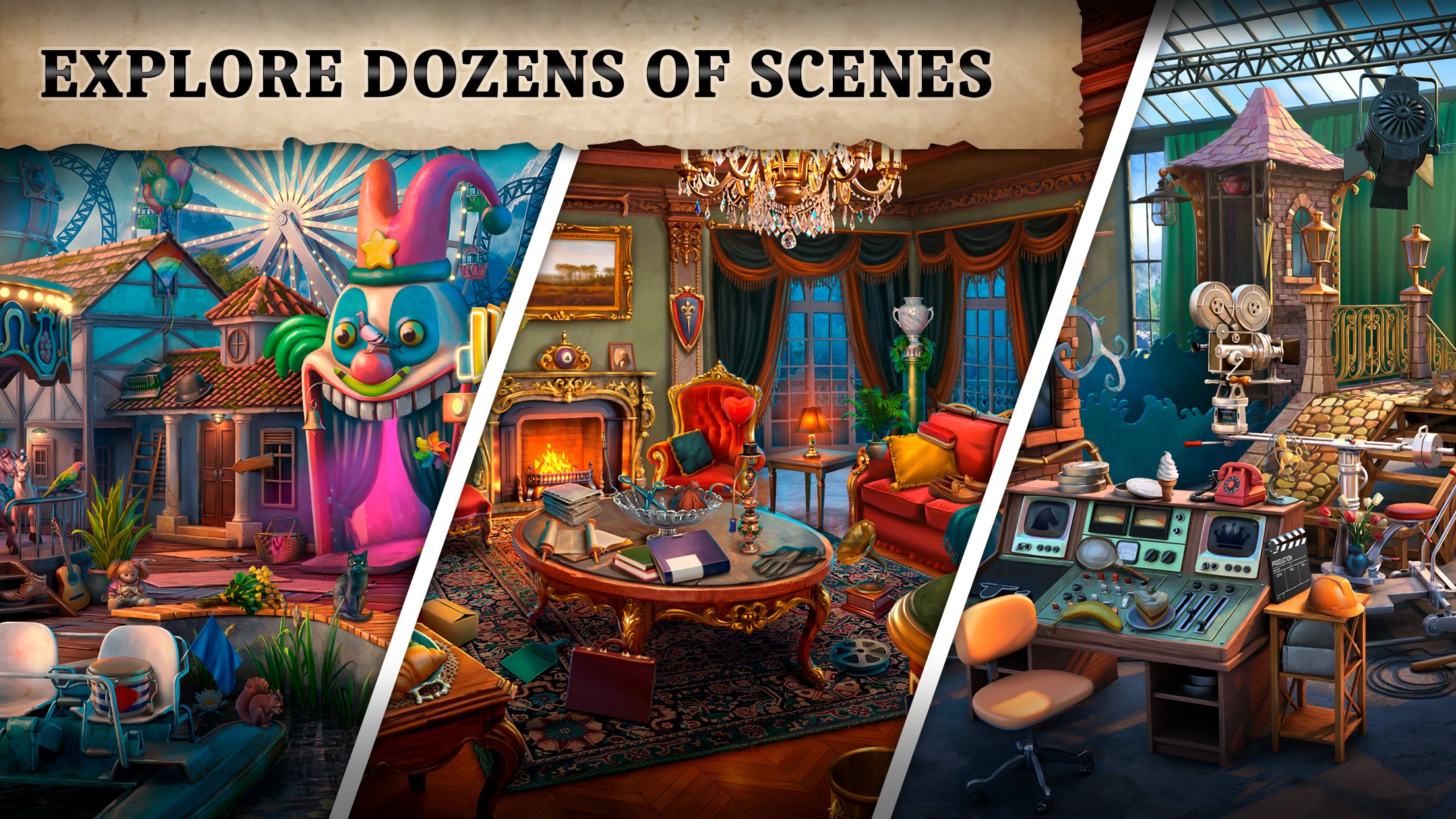
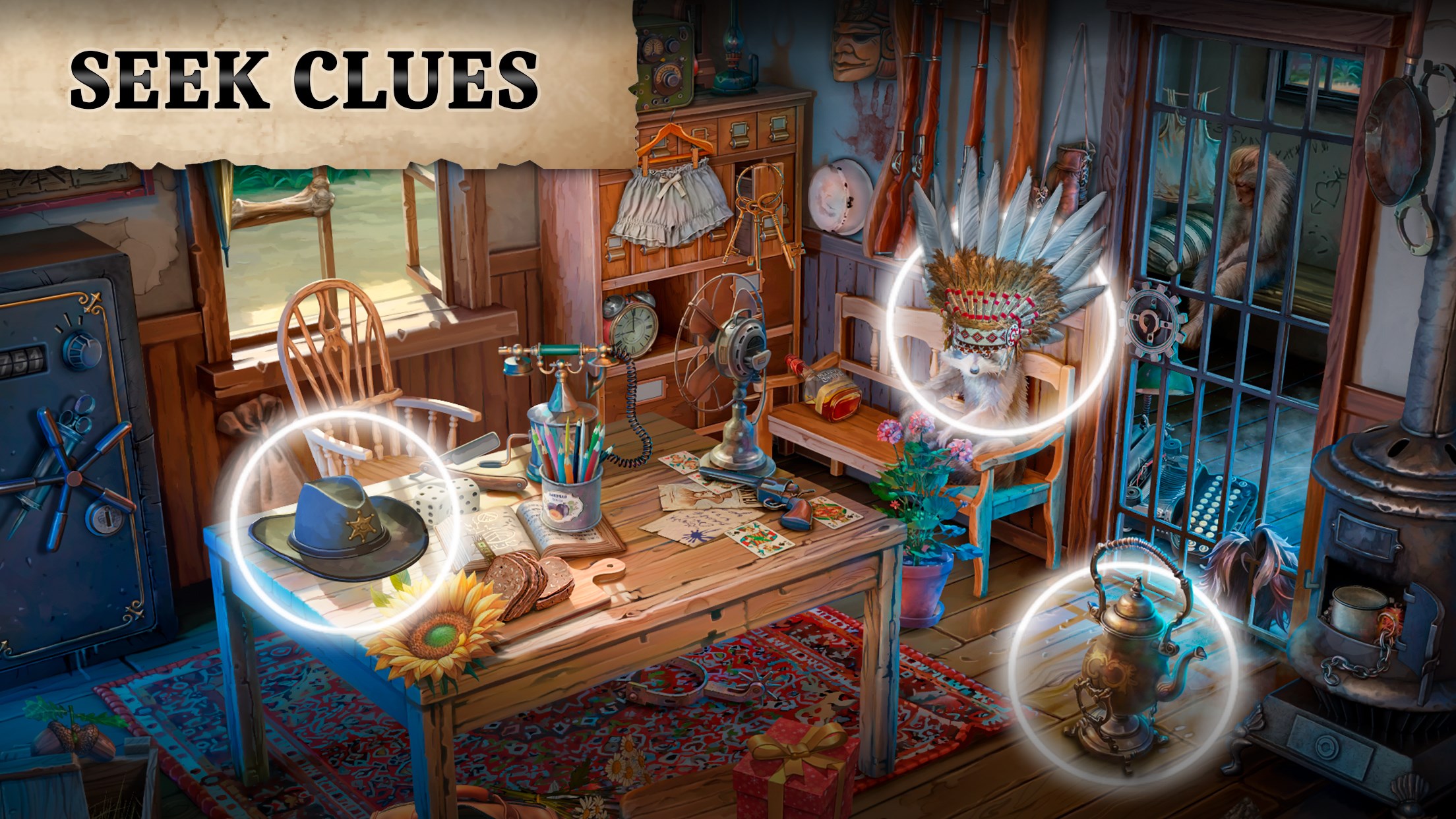
Stepping into Coastal Hill feels akin to entering a cozy, enigmatic world frozen in time, where every scene looks like a painting rich with details. The interface boasts a clean and user-friendly layout; the icons and prompts are intuitive, guiding players effortlessly through hidden object areas and puzzle interfaces. The visuals are sharp, with vibrant yet slightly muted tones that evoke a mysterious atmosphere, immersing you deeply into the game's environment. This thoughtful design makes the search for clues feel like a real-life treasure hunt in a storybook setting.
Playing Coastal Hill offers a seamless experience, with fluid animations and responsive controls that keep you engaged without frustration. The game's difficulty curve is gentle; new players can quickly grasp the mechanics of object searching and puzzle solving, while seasoned players will find enough challenges to keep their minds active. The tutorial is integrated smoothly into gameplay, offering just enough guidance without being overbearing. Overall, the gameplay feels natural, encouraging exploration and curiosity as players progress through each chapter.
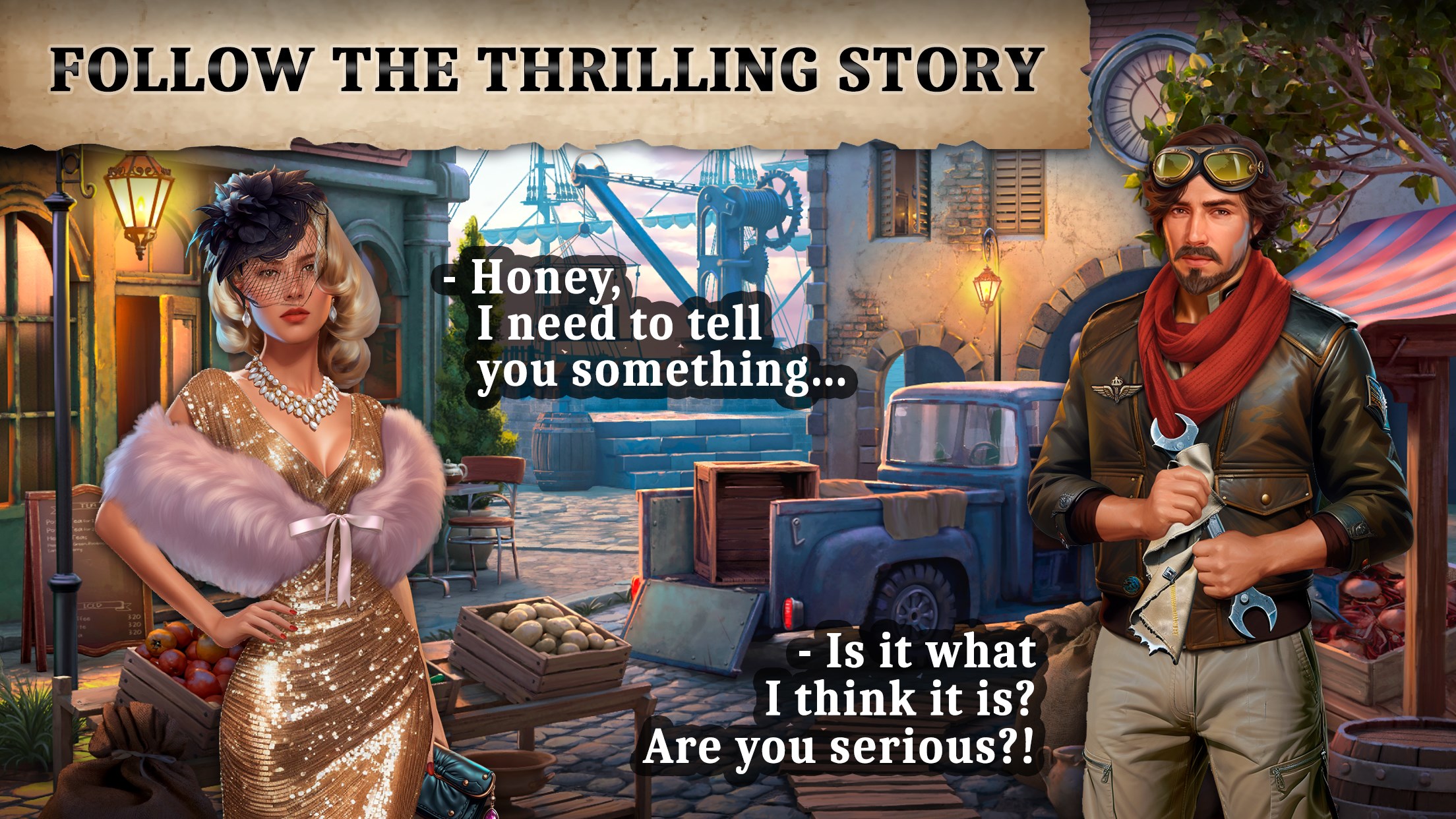
What sets Coastal Hill apart from other hidden object and mystery adventure games is its emphasis on storytelling intertwined with visually rich scenes. Unlike typical puzzle games that focus solely on mechanics, Coastal Hill emphasizes narrative immersion—each solved mystery feels part of a larger story, making your progress feel meaningful. Additionally, the game's ability to blend detective elements with puzzle solving creates an experience akin to being a real detective piecing together clues in a quiet, mysterious town. This narrative depth combined with beautiful design provides a distinctive niche among similar casual adventure titles.
If you enjoy games that combine exploratory puzzles with storytelling—particularly those set in atmospheric environments—Coastal Hill offers a satisfying experience worth trying. Its intuitive controls, attractive visuals, and engaging narrative make it suitable for casual gamers and puzzle lovers alike. While it may not have the high-octane action of adrenaline-fueled titles, its charm lies in the quiet thrill of discovery and unraveling mysteries at your own pace. I'd recommend this game to players looking for a thoughtfully crafted journey that invites calm exploration and keen observation. For those seeking an immersive, story-rich hidden object adventure on Windows, Coastal Hill deserves a spot in your collection.
Engaging hidden object puzzles
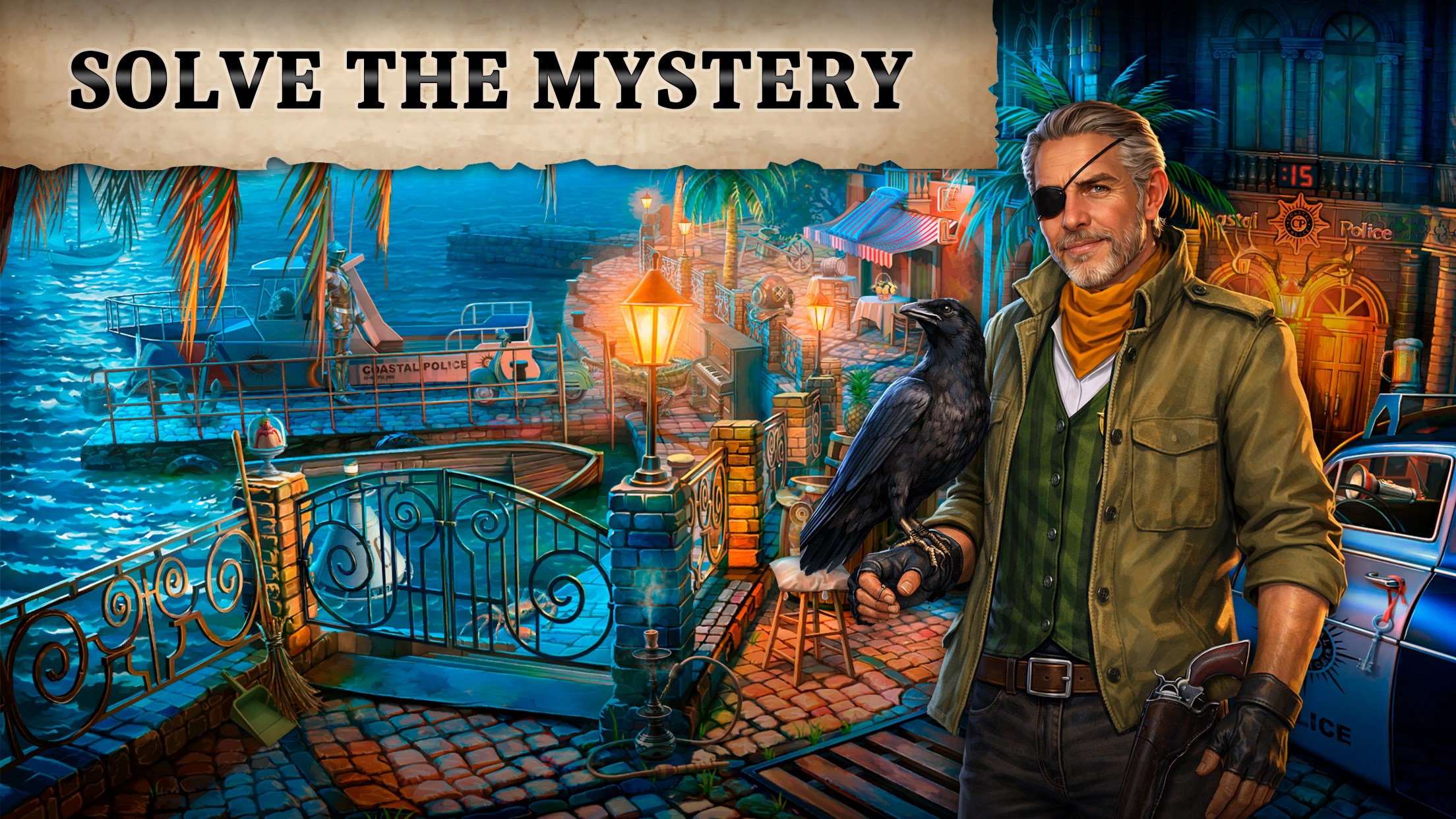
Immersive mystery storyline
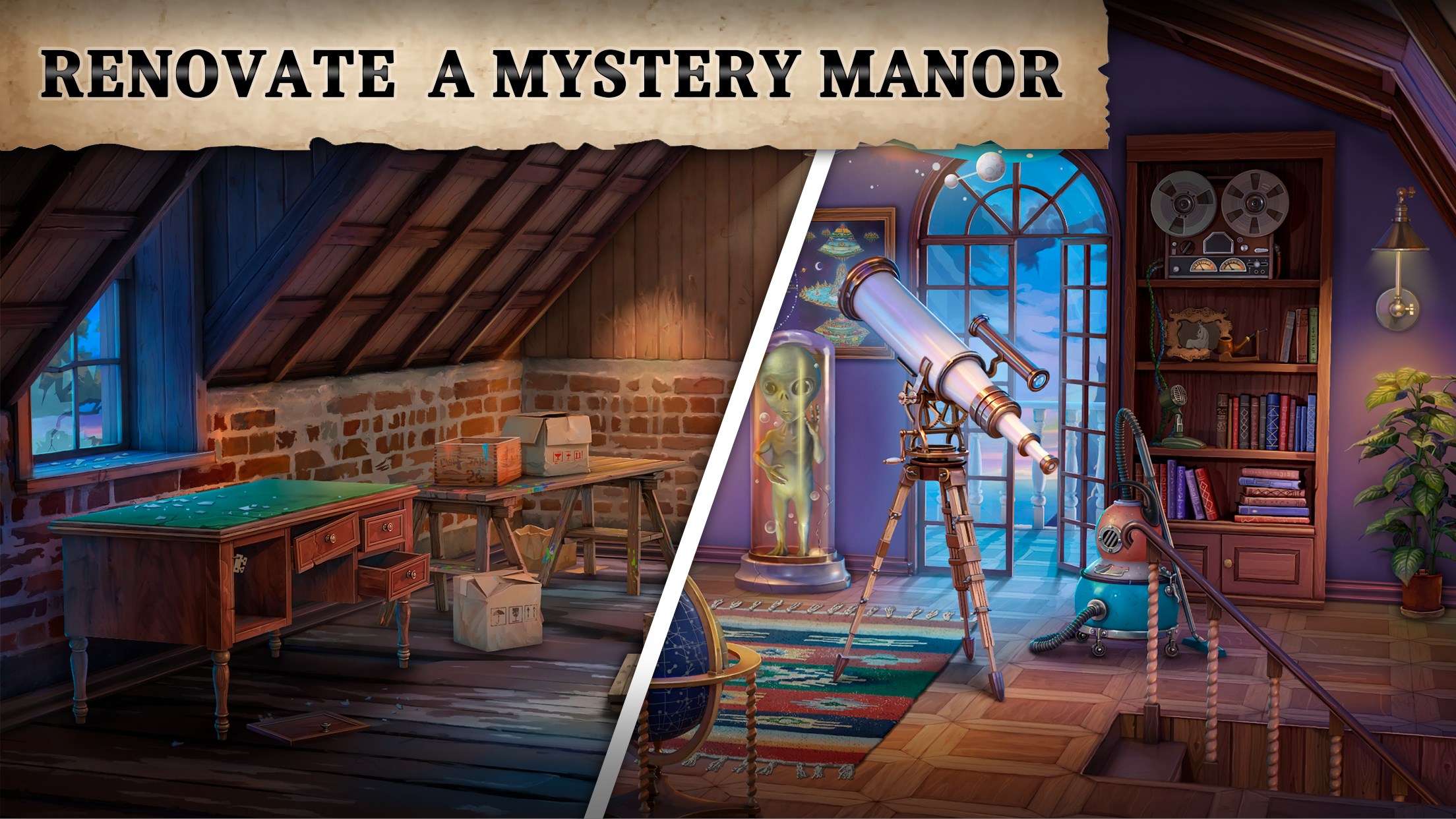
High-quality graphics and visuals
User-friendly interface
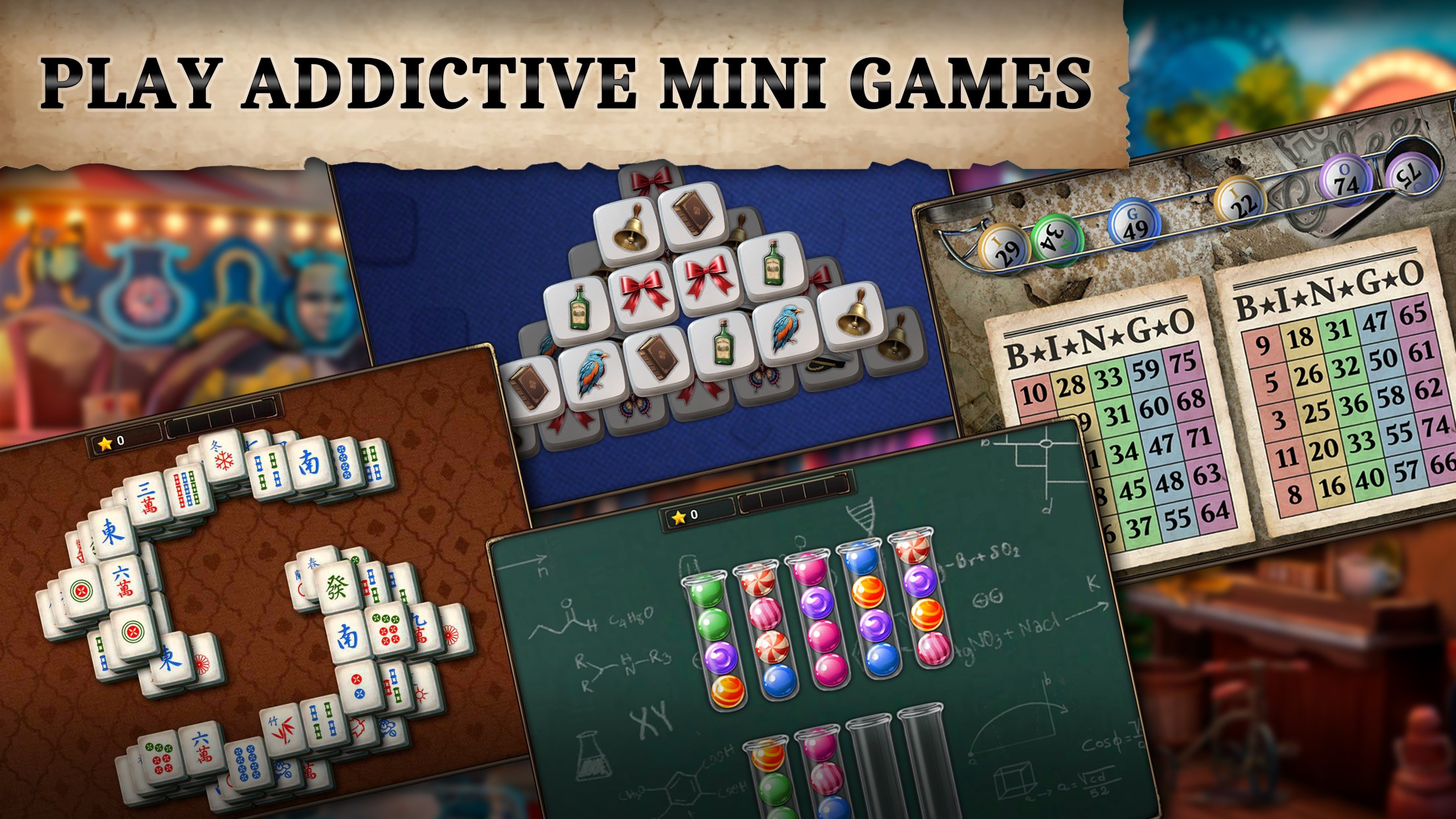
Variety of mini-games and challenges
Limited hint system
Occasional long loading times
In-app purchases are somewhat intrusive
Limited replay value after completion
Sound effects could be more immersive

for Windows
 5
5

for Windows
4.9

for Windows
4.8

for Windows
4.8
for Windows
4.8

for Windows
4.8

for Windows
4.8

for Windows
4.8

for Windows
4.8

for Windows
4.8

for Windows
4.8

for Windows
4.8

for Windows
5

for Windows
5

for Windows
5

for Windows
5

for Windows
5

for Windows
5

for Windows
5
for Windows
5

for Windows
5

for Windows
5