Multimedia design
CELSYS, Inc.
PC
Windows 10 version 0.0 or higher
Integrated Keyboard
Integrated Mouse
2 GB
Chinese (Traditional Chinese), English, French, German, Indonesian, Japanese, Korean, Portuguese (Brazil), Spanish, Thai
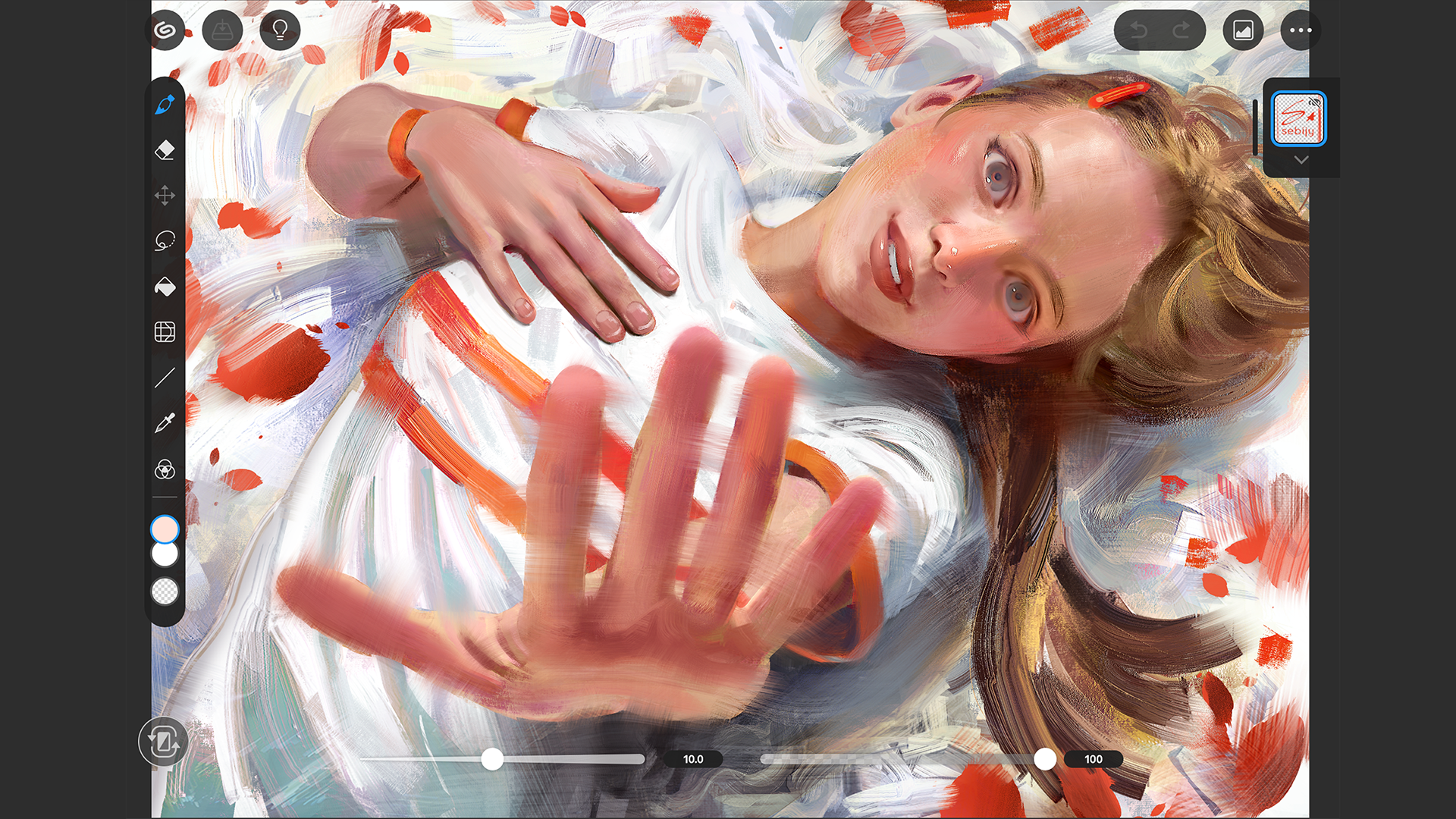
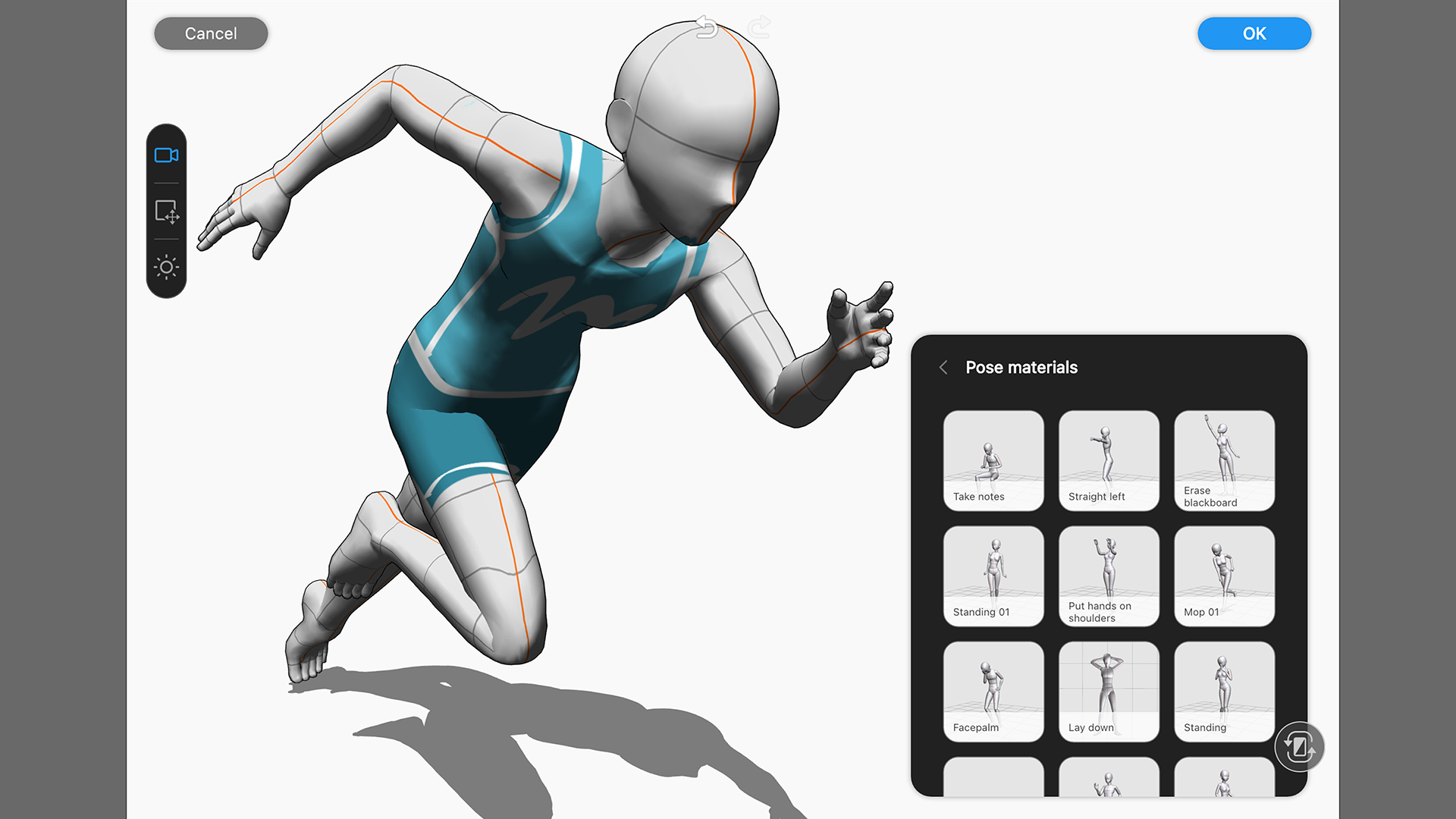
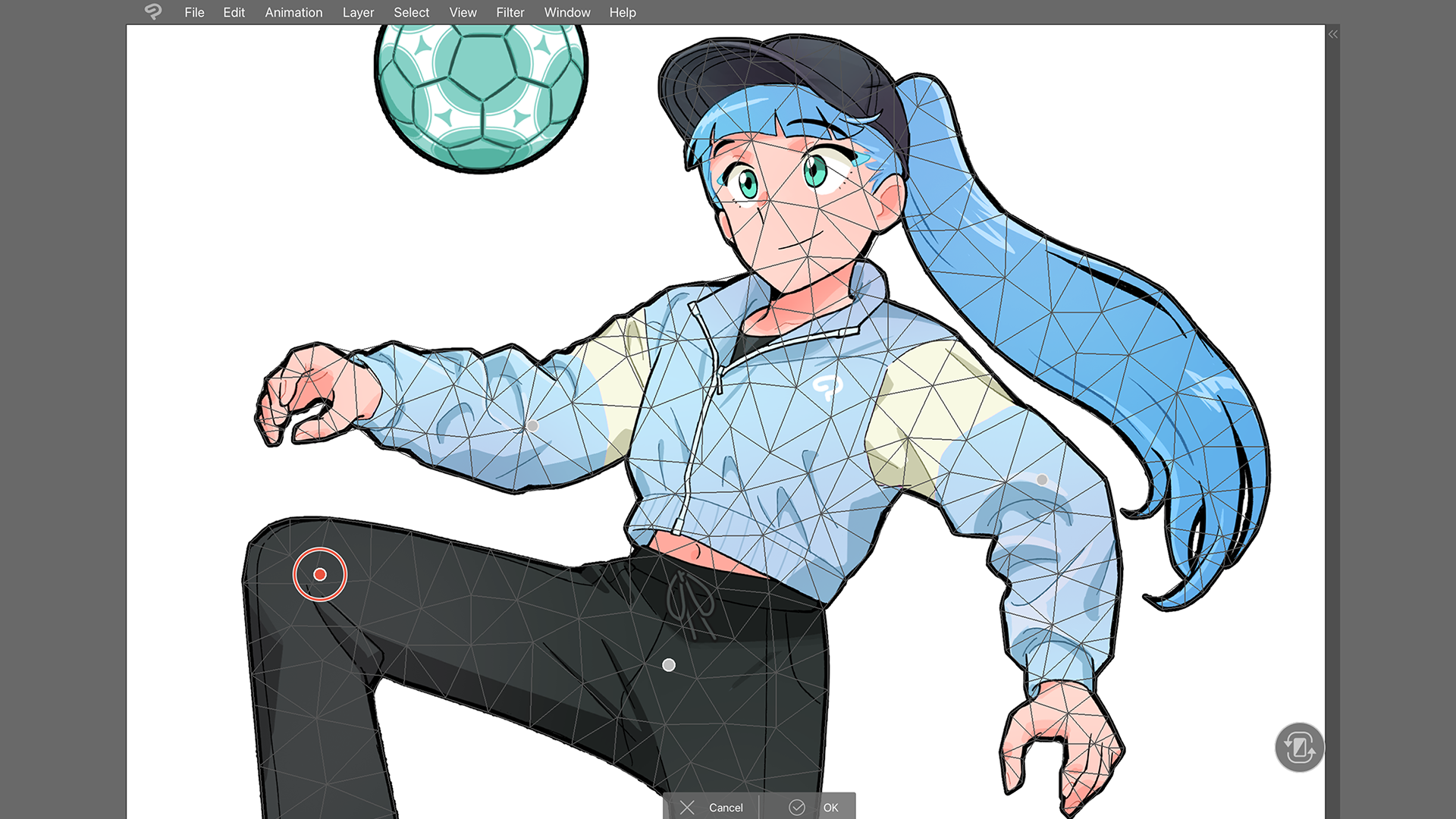
Designed for artists on the go, Clip Studio Paint for Windows offers a versatile platform that combines powerful drawing tools with an intuitive interface, empowering creators to produce high-quality art anytime, anywhere.
From the renowned Japanese company CELSYS, Inc., the developers behind the beloved Clip Studio Paint, this application harnesses years of expertise in manga, comic, and illustration software to deliver a feature-rich experience tailored to both professional artists and enthusiastic hobbyists.
Imagine sitting at your desk, tablet in hand, ready to create that next masterpiece—only this time, your art studio is instantly portable. Clip Studio Paint transforms your Windows device into a creative haven, offering a smooth, near-zero lag drawing experience that feels like sketching on real paper but with the limitless possibilities of digital art. Whether you're working on intricate manga pages or vibrant illustrations, this app adapts seamlessly to your workflow, encouraging experimentation and artistic growth.
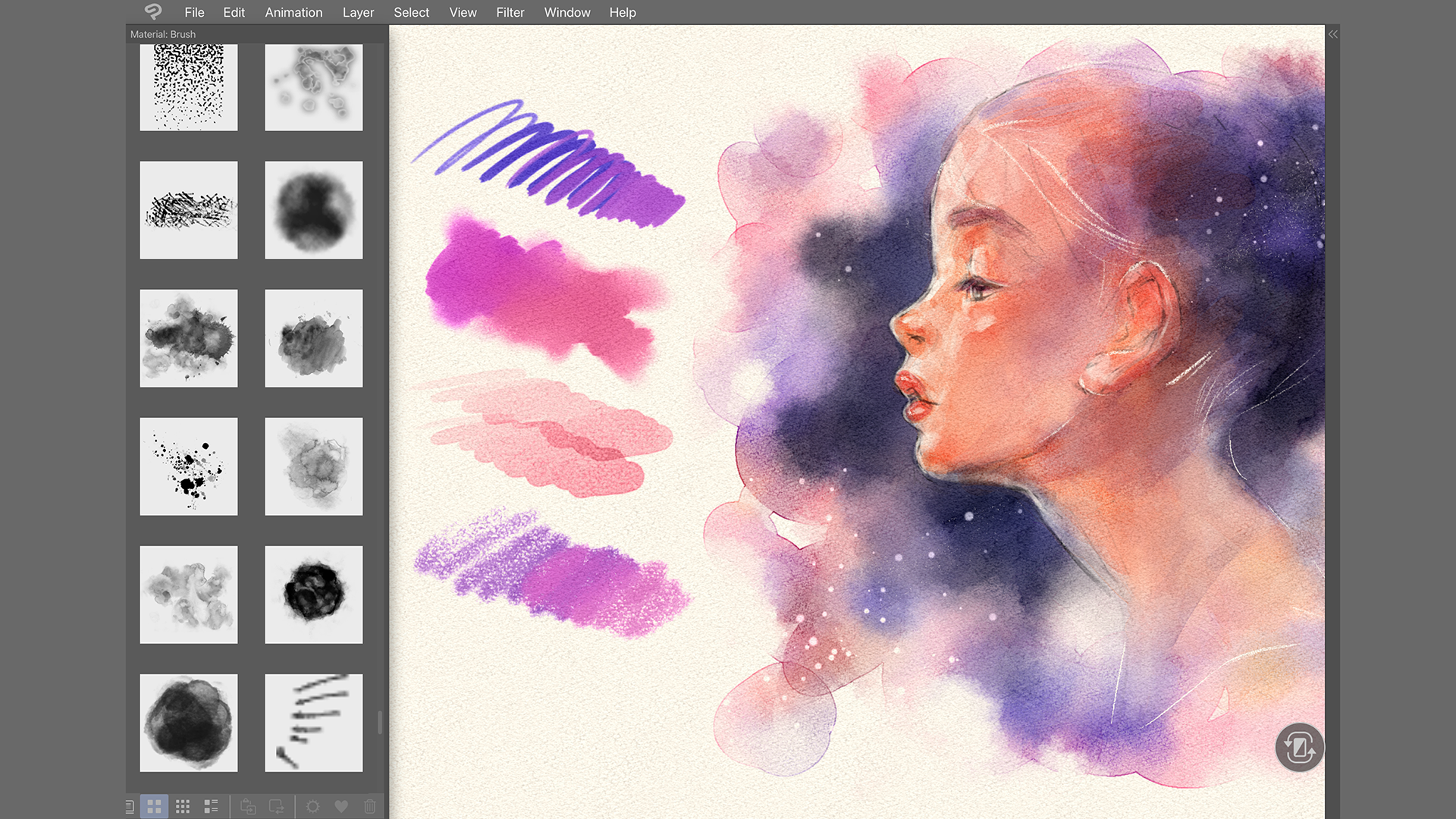
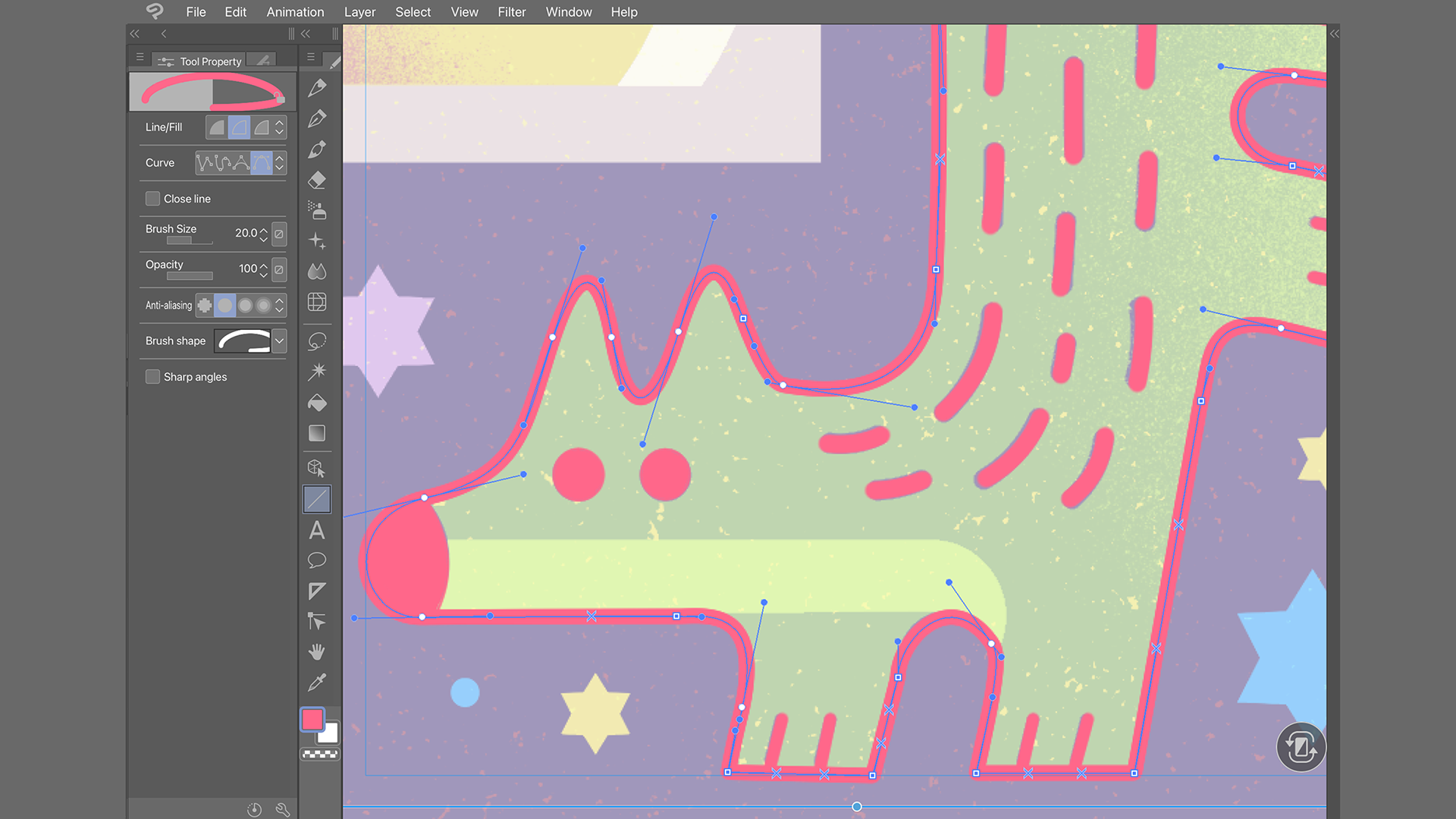
The application's standout feature is its incredibly customizable brush engine. Artists can tweak textures, opacity, and blending modes to craft the perfect stroke, building a personal library of brushes that respond precisely to their style. Additionally, the robust layer system, including raster, vector, and overlay layers, allows for intricate editing and non-destructive workflows. The vector layers, in particular, shine when creating clean, smooth lines—ideal for comic strip artists who demand precision.
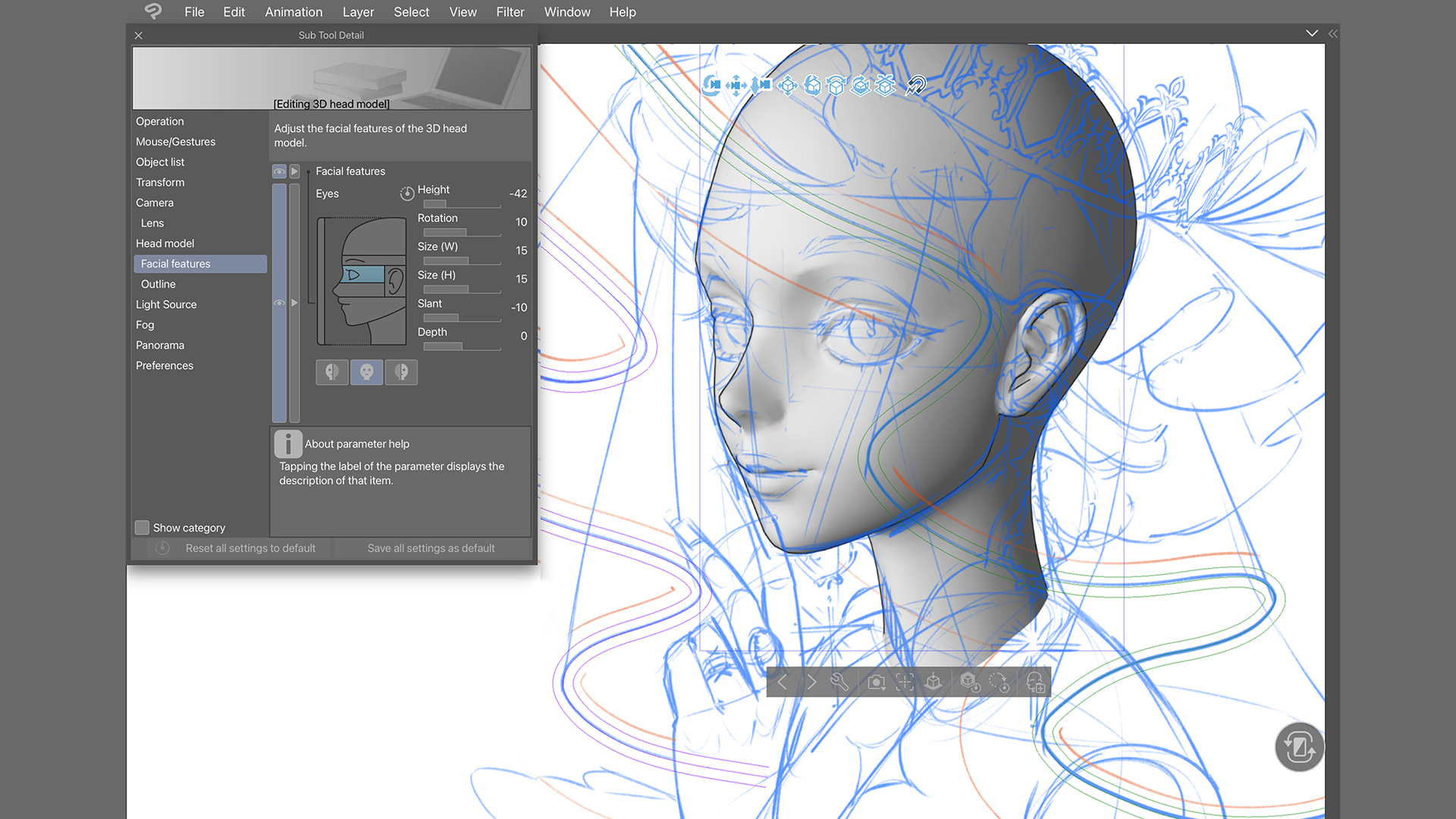
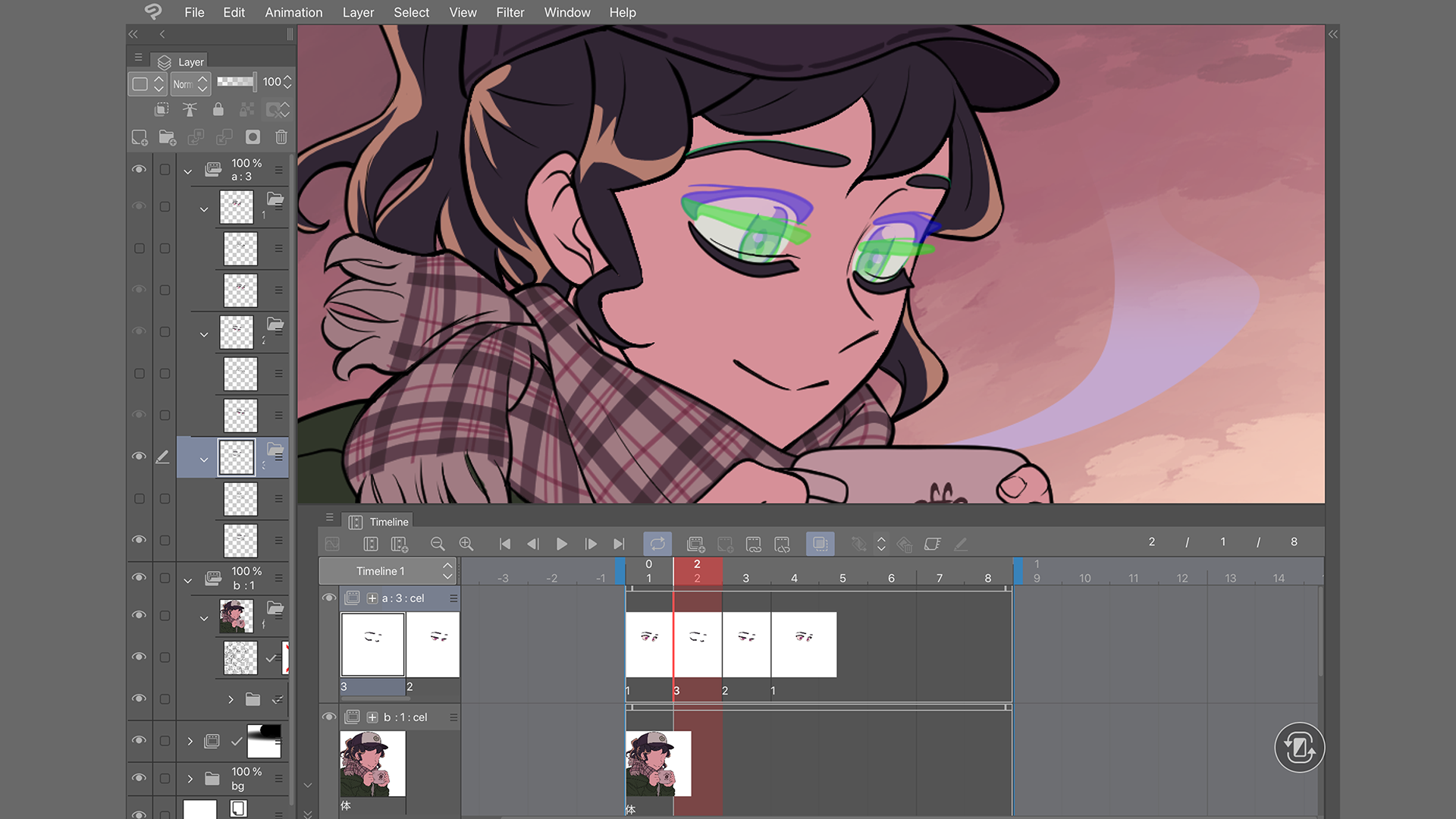
The interface strikes a nice balance between professional depth and user-friendliness. The workspace is logically organized; tools are easily accessible, and clutter is minimized to keep your creative flow uninterrupted. Performance-wise, the app feels responsive even with complex projects, thanks to optimized rendering that minimizes lag. The learning curve is gentle enough for newcomers but still rich with advanced options that seasoned artists will appreciate, making it a versatile tool for various skill levels.
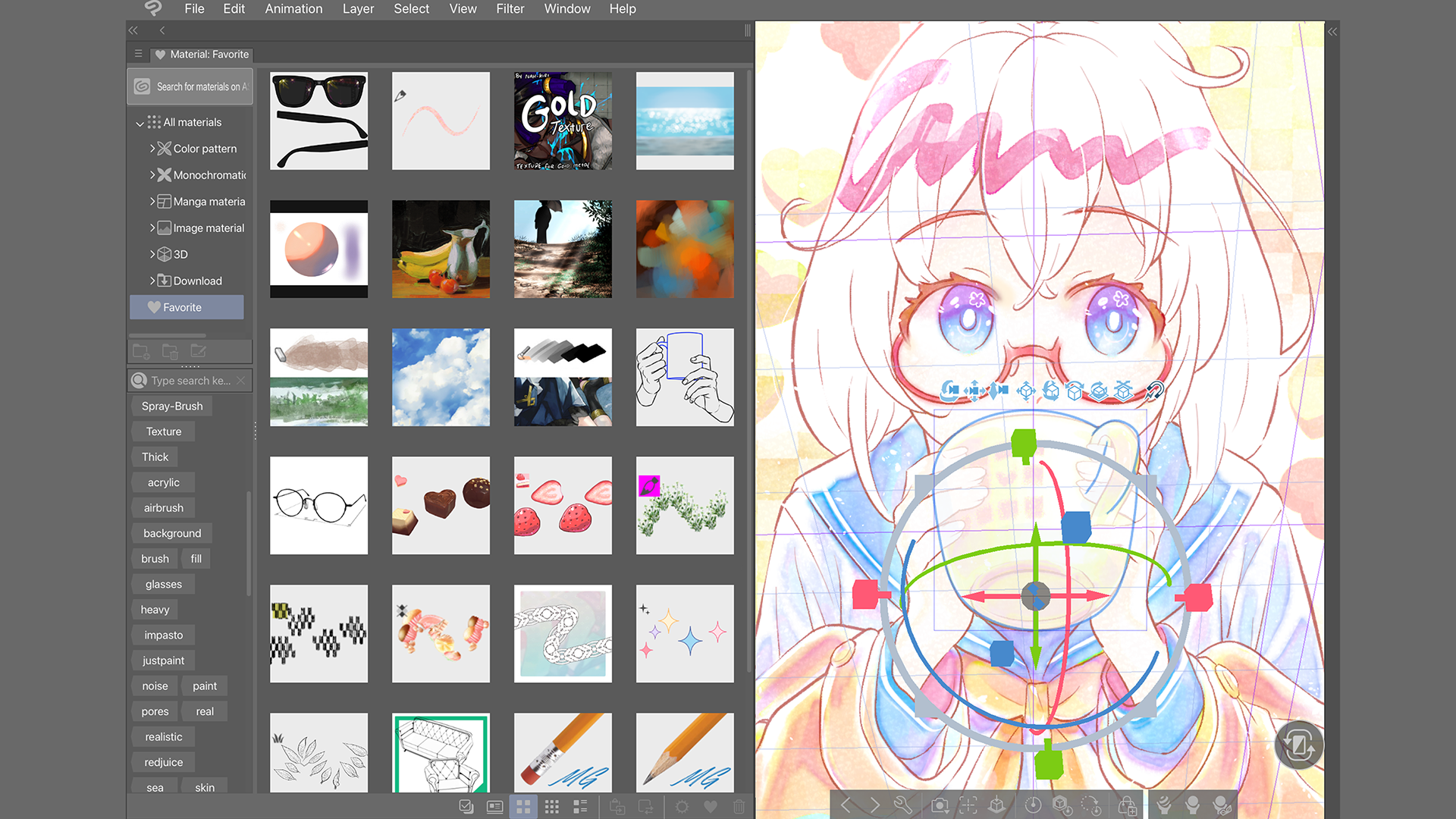
Compared to other multimedia design programs, Clip Studio Paint's cloud synchronization stands out. The ability to effortlessly switch between devices—be it a desktop, laptop, or tablet—embodies the concept of portable art creation. Plus, its community-driven resource sharing, such as brush and texture packs, enriches the creative environment, setting it apart from more isolated software options. This platform is like a dependable art toolkit that grows with your skills and needs, supported by a dedicated community and continuous updates.
Overall, I'd rate Clip Studio Paint for Windows as a strong choice for both aspiring and professional artists seeking a flexible yet powerful art application. Its most compelling features—particularly the advanced brush customization and cloud capabilities—make it a standout in the crowded field of multimedia design tools. For anyone looking to enhance their digital workflow, especially those who prefer working Windows devices, this app is worth exploring. Get ready to paint, draw, and unleash your creativity anywhere life takes you.
Versatile Drawing Tools
Cross-Device Compatibility
User-Friendly Interface
Layer Management
Regular Updates and Support
Performance Issues on Low-End Devices
Limited Custom Brushes
Steep Learning Curve for Advanced Features
Slow Export Options
Occasional Compatibility Glitches

for Windows
 4.8
4.8

for Windows
4.8

for Windows
4.7

for Windows
4.7

for Windows
4.6

for Windows
4.6

for Windows
4.6

for Windows
4.6

for Windows
4.5

for Windows
4.5

for Windows
4.5

for Windows
4.5

for Windows
5

for Windows
5

for Windows
5

for Windows
5

for Windows
5

for Windows
5

for Windows
5

for Windows
5

for Windows
5

for Windows
5