Classics
Sparkling Society
PC, Mobile
Windows 10 version 19041.0 or higher
Version 10
Arabic, Chinese (Simplified), Chinese (Traditional Chinese), Danish, Dutch, English, Filipino, French, German, Indonesian, Italian, Japanese, Korean, Malay, Norwegian (Bokmål), Persian/Farsi, Polish, Portuguese, Russian, Spanish, Swedish, Thai, Turkish, Vietnamese
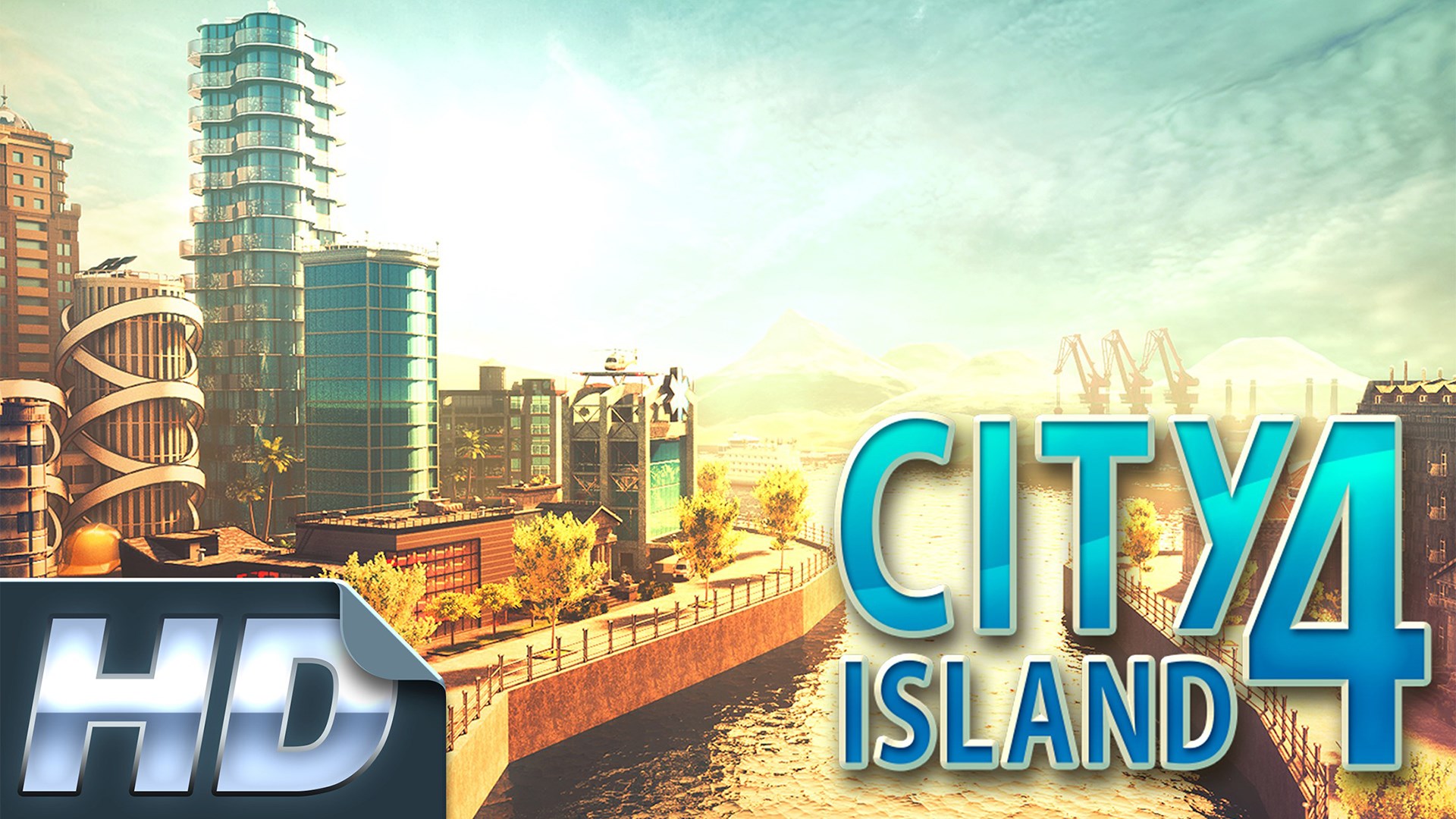
City Island 4 offers a captivating sandbox experience where players can build their dream cityscape with charming islands and vibrant communities. It caters to fans of simulation and city-building games who enjoy strategic planning intertwined with creative expression.
Developed by Sparkling Society, a renowned name in the casual simulation genre, City Island 4 stands out for its polished gameplay and engaging content. The team has crafted a game that balances ease of access with depth, making city-building accessible without sacrificing complexity.
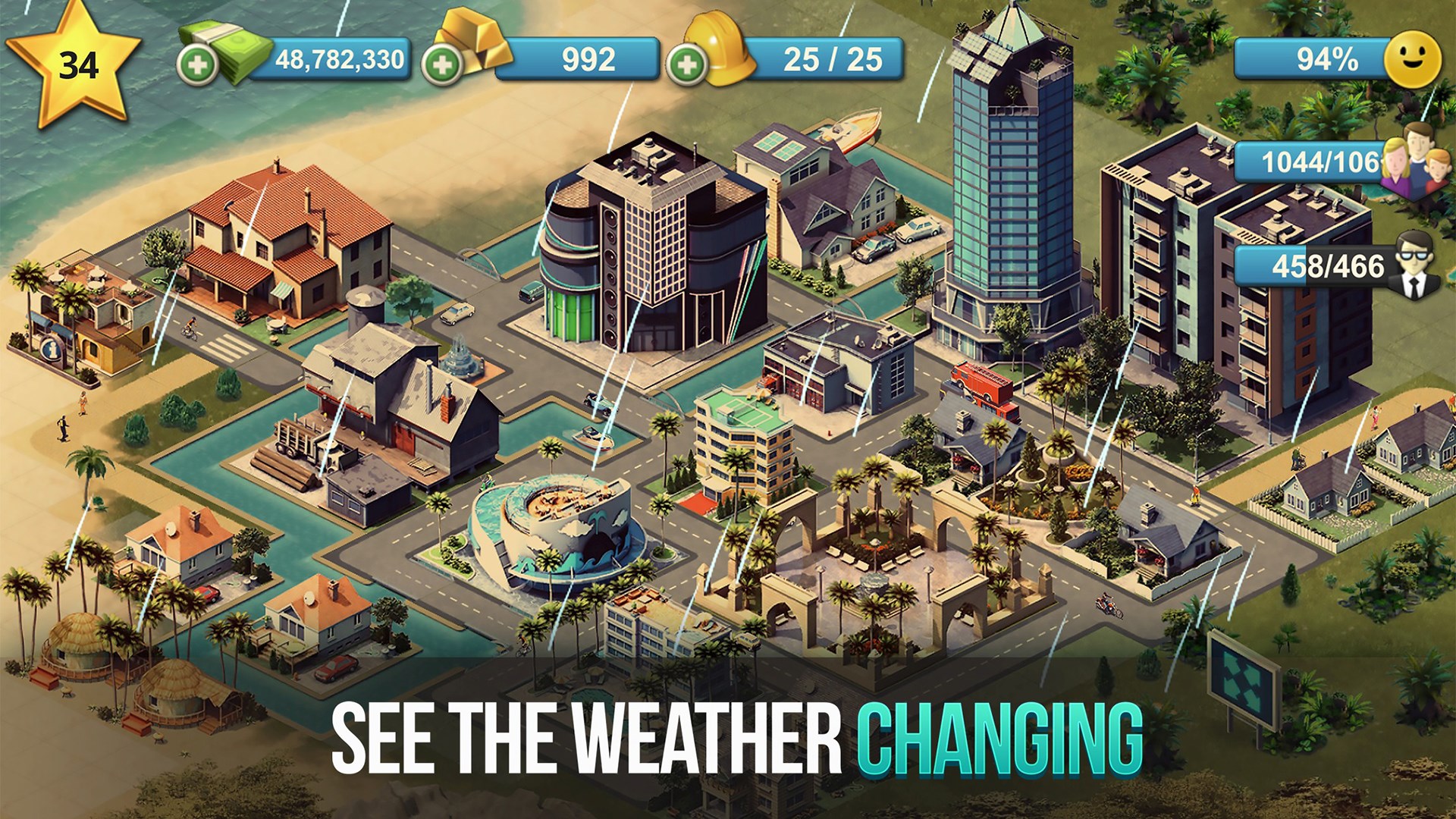
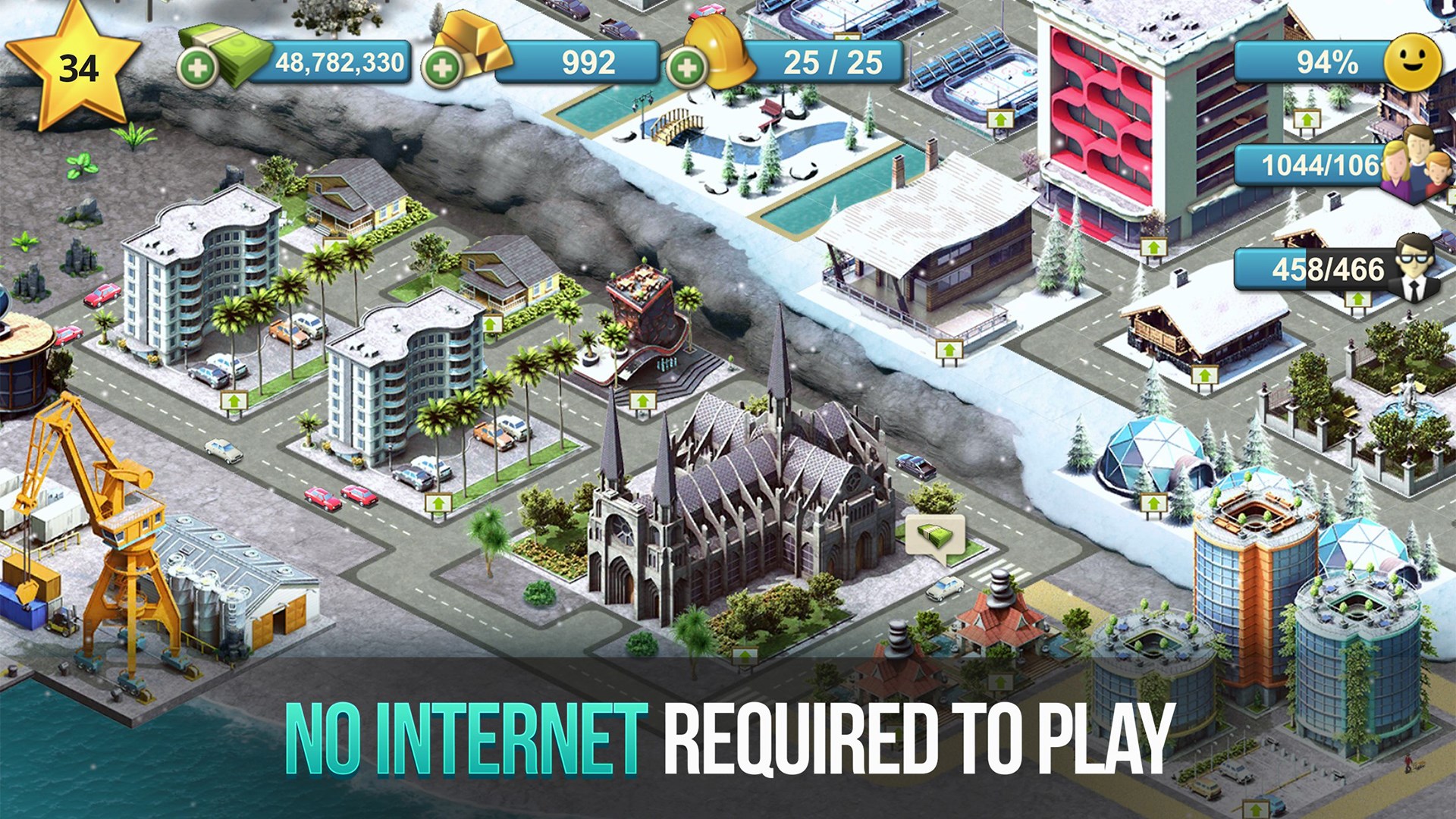
The game interface strikes a pleasant balance between simplicity and detail. Its colorful, cartoon-style visuals create an inviting cityscape that feels like stepping into a lively miniature world. Navigating through menus and building tools is straightforward, even for newcomers. The controls are responsive, with minimal lag, making the game feel smooth and satisfying to play.
Learning curve-wise, City Island 4 offers a gentle start, guiding players through initial tasks with clear tutorials. As players progress, more complex features emerge seamlessly, maintaining engagement without overwhelming newbies. This thoughtful onboarding design ensures players feel comfortable exploring the depths of the game.
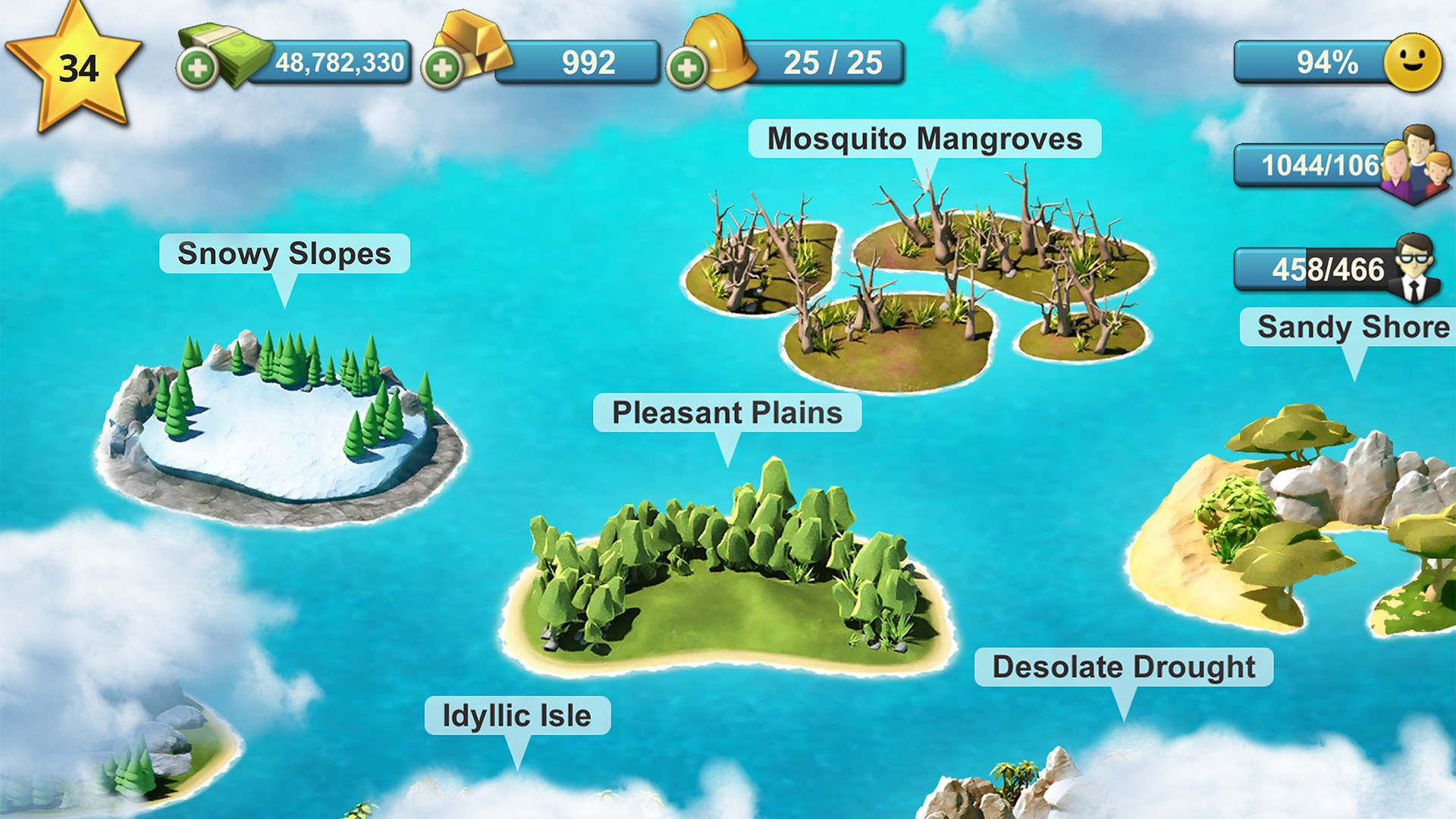
Compared to traditional city builders that tend to focus solely on urban planning, City Island 4 introduces a multi-island setup that feels like managing a collection of charming, interconnected mini-cities. Its distinctive cartoon aesthetic makes it approachable and delightful, standing out from more serious, infrastructure-heavy simulators. Additionally, the game's focus on aesthetic customization—allowing players to craft visually appealing and diverse neighborhoods—gives it a unique charm that appeals to creative players.
Another highlight is its seamless balance of casual play and strategic depth. Unlike some apps that might feel too shallow or overly complex, City Island 4 manages to keep the gameplay rewarding and accessible, suitable for quick play sessions or extended building marathons.
If you're someone who enjoys casual city-building with a creative twist, City Island 4 is definitely worth exploring. Its strong visual style, multi-island management, and user-friendly interface make it a compelling choice for both beginners and seasoned simulation enthusiasts. I recommend it for players looking for a relaxing yet engaging virtual sandbox where they can let their imagination run wild.
Overall, City Island 4 offers a delightful, approachable experience that stands out thanks to its charming graphics and the innovative concept of managing multiple interconnected islands. It's a worthwhile app to add to your casual gaming collection, especially if you enjoy building and customizing your own tiny worlds.
Engaging city-building gameplay with vibrant graphics
Wide variety of buildings and customization options
Smooth and responsive user interface
Regular updates with new content and features
In-game events and rewards enhance player motivation
Limited early game tutorial
Occasional lag during large-scale constructions
In-app purchases can accelerate progress
Ads occasionally disrupt gameplay experience
Limited social interaction features

for Windows
 4.9
4.9

for Windows
4.9

for Windows
4.9

for Windows
4.8

for Windows
4.8

for Windows
4.8

for Windows
4.8

for Windows
4.7

for Windows
4.7

for Windows
4.7

for Windows
4.7

for Windows
4.7

for Windows
5

for Windows
5

for Windows
5

for Windows
5

for Windows
5

for Windows
5

for Windows
5

for Windows
5

for Windows
5

for Windows
5