Classics
Sparkling Society
PC, Mobile, Surface Hub
Windows 10 version 19041.0 or higher
Version 10
Arabic, Chinese (Simplified), Chinese (Traditional Chinese), Danish, Dutch, English, Filipino, French, German, Indonesian, Italian, Japanese, Korean, Malay, Norwegian (Bokmål), Persian/Farsi, Polish, Portuguese, Russian, Spanish, Swedish, Thai, Turkish, Vietnamese
City Island 3 - Building Sim, developed by Sparkling Society, offers players a delightful chance to construct and customize their own bustling island city right on their Windows devices. Striking a balance between detailed simulation and approachable gameplay, it caters to city-building enthusiasts of all ages seeking a casually immersive experience.
Developed by Sparkling Society, a team well-noted for creating engaging simulation games, City Island 3 emphasizes creative freedom and detailed design. Their expertise shines through in crafting intuitive gameplay mechanics combined with visually appealing graphics, making this game a staple for fans of casual city-building games.
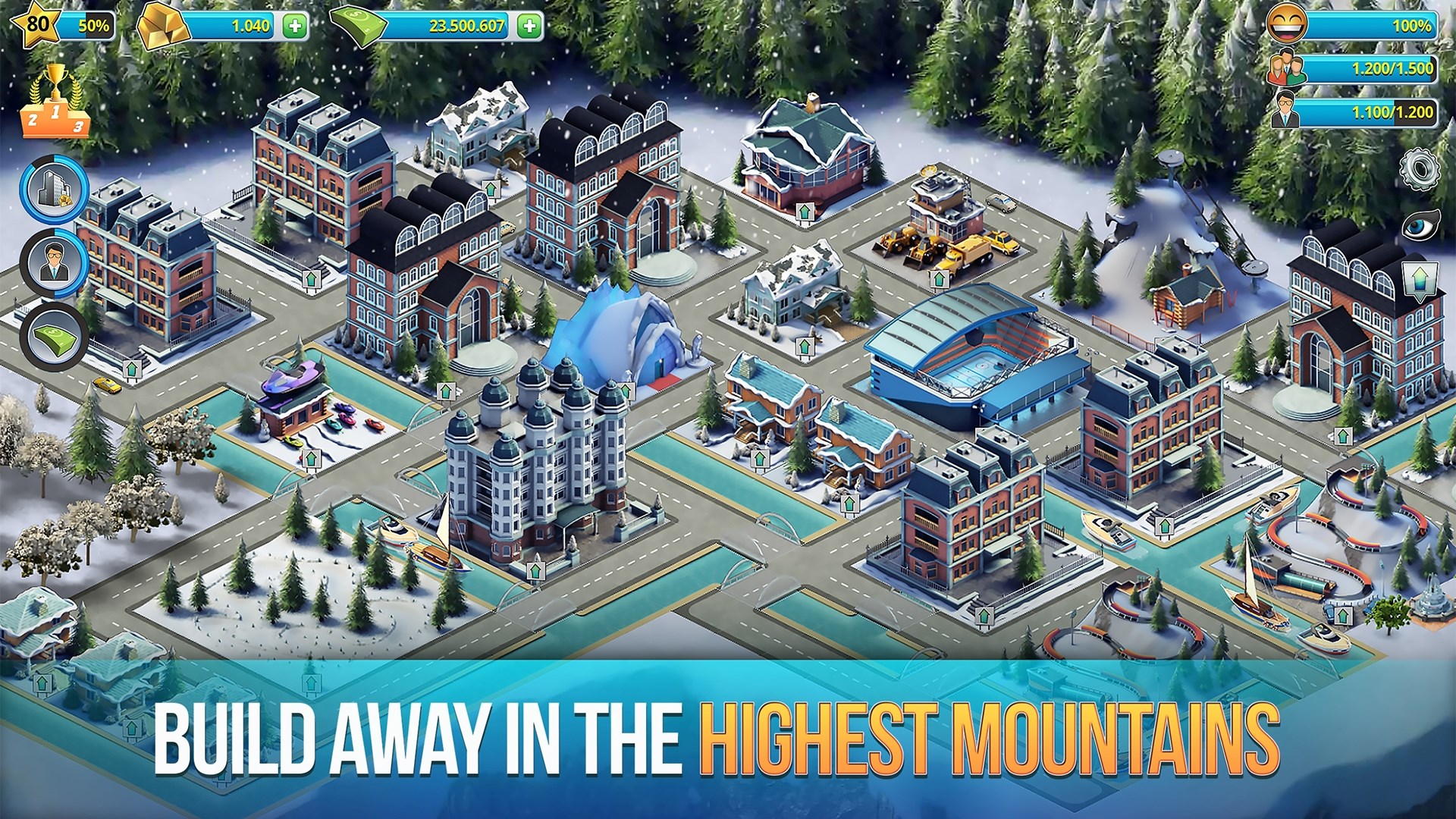
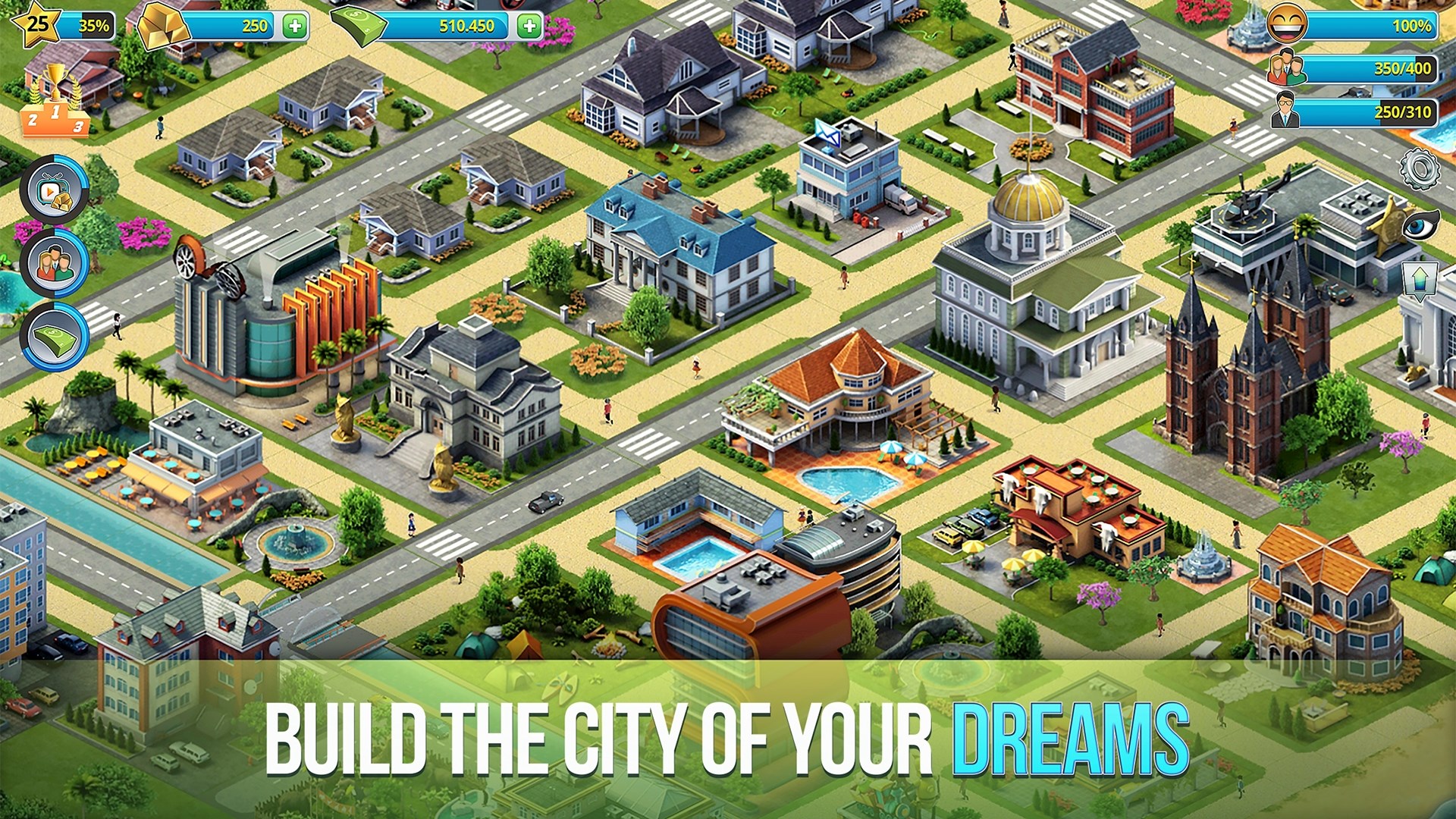
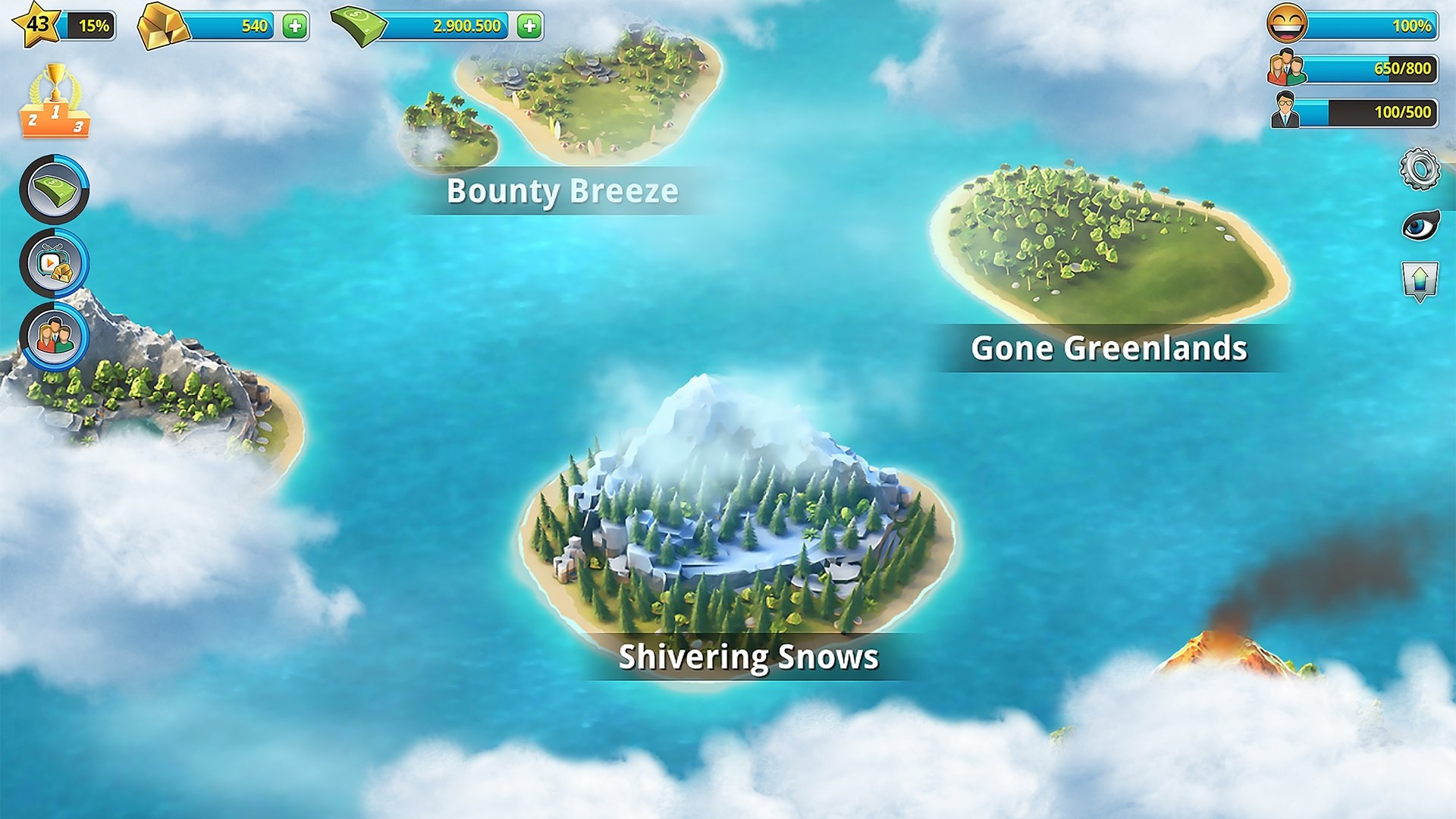
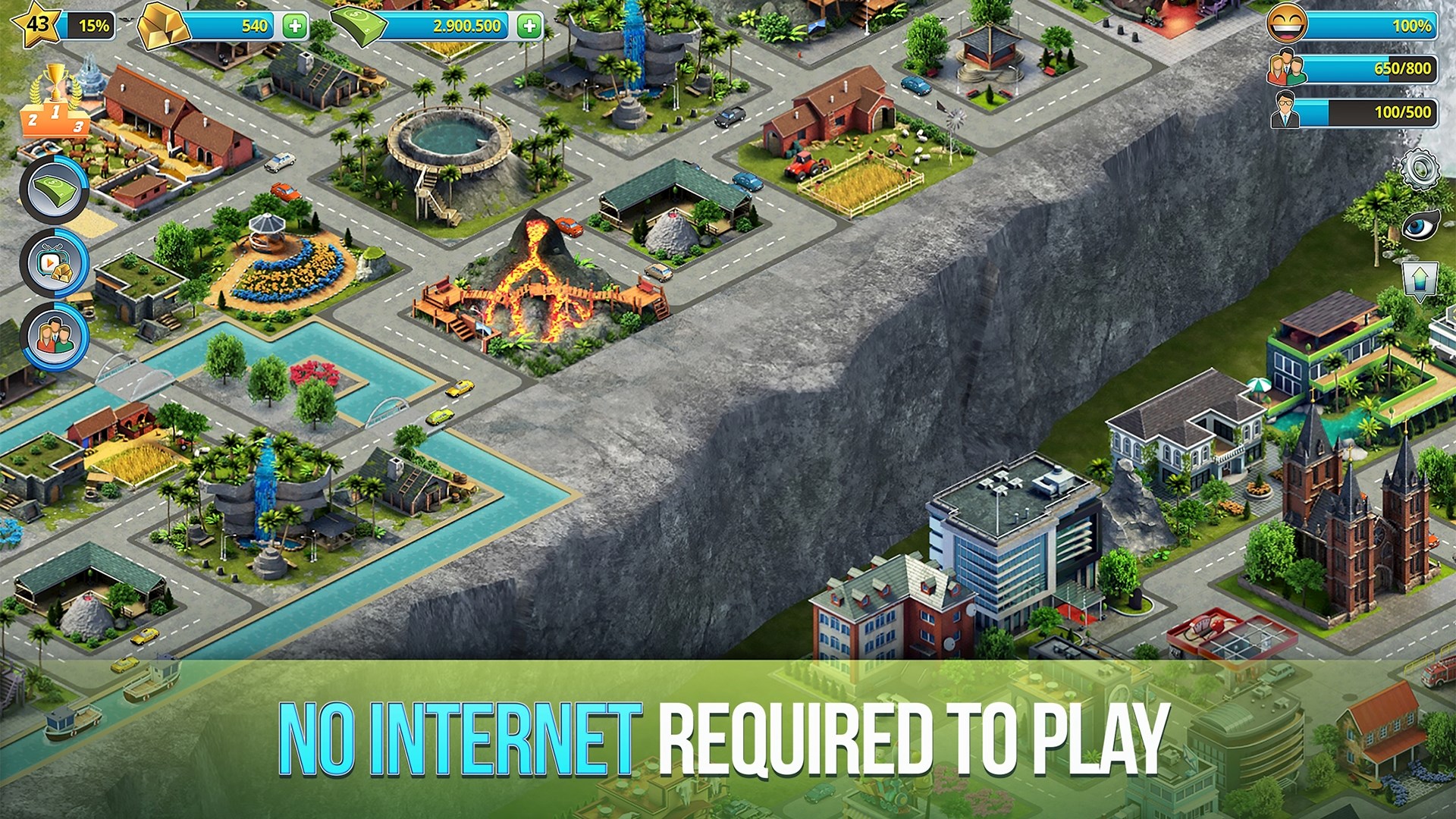
The game greets players with a cheerful, cartoonish cityscape that feels both inviting and intuitive. Navigating the interface is akin to scrolling through a neatly organized scrapbook—colors and icons are thoughtfully designed, making it easy to access building menus, decorations, and upgrades without feeling overwhelmed. The touch-and-slide controls are smooth, and the game responds swiftly to user inputs, ensuring a seamless building process. The learning curve is gentle; beginners can dive right in, while veteran builders will appreciate the depth of customization available once familiarized.
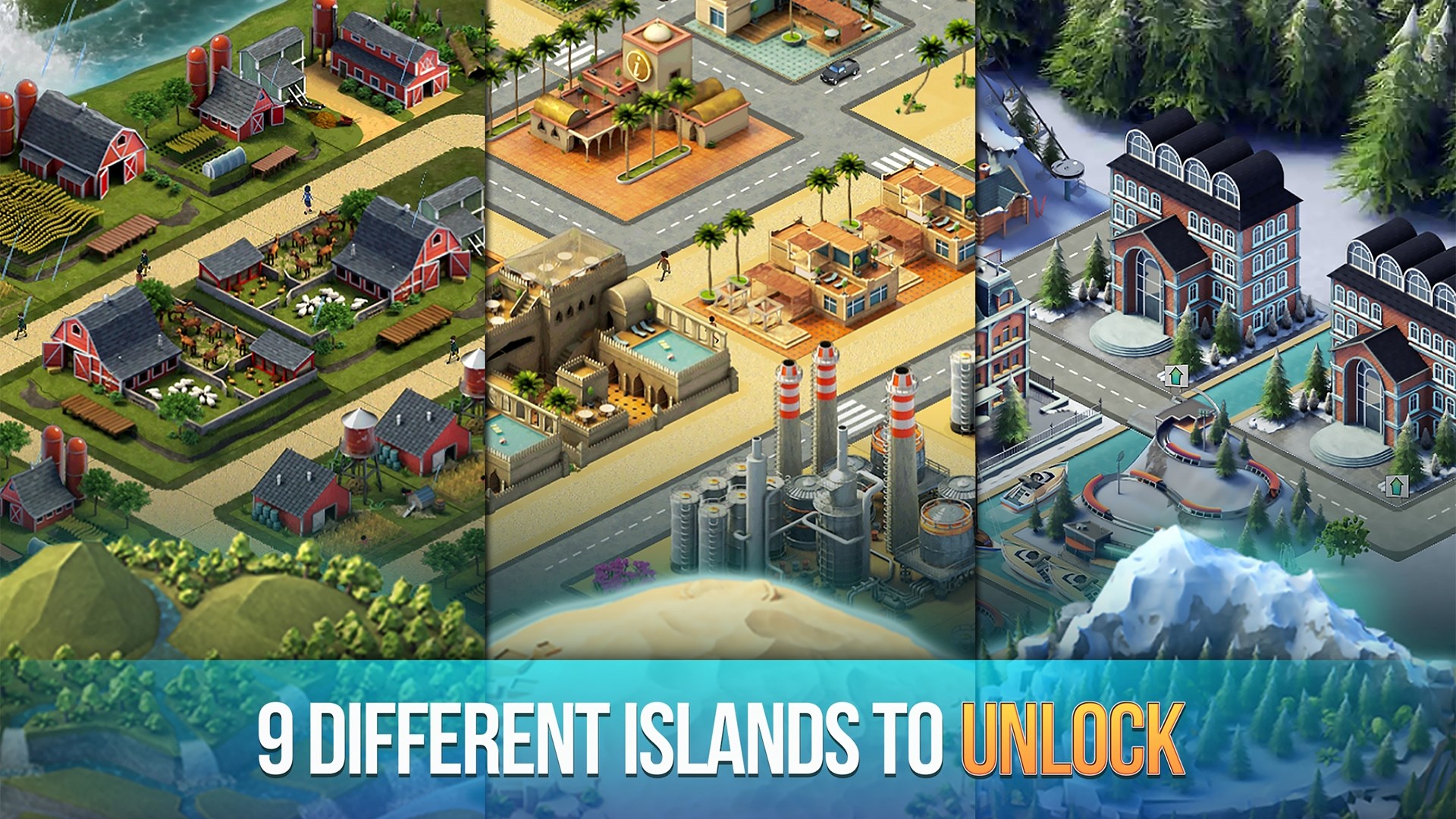
The game's standout feature is its **"Themed Expansion Zones"**—players can unlock and develop distinct themed districts, such as a lively carnival area or a serene park zone. This feature offers a layer of strategic planning and visual storytelling, setting City Island 3 apart from more generic city simulators.
Another highlight is the **"Decoration and Personalization System"**—players aren't just limited to functional buildings but can add intricate decorations, trees, statues, and holiday-themed assets, transforming their island into a personalized paradise. This flexibility fosters creativity, making each city uniquely its own.
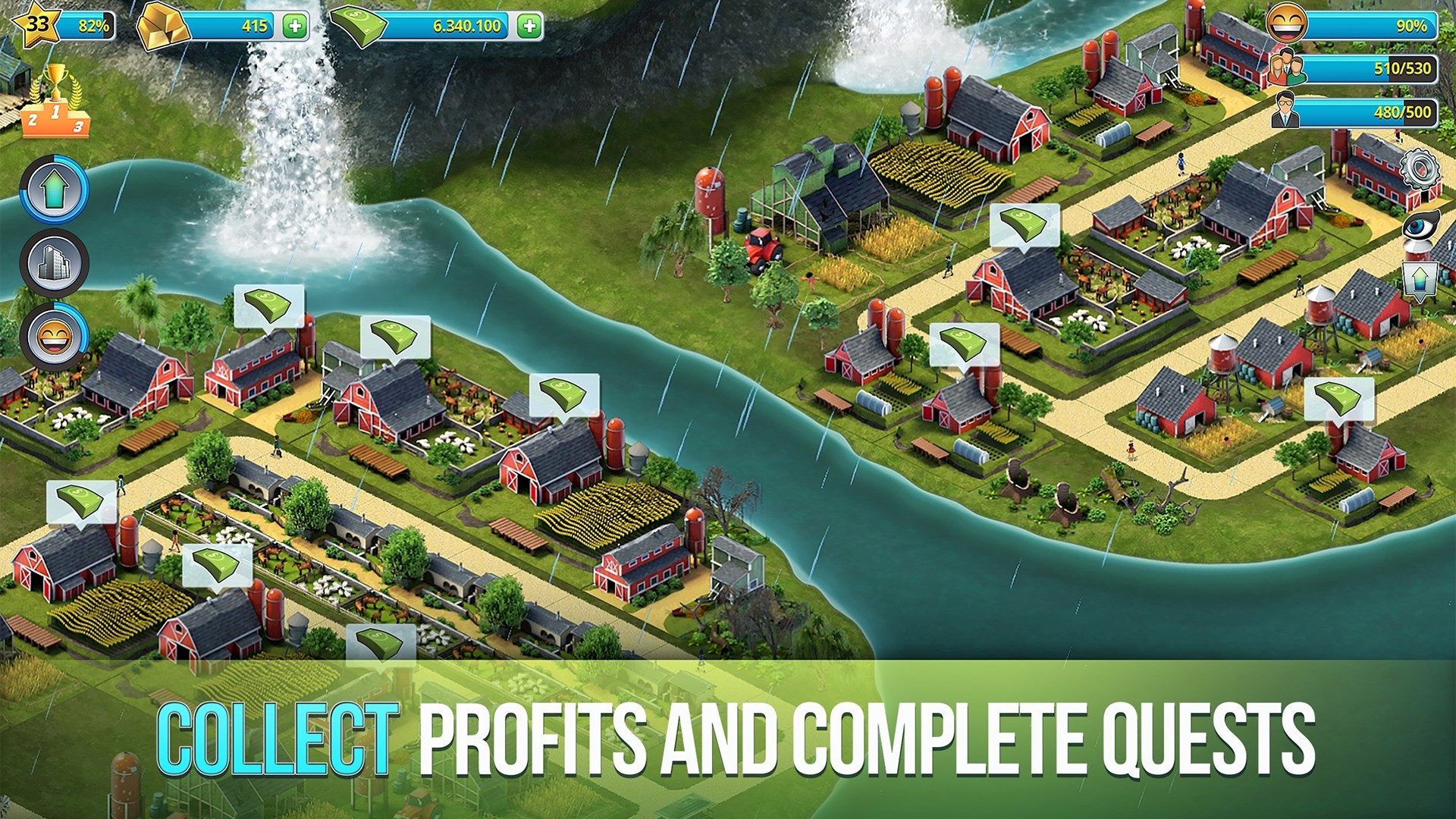
The third significant aspect is the game's **"Progression and Reward Mechanism"**—with every completed task and expansion, players earn coins and stars to unlock higher-tier buildings, keeping the gameplay loop engaging and rewarding without feeling grindy.
While many city builders tend to focus solely on rapid expansion or complex management, City Island 3 balances casual play with depth, creating a soothing yet engaging experience. Its distinct "Themed Expansion Zones" feature offers a novel approach to city differentiation—allowing players to curate diverse districts within one unified island, unlike similar apps that stick to a uniform cityscape. Moreover, the casual pace and vibrant visuals make it particularly suitable for relaxing gaming sessions, differentiating it from more intense or time-pressure-heavy builders.
I'd recommend City Island 3 for anyone who enjoys creative building without the stress of deadlines or complex management. It's especially suitable for casual players looking to unwind while designing their dream city. While it may not have the intricate simulation depth of some high-end PC titles, it shines with its friendly interface, charming visuals, and especially the themed zones that inspire players to craft visually stimulating and diverse neighborhoods.
Overall, if you're seeking a delightful escape into urban planning with a playful flair, City Island 3 is worth exploring. Just remember: this isn't about rushing; it's about enjoying the journey of creating your personal island paradise at your own pace.
Engaging city-building gameplay
High-quality graphics and visual effects
Regular updates with new content
User-friendly interface
Offline mode available
Limited in-game currency generation
Occasional ads can be intrusive
Graphics may drain device battery quickly
Limited social interaction options
Occasional bugs or glitches

for Windows
 4.9
4.9

for Windows
4.9

for Windows
4.9

for Windows
4.8

for Windows
4.8

for Windows
4.8

for Windows
4.8

for Windows
4.7

for Windows
4.7

for Windows
4.7

for Windows
4.7

for Windows
4.7

for Windows
5

for Windows
5

for Windows
5

for Windows
5

for Windows
5

for Windows
5

for Windows
5

for Windows
5

for Windows
5

for Windows
5