Strategy
Random Salad Games LLC
PC, Mobile, Surface Hub, HoloLens
Windows 10 version 10240.0 or higher
Chinese (Simplified), Dutch, English (United States), French, German, Italian, Japanese, Polish, Portuguese, Russian, Spanish, Vietnamese
Imagine sitting down at your computer with an old-school board game that's been reimagined with modern polish—Checkers Deluxe for Windows offers just that, blending classic strategy with streamlined digital design. Developed and published by Random Salad Games LLC, this app aims to bring the timeless game of checkers to a broader audience with enhanced features and intuitive gameplay.
Checkers Deluxe for Windows is a digital rendition of the traditional checkers game, crafted to deliver a smooth and engaging experience for casual players and seasoned strategists alike. The developer, Random Salad Games LLC, has a reputation for creating user-friendly, thoughtfully designed apps rooted in classic gaming. This particular app stands out with its crisp interface, adjustable difficulty levels, and thoughtful features that enhance decision-making clarity.
Playing Checkers Deluxe is like opening a well-loved board game box, but with a sleek, modern twist—it feels familiar yet refreshed. The app's interface beckons players with its clean design and polished graphics, making each move feel both intuitive and satisfying. Whether you're a quick thinker or a meticulous strategist, this game invites you to test your skills in a friendly, accessible environment.
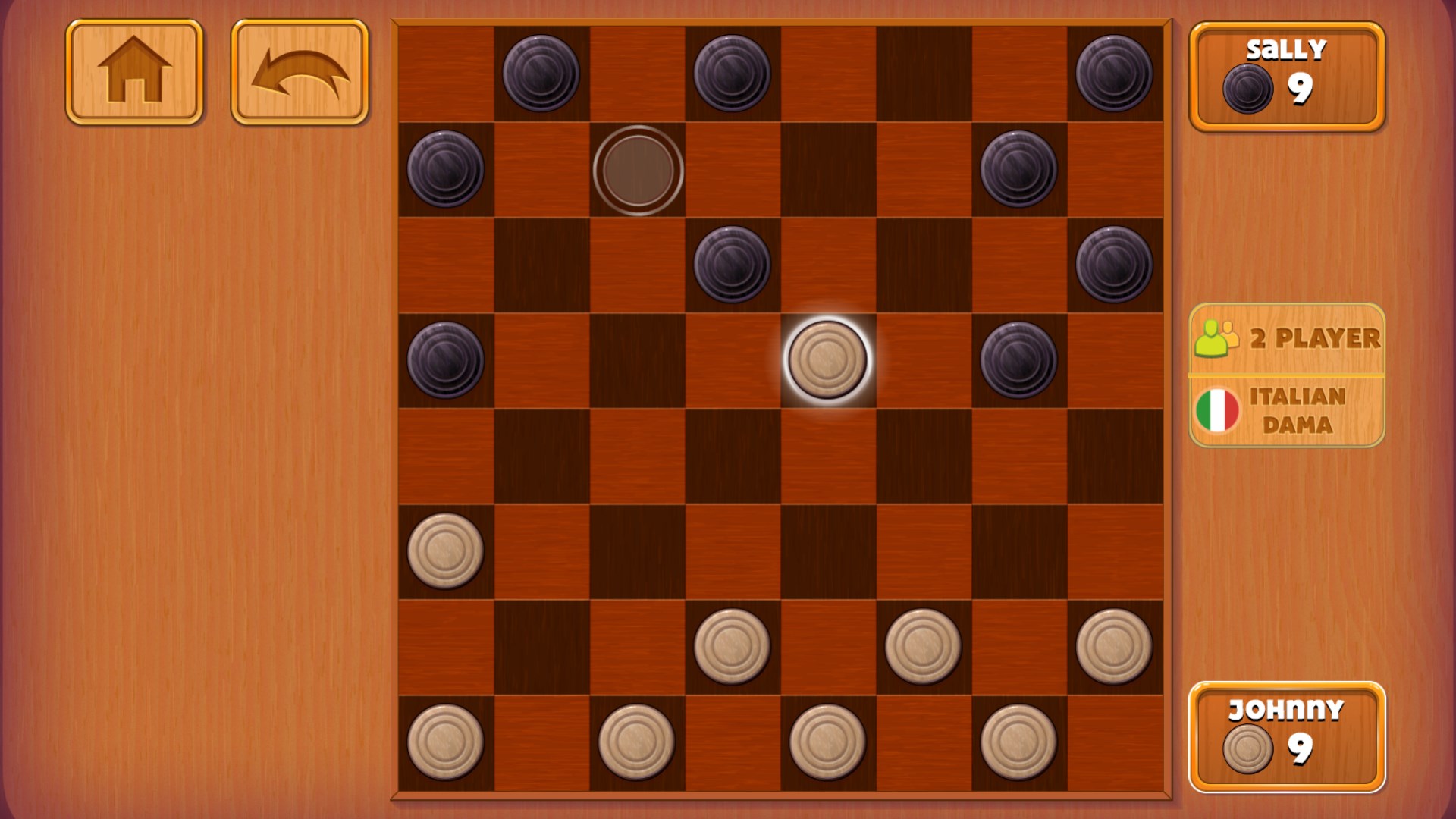
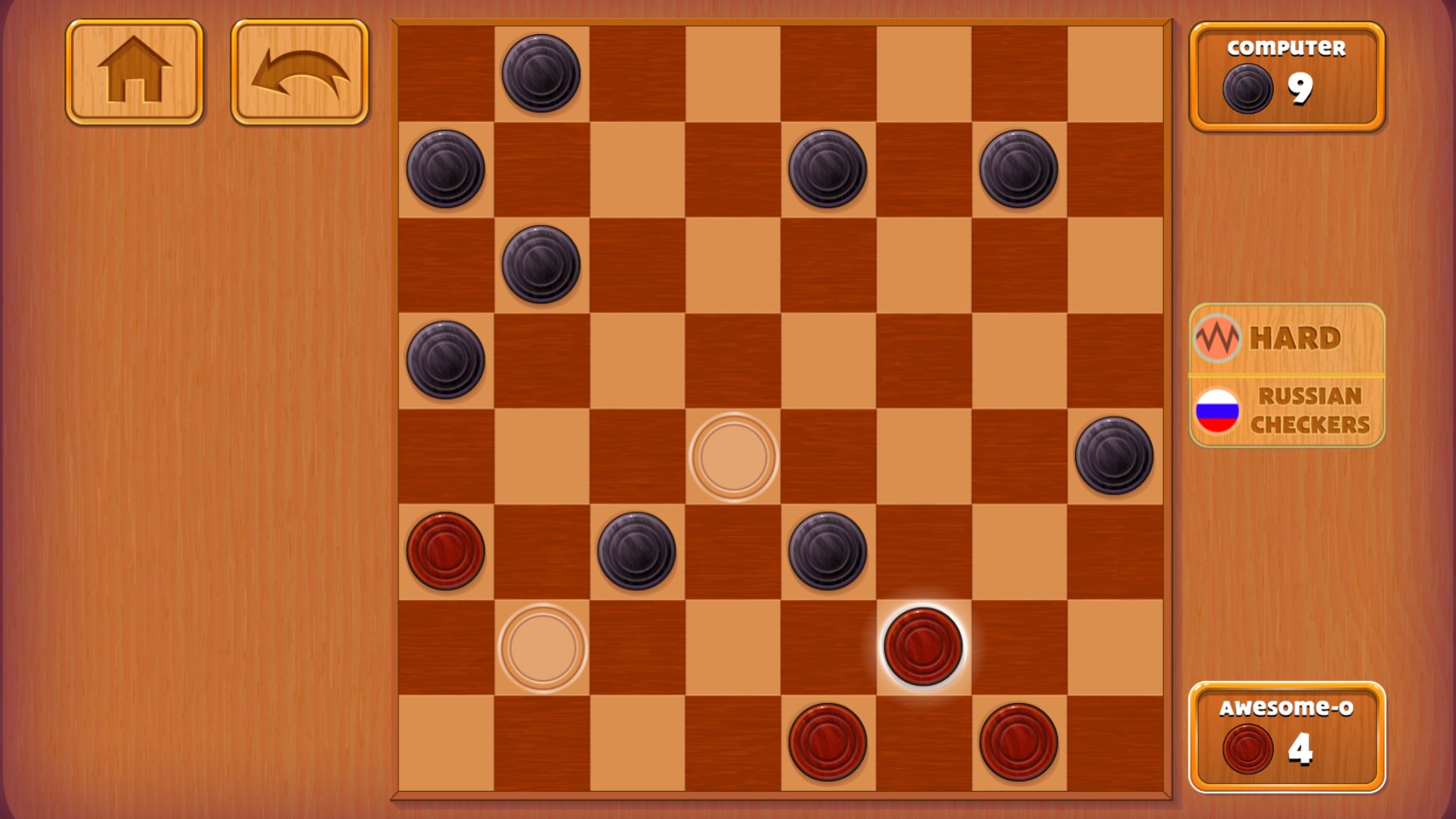
One of the app's standout features is its decision consequence visibility. When you make a move, the game visibly outlines potential opponent responses, effectively acting as a strategic compass. This transparency helps players understand the ripple effects of their choices, much like a seasoned chess master examining multiple scenarios before committing. This feature demystifies complex plays and reduces the guesswork, making the game more accessible to beginners without sacrificing depth for experts.
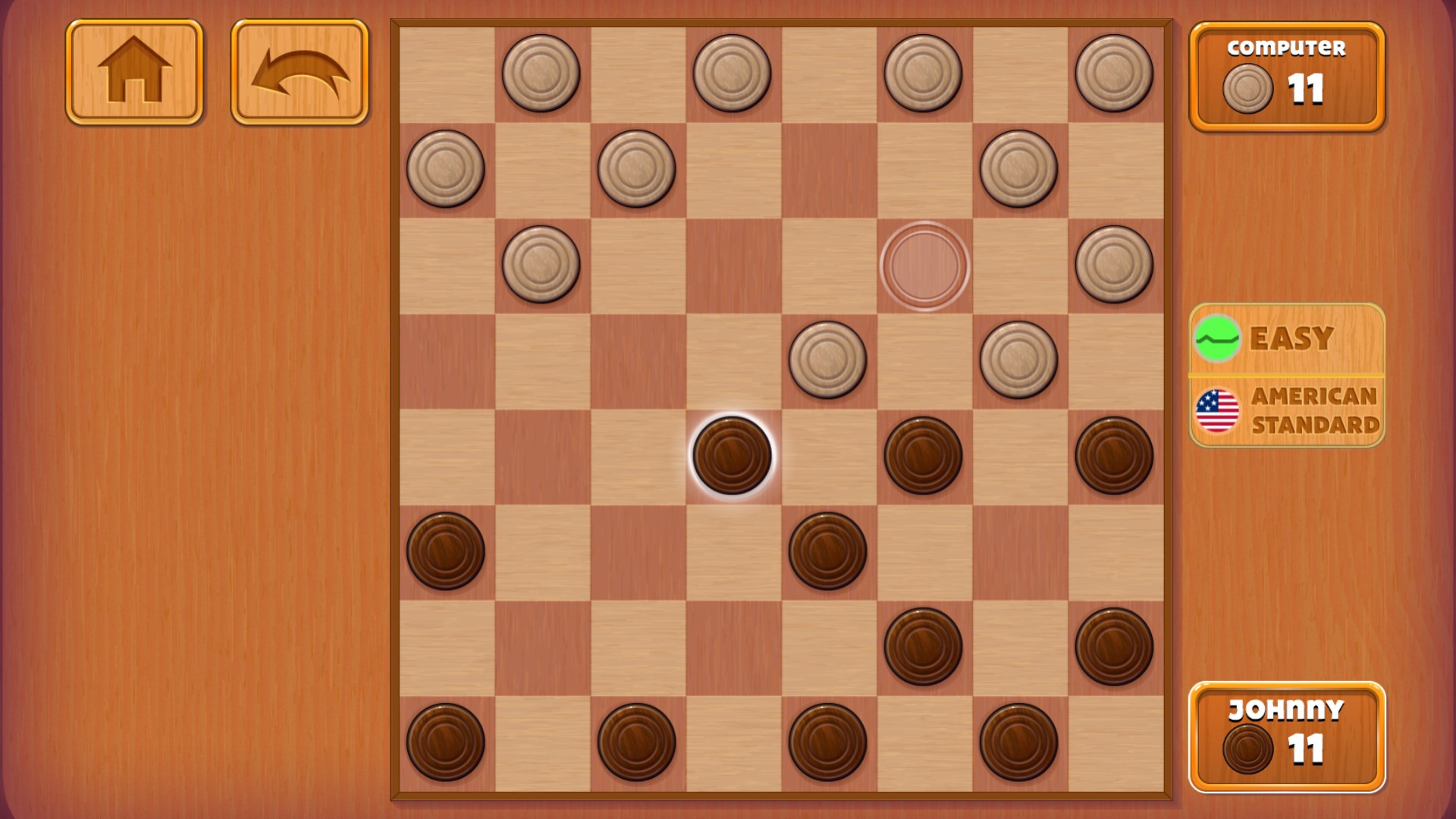
Checkers Deluxe smartly manages information overload with its minimal yet informative UI. Instead of cluttering the screen with unnecessary details, it highlights possible moves, potential jumps, and threats. The visual cues serve as a guiding light, helping players prioritize their options effortlessly. As a result, you stay focused on strategy, rather than sifting through overwhelming data—akin to a navigator guiding a ship through calm waters rather than stormy seas.
The game includes features like move undo, which acts as a safety net for experimentation, and game analysis tools that allow players to review their strategies. These features foster a learning environment, enabling players to reflect on their decisions and improve over time. For competitive players, this is like having a coach by your side, quietly helping you refine your tactics one move at a time.
The interface of Checkers Deluxe is both user-friendly and visually appealing, making navigation a breeze from the first tap. The smooth control responsiveness ensures that gameplay feels natural—whether you're quickly slamming down jumps or pondering the perfect move. The learning curve is gentle for casual players but offers enough depth for those eager to master the game. Its unique advantage lies in the decision consequence visibility, which truly elevates strategic clarity compared to typical checkers apps that often rely solely on manual calculations or guesswork.
Overall, I recommend Checkers Deluxe for Windows as a thoughtfully crafted digital version of a beloved classic. It's well-suited for those who want a relaxing yet mentally stimulating experience, with enough features to keep both casual players and serious strategists engaged. Whether you're looking to pass the time or hone your tactical skills, this app offers a compelling combination of simplicity and depth.
Intuitive gameplay that is accessible for all ages
Variety of levels keeps players engaged longer
Bright, colorful graphics suitable for kids and casual players
Offline mode allows play without internet, increasing flexibility
Frequent updates introduce new levels and features
Limited customization options for game settings
Occasional minor glitches in level progression
Ads occasionally disrupt gameplay flow
Lack of detailed tutorials for new players
Limited language options at present

for Windows
 4.9
4.9

for Windows
4.8

for Windows
4.8

for Windows
4.7

for Windows
4.7
for Windows
4.7

for Windows
4.6
for Windows
4.6

for Windows
4.6

for Windows
4.6

for Windows
4.6

for Windows
4.6

for Windows
5

for Windows
5

for Windows
5

for Windows
5

for Windows
5

for Windows
5

for Windows
5

for Windows
5

for Windows
5

for Windows
5