Classics
TreeCardGames
PC, Mobile, Surface Hub, HoloLens
Windows 10 version 15063.0 or higher
English
Checkers! for Windows is a thoughtfully crafted digital rendition of the timeless board game, designed to appeal to both nostalgic players and newcomers seeking a seamless gaming experience. Developed by TreeCardGames, it delivers smooth gameplay, attractive visuals, and features that breathe new life into this classic pastime.
Created and published by TreeCardGames, this application is the work of a dedicated development team specializing in casual and card-based games. Their aim appears to be to combine tradition with modern digital polish, making classic games accessible, engaging, and easy to enjoy on any Windows device.
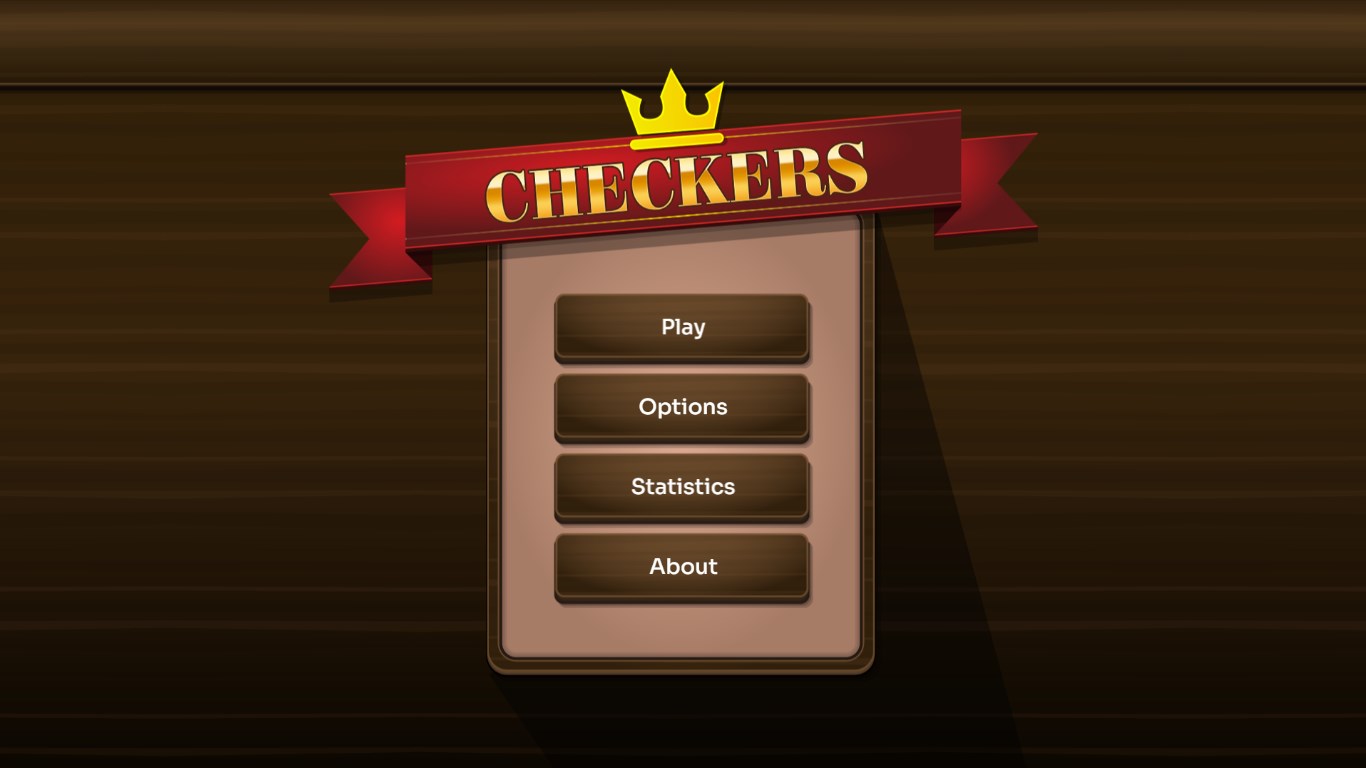
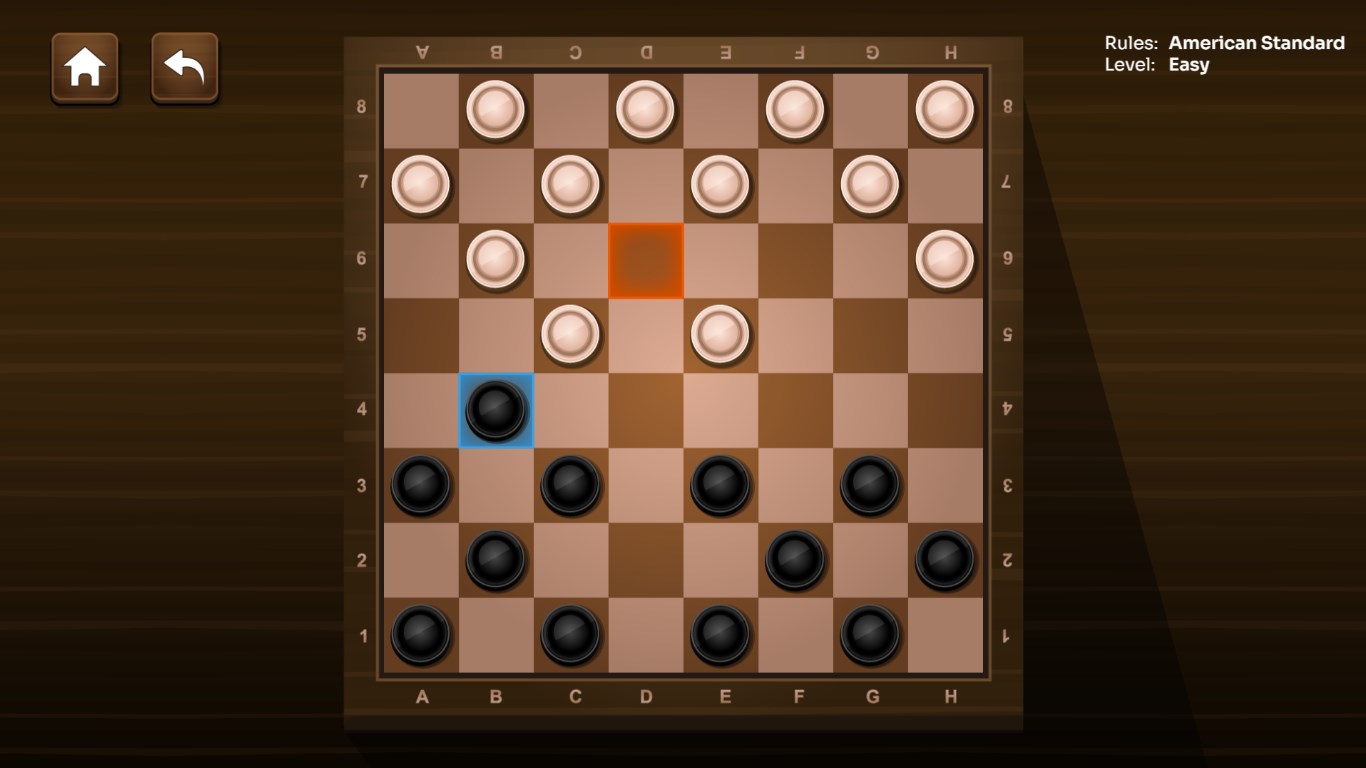
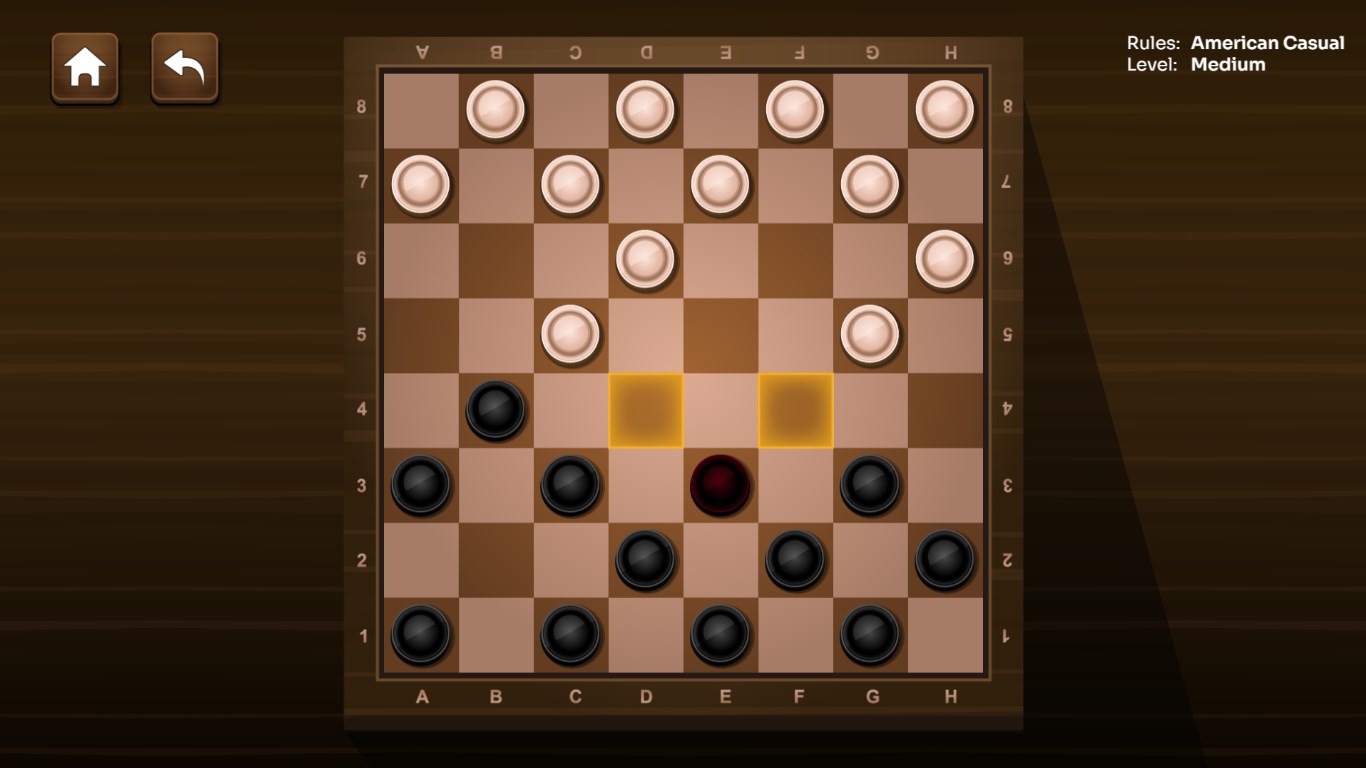
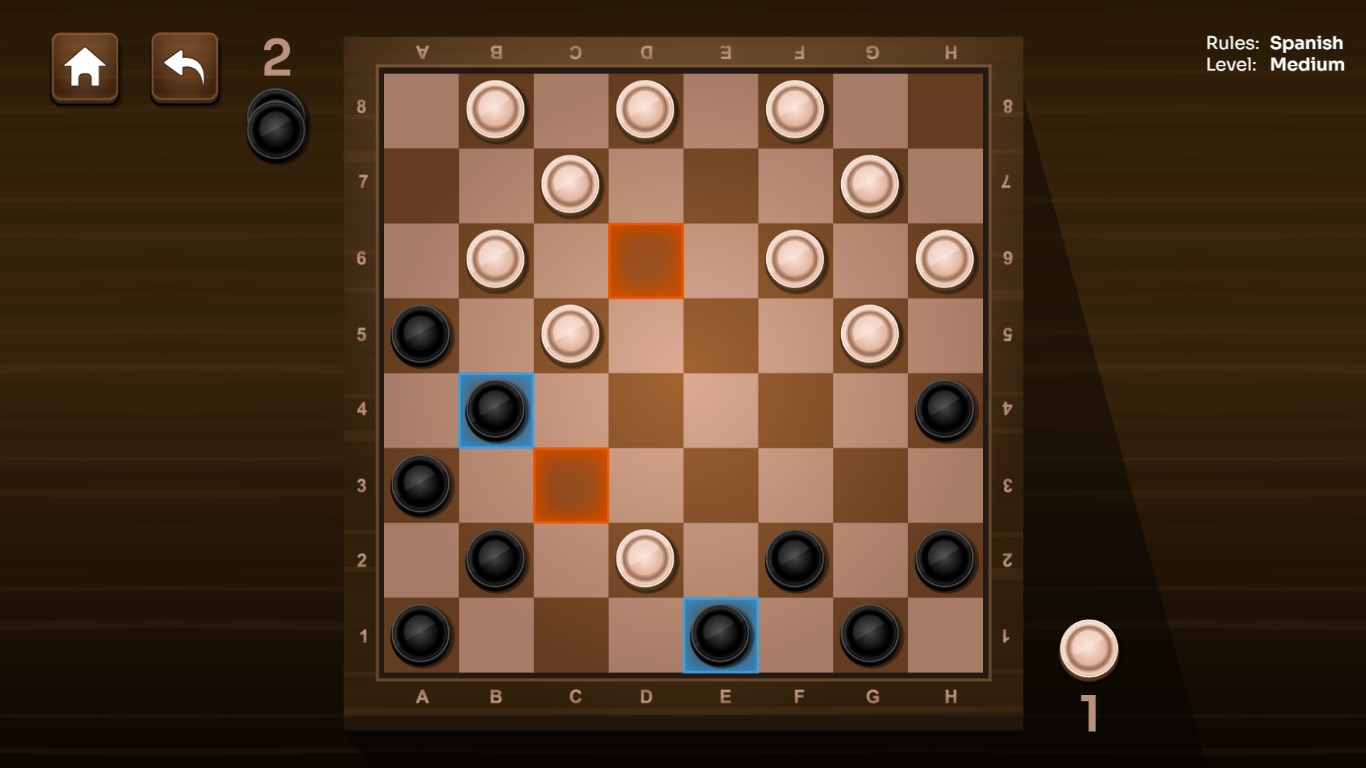
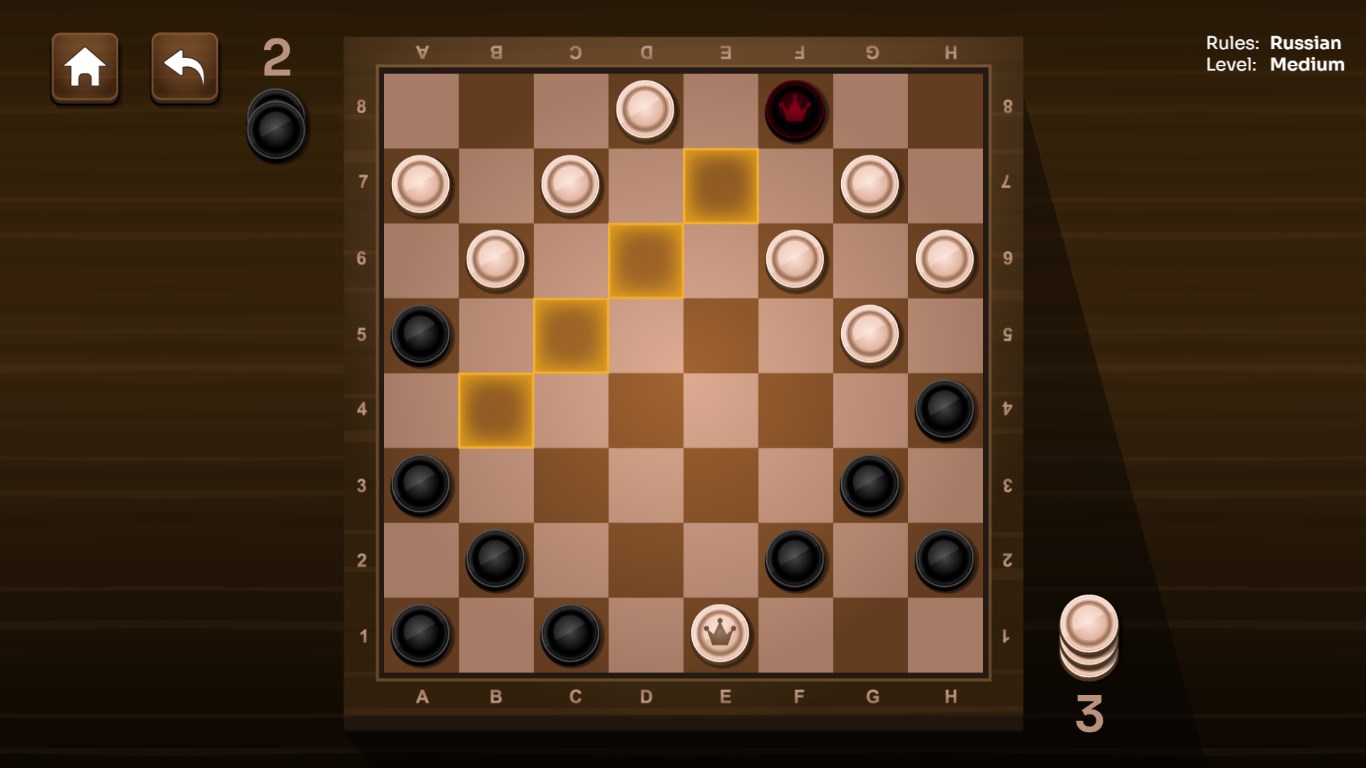
Upon launching Checkers!, you're greeted by a clean, vibrant game board that feels both familiar and contemporary. The design balances classic charm with modern aesthetics—think of a familiar old favorite dressed up in a sharp, new outfit. Navigating the game is a breeze thanks to well-sized buttons and clear indicators, minimizing any frustration for first-timers. The vivid contrast and simple layout ensure that players can focus on their moves without distraction, making the game inviting and easy to pick up.
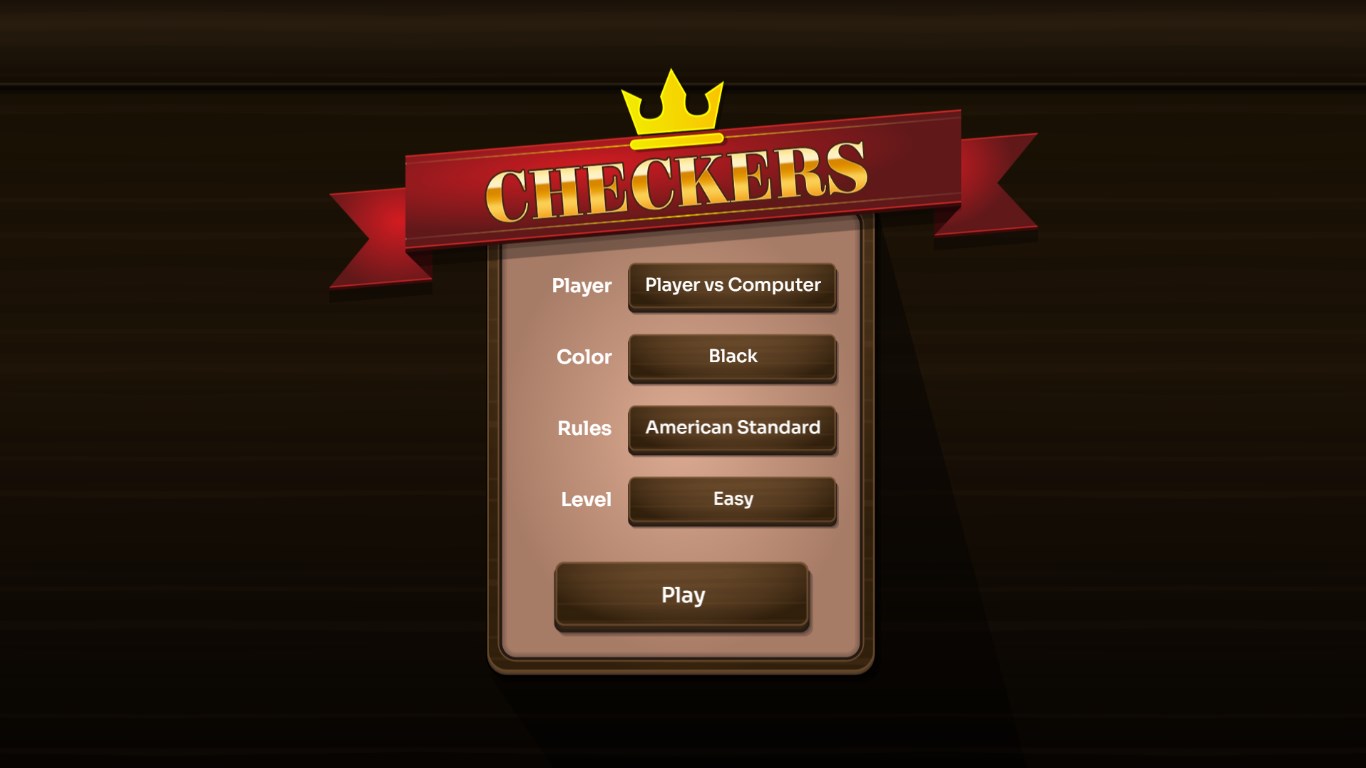
The game provides various play modes: a simple single-player against the computer, a local multiplayer mode for casual matches with friends, and a versatile AI with multiple difficulty levels. The AI moves are intelligently calculated, providing a good balance between challenge and fairness—no abrupt, random moves here. The game's responsiveness is noteworthy; moves are processed instantly, making matches feel fluid and engaging. Whether you're trying out a quick game or settling in for a longer session, the gameplay remains smooth and glitch-free. The options menu is straightforward, allowing players to tailor sound, difficulty, and visual preferences easily.
What distinguishes Checkers! from other digital checkers apps is its focus on enhanced accessibility combined with a polished user experience. Notably, the app integrates minimal yet effective tutorials and hints, which are perfect for newcomers. It also offers a collection of achievement-based rewards that motivate players to improve their skills gradually. Most impressively, the game's "Smart Undo" feature allows players to revisit previous moves, supporting strategic learning and game analysis—an underrated feature that's incredibly valuable for those wanting to hone their tactics. These thoughtful touches make it more than just a basic digital replica; it feels like a well-rounded companion for mental exercise and casual fun alike.
Overall, Checkers! for Windows stands out in the crowded field of board game apps through its user-friendly design, multiple game modes, and subtle yet impactful features like "Smart Undo." If you're searching for a reliable, visually appealing digital rendition of checkers that caters equally to beginners and seasoned players, this application is worth considering. Its approachable interface and smooth gameplay encourage repeated engagement, making it suitable for quick breaks or longer gaming sessions. I'd recommend giving it a try if you're after a classic game with a modern, thoughtful twist.
User-Friendly Interface
Quick Game Play
Offline Mode Available
Customizable Settings
Regular Updates
Limited Multiplayer Options
Basic Graphics
In-App Purchases
Limited Language Support
Occasional Minor Bugs

for Windows
 4.9
4.9

for Windows
4.9

for Windows
4.9

for Windows
4.8

for Windows
4.8

for Windows
4.8

for Windows
4.8

for Windows
4.7

for Windows
4.7

for Windows
4.7

for Windows
4.7

for Windows
4.7

for Windows
5

for Windows
5

for Windows
5

for Windows
5

for Windows
5

for Windows
5

for Windows
5

for Windows
5

for Windows
5

for Windows
5