Utilities & tools
Nero AG
PC, Mobile, Surface Hub, HoloLens
Windows 10 version 17763.0 or higher
1 GB
Chinese (Simplified), Chinese (Traditional), Czech, Danish, Dutch, English (United States), Finnish, French, German, Greek, Hungarian, Italian, Japanese, Korean , Norwegian (Bokmål), Polish , Portuguese (Brazil), Portuguese (Portugal), Russian, Spanish (Spain), Swedish, Thai, Turkish
If you've ever felt frustrated by the tangled mess of CDs and the tedious process of ripping tracks, Nero's CD Ripper for Windows offers a streamlined, user-friendly solution. Designed to extract your favorite tunes with precision and ease, this app promises a hassle-free way to digitize your music collection. Whether you're a casual listener or a dedicated audiophile, Nero's latest tool aims to make ripping CDs feel effortless rather than a chore.
From the moment you launch CD Ripper, you'll notice its sleek, modern design that feels more like a well-organized music studio than a cluttered utility. The interface employs a clear layout that guides users naturally through each step of the ripping process. Icons and menus are thoughtfully arranged, reducing the learning curve and making it accessible even for newcomers. Navigation feels smooth—clicks respond promptly, and the core functionalities are just a couple of taps away, making the experience both intuitive and enjoyable.
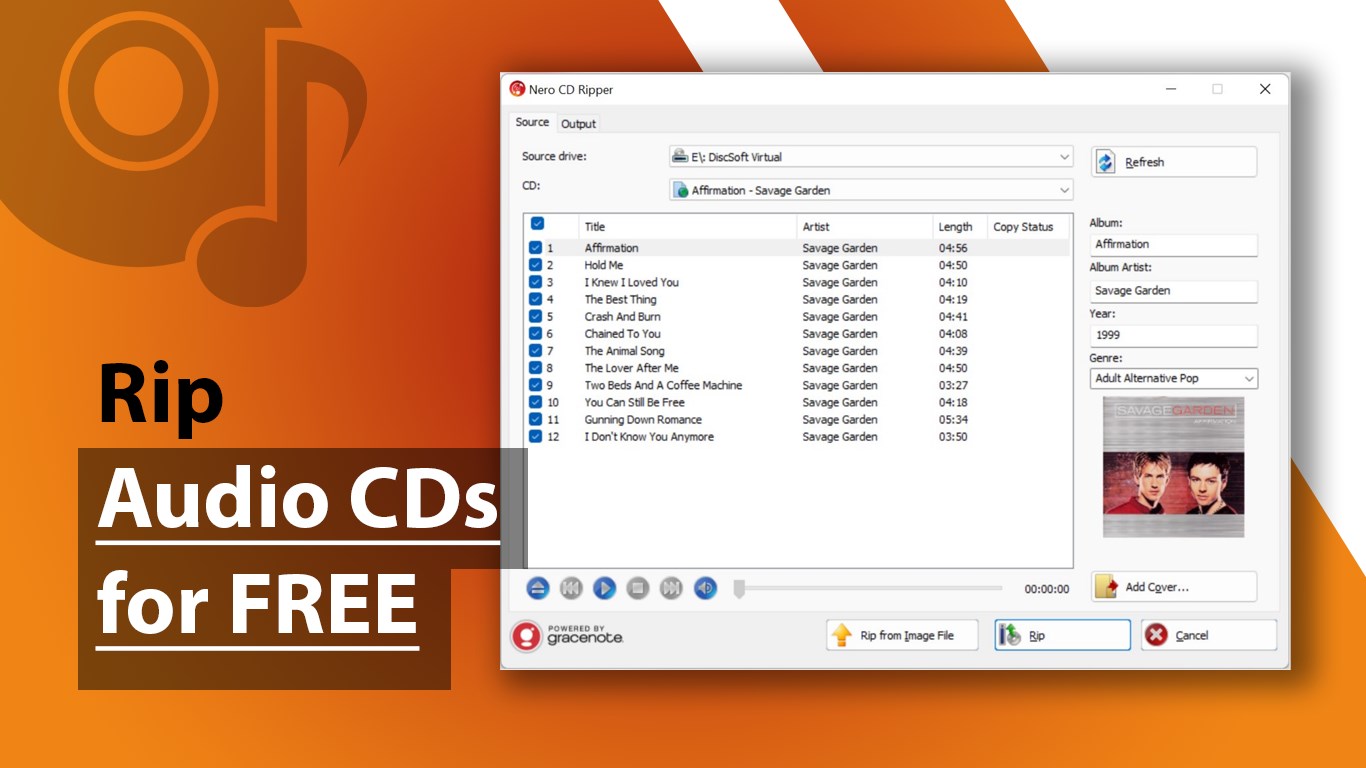
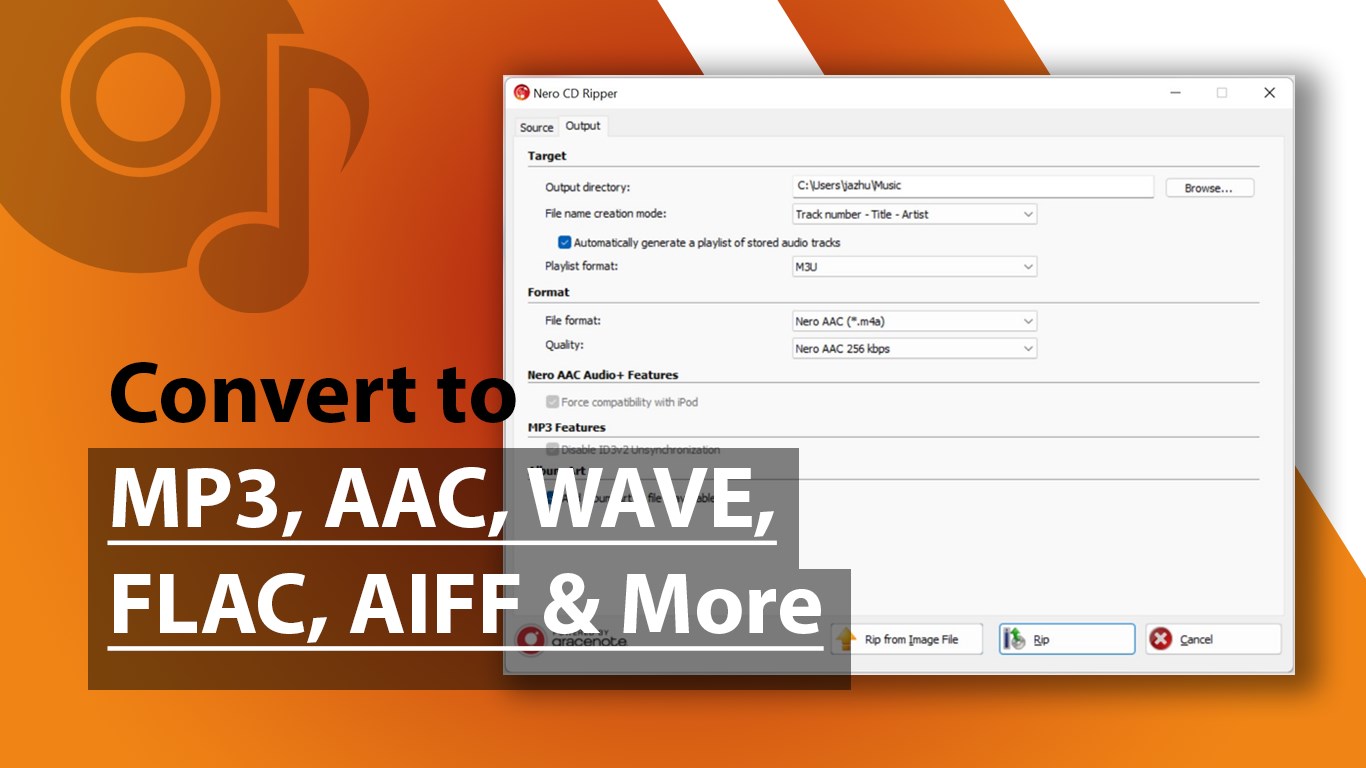
The standout feature of Nero CD Ripper is its ability to extract audio with remarkably high quality. It supports various formats, including MP3, FLAC, and AAC, giving audiophiles and casual users alike flexibility. The app intelligently detects the track boundaries and preserves the original sound fidelity, ensuring your digital copies sound just as rich and vibrant as the physical CDs. This capability turns a simple ripping process into an almost musical preservation project—saving your precious memories in crystal-clear clarity.
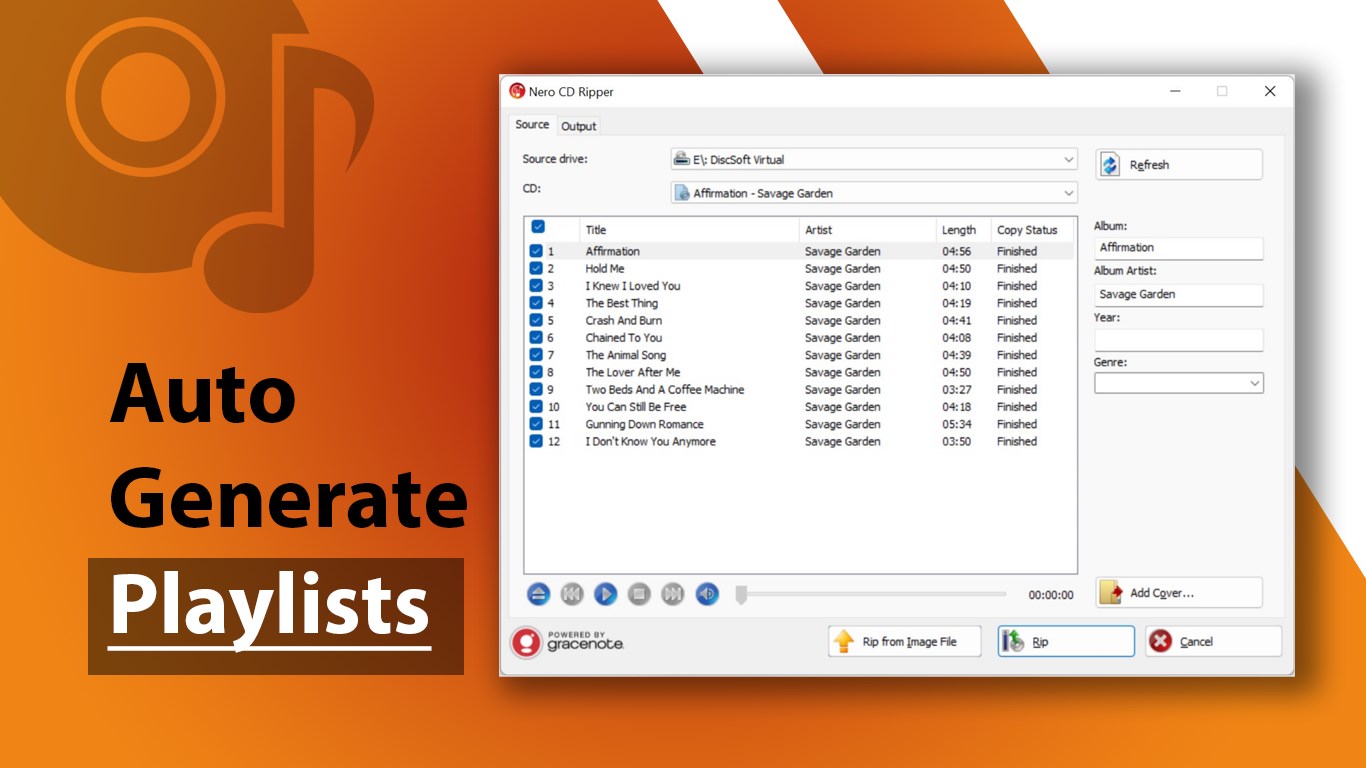
Imagine a busy music collector with dozens of CDs waiting to be digitized—this is where Nero shines. The batch ripping feature allows you to load multiple discs and rip their contents sequentially without constant supervision. It's akin to having a diligent assistant working tirelessly behind the scenes, letting you focus on more enjoyable activities while your collection is converted efficiently in the background. The process is straightforward, with clear indicators displaying progress and estimated time remaining to keep you in the loop.
The design philosophy behind Nero CD Ripper balances simplicity with robust functionality. Basic operations—such as inserting a disc, selecting formats, and starting the rip—are streamlined, while advanced settings allow customization for those who want more control. The app's responsiveness ensures flows feel natural, and even users unfamiliar with ripping tools can master it quickly after a short exploration. Furthermore, the program's smooth performance across different hardware configurations highlights its stability and reliability.
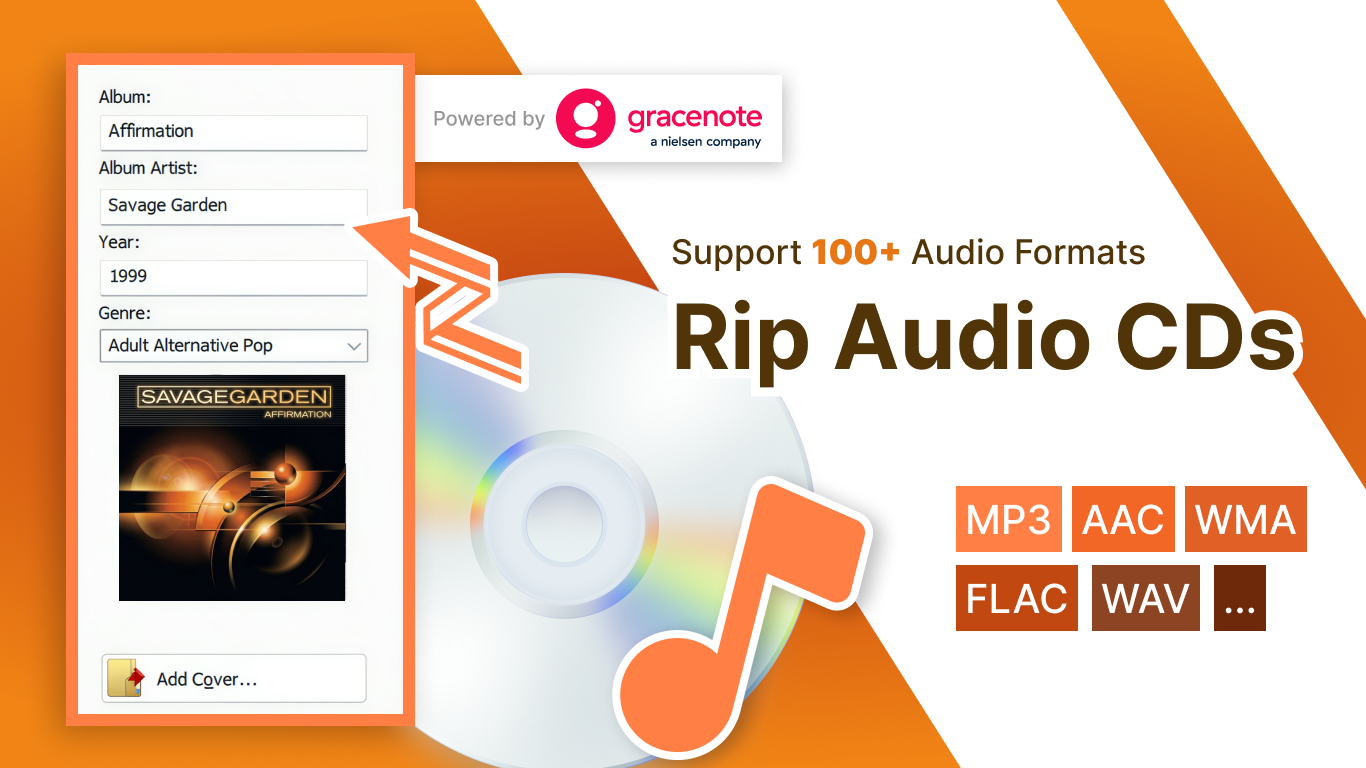
Compared to other utility tools in this space, Nero CD Ripper's two most compelling features are its ability to maintain high audio fidelity effortlessly and its exceptional batch processing feature. While many apps compromise quality for speed, Nero strikes a fine balance, ensuring each track is faithfully preserved. Additionally, its ability to automatically pull metadata—like song titles, album info, and artwork—turns boring ripping into a semi-automated archive organization effort, saving you time and enhancing your library. These features collectively set Nero apart in a crowded market, especially for users looking for trustworthy, high-quality output without complex configurations.
If you're someone who values preserving their music collection accurately and efficiently, Nero CD Ripper is definitely worth considering. Its user-friendly interface and powerful core features make it suitable for beginners, yet its nuanced options serve those who demand more precision. It's a dependable assistant that transforms the sometimes mundane task of ripping CDs into a smoother, more pleasant experience. Overall, I would recommend it as an essential utility for digital music archiving—especially if maintaining sound quality is your top priority.
User-friendly interface
Fast ripping speeds
Multiple output formats
Excellent audio quality
Metadata tagging support
Limited editing features
Occasional metadata mismatches
No batch processing for large libraries
Limited customization options
Requires stable internet connection for metadata

for Windows
 5
5

for Windows
5

for Windows
5

for Windows
5

for Windows
5

for Windows
4.9

for Windows
4.9

for Windows
4.9

for Windows
4.9

for Windows
4.9

for Windows
4.9

for Windows
4.9

for Windows
5

for Windows
5

for Windows
5
for Windows
5

for Windows
5

for Windows
5

for Windows
5

for Windows
5

for Windows
5

for Windows
5