Personalization
Microsoft Corporation
PC
Windows 10 version 14951.0 or higher
English (United States)
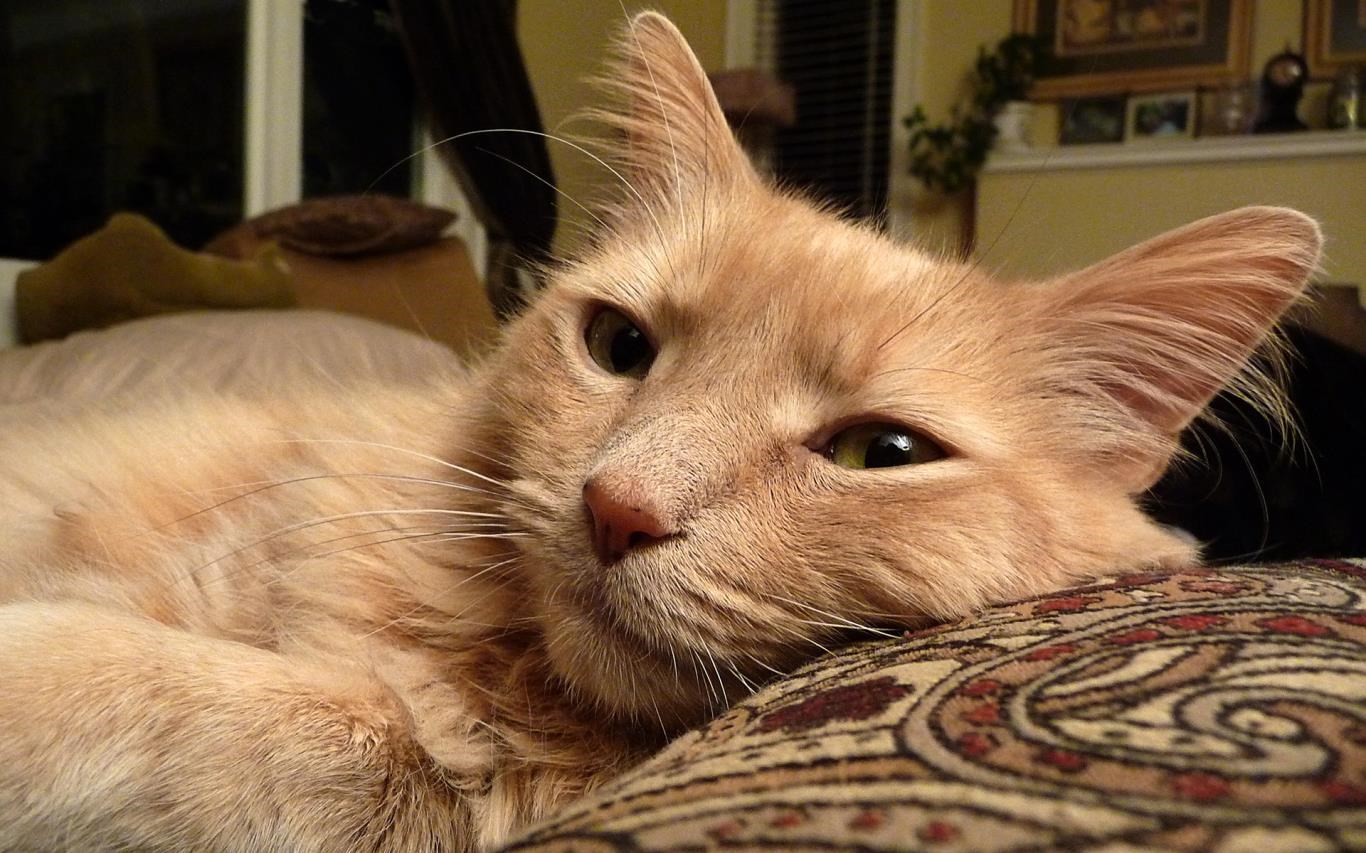
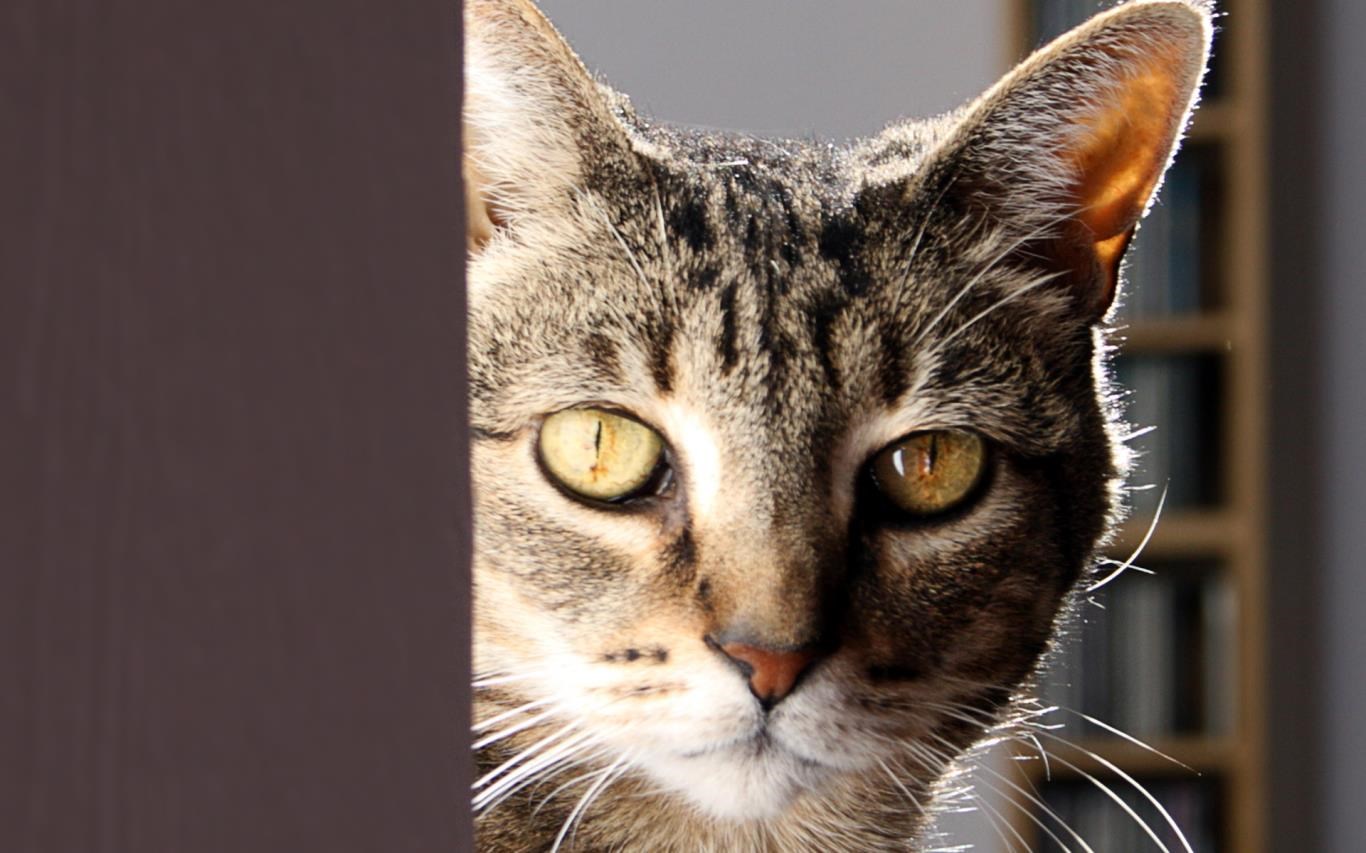
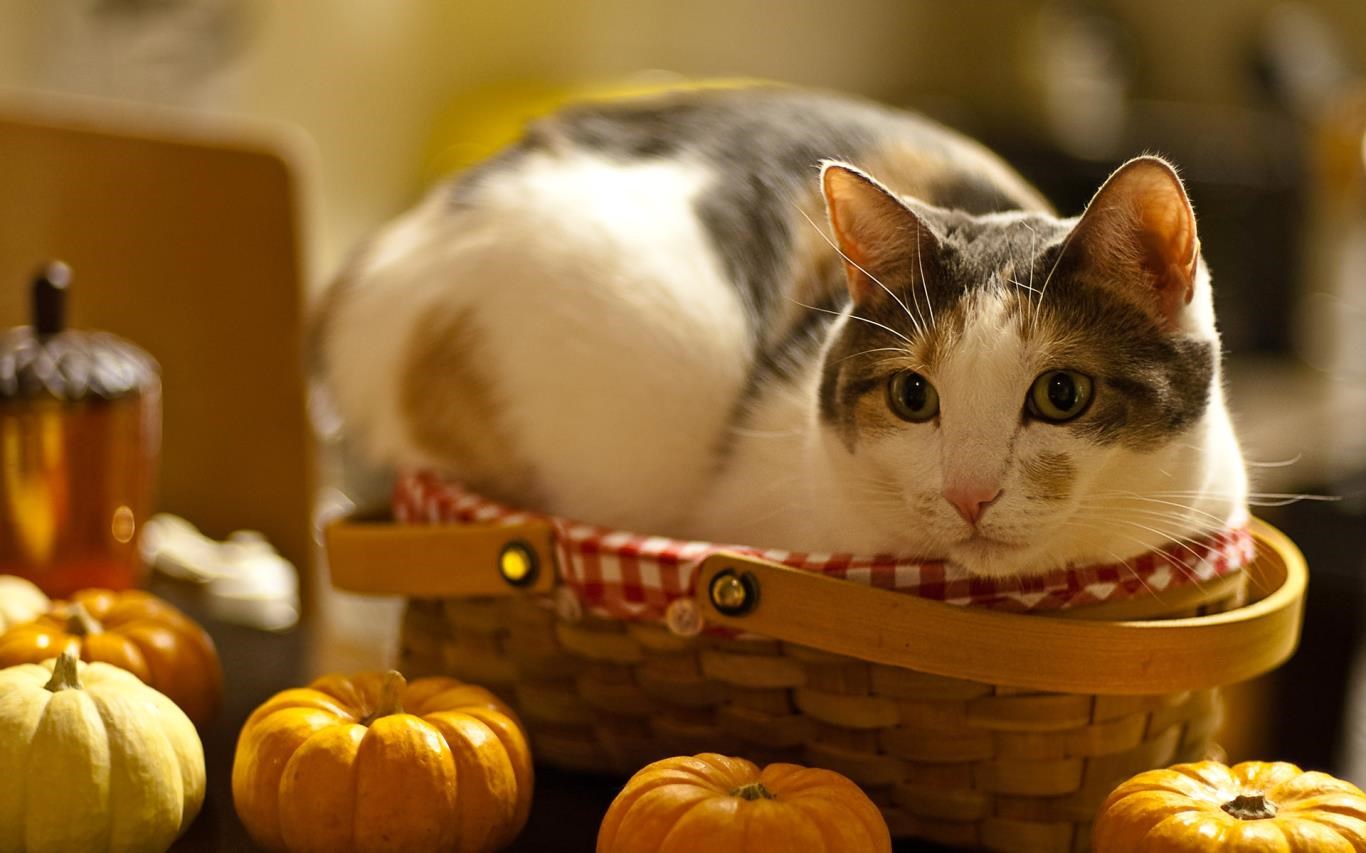
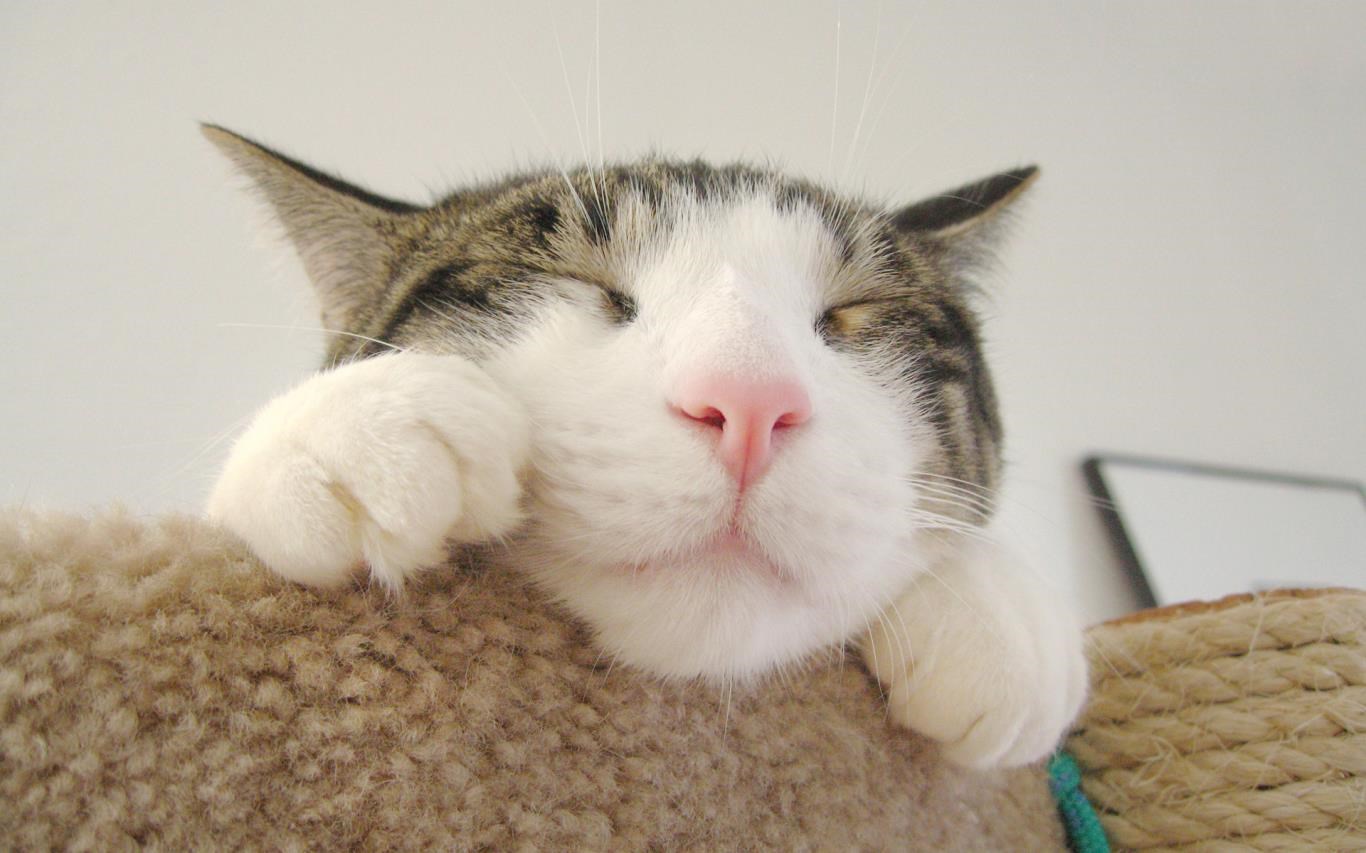
Imagine transforming your Windows desktop into a charming feline haven—Cats Anytime delivers just that by offering delightful cat-themed wallpapers, emojis, and widgets that brighten your day. Developed by Microsoft Corporation, this free app aims to merge fun visuals with practical customization options, making your PC experience both cozy and engaging.
The app's standout features center around its vibrant collection of cat imagery, seamless integration, and customizable options. Key highlights include a rich library of adorable wallpapers, a suite of expressive emojis, and playful widgets that can be embedded directly onto your desktop. Designed to cater to cat lovers and personalization enthusiasts alike, it offers a whimsical yet functional approach to UI customization.
The interface of Cats Anytime is as inviting as a cat curling up in a sunny window. Its clean layout makes browsing through wallpaper collections effortless, with thumbnail previews that display the adorable images clearly. The app operates smoothly—browsing, selecting, and applying new themes happen seamlessly, thanks to optimized performance that keeps the user experience lag-free. The learning curve is minimal; even users unfamiliar with customization apps will find it intuitive to navigate. The drag-and-drop widget placement and straightforward toggle options contribute to a user-friendly environment that feels akin to petting a familiar and friendly feline.
What truly sets Cats Anytime apart from other personalization apps are its extensive variety of customization options and theme compatibility. Unlike generic wallpaper apps, this app offers a curated selection of cat-themed wallpapers that suit various moods—from playful kittens to serene sleeping cats—ensuring there's always something to match your vibe. Its theme integration is particularly noteworthy; users can match wallpapers with compatible icon sets or color schemes, creating a harmonious aesthetic on their desktop. The app's playful widgets—such as a live cat clock or animated cat emojis—add an interactive element that elevates user engagement, making desktop customization more than just visual decoration but a lively, personalized experience.
If you're a cat lover or someone seeking a touch of personality and fun in your digital space, Cats Anytime is a charming choice. Its particular strength lies in its wide array of high-quality images combined with the seamless integration of playful widgets that do not clutter but rather enhance your workspace. For best results, dedicate a few minutes to explore the different themes and set up widgets that resonate with your daily routine. As a free app from Microsoft, it presents a low-risk opportunity to inject some whimsical charm into your computer—perfect for both casual users and those looking to add a splash of personality to their professional environment.
In conclusion, Cats Anytime offers a delightful blend of creativity, ease of use, and unique personalization options. While it doesn't radically overhaul your desktop experience, it adds enough playful flair and customization depth to earn its spot on your Windows device—especially if cats hold a special place in your heart. Whether you're switching wallpapers daily or simply want a few fun emojis to brighten your chats, this app is worth a try for a cozy Windows makeover.
Intuitive User Interface
High-Quality Cat Images
Regular Content Updates
Multiple Download Options
Ad-Free Experience
Limited Customization Features
No Offline Access for Premium Content
Occasional Slow Loading Times
Limited Search Filters
Minor Compatibility Issues on Older Devices

for Windows
 5
5

for Windows
5

for Windows
5

for Windows
5

for Windows
5

for Windows
4.9
for Windows
4.9

for Windows
4.9

for Windows
4.9

for Windows
4.8

for Windows
4.8

for Windows
4.8
for Windows
5

for Windows
5

for Windows
5

for Windows
5

for Windows
5

for Windows
5

for Windows
5

for Windows
5
for Windows
5

for Windows
5