Platformer
Alexandr Bondarenko
PC
Windows 10 version 18362.0 or higher
English (United States)
Embark on an underground adventure where every corridor whispers secrets, and your wits are as vital as your reflexes. Catacomb Master promises a tantalizing mix of challenging puzzles and atmospheric exploration—all wrapped up in a pixel-perfect package designed for Windows 10 enthusiasts.
Catacomb Master is a thoughtfully crafted platform adventure developed by Alexandr Bondarenko and published by Desert Water Games. Positioned as an engaging yet accessible puzzle-platformer, this title aims to appeal to gamers who appreciate atmospheric worlds, inventive mechanics, and a nostalgic nod to classic side-scrolling adventures. The game primarily targets casual players, puzzle aficionados, and fans of retro aesthetics seeking a blend of challenge and storytelling in a concise, immersive experience.
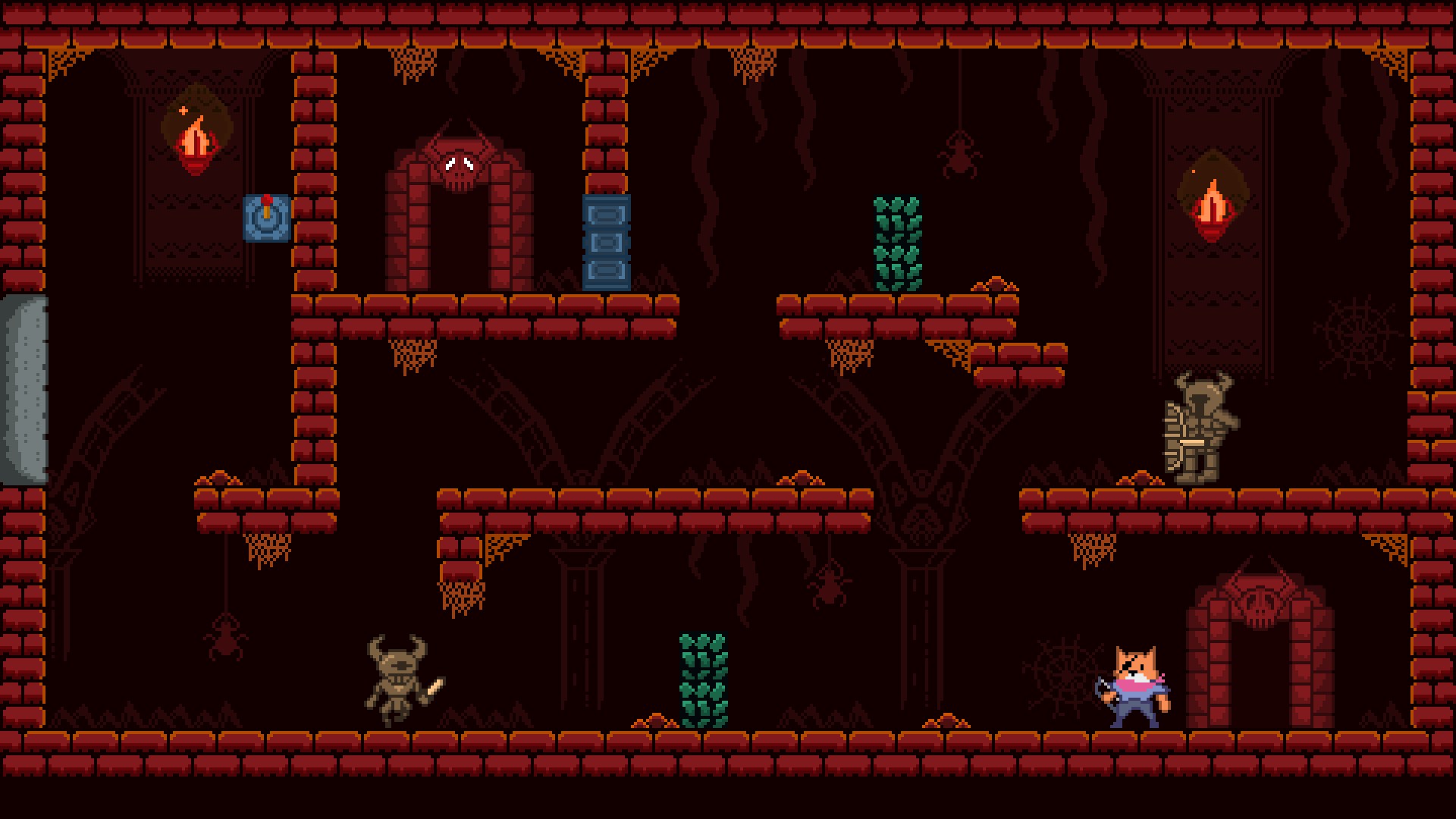
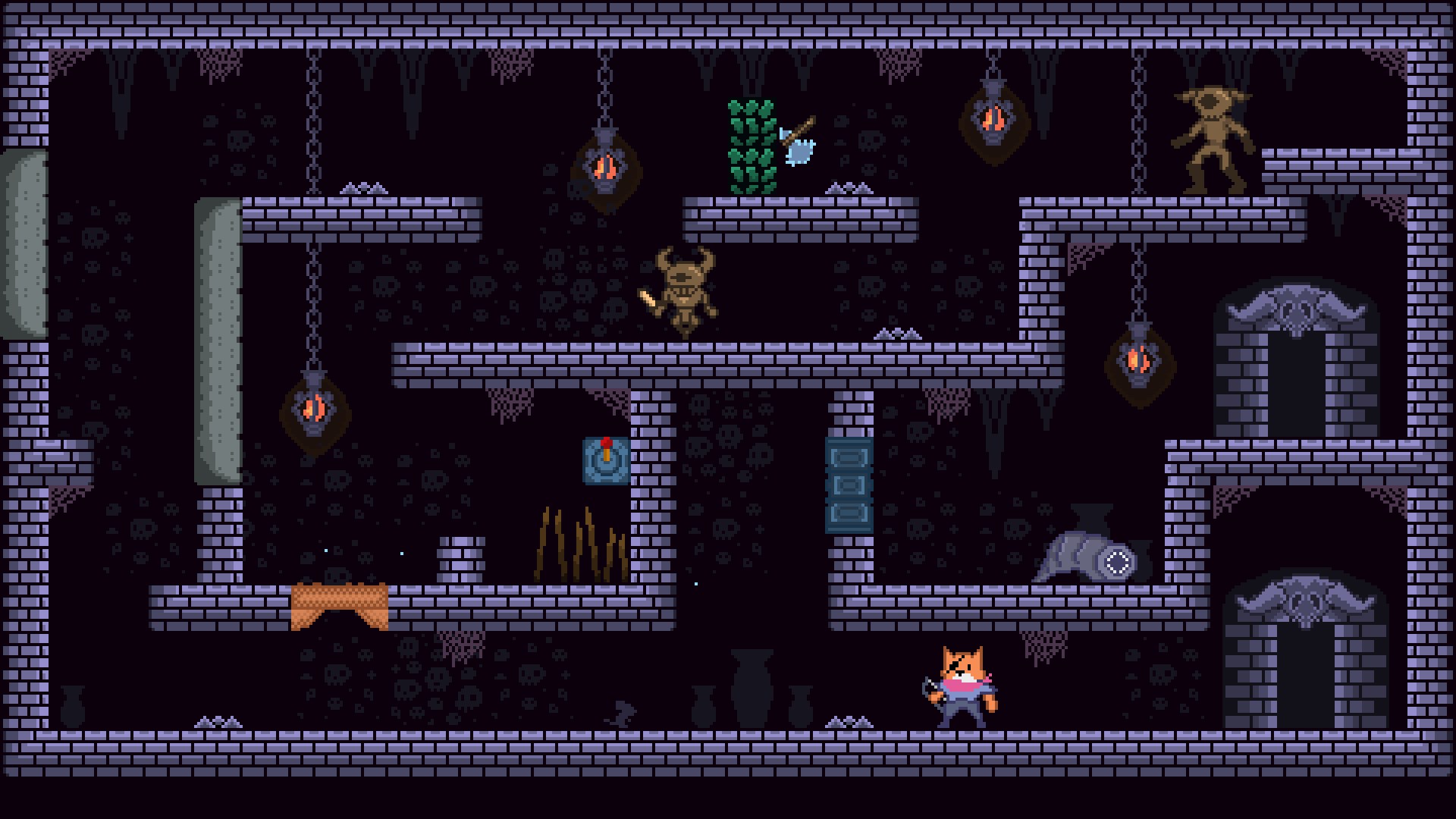
The core appeal of Catacomb Master lies in its well-crafted puzzles. Each chamber is a mini maze of clues waiting to be uncovered. From matching symbols to activating levers in a precise order, the game challenges your mind without feeling overwhelming. The difficulty progression is smooth, making the experience satisfying rather than frustrating. The puzzles subtly integrate with the environment, giving each room a story-rich feel that makes exploration feel meaningful.
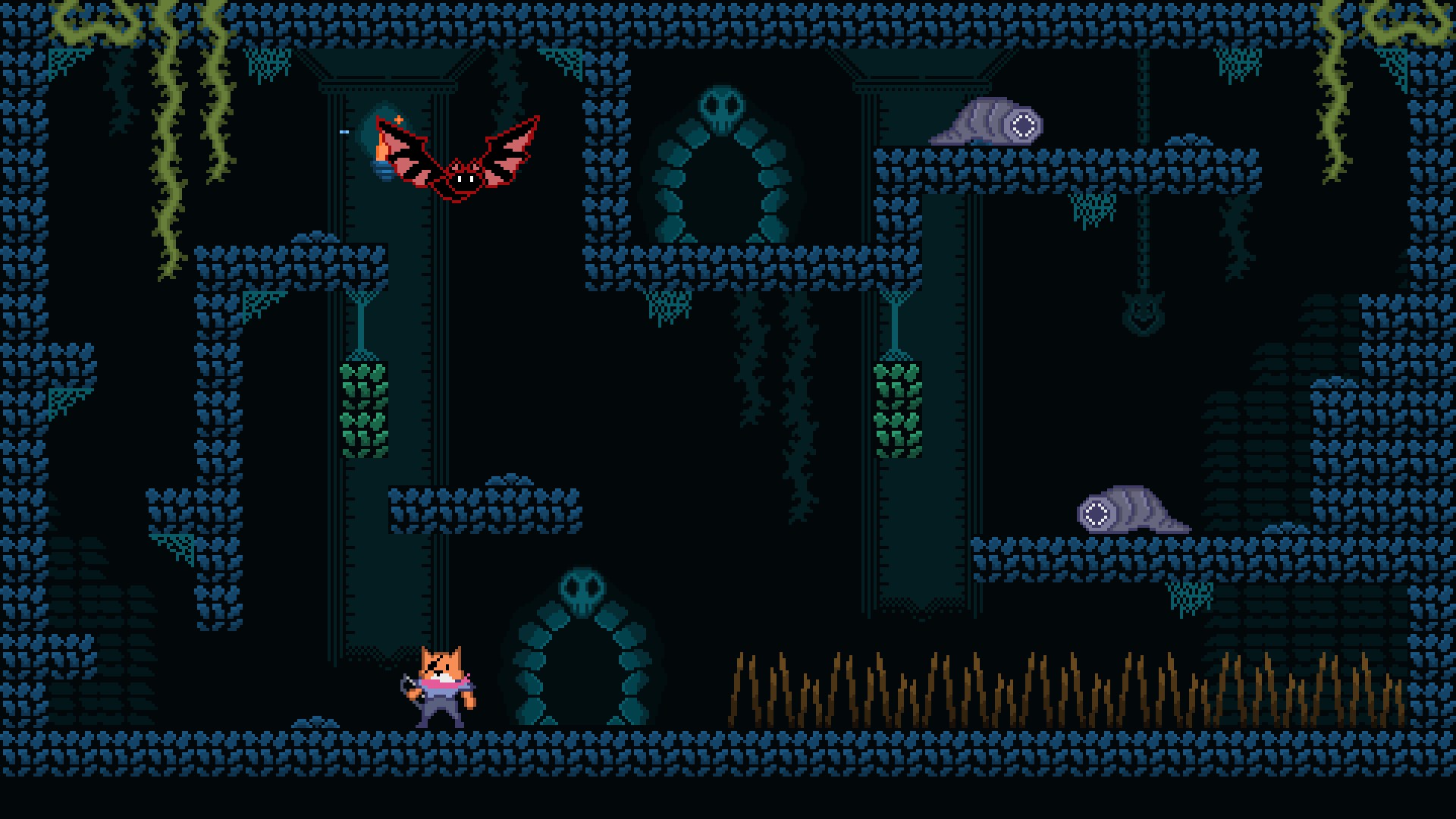
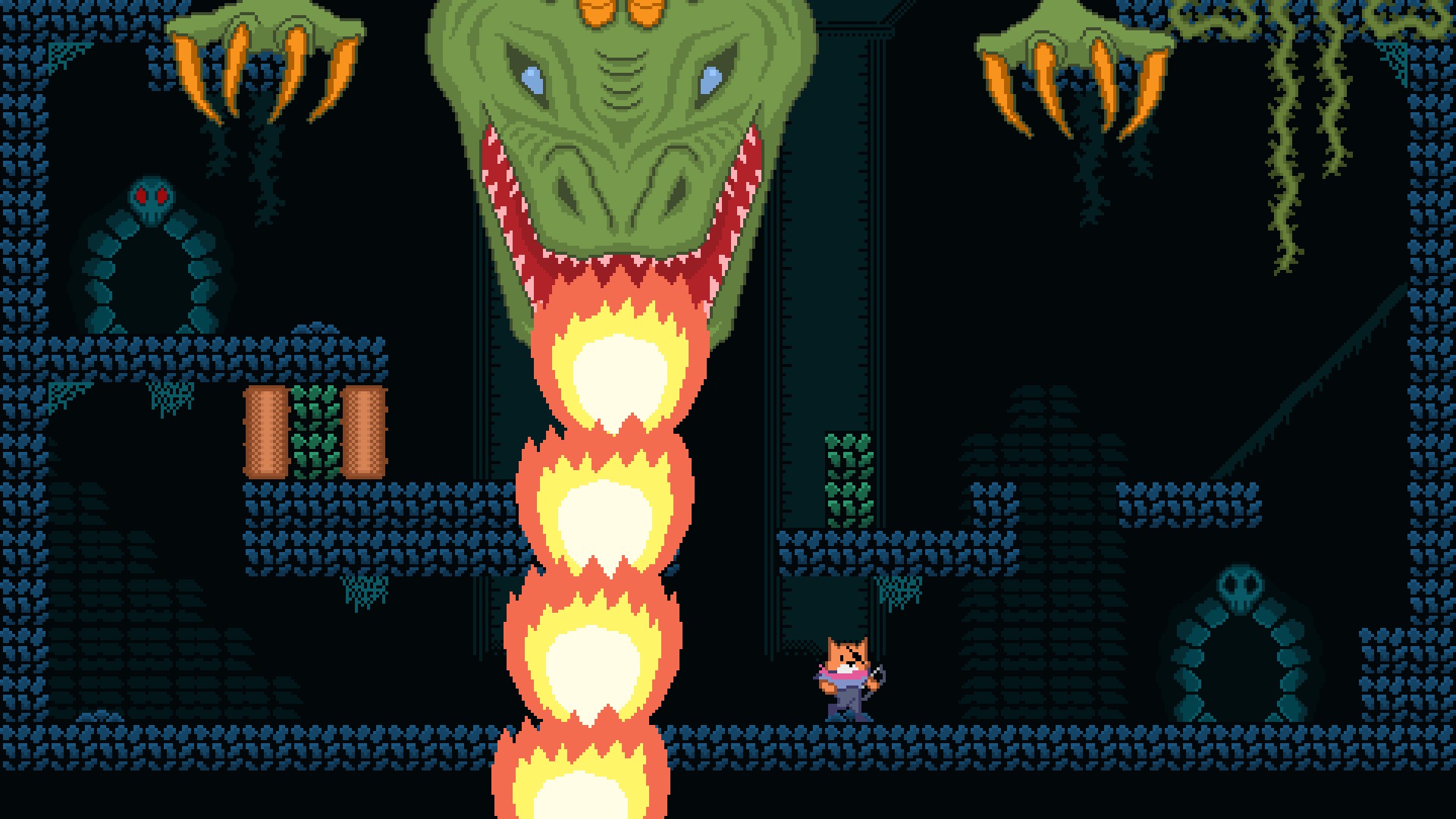
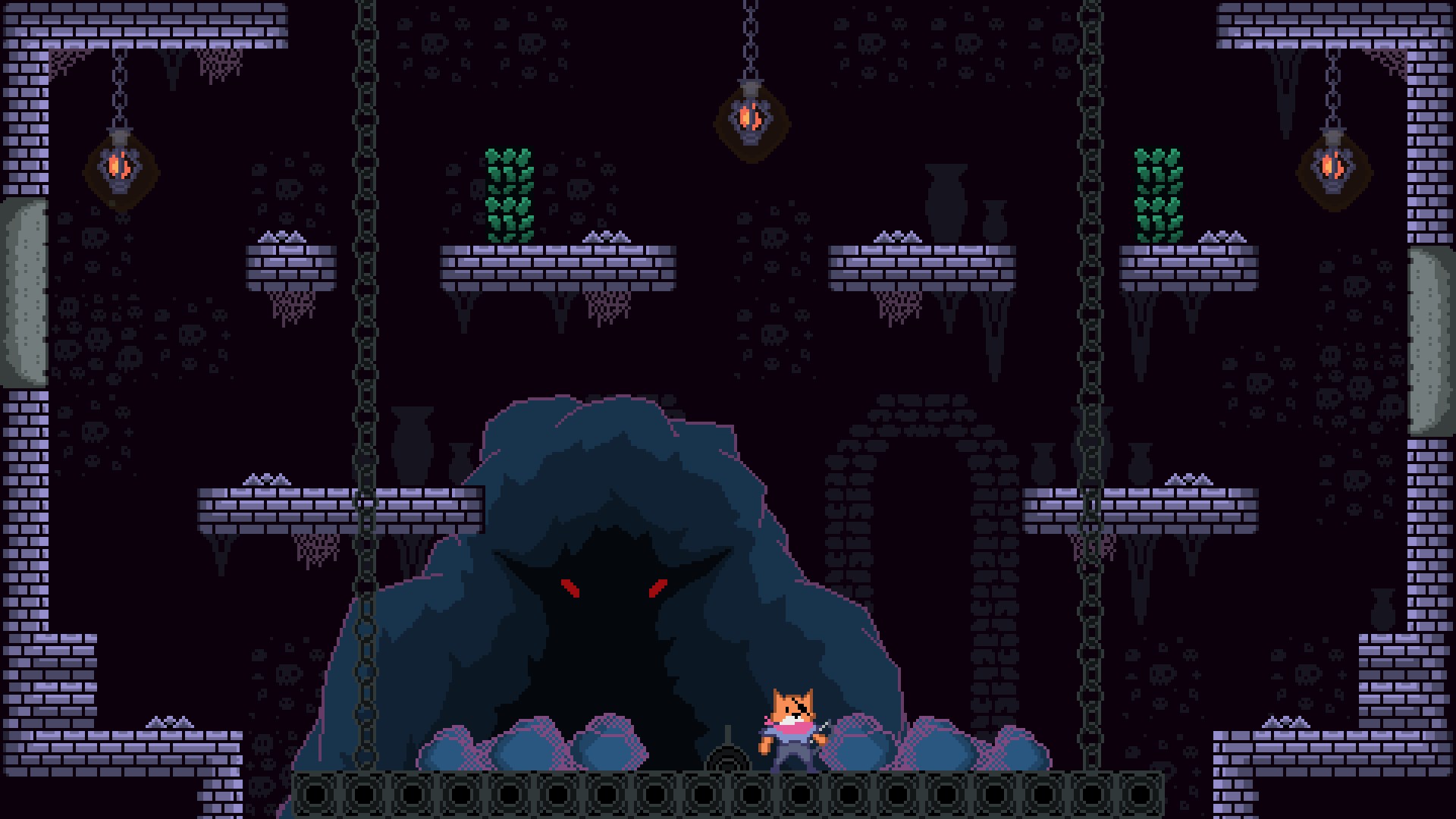
The pixel art aesthetic of Catacomb Master transports players to a charming yet eerie underground world. The design strikes a perfect balance—detailed enough to be captivating but uncluttered enough to keep focus on gameplay. The controls are exceedingly responsive, crucial for platforming precision in tight spaces. Transitioning from one puzzle or platform to the next feels seamless, creating a fluid experience that invites players to lose themselves in the game's mysterious corridors. The learning curve is gentle; players are introduced to mechanics gradually, ensuring accessibility for newcomers yet providing enough depth for seasoned puzzle solvers.
Compared to other platformers, Catacomb Master stands out with its atmospheric storytelling and intelligent puzzle integration. While many platformers focus solely on reflexes or combat, this title emphasizes atmospheric immersion and ingenuity. Its environmental storytelling hints at a larger backstory, prompting players to piece together the narrative based on clues scattered throughout the labyrinth. Furthermore, the game's art style breathes life into its underground setting, creating a mood that is both mysterious and inviting—an achievement not always realized in similar titles.
Overall, Catacomb Master offers a delightful voyage into a shadowy world filled with puzzles and exploration. It's particularly recommended for Windows 10 users who enjoy intellectual challenges wrapped in a visually appealing package. Its intuitive controls, coupled with sophisticated puzzle design and atmospheric visuals, make it a worthwhile addition for fans of exploratory platformers. However, those expecting fast-paced action or extensive replayability might find it more suitable as a leisurely, story-driven experience rather than an arcade-style thrill. For anyone craving a clever, beautifully crafted puzzle-platformer to immerse themselves in, this game is a noteworthy choice worth exploring.
Engaging gameplay mechanics
High-quality graphics
Creative level design
Regular updates and new content
User-friendly interface
Occasional lag during intensive scenes
Limited tutorial content for beginners
In-app purchase options may feel essential for full experience
Occasional crashing on specific Windows 10 versions
Limited multiplayer features

for Windows
 4.7
4.7

for Windows
4.7

for Windows
4.6

for Windows
4.4

for Windows
4

for Windows
3.8
for Windows
3

for Windows
2.6
for Windows
0

for Windows
0

for Windows
0

for Windows
0

for Windows
5

for Windows
5

for Windows
5

for Windows
5

for Windows
5

for Windows
5

for Windows
5

for Windows
5

for Windows
5

for Windows
5