Photo & video
Bytedance Pte. Ltd.
PC
Windows 10 version 0.0 or higher
Integrated Keyboard
Integrated Mouse
8 GB
Version 9
English
CapCut for Windows by ByteDance Pte. Ltd. offers a sleek, efficient editing experience tailored for creators who want professional-looking videos without the hassle. Whether you're a beginner or a seasoned content maker, this app aims to deliver seamless editing tools directly on your desktop.
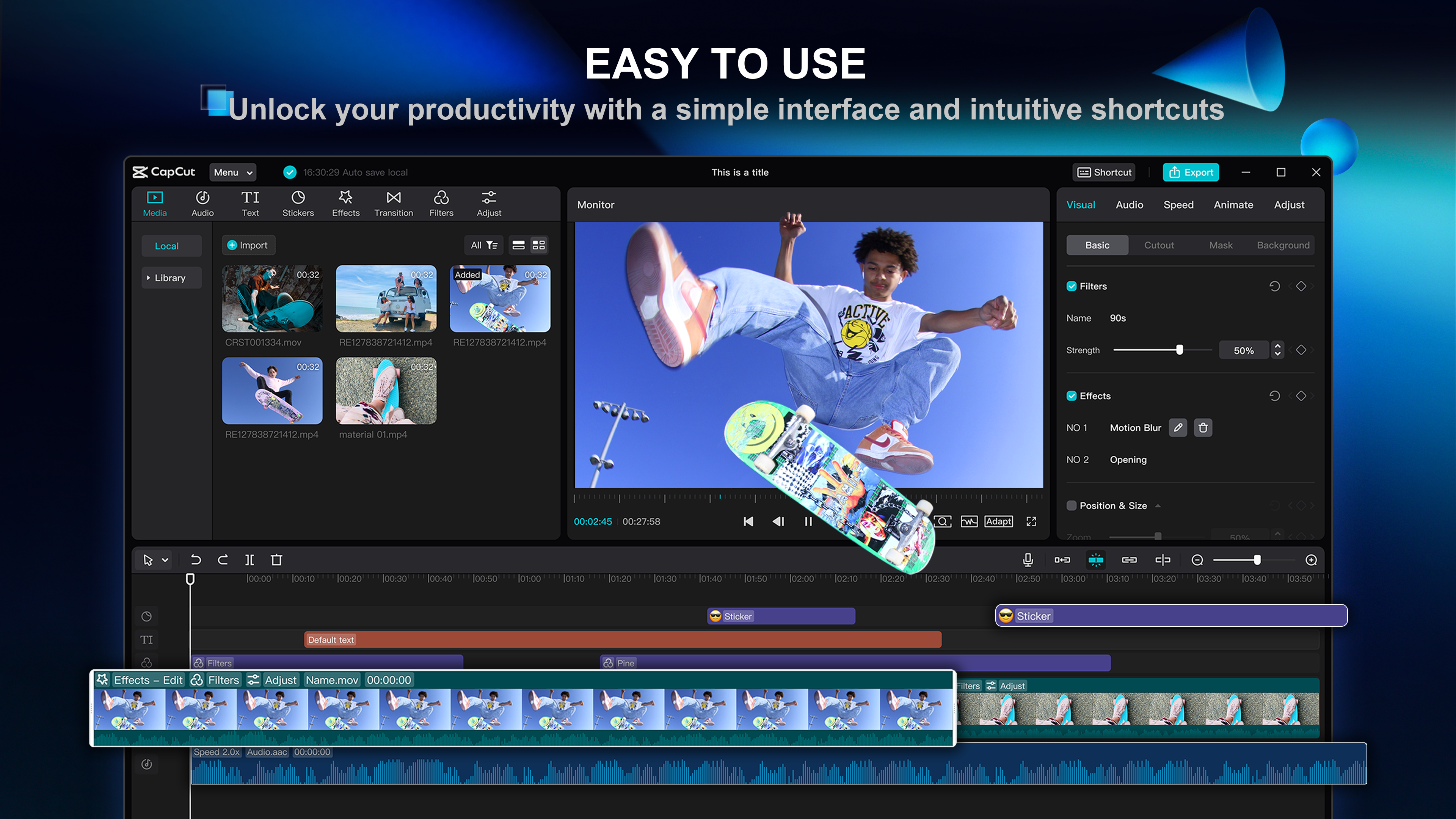
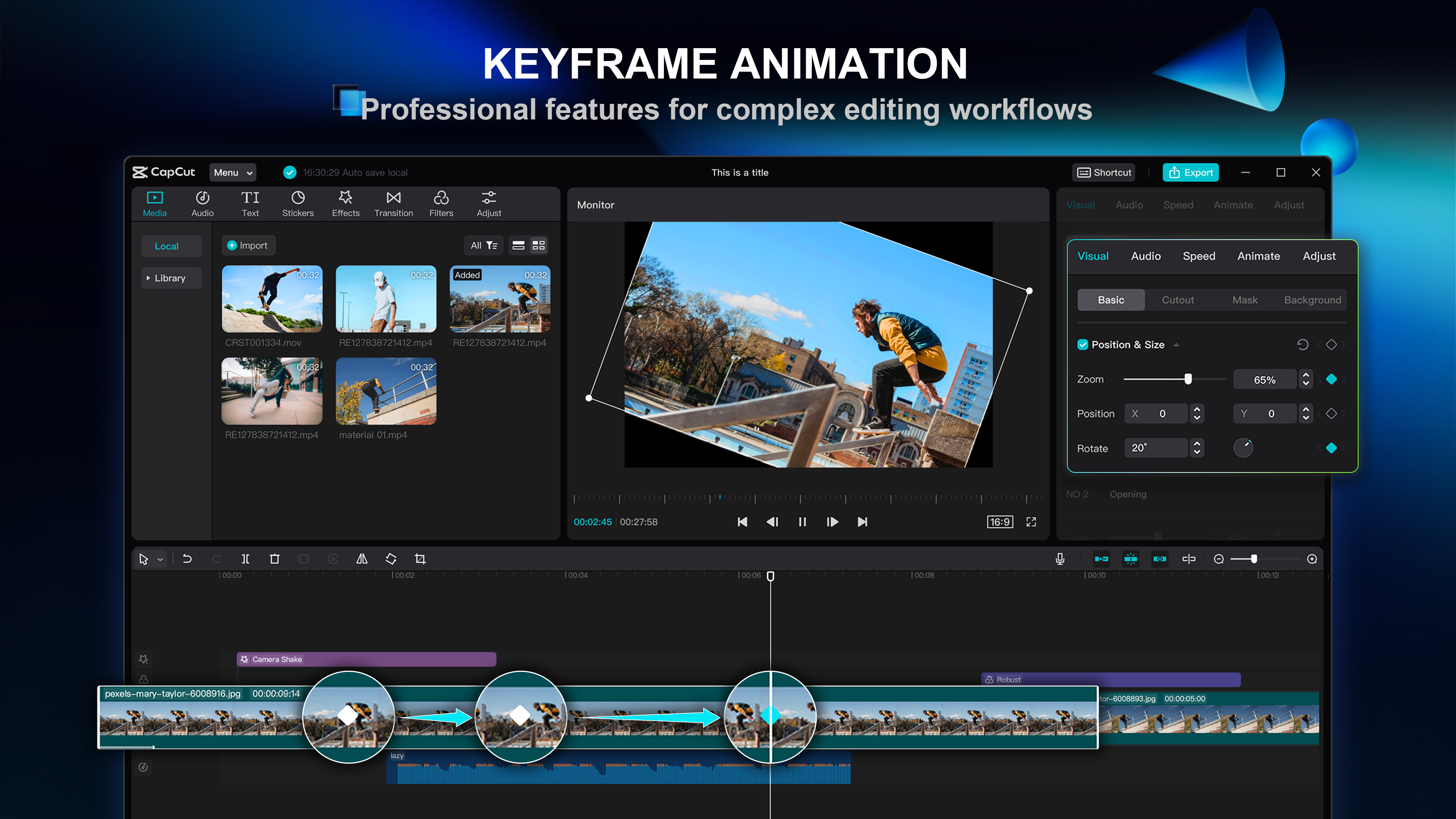
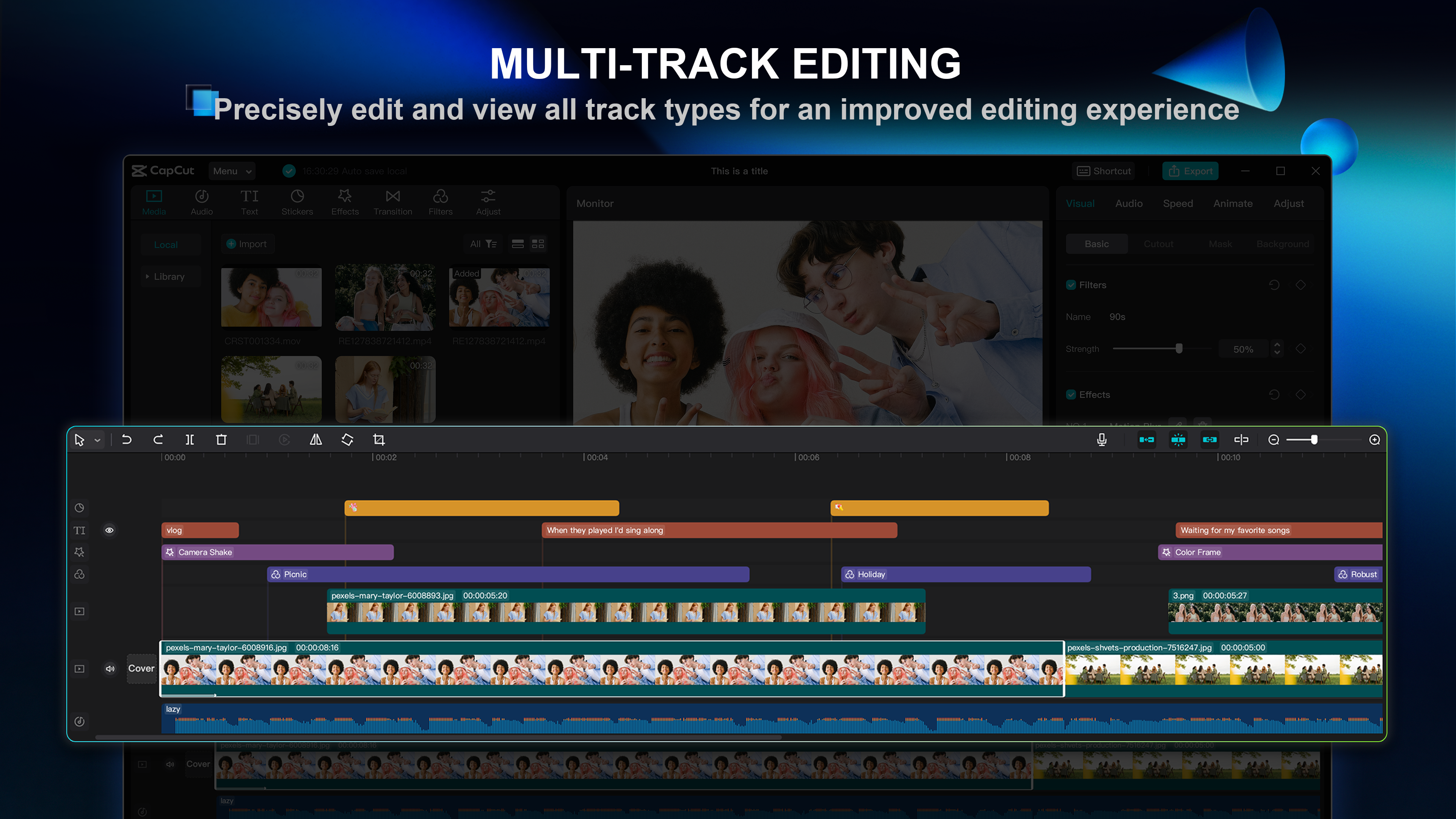
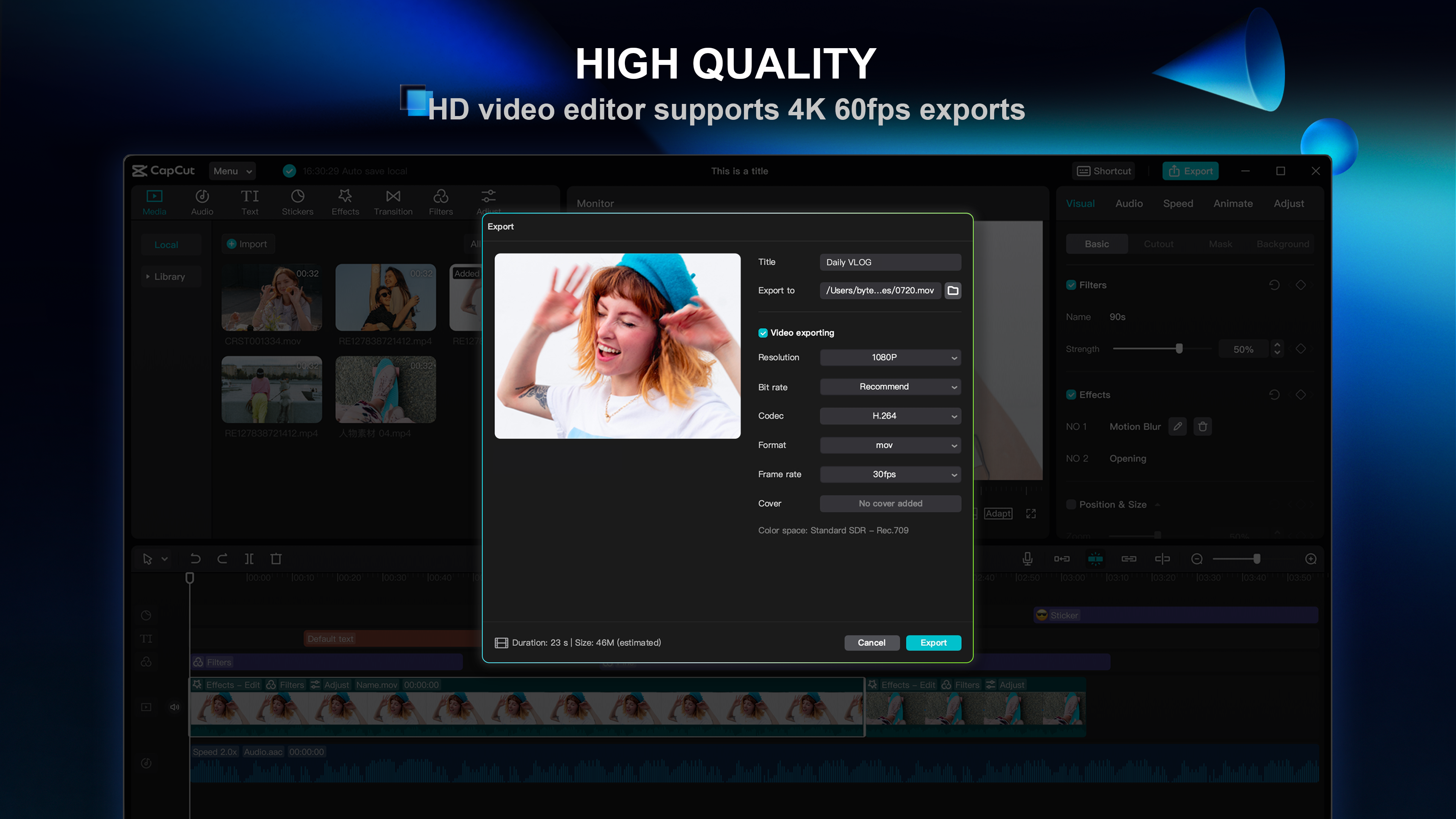
CapCut's timeline layout is user-friendly, allowing you to drag, trim, and adjust clips with simple gestures. Its intuitive interface transforms complex editing tasks into straightforward actions, akin to editing a scrapbook — each clip easily adjustable with minimal fuss. The app supports multi-layer editing, enabling overlaying videos, images, and text, making complex compositions feel like assembling a puzzle.
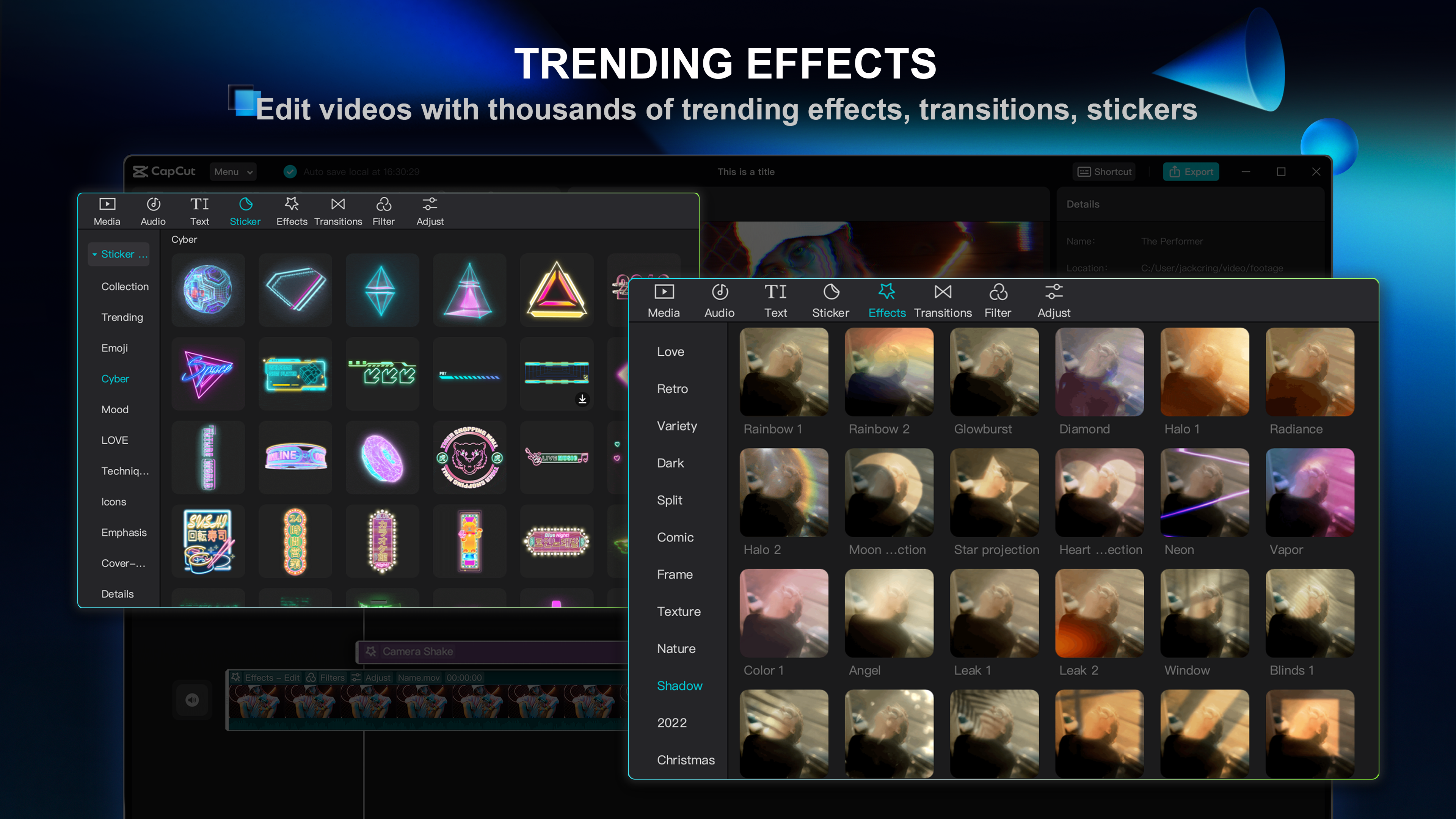
One of CapCut's standout features is its rich variety of visual effects, filters, and transitions. From nostalgic cinematic looks to vibrant color grading, users can instantly enhance their footage. Not to mention, the real-time preview is smooth, allowing for quick experimentation. This gallery of effects isn't just eye candy; it boosts the storytelling power of your videos, making each shot more engaging and dynamic.
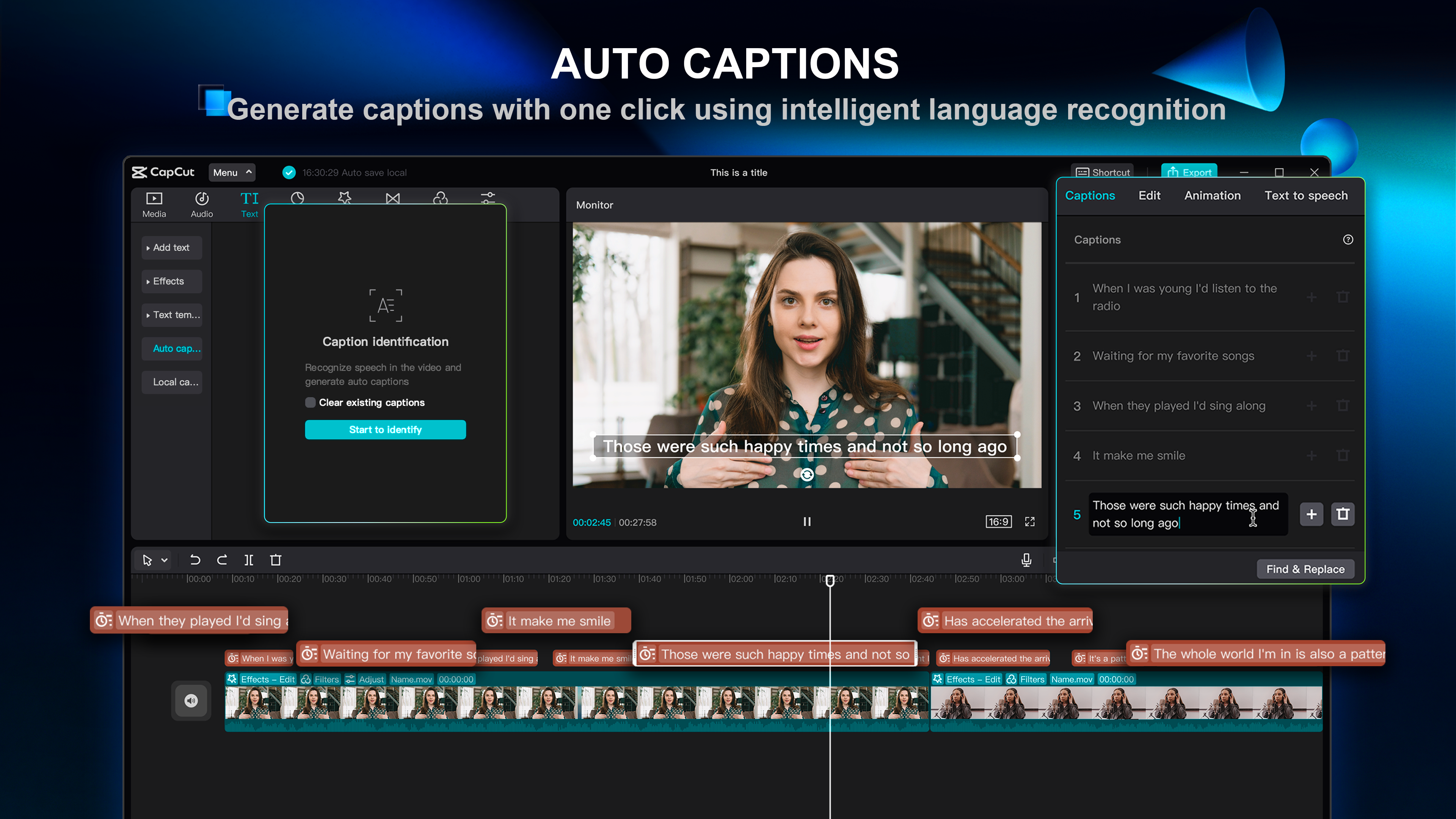
The app's most remarkable aspect is its AI-driven features, especially auto-cut and background removal. Imagine filming a busy street scene — CapCut's AI can intelligently detect and isolate subjects, freeing you from manual masking. This tool significantly reduces editing time, especially beneficial for creators working under tight deadlines or with large footage libraries. Its AI suggestions for music synchronization and style matching are also impressive, elevating basic edits to polished productions effortlessly.
CapCut for Windows sports a clean, modern interface that's welcoming rather than intimidating. Its layout resembles a typical desktop editor but with a friendly, accessible vibe, much like a digital canvas designed for creativity. The responsiveness is noteworthy; transitions between views are smooth, and the app handles multiple layers without lag, even on mid-range hardware. The learning curve is gentle — a few tutorials or explorations are enough for new users to start crafting decent videos confidently. For seasoned editors, the abundance of customization and advanced features ensures there's depth to explore.
While many editors focus solely on either features or ease of use, CapCut balances both elegantly. Its standout is the integration of AI-powered tools that automate complex tasks like background removal and scene detection — these capabilities significantly cut down editing time and elevate the quality of output. Additionally, the seamless sync between the mobile app and desktop version allows creators to start editing on their phones and finish on the PC, fostering a continuous workflow. Unlike some competitors that are either overly complicated or too simplistic, CapCut's blend of accessibility and powerful tools makes it distinctly attractive, especially for solo creators and small teams.
For budding videographers and content creators seeking a free, capable, and user-friendly desktop editing solution, CapCut for Windows is a commendable choice. Its innovative AI features—particularly the automatic background removal—are game-changers that set it apart from traditional video editors. I'd suggest giving it a try if you're tired of clunky interfaces or paying for expensive software; the app offers significant value right out of the box. Just keep in mind that mastering some of its advanced features might take a touch of practice, but its approachable design makes this process enjoyable rather than frustrating.
User-friendly interface
Rich set of editing tools
No watermarks or ads
Fast rendering times
Cross-platform compatibility
Limited advanced features
Occasional app crashes
Export options could be expanded
Limited cloud storage integration
Some effects and transitions are basic

for Windows
 5
5

for Windows
4.9

for Windows
4.8

for Windows
4.8

for Windows
4.8
for Windows
4.7

for Windows
4.7

for Windows
4.7

for Windows
4.7

for Windows
4.7

for Windows
4.7

for Windows
4.7

for Windows
5

for Windows
5

for Windows
5

for Windows
5

for Windows
5

for Windows
5

for Windows
5

for Windows
5

for Windows
5

for Windows
5