Puzzle & trivia
PC, Mobile, Surface Hub, HoloLens
Windows 10 version 14393.0 or higher
300 MB
Chinese (Simplified), Danish, Dutch, English (United States), Finnish, French, German, Italian, Japanese, Korean, Norwegian, Portuguese (Brazil), Spanish, Swedish, Turkish
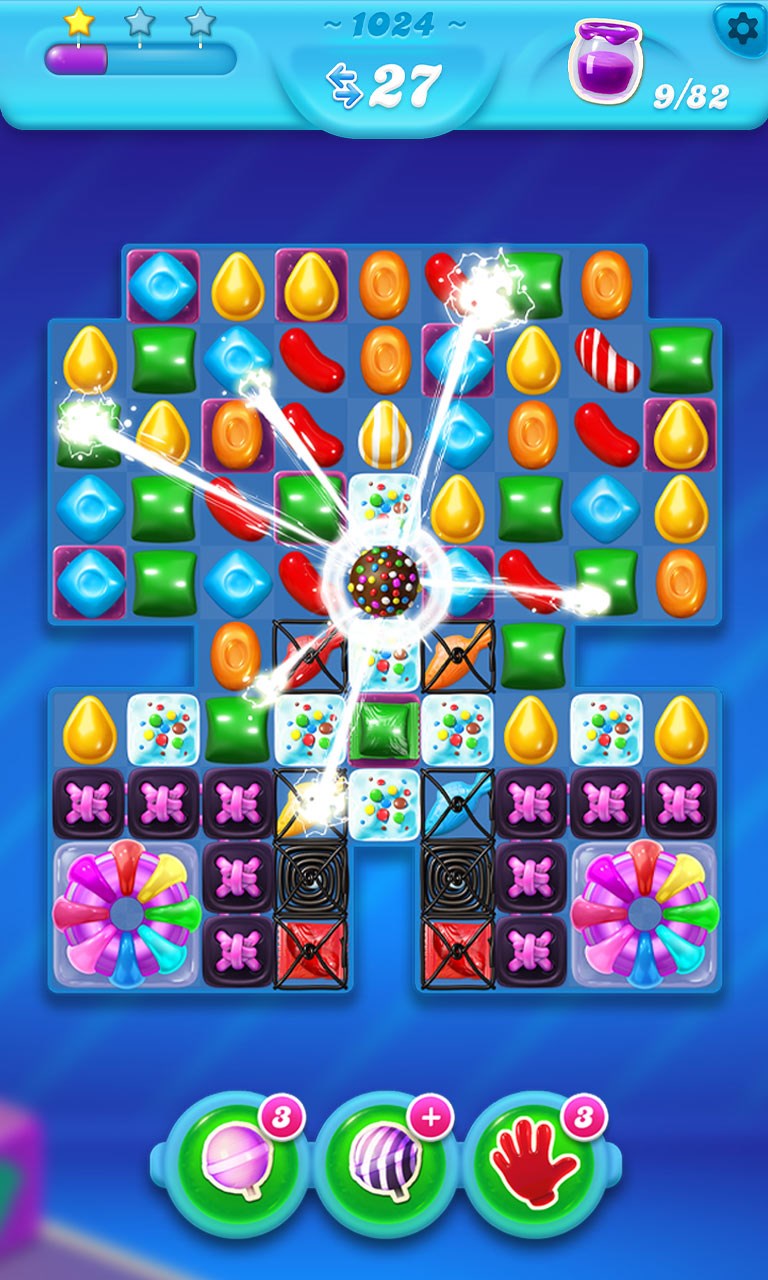
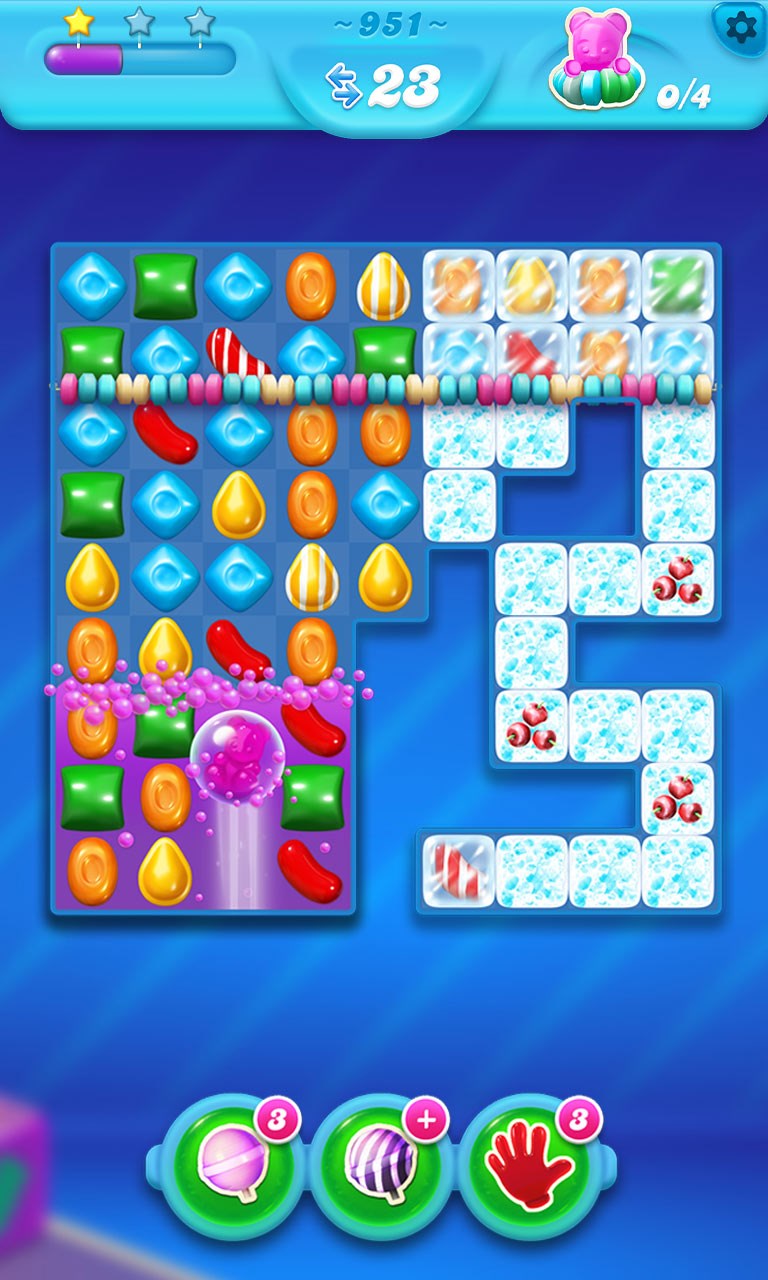
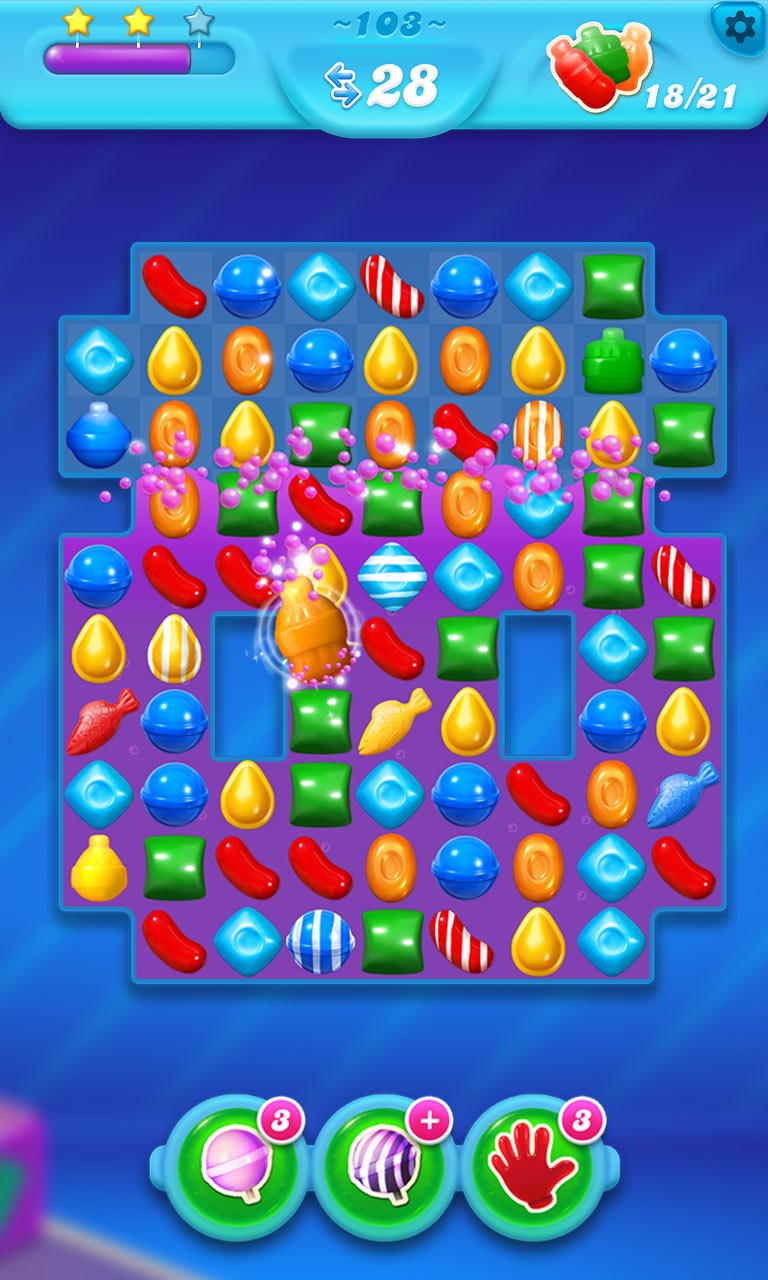
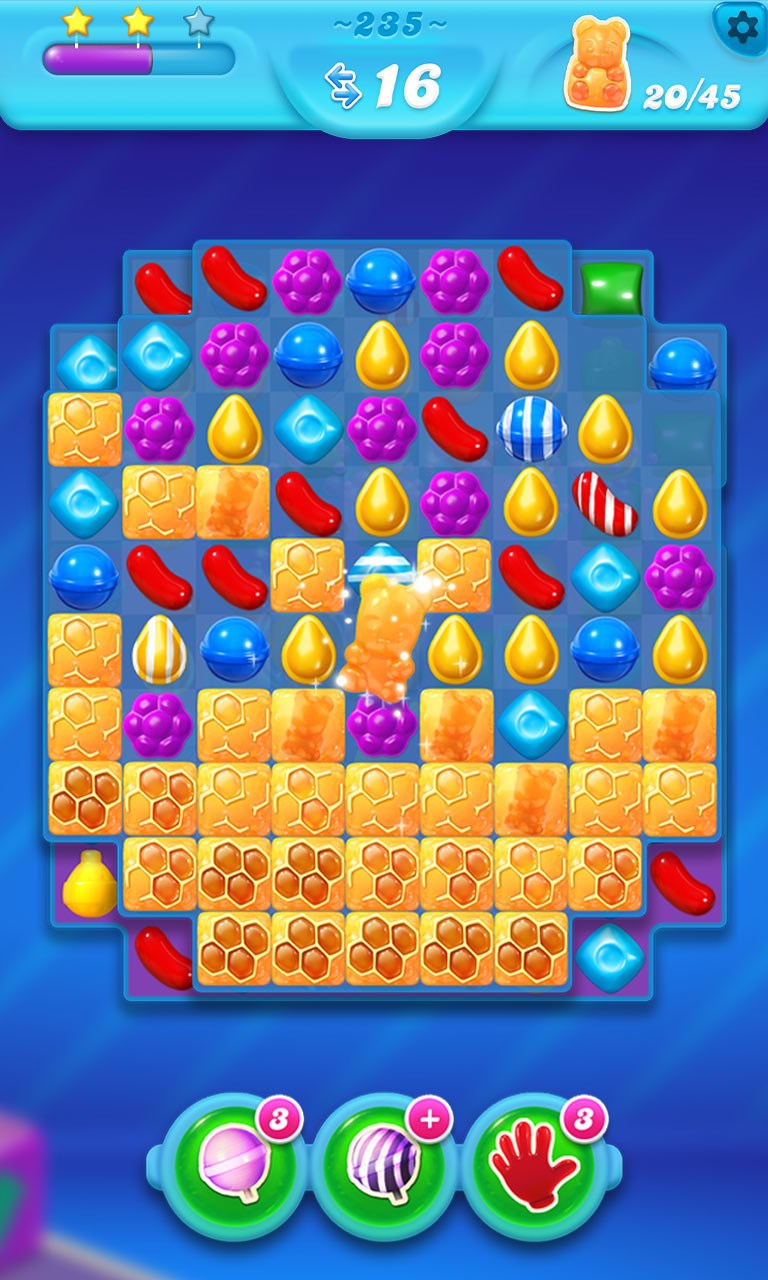
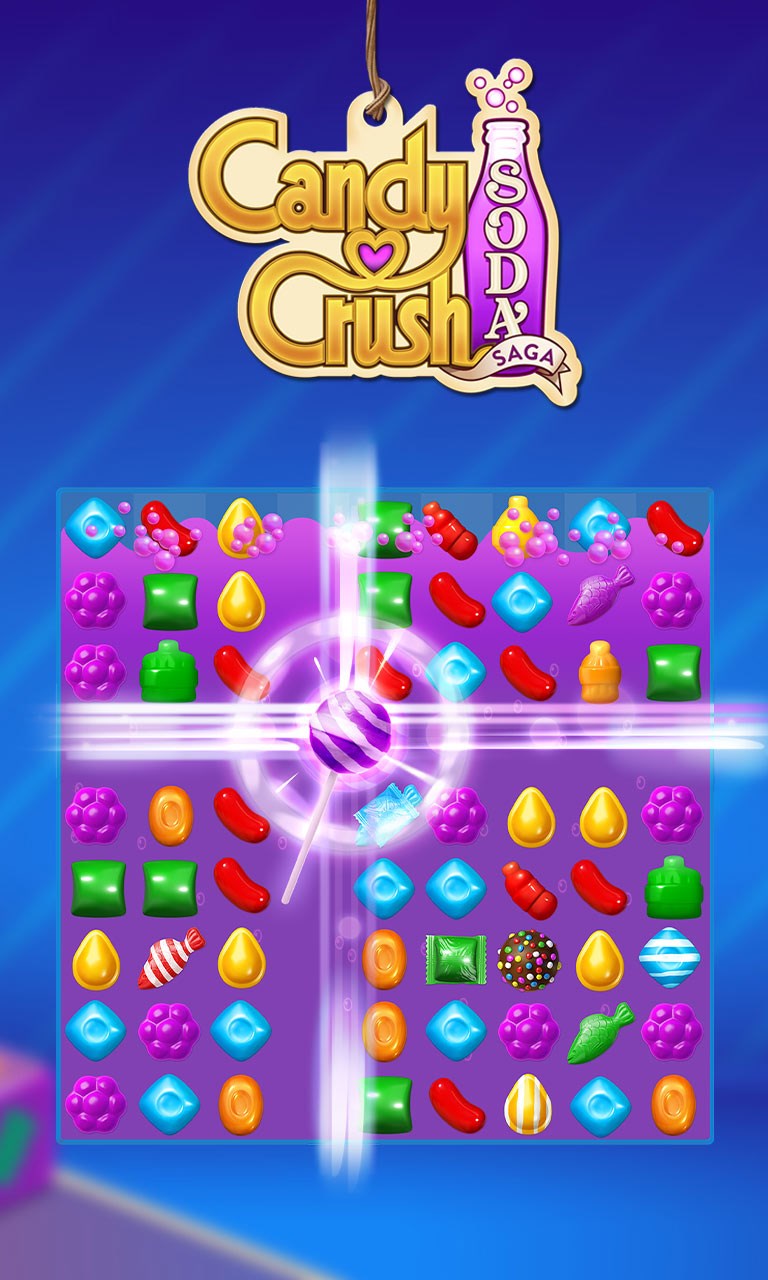
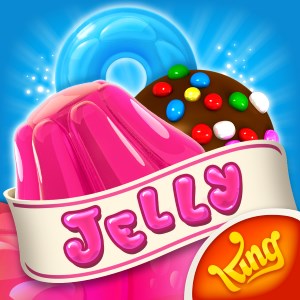
Candy Crush Soda Saga for Windows is a colorful, engaging puzzle game that invites players into a whimsical world filled with gummies, soda bubbles, and sweet challenges. As an extension of the widely popular Candy Crush franchise, this game combines familiar gameplay mechanics with fresh twists to keep players hooked. Developed by King.com, the app offers an accessible puzzle experience suitable for casual gamers and puzzle enthusiasts alike.
What sets Candy Crush Soda Saga apart from many other match-3 puzzles is its vibrant, bubbly aesthetic paired with innovative gameplay elements. Its core highlights include the unique soda bubbles mechanic that introduces new levels of strategy, the varied level design that keeps each stage fresh, and the power-ups that add depth and excitement to every move.
The first thing that strikes you when launching Candy Crush Soda Saga is its lively, bright interface—think of stepping into a candy carnival, where every color pops and every element invites touch. The design is clean yet bursting with charm, making navigation effortless even for newcomers. The game's responsiveness is smooth, with animations fluidly leading your eye from one game element to the next, creating a seamless experience. The learning curve is gentle; new players can quickly grasp the basic matching mechanics, while advanced levels introduce more complex challenges gradually, ensuring continued engagement without overwhelming.
One of the standout features of Candy Crush Soda Saga is its soda bubbles mechanic. Unlike classic match-3 games that focus solely on clearing tiles, this feature introduces soda bubbles that players must pop by matching candies below them, adding an extra layer of planning. This mechanic, combined with the game's goal of freeing the bears or filling soda bottles, ensures each level feels like a mini adventure, not just a simple puzzle. Moreover, the level design is highly diverse—from the icy peaks to bubbling soda streams—offering varied environments that prevent monotony.
Compared to other puzzle games, Candy Crush Soda Saga's major differentiator is its playful theme combined with strategic depth. The soda bubbles mechanic and level objectives push players beyond mere matching, encouraging thoughtful moves. It's like solving a candy-themed mystery, where every move counts. Additionally, the game's regular updates and seasonal events foster a sense of community and anticipation, making it more than just a casual pastime. For players who appreciate a vibrant visual experience coupled with creative challenge design, this app offers a uniquely delightful puzzle journey.
Overall, Candy Crush Soda Saga for Windows proves to be a well-crafted, enjoyable puzzle game that balances accessibility with challenge. I would recommend it to anyone who enjoys colorful, casual games with a touch of strategy—whether you're a longtime fan or new to the franchise. Its special soda bubbles mechanic and lively visual style are particularly appealing features that differentiate it from other match-3 titles. For best experience, consider playing in shorter sessions to savor the colorful environments and strategic depth without burnout. Download it from the Microsoft Store and dive into a world of sweet puzzles—your inner candy lover will thank you!
Engaging and colorful gameplay
Variety of levels and challenges
Free to download and play
Regular updates with new content
In-game rewards and boosters
In-app purchases can be tempting
Levels can become increasingly difficult
Ads may interrupt gameplay
Limited social features on some devices
Battery drain during extended play sessions
for Windows
 4.8
4.8

for Windows
4.8
for Windows
4.8
for Windows
4.8

for Windows
4.8

for Windows
4.8
for Windows
4.8
for Windows
4.8
for Windows
4.7
for Windows
4.7

for Windows
4.7
for Windows
4.7

for Windows
5

for Windows
5

for Windows
5

for Windows
5

for Windows
5

for Windows
5

for Windows
5

for Windows
5

for Windows
5

for Windows
5