Puzzle & trivia
PC, Surface Hub, HoloLens
Windows 10 version 14393.0 or higher
300 MB
English (United States)
Candy Crush Friends Saga for Windows is a delightful reimagining of the classic match-3 puzzle, blending charming visuals with engaging gameplay that appeals to players of all ages looking for a fun, casual stress-reliever.
Produced by King.com, the masterminds behind the legendary Candy Crush Saga series, this title continues their legacy of creating accessible yet captivating puzzle games that appeal broadly across demographics. Their expertise ensures a polished, user-friendly experience with consistent updates and thoughtful design.
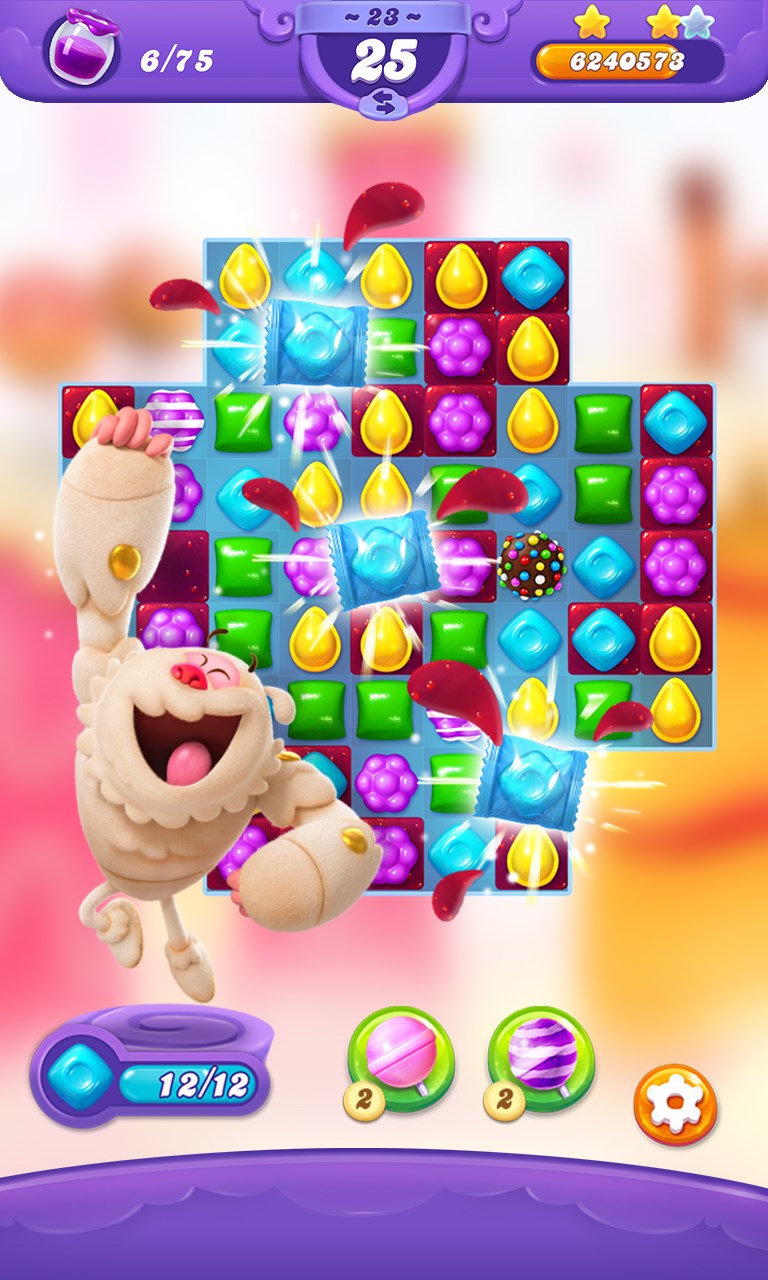
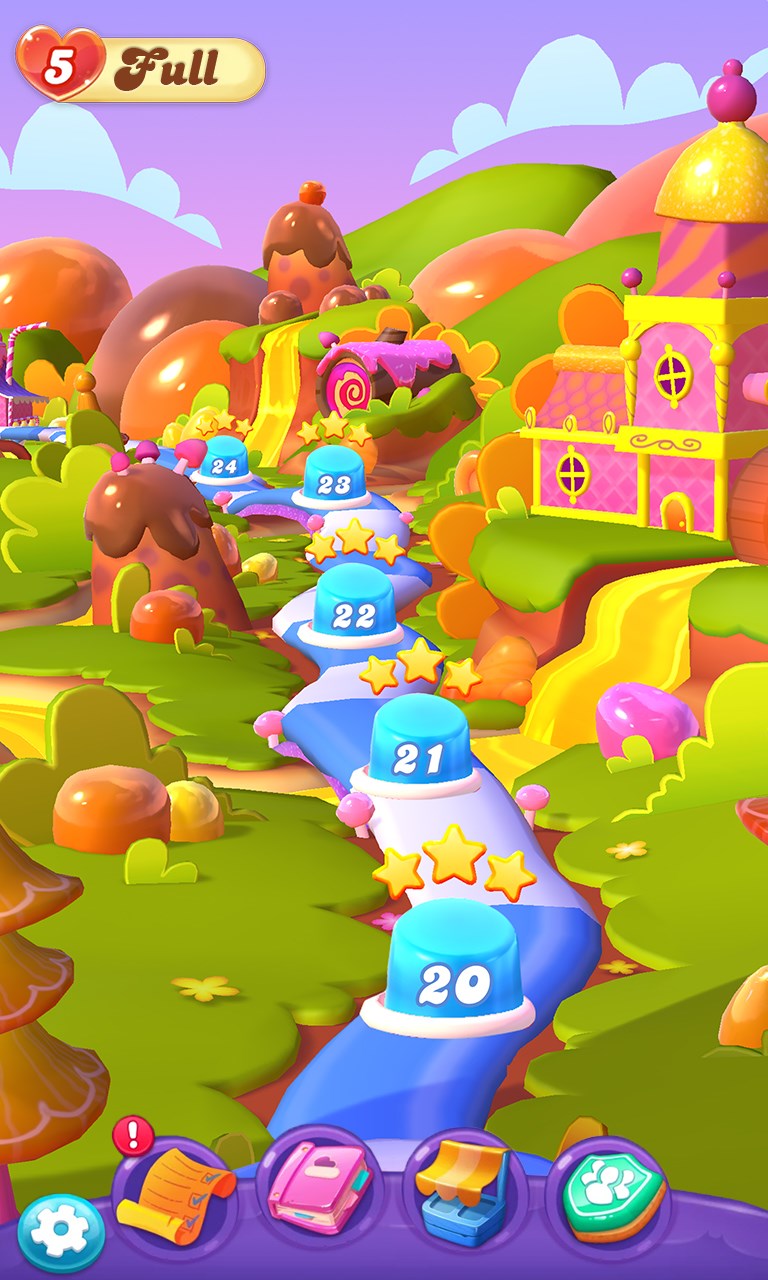
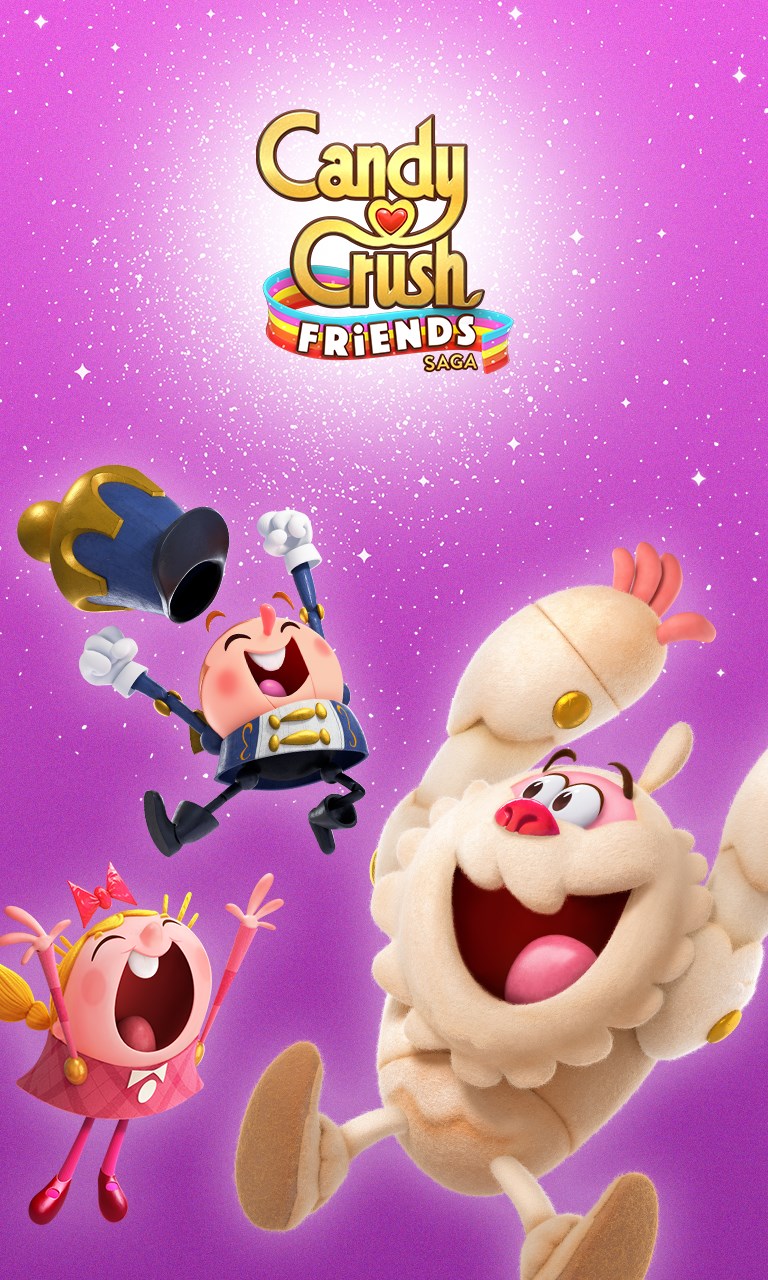
From the moment you launch Candy Crush Friends Saga, you're greeted by vibrant, cartoonish graphics that evoke a playful carnival atmosphere—think of walking into a candy wonderland with a sprinkle of personality. The interface is clean and intuitive, resembling a familiar board game layout but with a modern, polished touch. Navigating menus and selecting levels feels like flipping through your favorite picture book—simple, smooth, and inviting.
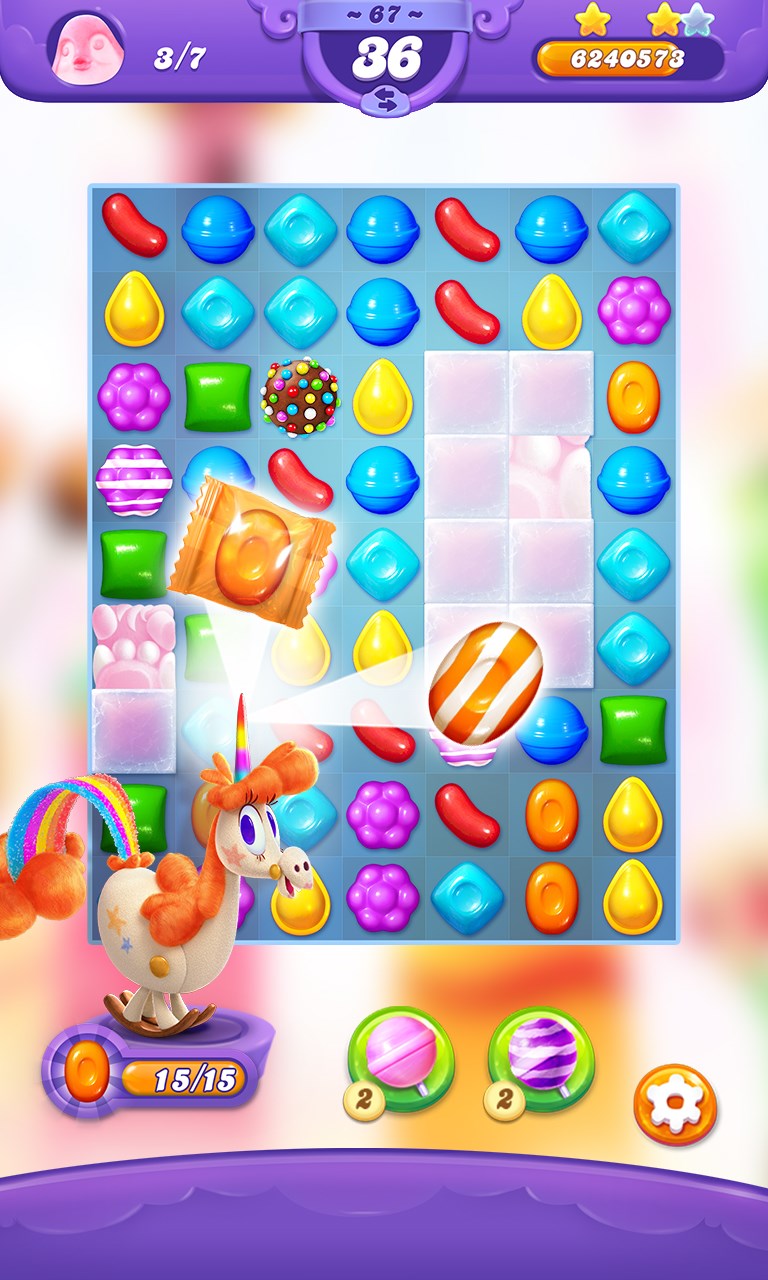
Solidly built for seamless interaction, the gameplay mechanics are straightforward yet layered with strategic depth. Swiping candies to match three or more is as natural as flipping through pages of a colorful storybook. The game responds instantaneously to your touches, ensuring a fluid experience that encourages spontaneous play sessions. The learning curve is gentle: new players quickly grasp the mechanics, while seasoned players find ample room for tactical mastery through the variety of power-ups and level objectives.
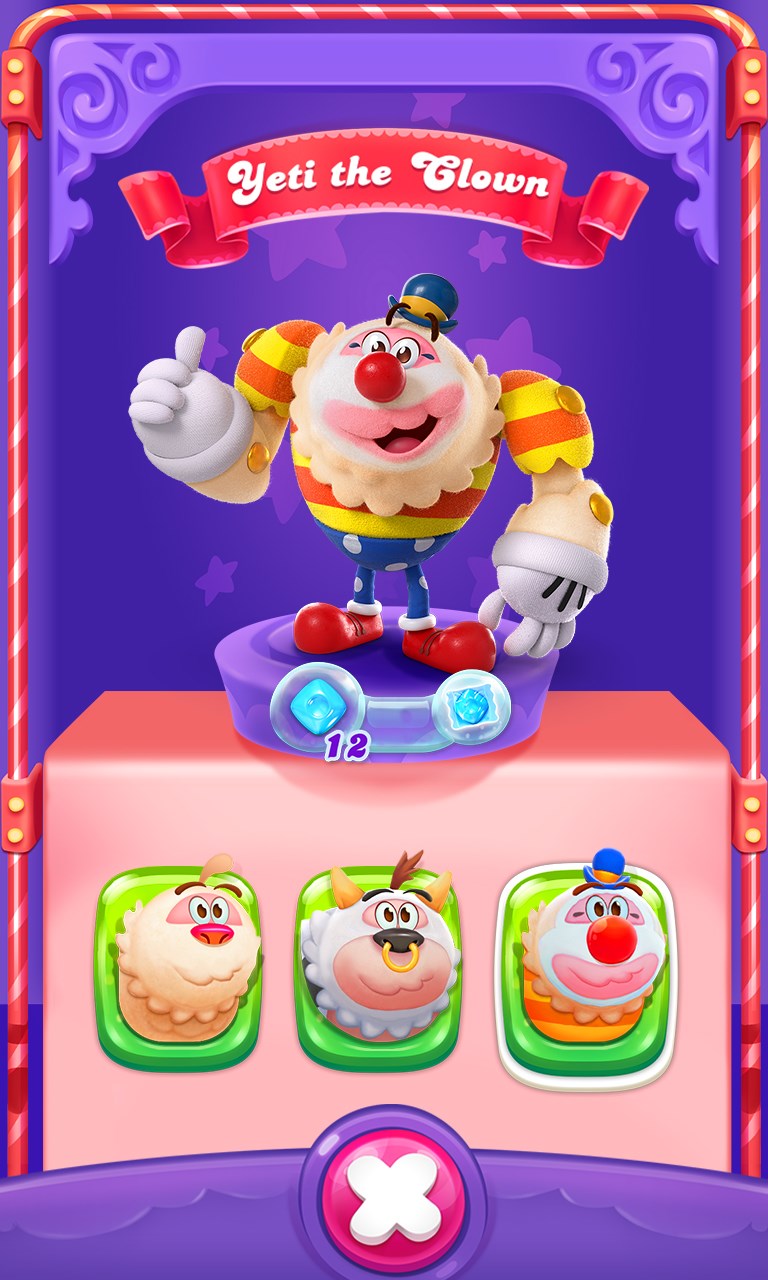
While many puzzle games stick to generic themes, Candy Crush Friends Saga distinguishes itself with its collection of quirky characters, each with their own personalities and special skills. These characters are more than aesthetic—they provide strategic layers to gameplay, as players can choose and upgrade them to assist in clearing levels. This feature creates a sense of attachment and progression, setting it apart from more sterile puzzle experiences. Moreover, the game's cheerful visual design and uplifting music provide a warm, inviting environment unlike the more minimalist or serious counterparts in the genre.
Overall, Candy Crush Friends Saga for Windows is a charming, accessible puzzle game that combines visual appeal with engaging mechanics. Its focus on character-driven gameplay and frequent content updates make it a compelling choice for casual players and puzzle enthusiasts alike. While it doesn't reinvent the match-3 wheel, its polished design and memorable characters offer a fresh take on a well-trodden genre.
We recommend it for those seeking a cheerful, easy-to-pick-up game that offers both quick bursts of fun and long-term challenges. Ideal for relaxing moments or competitive play with friends, this game is a reliable companion in your puzzle gaming collection.
Engaging and colorful graphics
Smooth gameplay and responsive controls
Multiple levels and frequent updates
Free-to-play with optional in-app purchases
Support for various devices and screen sizes
Limited daily rewards in free mode
Occasional ads interrupt gameplay
Difficulty spike in later levels
In-app purchases may be frequent for certain items
Battery consumption on older devices
for Windows
 4.8
4.8

for Windows
4.8
for Windows
4.8
for Windows
4.8

for Windows
4.8
for Windows
4.8
for Windows
4.8
for Windows
4.8
for Windows
4.7
for Windows
4.7

for Windows
4.7
for Windows
4.7

for Windows
5

for Windows
5

for Windows
5

for Windows
5

for Windows
5

for Windows
5

for Windows
5

for Windows
5

for Windows
5

for Windows
5