Shooter
Xbox console, PC
Windows 10 version 18362.0 or higher
Arabic (United Arab Emirates), Chinese (Simplified), Chinese (Simplified, Singapore), Chinese (Traditional), Chinese (Traditional, Hong Kong SAR), English (Canada), English (United Kingdom), English (United States), French, French (Canada), German, Italian, Japanese, Korean , Polish , Portuguese (Brazil), Russian, Spanish (Mexico), Spanish (Spain), Thai
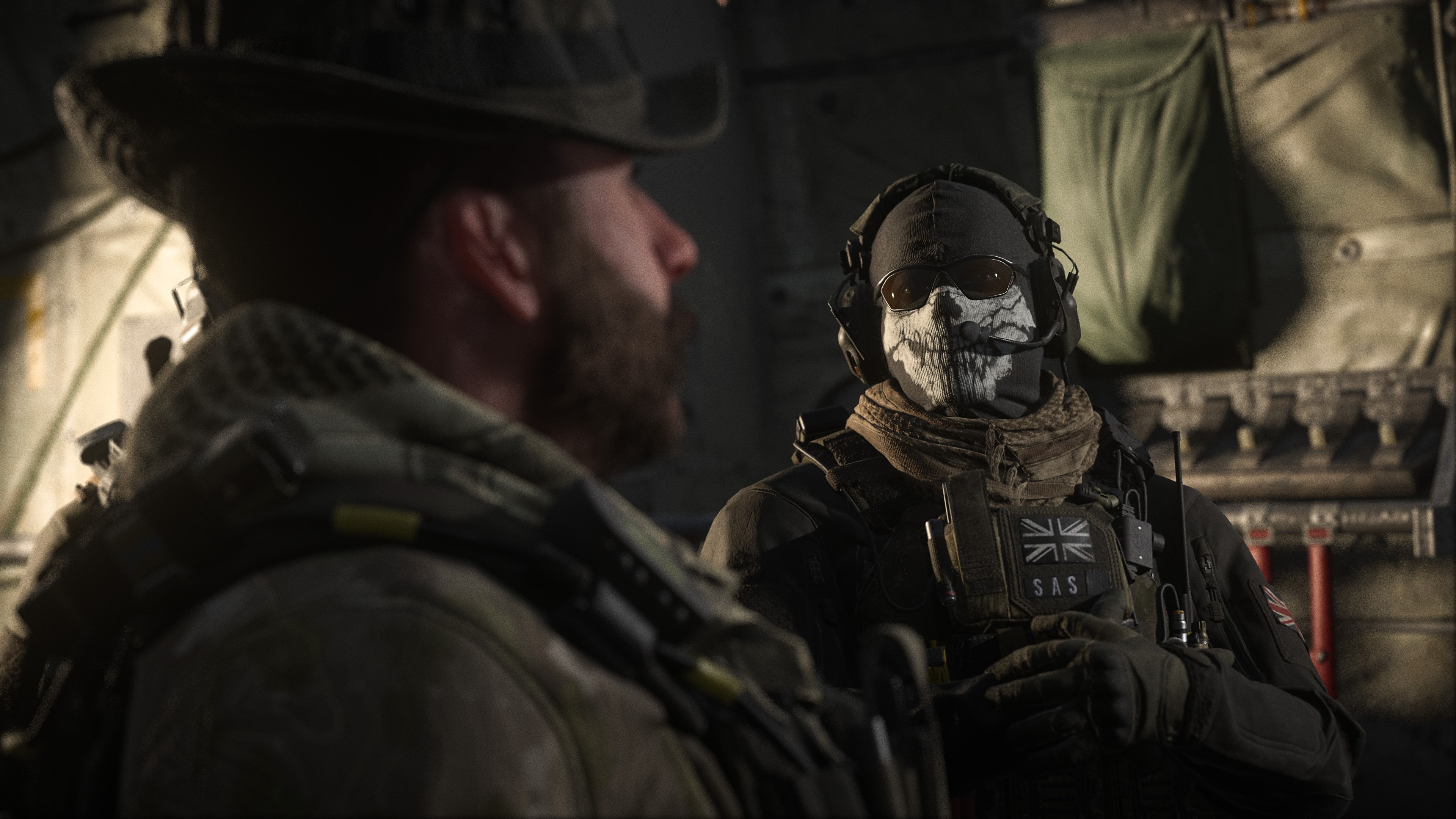
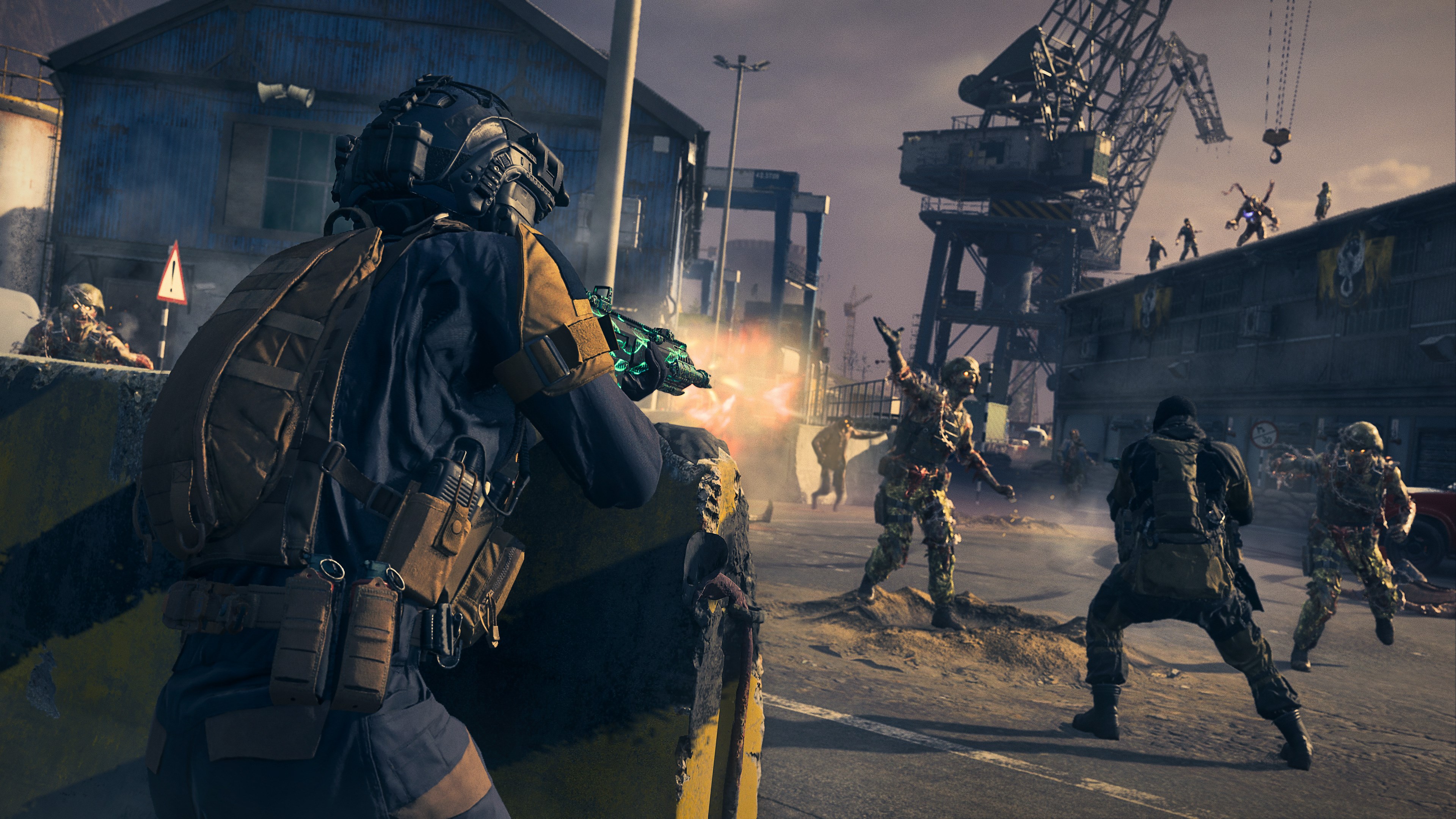
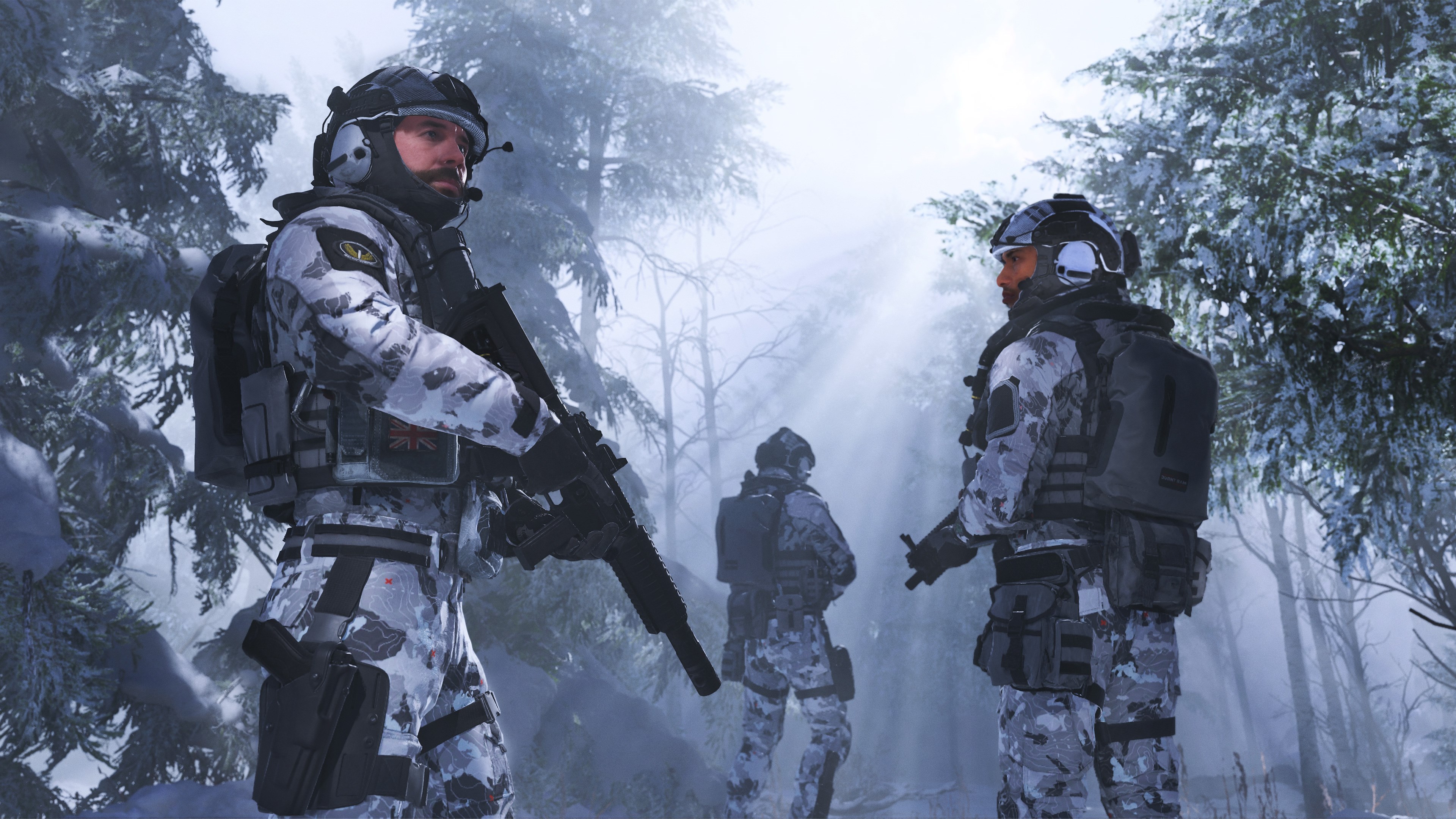
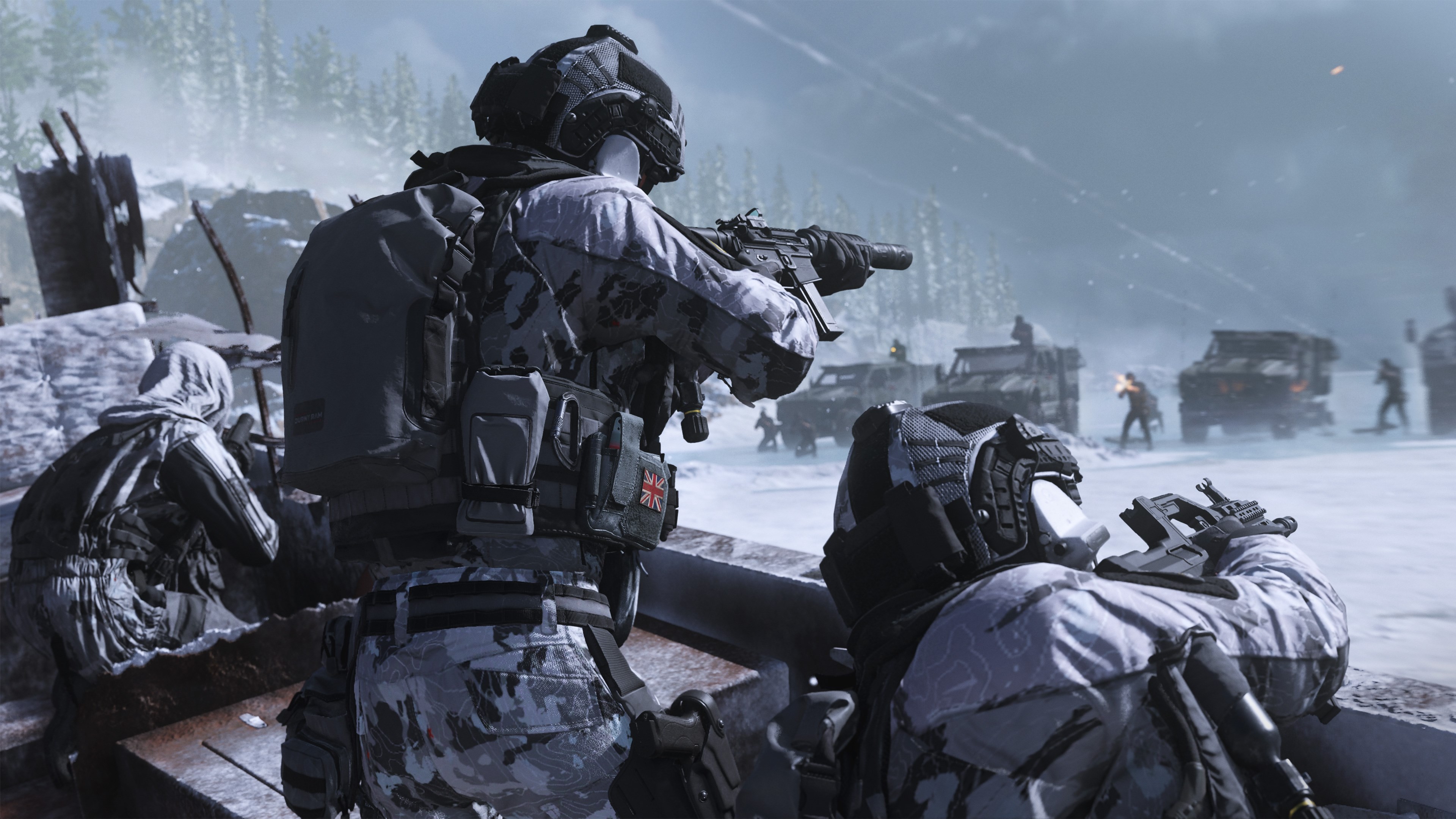
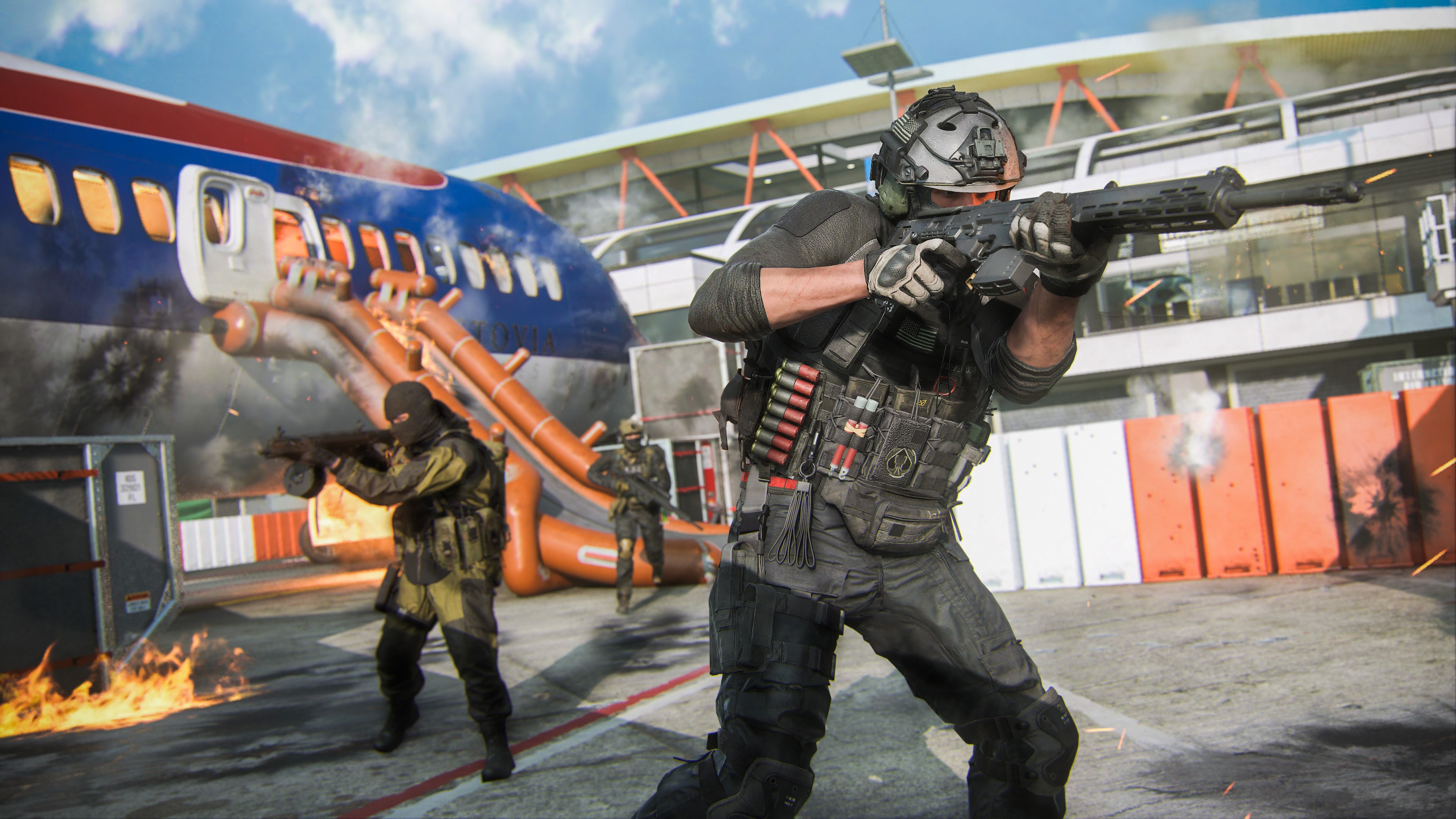
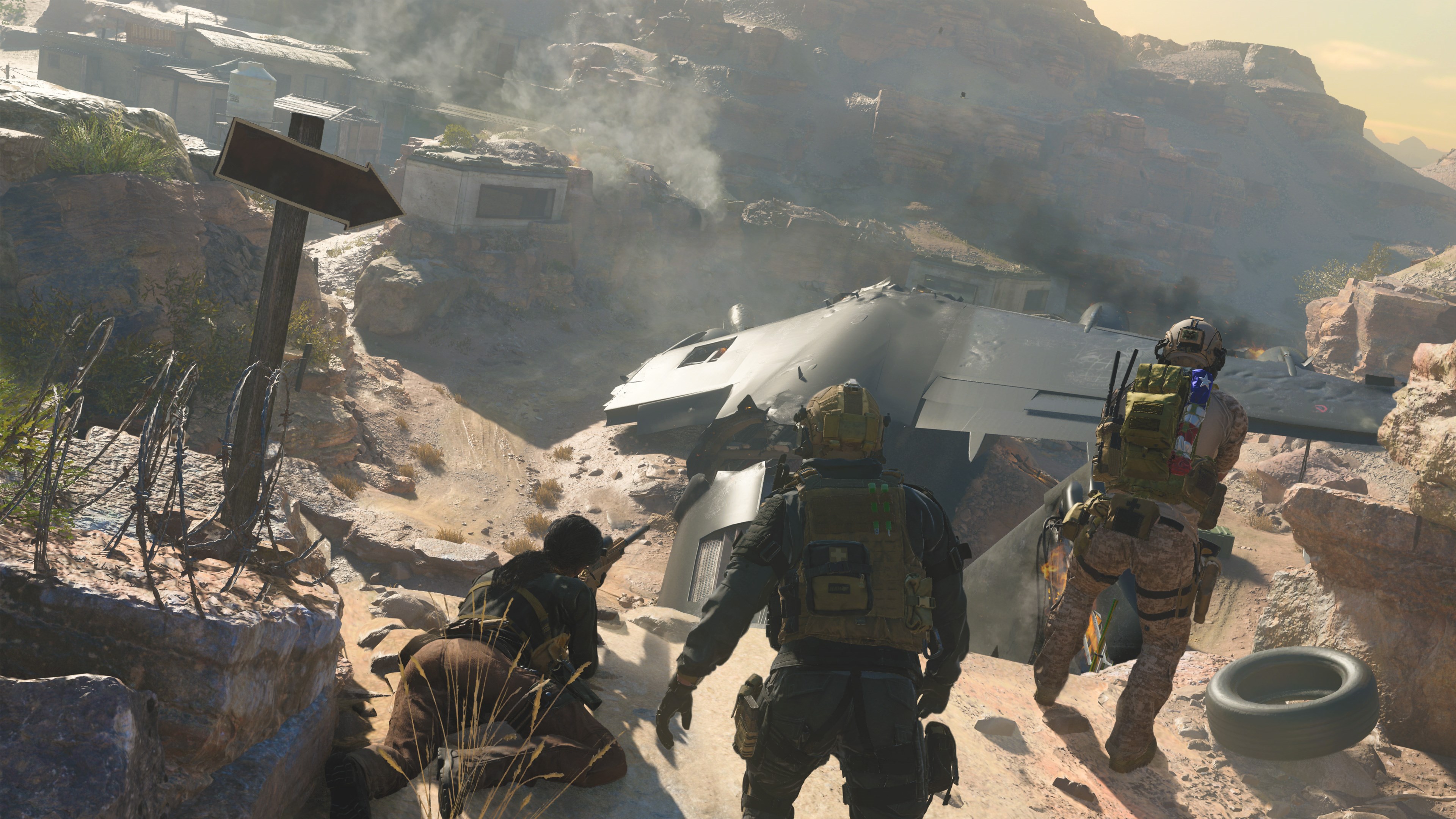
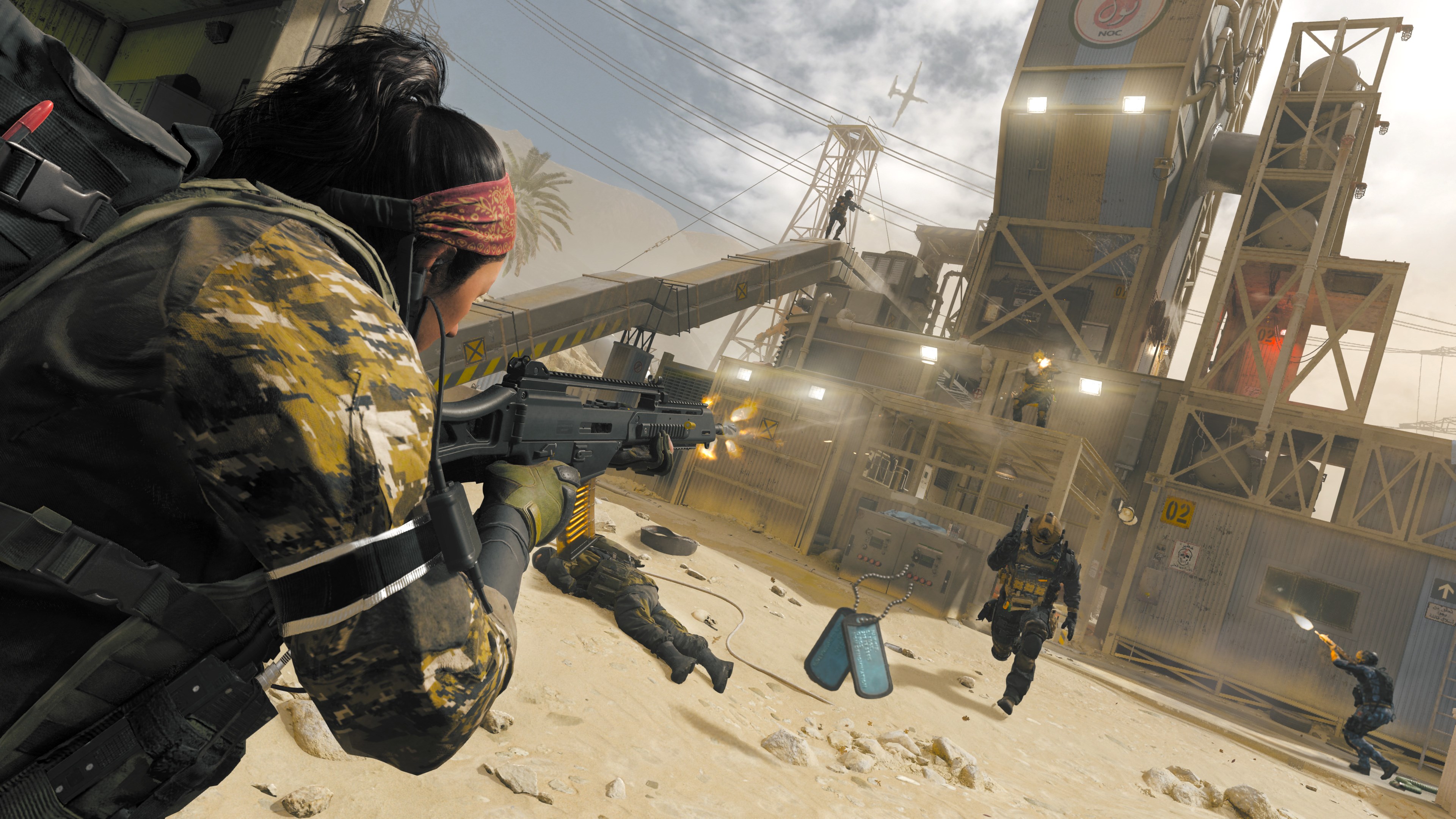
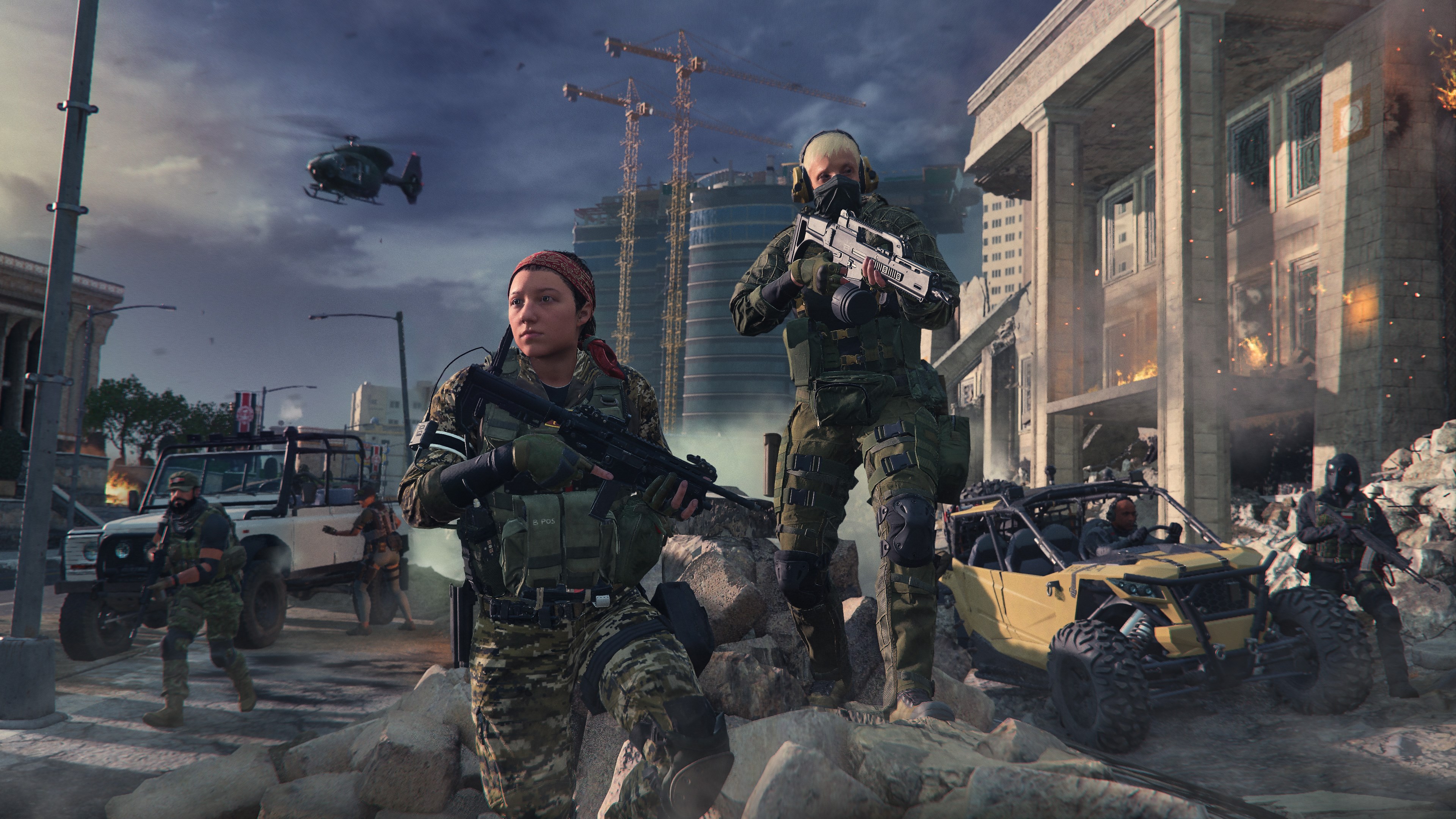
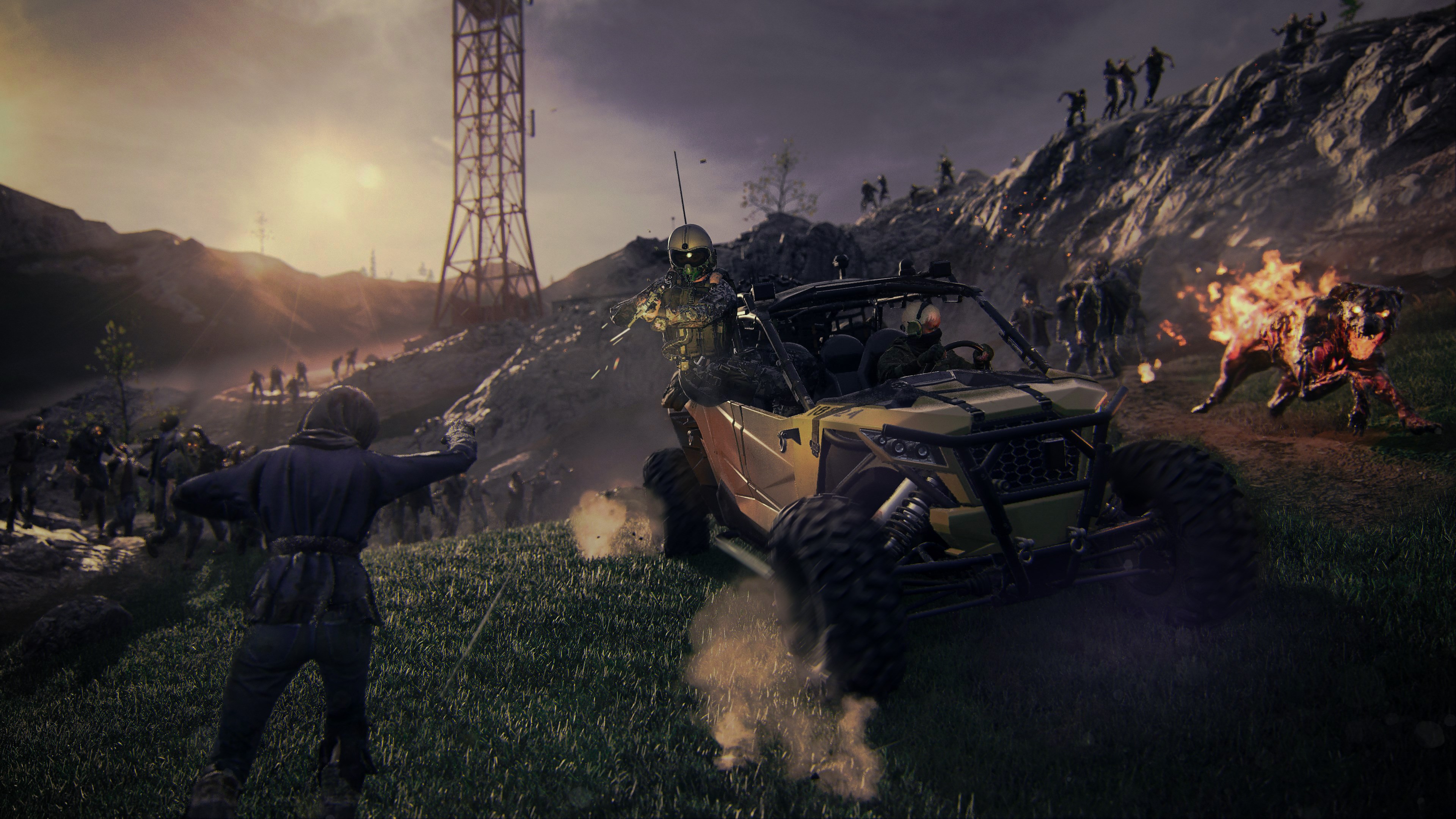
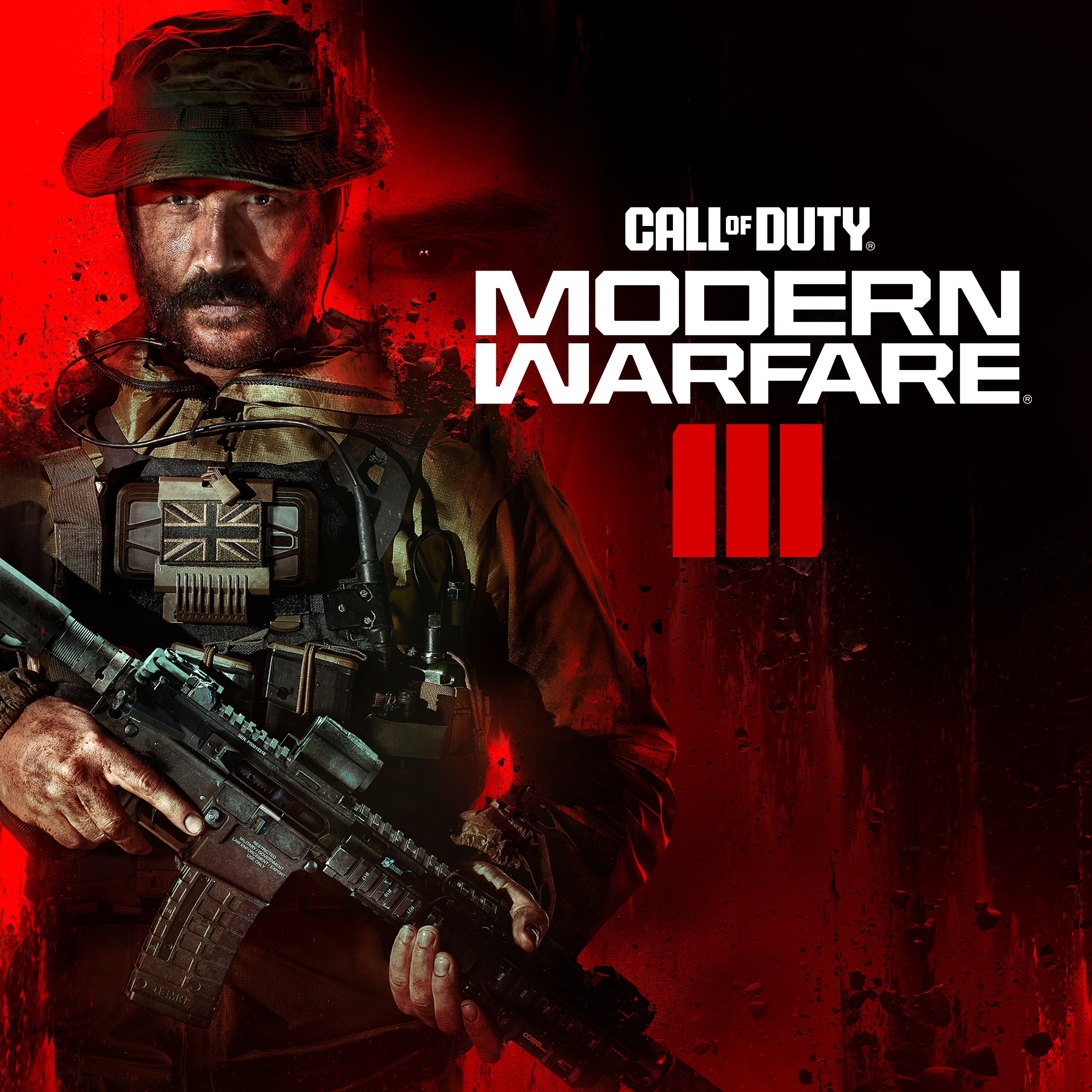
Call of Duty®: Modern Warfare® III for Windows emerges as a flagship in the realm of first-person shooters, offering players an immersive military combat experience with cutting-edge graphics and intense gameplay. As a product of Activision Publishing Inc., this game aims to satisfy both longtime fans and newcomers craving realistic warfare scenarios combined with innovative features. Whether you're after explosive multiplayer battles or a compelling single-player campaign, MWIII positions itself as a versatile and adrenaline-pumping choice.
At its heart, Modern Warfare III boasts several standout functionalities. First, its **hyper-realistic graphics and sound design** immerse players in a visceral battlefield, where every explosion and gunshot feels tangible. Second, the game introduces **dynamic advanced AI mechanisms** that adapt to player strategies, heightening the challenge and unpredictability. Third, its **multi-layered multiplayer modes** offer a variety of competitive and cooperative experiences, from traditional deathmatch to innovative objectives. Lastly, the seamless integration of a **comprehensive progression and customization system** enables players to tailor their weapons and characters meticulously, fostering long-term engagement.
The interface of MWIII strikes a balance between sleek modernity and military grit, akin to stepping into a high-tech command center. Menus are logically arranged, ensuring that newcomers can quickly grasp how to set up matches or customize loadouts. Visually, the game uses a dark palette punctuated with vibrant effects, enhancing immersion without overwhelming the eyes. This thoughtful design translates into an environment where players can focus on action rather than navigation.
Performance-wise, MWIII runs smoothly on a variety of systems, thanks to optimized graphics settings that adapt to hardware capabilities. The controls are responsive, akin to a finely tuned weapon in your grip, providing a satisfying feel that enhances precision. While the game can be complex—given the array of weapons, tactics, and game modes—its tutorial and in-game prompts assist new players in mastering core mechanics. Veteran players will appreciate the depth and strategic options, making every match a fresh challenge.
What truly elevates MWIII above many contemporaries is its **realistic AI-driven enemy behavior** and **adaptive multiplayer systems**. Unlike some shooter games where AI enemies follow preset routines, MWIII's adversaries respond dynamically, making each encounter unpredictable and engaging—almost like battling in a living, breathing battlefield. Additionally, the game's integration of real-world military tactics and equipment lends an authenticity that's hard to find elsewhere, adding layers of strategic depth for players who enjoy tactical planning over mindless shooting.
Overall, Call of Duty®: Modern Warfare® III offers a well-rounded and immersive shooter experience that appeals to a broad audience—from casual gamers to hardcore strategists. Its standout features, especially the adaptive AI and realistic graphics, provide compelling reasons to dive into its ranks. While it demands a bit of a learning curve for newcomers, its intuitive design and comprehensive tutorials make the journey accessible. I recommend this game to anyone looking for a serious, tactical shooter with modern visuals and challenging gameplay. For those obsessed with realism and strategic combat, MWIII is a battlefield worth joining.
Exceptional Graphics Quality
Engaging and Realistic Gameplay
Extensive Multiplayer Modes
Smooth Performance on High-End Devices
Regular Updates and Content Additions
High System Requirements
Large Download Size
Occasional Server Connectivity Issues
In-App Purchases May Be Excessive
Learning Curve for New Players
for Windows
 4.8
4.8

for Windows
4.7

for Windows
4.7

for Windows
4.7

for Windows
4.7

for Windows
4.7

for Windows
4.6

for Windows
4.6

for Windows
4.6

for Windows
4.6

for Windows
4.5

for Windows
4.5

for Windows
5

for Windows
5

for Windows
5

for Windows
5

for Windows
5

for Windows
5

for Windows
5

for Windows
5

for Windows
5

for Windows
5