Education
Billsoft
PC, Mobile, Surface Hub, HoloLens
Windows 10 version 17763.0 or higher
English (United States)
Imagine having a seasoned mentor by your side as you venture into the world of C++ development—clear, comprehensive, and tailored to your learning pace. That's exactly what "C++ Programming - Complete Guide for Windows" aims to offer, transforming complex programming concepts into accessible knowledge for users eager to master C++.
Developed and published by Billsoft, this application stands out as a structured educational tool designed for Windows users seeking a thorough understanding of C++. Its main highlights include:
The app targets beginner to intermediate programmers, coding enthusiasts, students, and anyone interested in enhancing their C++ skills on Windows platforms.
Imagine opening a well-loved book, pages brimming with colorful illustrations and clear instructions—this is the experience "C++ Programming - Complete Guide for Windows" endeavors to deliver. Its friendly tone and organized layout make the journey through C++ engaging rather than daunting. From the very first lesson, users are encouraged to dive into writing code, turning theory into practice seamlessly.
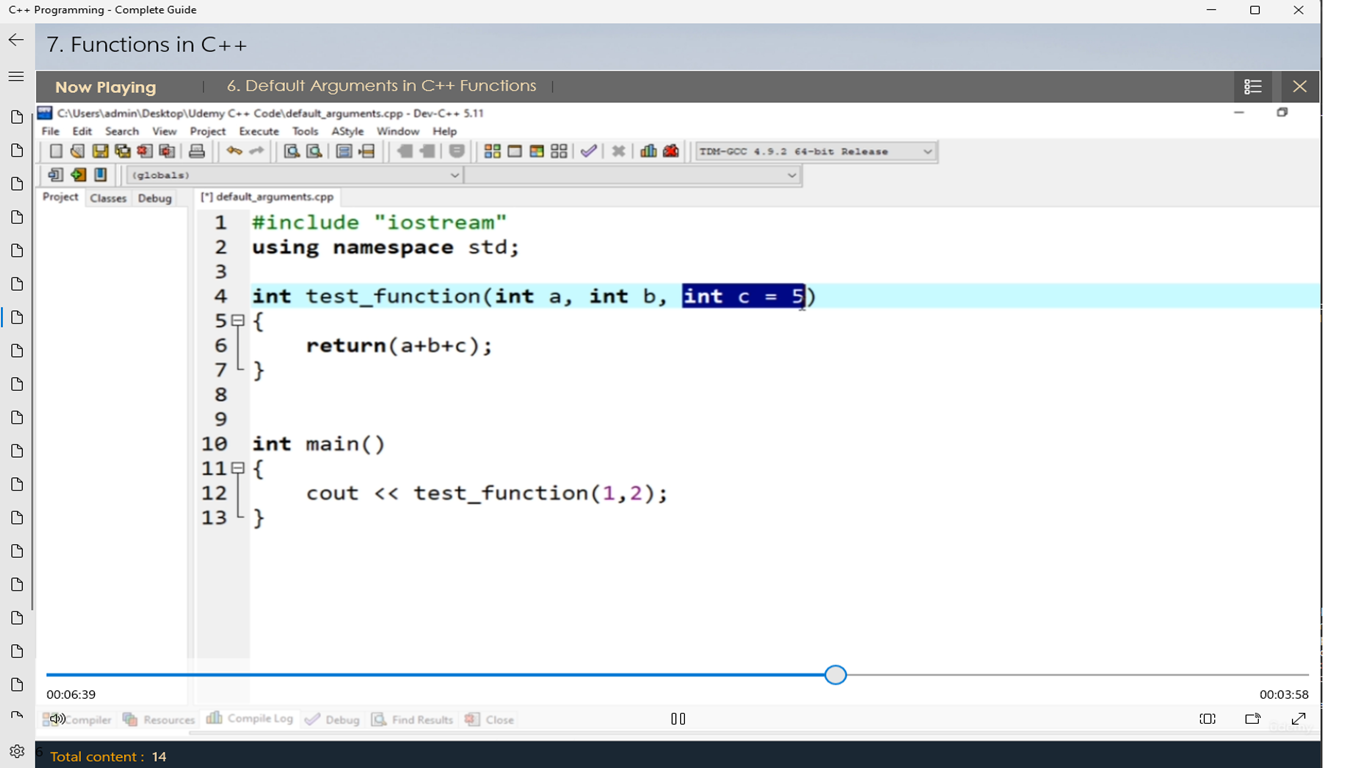
One of the app's standout features is its integrated coding terminal, allowing learners to write, compile, and run C++ programs without switching between multiple tools. This immediacy fosters a hands-on experience, turning abstract theory into concrete results. The environment is intuitive, mimicking familiar IDEs, but optimized for learners to get comfortable coding early on.
Unlike many static tutorials, this application intelligently adapts to the user's progress, suggesting relevant modules based on your mastery level. Whether you're a beginner just starting or an intermediate programmer brushing up on advanced topics, the app tailors content to your needs. Built-in progress tracking keeps motivation high, offering a sense of achievement as you complete key milestones.
While many learning apps rely on text-heavy explanations, this guide's use of diagrams and visualizations helps demystify complex topics like pointers, memory management, and object-oriented programming. Coupled with up-to-date content aligned with current C++ standards, it ensures learners are receiving trustworthy and authoritative information.
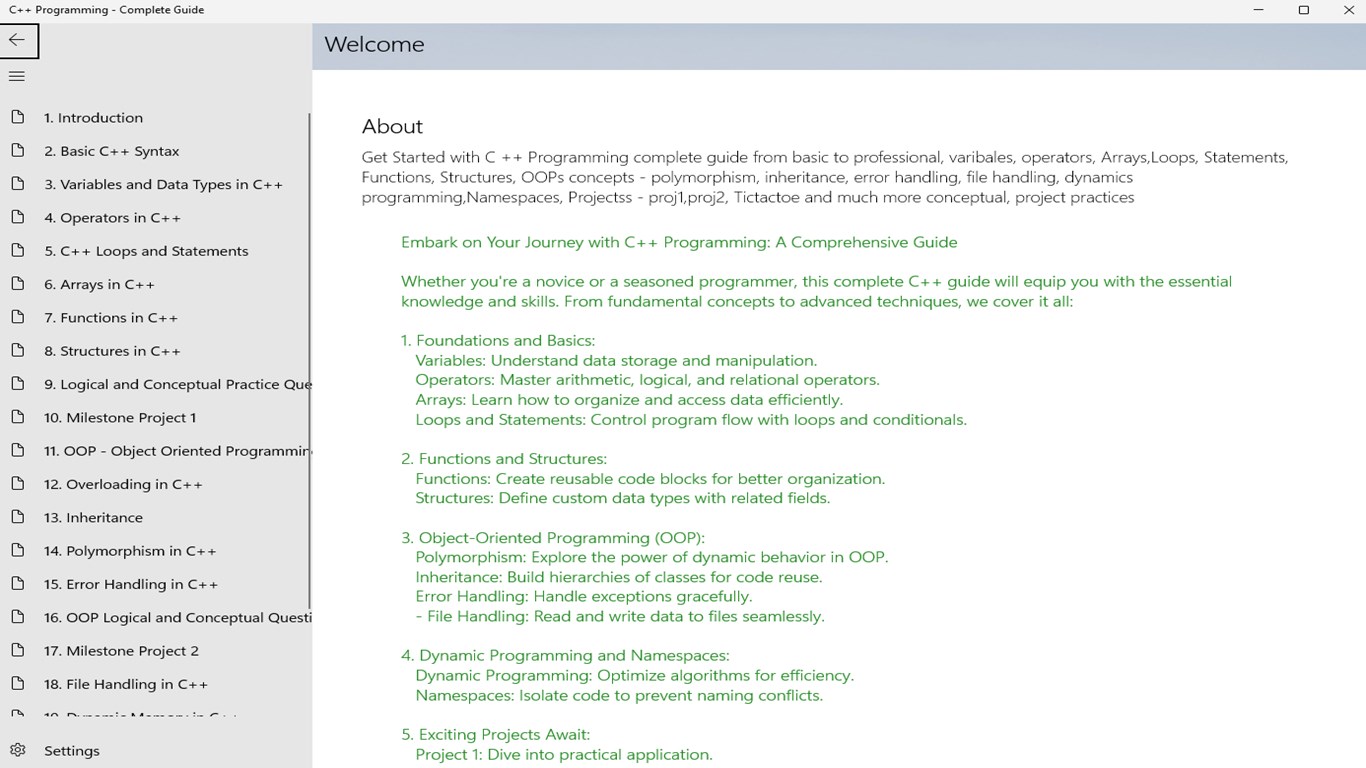
The interface design strikes a balance between simplicity and professionalism, much like a well-organized workshop—easy to navigate but equipped with all necessary tools. The app's layout is clean, with lessons arranged logically, making it easy for users to follow their learning journey. The responsive operation ensures smooth navigation, minimizing frustration and keeping learners immersed.
Compared to similar educational apps, this guide's standout feature is its blend of interactive exercises with personalized content pathways. This combination ensures that learners do not just passively absorb information but actively engage with the material at their own pace. Its visual explanations add an extra layer of clarity, especially when grappling with complicated topics like memory management or multi-threading.
"C++ Programming - Complete Guide for Windows" is a commendable resource for those seeking a structured, interactive, and visually enriched approach to learning C++. It's especially suited for beginners who need clear guidance and intermediate learners looking to deepen their understanding with authoritative content and practical exercises. If you prefer an app that adapts to your learning style and emphasizes clarity and engagement, this platform warrants a strong recommendation.
For best results, beginners should utilize its step-by-step modules, practicing coding regularly within the integrated environment. More experienced programmers can leverage the advanced topics and visual explanations to clarify complex concepts or brush up on newer standards.
Comprehensive C++ coverage
User-friendly interface
Regular updates and bug fixes
Interactive coding exercises
Offline access option
Limited advanced topics
Inconsistent content depth
Performance lag on large modules
Limited language support
Occasional tutorial updates delay

for Windows
 4.8
4.8

for Windows
4.7

for Windows
4.7

for Windows
4.6

for Windows
4.6

for Windows
4.6

for Windows
4.5

for Windows
4.5

for Windows
4.4

for Windows
4.4

for Windows
4.4

for Windows
4.4

for Windows
5

for Windows
5

for Windows
5

for Windows
5

for Windows
5

for Windows
5

for Windows
5

for Windows
5

for Windows
5

for Windows
5