Social
PC
Windows 10 version 14316.0 or higher
English (United States)
Designed to elevate your SVG crafting experience, C Design Space for SVG Projects offers a user-friendly platform tailored for hobbyists and small business creators alike. Whether you're dreaming of intricate designs or quick DIY projects, this app promises an accessible yet powerful toolkit for your Windows device.
Developed by Hilarious, a team known for their engaging and innovative software solutions, C Design Space stands out among niche design apps with its focus on usability and customization. The app's main highlights include intuitive SVG editing and importing capabilities, a rich library of templates, and seamless export options that simplify the design-to-production pipeline. Its targeted audience comprises craft enthusiasts, small-scale entrepreneurs, and educators seeking a straightforward design platform without a steep learning curve.
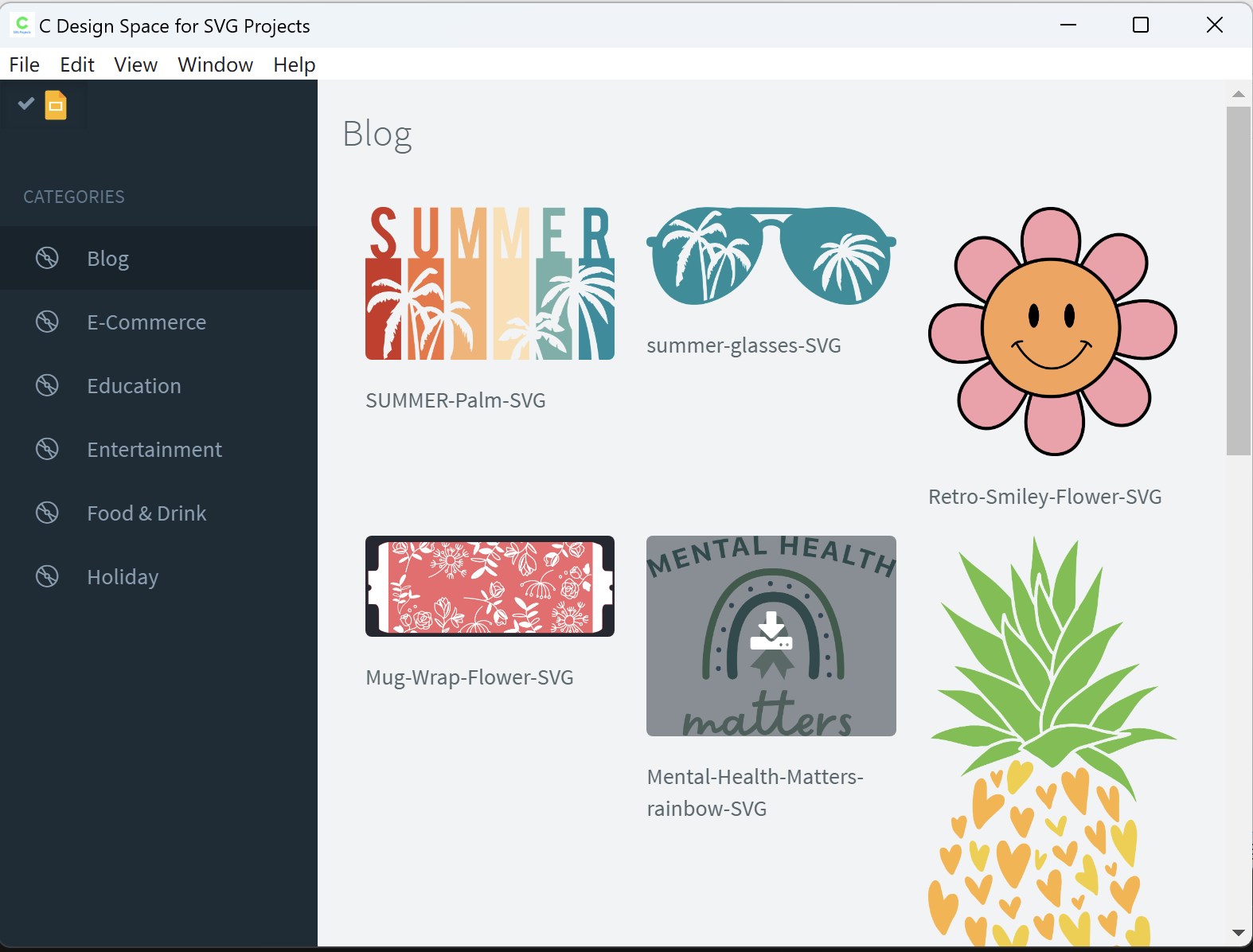
Imagine stepping into a well-lit workshop where every tool is within arm's reach—that's what using C Design Space feels like. The interface adopts a clean, modern aesthetic, with a thoughtfully organized workspace that minimizes clutter and enhances focus. Navigation feels smooth, much like gliding over a freshly frozen lake—effortless and satisfying. The learning curve is gentle; even beginners can quickly grasp essential functions through guided tutorials or simple tooltips integrated directly into the app. For seasoned designers, the app provides enough depth for detailed editing and precision adjustments.
The app excels at offering a child-friendly yet professional-grade editing environment. Users can create new designs from scratch or import existing SVG files with ease. The editing tools are responsive, allowing for smooth vector adjustments, layering, and color customization. This flexibility ensures that your designs remain crisp and adaptable, whether you're preparing a detailed monogram or a fun cartoon character.
One of C Design Space's standout features is its extensive collection of ready-to-use templates. Think of it as a dessert buffet—plenty of options to spark inspiration, with the ability to tweak and personalize to your heart's content. This shortcut accelerates workflow for those eager to start printing or cutting immediately, making it ideal for small businesses or quick hobby projects. The app also supports user profiles, allowing creators to save preferences and maintain consistency across projects.
Once your masterpiece is complete, exporting is a breeze. The app offers various formats compatible with popular cutting machines and printers, bridging the gap between digital design and tangible craft. What's more, C Design Space emphasizes a seamless connection discovery process—users can easily link their devices and share projects via cloud integration or local network. This feature sets it apart from similar apps by fostering a community-oriented workflow, perfect for collaborative projects or sharing inspiration with fellow crafters.
All in all, C Design Space for SVG Projects presents a thoughtfully crafted environment that balances simplicity with functionality. Its standout features—particularly the rich template library and connection discovery—make it especially appealing for hobbyists and small entrepreneurs seeking an accessible design platform. While it may not replace high-end professional software, it certainly fills a valuable niche for Windows users eager to craft, share, and connect without fuss. I recommend giving this app a try if you're looking for an approachable, reliable tool to bring your SVG projects to life.
Intuitive SVG editing tools
Wide compatibility with SVG formats
Layer management capabilities
Integration with Microsoft Store
Rich preset shapes and designs
Limited advanced editing features
Occasional lag with large files
Learning curve for new users
Limited export options compared to dedicated design software
Occasional stability issues on certain devices

for Windows
 5
5

for Windows
4.9

for Windows
4.8
for Windows
4.7

for Windows
4.7

for Windows
4.6

for Windows
4.6

for Windows
4.5

for Windows
4.5

for Windows
4.5

for Windows
4.5

for Windows
4.4

for Windows
5

for Windows
5

for Windows
5

for Windows
5

for Windows
5
for Windows
5

for Windows
5

for Windows
5

for Windows
5

for Windows
5