Classics
Sparkling Society Games B.V.
PC, Mobile, Surface Hub, HoloLens
Windows 10 version 19041.0 or higher
Version 10
Integrated Keyboard
Integrated Mouse
Arabic, Chinese (Simplified), Chinese (Traditional Chinese), Danish, Dutch, English, Filipino, French, German, Indonesian, Italian, Japanese, Korean, Malay, Norwegian (Bokmål), Persian/Farsi, Polish, Portuguese, Russian, Spanish, Swedish, Thai, Turkish, Vietnamese
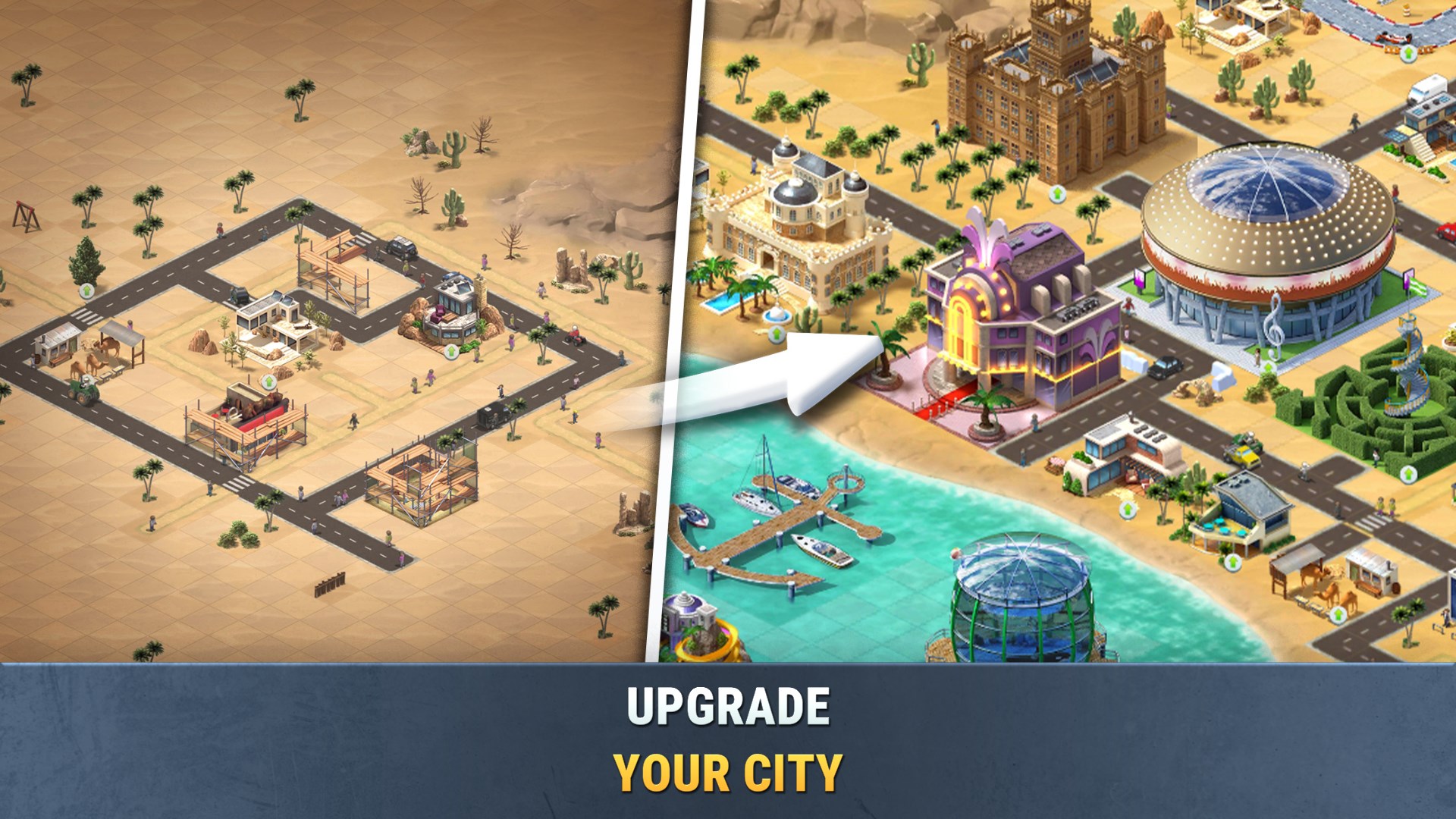
Looking to craft your own bustling town and watch it flourish? Build a City: Community Town offers a delightful sandbox environment that lets you create thriving communities with a touch of charm and strategic planning. Perfect for city-building enthusiasts who enjoy both laid-back gameplay and creative expression, this app invites players to become virtual mayors shaping their dream towns.
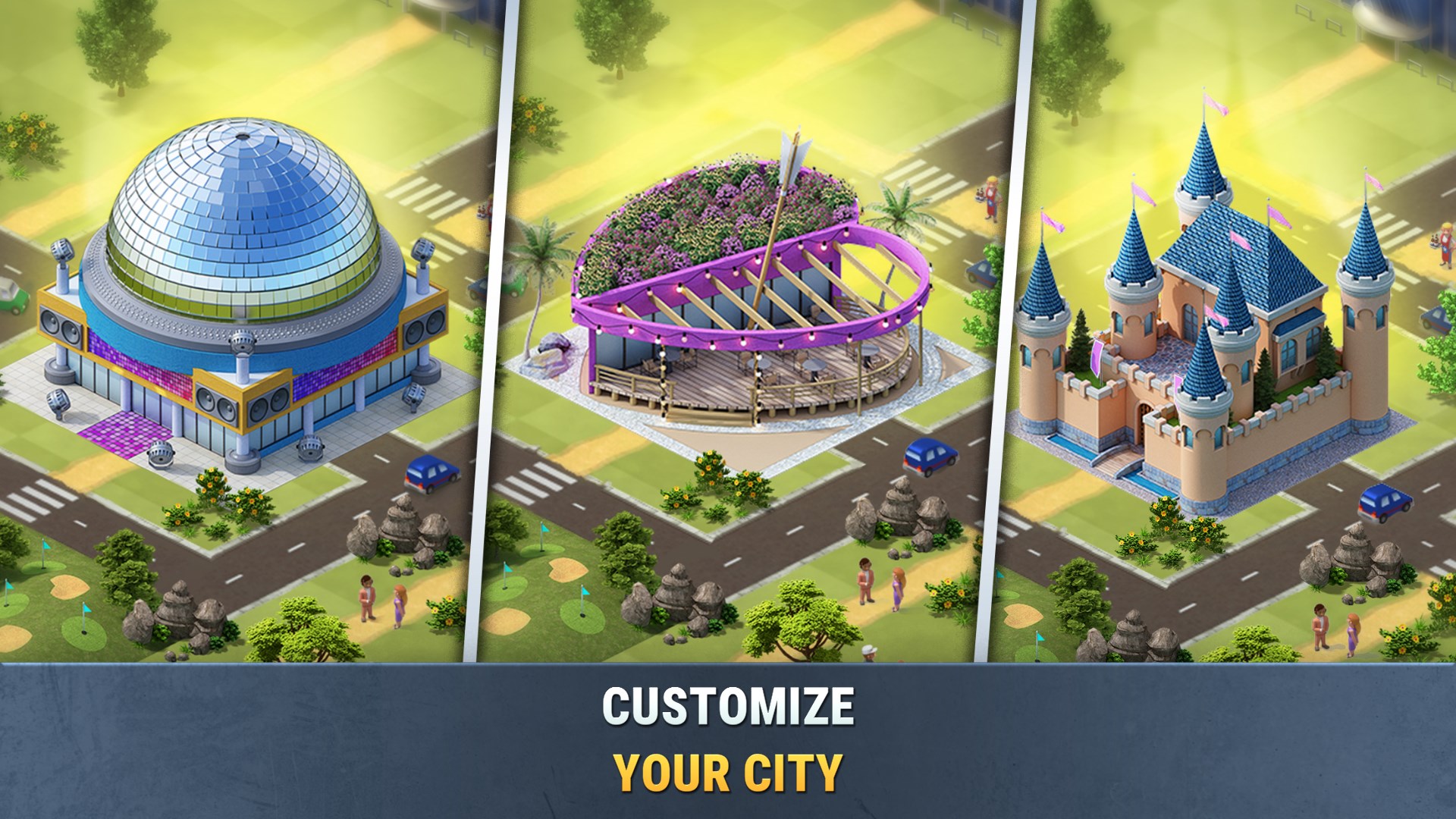
Developed and published by Sparkling Society Games B.V., a company renowned for their engaging simulation titles, Build a City emphasizes a relaxing yet rewarding city-building experience. The game's standout features include easy-to-learn mechanics, customizable buildings, and a vibrant, lively visual style—all aimed at players who love engaging their creativity without getting bogged down by overly complex systems.
The target audience includes casual gamers, city-building enthusiasts, and individuals seeking a stress-free creative outlet, ranging from teenagers to adults.
From the moment you launch Build a City, you're greeted with a cheerful, colorful interface reminiscent of a vibrant puzzle picture—it's visually inviting, with clear icons and intuitive navigation that make the gameplay feel like a friendly puzzle waiting to be solved. The interface's layout facilitates quick access to essential tools, making city planning feel like a breezy walk through a well-organized park.
During gameplay, the app demonstrates smooth responsiveness: movements are fluid, and actions like placing buildings or zooming in/out respond instantly. This seamless interaction ensures that players spend more time creating and less time troubleshooting, affording a relaxing experience akin to sculpting a digital clay model.
For newcomers, the learning curve is gentle—tutorial prompts are minimal yet helpful, allowing users to grasp core mechanics in a few minutes. Seasoned builders will appreciate the layers of depth in customizing layouts and planning growth strategies, but overall, the app remains accessible across skill levels.
While many city-builders focus on complex simulations or hyper-realistic graphics, Build a City balances simplicity and charm with two standout features:
This focus on interactive mini-games and social sharing provides a richer, more engaging experience without overwhelming players with overly complicated mechanics or monetization concerns.
Build a City: Community Town strikes a commendable balance between approachability and creative freedom. Its visually appealing design and smooth performance make it an excellent choice for casual city-builders seeking a relaxed yet engaging pastime. The inclusion of mini-games and social features further elevates the experience, adding layers of fun that go beyond basic city management.
For players interested in a no-fuss, charming, and highly customizable city-building app, I recommend giving this a try. It's especially suitable for those who enjoy spontaneous creativity and sharing their creations. However, if you're seeking highly detailed realism or complex economic simulations, this app might serve better as a light-hearted escape rather than a deep simulation.
Overall, Build a City: Community Town is a delightful virtual sandbox that invites you to build, grow, and share your perfect town—try it out and see your digital metropolis come to life!
Intuitive building interface
Highly detailed city design options
Community sharing features
Regular content updates
Educational elements integrated
Limited free features
Occasional lag in large city projects
Some customization options are vague or confusing
Limited export and sharing options
Learning curve for new players

for Windows
 4.9
4.9

for Windows
4.9

for Windows
4.9
for Windows
4.8

for Windows
4.8

for Windows
4.8

for Windows
4.8

for Windows
4.7

for Windows
4.7

for Windows
4.7

for Windows
4.7

for Windows
4.7

for Windows
5

for Windows
5

for Windows
5

for Windows
5

for Windows
5

for Windows
5

for Windows
5

for Windows
5

for Windows
5

for Windows
5