Classics
JEFBCreating
PC, Surface Hub, HoloLens
Windows 10 version 17763.0 or higher
Arabic, Bangla, Chinese (Simplified), Dutch, English, English (United States), French, German, Hindi, Italian, Japanese, Malay, Portuguese, Portuguese (Brazil), Portuguese (Portugal), Russian, Spanish, Spanish (Spain), Thai
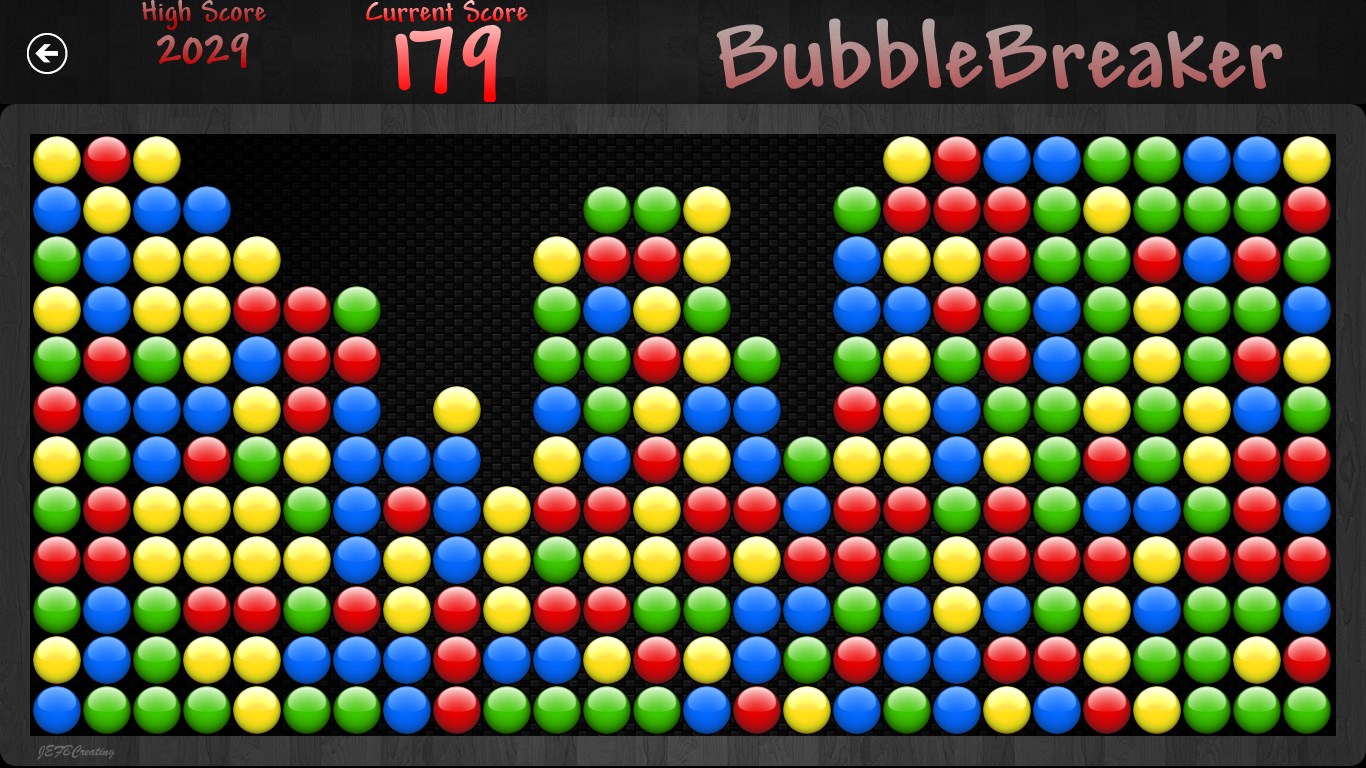
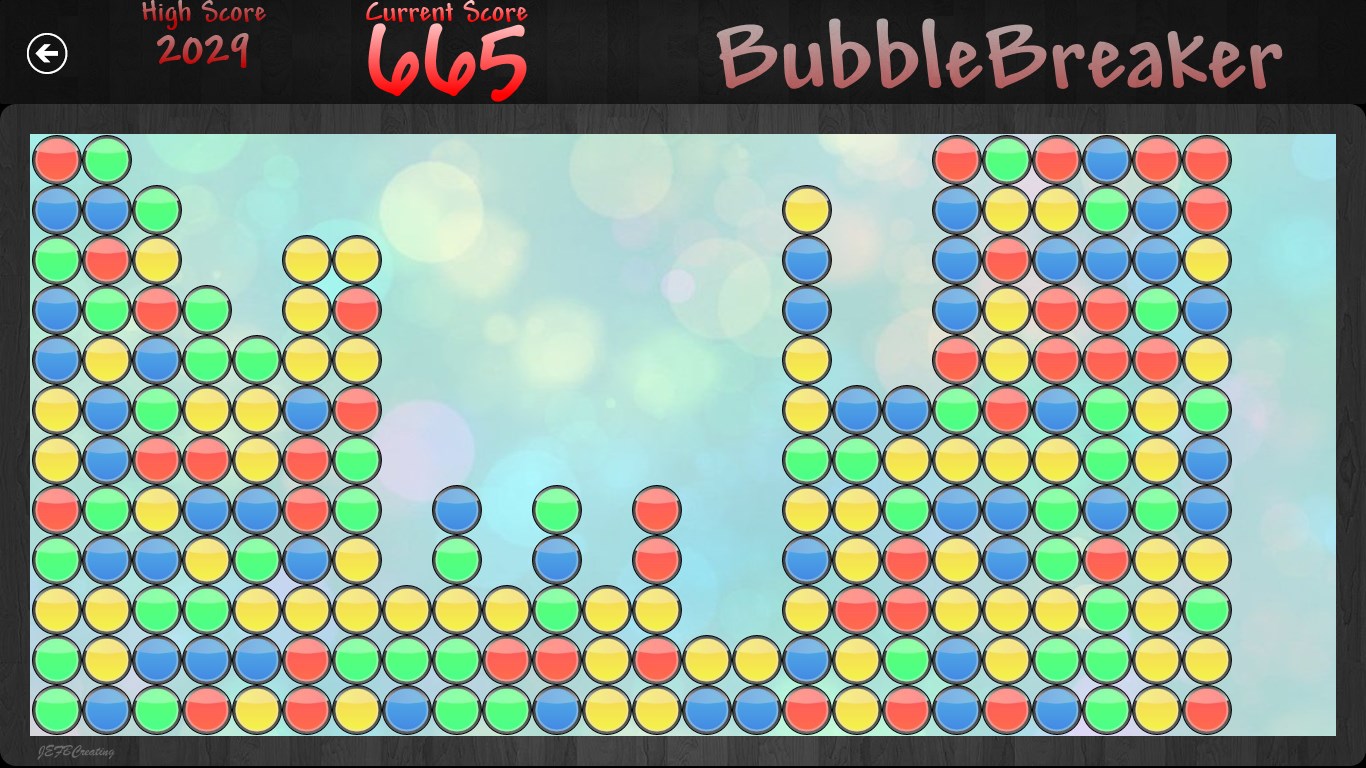
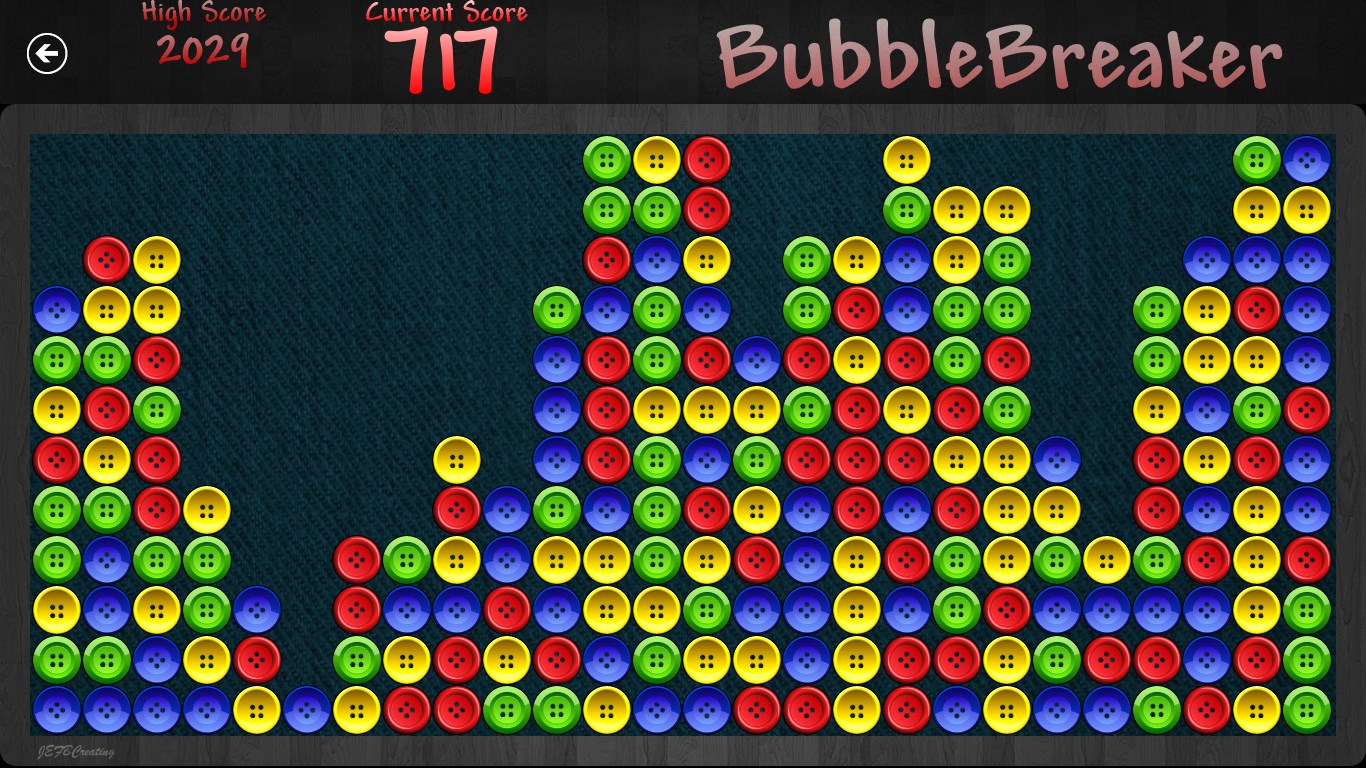
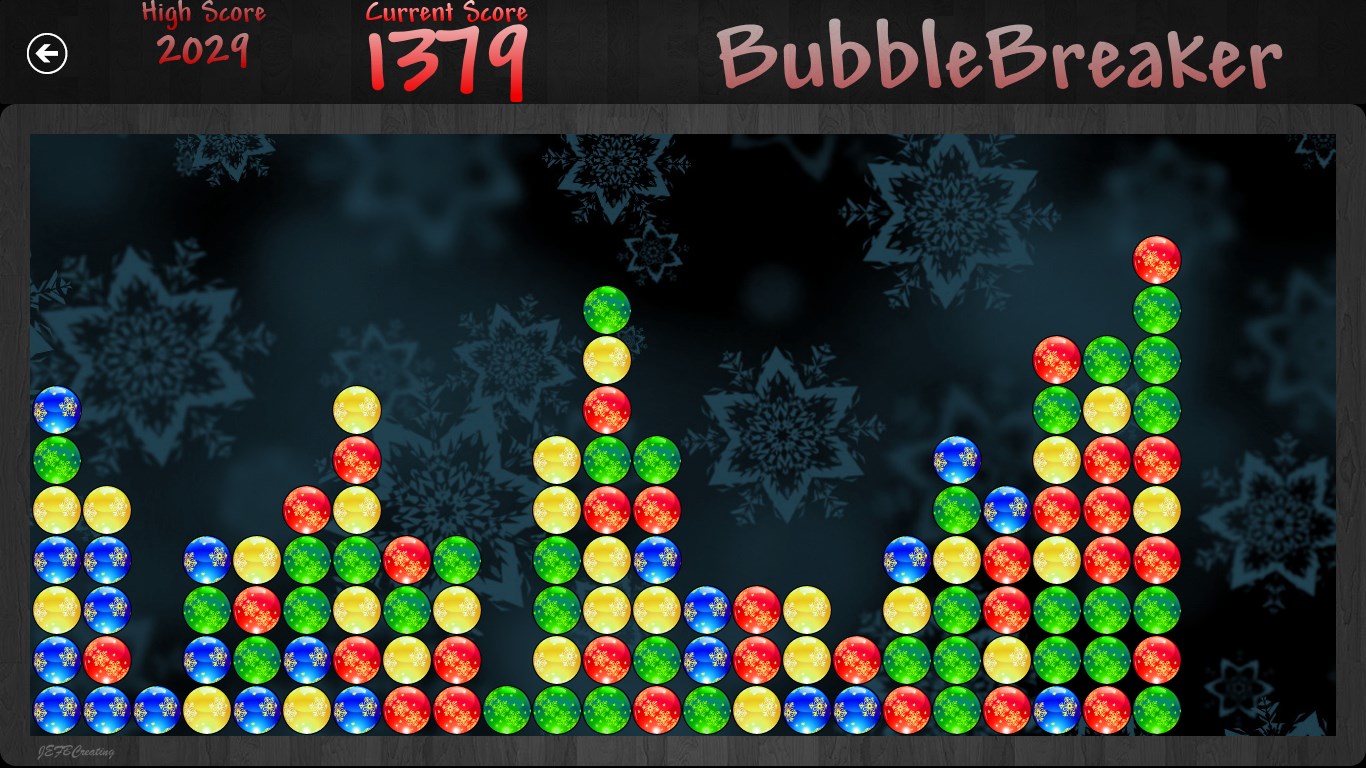
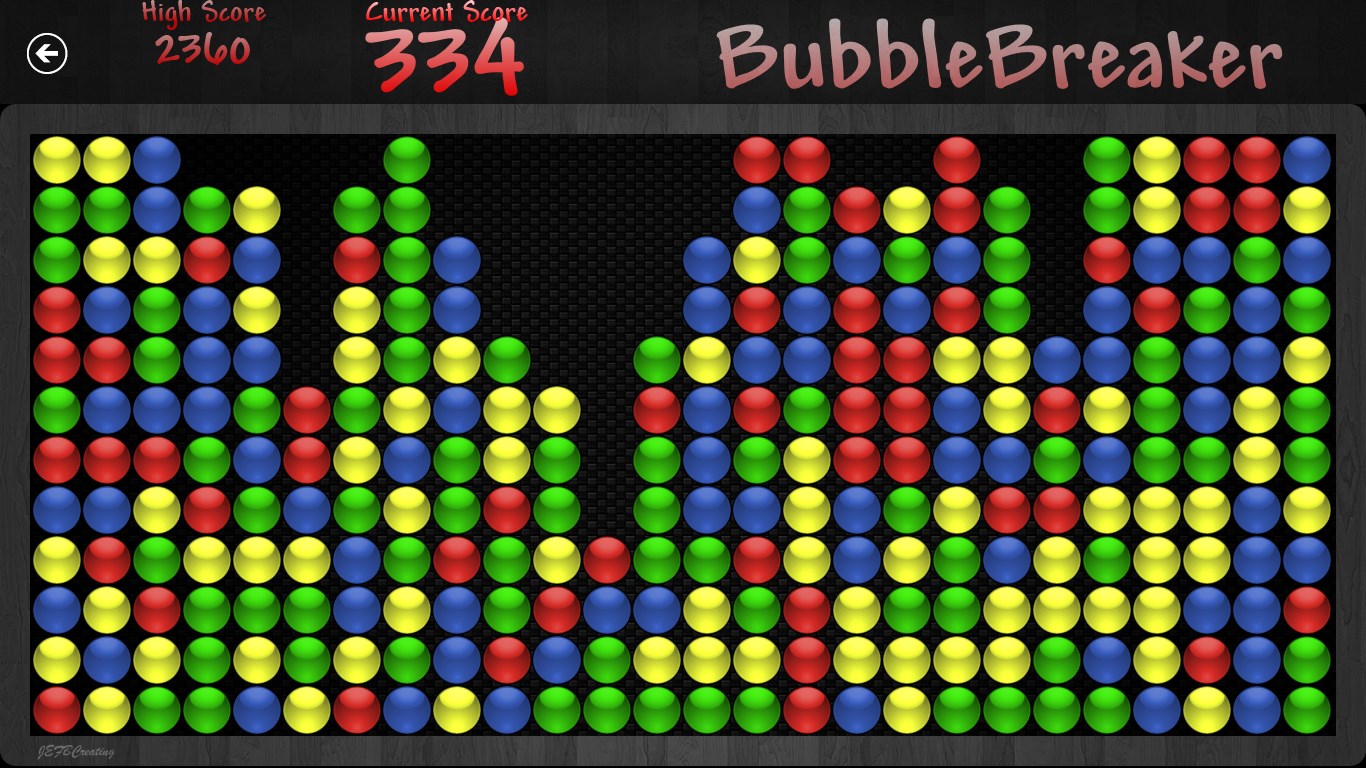
Bubble Breaker 10 is an engaging and classic puzzle game designed to provide a relaxing yet stimulating experience for players of all ages. It harks back to timeless matching games but offers a fresh, modern twist tailored for the Windows platform, making it a delightful choice for casual gamers and puzzle enthusiasts alike.
This charming and thoughtfully crafted game is developed and published by JEFBCreating, a team dedicated to bringing intuitive and enjoyable digital entertainment to Windows users. Their focus on simplicity combined with strategic depth marks their signature style.
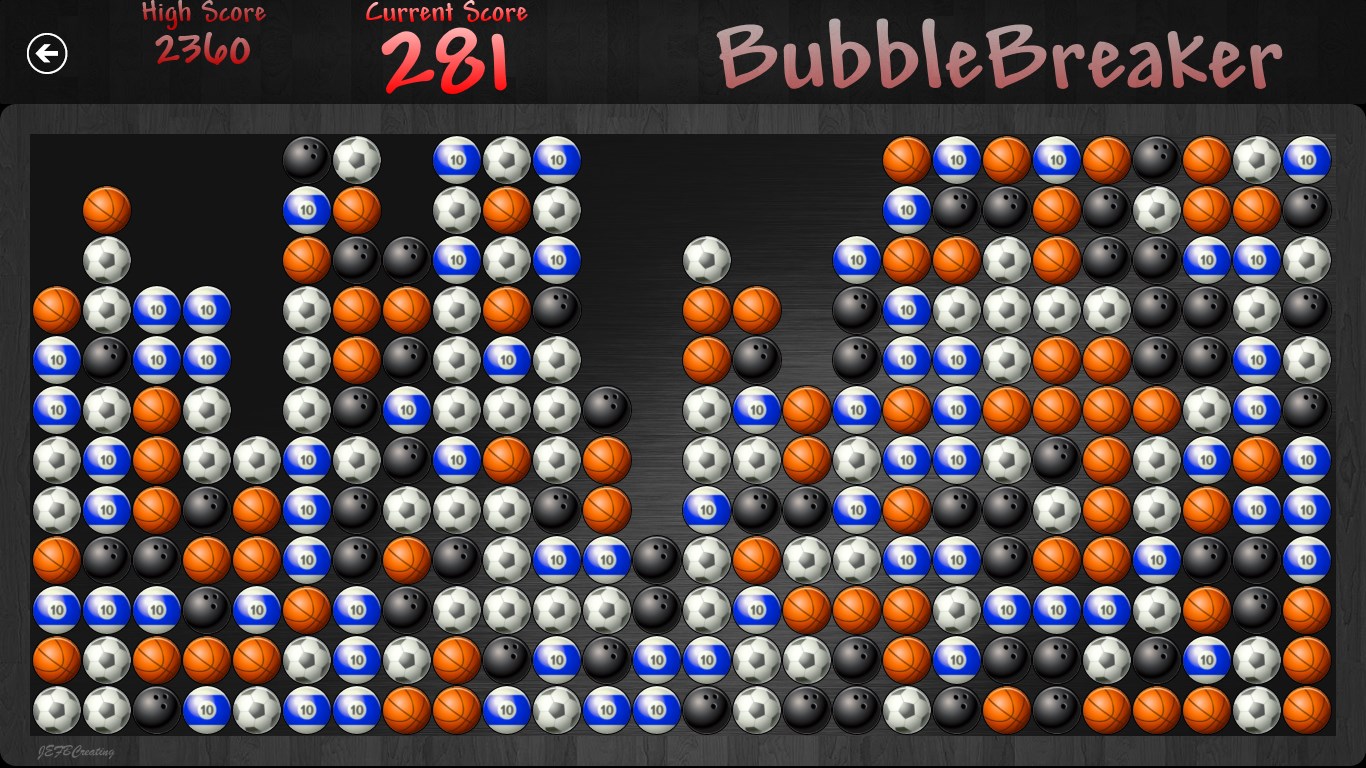
Playing Bubble Breaker 10 feels like flipping through a well-loved vintage puzzle book—only now, it comes alive on your screen with vivid, lively graphics and satisfying sound effects. The interface is user-friendly: buttons are intuitive, and menu navigation is seamless, making it a breeze for new players to start their puzzle journey. The game runs smoothly on Windows, with responsive controls that react instantly, ensuring a fluid experience that doesn't distract from the gameplay itself. The learning curve is gentle, welcoming casual players while still offering depth for those seeking a challenge.
Unlike many other straightforward bubble or tile matching games, Bubble Breaker 10's standout feature is its optimized gameplay balancing simplicity and strategic depth. The game's scoring system rewards strategic cluster choices—sometimes it's better to clear smaller groups early, while other times, saving large clusters for a big score pays off—a subtle complexity that keeps gameplay engaging over time. Additionally, the inclusion of adjustable difficulty levels and multiple game modes adds replay value that many classic-style apps lack. Its polished aesthetics—bright, lively colors paired with smooth animations—give it a modern touch that differentiates it from more dated-looking counterparts.
I would rate Bubble Breaker 10 as a solid choice for puzzle game lovers and casual gamers alike. Its straightforward gameplay, combined with thoughtful design and optional challenge modes, makes it suitable for quick gaming sessions or longer, focused play. Whether you enjoy simple relaxation or strategic thinking, this app caters to both. If you appreciate classic matching puzzles with a modern visual update and extra customization options, Bubble Breaker 10 deserves a space on your Windows desktop.
Engaging gameplay with simple mechanics
Clean and colorful visual design
Smooth performance on various devices
Lightweight with quick load times
Offline playable without internet connection
Limited game modes and features
Lack of in-app tutorials or guidance
Minimal customization options
No leaderboards or social features
Limited sound options and music controls

for Windows
 4.9
4.9

for Windows
4.9

for Windows
4.9

for Windows
4.8

for Windows
4.8

for Windows
4.8

for Windows
4.8

for Windows
4.7

for Windows
4.7

for Windows
4.7

for Windows
4.7

for Windows
4.7

for Windows
5

for Windows
5

for Windows
5

for Windows
5

for Windows
5

for Windows
5

for Windows
5

for Windows
5

for Windows
5

for Windows
5