


Shooter
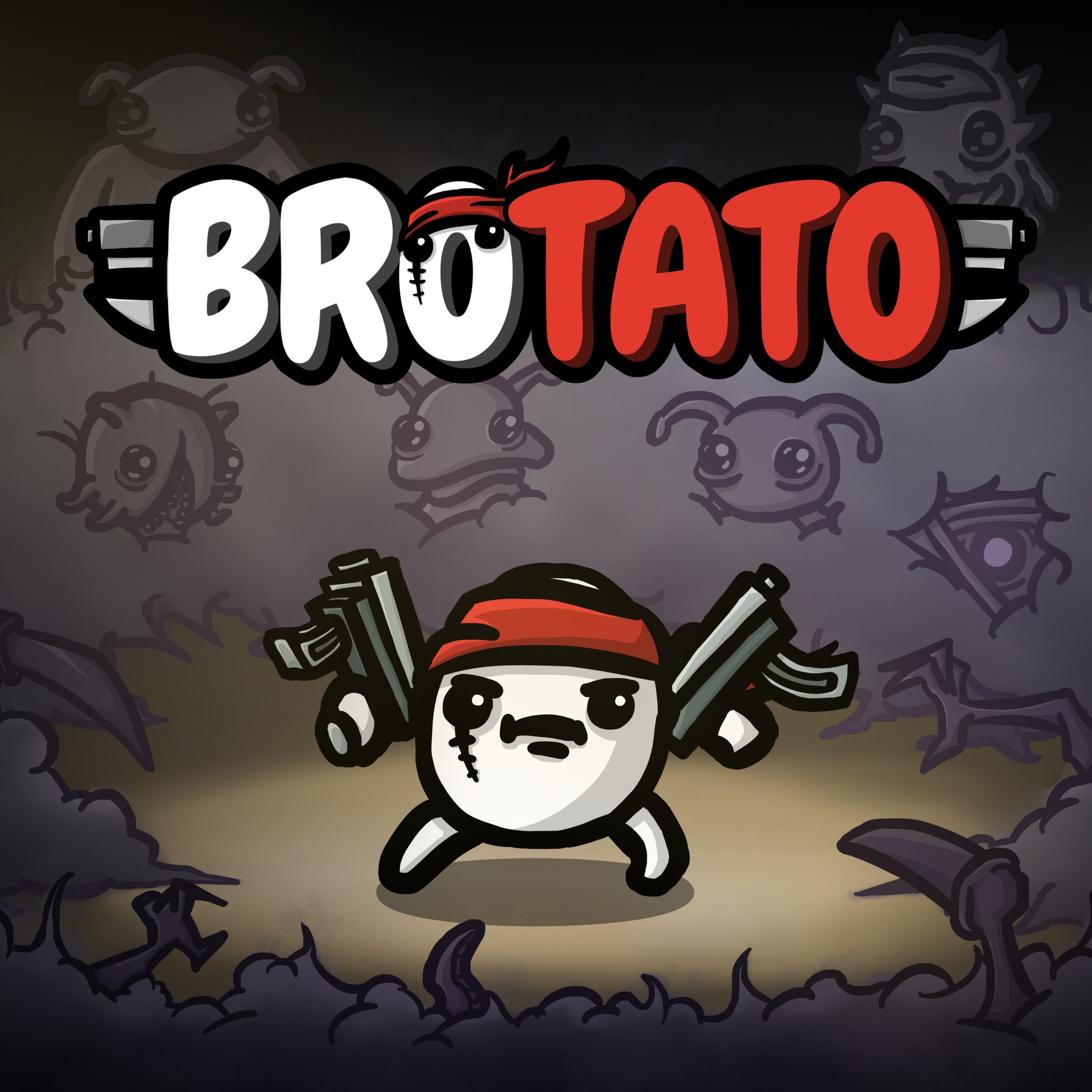
Brotato is a fast-paced, top-down arena shooter where players face hordes of enemies with a wide array of unique characters and weapon combinations, delivering an experience rooted in strategic chaos and relentless action.
Developer: Seaven Studio
Main Features Highlights:
Target Audience: Casual to hardcore gamers who enjoy roguelike mechanics, strategic decision-making in fast-paced combat, and those seeking high replayability in shooter games.
Imagine stepping into a neon-lit battlefield where chaos reigns and every second counts—that's Brotato in a nutshell. With its vibrant pixel art and adrenaline-pumping gameplay, the game feels like a wild roller coaster ride through a universe filled with monsters and mayhem. Whether you're a fan of quick-match arena shooters or strategic planning under pressure, Brotato offers a compelling blend of both, making every run feel fresh and unpredictable.
Brotato's roster of over 50 characters is akin to selecting your own hero for a high-stakes pixelated contest. Each character boasts unique stats and skills, allowing for a variety of playstyles—from swift melee fighters to ranged specialists. The game's item and weapon system is a veritable sandbox; you can craft your character's arsenal from a vast pool of options, creating personalized strategies that tailor the gameplay experience. The diversity here isn't just superficial—it's a deep well of tactical possibilities that keep each playthrough engaging and fresh.
One of Brotato's strongest suits is its roguelike design. Each run throws you into a new map with different enemy placements, obstacles, and item drops. This procedural generation ensures that no two sessions are alike, which is like constantly opening a new surprise gift during every match. The difficulty scales appropriately, requiring you to adapt your tactics on the fly. This high replayability makes Brotato a game you return to many times, always seeking that perfect combination of weapons and character synergy to conquer the chaos.
The interface of Brotato is designed with clarity and accessibility in mind. Navigating menus is intuitive, and the control scheme—optimized for keyboard and mouse—feels responsive, akin to a well-oiled machine. Visually, the game employs pixel art that's both nostalgic and sharp, with vibrant colors that animate the battlegrounds. The transition between gameplay and menus is smooth, without lag or hesitation, ensuring a fluid experience. The learning curve is manageable but offers enough depth to keep dedicated players engaged, gradually unveiling new tactics as they progress.
Compared to other arena shooters or roguelikes, Brotato's standout feature is its extensive character and item synergy system. Instead of just mowing down enemies with a standard loadout, players are encouraged to experiment with hundreds of weapon-and-item combinations, creating almost infinite strategic paths. Additionally, the game emphasizes tactical diversity over mere reflexes—players must choose their characters and gear wisely to survive increasingly challenging waves. This depth, combined with its charming pixel art style, offers a distinct identity in a crowded genre.
In conclusion, Brotato for Windows presents a compelling blend of fast-paced action, strategic depth, and high replayability. It's particularly well-suited for gamers who enjoy customizing their play style, experimenting with different builds, and thriving in chaotic combat scenarios. While it may require some initial acclimatization to master the diverse character and item synergies, its intuitive design and engaging gameplay make it accessible for newcomers and rewarding for veterans alike.
I would confidently recommend Brotato to fans of roguelike shooters and anyone craving a lively, strategic action game. Its unique character and item synergy system is a particularly standout feature that adds substantial value. Whether you're looking for a quick gaming session or a deep strategic challenge, Brotato is a solid choice that delivers both fun and depth in equal measure.
Intuitive and engaging gameplay
High replay value through diverse character builds
Visually appealing pixel art design
Regular updates introduce new content
Lightweight app with quick load times
Limited tutorial for new players
Occasional balancing issues between weapons
In-game ads can be intrusive
Limited customization options for characters
Occasional performance dips on older devices
for Windows
 4.8
4.8
for Windows
4.7
for Windows
4.7
for Windows
4.7
for Windows
4.7
for Windows
4.7
for Windows
4.6
for Windows
4.6
for Windows
4.6
for Windows
4.6
for Windows
4.5
for Windows
4.5

for Windows
5

for Windows
5

for Windows
5

for Windows
5

for Windows
5

for Windows
5

for Windows
5

for Windows
5

for Windows
5

for Windows
5

