Productivity
© 2015 - 2026 Brave Software, Inc. | All rights reserved
PC
Windows 10 version 0.0 or higher
Amharic, Arabic, Bangla, Bulgarian, Catalan, Chinese, Chinese (Simplified), Chinese (Traditional Chinese), Croatian, Czech, Danish, Dutch, English, English (United Kingdom), Estonian, Filipino, Finnish, French, French (Canada), Galician, German, Greek, Hebrew, Hindi, Hungarian, Indonesian, Italian, Japanese, Kannada, Korean, Latvian, Lithuanian, Malay, Norwegian, Persian/Farsi, Polish, Portuguese, Portuguese (Brazil), Portuguese (Portugal), Romanian, Russian, Serbian, Slovak, Slovenian, Spanish, Spanish (Latin America), Kiswahili, Swedish, Thai, Turkish, Ukrainian, Vietnamese
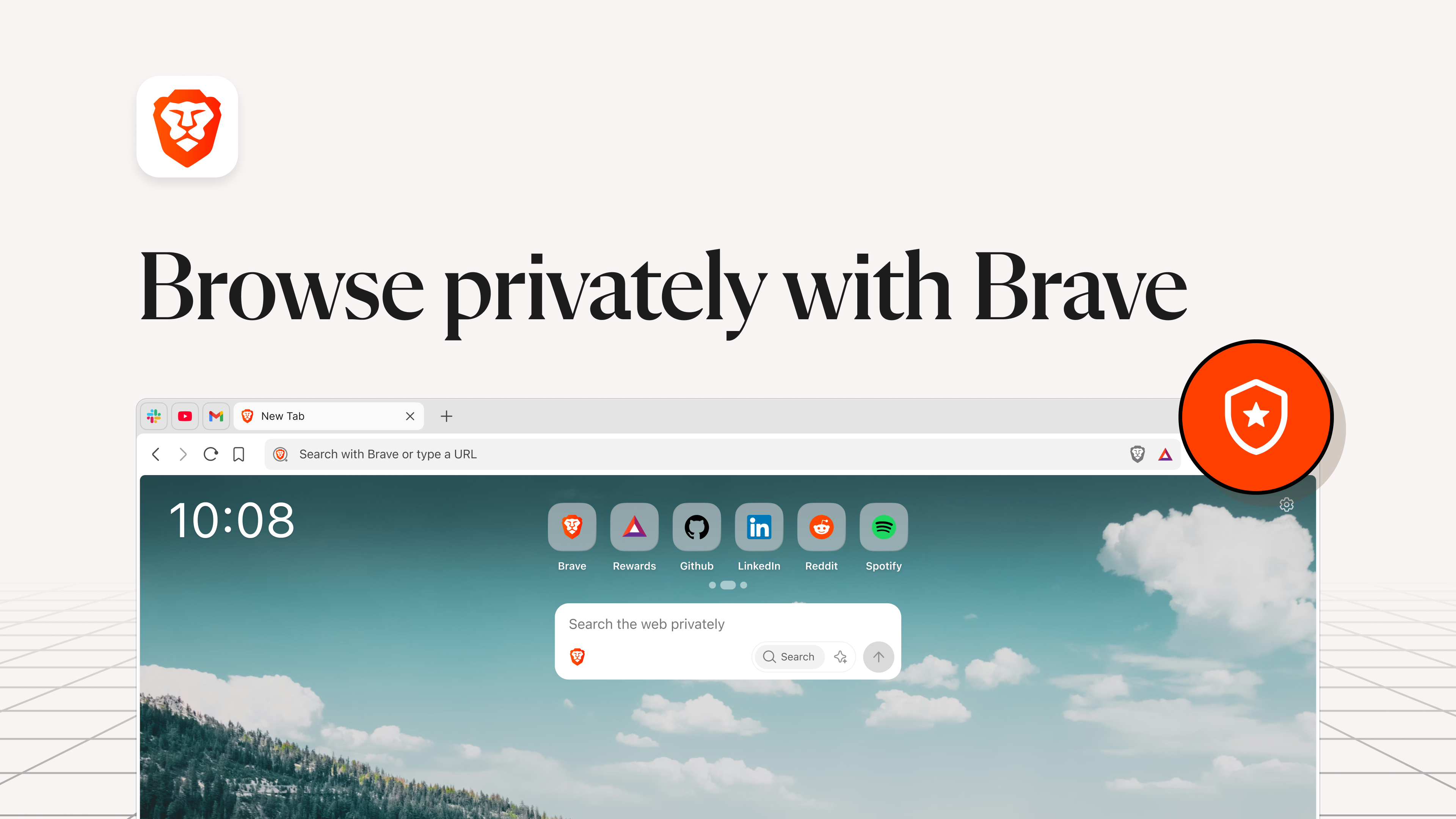
Brave Browser for Windows positions itself as a privacy-focused, fast, and user-friendly web browser designed to revolutionize your everyday browsing experience. Developed by Brave Software, Inc. (© 2015 - 2026), this application emphasizes security, speed, and a streamlined interface to meet the needs of modern internet users.
Brave Software, Inc. is the powerhouse behind Brave Browser, bringing years of experience in privacy and security technology aimed at transforming the way we navigate the internet. Their mission is to promote a safer, faster, and fairer web environment for everyone.
Imagine sitting at your desk, opening your browser—and instead of being bombarded by slow-loading pages and persistent data trackers, you're greeted with swift, seamless access to your favorite sites. Brave Browser invites you into this new world where privacy doesn't hinder performance but enhances it. Receiving a tap of the mouse, you're immediately aware of how this browser blends simplicity with security—delivering a clean, clutter-free experience that puts your privacy front and center.
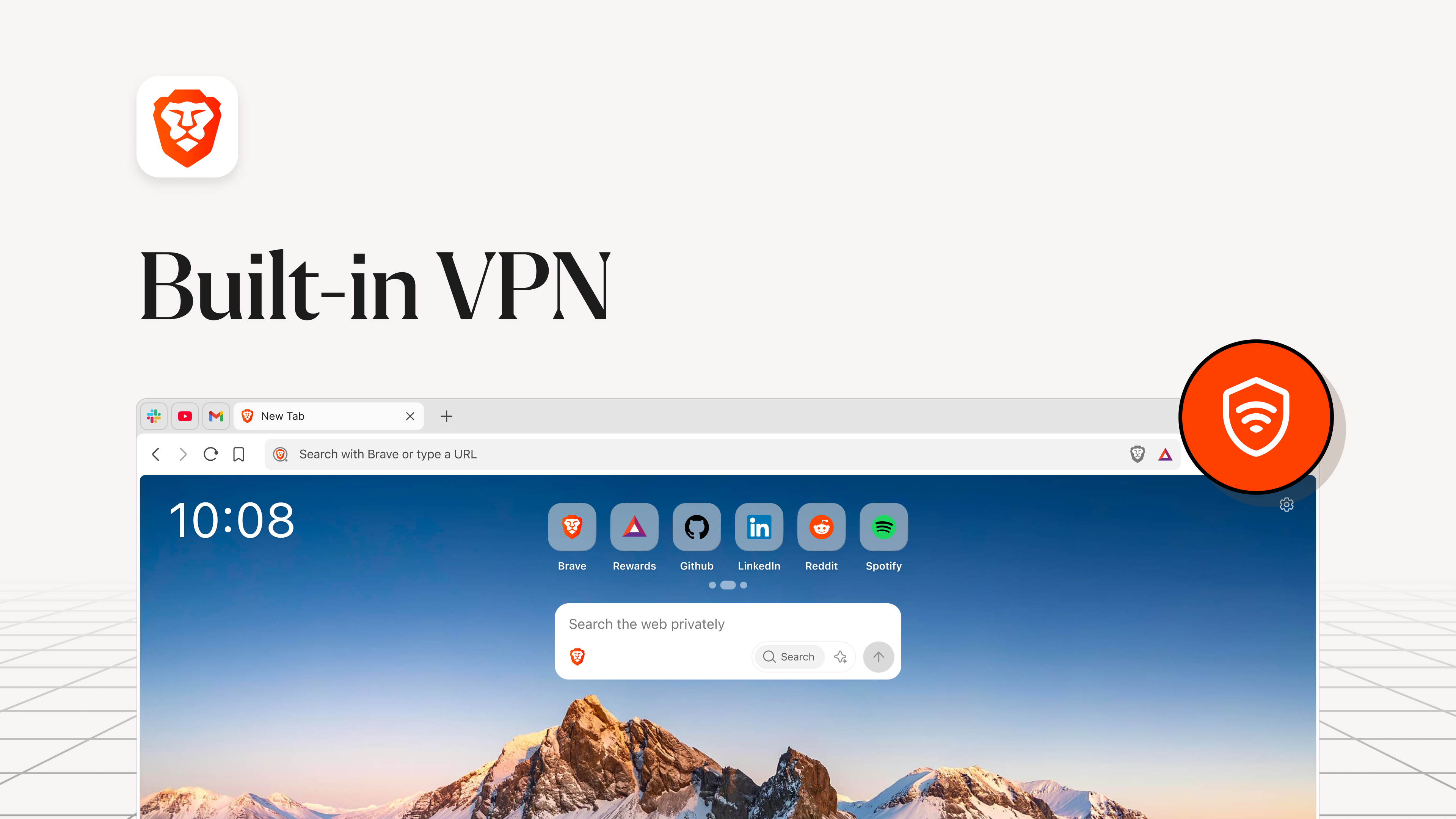
Brave's interface is akin to a minimalist high-tech cockpit—clean lines, intuitive icons, and a focus on what truly matters: your browsing. The dark mode options and customizable themes make it comfortable for long sessions, reducing eye strain without sacrificing style. Everything feels thoughtfully laid out, ensuring even novice users can navigate menus and features effortlessly without needing an explicit guide. The interface design prioritizes clarity, with prominent privacy icons and quick access to settings, making control over your data simple and straightforward.
In terms of operation, Brave runs as smoothly as a well-oiled machine. Page load times are noticeably faster, thanks to its aggressive ad blocking and tracker prevention—pages breathe easier without unnecessary bloat. Unlike some browsers that can feel sluggish or overloaded with features, Brave strikes a balance: it's lightweight but packed with powerful tools. The learning curve is gentle; seasoned users can dive into configuration options, while newcomers will enjoy a straightforward, no-frills browsing start. The browser's stability and responsiveness make surfing feel fluid, akin to gliding smoothly on a well-paved highway—quick, efficient, and comfortable.
One of Brave's most compelling strengths is how it enhances your workflow with minimal cognitive load. Unlike browsers cluttered with myriad extensions or complex settings, Brave's core features—primarily its privacy protections and integrated rewards—operate seamlessly in the background. This means you spend less mental effort managing privacy settings or troubleshooting slow pages, and more time focused on actual work or leisure. The built-in privacy dashboard reduces the need for multiple extensions, avoiding feature overload that often hampers productivity. Think of Brave as a well-designed vehicle that not only gets you to your destination efficiently but makes the entire journey smoother and less stressful.
Overall, Brave Browser for Windows is highly recommended for users seeking a fast, secure, and privacy-conscious browsing experience. It's particularly suitable for those who value security without sacrificing convenience or speed. For maximum benefit, enable the privacy features early on, explore the rewards system if interested in earning BAT, and customize the interface to suit your preferences. Whether you're a casual user or a professional seeking a secure workspace, Brave offers a balanced, reliable browsing companion.
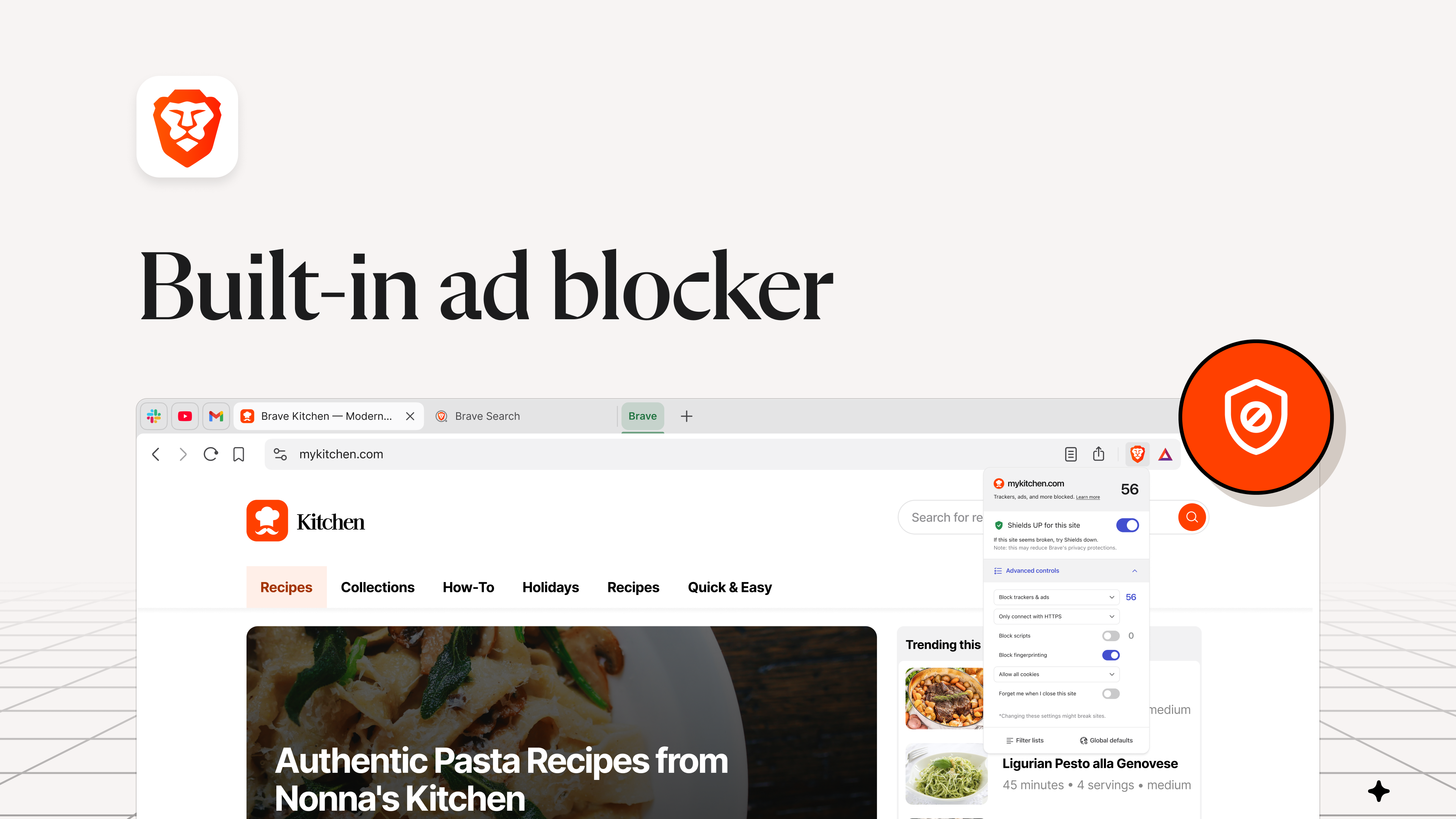
Built-in Ad Blocker
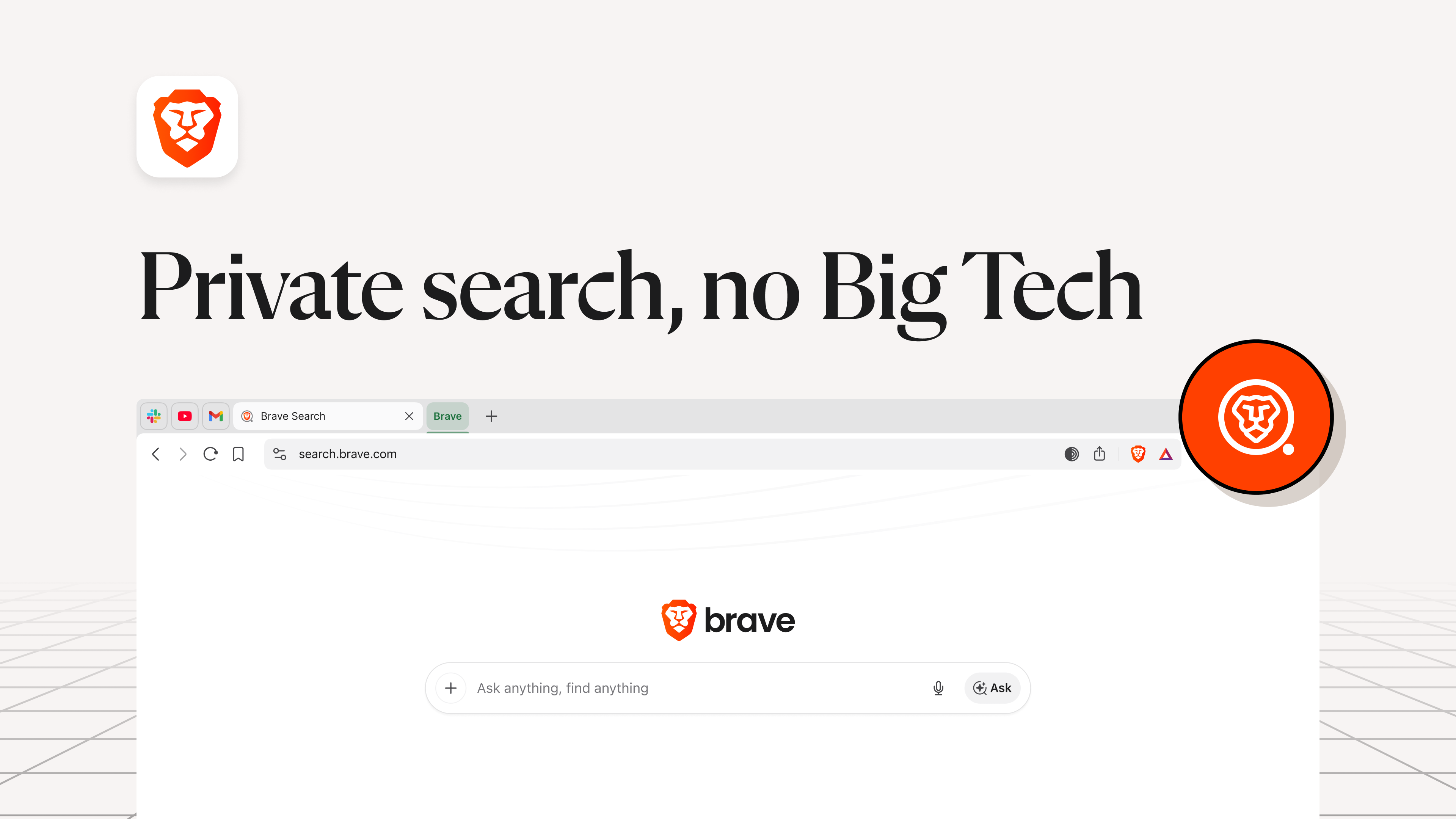
Enhanced Privacy Features
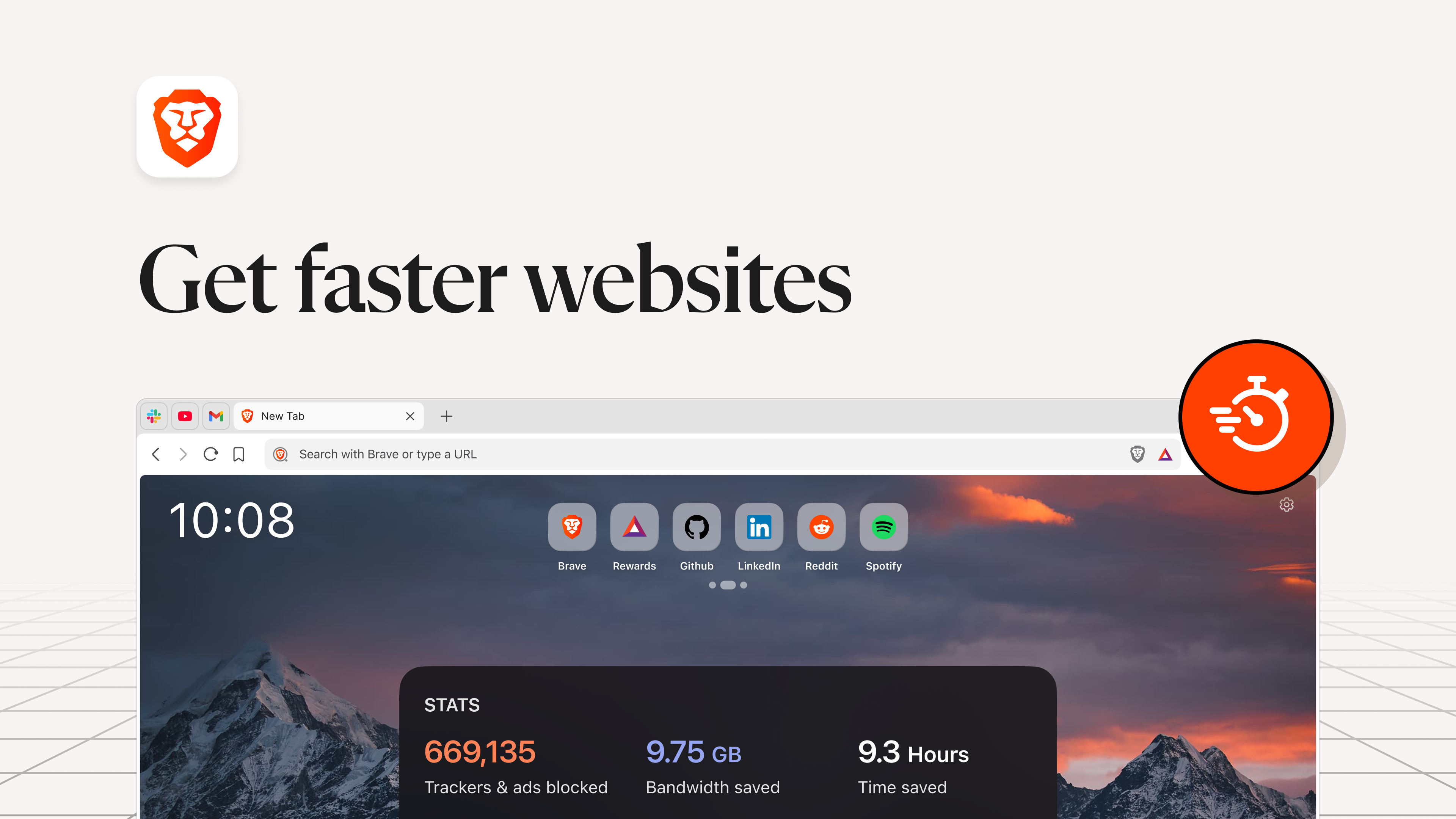
Faster Browsing Experience
Rewards Program that Supports Content Creators
Open-Source Chromium Base
Limited Extension Library
Occasional Compatibility Issues
BAT Rewards System Still Evolving
Resource Usage Could Be Higher
Limited Official Support for Some Platforms

for Windows
 5
5

for Windows
5

for Windows
4.9

for Windows
4.9

for Windows
4.9

for Windows
4.8

for Windows
4.8

for Windows
4.8
for Windows
4.8

for Windows
4.8

for Windows
4.8

for Windows
4.8

for Windows
5
for Windows
5

for Windows
5

for Windows
5

for Windows
5

for Windows
5

for Windows
5

for Windows
5

for Windows
5
for Windows
5