Simulation
PC, Mobile, Surface Hub, HoloLens
Windows 10 version 10240.0 or higher
Version 10
English (United States)
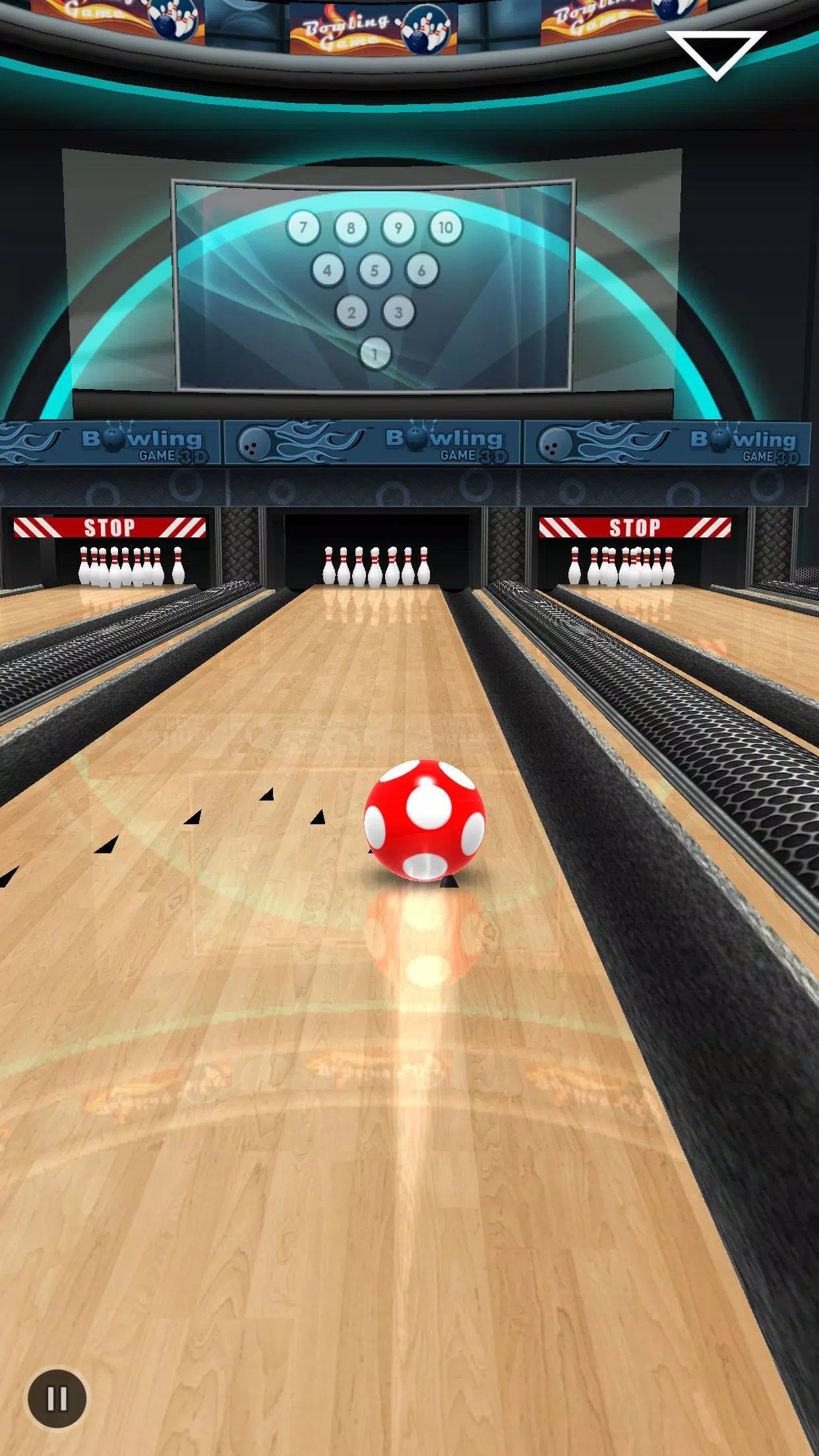
Bowling King + for Windows, developed by EasyBrom, offers a compelling virtual bowling experience that combines realistic physics with engaging gameplay. Whether you're a casual gamer or a seasoned bowler looking to hone your skills, this app promises to provide hours of entertainment directly on your PC.
One of the standout qualities of Bowling King + is its attention to physics simulation. The game meticulously models ball trajectories, spin, and pin interactions, creating a believable and satisfying bowling experience. Unlike many casual games that rely on simplified mechanics, this app endeavors to replicate real-world bowling physics, making each throw feel authentic and rewarding.
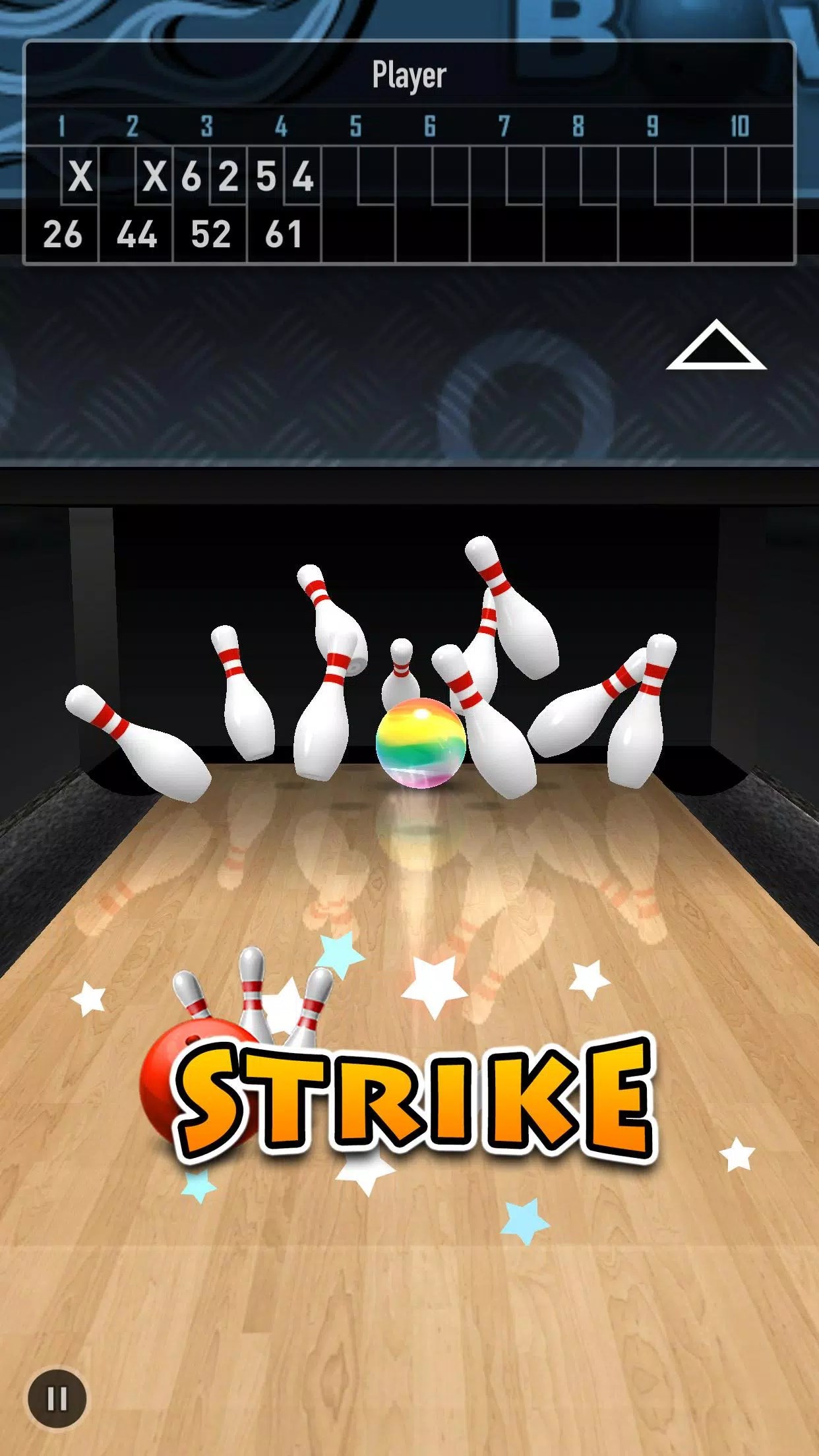
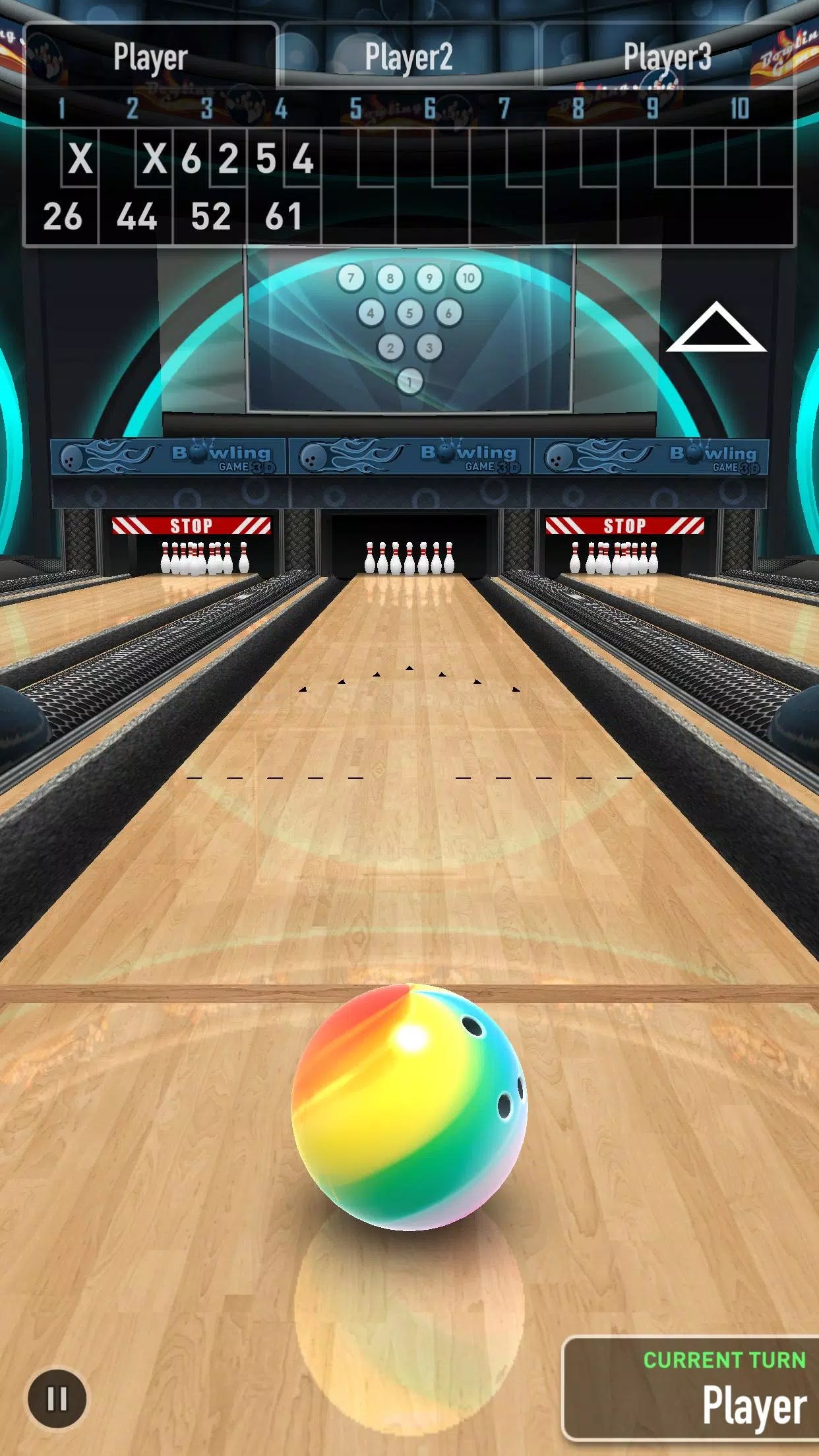
Bowling King + offers a variety of game modes, from classic single-player matches to multiplayer arenas where you can challenge friends worldwide. The app also includes special challenges and daily tasks, encouraging players to improve their skills and score higher. This diversity ensures that players remain engaged and find new ways to enjoy the game.
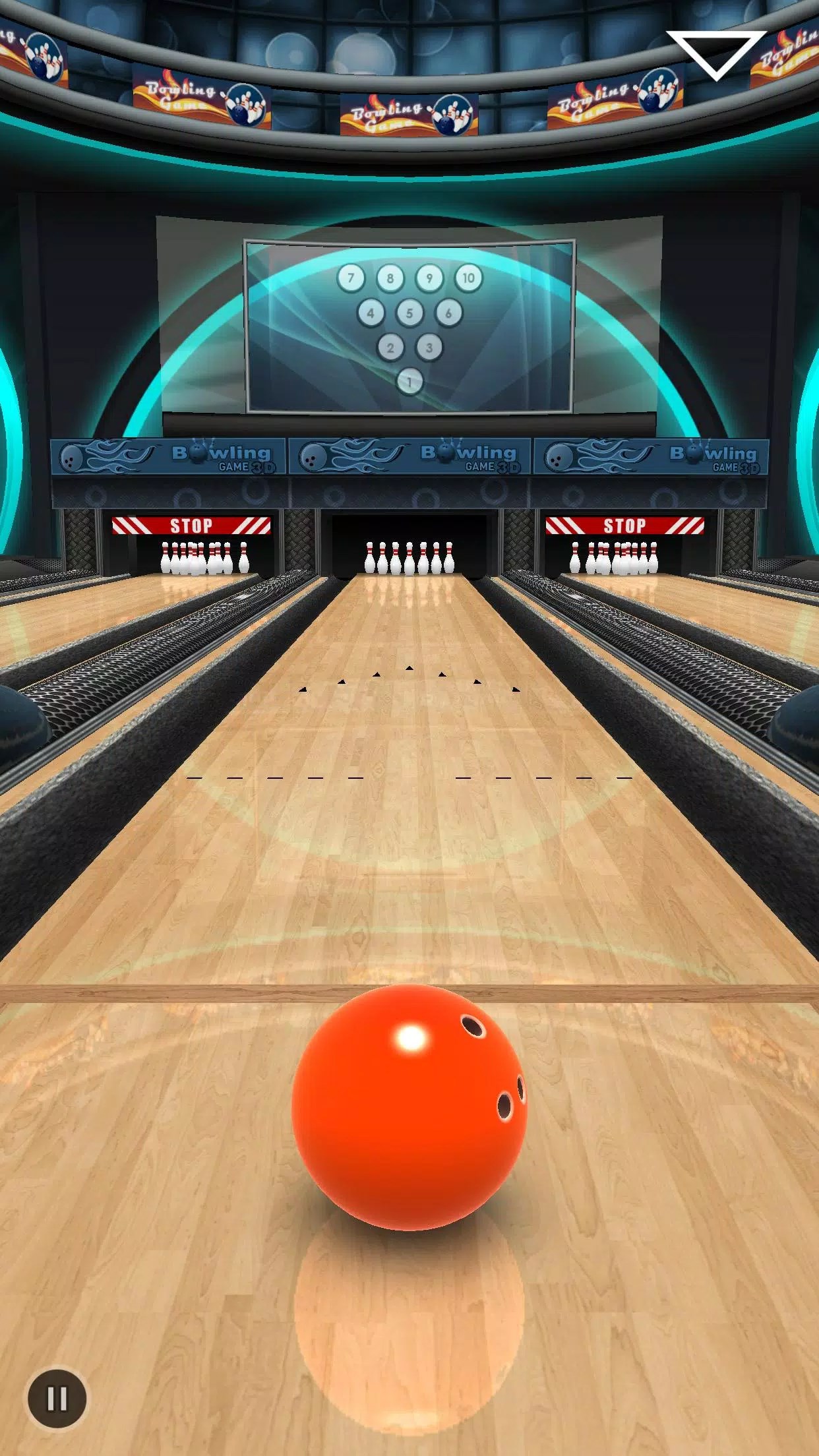
The app sports a clean, user-friendly interface with bright visuals that evoke a lively alley atmosphere. Navigating menus is intuitive, and the controls—dragging, aiming, and releasing—are smooth and responsive. The learning curve is gentle, making it accessible for newcomers while still offering enough challenge for experienced players. The game runs fluidly on a range of Windows devices, with minimal lag or glitches.
While there are many virtual bowling applications on the market, Bowling King + distinguishes itself primarily through its superior physics simulation and the depth of its gameplay mechanics. The realistic model of ball spin and precise pin reactions offers players a sense of genuine skill development, bridging the gap between virtual and real-world bowling. **This feature is particularly valuable for aspiring bowlers or those interested in understanding physics through gameplay.**
Furthermore, its analysis of player performance and the transferability of skills to real-life bowling scenarios add educational value, making it more than just a casual game. The immersive gameplay and accurate physics provide a clear advantage over more simplistic counterparts, ensuring players feel a true-to-life experience that's both fun and instructive.
Overall, Bowling King + for Windows is a well-crafted and engaging bowling simulation that balances realism with accessibility. Its strongest points—physics fidelity and diverse gameplay—make it suitable for casual players and serious enthusiasts alike. If you are seeking a game that not only provides entertainment but also offers insights into the mechanics of bowling, this app is a solid choice. While it may not replace professional training, it serves as an enjoyable and educational virtual tool for honing your skills.
We recommend giving it a try, especially if you are a fan of sports simulations seeking a realistic and thoughtfully designed experience on your PC. Its smooth interface and authentic physics set it apart from many competitors, making it a worthwhile download for any bowling enthusiast.
Realistic physics and smooth gameplay
Variety of game modes and tournaments
High-quality graphics and engaging sound effects
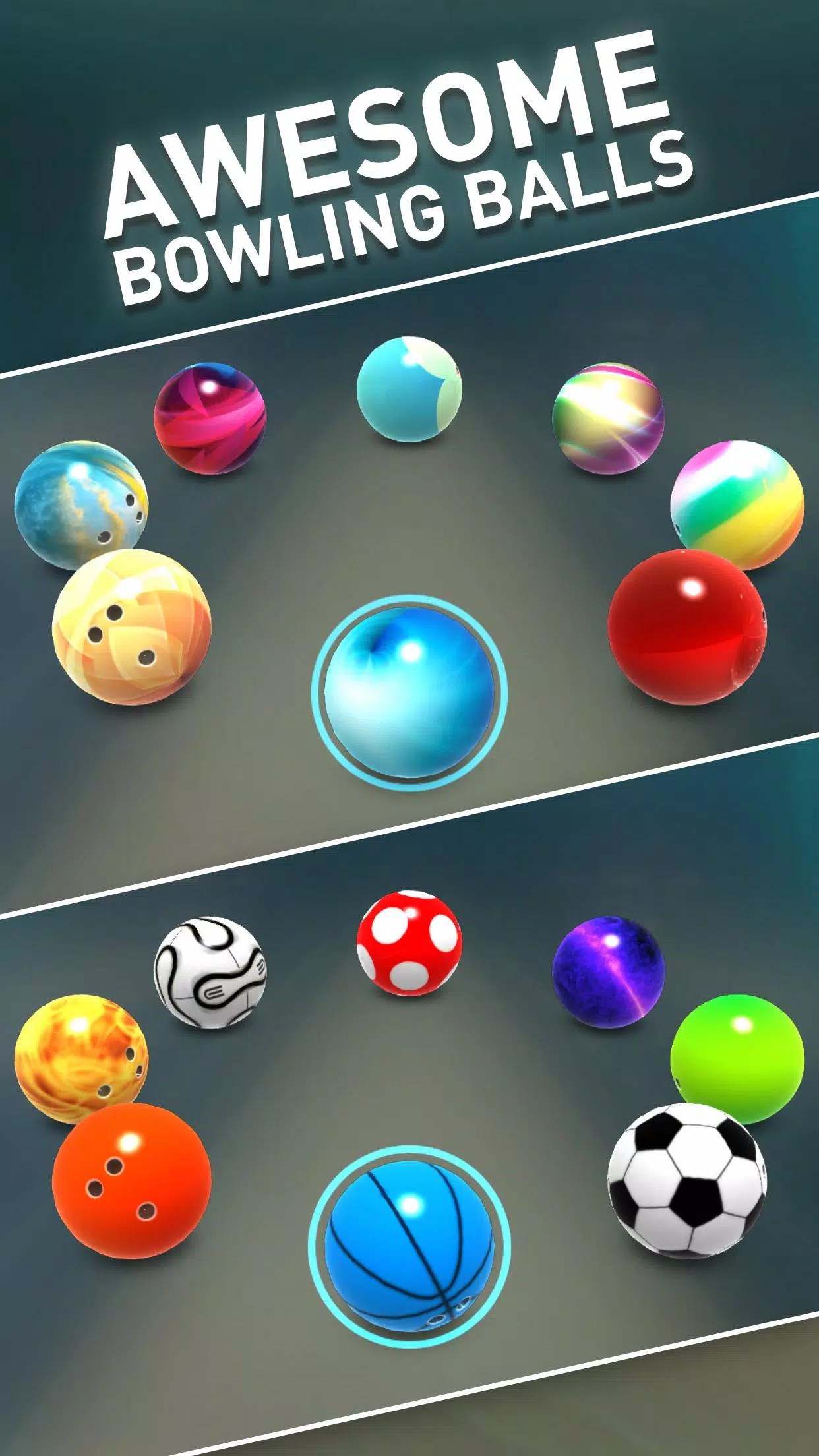
Wide selection of customizable bowling balls and lanes
Online multiplayer with real-time competitive matches
Occasional lag during online matches
Limited tutorial for new players
In-app purchases can be expensive
Some users report app crashes or glitches
Limited offline gameplay options

for Windows
 4.8
4.8

for Windows
4.8
for Windows
4.8

for Windows
4.8

for Windows
4.8

for Windows
4.7

for Windows
4.7

for Windows
4.7

for Windows
4.7

for Windows
4.7

for Windows
4.7

for Windows
4.6

for Windows
5

for Windows
5

for Windows
5

for Windows
5

for Windows
5

for Windows
5

for Windows
5

for Windows
5

for Windows
5

for Windows
5