Entertainment
Global Delight Technologies Pvt. Ltd.
PC
Windows 10 version 17763.0 or higher
English (United States)
Boom 3D by Global Delight Technologies is designed to transform your Windows device into a powerhouse of immersive sound, offering enhanced audio quality that rivals high-end speakers. Whether you're a casual listener or a serious audiophile, this app promises to deliver a richer, deeper soundscape with minimal effort.
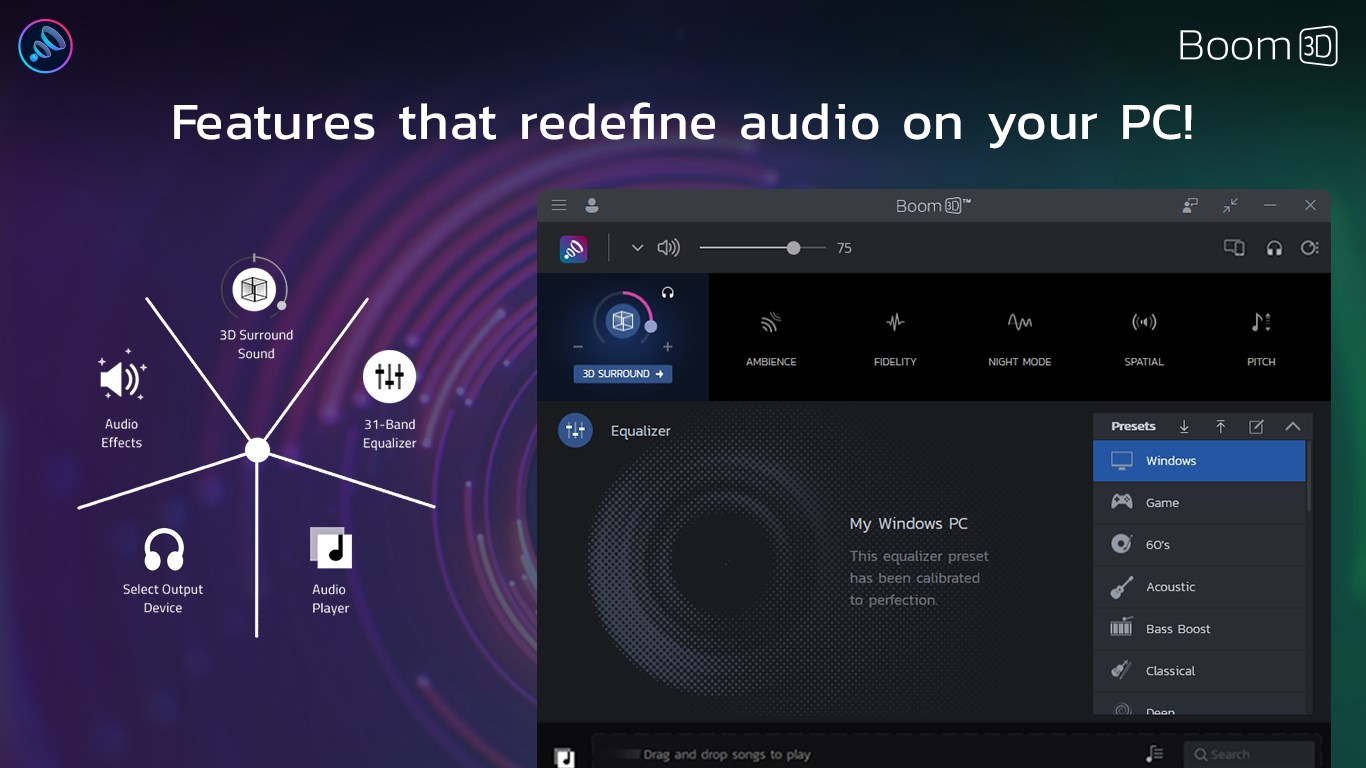
Developed by Global Delight Technologies Pvt. Ltd., Boom 3D is crafted by a team well-versed in audio processing and user-centric app design. Its primary features include a sophisticated 3D surround sound enhancement, a versatile equalizer with preset profiles, and a dedicated bass booster—each aimed at refining your listening experience. The app caters to a broad audience—from gamers and movie enthusiasts to music lovers seeking a nuanced sound profile.
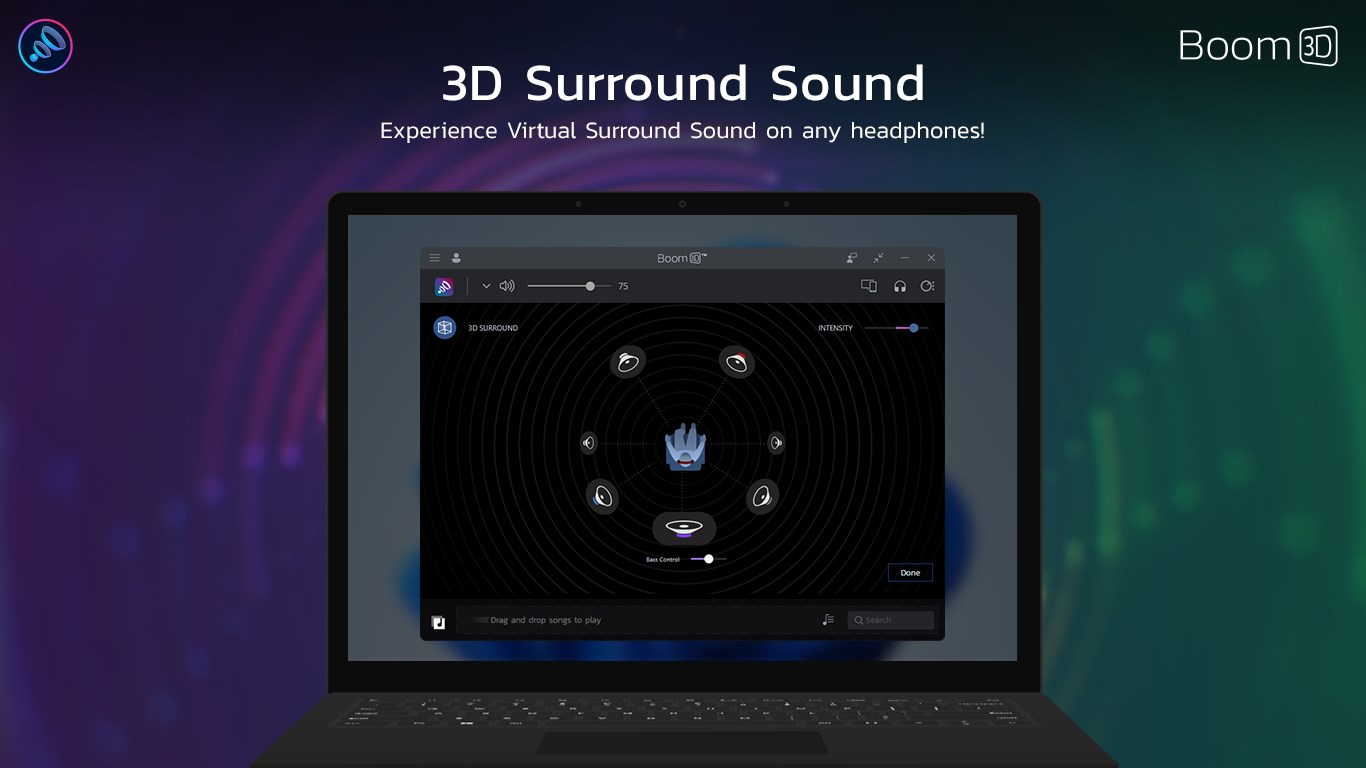
Imagine slipping into a cozy movie theater or standing amidst a live concert—Boom 3D aims to replicate that immersive feeling right from your desktop. Its standout feature is the 3D surround sound technology, which intelligently processes audio to create a sense of space and depth. Unlike typical equalizers, this feature dynamically adjusts sound layers, giving you the sensation of audio coming from multiple directions. It's like adding a new spatial dimension to your music, movies, and games, transforming ordinary listening into an engaging auditory adventure.
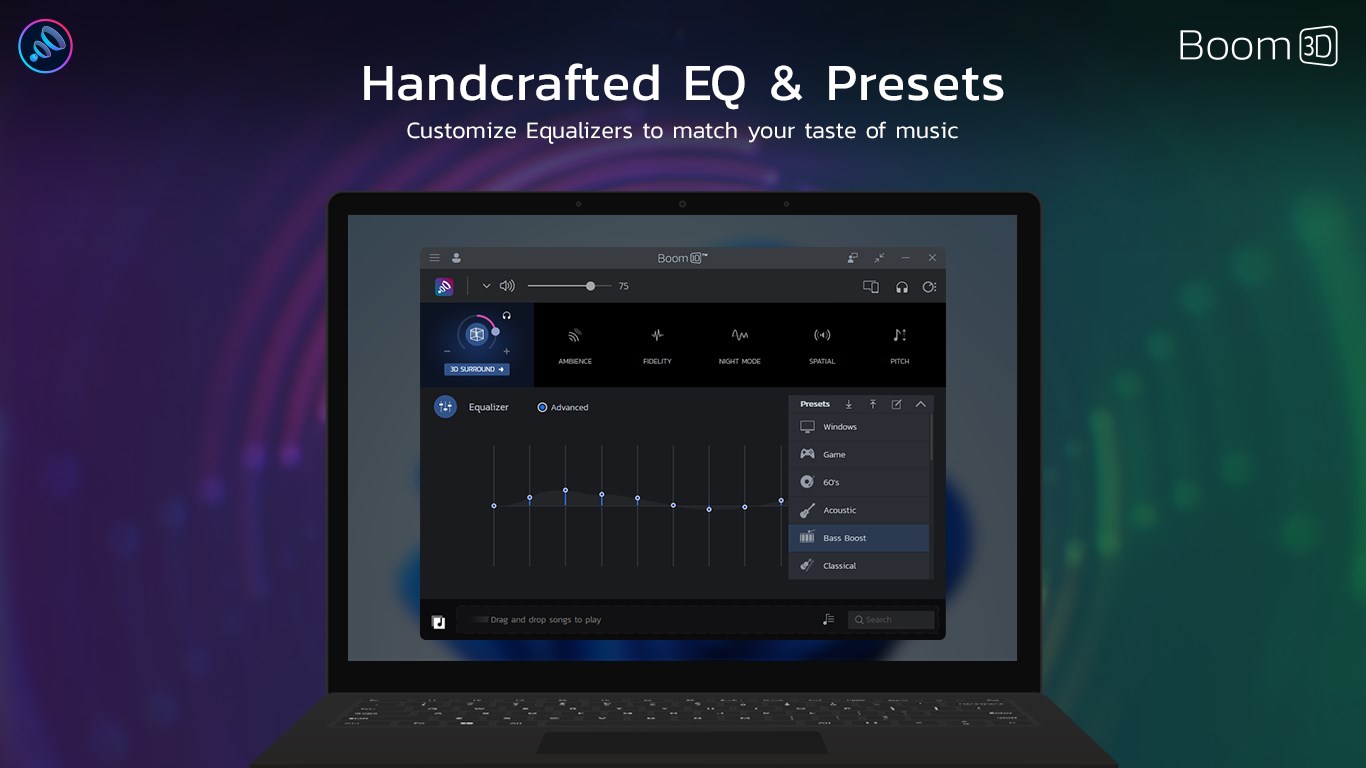
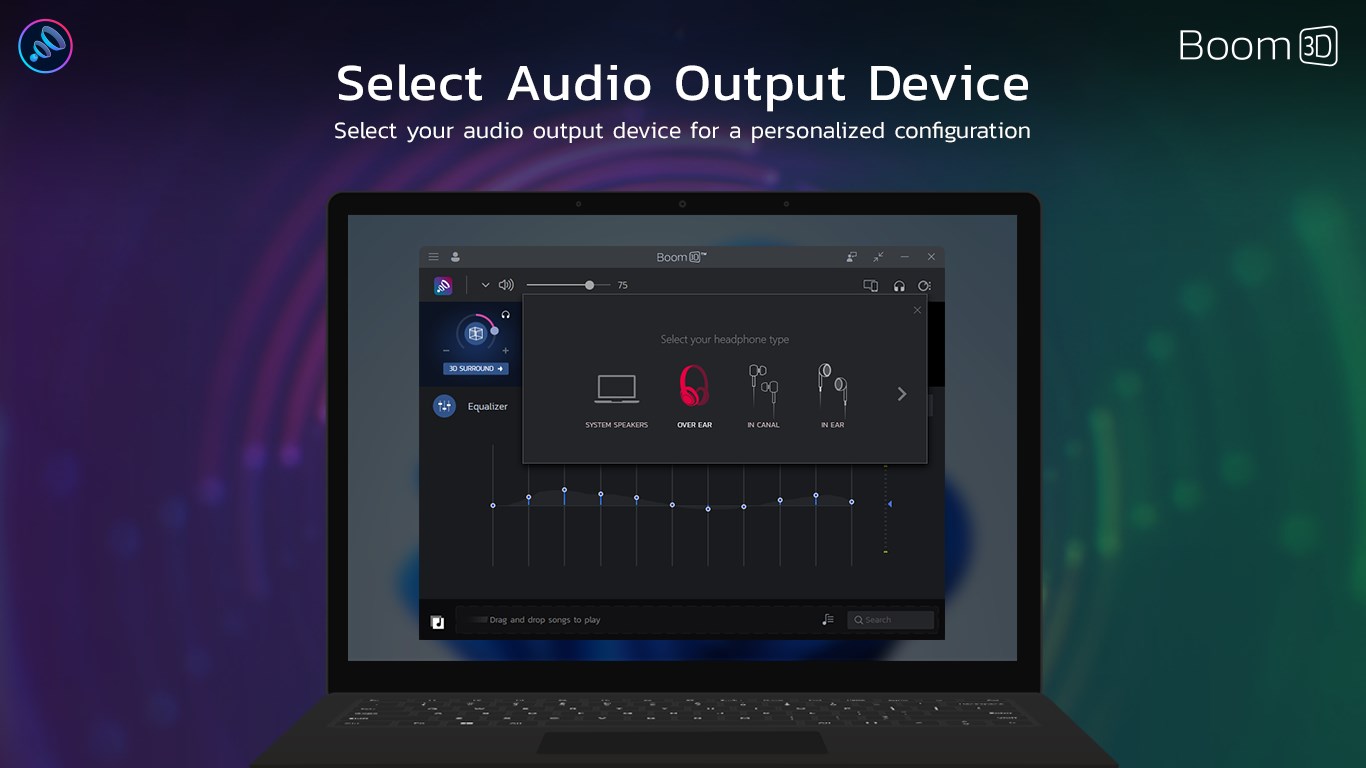
The interface of Boom 3D strikes a fine balance between sophistication and simplicity. With a sleek dark theme accented by clear controls, navigating through various settings feels natural. The app offers one-tap preset profiles such as "Music," "Movie," "Game," and "Voice," enabling quick customization without steep learning curves. Operation is smooth, with almost no lag or glitching, making adjustments feel seamless—as effortless as tuning a radio manually. Beginners will appreciate the guided setup, while advanced users can dive into the detailed equalizer and fine-tune their audio to perfect their personal soundscape.
One of Boom 3D's most compelling features is its ability to tailor audio profiles to individual preferences, creating a highly personalized listening environment. Unlike many similar apps that rely solely on static presets, Boom 3D's intelligent algorithms analyze your listening habits and recommend adjustments accordingly. This personalization ensures that your audio experience is not only richer but also more relevant—focusing on what you most enjoy. Compared to other entertainment apps, Boom 3D's emphasis on spatial enhancement and custom profiles positions it uniquely as a premium sound enhancer, rather than just another equalizer app.
Overall, Boom 3D stands out as a robust, user-friendly audio enhancer that elevates your listening experience through innovative spatial sound technology and personalized profiles. It's particularly recommended for users seeking to maximize their device's audio potential without complicated setups. If you value immersive soundscapes and adaptive sound customization, this app deserves a spot on your Windows device. While it may not replace high-end external speakers or headphones, it certainly makes your current audio setup sound noticeably better, making every click, stream, or game session a more lively affair.
Enhanced audio clarity
User-friendly interface
Wide range of audio effects
System-wide audio enhancement
Deep bass and 3D surround sound effects
High system resource usage
Occasional lag or delay in effect application
Limited free trial features
Compatibility issues with some audio devices
Requires ongoing updates for optimization

for Windows
 5
5

for Windows
4.8

for Windows
4.8

for Windows
4.8

for Windows
4.7

for Windows
4.6
for Windows
4.6

for Windows
4.6

for Windows
4.6

for Windows
4.6

for Windows
4.6

for Windows
4.6

for Windows
5

for Windows
5

for Windows
5

for Windows
5
for Windows
5

for Windows
5

for Windows
5

for Windows
5

for Windows
5

for Windows
5