


Family & kids
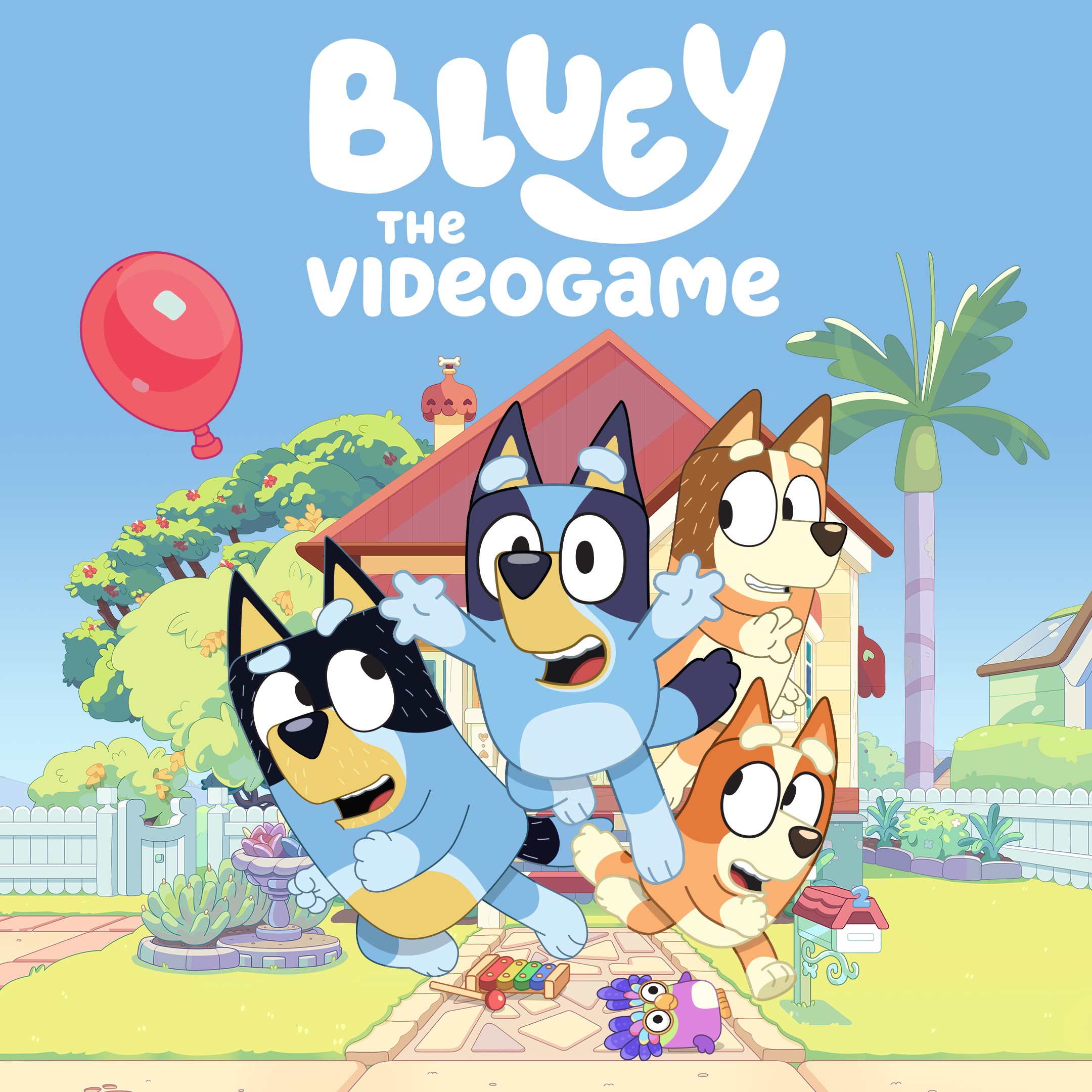
Bluey: The Videogame is an engaging and delightful gaming experience designed for young children, allowing them to step into the charming world of Bluey and her family while exploring fun activities and storylines. Developed to provide a safe and interactive environment, it aims to captivate preschoolers and early-grade kids with its wholesome content and intuitive gameplay.
Produced by Outright Games Ltd., a reputable developer known for creating family-friendly titles, Bluey: The Videogame adopts a playful yet straightforward approach to gaming tailored for children. Its primary features include:
The game is targeted primarily at children aged 3-7, including fans of the Bluey series and young gamers beginning their digital exploration.
Imagine stepping into the bright, cheerful world of Bluey — a place where every moment is an invitation for adventure and learning. From the moment you launch the game, you're greeted with lively colors, cheerful music, and lovable characters that feel like old friends. It's like opening a storybook filled with wonder, crafted patiently to entertain and educate young minds at the same time. Bluey: The Videogame doesn't just keep kids busy; it invites them into a universe where their imagination takes center stage, making every session a delightful journey.
The heart of Bluey: The Videogame lies in its mix of story-based activities and mini-games that encourage problem-solving and creativity. Children can help Bluey with everyday chores, like setting up a camping night or preparing a birthday party, all while solving puzzles that are easy for little fingers to navigate. These mini-games are woven seamlessly into engaging narratives, keeping players curious and motivated. Unlike many children's apps that focus solely on passive viewing or basic interaction, this game invites active participation, making the experience both fun and meaningful.
One of the standout features that make this game truly shine is its customization options. Kids can choose outfits for Bluey, decorate her home, and select different environments for their adventures. It's akin to creating a miniature playset, where every choice sparks a new story idea. This level of personalization encourages not only engagement but also self-expression, setting it apart from more static, one-size-fits-all family apps. The intuitive interface ensures that even the youngest users can navigate without frustration, fostering independence and confidence.
The game boasts a bright, colorful interface designed specifically for preschool users — big buttons, simple icons, and minimal clutter create a stress-free environment. Controls are very intuitive; children can tap, drag, and select with ease, which minimizes the learning curve. The game runs smoothly on Windows systems without noticeable lag, allowing kids to stay immersed without frustration. Its step-by-step tutorial approach helps new players understand gameplay mechanics effortlessly, making the overall experience seamless and inviting.
Compared to other family and kids' applications, Bluey: The Videogame offers a distinctive blend of familiar storytelling and interactive play that emphasizes social and emotional learning. Unlike many generic children's apps, it taps into the beloved Bluey series, creating a seamless connection between the screen and real-life experiences of family bonding, sharing, and caring. Its emphasis on relatable family scenarios makes it more than just a game — it's a gentle tool for reinforcing positive values, all wrapped in colorful, engaging visuals that captivate young children's attention. The game's focus on narrative-driven activities rather than purely arcade-style play makes it particularly enriching for early childhood development.
All in all, Bluey: The Videogame for Windows stands out as a thoughtfully crafted, engaging, and family-friendly option suitable for young children. Its core features, such as story-based mini-games and customizable environments, offer both entertainment and educational value. The user interface design ensures that even the most tech-naïve little users can navigate freely and confidently. While it may not cater to older children or those seeking complex gameplay, it excels in creating a safe, nurturing digital space centered around themes of family and imagination.
For parents looking to introduce their kids to digital play in a meaningful way, I would recommend giving this game a try, especially if your child is already a fan of the Bluey series. Its gentle pace, positive messaging, and engaging activities make it a worthwhile addition to any kid's digital library. Just remember to set boundaries for screen time, as with any digital activity, and enjoy the family adventures Bluey can inspire in your own living room.
Engaging and colorful visuals
Educational content integrated into gameplay
User-friendly interface
Offline mode available
Regular updates with new content
Limited difficulty levels
In-app purchases can be tempting
Occasional lag in gameplay
Limited language options
Minimal parental controls

for Windows
 4.8
4.8

for Windows
4.7

for Windows
4.7

for Windows
4.6

for Windows
4.6

for Windows
4.5

for Windows
4.5

for Windows
4.4

for Windows
4.4

for Windows
4.2

for Windows
4.2

for Windows
4.2

for Windows
5

for Windows
5

for Windows
5

for Windows
5

for Windows
5

for Windows
5

for Windows
5

for Windows
5

for Windows
5

for Windows
5

