Social
1_By_1 Media
PC, Mobile, Surface Hub, HoloLens
Windows 10 version 15063.0 or higher
Integrated Keyboard
Integrated Mouse
English (United States)
In the vast landscape of device management and driver troubleshooting, Bluetooth Driver Installer for Windows stands out as a dedicated tool designed to resolve Bluetooth connectivity issues with straightforward effectiveness. Crafted by 1_By_1 Media, this lightweight application targets users seeking a hassle-free way to restore or install Bluetooth drivers without the complexity of dealing with obscure system settings or driver conflicts.
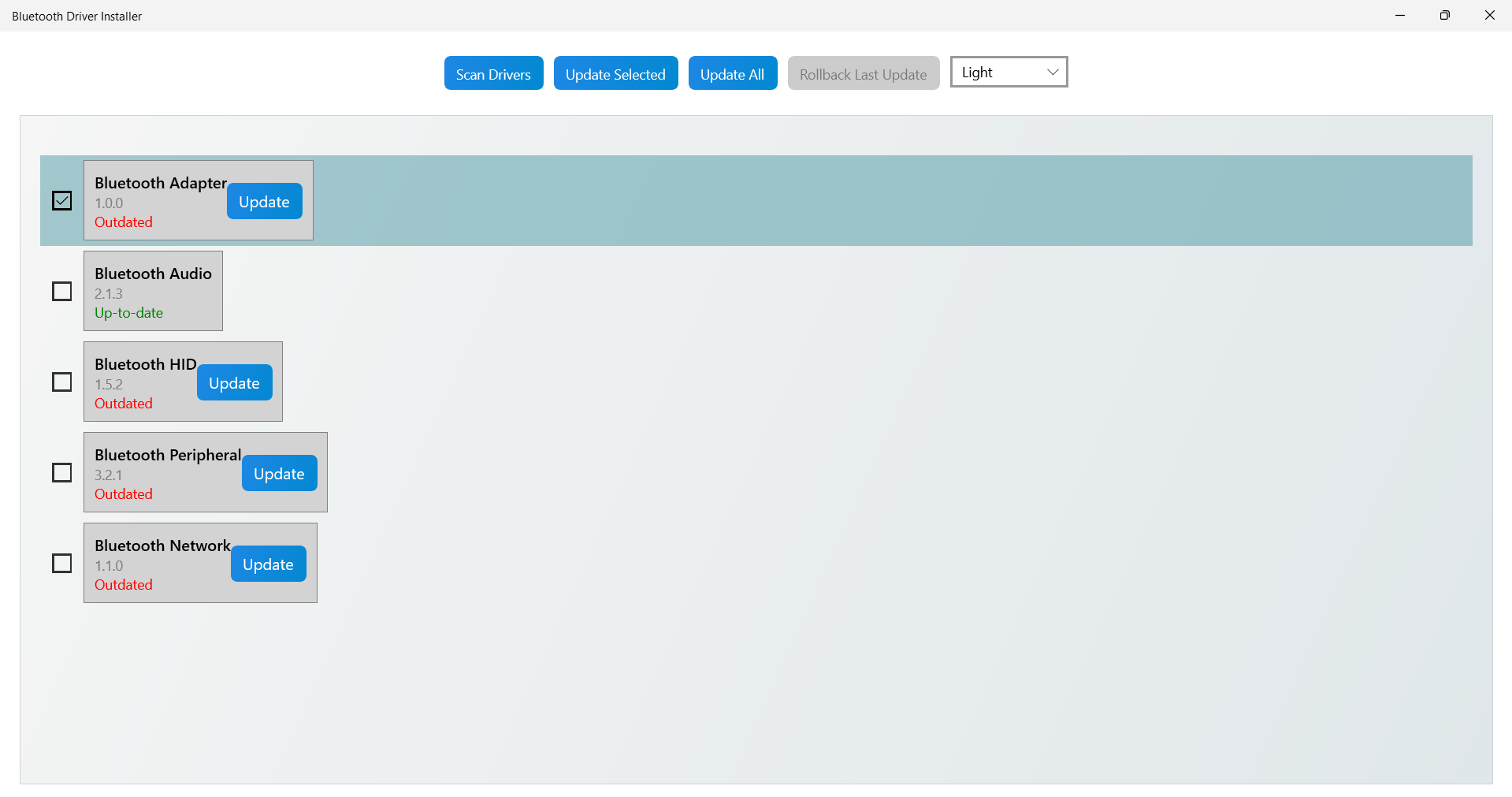
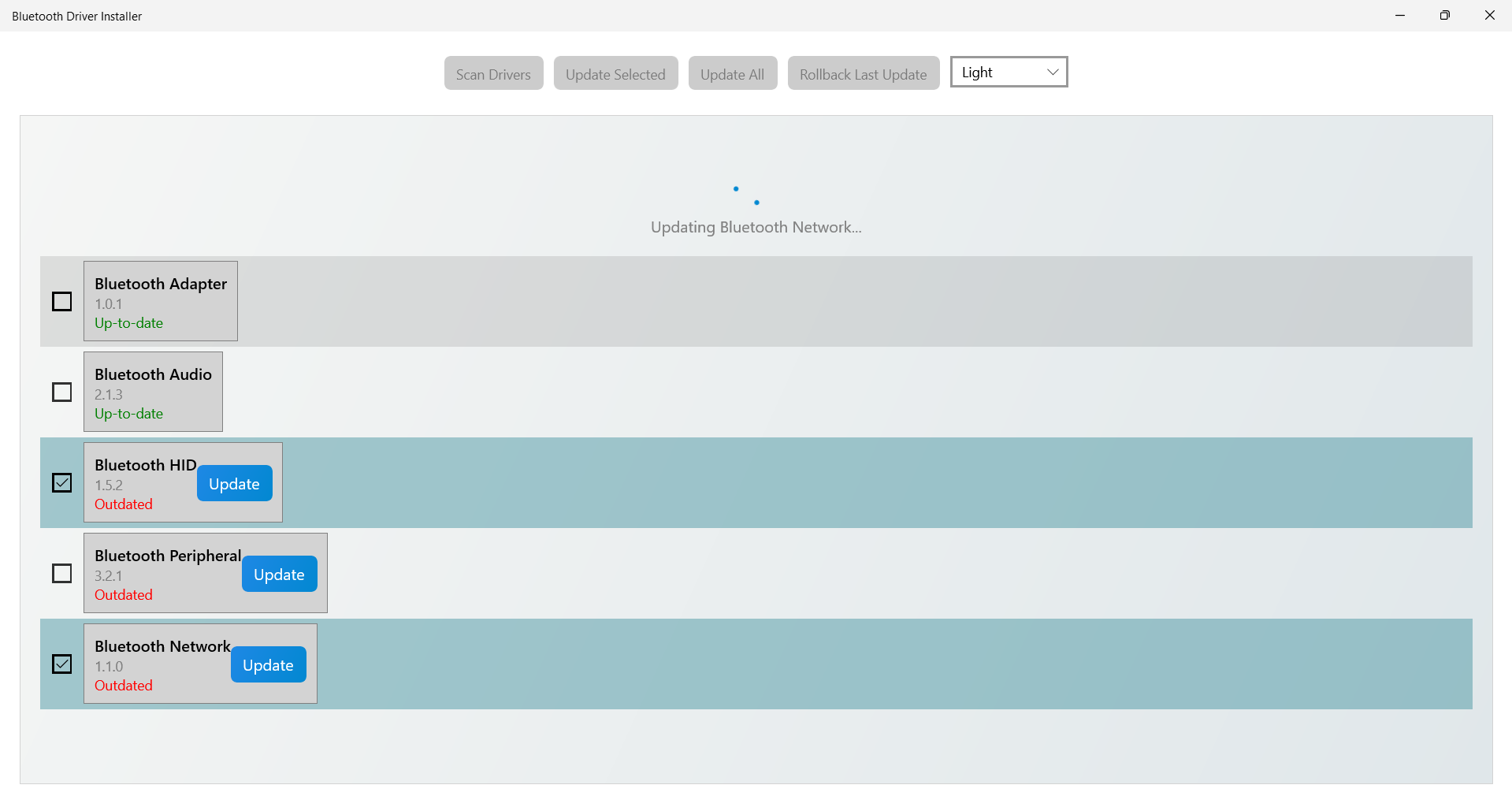
At its heart, Bluetooth Driver Installer offers a no-nonsense approach to fixing Bluetooth drivers. Upon launch, the app scans your system for outdated or missing Bluetooth driver components, then guides you through an intuitive installation or update process. This automation saves users from digging through device manager panels or manually sourcing drivers, making the experience akin to having a knowledgeable friend sitting beside you, quietly handling the technical hurdles.
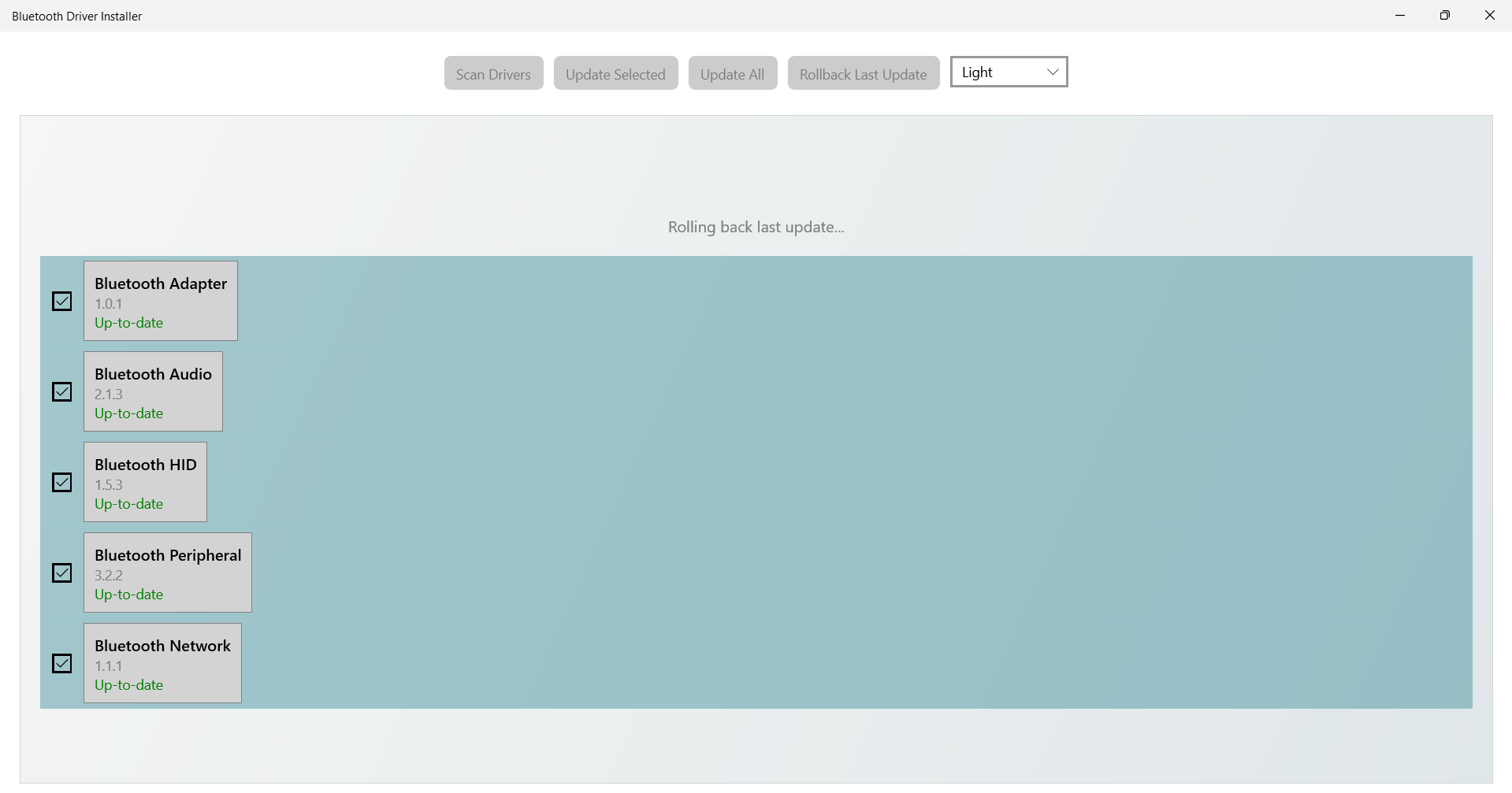
The app excels in its core mission: restoring lost Bluetooth connections. Whether the Bluetooth stack has been corrupted or drivers have become incompatible after a Windows update, Bluetooth Driver Installer attempts to repair the stack, often restoring the functionality in a few simple steps. It's particularly beneficial for users who rely heavily on Bluetooth devices—from wireless headphones to keyboards—and find their system temporarily uncooperative.
The interface presents a straightforward, minimalistic design—think of it as the dashboard of a well-maintained car: clean and uncluttered. The steps are logically arranged, guiding even less tech-savvy users seamlessly through the process. Operation speed is impressive; scans and installations happen swiftly, with minimal lag or delays. Overall, the learning curve is gentle enough for beginners yet robust enough for experienced users seeking quick fixes.
Compared to other driver troubleshooting utilities, Bluetooth Driver Installer distinguishes itself with its laser focus on Bluetooth-related issues. Its ability to repair the Bluetooth stack directly and recover missing driver components shows a keen understanding of the typical pain points faced by users. Additionally, the app's lightweight footprint and quick execution mean it practically disappears after performing its task—allowing users to get back to their work or entertainment without extra fuss.
Two standout features elevate Bluetooth Driver Installer beyond simple driver management tools. First, it offers a level of authenticity verification—checking that the drivers installed are genuine and compatible, which reassures users wary of unreliable sources. Second, it includes connection discovery capabilities, enabling users to identify and connect to nearby Bluetooth devices efficiently. This is particularly useful in environments cluttered with multiple devices, making pairing less of a guessing game and more of a confident handshake.
Overall, Bluetooth Driver Installer for Windows receives a strong recommendation for users experiencing Bluetooth issues or those seeking to keep their Bluetooth drivers in optimal condition. It's especially useful after Windows updates or system restores, where driver conflicts are common. For best results, ensure your system is updated enough to support the latest driver files, and run the app with administrator rights to allow full access to system components.
In conclusion, if Bluetooth connectivity is the weak link in your tech chain, this tool offers a pragmatic, user-friendly solution. It is not a flashy or overly engineered application but rather a dependable mechanic for your system's Bluetooth modules—helping you reconnect and keep your wireless devices humming smoothly.
Easy installation process
Broad device compatibility
Lightweight and quick to run
No need for system reboot in most cases
Free and open-source
Limited troubleshooting options
Potential compatibility issues with Windows updates
No automated backup before driver installation
Limited support for older or very new Bluetooth hardware
Minimal user interface guidance

for Windows
 5
5

for Windows
4.9

for Windows
4.8

for Windows
4.7

for Windows
4.7

for Windows
4.6

for Windows
4.6

for Windows
4.5

for Windows
4.5

for Windows
4.5

for Windows
4.5

for Windows
4.4

for Windows
5

for Windows
5

for Windows
5

for Windows
5

for Windows
5
for Windows
5

for Windows
5

for Windows
5

for Windows
5

for Windows
5