Strategy
Mobile, PC
Windows 8.1 or higher
English (United States)
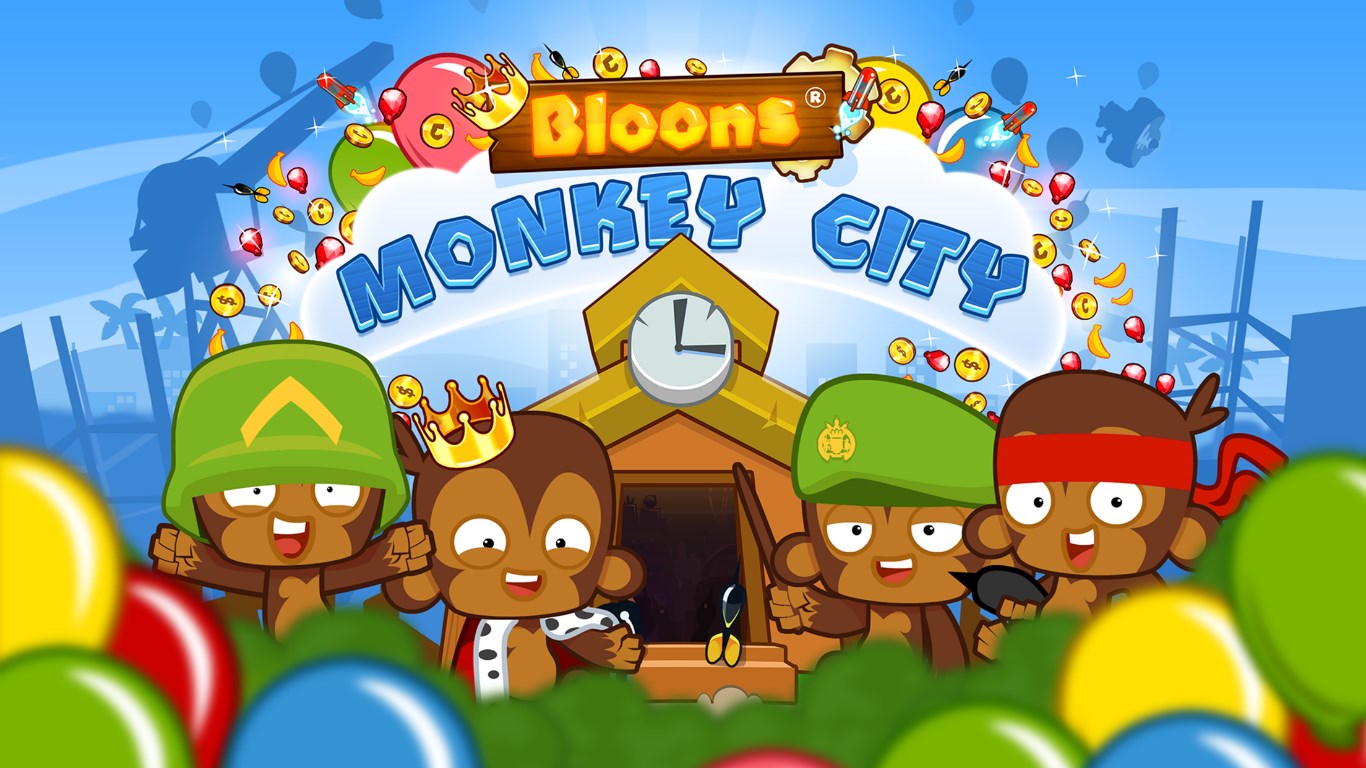
Designed to captivate fans of strategy and tower defense games, Bloons Monkey City offers a charming yet challenging experience that combines city-building elements with classic balloon-popping gameplay. Developed by Ninja Kiwi, this Windows version brings the colorful chaos straight to your desktop, making it easier than ever to indulge in some strategic monkey business.
Hosted by the talented team at Ninja Kiwi, renowned for their addictive tower defense hits like Bloons TD series, Bloons Monkey City for Windows leverages their expertise in crafting engaging, casual strategy games. The game features several standout elements: a unique blend of city-building and tower defense mechanics, a colorful cartoon aesthetic that appeals across age groups, and a variety of monkey hero upgrades and customizations that keep gameplay fresh and engaging. Notably, its manageable complexity ensures both newcomers and seasoned strategists can find their footing and enjoy the strategic depth.
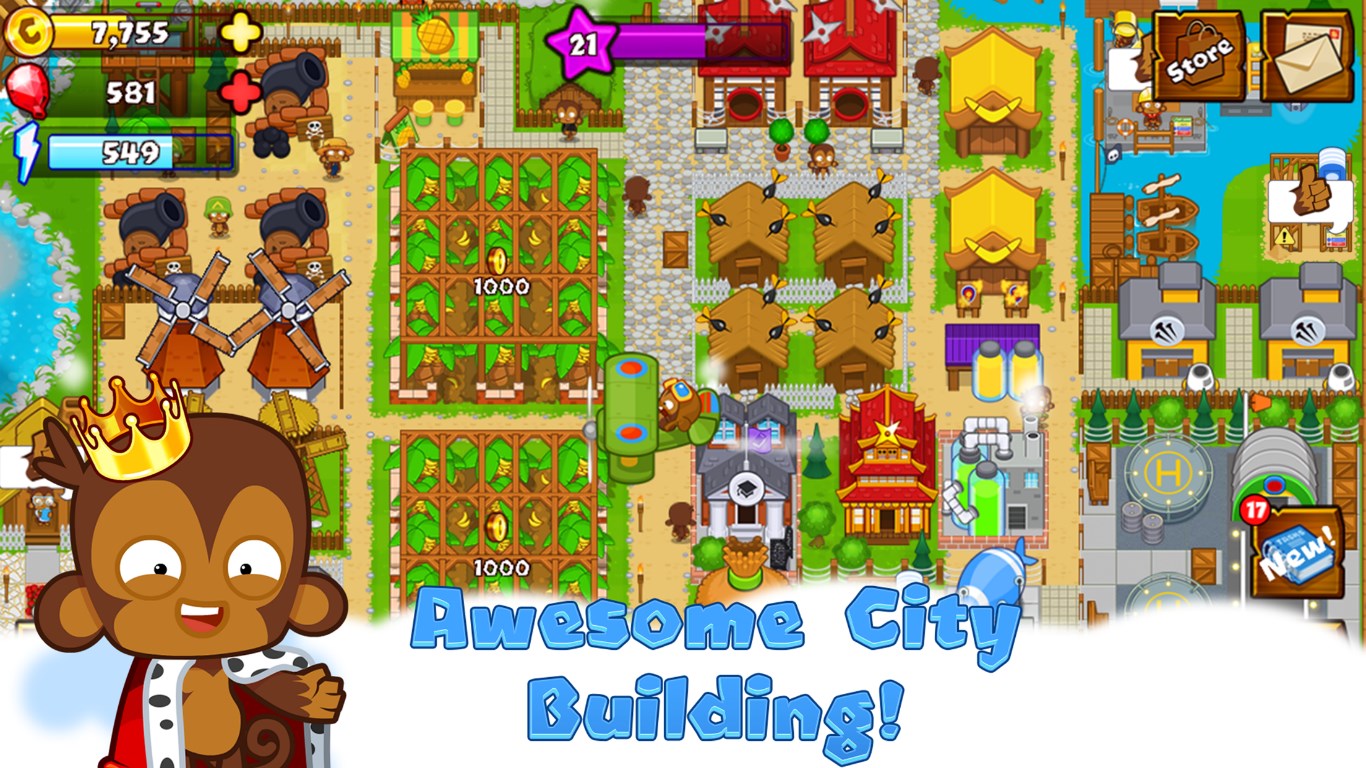
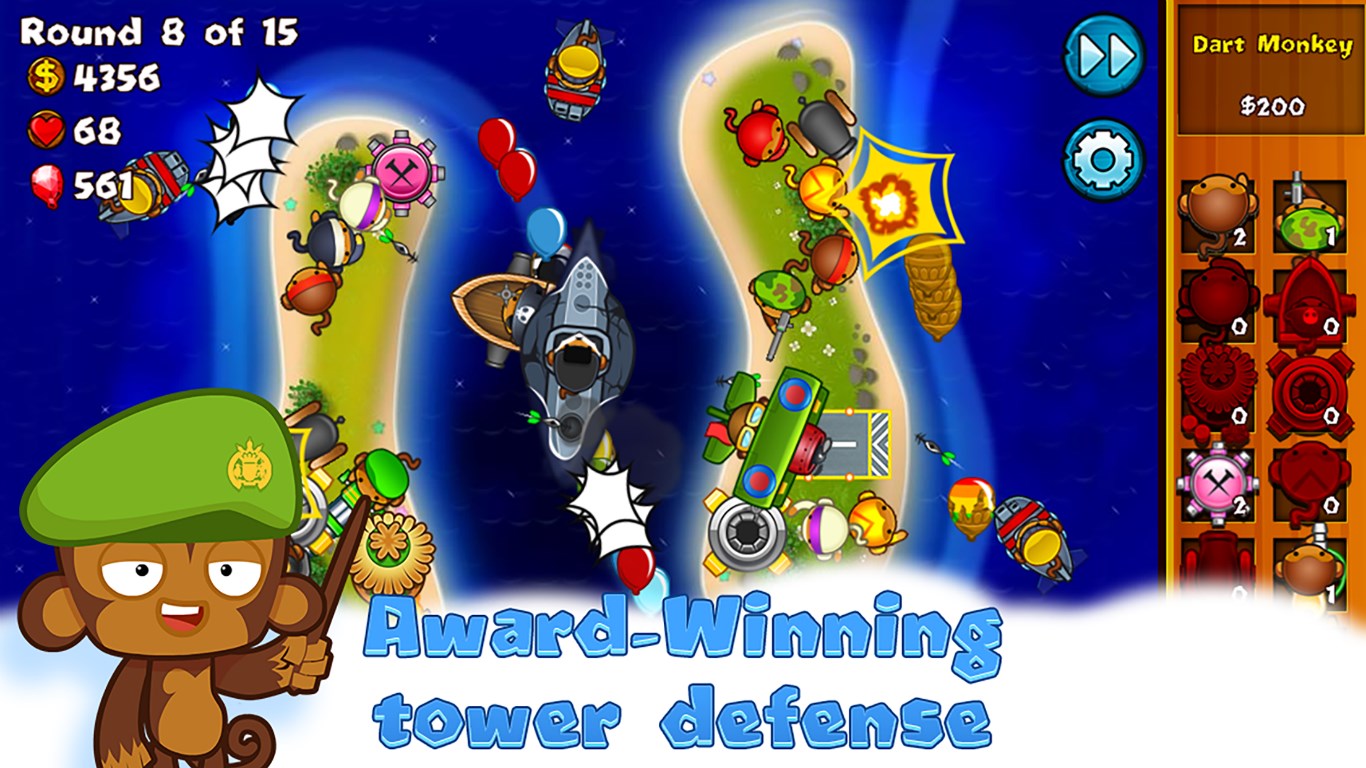
Imagine orchestrating a bustling metropolis of clever monkeys, each with unique skills, as you defend your city from waves of bloons. This game masterfully combines the joy of city-building—plopping down structures, gathering resources, and expanding your territory—with the thrill of defending your urban jungle against increasingly tough balloon hordes. The interface makes building and upgrading intuitive, with drag-and-drop mechanics that feel natural, even for beginners. The vivid graphics and playful sound effects transform what could be a simple strategy game into an immersive, lively experience.
One of the game's strongest suits is its decision-making clarity. Unlike some strategy titles that drown players in information overload, Bloons Monkey City excels at highlighting important choices—such as where to deploy monkeys, which upgrades to prioritize, or when to expand your city—making the implications of each decision more visible and manageable. This deliberate design helps players see the consequences of their actions clearly, fostering strategic thinking without overwhelming them. Additionally, the game's progression encourages planning ahead, balancing resource management with tactical deployment, which adds layers of engagement for seasoned strategists.
From a user experience perspective, Bloons Monkey City boasts an accessible interface that is both colorful and uncluttered, inviting players into its cartoon universe without feeling overwhelmed. The game runs smoothly on most modern Windows devices, owing to optimized performance that ensures fluid animations and quick response times. Its learning curve is gentle enough for casual players yet deep enough to satisfy dedicated strategists, thanks to the assortment of upgrade paths and city layouts to experiment with.
What truly sets Bloons Monkey City apart from similar strategy and tower defense titles is its dual-layered gameplay—integrating city development with direct defense tactics—and its focus on strategic decision visibility. Players can easily see how their choices affect their city's growth and defenses, enabling more thoughtful gameplay rather than blind luck or rote memorization. This clarity in decision consequences, combined with effective management of information overload, creates an engaging experience that rewards planning and adaptability.
Overall, Bloons Monkey City for Windows is a well-crafted blend of city-building and tower defense, offering a colorful, manageable, yet strategically rich experience. Its intuitive interface, coupled with clear visibility of decision outcomes and effective information management, makes it an excellent choice for casual gamers and strategy enthusiasts alike. I recommend giving it a try if you're looking for a game that's both fun and thoughtfully designed—perfect for a quick session or extended play. Whether you're protecting your monkey metropolis or expanding your balloon-defending empire, this game delivers a delightful mix of playful challenge and strategic depth.
Engaging city-building gameplay with strategic tower defense elements
Vivid and colorful graphics that enhance visual appeal
Regular updates introduce new levels, towers, and challenges
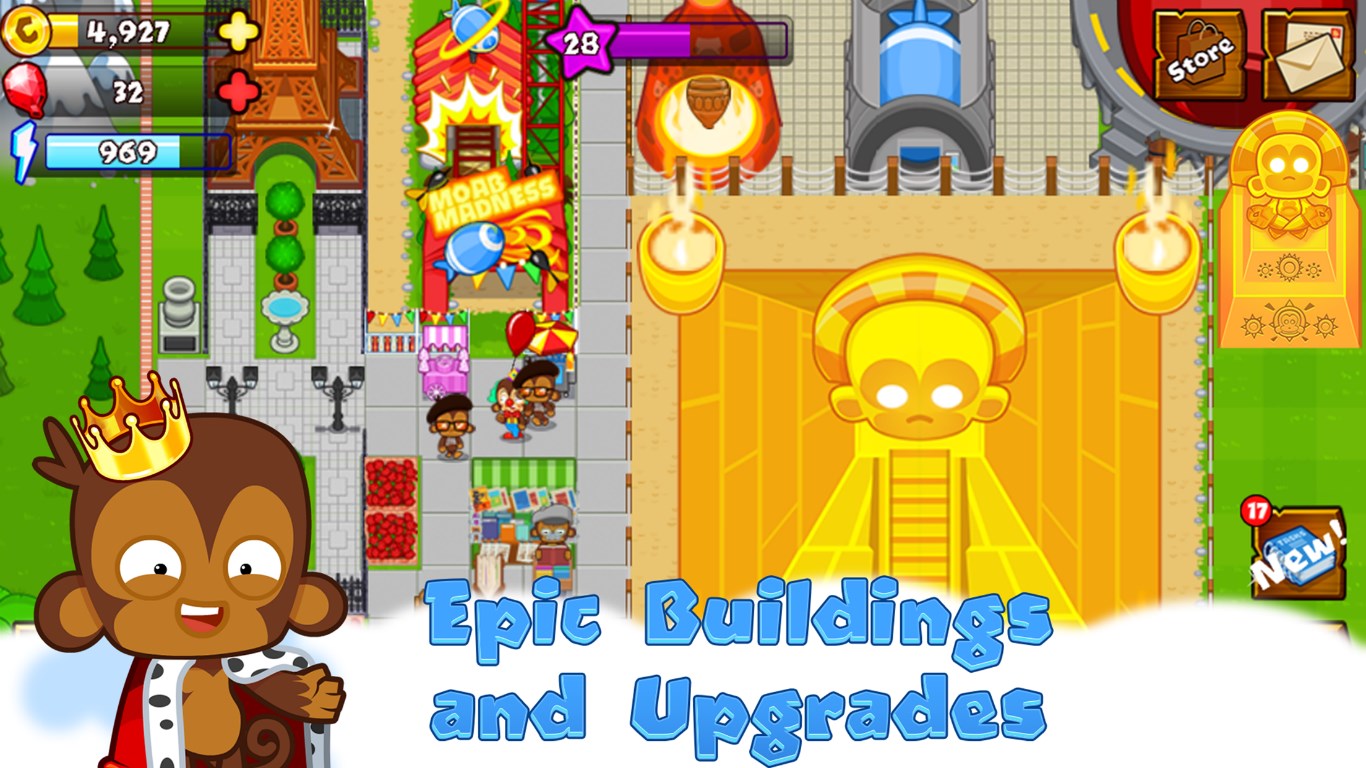
Multiple upgrade paths for towers and city structures
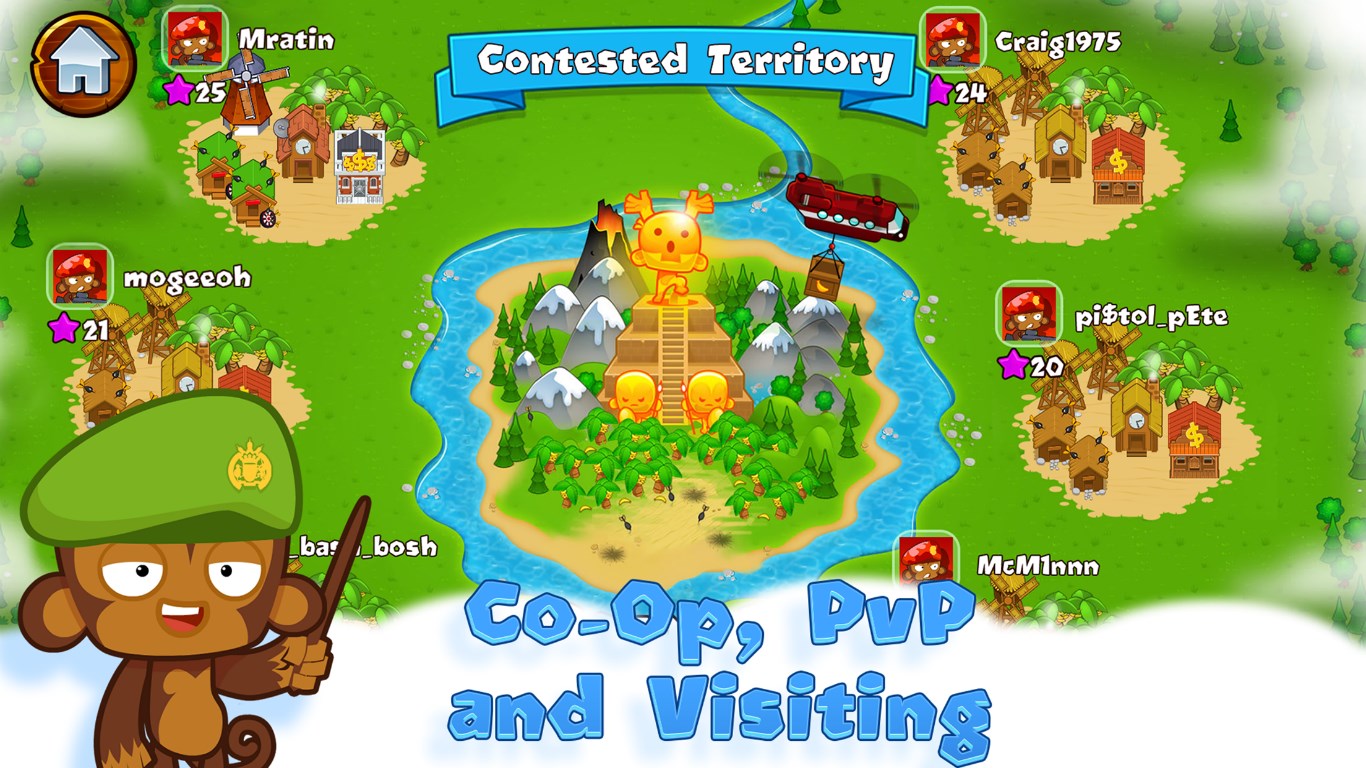
Supports multiplayer features and events for a community experience
Some players may find the microtransaction system necessary for optimal progress
Limited energy or resource systems can lead to wait times
Game may become repetitive over extended play sessions
Some users report occasional lag or connectivity issues
Navigation and interface can be confusing for new players

for Windows
 4.9
4.9

for Windows
4.8
for Windows
4.8

for Windows
4.7

for Windows
4.7
for Windows
4.7

for Windows
4.6
for Windows
4.6

for Windows
4.6

for Windows
4.6

for Windows
4.6

for Windows
4.6

for Windows
5

for Windows
5

for Windows
5

for Windows
5

for Windows
5

for Windows
5

for Windows
5

for Windows
5

for Windows
5

for Windows
5