Multimedia design
Blender Foundation
PC
Windows 10 version 17763.0 or higher
Integrated Keyboard
Integrated Mouse
2 GB
English (United States)
Blender for Windows stands out as a free, comprehensive 3D modeling, animation, and rendering suite designed for artists, designers, and hobbyists alike—offering professional-grade features accessible to all experience levels.
Produced by the Blender Foundation, an organization renowned for fostering open-source development and collaborative innovation, this application benefits from a vibrant community of developers and users who continuously refine its capabilities.
Imagine stepping into a bustling artist's studio—colors blending, models coming to life, and ideas transforming into tangible objects. That's the essence Blender captures: a dynamic workspace where creativity breathes freely. Its open-source nature means no barriers—just limitless possibilities for those eager to explore the realm of 3D design.
Blender's interface strikes a balance between complexity and usability. While it might resemble the cockpit of an airplane with its myriad buttons and panels, customization options allow users to tailor the workspace to their needs. The layout is logically organized, making navigation straightforward for first-time users, yet deep enough for seasoned pros to dive into advanced functions.
Performance-wise, Blender runs smoothly on modern Windows machines, with responsive viewport interactions that feel more like sketching on paper than wrestling with sluggish software. Its real-time feedback and GPU-accelerated rendering provide a seamless creative flow, reducing frustration and keeping the inspiration flowing.
Learning curve? Like climbing a gentle hill, it initially demands some patience, but abundant tutorials and community-created resources smooth out the ascent. Once accustomed, users find that Blender's capabilities are both powerful and approachable.
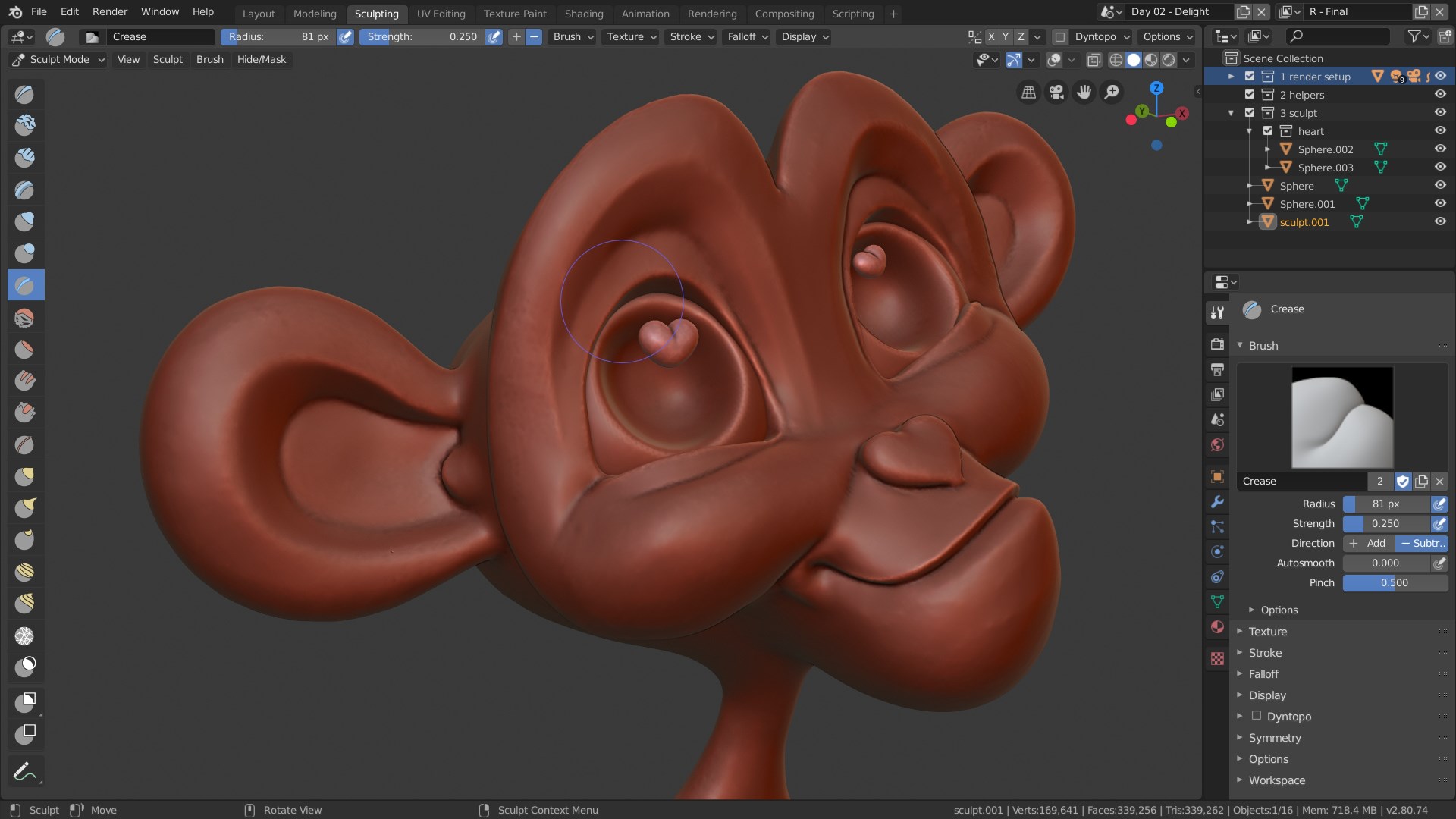
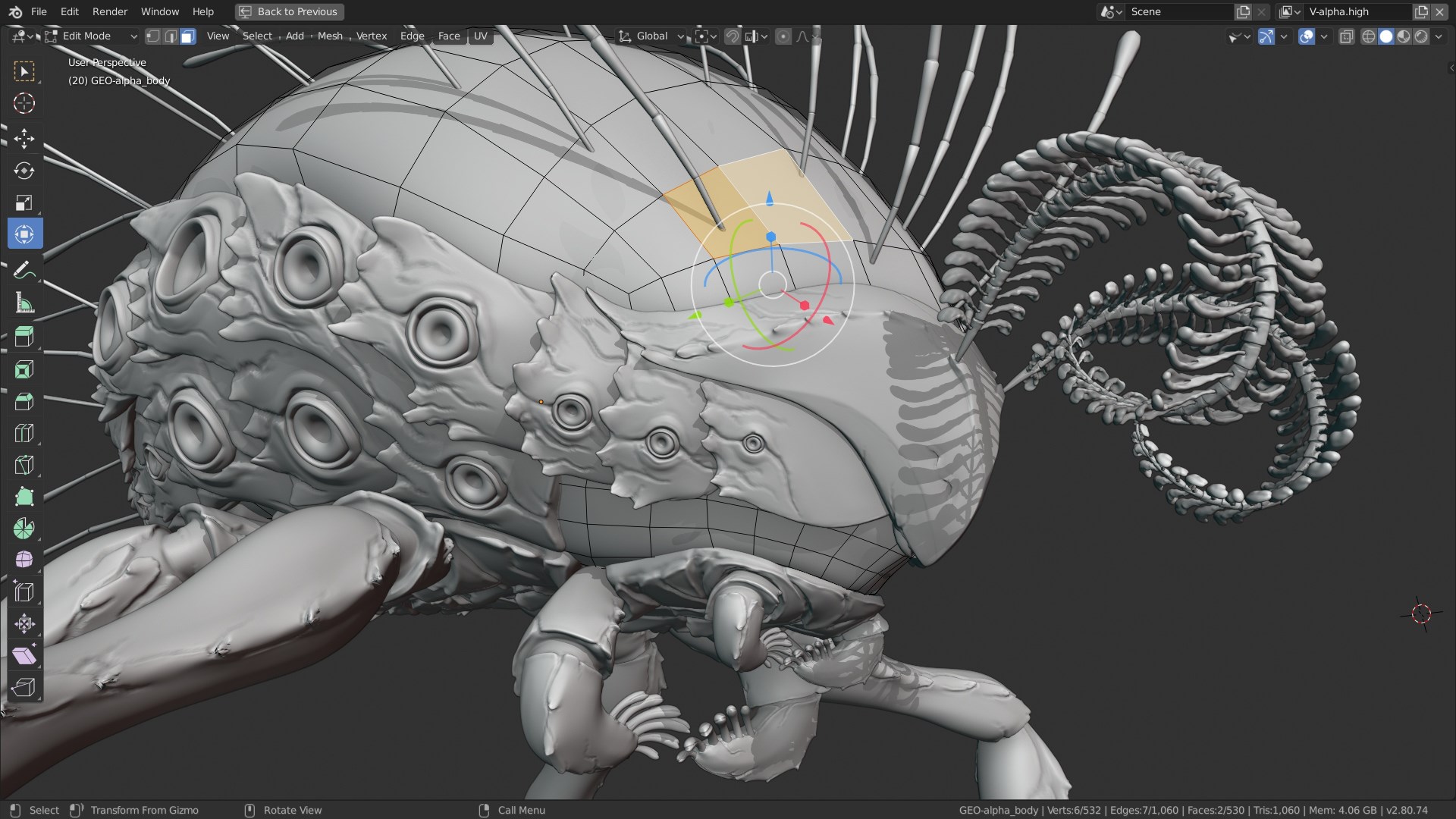
Blender's modeling tools resemble a digital sculptor's chisel and armature, allowing intricate designs from simple shapes to complex geometries. Its modifiers and operators enable non-destructive editing, making adjustments quick and reversible—much like editing a well-placed note in a symphony.
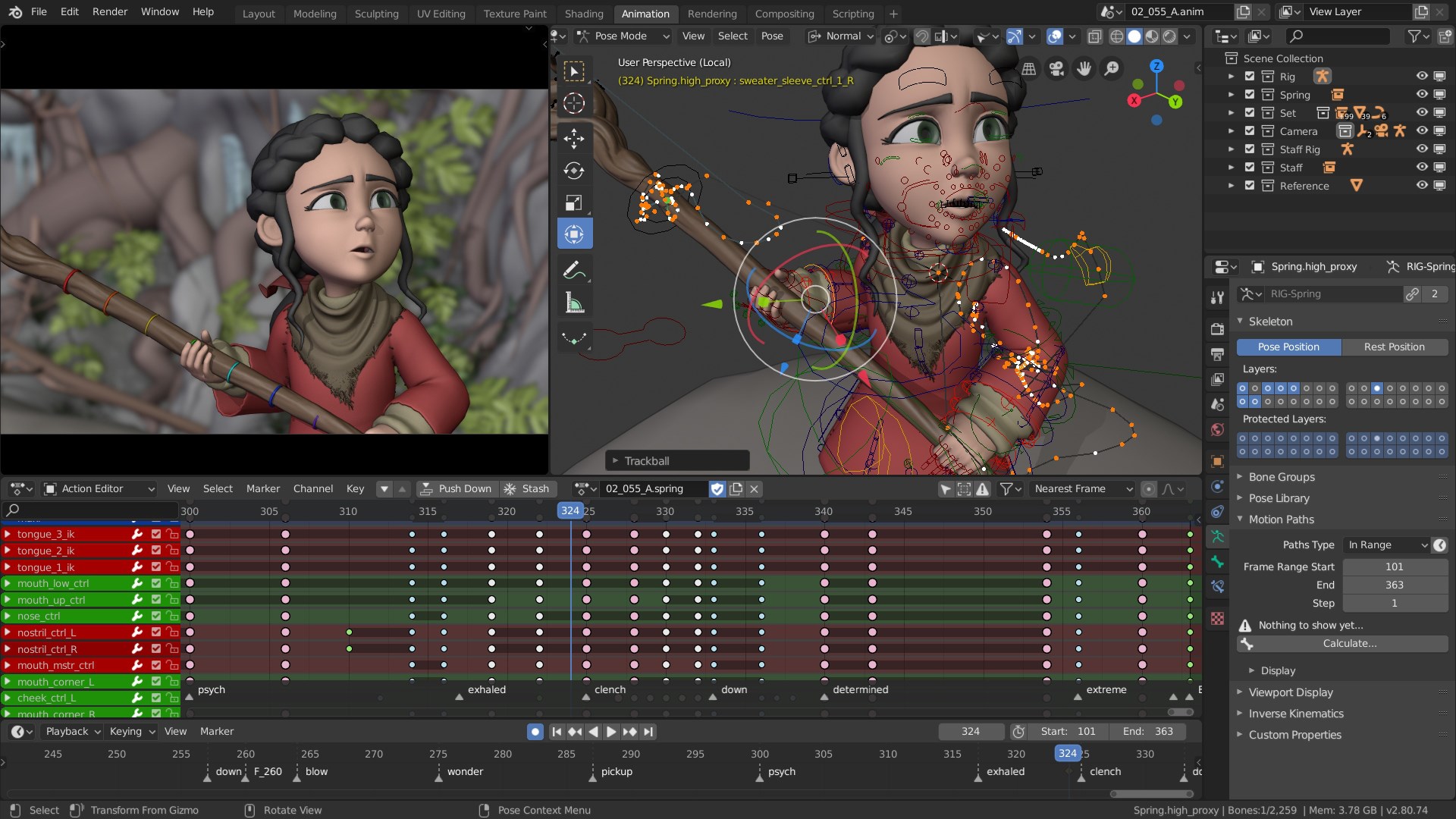
This section of Blender is where characters move, environments respond, and physics simulate real-world phenomena. Its rigging system is robust, supporting complex bone structures, while physics simulators mimic gravity, fluids, smoke, and cloth—transforming static models into lively scenes.
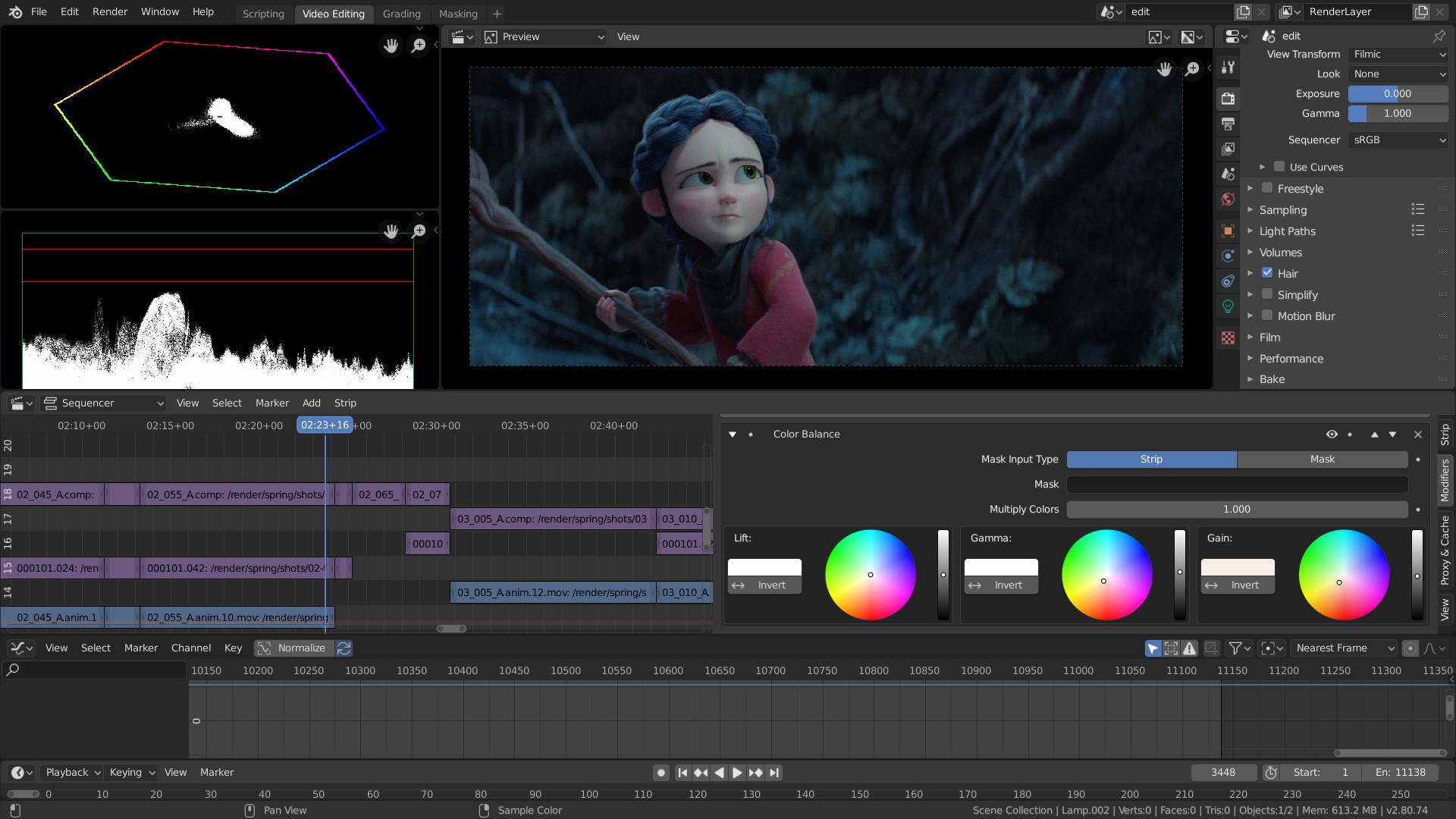
Unlike many commercial packages locked behind hefty paywalls, Blender offers a truly open-source experience. Its integrated nature eliminates the need for multiple third-party tools—model, animate, render, and composite all within one ecosystem. Notably, its Cycles rendering engine stands out for delivering near-photorealistic images without requiring external rendering software, which is particularly attractive for independent creators and small studios.
Moreover, Blender's scripting flexibility via Python unlocks a level of customization that many proprietary editors cannot match. This adaptability makes it a compelling choice for developers looking to tailor their workflows or automate repetitive tasks.
Blender for Windows is highly recommended for users seeking a cost-effective yet professional-grade 3D tool, especially those who value community-driven development and open-source flexibility. Beginners will appreciate its supportive ecosystem, while professionals benefit from the depth of its features. It's particularly suitable for students, indie artists, and small studios aiming to produce high-quality visual assets without licensing costs.
However, users should consider that mastering Blender requires a commitment to learning its full feature set. While many tasks are straightforward, more advanced functionalities may demand time and effort to fully harness.
In sum, Blender stands out as a particularly unique contender in the multimedia design arena—its most compelling feature being the all-in-one, customizable workflow that adapts to various creative needs. For those willing to invest some initial time, it offers a pathway to professional-quality output without the associated costs of traditional proprietary software. If you're looking for a versatile, community-supported 3D suite that evolves with your skills, Blender for Windows is definitely worth exploring.
Powerful 3D modeling and animation tools
Open-source and free to use
Active community support and extensive tutorials
Regular updates with new features and improvements
Cross-platform compatibility
Steep learning curve for beginners
Performance issues with large projects on lower-end hardware
Limited official documentation for some advanced features
Interface can be cluttered with numerous options
Exporting files into proprietary formats may require additional configuration

for Windows
 4.8
4.8

for Windows
4.8

for Windows
4.7

for Windows
4.7
for Windows
4.6

for Windows
4.6

for Windows
4.6

for Windows
4.6

for Windows
4.5

for Windows
4.5

for Windows
4.5

for Windows
4.5

for Windows
5

for Windows
5

for Windows
5

for Windows
5

for Windows
5

for Windows
5

for Windows
5

for Windows
5

for Windows
5

for Windows
5